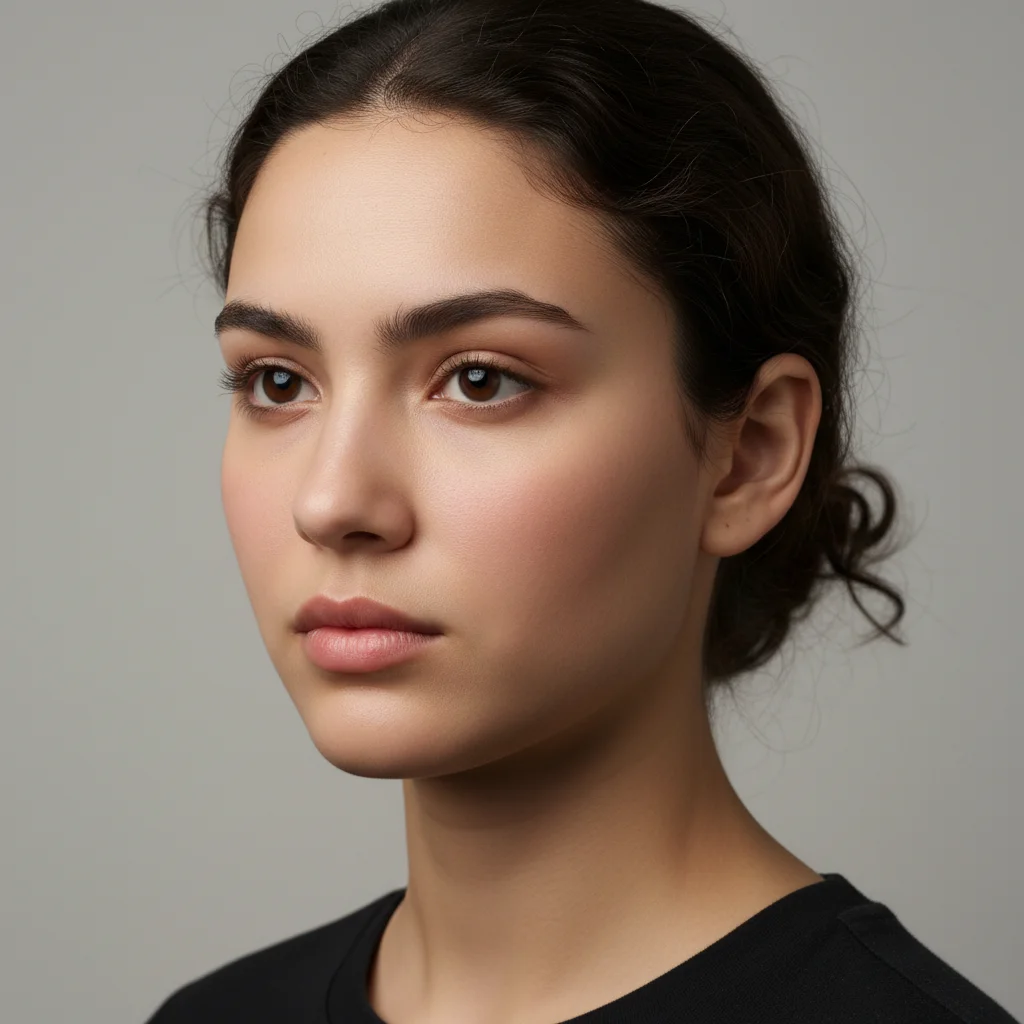
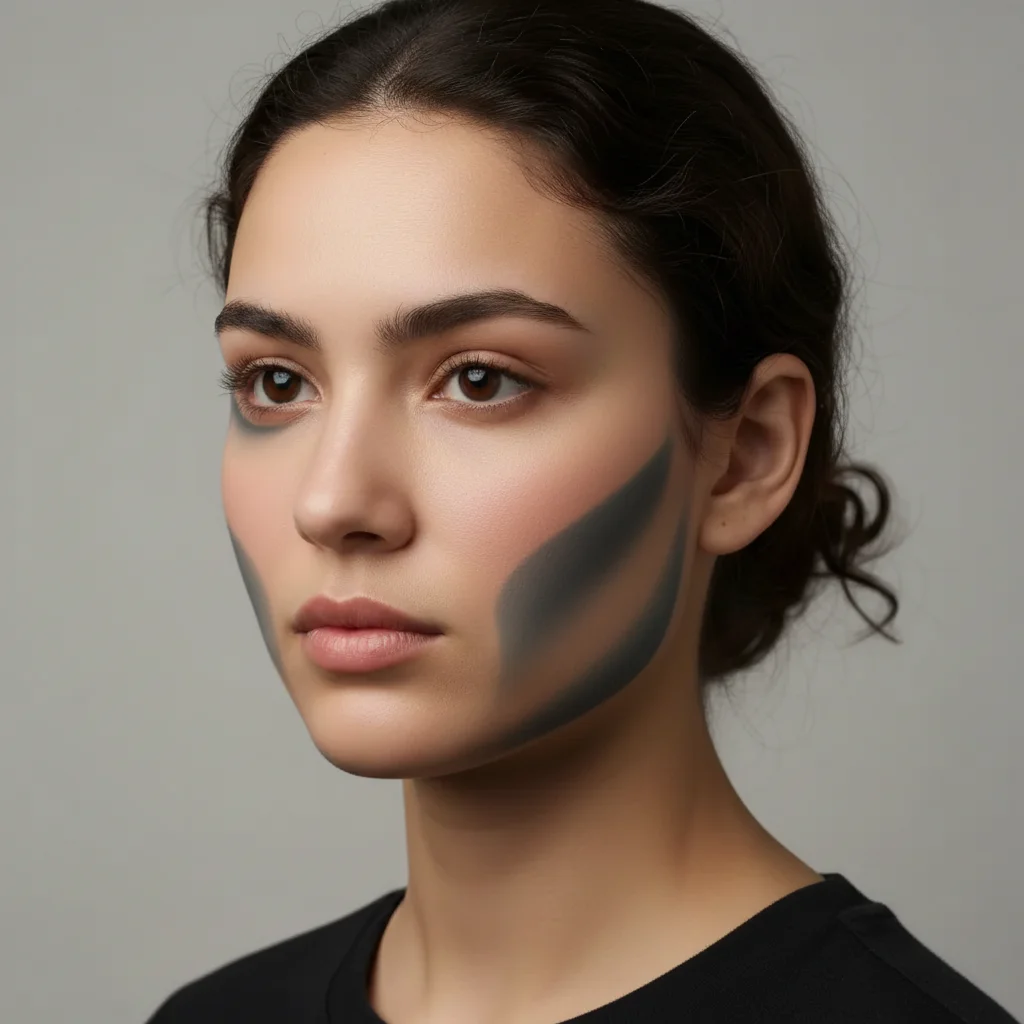
Do I need to mark the areas I want lifted before describing what I want?
No! Just describe which areas you want lifted. The AI identifies common face lift areas automatically.
How accurate is this compared to actual face lift surgery results?
This tool shows realistic visualization based on AI, but actual surgical results depend on your skin quality, bone structure, surgeon technique, and healing. Face lifts also address underlying tissues, not just skin. Use these previews as a starting point for consultations, not guaranteed outcomes.
Can this preview different types of face lifts?
Yes! Try different descriptions for different procedures: 'lift mid-face' for cheek lifts, 'lift lower face and smooth jowls' for traditional face lifts, or 'tighten jawline and neck' for lower face/neck lifts. Each targets different areas.
Will this show how I'd look immediately after surgery?
No, this shows the settled result after healing is complete (typically 3-6 months). Immediately after actual surgery, there's significant swelling and bruising. This preview skips that recovery phase and shows the final aesthetic result.
What areas does a face lift actually address?
Traditional face lifts primarily address the lower two-thirds of the face: jowls, lower cheeks, jawline, and often the neck. For forehead and brow concerns, see our AI Brow Lift Preview tool. For upper face concerns, different procedures are typically used.
Is EditThisPic's AI face lift result previewer really free?
Yes — you get 1 free edit per week, no account needed. Plans start at $4.99/month for 15 edits.
Can I preview face lift result on my phone?
Yes. EditThisPic works in any mobile browser — iPhone, Android, tablet. No app download needed.
What photo formats does the AI face lift result previewer support?
JPG, PNG, WebP, and HEIC. Upload any common photo format and EditThisPic handles the rest.
How much does EditThisPic cost?
You get 1 free edit per week — no account needed. After that, credit packs start at $1.99 for 3 edits. Monthly plans start at $4.99/mo for 20 edits with unused credits rolling over. All edits are full resolution with no watermark.