Turn Phone Photos Into Professional Etsy Listings
Your iPhone is all you need. AI makes it look like a DSLR.

Drop your photo here
or click to browse
Release to upload
Free • No signup
"I was about to buy a $1500 camera for my Etsy shop. Tried this first. Saved myself $1500." @VintageVibes_Kate
Why Phone Photos Look 'Phone-y' on Etsy
The gap between phone photos and DSLR photos comes down to three things: depth of field, dynamic range, and detail rendering. Phone cameras shoot everything in focus with flat lighting. EditThisPic adds the professional qualities your phone can't: bokeh background blur, studio-grade lighting, DSLR-level sharpness and detail. Your phone takes the photo. AI makes it professional.
Phone-to-Pro Upgrade Tools
Enhance Photo
All-in-one upgrade from phone quality to professional quality
Blur Background
Add DSLR-style bokeh that phone cameras can't produce naturally
Enhance Lighting
Simulate studio lighting that transforms flat phone photos
Change Background
Replace phone photo backgrounds with professional studio environments
How to Turn Phone Photos Into Professional Etsy Listings
-
Take the best phone photo you can
Clean your phone lens (this alone makes a huge difference). Get close to your product. Tap to focus on the product. Use natural light if available. Don't worry about the background or perfect lighting, just get a sharp, clear shot. The AI handles the rest.
Full professional upgrade: 15-30 seconds. May need 1-2 refinements for complex products. -
Describe the professional camera look you want
Tell the AI to upgrade to DSLR quality: 'enhance to professional camera quality with sharp product detail, creamy background blur, and studio lighting.' Mentioning specific camera qualities like 'depth of field' and 'studio lighting' gives the AI clear targets.
Try 'shot with a 50mm f/1.8 lens on a full-frame camera' for a natural, premium depth-of-field look. -
Compare phone vs. professional result
Use the compare slider to see the transformation. The difference should be obvious: sharper details, better depth, richer colors, more professional lighting. If it still looks phone-y, add more specific DSLR qualities to your prompt.
Check the background blur. A natural gradual blur (bokeh) is the biggest visual difference between phone and DSLR photos. -
Save your upgrade formula
Once you find the prompt that transforms your phone photos perfectly, save it. Use the exact same prompt for every product. Your entire shop will look like you invested in professional equipment when you actually just invested in better AI prompts.
Create a note on your phone with your best prompts so you can shoot and edit on the go.
Phone-to-Professional Prompts
enhance this phone photo to look like it was shot with a professional DSLR camera, sharp product details, beautiful depth of field, rich accurate colors, studio-quality lighting
This is the one prompt that fixes the most phone-photo issues at once. Start here and refine if needed.
add professional DSLR-style depth of field, keep the product perfectly sharp, blur the background with creamy smooth bokeh, like a 50mm lens at f/1.8
Depth of field is the single biggest visual difference between phone and professional photos. This prompt alone is transformative.
transform this into a professional studio product shot, clean white background, soft diffused key light from upper left with fill light, DSLR-level detail and dynamic range
Specifying light direction ('upper left') creates the dimensionality that flat phone lighting lacks.
sharpen the product details to look like they were captured with a professional macro lens, enhance fine textures, crisp edges, rich detail rendering
Phone cameras often soften fine details. This is essential for jewelry, textiles, and intricate handmade items.
Show 4 more prompts
enhance the dynamic range to look professional, rich shadows, bright highlights, three-dimensional look instead of flat phone camera appearance
Flat dynamic range is why phone photos look 'phone-y.' Professional cameras capture wider light ranges.
transform this phone photo into a professional lifestyle product shot, styled surface, beautiful blurred background, warm natural light, magazine-quality aesthetic
Professional lifestyle shots from phones are possible if you let the AI handle the styling and background.
remove the harsh phone flash look, replace with soft professional studio lighting, eliminate the flat front-lit appearance, add dimension and depth
Flash is the worst lighting for products. This replaces it with the kind of multi-directional light studios use.
upgrade this phone snapshot to premium product photography, professional color grading, tack-sharp focus on the product, beautiful soft background, luxury brand aesthetic
Words like 'premium' and 'luxury' push the AI toward the highest quality output. Use them for your best products.
| Edit Type | Prompt | Time | |
|---|---|---|---|
| DSLR upgrade | enhance to professional DSLR quality, sharp details, depth of field |
20s | Try This → |
| Add bokeh | add 50mm f/1.8 depth of field blur, product sharp, background soft |
20s | Try This → |
| Studio sim | professional studio shot, white background, studio lighting, tack sharp |
20s | Try This → |
| Full upgrade | DSLR quality, studio lighting, depth of field, rich colors, sharp details |
25s | Try This → |
Phone to Professional Transformations
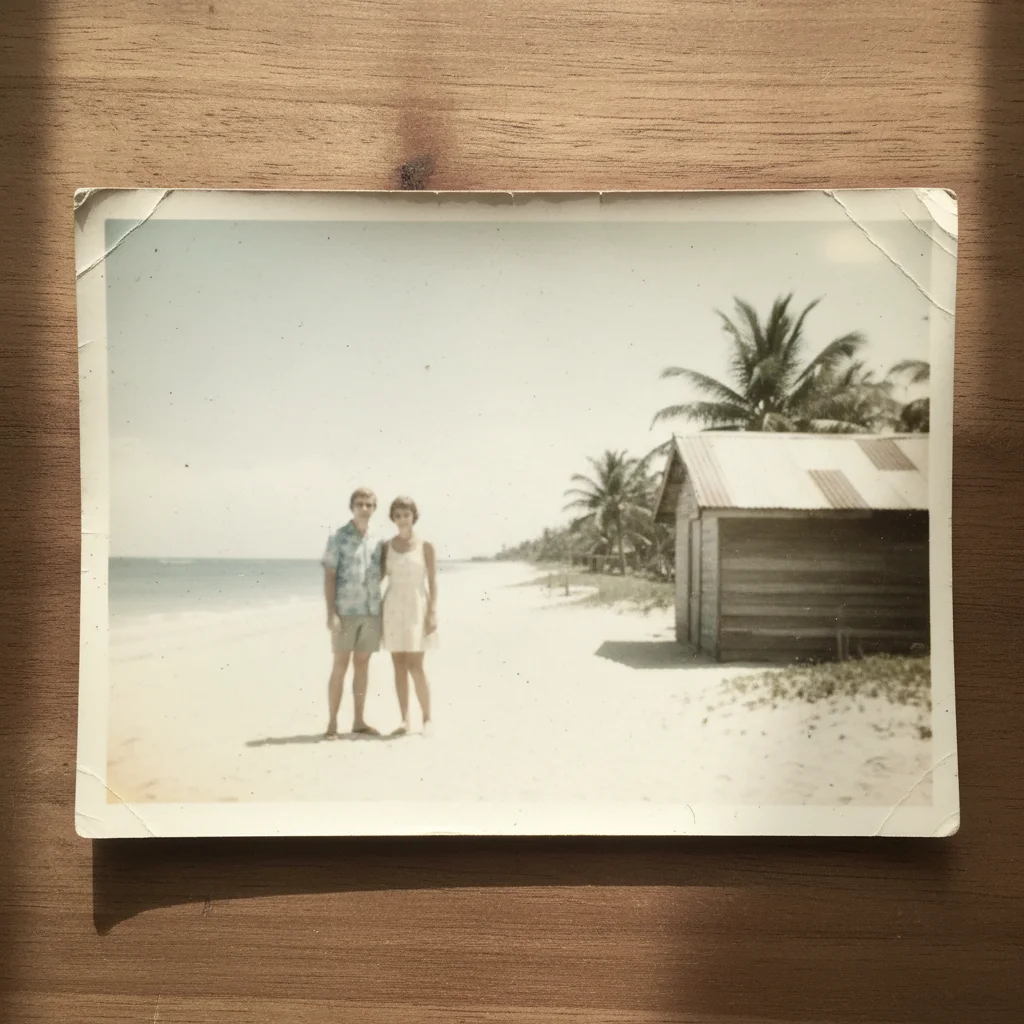
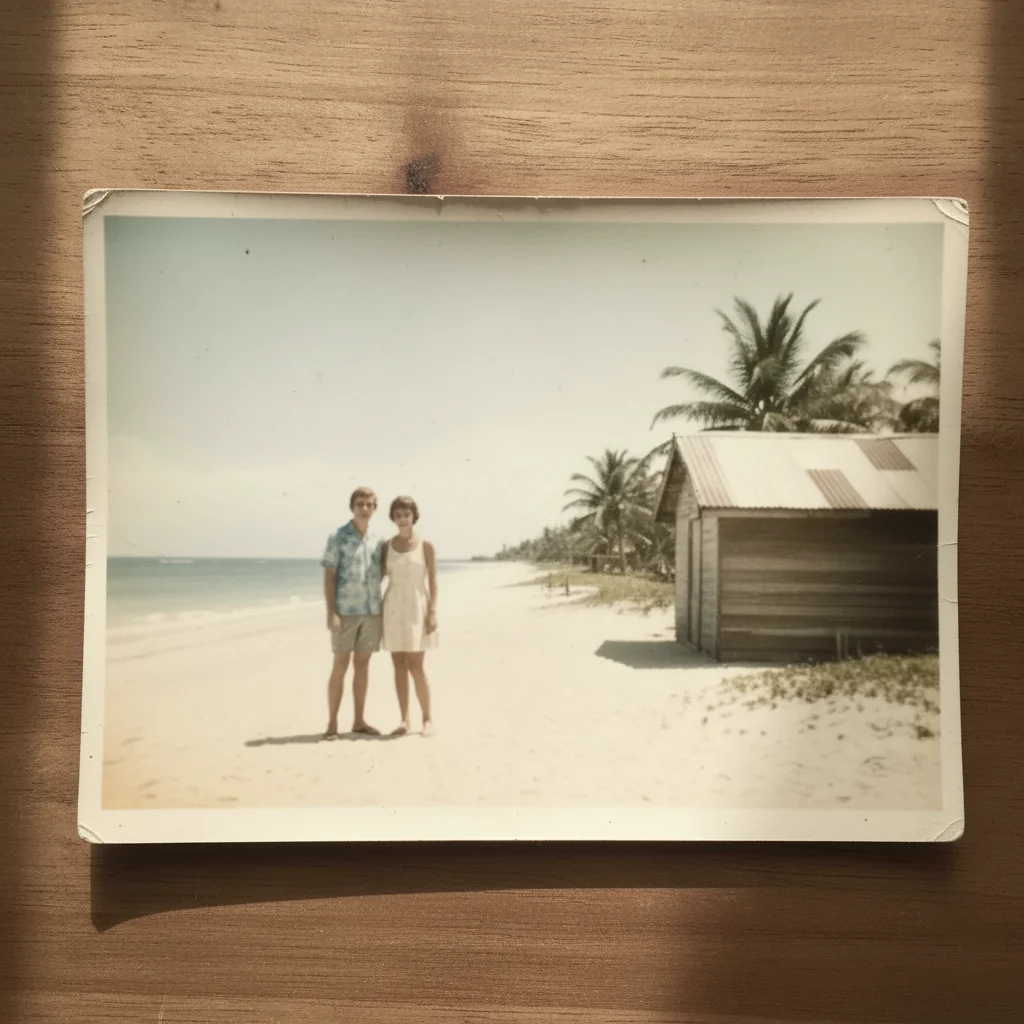
iPhone snap to studio product shot
Quick phone photo taken on an apartment desk. AI transformed it to look like a professional studio shot with proper depth of field and lighting.
enhance this phone photo to look like a professional DSLR studio shot, sharp details, beautiful depth of field, studio lighting
Samsung photo to lifestyle quality
Phone photo taken in poor indoor lighting with everything in flat focus. Upgraded to a warm, inviting lifestyle shot with professional depth.
transform into professional lifestyle product shot, warm natural light, beautiful background blur, rich colors, DSLR quality


Quick phone snap to white background pro
Hurried phone photo taken between orders. Product was sharp but background and lighting were terrible. Cleaned up to professional white background.
replace background with clean white, enhance to DSLR quality with sharp details, professional studio lighting, crisp product photography
Common Phone Photo Upgrade Issues
Photo still looks like a phone photo after enhancement
Why: A single enhancement might not address all the phone-quality issues. Phone photos have multiple problems: flat depth, poor lighting, soft details.
upgrade to professional DSLR quality: add depth of field blur on background, enhance lighting to studio quality, sharpen all product details, rich dynamic range
Address all phone-quality issues in one prompt: depth, lighting, sharpness, and color.
Background blur looks artificial or cut-out
Why: The blur transition between product and background is too sharp, creating a mask-like effect.
add natural gradual depth of field blur like a 50mm lens, smooth transition from sharp product to soft background, no hard edges
Mention a specific lens (50mm, 85mm) for natural-looking blur. 'Gradual transition' prevents the cut-out look.
Product edges look blurry after the upgrade
Why: The AI may have applied background blur too aggressively, catching the product edges.
keep the entire product tack-sharp from edge to edge, only blur the background behind the product, crisp product boundary
Use markers on the product edges if the AI keeps blurring them.
Colors look over-saturated after enhancement
Why: The 'enhance colors' part of the upgrade pushed saturation too high.
enhance to DSLR quality with natural, accurate colors, do not oversaturate, professional color rendering not Instagram-filter look
Add 'natural colors' to your prompt to prevent over-processing. Professional photos have rich but realistic colors.
Grain or noise visible after brightening phone photo
Why: Phone cameras in low light shoot at high ISO, creating noise. Enhancement makes it more visible.
enhance to professional quality while reducing digital noise and grain, smooth clean image like a modern DSLR at low ISO
Take your original phone photos in the brightest available light. Less noise means cleaner AI upgrades.
Frequently Asked Questions
Should I still buy a DSLR camera for my Etsy shop?
Not necessarily. AI-enhanced phone photos are indistinguishable from DSLR photos for Etsy listing purposes. A DSLR gives you more control and better raw quality, but for the thumbnail and detail views on Etsy, an enhanced phone photo performs just as well. Save that $500-1500 for materials and inventory.
Which phone takes the best product photos for AI enhancement?
Any phone made in the last 4-5 years is fine. iPhones, Samsung, Google Pixel all work. The AI doesn't need a great original photo, it needs a clear, focused one. The main camera (not the ultrawide) with tap-to-focus on your product is all you need. Expensive phones help but are not necessary.
What's the single best tip for better phone product photos?
Clean your phone lens. Seriously. Fingerprints and pocket dust create a subtle haze over every photo. Wipe your lens with a microfiber cloth before every shoot. This one tip improves sharpness and clarity more than any camera setting or editing trick.
Can AI add real depth of field to a flat phone photo?
Yes. The AI can blur the background while keeping your product sharp, simulating the depth of field effect that DSLR cameras create naturally with wide aperture lenses. The result is a professional-looking bokeh that makes your product the clear focal point.
Will the AI make my product look different than it actually is?
No, unless you ask it to. Quality enhancement improves how your product is presented, not what it looks like. Colors stay accurate, details stay real, proportions stay true. Think of it as better photography, not manipulation. The product is real; the studio setting is virtual.
How many phone photos should I take before editing?
Take 3-5 photos of each product from slightly different angles. Choose the sharpest, best-framed one for AI enhancement. Multiple angles also give you more listing photos after enhancement. Each takes seconds to upgrade, so edit your top 2-3 angles per product.
Your phone is your camera. AI is your photographer.
Professional Etsy listings from your smartphone. No camera upgrade needed. Free to try.
Upgrade Your Phone Photos