Turn Phone Photos Into Professional Shopify Listings
Your phone camera is all you need. Turn any smartphone photo into a professional Shopify product listing in seconds.
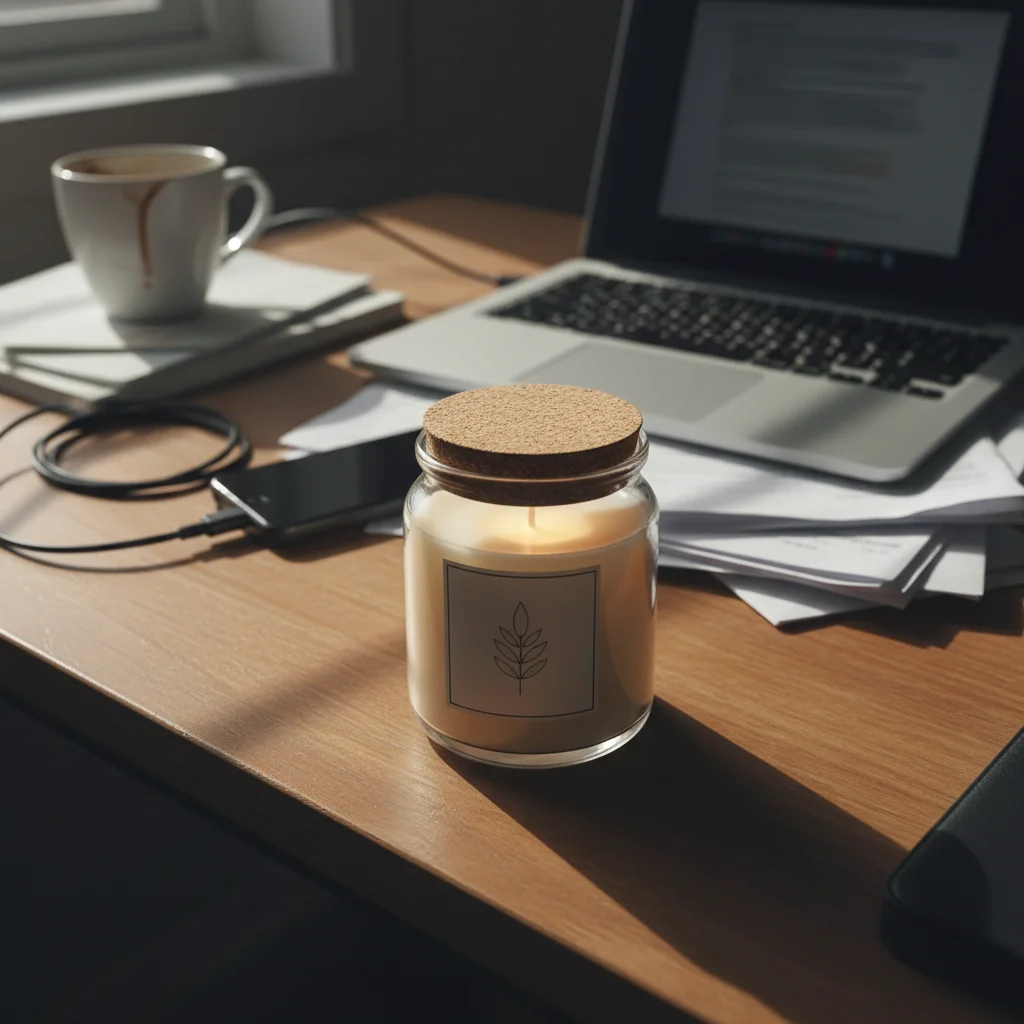
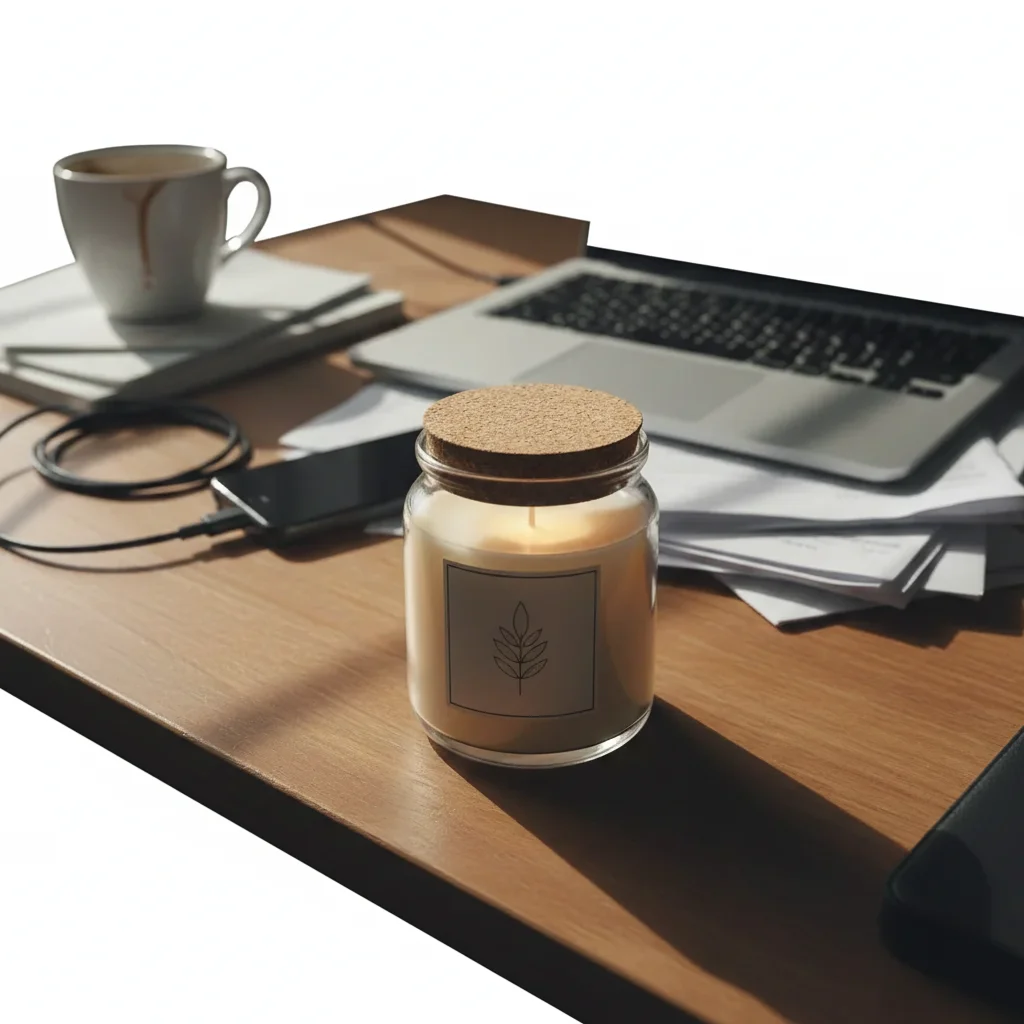
Drop your photo here
or click to browse
Release to upload
Free • No signup
"I launched my entire Shopify store with iPhone photos. Customers can't tell the difference between my AI-enhanced photos and my competitor's $50-per-shot professional photography." @PhoneCameraFounder
Your Phone Camera Is Enough
Modern smartphones capture more than enough resolution and detail for Shopify listings. The difference between phone photos and professional shots is post-processing: lighting correction, background replacement, and color accuracy. EditThisPic handles all three, turning any phone photo into a professional listing.
Phone Photo Upgrade Tools
Enhance Photo
Overall quality upgrade from phone to professional level
Remove Background
Replace phone photo backgrounds with professional white
Enhance Lighting
Fix phone camera lighting issues - yellow cast, harsh flash, uneven
Enhance Colors
Correct phone camera color casts and white balance
How to Turn Phone Photos Professional
-
Take your best phone photo
Use natural daylight near a window (not direct sun). Hold steady or prop your phone. Get close enough to fill the frame with your product. Any smartphone from the last 5 years works.
Phone to professional: 15-20 seconds per photo. Most work on the first try.Natural daylight near a window is the best free lighting. Avoid flash and overhead room lights. -
Upload and describe the upgrade
Drop your phone photo into EditThisPic. Type 'upgrade to professional product photography with clean white background and studio lighting.' The AI handles the rest.
Save your prompt: 'pure white background, professional studio lighting, sharp details, enhance to DSLR quality.' Reuse for every product. -
Compare to competitor photos
Open your competitor's product page and compare. Your AI-enhanced phone photo should match or exceed their quality. If it doesn't, try a more specific prompt.
Your competitors likely paid $20-50 per photo for their results. You just got the same quality for free. -
Build your professional catalog
Apply the same prompt to every product photo. Your entire store will look like you hired a professional photographer - because the AI is one.
Process all products in one session. Same lighting conditions on your phone + same prompt = perfect consistency.
Phone-to-Professional Prompts
replace background with pure white seamless studio backdrop, enhance from phone camera quality to professional product photography, bright even studio lighting, sharp details
This handles the three biggest phone photo limitations: background, lighting, and sharpness.
correct phone camera color cast to neutral, replace background with pure white, accurate true-to-life product colors, professional white balance
Phone cameras add warm/cool color casts that make products look different from reality.
enhance sharpness and detail clarity, upgrade from phone camera quality to professional DSLR-like sharpness, crisp product details
Phone cameras produce softer images than DSLRs. AI sharpening closes the gap completely.
fix harsh phone flash lighting, replace with soft even studio lighting, remove flash shadows, professional product photography quality
Phone flash creates harsh, flat lighting with ugly shadows. This fixes it to look like natural studio light.
Show 4 more prompts
correct indoor lighting color cast, replace background with pure white, enhance to professional bright studio quality, fix warm yellow tones
Indoor phone photos almost always have yellow/warm color cast from room lighting.
enhance close-up detail and sharpness, fix phone macro limitations, professional product detail photography, clear crisp textures
Phone macro mode often produces soft edges. AI sharpening makes close-ups look professional.
replace background with pure white, consistent professional studio quality matching other products, normalize phone camera variations between shots
Even photos from the same phone session can vary. This prompt normalizes them all.
enhance phone photo to professional lifestyle photography quality, improve colors and lighting, sharp product focus with soft background bokeh
Phone lifestyle photos benefit from enhanced bokeh and color correction without changing the setting.
| Edit Type | Prompt | Time | |
|---|---|---|---|
| Complete upgrade | white background, professional lighting, sharp details, enhance quality |
20s | Try This → |
| Fix color cast | correct color to neutral, accurate product colors |
15s | Try This → |
| Fix flash lighting | replace flash with soft studio lighting, remove shadows |
15s | Try This → |
| Sharpen details | enhance sharpness to DSLR quality, crisp details |
15s | Try This → |
Phone to Professional Transformations
iPhone photo to studio quality
Product photographed with an iPhone on a kitchen table. Transformed into a professional listing.
replace background with pure white seamless studio backdrop, enhance from phone camera to professional photography, bright even lighting, sharp details
Phone flash shadows fixed
Product shot with phone flash creating harsh shadows. AI replaced with soft, even studio lighting.
fix harsh phone flash lighting, replace with soft even studio lighting, remove flash shadows, pure white background, professional quality
Warm indoor lighting corrected
Product under warm bedroom lighting looking orange-tinted. Color corrected to accurate, neutral tones.
correct phone camera color cast to neutral, pure white background, accurate true-to-life product colors, professional quality
Common Phone Photo Issues
Enhanced photo still looks like a phone photo
Why: The prompt may only address one issue. Phone photos typically have multiple problems (lighting + color + sharpness + background).
Use the complete upgrade: 'pure white background, professional studio lighting, correct color, sharpen details, DSLR-quality product photography'
Address ALL issues in one prompt. Single-issue fixes leave the other problems visible.
Colors look over-corrected or unnatural
Why: Correcting a strong color cast can push colors past natural into the opposite direction.
Add 'natural neutral correction, not overcorrected, accurate true-to-life product colors as they appear in daylight'
Compare to your physical product in daylight. Daylight is the neutral standard.
Photo looks too sharpened or artificial
Why: AI sharpening can create halos and artifacts if pushed too far.
Add 'natural professional sharpness, no over-sharpening artifacts, clean detail enhancement'
Professional doesn't mean razor-sharp. Add 'natural' to prevent over-processing.
Product edges look rough after background removal
Why: Phone camera edge detail may not be as clean as DSLR, making background removal harder.
Add 'clean natural product edges, smooth transition to white background, no rough cutout appearance'
If edges are consistently rough, tap markers along the product edge and regenerate.
Low-light phone photo too grainy after enhancement
Why: Phone camera grain in low light can be amplified by enhancement.
Add 'reduce phone camera noise and grain, smooth clean professional quality, remove low-light artifacts'
Always photograph in the best light available. Daylight near a window dramatically reduces phone grain.
Frequently Asked Questions
Can a phone photo really look as good as professional photography?
For standard e-commerce product photos, yes. The difference between phone and professional photos is post-processing (lighting, background, color), not camera quality. Modern smartphones capture sufficient resolution and detail. EditThisPic handles the post-processing that professional photographers do.
What's the best way to photograph products with my phone?
Three rules: 1) Use natural daylight near a window - no flash, no overhead room lights. 2) Hold steady or prop your phone. 3) Get close enough to fill the frame with your product. The AI handles everything else: background, lighting enhancement, color correction, and sharpening.
Do I need to buy a better phone for better photos?
No. Any smartphone from the last 5 years captures more than enough quality for Shopify listings. The improvements from a newer phone camera are marginal compared to what AI post-processing delivers. Invest in good lighting (a window) rather than a new phone.
How many phone photos can I upgrade per day?
As many as you need. At 15-20 seconds each, you can process 100+ products per hour. The free tier lets you try it. Credits start at 20 cents per photo - far less than professional photography.
Will my competitors know I used phone photos?
No. After AI enhancement, phone photos are indistinguishable from professional DSLR product photography. Clean white backgrounds, even lighting, and sharp details look the same regardless of the original camera.
What if my phone photo is really bad?
Even very poor phone photos can be dramatically improved. The AI can fix color casts, enhance sharpness, replace backgrounds, and correct lighting. However, extremely blurry or severely underexposed photos may need a retake. When in doubt, try it - the result might surprise you.
Is EditThisPic's AI turn phone photos into professional shopify listings really free?
Yes — you get 1 free edit per week, no account needed. For unlimited edits, plans start at $3.99/month.
Can I shopify phone on my phone?
Yes. EditThisPic works in any mobile browser — iPhone, Android, tablet. No app download needed.
Ready to turn phone photos into professional listings?
Your smartphone is all you need. Free to try.
Upgrade Your Phone Photos