Free • No signup Match Style · Free

Match Photo Style to Reference Image

Last updated

Upload your photo and reference image—AI matches the style automatically.

01Photo 1
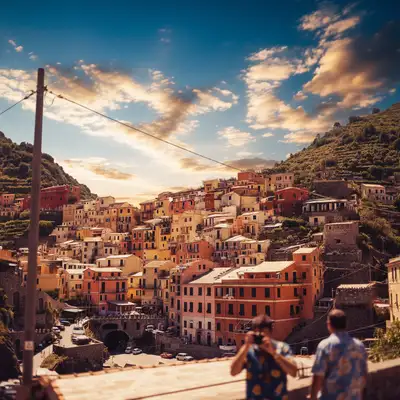
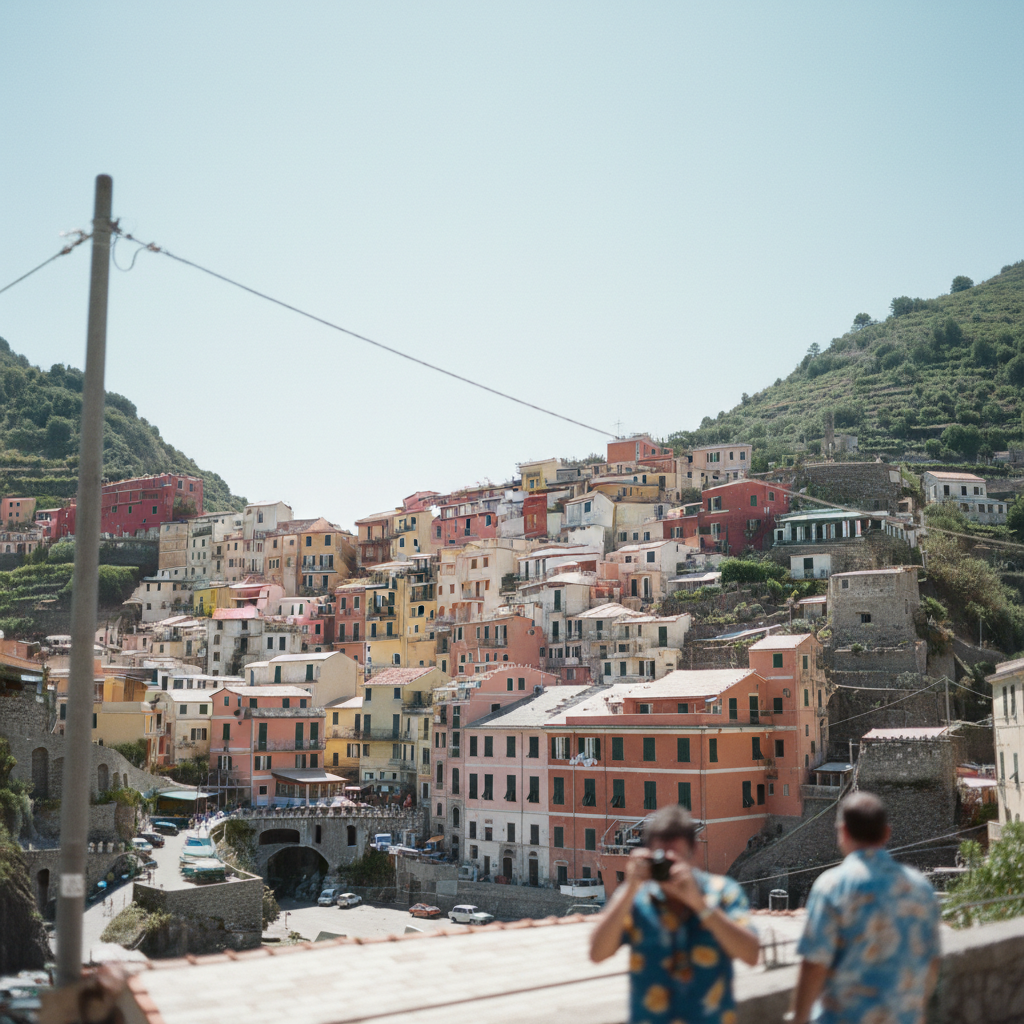
Italian village photo with flat washed-out colors in harsh midday light
02Photo 2
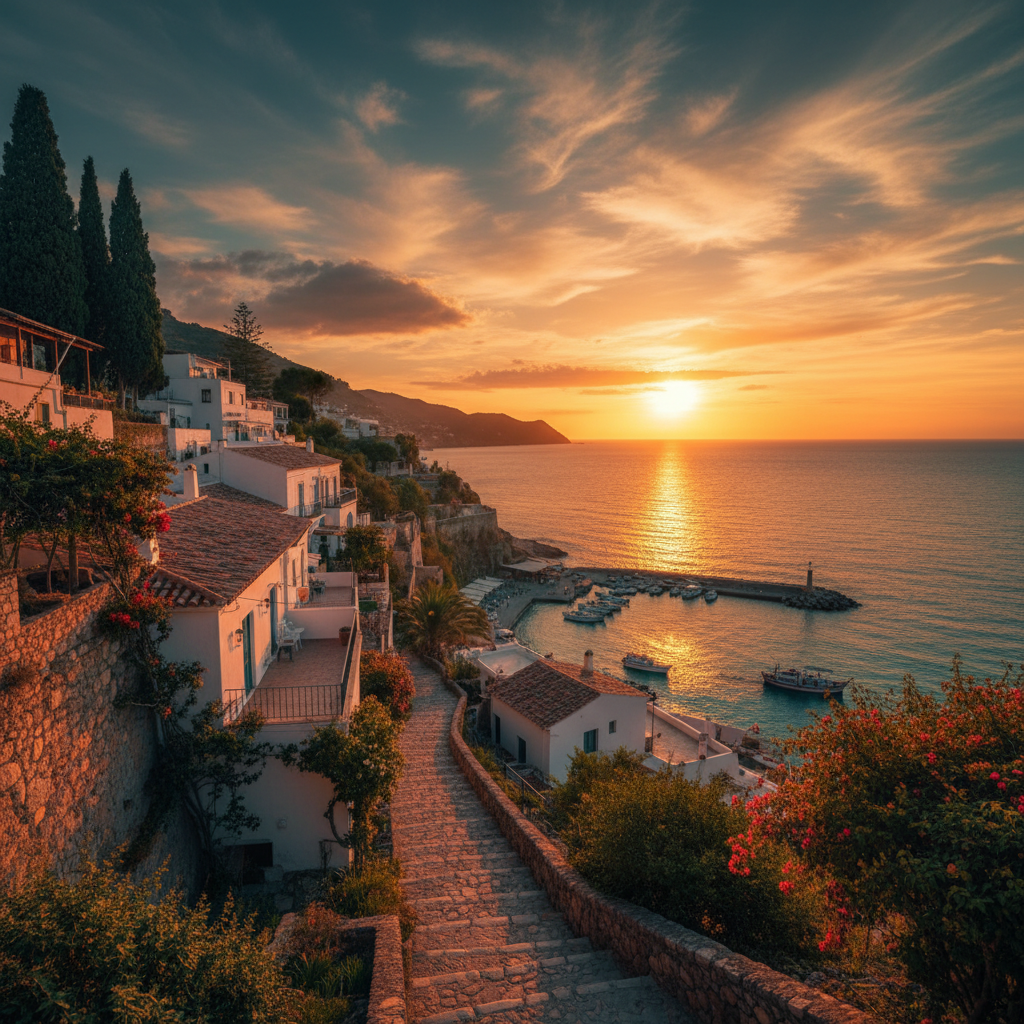
Mediterranean town at golden hour showing the target color style
03Result
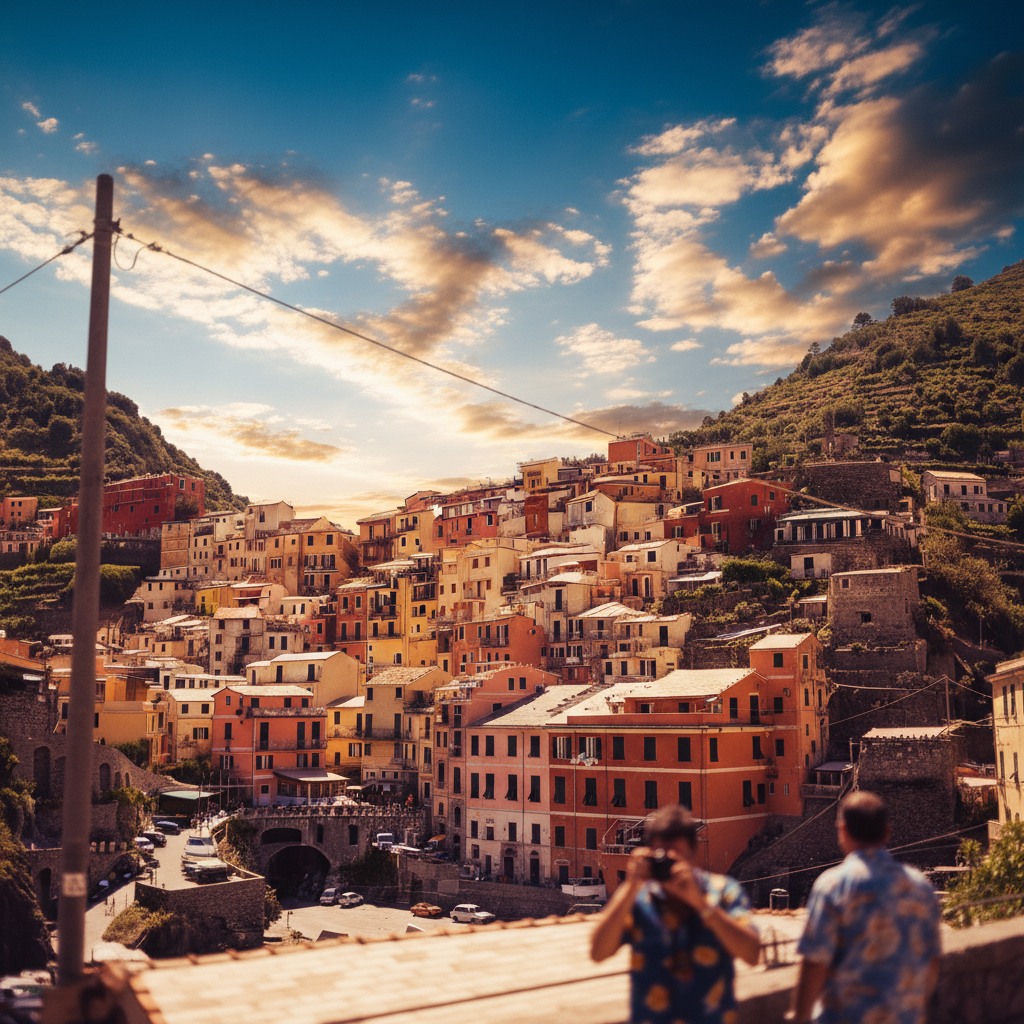
Same village with dramatic golden hour cinematic color grading

Upload photo to match style

"apply the warm vintage tones from the reference to my photo, match the faded film look"

Release to upload

50,000+photos edited
<30stypical edit
1 freeedit weekly

1 free edit·then from $4.99

How it works

  1. Upload your photo to style

    Drop the photo you want to transform into EditThisPic. This is the image that will receive the new style—like a selfie you want to match to a professional photographer's aesthetic, or a wedding photo that needs consistent grading.

    Expect: Simple style matching: 30-45 seconds. Complex scenes with mixed lighting: may need 2-3 refinements for perfect match.
  2. Upload your reference image

    Tap the reference image button and upload the photo with the style you want to match. This could be an Instagram post you love, a professionally edited photo from your photographer, or any image with the color grading, mood, and tone you're targeting. The AI will analyze the reference's color palette, contrast, warmth, and lighting characteristics.

    Tip: Choose a reference image with similar lighting conditions to your original photo for the most natural results.

    Copy one of these to get started:

    Matching overall aesthetic to reference match the color grading and mood of the reference photo, apply the same tones and atmosphere
    Instagram aesthetic consistency apply the warm vintage tones from the reference to my photo, match the faded film look
    Professional photography style transfer match the lighting style and contrast of the reference photo, apply the same professional color grading
    Wedding photo series consistency make this photo match the reference's color palette, warmth, and tone so they look like the same shoot
    3 more prompts
    Golden hour warmth transfer match the golden hour glow and warm highlights from the reference, apply the same sunset lighting feel
    Moody dark aesthetic apply the moody dark tones from the reference, match the deep shadows and muted colors
    Bright and airy style match the bright airy feel of the reference photo, apply the same soft light and pastel tones
  3. Describe what aspects to match

    Type what you want to transfer: 'match the color grading and mood of the reference photo' or 'apply the warm vintage tones from the reference to my photo.' Be specific about which elements to copy—color grading, lighting style, contrast, or overall mood. No marking needed.

    Tip: Mention specific aspects like 'warm tones' or 'moody contrast' to guide which style elements the AI should prioritize.
  4. Generate and review

    Tap generate and examine how well the style transferred. Compare your result to the reference image at full zoom. Check that colors, tones, and mood match while your original subject and composition remain intact. The style should look like it came from the same photoshoot.

    Tip: If certain areas didn't match well, regenerate with a more specific prompt focusing on those aspects: 'match the golden hour warmth in the highlights.'

See it in action

Italian village photo with flat washed-out colors in harsh midday light
Main Photo
Mediterranean town at golden hour showing the target color style
Reference
Same village with dramatic golden hour cinematic color grading
Result

Italian village matched to cinematic golden hour style

A flat, washed-out tourist snapshot of an Italian village. Uploaded a cinematic golden hour reference photo and the AI matched the warm dramatic color grading perfectly.

Prompt: match the warm cinematic color grading from the reference photo: golden hour warmth, rich saturated tones, dramatic sunset mood
Wedding reception photo with cool tones and mixed lighting
Main Photo
Reference image for Match Photo Style to Reference Image
Reference
Same photo with warm romantic golden hour color grading
Result

Wedding photo matched to photographer's sample

Reception photo that needed to match the couple's favorite professionally edited ceremony shot. Reference upload made the entire album consistent.

Prompt: match the warm romantic tones of photo 2 (the reference), apply the same golden hour color grading and soft contrast to photo 1

Quick answers

Do I need to mark areas before matching to a reference image?

No! Just upload both images and describe what to match: 'match the color grading and mood of the reference photo.' The AI analyzes both images and transfers the style automatically.

How do I match a photo's style to a reference image for free?

Upload your photo and reference image to EditThisPic, then type 'match the color grading and mood of the reference photo.' The AI transfers colors, contrast, and mood in 30-45 seconds. Free to use, no account required, no watermarks.

Is there a free style transfer tool that doesn't require signup?

Yes. EditThisPic matches photo styles to reference images for free with no account needed. Upload both photos, describe what to transfer, and download the result. No watermarks, no login, works in your browser.

What is the best AI tool for matching photo styles?

EditThisPic's AI analyzes your reference image and transfers its exact color grading, contrast, and mood to your photo. Unlike preset filters that apply the same adjustments to every image, reference matching gives custom results. Free to try, no signup.

Can I match style from professional photographer edits to my iPhone photos?

Yes. Upload your iPhone photo and a professionally edited image as reference, then describe what to match. The AI transfers the color grading, contrast, and mood. It applies the same stylistic treatment without changing your composition.

Will this work for making my Instagram feed look consistent?

Yes. Use one post with your ideal aesthetic as a reference for all future photos. Upload each new photo with the same reference and prompt, and your entire feed will have cohesive color grading without manual Lightroom editing.

How much does EditThisPic cost?

You get 1 free edit per week — no account needed. After that, credit packs start at $1.99 for 3 edits. Monthly plans start at $4.99/mo for 20 edits with unused credits rolling over. All edits are full resolution with no watermark.

Ready to edit your photos?

Free to try. No signup required.

1 free edit included·Credit packs from $4.99