Free • No signup Remove Graffiti · Free

AI Graffiti Remover

Remove graffiti and restore clean walls in your photos.
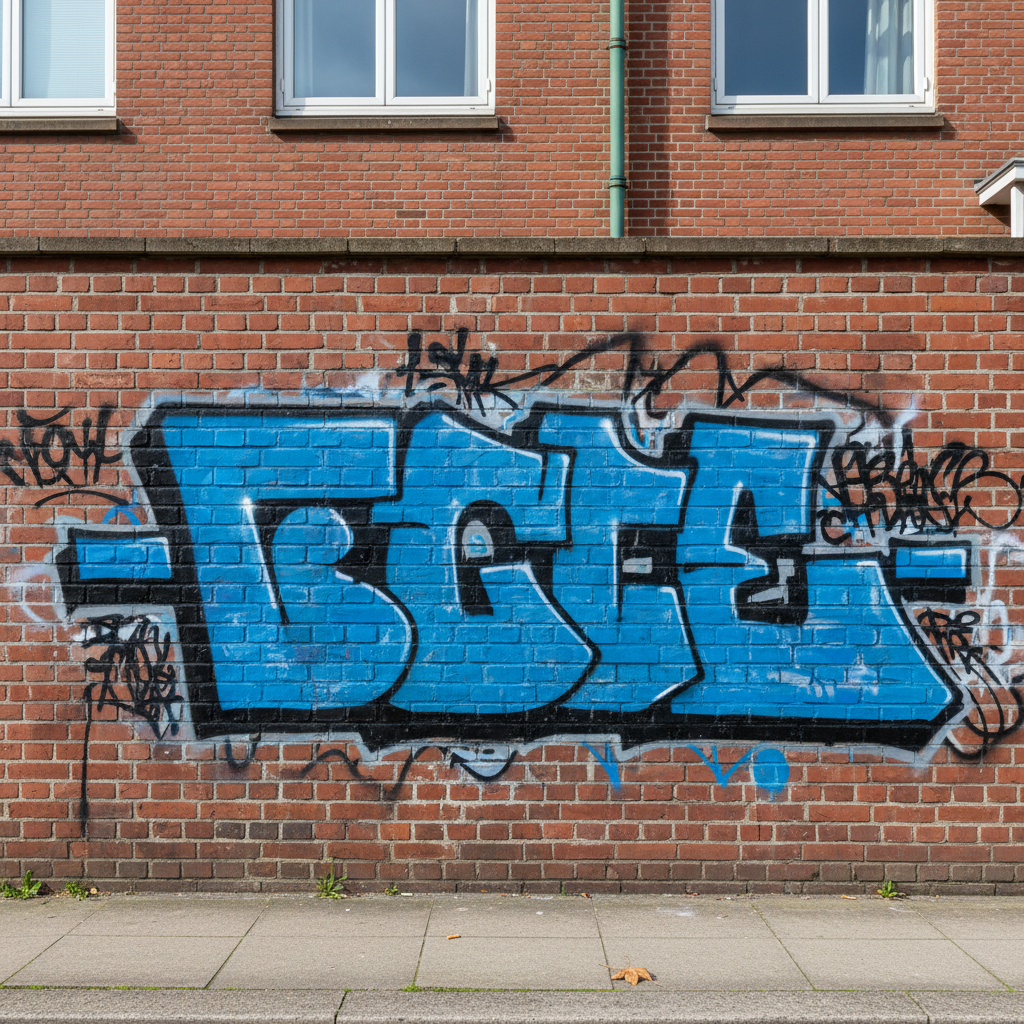
Brick building with spray paint graffiti
Before
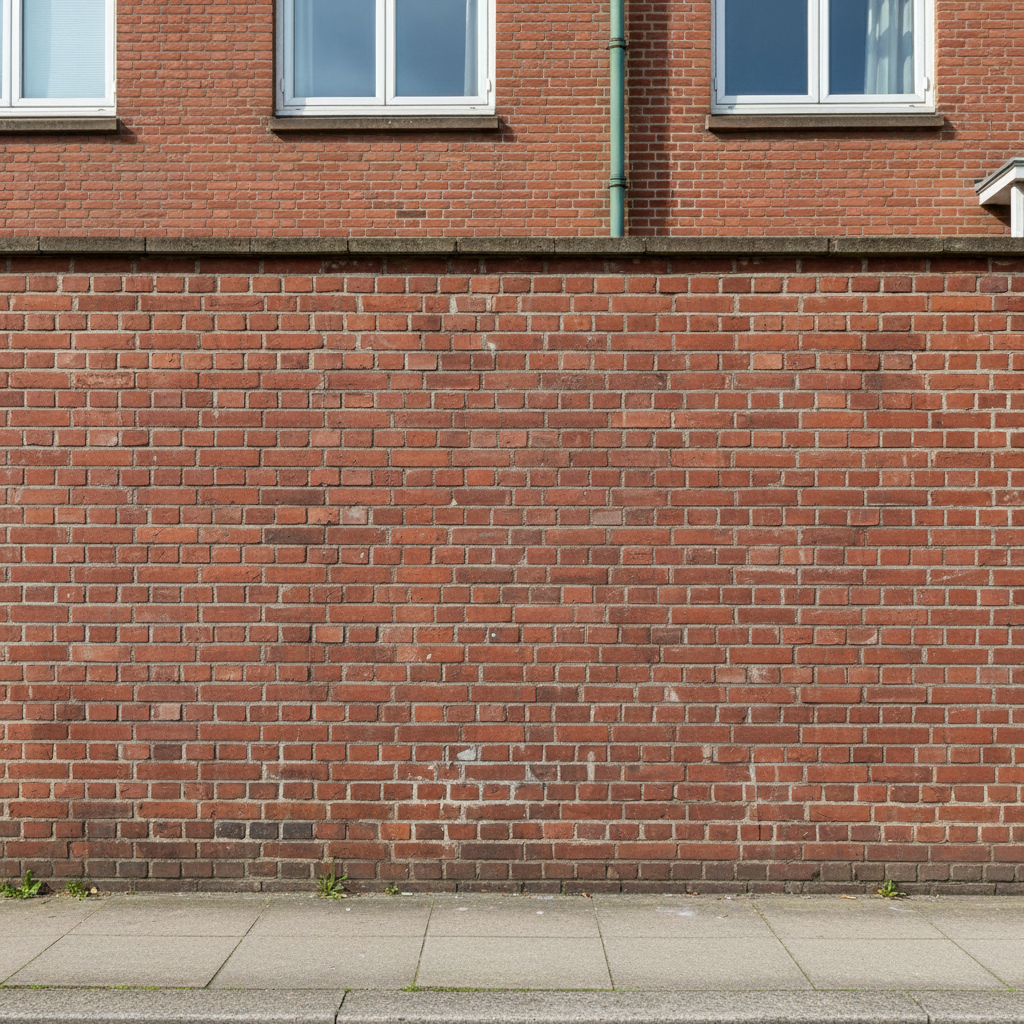
Clean brick wall with graffiti removed
After

AI Graffiti Remover

Drop your photo here

or click to browse

Release to upload

Free • No signup

Advertisement
Popular use cases:
  • real estate photography
  • property listings
  • storefront photos
  • building exteriors

Cost
Free No signup required
Time
Instant results in 15-30 seconds
Works on
Any device - browser, phone, tablet, desktop
Powered by
AI-powered photo editing
Scenario Prompt Time
Brick wall remove the graffiti from the brick wall and restore the original brick texture 25s
Concrete wall remove all graffiti tags from the concrete wall and show clean surface 25s
Painted mural remove the painted mural from the wall and restore plain painted surface 30s
Sticker tags remove all stickers from the sign and show clean metal surface 20s

How it works

  1. Upload Your Photo

    Drop your image with graffiti into EditThisPic. Works on spray paint tags, stickers, markers, and street art on walls, fences, signs, and buildings. Supports JPG, PNG, WebP up to 7MB.

    Expect: Simple tags on flat surfaces: 20-25 seconds. Complex murals or textured surfaces: may need 2-3 refinements.
  2. Describe What You Want

    Type your instruction: 'remove the graffiti from the wall and restore clean surface' or 'remove all spray paint tags and show original brick texture.' Be specific about the surface type. No marking needed—the AI understands graffiti as unwanted markings on surfaces.

    Tip: Mention the surface material: 'restore brick wall' or 'clean concrete surface' for better texture matching

    Copy one of these to get started:

    Spray paint tag on brick wall remove the graffiti from the brick wall and restore the original brick texture
    Multiple tags on concrete remove all graffiti tags from the concrete wall and show clean surface
    Street art mural removal remove the painted mural from the wall and restore plain painted surface
    Stickers on sign remove all stickers from the sign and show clean metal surface
    2 more prompts
    Graffiti on storefront remove the graffiti from the storefront window and restore clear glass
    Marker tags on wood fence remove the marker tags from the wooden fence and restore natural wood texture
  3. Review and Download

    Check the result at full zoom to ensure all graffiti is removed and the surface texture looks natural. Wall patterns, brick mortar, or paint should match the surrounding area. Download in full resolution.

  4. Refine with Markers if Needed

    If graffiti edges remain or texture doesn't match, tap markers on those areas and regenerate. This is optional—most graffiti removals work without markers.

    Tip: Markers are for precision refinement, not a required step. Try without them first.
Try it free

AI Graffiti Remover

Drop your photo here

or click to browse

Release to upload

Free • No signup

"Saved my property listing photos! The graffiti disappeared and the brick wall looks perfect." @realestatepro

See it in action

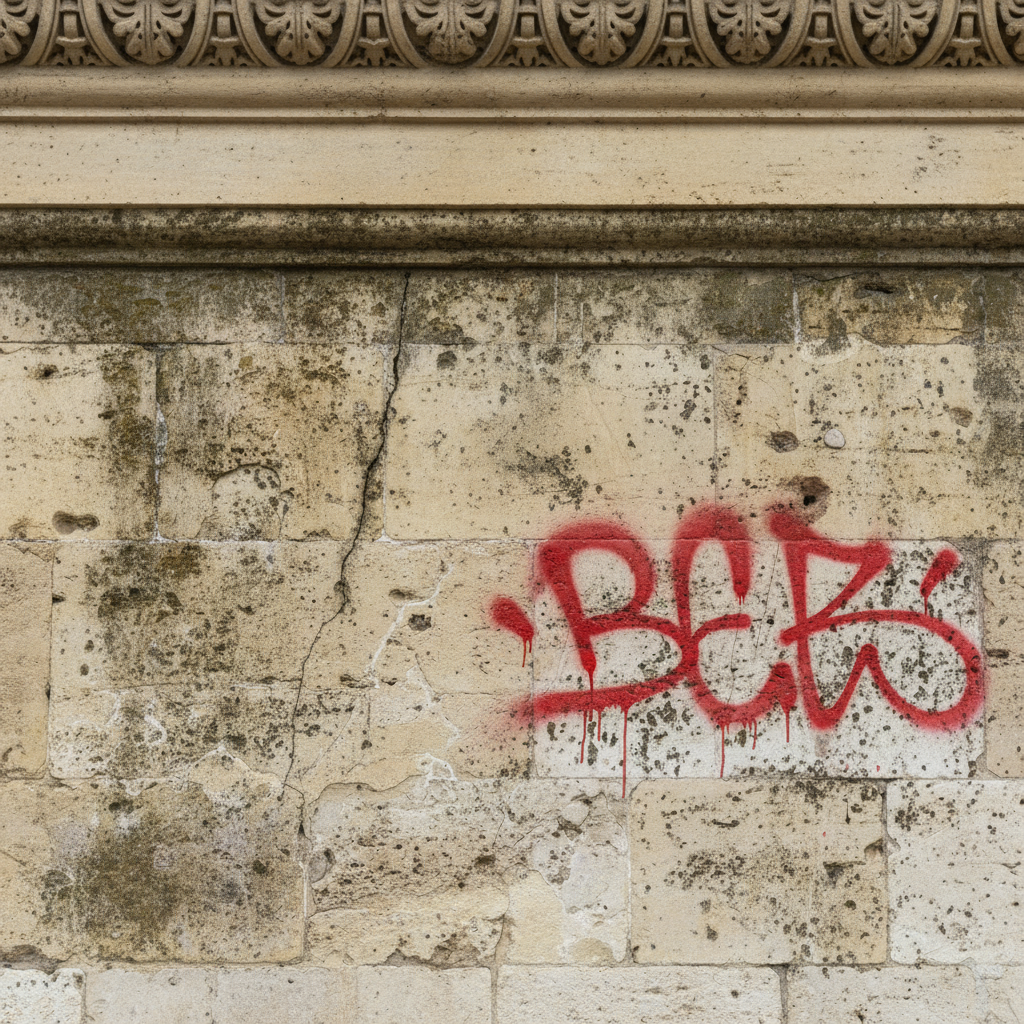
Brick building with spray paint graffiti
Before
->
Clean brick wall with graffiti removed
After

Spray Paint Tag Removed from Brick Wall

Real estate photo with bright graffiti tag on brick building. Tag completely removed and brick texture restored.
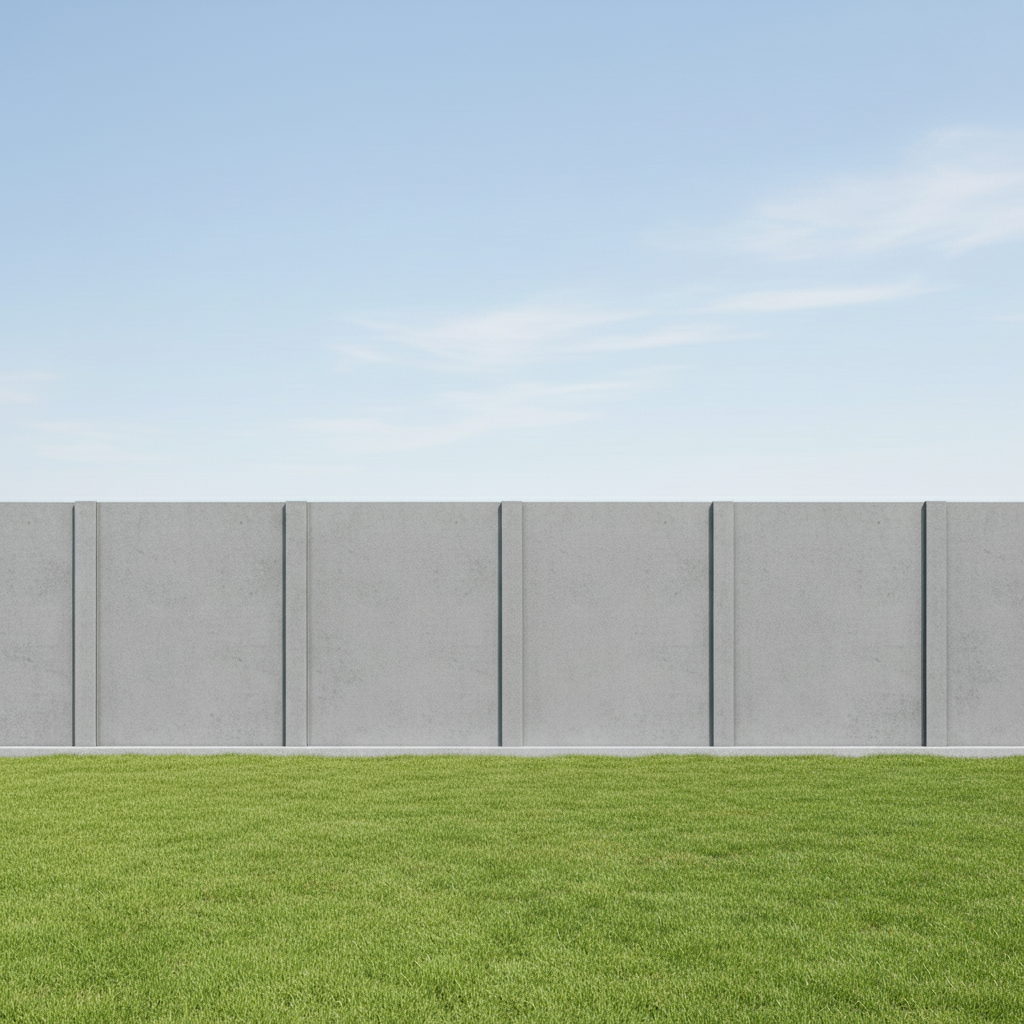
Prompt: remove the graffiti from the brick wall and restore the original brick texture
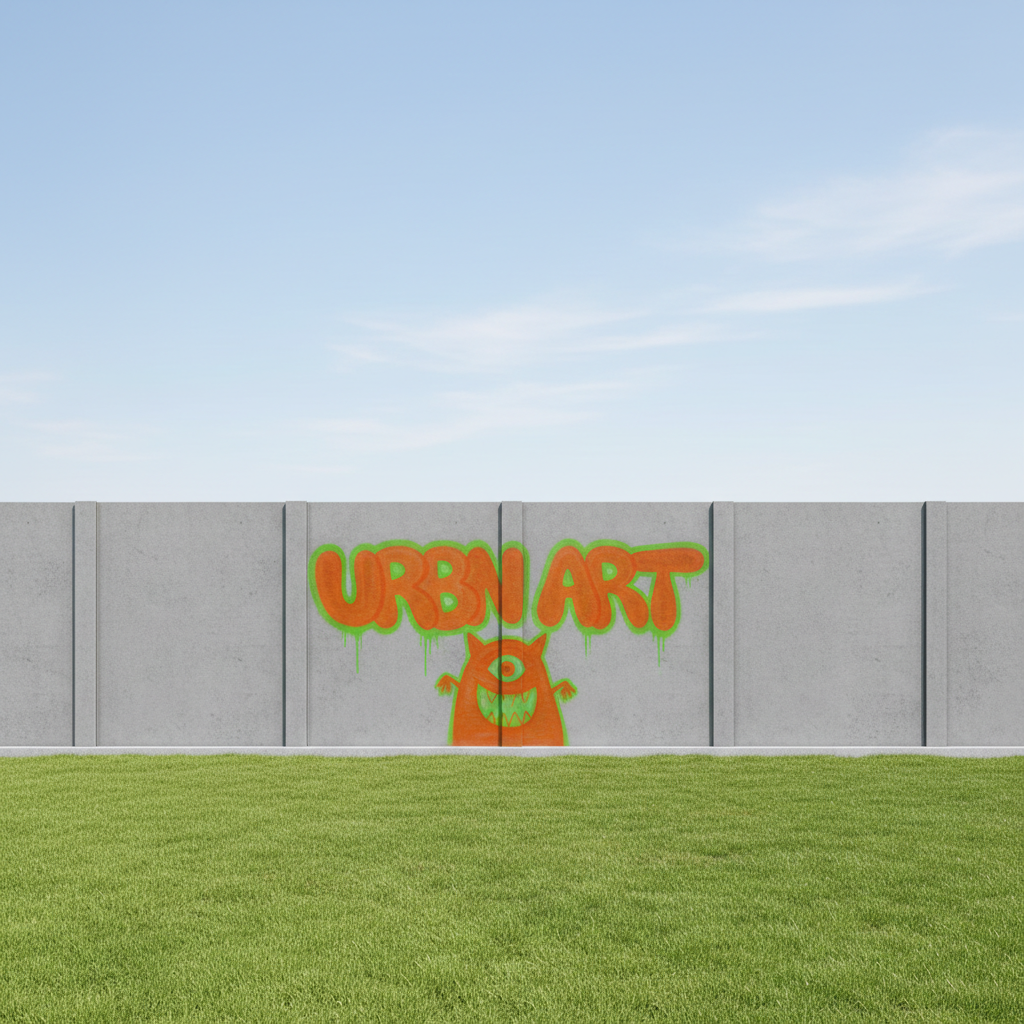
Concrete wall with multiple graffiti tags
Before
->
Clean concrete surface
After

Multiple Tags Removed from Concrete Wall

Parking garage with several overlapping graffiti tags. All tags removed to show clean concrete.
Prompt: remove all graffiti tags from the concrete wall and show clean surface
Street sign with sticker graffiti
Before
->
Clean metal sign surface
After

Sticker Graffiti Removed from Metal Sign

Street sign covered with sticker tags. All stickers removed to show clean sign surface.

Prompt: remove all stickers from the sign and show clean metal surface
Advertisement

If something looks off

AI changed the wrong area or removed something I didn't want changed

Why: The AI couldn't determine which markings are graffiti versus intentional signage or design elements.

Try: Tap a marker on the specific graffiti you want to remove, then regenerate with the same prompt

Tip: Markers tell the AI 'I mean THIS specific marking.' Use them when there are both graffiti and legitimate markings.

Surface texture doesn't match after removal

Why: The AI struggled to reconstruct the original surface texture, especially on complex materials like weathered brick or textured concrete.

Try: Try 'restore original texture matching the surrounding wall' for better texture continuity

Tip: Photos where clean surface is visible nearby work best for texture matching

Graffiti edges or shadows still faintly visible

Why: The graffiti created texture changes or shadows that the AI treated separately from the paint.

Try: Add 'including all shadows and texture changes' to your prompt
Color mismatch in reconstructed area

Why: The AI had difficulty matching the original surface color, especially if the wall has weathering or age variations.

Try: Use 'matching the wall color exactly' and regenerate for better color blending
Only some of the graffiti was removed

Why: Complex overlapping tags or different paint types may be detected as separate elements.

Try: Be specific: 'remove all spray paint, stickers, and markings from the wall'

Quick answers

Do I need to mark the graffiti before describing?

No! Just describe what you want: 'remove the graffiti from the wall' or 'remove all spray paint tags.' The AI understands graffiti as unwanted markings on surfaces. Only use markers when you need to specify which markings to remove versus legitimate signage, or when refining edges.

How do I remove graffiti from photos for free?

Upload your photo to EditThisPic, type 'remove the graffiti from the wall and restore clean surface,' then download. Free to use, no account required, no watermark. Works on spray paint, tags, stickers, and street art on various surfaces.

Will the surface texture look natural after removing graffiti?

Yes, the AI analyzes the surrounding surface and reconstructs matching texture. Works best when some clean surface is visible for the AI to reference. Brick, concrete, wood, and painted surfaces all work well.

Can it remove all types of graffiti?

Works on spray paint tags, marker writing, sticker bombs, and painted murals. Best results on flat or lightly textured surfaces where the graffiti is clearly distinct from the original surface. Very weathered or heavily textured surfaces may need refinement.

What's the best free tool to remove graffiti from photos?

EditThisPic's AI Graffiti Remover is free, requires no signup, and intelligently removes unwanted markings while reconstructing original surface texture. Unlike clone stamps that require manual work, the AI understands surface patterns and textures for natural reconstruction.

Ready to remove graffiti from your photos?

Free to try. No signup required.

Try it free