Free • No signup Convert Pop art · Free

Convert Photo to Pop Art

Just describe the pop art style you want. No complex tools - type it and see your colorful transformation.
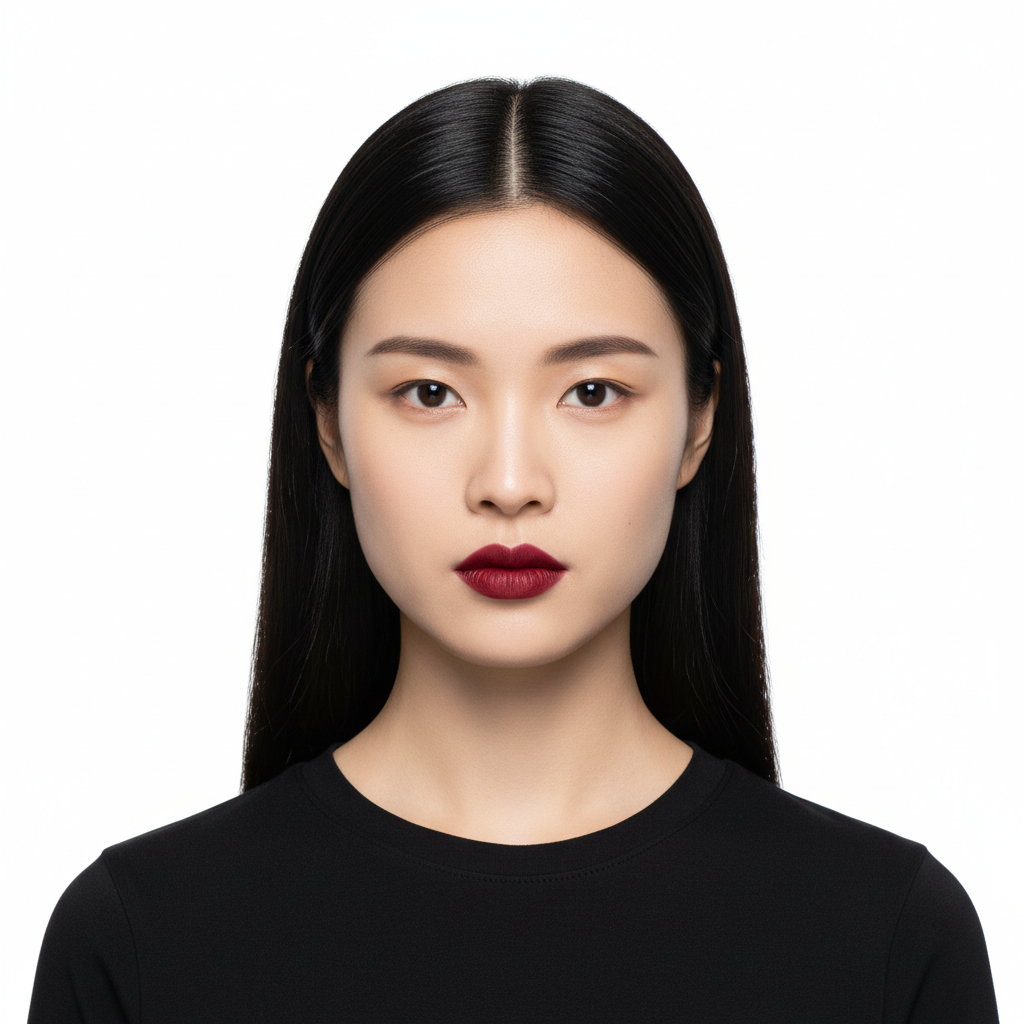
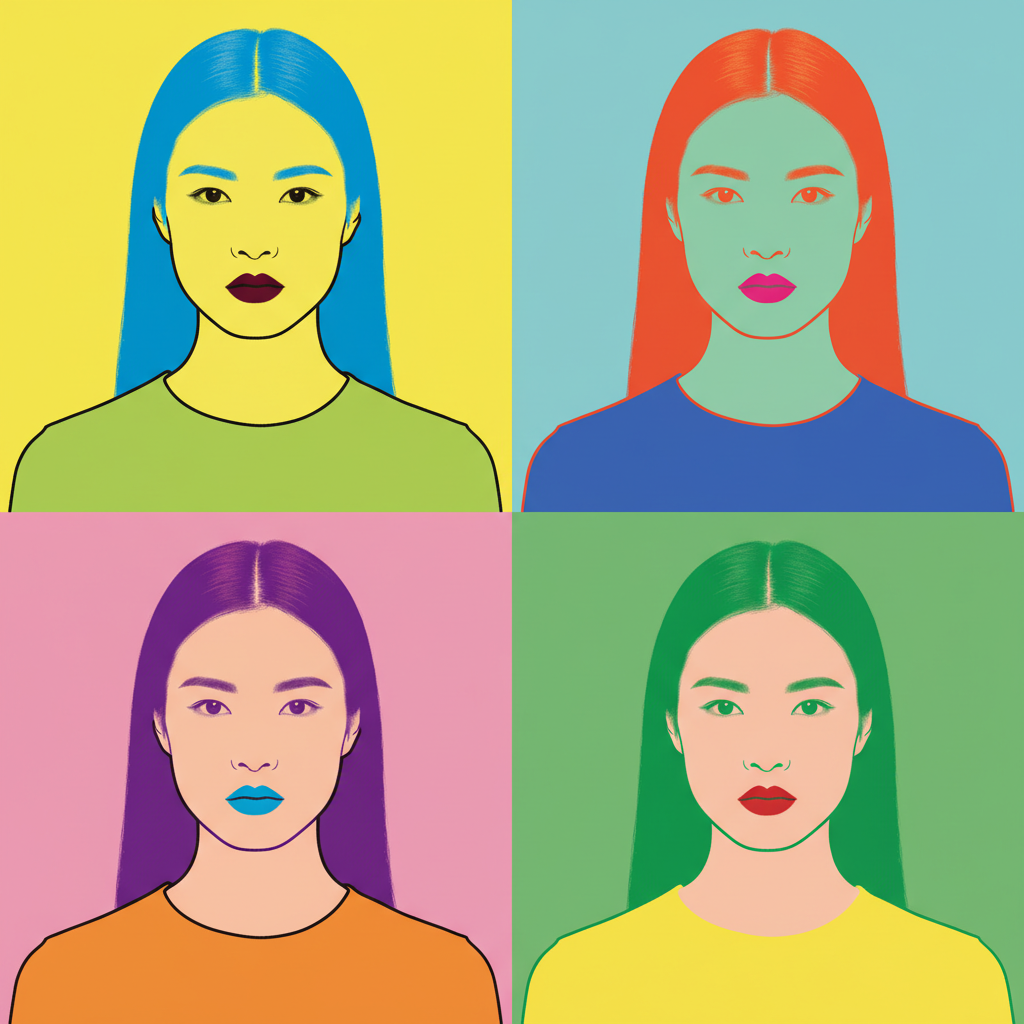
Portrait photo of woman with black hair and red lipstick
Before
Same woman transformed into colorful Warhol-style pop art
After

Convert Photo to Pop Art

Drop your photo here

or click to browse

Release to upload

Free • No signup

Advertisement
Popular use cases:
  • Pop art portraits
  • Warhol-style gifts
  • Bold color artwork
  • Retro pop prints
  • Pet pop art
  • Social media art

Cost
Free No signup required
Time
Instant results in 15-30 seconds
Works on
Any device - browser, phone, tablet, desktop
Powered by
AI-powered photo editing
Scenario Prompt Time
Warhol style convert this photo to Andy Warhol pop art with bold colors 15s
Neon pop art transform into pop art with neon pink and electric blue 15s
Lichtenstein style make this look like Lichtenstein art with halftone dots 20s
Retro poster convert to retro pop art poster with bold shapes 15s

How it works

  1. Upload your photo

    Drop your image into EditThisPic. JPG, PNG, and WebP up to 7MB all work. High contrast portraits with clear facial features create the most striking pop art results.

    Expect: Simple portraits: 15-30 seconds. Multi-panel Warhol grids: may need refinement.
  2. Describe the pop art style you want

    Type your instruction: 'convert this photo to pop art' or be specific with 'transform this portrait into Andy Warhol style with bold neon colors.' Mention specific artists, color schemes, or effects if you have a vision. No selection or marking needed.

    Tip: Reference 'Warhol,' 'Lichtenstein,' or 'halftone dots' for different pop art aesthetics.

    Copy one of these to get started:

    Classic Warhol portrait convert this photo to Andy Warhol pop art style with bold colors, high contrast, and graphic simplification
    Bright neon pop art transform this image into pop art with neon pink, electric blue, and bright yellow color scheme
    Lichtenstein comic style make this photo look like Roy Lichtenstein art with halftone dots, bold outlines, and primary colors
    Retro pop art poster turn this into a retro pop art poster with bold graphic shapes and limited color palette
    2 more prompts
    Multi-color Warhol grid convert this photo to a four-panel Warhol grid with different bold color variations in each panel
    Pet pop art portrait transform this pet photo into pop art style with bright colors and bold graphic outlines
  3. Generate and review

    Tap generate and check the color palette and graphic effects. Look for bold outlines, vibrant colors, and that signature pop art contrast. The transformation should feel iconic and eye-catching.

  4. Refine with markers if needed

    If specific colors need adjustment or you want different effects on certain areas, tap markers on those spots and regenerate with more specific instructions. Most pop art conversions work perfectly on the first try.

    Tip: Markers help when you want specific colors changed, like 'make the background hot pink instead of blue.'
Try it free

Convert Photo to Pop Art

Drop your photo here

or click to browse

Release to upload

Free • No signup

"Made a Warhol-style portrait of my dog as a gift. The bold colors came out amazing. Literally took 20 seconds." @PopArtFan_Sarah

See it in action

Portrait photo of woman with black hair and red lipstick
Before
->
Same woman transformed into colorful Warhol-style pop art
After

Portrait to Warhol style

Regular selfie transformed into Andy Warhol-inspired pop art. The bold colors and high contrast create that iconic silkscreen look.

Prompt: convert this photo to Andy Warhol pop art style with bold colors, high contrast, and graphic simplification
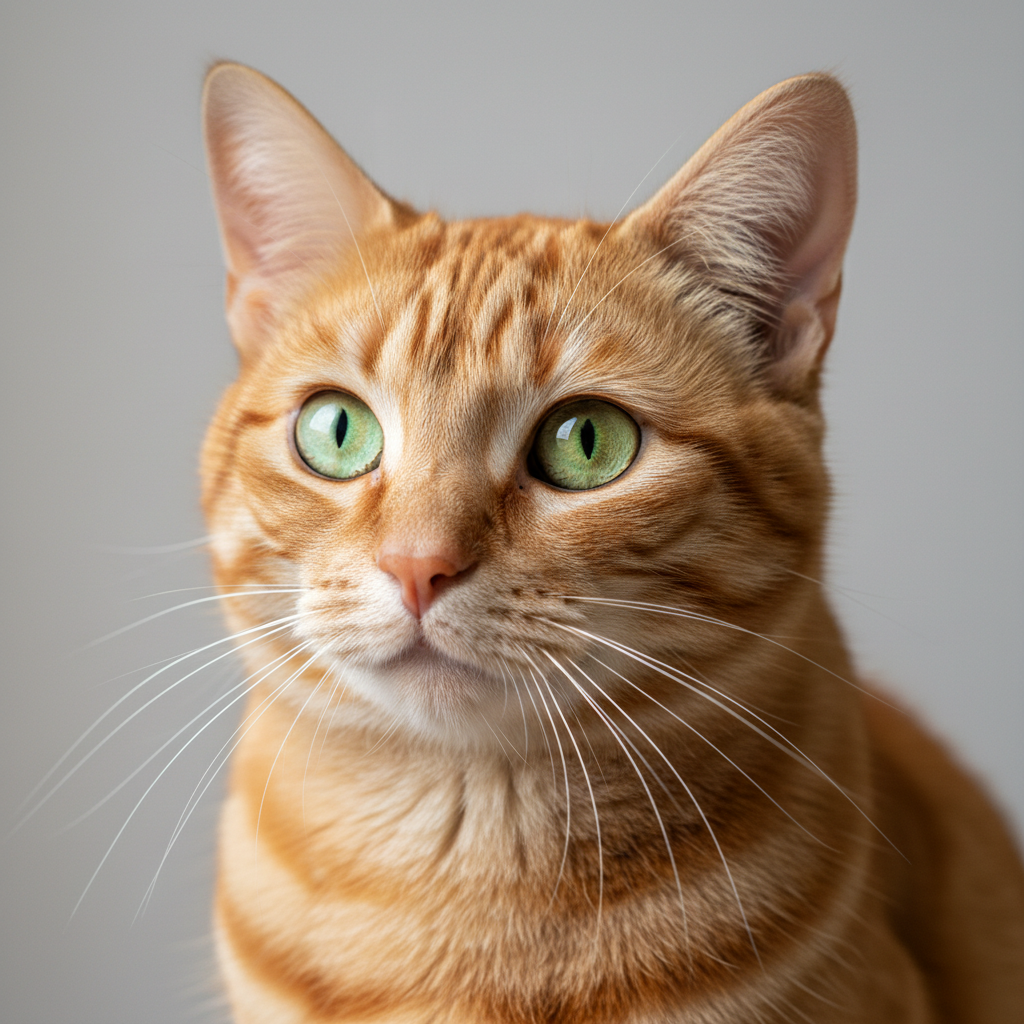
Orange tabby cat portrait photo
Before
->
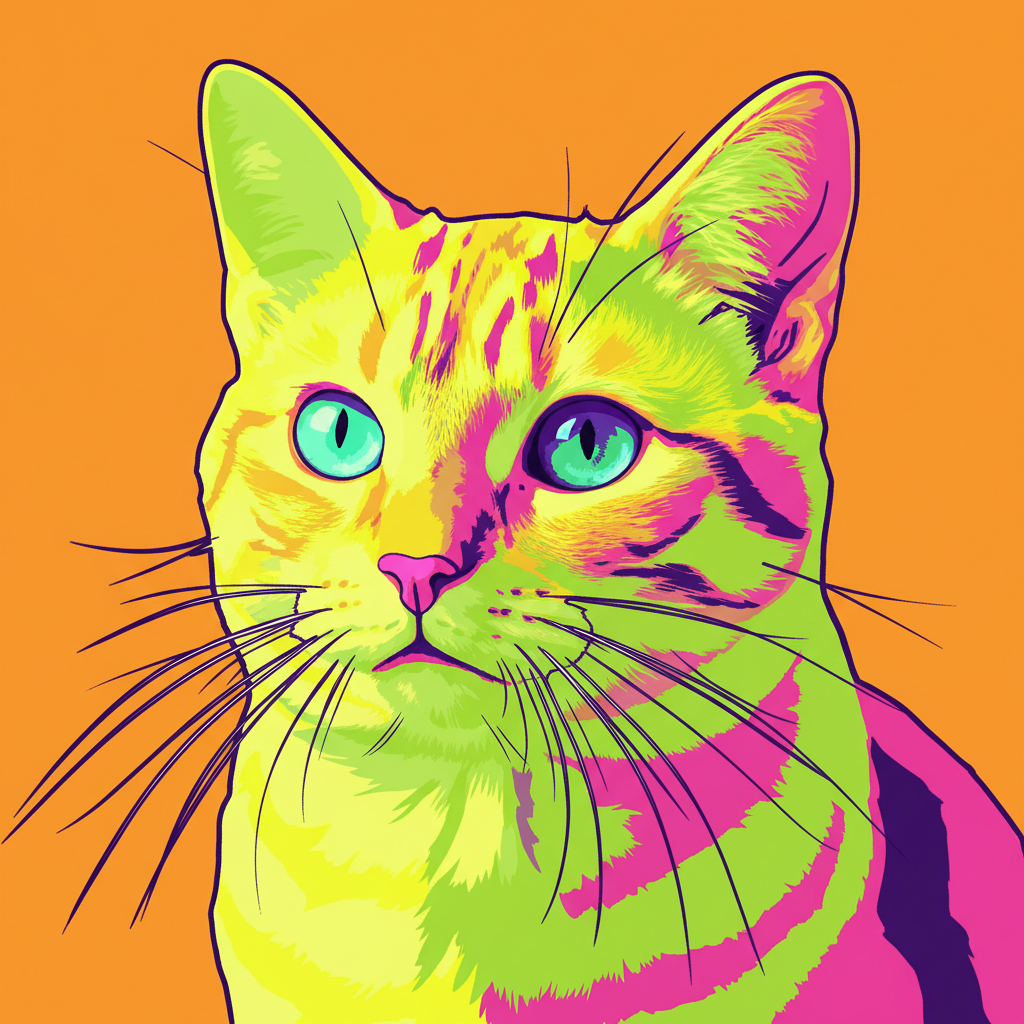
Same cat as bold pop art with neon colors
After

Pet pop art portrait

Cat photo converted to bold pop art style. The simplified shapes and vibrant colors create a striking graphic piece.

Prompt: transform this pet photo into pop art style with bright neon colors and bold graphic outlines
Advertisement

If something looks off

AI changed the wrong area or something I didn't want changed

Why: The AI interpreted the transformation scope differently than you expected. It might have changed colors you wanted to keep or affected the background unexpectedly.

Try: Tap a marker on the specific area you want to keep unchanged, then regenerate with the same prompt

Tip: Markers tell the AI 'I mean THIS area specifically.' Use them when you want to protect certain elements from transformation.

Colors aren't bold enough or look muddy

Why: The AI may have blended colors too much or not pushed the contrast far enough for true pop art.

Try: convert this photo to pop art with VERY bold saturated colors, high contrast, and flat color blocks

Tip: Adding 'VERY bold,' 'saturated,' and 'flat color blocks' pushes toward more extreme pop art.

Style doesn't look like Warhol

Why: 'Pop art' is a broad term covering many styles. Without specific direction, results can vary.

Try: transform this into Andy Warhol silkscreen style with simplified shapes, bold outlines, and flat neon colors like Marilyn Monroe portraits

Tip: Reference specific Warhol works like 'Marilyn Monroe' or 'Campbell's Soup' for more accurate results.

Face is unrecognizable in pop art version

Why: The simplification went too far and lost distinguishing features.

Try: convert this photo to pop art style while keeping facial features recognizable, bold colors but preserve likeness

Tip: Adding 'preserve likeness' or 'keep recognizable' balances style with accuracy.

Quick answers

Do I need to select anything before converting to pop art?

No. Just describe the pop art style you want: 'convert this photo to pop art' or 'make this Warhol style.' The AI automatically transforms the entire photo. Markers are only needed if you want specific colors or areas handled differently.

How do I turn my photo into pop art for free?

Upload your photo to EditThisPic and type 'convert this photo to pop art.' The AI transforms your image in 15-30 seconds. No account, no login, no watermarks. You can specify styles like 'Warhol' or 'Lichtenstein' for different looks.

Is there a free pop art filter that doesn't need an account?

Yes. EditThisPic converts photos to pop art without requiring signup or login. Just upload, type what style you want, and download. No watermarks on results. Works directly in your browser.

What's the best free AI tool for creating Warhol-style art?

EditThisPic offers free AI pop art conversion with no signup required. Unlike basic filters, you can describe exactly what you want - specific color palettes, Warhol or Lichtenstein style, or custom effects. Results are ready in seconds.

Ready to create your pop art masterpiece?

Free to try. No signup required.

Try it free