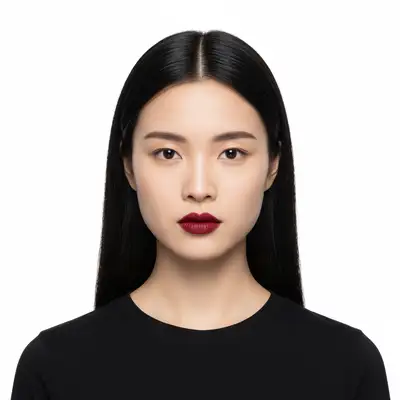
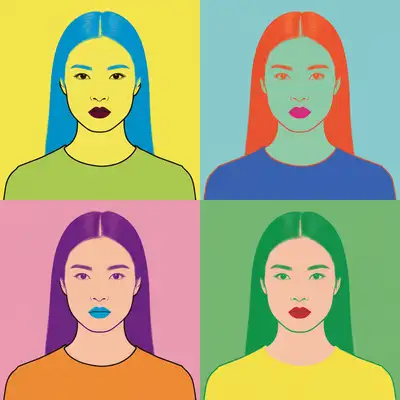
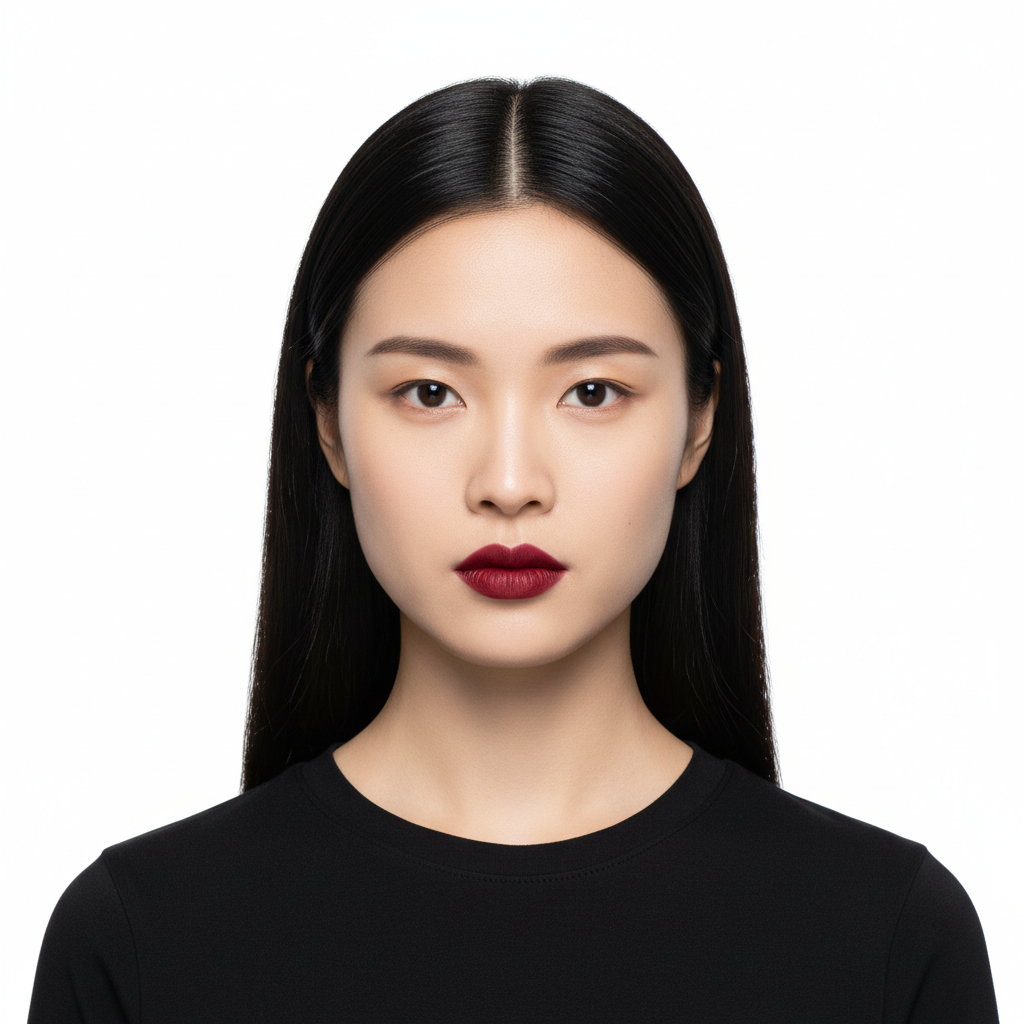
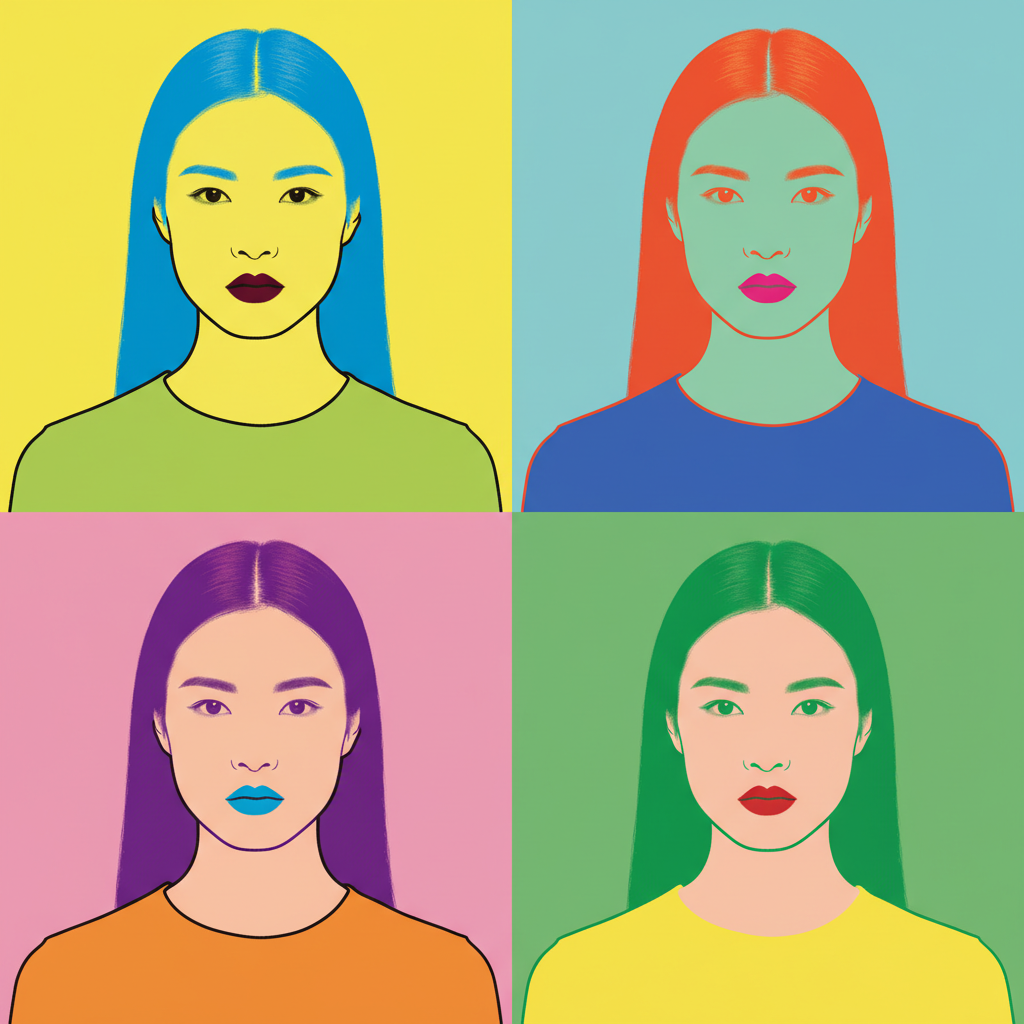
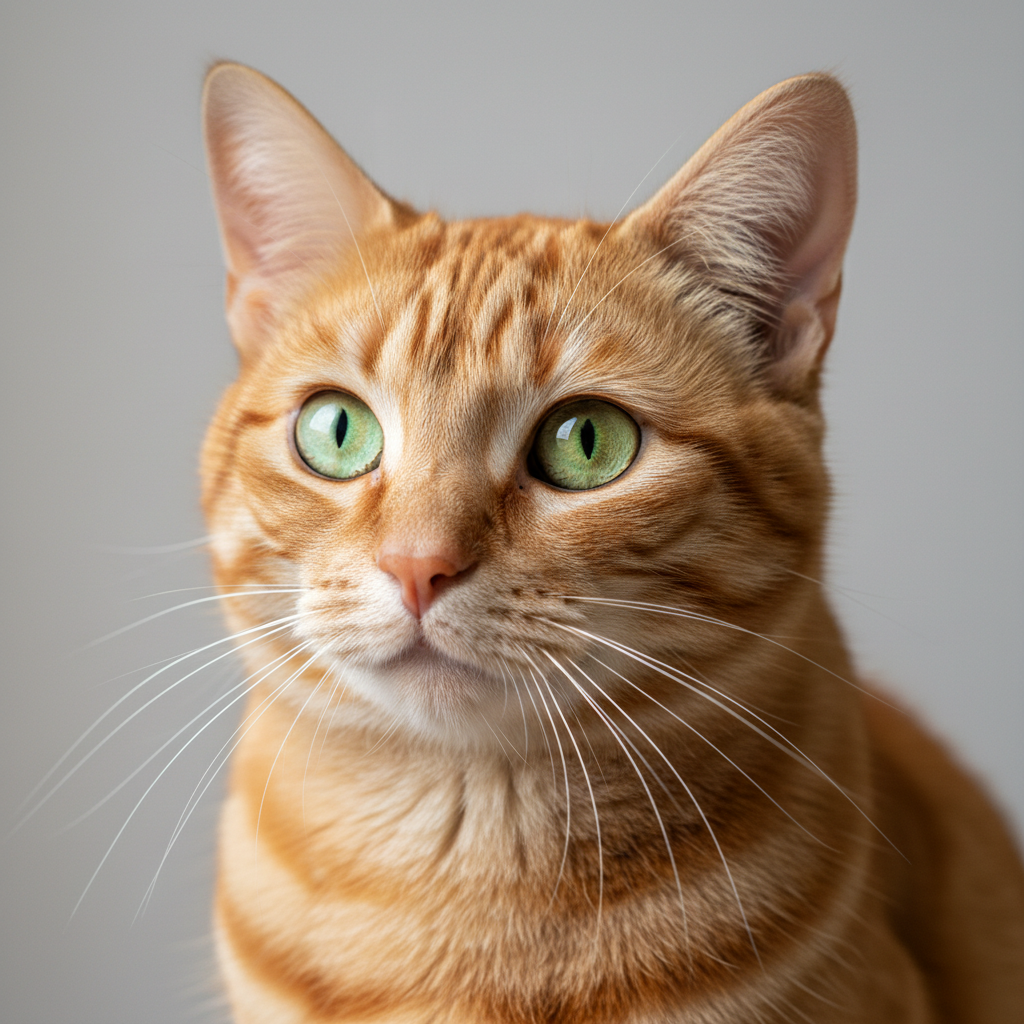
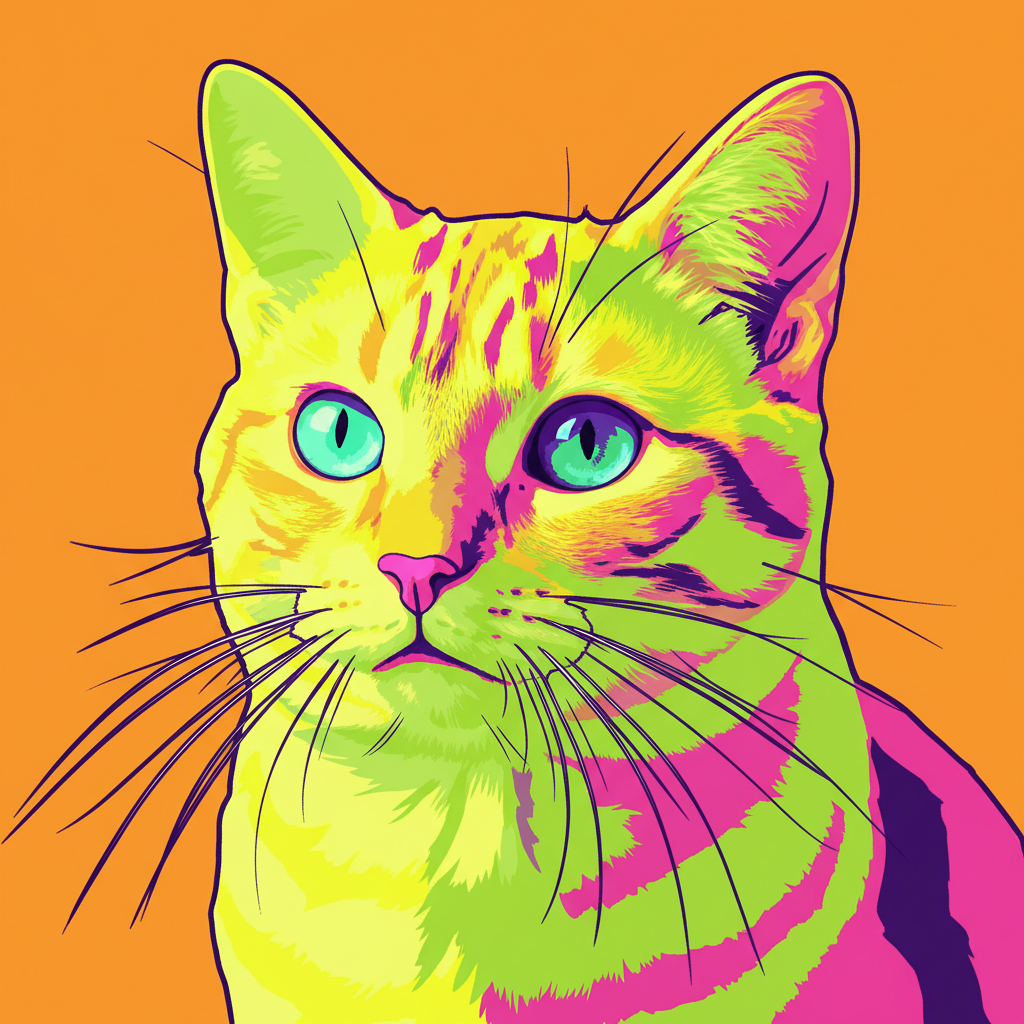
Do I need to select anything before converting to pop art?
No. Just describe the pop art style you want: 'convert this photo to pop art' or 'make this Warhol style.' The AI automatically transforms the entire photo. Markers are only needed if you want specific colors or areas handled differently.
How do I turn my photo into pop art for free?
Upload your photo to EditThisPic and type 'convert this photo to pop art.' The AI transforms your image in 15-30 seconds. No account, no login, no watermarks. You can specify styles like 'Warhol' or 'Lichtenstein' for different looks.
Is there a free pop art filter that doesn't need an account?
Yes. EditThisPic converts photos to pop art without requiring signup or login. Just upload, type what style you want, and download. No watermarks on results. Works directly in your browser.
What's the best free AI tool for creating Warhol-style art?
EditThisPic offers free AI pop art conversion with no signup required. Unlike basic filters, you can describe exactly what you want - specific color palettes, Warhol or Lichtenstein style, or custom effects. Results are ready in seconds.
Is EditThisPic's AI pop art converter really free?
Yes — you get 1 free edit per week, no account needed. For unlimited edits, plans start at $3.99/month.
Can I convert pop art on my phone?
Yes. EditThisPic works in any mobile browser — iPhone, Android, tablet. No app download needed.
What photo formats does the AI pop art converter support?
JPG, PNG, WebP, and HEIC. Upload any common photo format and EditThisPic handles the rest.
How long does it take to convert pop art?
Usually 15-30 seconds. Upload your photo, describe what you want, and the AI delivers the result.