AI Photo Editor for eBay Toy Listings
Professional toy listing photos in seconds. Clean backgrounds for action figures, LEGO, and collectible toys. Document box condition and completeness.
Drop your photo here
or click to browse
Release to upload
Free • No signup
"I sell vintage action figures and LEGO sets. Buyers are extremely picky about box condition and figure completeness. EditThisPic lets me show every detail on clean backgrounds that make my listings look like a specialty toy shop." @ToyVaultCollector
Built for Toy Sellers
Toy collecting is condition-obsessed. A mint-in-box figure versus a loose one can differ by 10x in price. EditThisPic creates the clean backgrounds and clear detail shots that let collectors evaluate every aspect of condition before bidding.
Tools Toy Sellers Use Most
Remove Background
Clean white backgrounds for professional listings
Enhance Photo
Improve clarity and detail visibility
Enhance Lighting
Fix uneven or poor lighting conditions
Enhance Colors
Accurate toy colors for variant identification
Create Professional Toy Photos
-
Upload your photo
Drop your toy photo into EditThisPic. JPG, PNG, and WebP up to 7MB. Shoot overall, all sides, close-ups of joints/paint, box front/back/corners, and accessories.
Background cleanup takes 15-20 seconds. Detail enhancement may need a second pass. -
Describe the edit you want
Type 'replace background with clean white, show figure detail and paint condition clearly' for loose figures. For boxed items, try 'replace background with clean white, show box corners and window condition.'
For MOC (mint on card) items, add 'preserve card condition including bubble clarity and card corners' to show the packaging condition buyers expect. -
Review the result
Check paint detail, joint condition, box corner sharpness, and accessory completeness. For variants, verify color accuracy.
Color accuracy matters for variant identification. Compare photo colors to actual toy under natural light. -
Refine if needed
Apply same background across all photos. For sets, include: full set, individual notable pieces, any missing items documentation, and box condition.
For LEGO sets, photograph built models from multiple angles and include a shot of the instruction manual condition.
Toy Photo Prompts for eBay
replace background with clean white, show figure paint detail and joint condition clearly, professional toy photography
Clean backgrounds make figures look professional and collectable.
replace background with clean white, show box corners and edges clearly, preserve shelf wear and creases as-is, honest condition
Box condition drives price. Show every corner and crease.
replace background with clean white, show all pieces clearly, even lighting across the set, professional product photography
Completeness photos reassure buyers they are getting all pieces.
replace background with clean white, show card condition and bubble clarity, preserve card corners exactly as-is
MOC collectors check card corners and bubble condition obsessively.
Show 4 more prompts
replace background with clean white, preserve vintage paint wear and aging exactly, honest condition documentation
Vintage toy wear tells the story. Preserve it for honest representation.
enhance sharpness on paint application and detail, clean background, show paint quality clearly
Paint quality affects figure grades. Sharp detail photos help buyers assess.
replace background with clean white, show all accessories clearly, arrange neatly for inventory documentation
Accessory completeness is critical. Show everything included.
replace background with clean white, reduce glare on plastic window, show figure through box clearly
Buyers want to see the figure through the box without plastic glare hiding it.
| Edit Type | Prompt | Time | |
|---|---|---|---|
| Action figure (clean white) | clean white background, show paint and joint detail |
15s | Try This → |
| Box condition | show corners clearly, preserve shelf wear as-is |
15s | Try This → |
| LEGO completeness | show all pieces, even lighting |
20s | Try This → |
| MOC window clarity | reduce window glare, show figure inside |
20s | Try This → |
eBay Toy Photo Examples
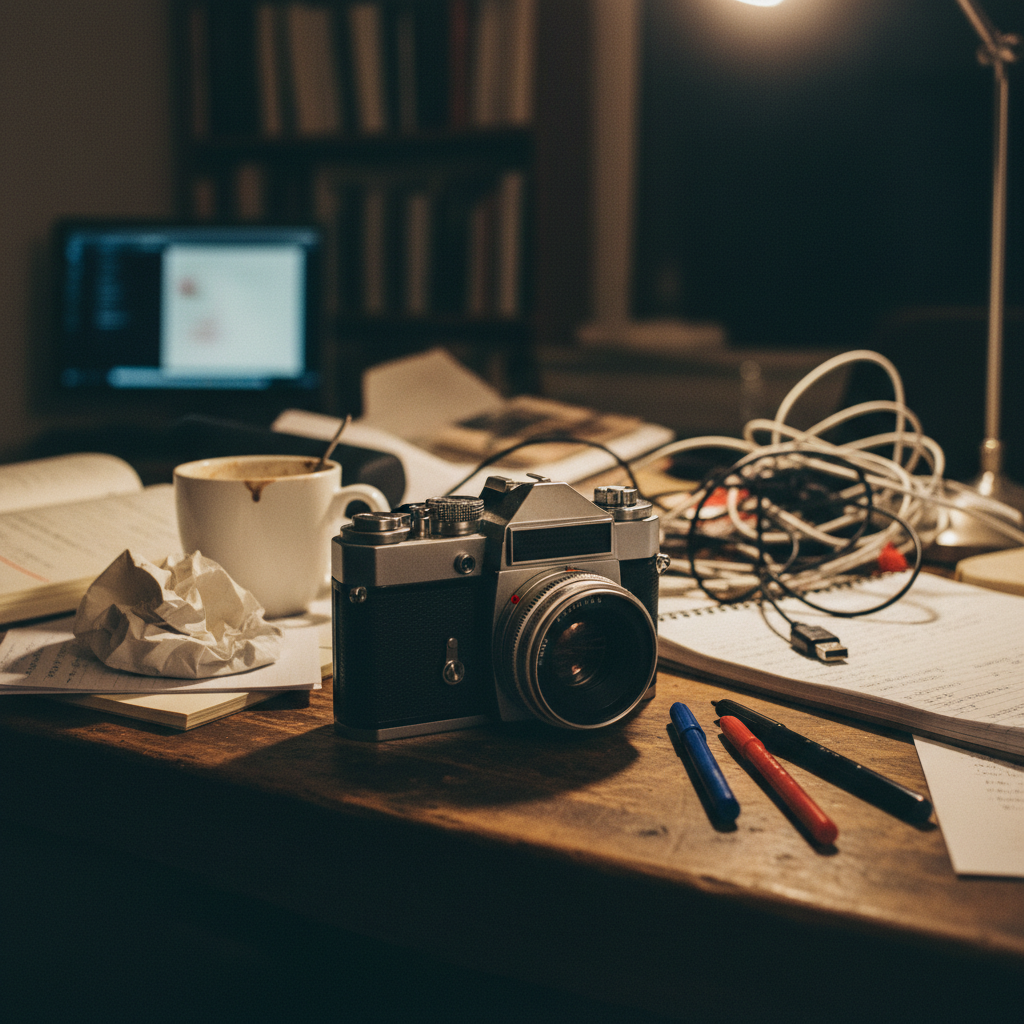
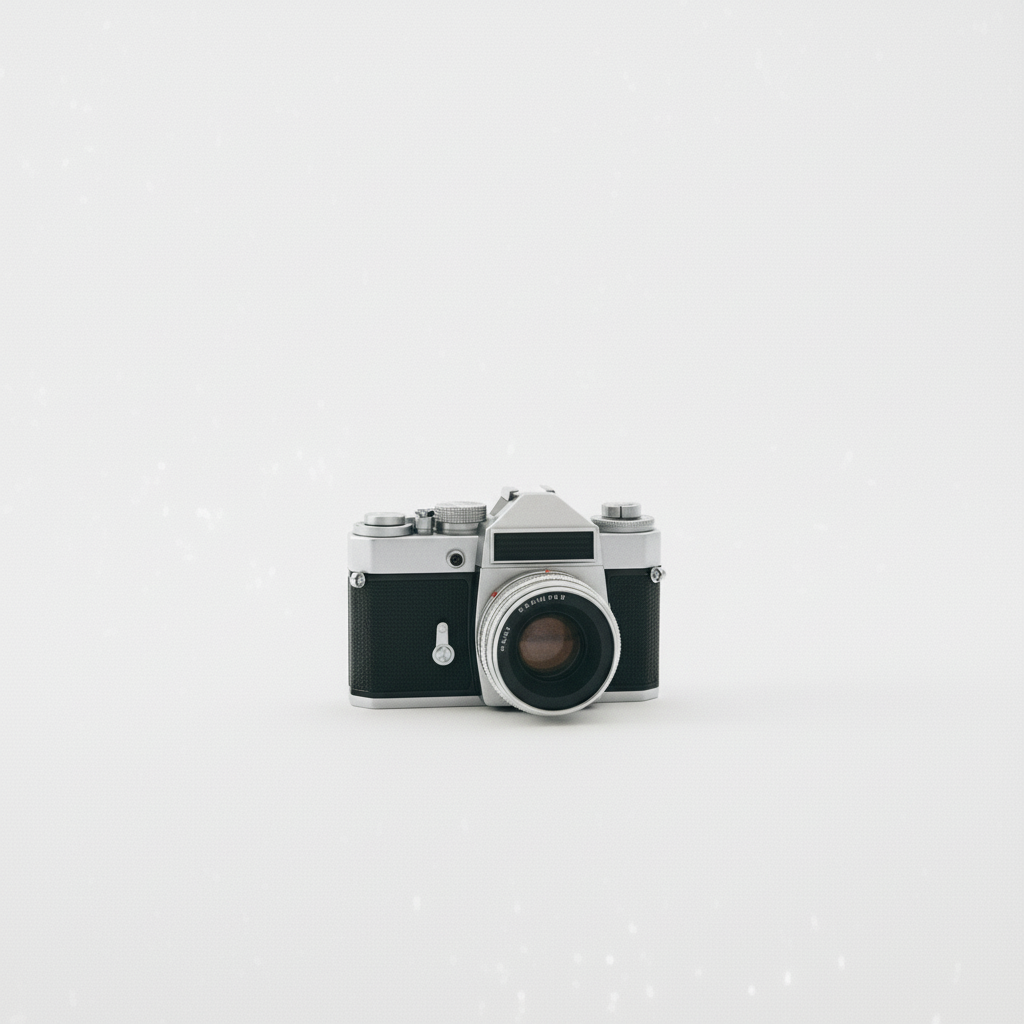
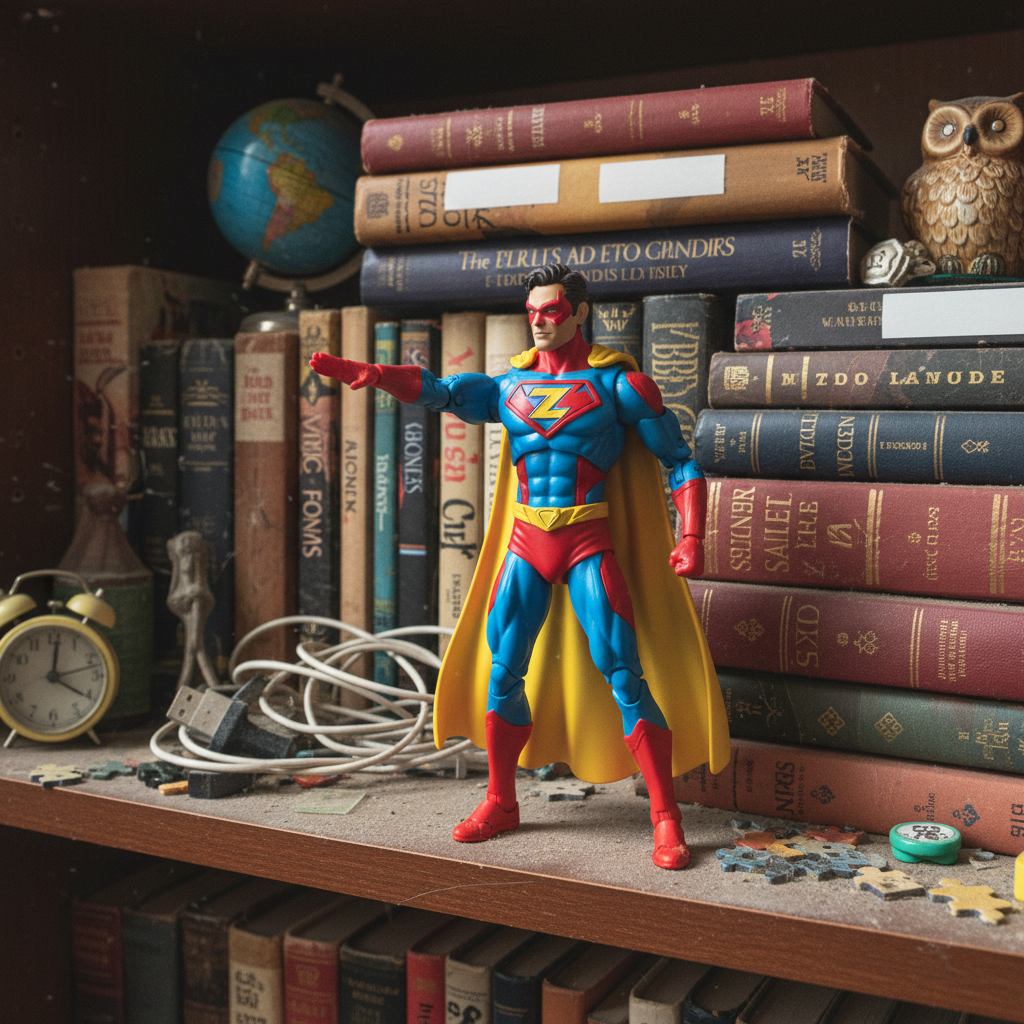
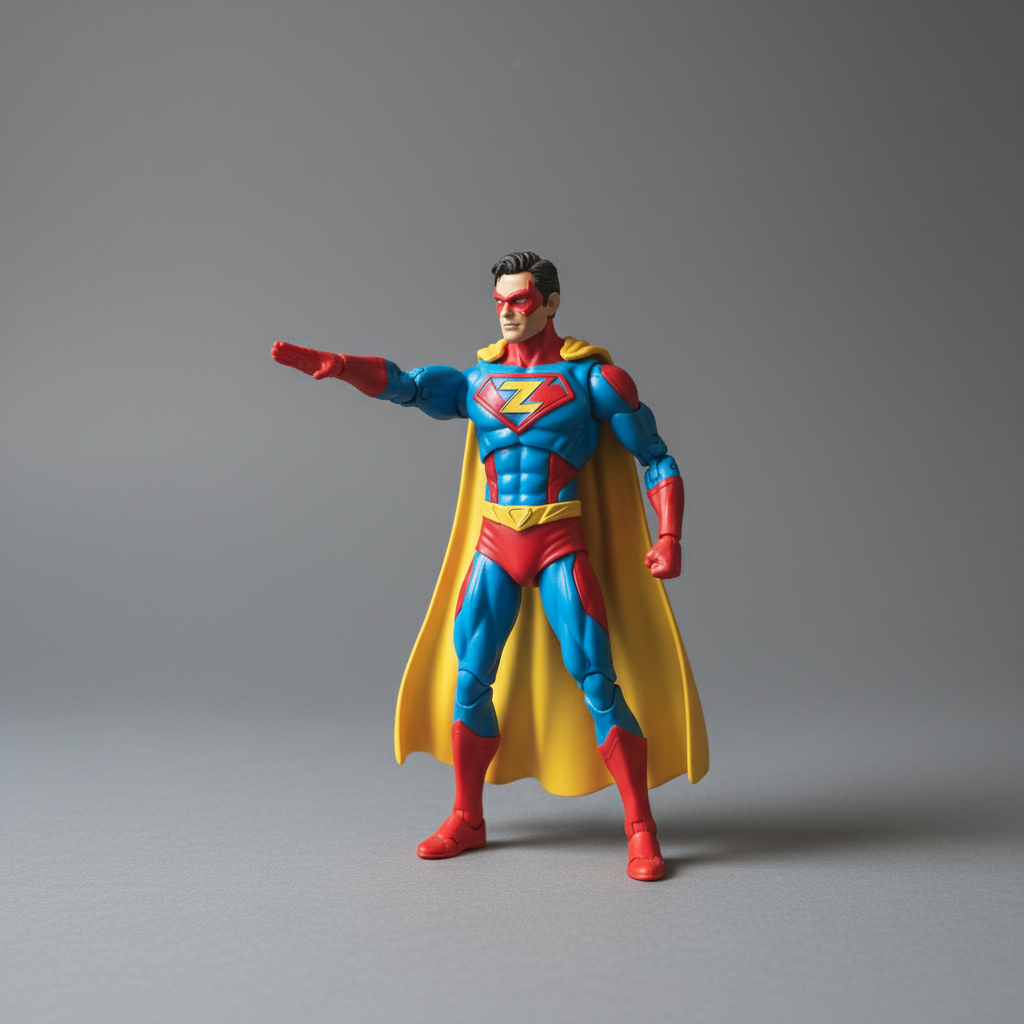
Action figure from shelf to gallery-ready
Collectible figure on messy shelf. Clean professional listing created.
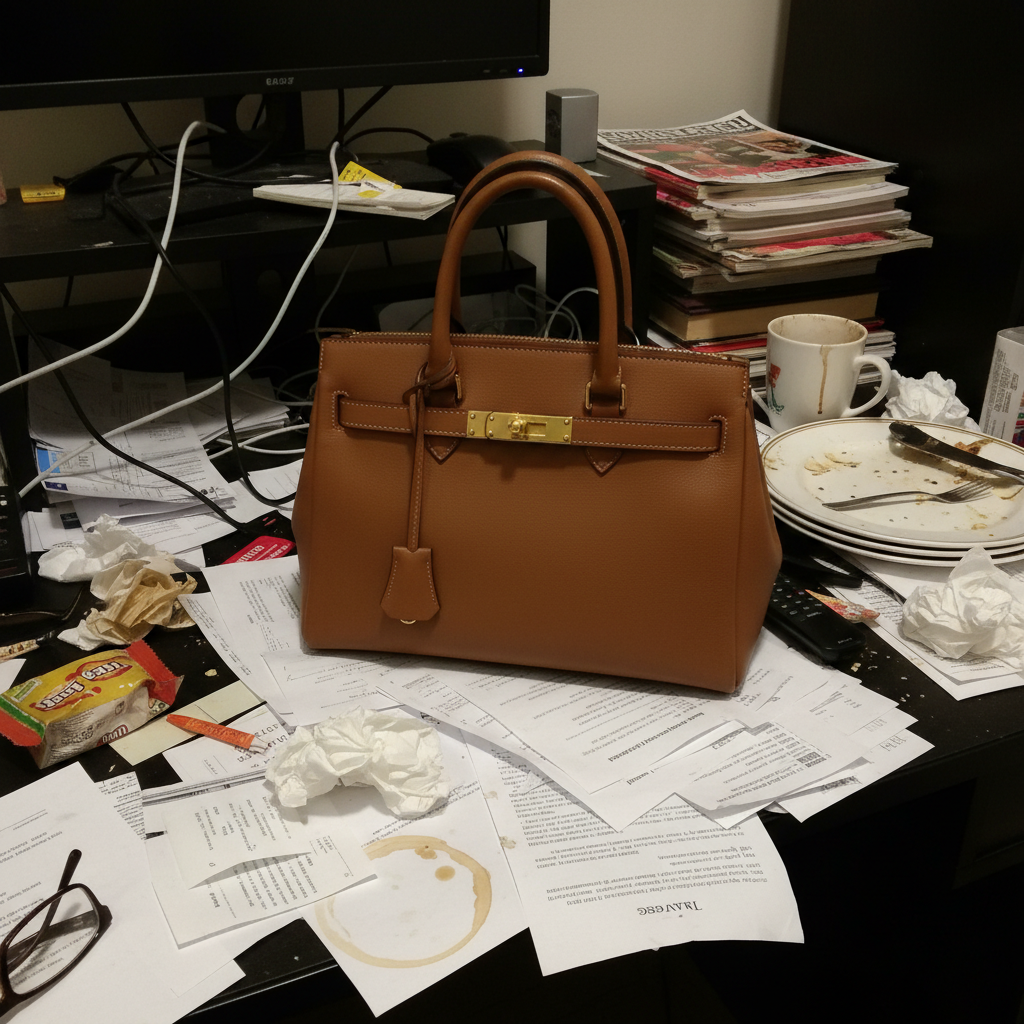
Box corners documented for condition grading
Box corners clearly visible for AFA grading estimation.
LEGO set completeness photo
Full LEGO set with all pieces visible on clean background.
Common Toy Photo Issues
Colorful toy blends into colorful background
Why: Bright toys on busy backgrounds create visual chaos.
White backgrounds work best for colorful toys as they provide maximum contrast.
Box window glare hides figure inside
Why: Plastic windows on toy packaging reflect light like glass.
reduce glare on plastic window, show figure inside the box clearly, clean background
Angle the box away from light sources when shooting to minimize window glare.
AI smoothed out paint detail
Why: Enhancement can smooth painted details that collectors use to assess quality.
replace background with clean white, preserve all paint detail and application quality, no smoothing
Add 'no smoothing' when paint quality is important for figure grading.
Small accessories disappeared during editing
Why: Tiny accessories near the background edge can be mistaken for background noise.
replace background with clean white, preserve all small accessories and parts visible
Photograph small accessories separately for best results.
Box condition looks worse in the photo
Why: Enhanced lighting can emphasize creases and shelf wear that are barely visible in person.
replace background with clean white, preserve box condition as-is, do not enhance surface imperfections
Add 'do not enhance surface imperfections' if the photo makes the box look worse than reality.
Colors look oversaturated or unnatural
Why: Color enhancement can push already-bright toy colors beyond their actual appearance.
replace background with clean white, preserve original toy colors exactly, no saturation increase
Toy variants are identified by subtle color differences. Keep colors accurate.
Toy Seller Questions
How do I photograph MOC (mint on card) items without window glare?
Angle the card away from direct light when shooting. Then use 'reduce glare on plastic window, show figure inside clearly' in EditThisPic. The AI reduces the reflection while keeping the figure visible through the packaging.
Will the AI preserve box condition details I need to document?
Yes. Use 'preserve box corners and shelf wear exactly as-is' in your prompt. The AI cleans the background while keeping every crease, corner ding, and shelf wear mark visible for honest condition grading.
How do I show LEGO set completeness?
Arrange all pieces neatly and photograph from above. Use 'show all pieces clearly, even lighting across the set' for a completeness documentation shot.
Can I photograph action figure joints and articulation?
Yes. Pose the figure to show joint range and use 'show joint condition and articulation clearly, clean background.' Document any loose or stuck joints.
What about vintage toys with paint wear?
Use 'preserve vintage paint wear and aging exactly as-is.' Vintage toy condition is expected to show age. Honest representation prevents returns.
How many photos do toy listings need?
Use all 12 eBay slots: front, back, both sides, box front, box back, all box corners, any damage, and accessory inventory shot.
Ready to create professional toy listing photos?
Free to try. No signup required. Show every detail collectors need.
Start Editing