Free • No signup Remove Glare · Free

AI Glare Remover

Remove light glare and reflections to reveal clear details underneath.

Headshot with bright glare on glasses
Before
Clear headshot with eyes visible
After

Remove Glare from Photo Free

Upload photo to remove glare

Perfect lighting • Automatic detection

Release to upload

FreeNo signupNo watermark
Popular use cases:
  • ID photos
  • professional headshots
  • passport photos
  • glasses portraits
  • selfies with flash
  • real estate photography
  • product photos on glass
  • video call screenshots

Cost
Free No signup required
Time
Instant results in 15-30 seconds
Works on
Any device - browser, phone, tablet, desktop
Powered by
AI-powered photo editing
Scenario Prompt Time
Glasses glare remove the glare from the glasses and show clear eyes underneath 20s
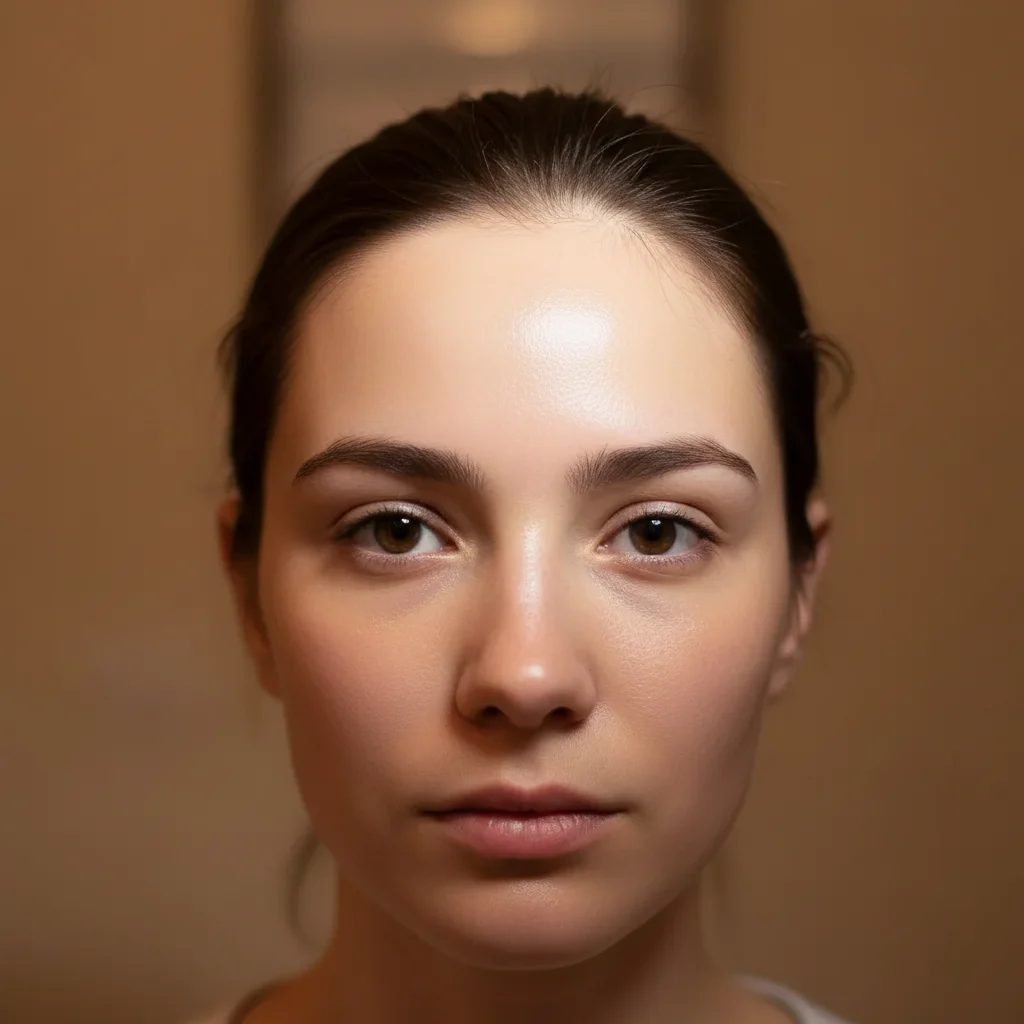
Flash glare remove the flash glare from the forehead and restore natural skin tone 20s
Screen reflection remove the screen glow and reflection from the face and show natural lighting 25s
Window glare remove the window reflection and show the clear view without bright spots 25s

How it works

  1. Upload Your Photo

    Drop your image with glare problems into EditThisPic. Works on glasses glare, screen reflections, flash spots, and shiny surface reflections. Supports JPG, PNG, WebP up to 7MB.

    Expect: Simple glare spots: 20-25 seconds. Multiple reflections or complex lighting: may need 2-3 refinements.
  2. Describe What You Want

    Type your instruction: 'remove the glare from the glasses and show clear eyes' or 'remove the flash reflection and reveal the skin texture.' Be specific about what's causing the glare. No marking needed—the AI understands glare as bright spots that obscure details.

    Tip: Mention what should be visible: 'show clear eyes' or 'reveal natural skin tone' for better reconstruction

    Copy one of these to get started:

    Glasses glare covering eyes remove the glare from the glasses and show clear eyes underneath
    Flash glare on forehead remove the flash glare from the forehead and restore natural skin tone
    Screen reflection on face remove the screen glow and reflection from the face and show natural lighting
    Window glare on photo remove the window reflection and show the clear view without bright spots
    6 more prompts
    Multiple glare spots remove all glare and bright reflections from the entire photo and restore natural appearance
    Shiny surface glare remove the glare from the shiny surface and show the matte texture underneath
    ID or passport photo flash fix remove the flash glare from this ID photo and restore natural even lighting across the face
    One-sided glare on glasses remove the glare from the left lens of the glasses, keep the right lens clear as it is
    Forehead shine and oily skin glare remove the oily shine and glare from the forehead and nose, show natural matte skin
    Car windshield glare in photo remove the glare and reflection from the car windshield to show clear view through the glass
  3. Review and Download

    Check the result at full zoom to ensure glare is completely removed and the revealed area looks natural. Eye color and skin texture should match the rest of the photo. Download in full resolution.

  4. Refine with Markers if Needed

    If glare edges remain or the AI missed smaller reflections, tap markers on those spots and regenerate. This is optional—most glare removals work without markers.

    Tip: Markers are for precision refinement, not a required step. Try without them first.
Try it free

Remove Glare from Photo Free

Upload photo to remove glare

Perfect lighting • Automatic detection

Release to upload

Free • No signup

See it in action

Headshot with bright glare on glasses
Before
->
Clear headshot with eyes visible
After

Glasses Glare Removed from Portrait

Professional headshot with flash glare on glasses hiding eyes. Glare removed to show clear eyes.

Prompt: remove the glare from the glasses and show clear eyes underneath
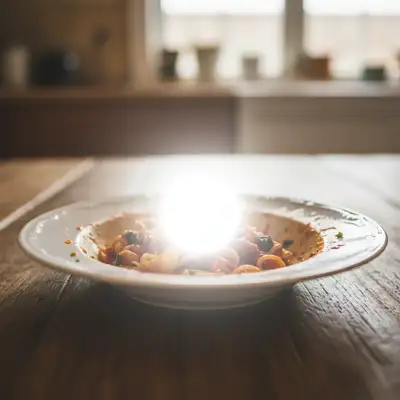
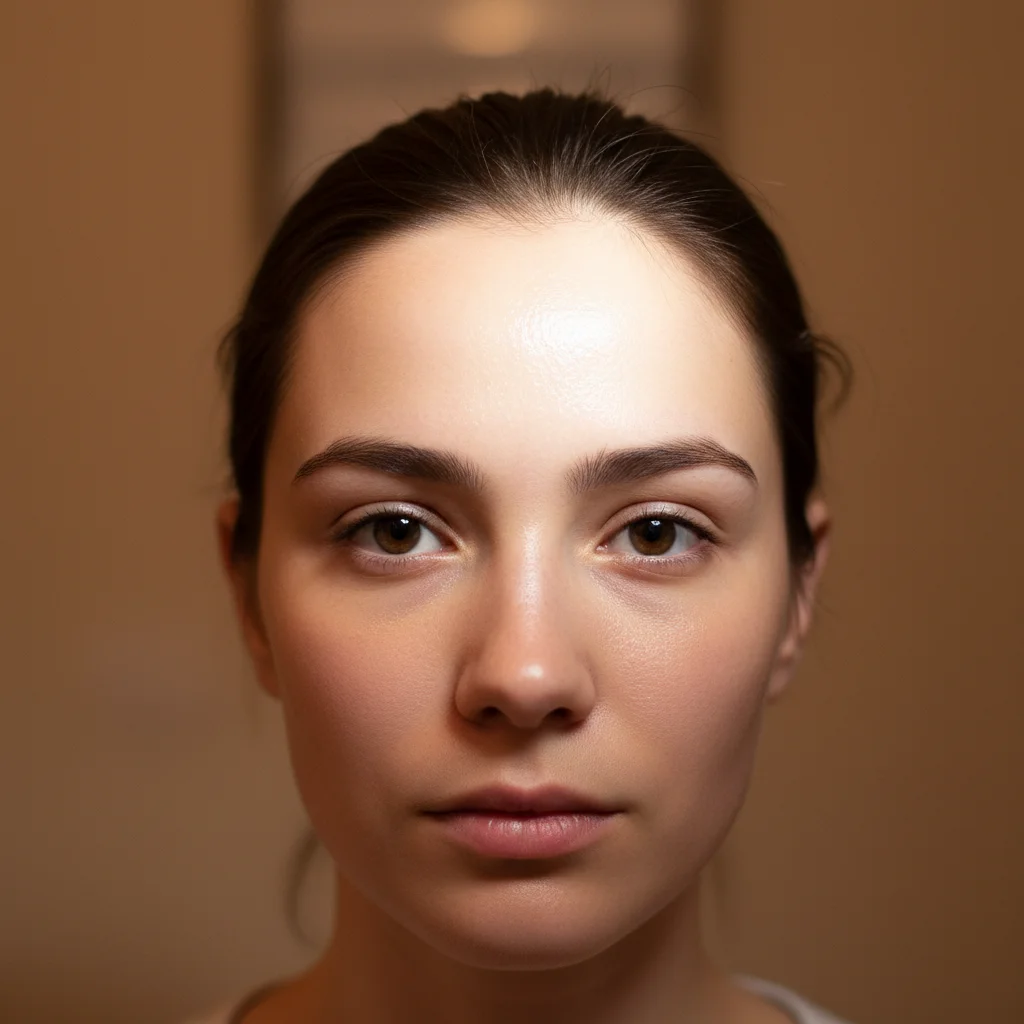
Selfie with flash glare on forehead
Before
->
Natural selfie with even skin tone
After

Flash Glare Removed from Forehead

Selfie with bright flash spot on forehead. Glare removed and natural skin tone restored.

Prompt: remove the flash glare from the forehead and restore natural skin tone
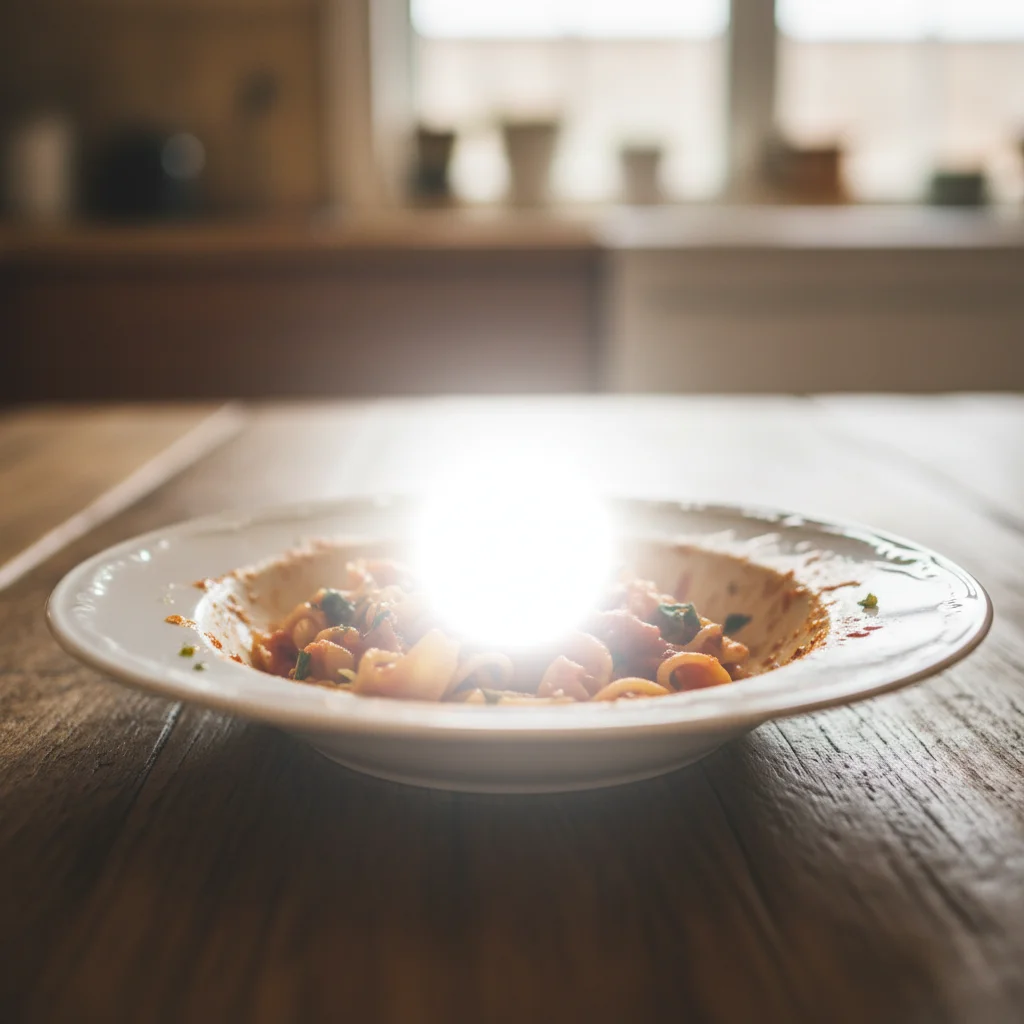
Office photo with bright window glare
Before
->
Balanced office photo without glare
After

Window Glare Removed from Office Photo

Office photo with bright window reflection creating glare. Reflection removed for even lighting.

Prompt: remove the window reflection and show the clear view without bright spots

Detailed Guides by Scenario

📷

Professional Photography

Remove unwanted glare from professional photo shoots, client deliverables, and stock photography to achieve clean, polished results.

Common Scenarios

  • Client portrait sessions where the glare appeared unexpectedly in frame
  • Stock photography that needs the glare removed for broader commercial appeal
  • Product photography with distracting glare in the background

Best Practices

  • Zoom in and place a marker directly on the glare for the most accurate removal
  • Run a second pass if any faint outlines or shadows remain after the first edit
  • Describe the desired background fill — e.g., 'replace the glare with clean wall' for predictable results
📷

Real Estate & Property Listings

Clean up property photos by removing glare that distract buyers and lower perceived home value.

Common Scenarios

  • Listing photos where the glare clutters the frame and makes rooms look smaller
  • Exterior shots with glare that hurt curb appeal
  • Open house photos that need the glare removed before uploading to MLS

Best Practices

  • Shoot the space first, then edit — AI removal works better than awkward staging workarounds
  • After removing the glare, check that floor lines and wall edges still look straight
  • Process all listing photos in one session so lighting and style stay consistent
📷

Personal & Social Media

Fix personal photos by removing glare before sharing on social media, printing, or gifting.

Common Scenarios

  • Vacation photos where the glare appeared in an otherwise perfect shot
  • Family photos with glare that distract from the people in the frame
  • Profile pictures and dating app photos that need the glare cleaned out

Best Practices

  • Save the original photo first — edit a copy so you can always go back
  • For group photos, mark the glare carefully to avoid affecting nearby people
  • If the first result isn't perfect, try rewording your prompt with more detail about the background

If something looks off

AI changed the wrong area or removed something I didn't want changed

Why: The AI couldn't determine exactly which bright spots you meant from description alone. This happens in photos with multiple light sources or reflections.

Try: Tap a marker on the specific glare spot you want to remove, then regenerate with the same prompt

Tip: Markers tell the AI 'I mean THIS reflection specifically.' Use them when description alone is ambiguous.

Eyes look unnatural or wrong color after glare removal

Why: The AI had to infer eye color and details when glare completely obscured them. It guessed based on surrounding context.

Try: Try 'remove glare and show brown eyes' (or blue, green, etc.) to specify eye color

Tip: If one eye is visible without glare, the AI can match it to the other eye

Skin texture looks blurry where glare was removed

Why: The glare completely washed out texture information, making reconstruction difficult.

Try: Add 'matching the surrounding skin texture' to your prompt for better blending

Tip: Start with a higher-resolution upload for sharper AI-generated results.

Glare edges still faintly visible

Why: Soft-edged glare or gradient reflections can leave subtle halos that need refinement.

Try: Use 'remove all glare including soft edges and halos' for complete elimination

Tip: Zoom in and mark just the edges that need fixing for a seamless blend.

Glasses lenses look too dark or opaque

Why: The AI overcompensated when removing glare, making lenses less transparent.

Try: Try 'remove glare while keeping glasses transparent' for more natural results

Tip: Describe the lighting direction in your prompt, like 'soft light from the left side.'

Quick answers

Do I need to mark the glare before describing?

No! Just describe what you want: 'remove the glare from the glasses' or 'remove the flash glare.' The AI understands glare as bright spots and reflections that obscure details. Only use markers when you have multiple bright areas and need to specify which one, or when refining edges after your first attempt.

How do I remove glare from glasses in a photo for free?

Upload your photo to EditThisPic, type 'remove the glare from the glasses and show clear eyes underneath,' and the AI reconstructs the hidden eyes in 20-30 seconds. Free to use, no account or login required, no watermark on your download. Works on flash glare, bright lighting reflections, and screen glow on lenses.

Can AI reconstruct eyes hidden behind glasses glare?

Yes. If one eye is visible without glare, the AI matches it to reconstruct the other. If both eyes are fully obscured, it infers eye color and details from surrounding context. For best results, specify eye color in your prompt: 'remove glare and show brown eyes.' The reconstruction is often photorealistic.

Will it work on all types of glare?

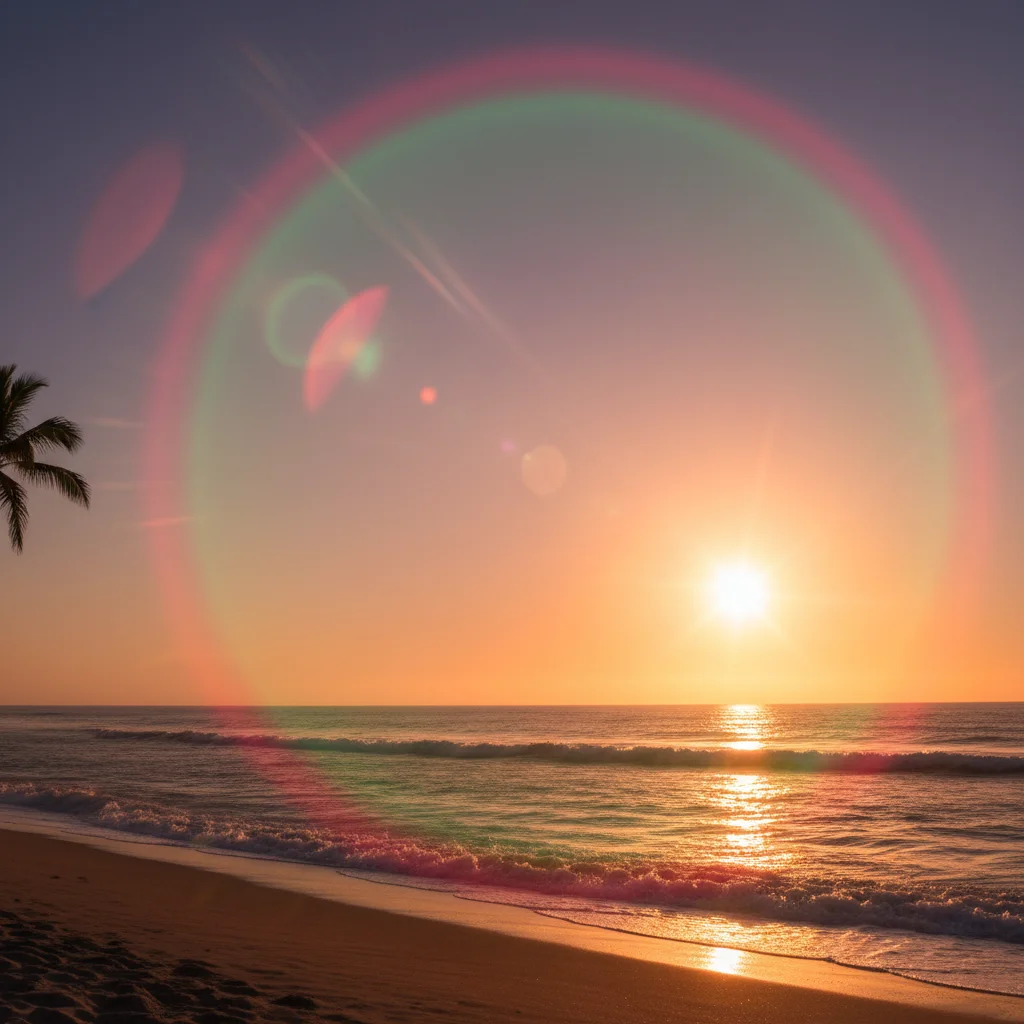
Works best on camera flash glare, glasses reflections, screen glow, and bright window reflections. Natural lens flare or artistic light effects may be harder to distinguish from intentional lighting. The AI needs context to determine what's unwanted glare versus desired lighting.

What is the best free AI tool to remove glare from photos?

EditThisPic's AI Glare Remover is one of the best free options. It intelligently identifies glare patterns and reconstructs hidden details underneath, unlike basic brightness adjustments that affect the entire image. Free, no signup required, works in any browser on phone or desktop. Handles glasses glare, flash spots, screen reflections, and window glare.

Can I remove glare from just one lens of my glasses?

Yes. Specify which side in your prompt: 'remove the glare from the left lens only.' The AI targets exactly where you indicate. If both lenses have glare, just say 'remove glare from both lenses' and the AI handles it in one pass.

Does it work on oily skin shine and forehead glare?

Yes. Type 'remove the oily shine from the forehead and nose and show natural matte skin.' The AI distinguishes between skin shine and actual facial features, removing only the unwanted bright spots while preserving natural skin texture.

Can AI remove glare from a photo taken through glass?

Yes. EditThisPic can remove window reflections, glass display glare, and screen reflections. Type 'remove the reflection from the glass and show the clear view behind it.' Works best when the underlying scene has enough visible detail for the AI to reconstruct.

What is the best free AI tool to remove glare from photos?

EditThisPic's AI Glare Remover is one of the best free options. It intelligently identifies glare patterns and reconstructs what is hidden underneath, unlike basic brightness adjustments. Free to try with no signup, works on glasses glare, flash spots, screen reflections, and more.

How do I remove glare from glasses in a photo without Photoshop?

Upload your photo to EditThisPic and type 'remove the glare from the glasses and show clear eyes underneath.' The AI identifies the glare on the lenses and reconstructs the eyes behind them in about 20 seconds. No selection tools, no clone stamping, and no Photoshop skills needed.

Can I fix glare on a passport or ID photo?

Yes. Passport and ID photos often have flash glare on glasses or foreheads. Type 'remove the flash glare from this ID photo and restore natural even lighting across the face.' The AI smooths out the harsh flash exposure while keeping the photo looking official and properly lit.

Does removing glare work on photos taken through car windshields?

Yes. EditThisPic can reduce or remove windshield reflections and dashboard glare. Type 'remove the glare and reflection from the car windshield to show the clear view through the glass.' Results depend on how much of the scene is visible behind the glare. Heavy reflections covering most of the glass may need 2-3 refinements.

Ready to remove glare from your photos?

Free to try. No signup required.