AI Etsy Knit & Crochet Photo Editor
Show buyers the softness and texture they can't touch through a screen.
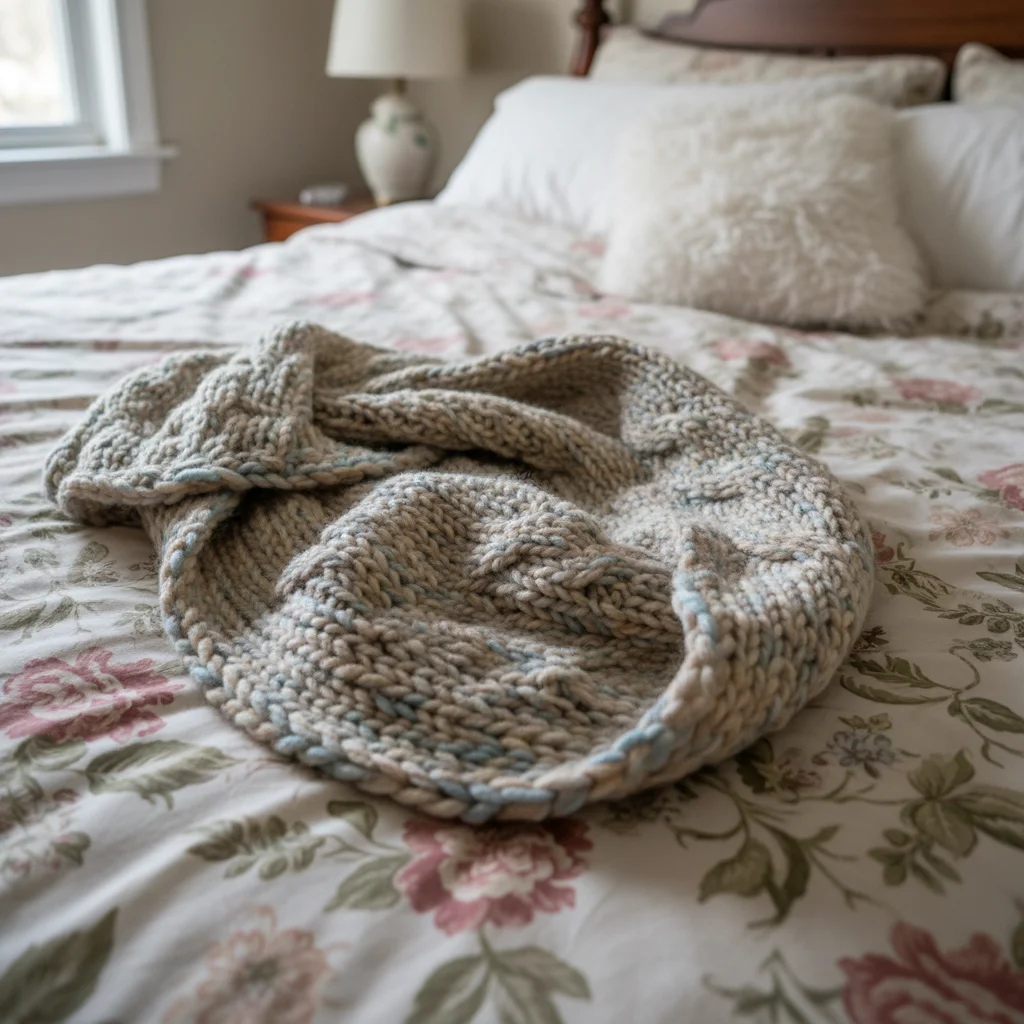
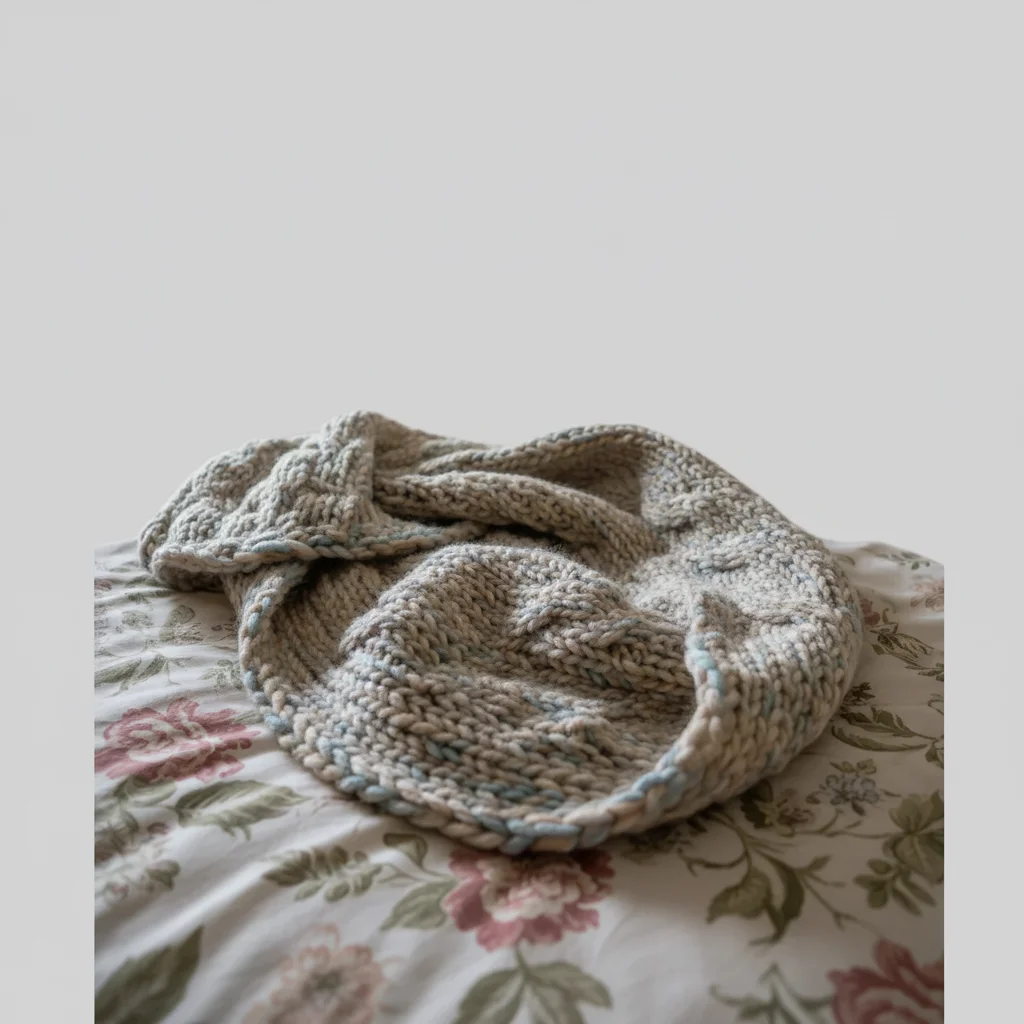
Drop your photo here
or click to browse
Release to upload
Free • No signup
"I was spending an hour styling each knit item for photos. Now I snap a quick photo and the AI creates the cozy lifestyle shot I could never get on my own." @YarnAndHeart
Built for Etsy Knitters & Crocheters
Knit and crochet items sell on texture, color, and the promise of coziness. But phone cameras flatten everything. EditThisPic enhances stitch detail, corrects yarn colors to match reality, and creates the cozy lifestyle aesthetic that makes buyers click 'Add to Cart.'
Tools Knit & Crochet Sellers Use Most
Enhance Colors
Make yarn colors pop true to life instead of looking washed out
Change Background
Create cozy lifestyle backdrops without hours of prop styling
Enhance Lighting
Fix flat lighting that hides stitch detail and yarn texture
Remove Background
Clean white background for consistent brand look across all listings
How to Edit Your Knit & Crochet Photos
-
Upload your knit or crochet photo
Drop your item photo into EditThisPic. JPG, PNG, and WebP up to 7MB. Phone photos are perfect - flat-lays, hangers, or worn shots all work. The AI handles any starting point.
Color enhancement: 15 seconds. Full lifestyle background swap: may need 2-3 refinements for perfect cozy feel. -
Describe the look you want
Type exactly what you need: 'enhance the yarn texture and make colors vibrant' or 'replace background with cozy wooden surface, warm blanket in corner, soft window light.' Mention your yarn type and style - the AI understands fiber craft aesthetics.
Words like 'cozy,' 'hygge,' 'warm,' and 'soft' help the AI create the right mood for knit and crochet listings. -
Check texture and color accuracy
Zoom in to verify stitch detail is preserved and colors match your real yarn. The cable patterns, bobbles, and stitch definition should be sharp. Compare yarn color to your actual item if possible.
Etsy buyers zoom in on stitch work - make sure your stitches are crisp at full zoom, not smoothed over. -
Refine fuzzy edges if needed
Knit items have fuzzy, irregular edges that can confuse the AI. If your item's edge got trimmed or smoothed, tap markers along the fuzzy border and regenerate to preserve those natural fibers.
Mohair, angora, and brushed yarn have especially soft edges - markers help preserve that signature halo effect.
Copy-Paste Prompts for Knit & Crochet Sellers
enhance the yarn texture so every stitch is visible, bring out the cable pattern detail, make colors vibrant and true to life
Mentioning specific stitch patterns (cable, seed, ribbing) helps the AI know what details to preserve
replace background with warm wooden surface, add a ceramic mug and dried eucalyptus sprig nearby, soft natural window light, cozy hygge aesthetic
A few lifestyle props (mug, candle, plant) make buyers imagine your item in their life
replace background with pure white, soft natural shadow beneath, keep all crochet stitch detail sharp and eyes vibrant
Amigurumi safety eyes should look bright and lively - mention them specifically in your prompt
enhance the pastel yarn colors to be soft but visible, the blush pink should be warm and the sage green should be distinct, not washed out
Pastel yarns are notorious for photographing as white - name each specific color in your prompt
Show 4 more prompts
replace background with soft nursery setting, light wooden shelf with small plant, pastel color palette, gentle warm light, safe and cozy feeling
Parents buying baby knitwear want to see items in a nursery context - it builds trust and emotional connection
enhance the fabric drape and flow of this shawl, show how it falls naturally, soft directional light highlighting the yarn texture
Drape is a major selling point for shawls and wraps - flat-lays hide it, but AI can enhance the dimension
replace background with light sage green backdrop, soft diffused light, minimalist clean aesthetic matching my brand style
Pick one background color and use it for every listing to create instant brand recognition in search results
replace background with cozy living room couch setting, blanket draped naturally showing full size, warm ambient lighting
Size perception is a top reason for returns - showing your item in context helps buyers understand dimensions
| Edit Type | Prompt | Time | |
|---|---|---|---|
| Enhance texture | enhance yarn texture, make every stitch visible, vibrant colors |
15s | Try This → |
| Cozy lifestyle | replace background with cozy wooden surface, warm light, hygge feel |
20s | Try This → |
| Clean white | replace background with pure white, soft shadow, preserve fuzzy edges |
20s | Try This → |
| Fix colors | enhance yarn colors to be vibrant and true to life, natural wool tones |
15s | Try This → |
Real Knit & Crochet Seller Transformations
Hand-knitted scarf with vibrant colors
Chunky knit scarf photographed on craft table with muted, lifeless colors. One prompt brought the yarn back to life.
enhance the yarn colors to be vibrant and true to life, bring out the stitch texture, replace background with smooth light gray backdrop
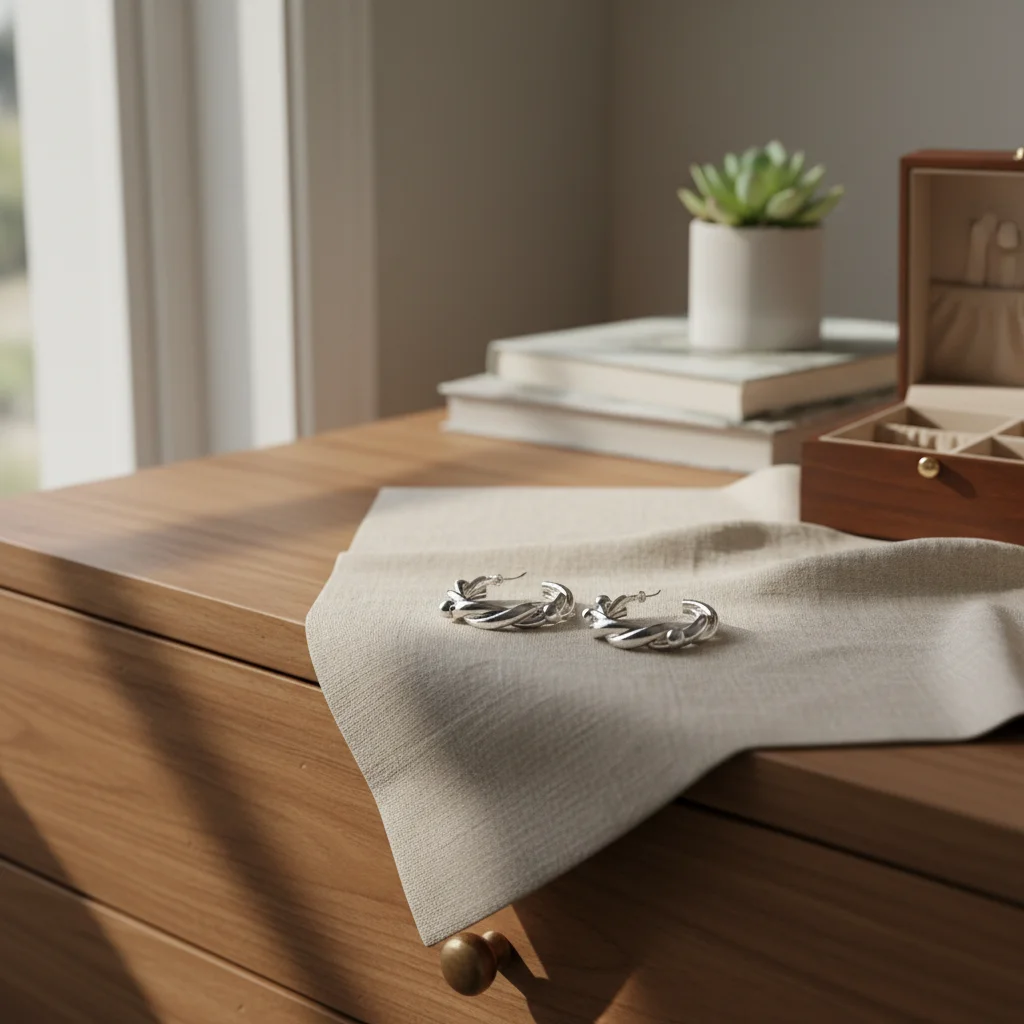
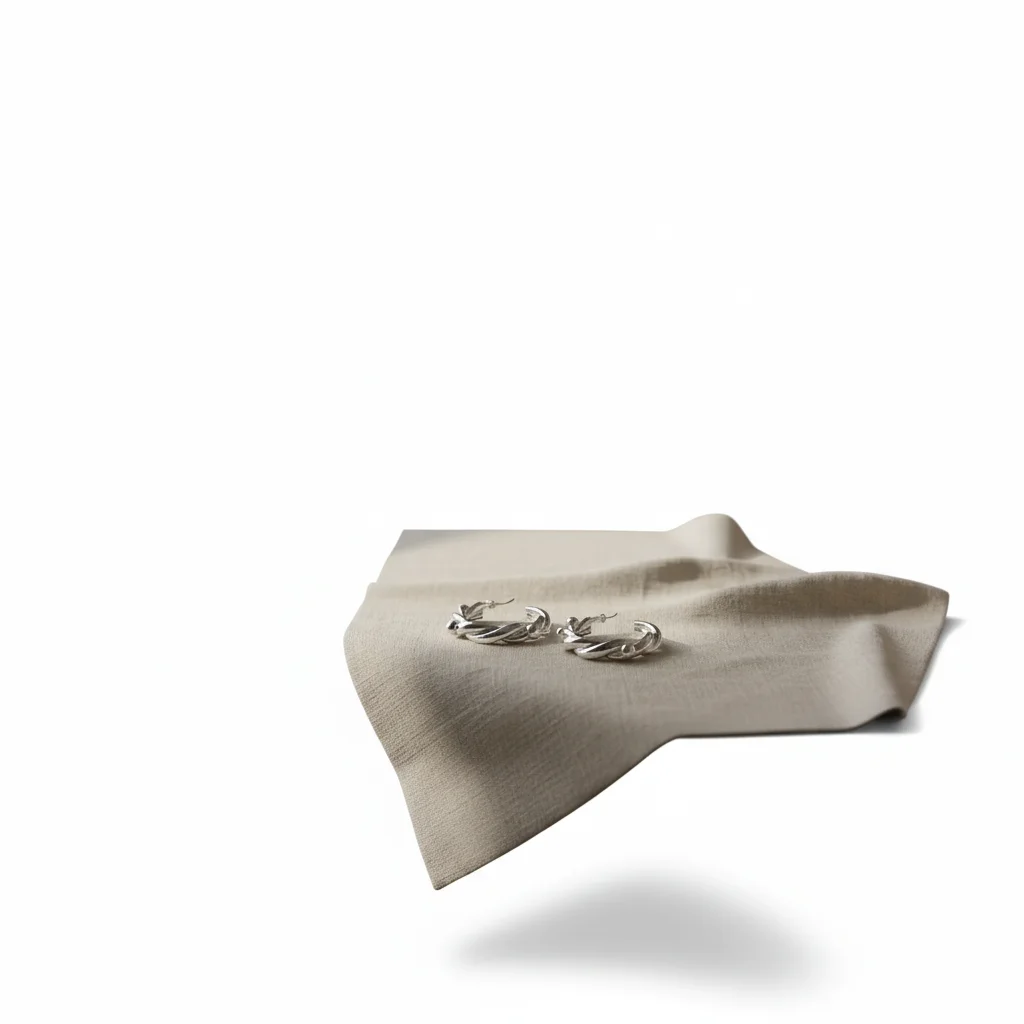
Crochet amigurumi on white background
Cute crochet animal on bedroom floor. Transformed into a clean, professional listing photo.
replace background with pure white studio backdrop, soft shadow beneath, keep all crochet stitch detail and safety eye shine
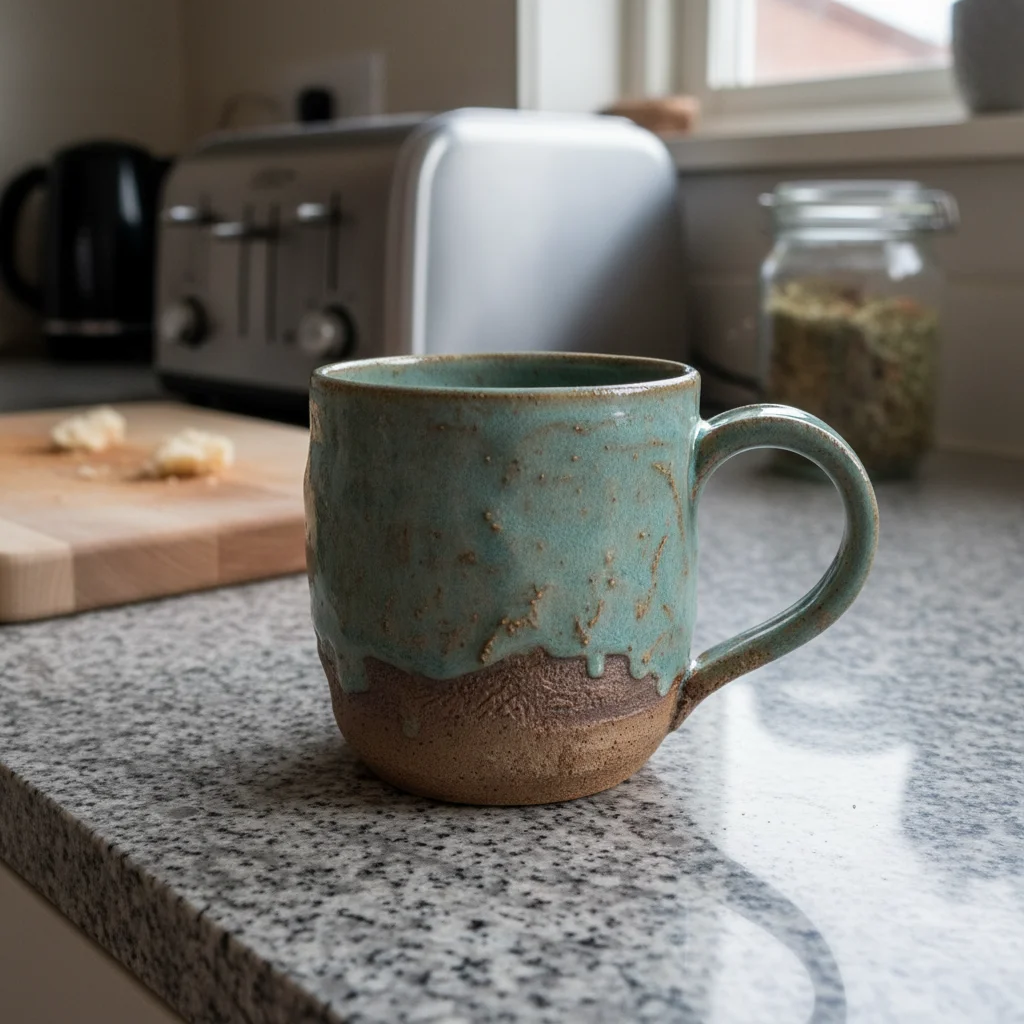
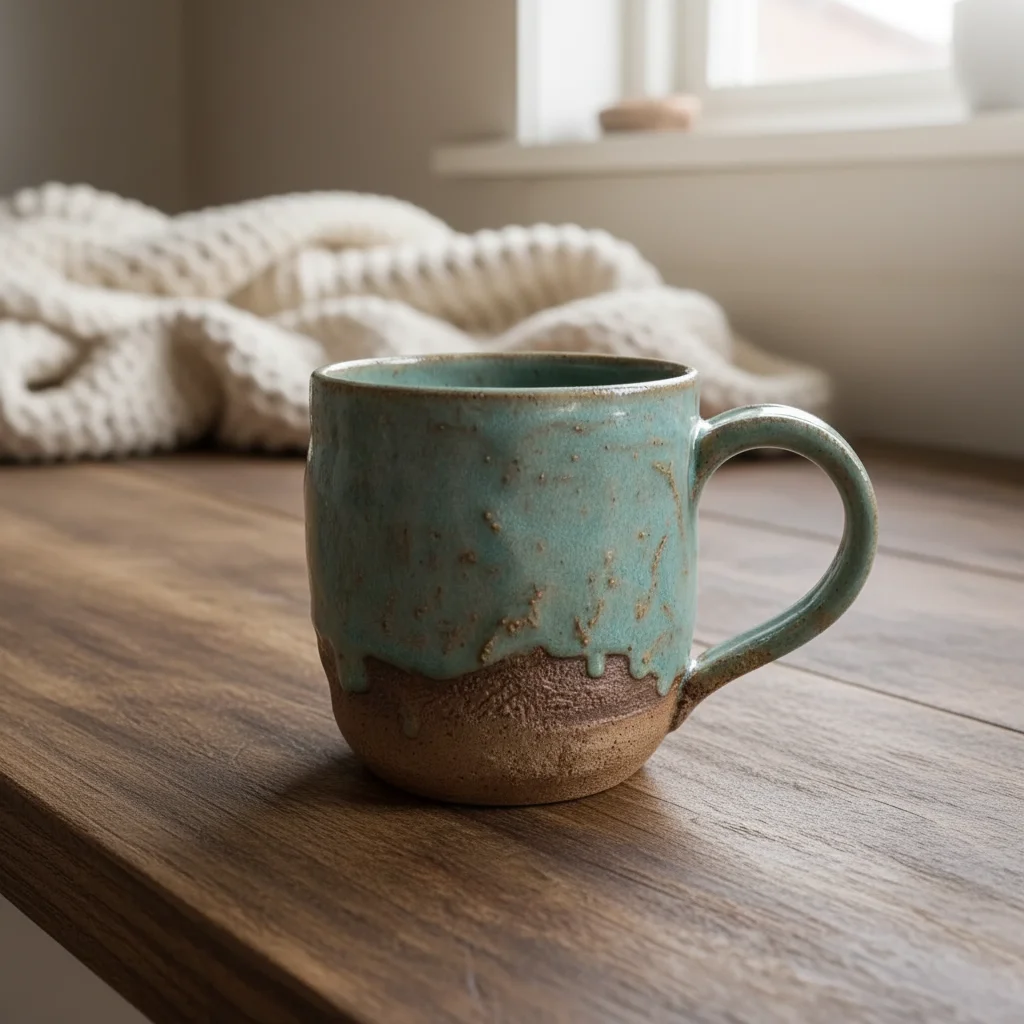
Knit blanket lifestyle shot
Chunky knit blanket folded on messy couch. Created a cozy, aspirational lifestyle photo.
replace background with cozy living room setting, blanket draped on modern sofa arm, warm window light, hygge aesthetic with candle nearby
Common Knit & Crochet Photo Issues
Stitch detail got smoothed over after editing
Why: The AI may interpret fine yarn texture as noise and smooth it, especially with highly textured stitches.
enhance stitch definition and yarn texture, every individual stitch should be visible and sharp, do not smooth the texture
Mention your specific stitch pattern: 'preserve the cable knit pattern' or 'keep the seed stitch texture sharp' guides the AI.
Fuzzy yarn edges got trimmed or hard-edged
Why: Mohair, angora, and brushed yarns have soft, airy halos that the AI may clip during background removal.
replace background with [your choice], preserve the soft fuzzy halo around the yarn edges, natural fiber look
Tap markers along the fuzzy outer edge so the AI knows those fibers are part of the product, not background noise.
Yarn colors look oversaturated after enhancement
Why: Color boosting can push yarn tones past natural-looking into electric territory, especially with variegated yarn.
enhance colors to be vibrant but natural-looking, keep the yarn looking like real wool not synthetic, warm natural tones
Add 'natural wool tones' or 'hand-dyed aesthetic' to keep colors realistic rather than neon.
Background change made the item look like it's floating
Why: Soft, flexible items like scarves and blankets need grounding context to look natural on a new surface.
replace background with [surface], item should look like it's naturally resting on the surface with gentle folds, not floating
Include 'resting naturally on the surface' in your prompt for soft items that need to look draped or folded.
White or cream yarn blends into white background
Why: Light-colored yarn on white backgrounds loses definition at the edges. The AI can't always distinguish product from background.
replace background with light gray backdrop to separate from the cream/white yarn, subtle contrast, soft shadow for depth
Light gray or soft pastel backgrounds work better than white for light-colored yarn items.
Frequently Asked Questions
Will the AI preserve my stitch detail and yarn texture?
Yes, especially when you mention it in your prompt. Say 'enhance the yarn texture and keep every stitch visible.' The AI understands that texture IS the product for knit and crochet items. For complex stitch patterns like cables, lace, or colorwork, mention the specific pattern name for best preservation.
How do I make my yarn colors look accurate in photos?
Start with the best natural-light photo you can get, then use a prompt like 'enhance colors to be vibrant and true to life, the burgundy should be deep and rich.' Naming specific colors prevents the AI from guessing. For variegated or hand-dyed yarn, mention 'preserve the color transitions naturally' to keep the gradient authentic.
What background works best for knit and crochet items?
Lifestyle backgrounds sell knitwear best. Cozy settings with wooden surfaces, warm blankets nearby, and natural light create the hygge mood that attracts yarn craft buyers. For amigurumi, clean white with soft shadow looks professional. For wearables, styled contexts help buyers visualize wearing or displaying the item.
Can the AI handle photos of white or cream yarn?
Yes, but avoid pure white backgrounds for light-colored items. Use light gray, soft sage, or warm beige instead. These create just enough contrast for your yarn edges to be visible. Add 'subtle contrast between the cream yarn and background' to your prompt for best results.
How do I show the scale of my items like blankets or shawls?
Use lifestyle prompts that include context objects. 'Replace background with cozy sofa setting, blanket draped over arm showing full size' gives buyers an instant sense of scale. Including objects like mugs, books, or furniture in the background creates natural size reference without rulers.
My amigurumi photos look amateur. Can the AI fix them?
Absolutely. Amigurumi photos benefit most from clean white backgrounds with soft shadows - it's the standard that top sellers use. Try 'replace background with pure white, soft shadow beneath, keep safety eyes bright and stitch detail crisp.' The AI preserves the personality of your characters while creating a professional listing look.
Ready to show off your stitch work?
Professional knit and crochet product photos that capture every stitch. Free to try.
Start Editing Your Yarn Photos