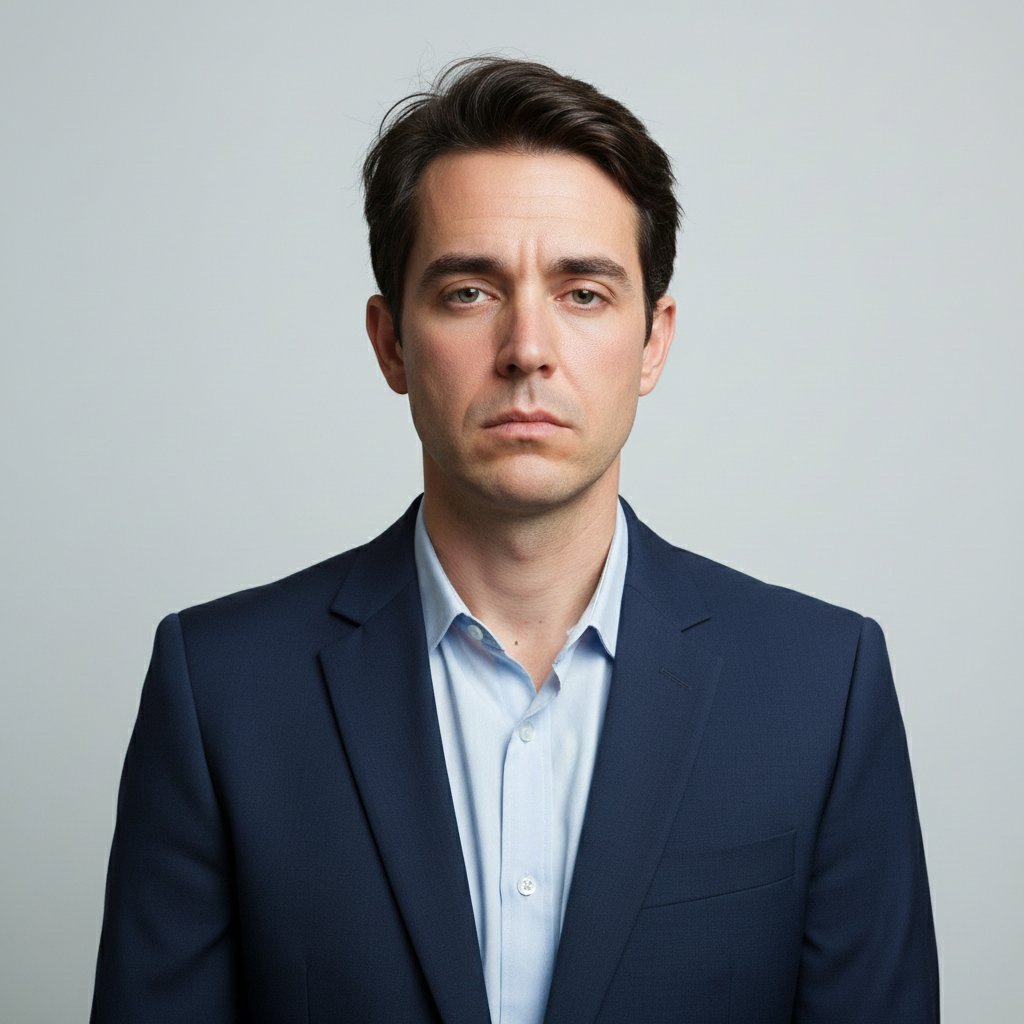
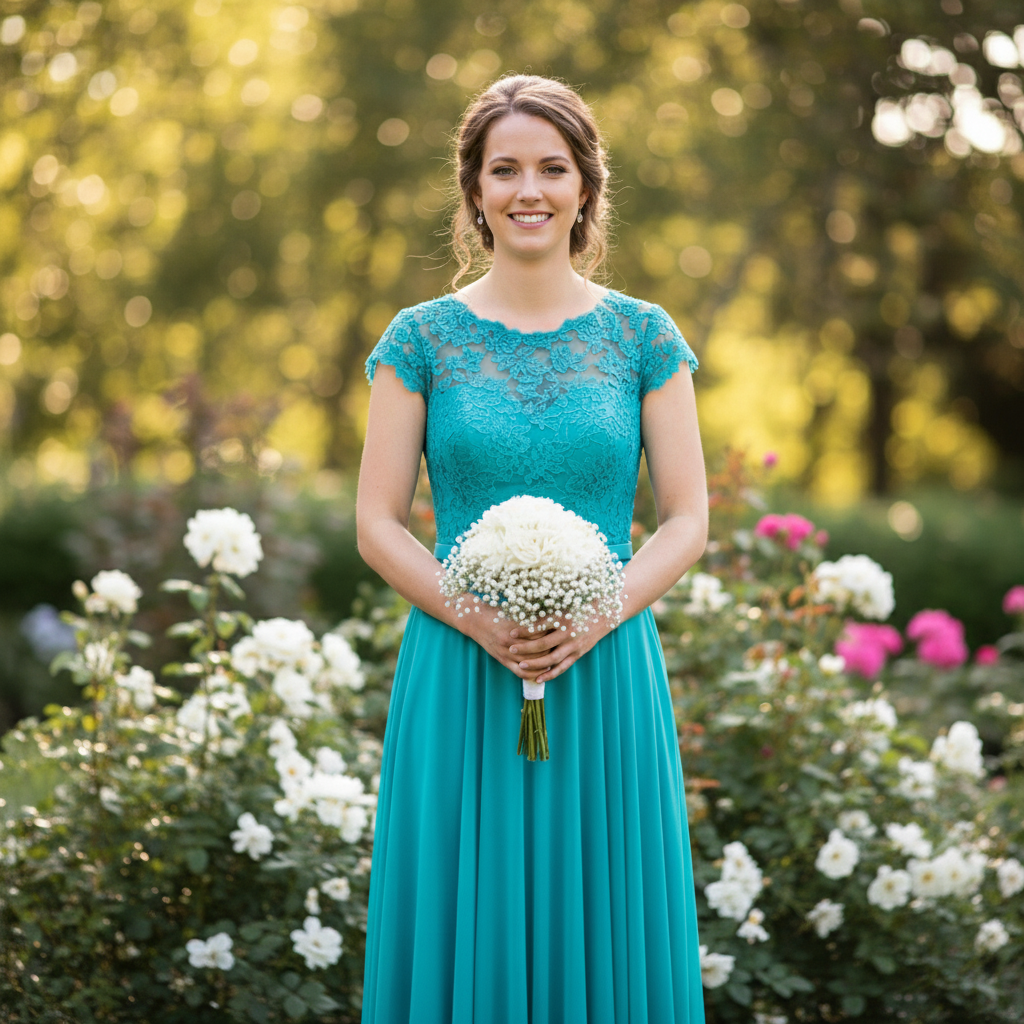
Free โ€ข No signup Remove Eye bags ยท Free

AI Eye Bag Remover

Just describe what you want and AI handles the eye bags editing.
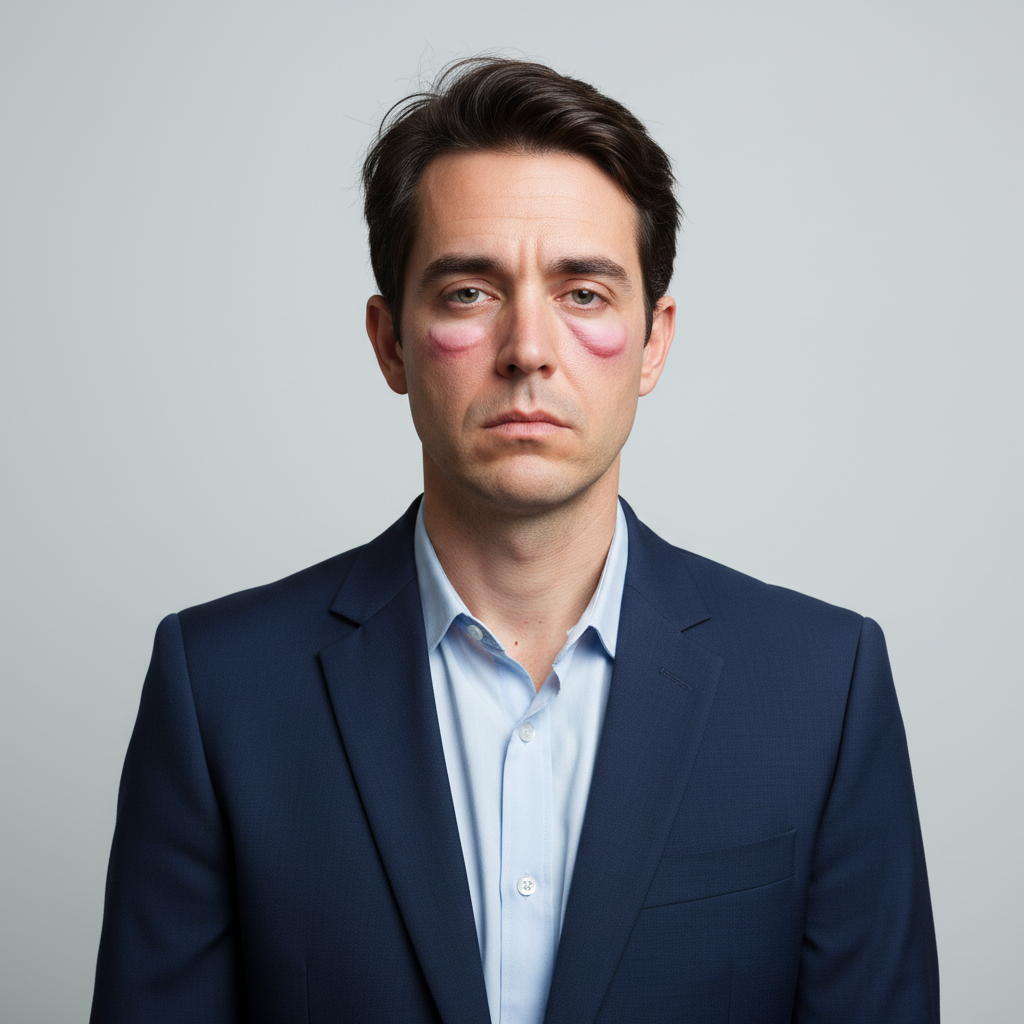
Before ai-eye-bag-remover edit
Before
โ†’
After ai-eye-bag-remover edit
After

AI Eye Bag Remover

Drop your photo here

or click to browse

Release to upload

Free โ€ข No signup

Advertisement
Popular use cases:
  • social media photos
  • professional headshots
  • product photography
  • personal photos

Cost
Free No signup required
Time
Instant results in 15-30 seconds
Works on
Any device - browser, phone, tablet, desktop
Powered by
AI-powered photo editing
Scenario Prompt Time
Remove puffy eye bags Remove the puffy eye bags under both eyes while maintaining natural skin texture and eye shape 15s
Smooth severe under-eye bags Remove severe under-eye bags and puffiness while preserving natural facial structure and skin tone 15s
Remove tired-looking eye bags Remove tired-looking eye bags under both eyes to create a refreshed, well-rested appearance 20s
Eliminate morning puffiness Remove morning puffiness and eye bags to create a more awake and refreshed look 20s

How it works

  1. Upload Your Photo

    Select a clear photo where the eye bags are visible. Our AI works best with frontal or three-quarter view portraits with good lighting that shows the under-eye area clearly.

    Expect: Your photo will load instantly in the editor. You'll see the original image with full resolution, ready for eye bag removal without any compression.
  2. Mark the Under-Eye Bags

    Use the brush tool to carefully paint over the puffy areas under each eye. Focus on the swollen tissue and shadows caused by bags. The AI will analyze surrounding skin tone and texture to create a smooth, natural result.

    Copy one of these to get started:

    Remove puffy eye bags Remove the puffy eye bags under both eyes while maintaining natural skin texture and eye shape
    Smooth severe under-eye bags Remove severe under-eye bags and puffiness while preserving natural facial structure and skin tone
    Remove tired-looking eye bags Remove tired-looking eye bags under both eyes to create a refreshed, well-rested appearance
    Eliminate morning puffiness Remove morning puffiness and eye bags to create a more awake and refreshed look
    3 more prompts
    Remove aging eye bags Remove age-related eye bags while maintaining natural facial features and authentic appearance
    Smooth one-sided eye bag Remove the prominent eye bag under the right eye to match the smoother left side
    Remove stress-related eye bags Remove stress-related eye bags and puffiness to restore a refreshed, energized appearance
  3. Generate the Refreshed Look

    Click Generate to let AI remove the puffiness and smooth the under-eye area. The process preserves natural eye shape and skin texture while eliminating bags.

  4. Download Your Refreshed Photo

    Save your edited photo in full resolution with no watermark. Your image will show refreshed, well-rested eyes with natural-looking results.

Try it free โ†“

AI Eye Bag Remover

Drop your photo here

or click to browse

Release to upload

Free โ€ข No signup

"This eye bags tool is incredible. Just described what I wanted and it worked perfectly on the first try." @happy_user

See it in action

Before ai-eye-bag-remover edit
Before
->
After ai-eye-bag-remover edit
After

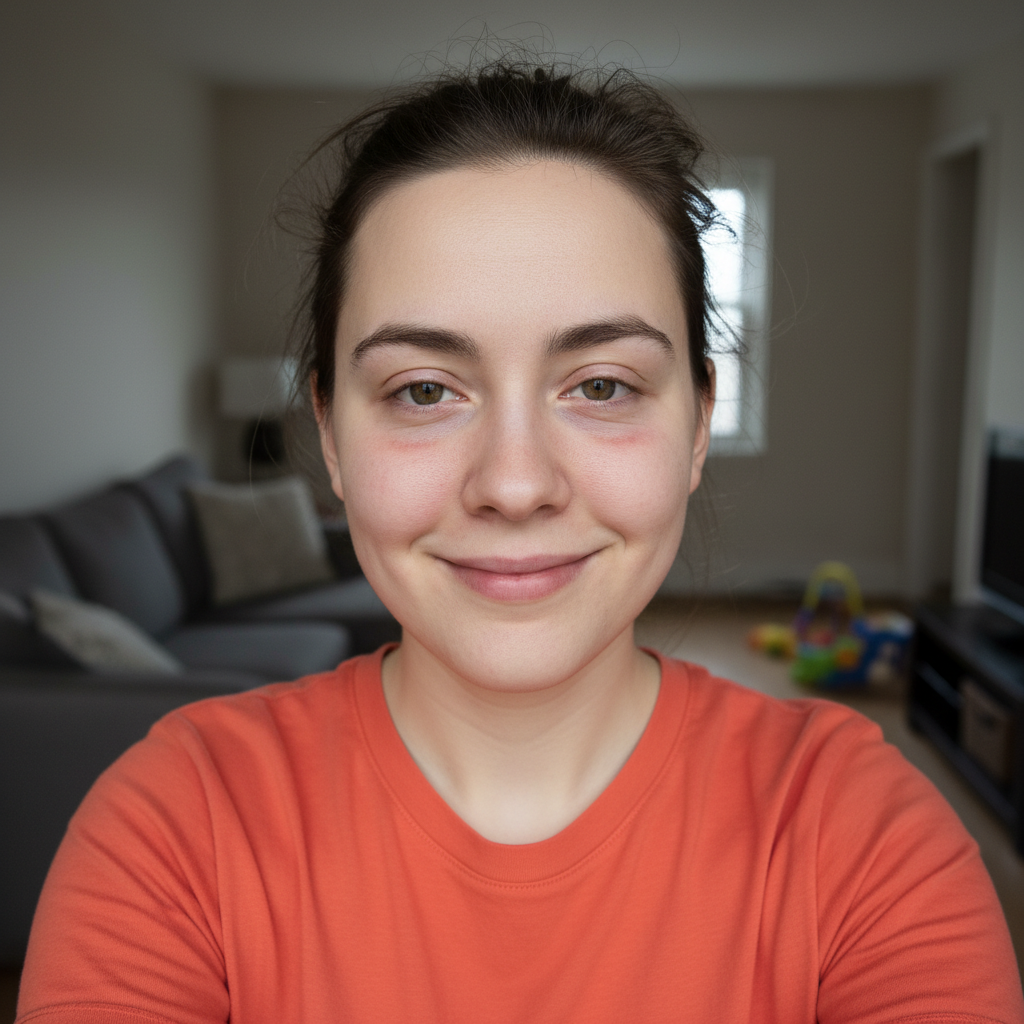
Professional Headshot Enhancement

Removed pronounced eye bags from a business portrait, creating a refreshed and professional appearance.
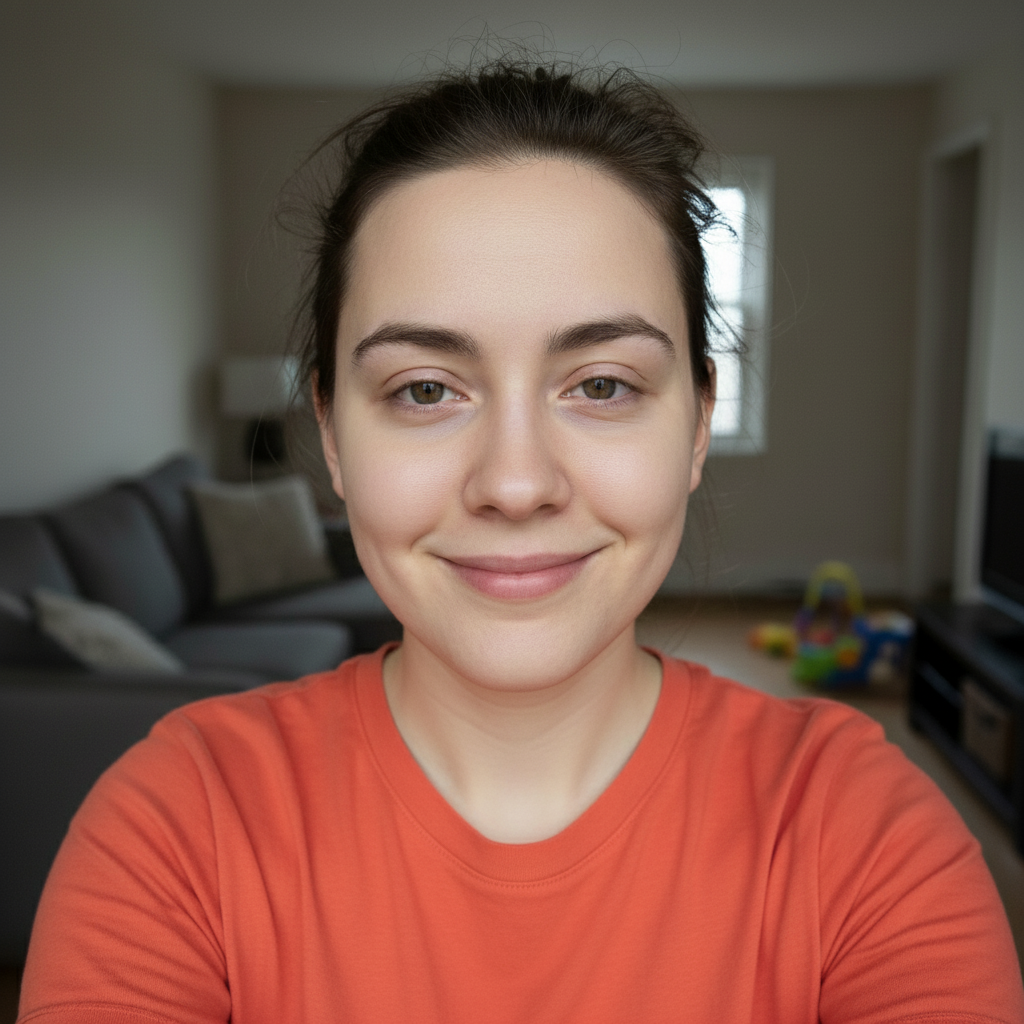
Prompt:
Before ai-eye-bag-remover edit
Before
->
After ai-eye-bag-remover edit
After

Morning Puffiness Elimination

Smoothed severe morning eye puffiness for a job interview photo with natural results.
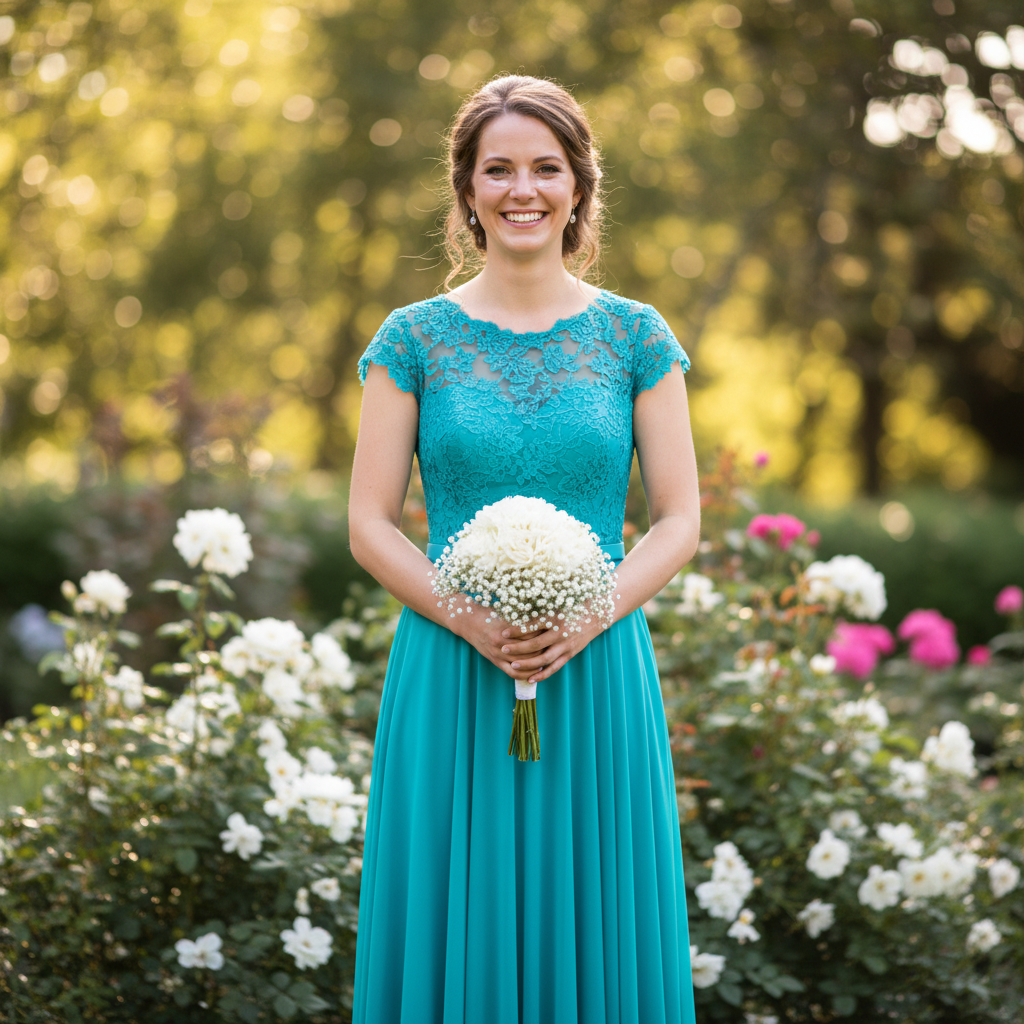
Prompt:
Before ai-eye-bag-remover edit
Before
->
After ai-eye-bag-remover edit
After

Age-Related Bag Reduction

Reduced aging-related under-eye bags while maintaining authentic facial character.

Prompt:
Advertisement

If something looks off

AI changed wrong area

Why: The AI interpreted the instruction differently than expected.

Try: Mark only the puffy under-eye bags, not the entire under-eye area. Use a brush size that matches the bag's width and avoid painting over the lower eyelid or cheek.
Results look too smooth or fake

Why: The AI interpreted the instruction differently than expected.

Try: You may have marked too large an area. Focus specifically on the raised, puffy tissue under the eye. The AI will preserve natural skin texture when you mark precisely.
Dark circles remain after bag removal

Why: The AI interpreted the instruction differently than expected.

Try: Eye bags and dark circles are different issues. After removing bags, use our AI Dark Circle Remover to address any remaining discoloration.
Eyes look unnatural or hollow

Why: The AI interpreted the instruction differently than expected.

Try: This happens when marking extends too high toward the lower eyelid. Mark only the puffy bag area below the eye, not the actual eyelid or lash line.
Only one eye bag removed successfully

Why: The AI interpreted the instruction differently than expected.

Try: Ensure you marked both under-eye areas. You may need to generate results for one eye, then mark and generate for the second eye separately for best results.
Bags still visible after removal

Why: The AI interpreted the instruction differently than expected.

Try: Severe eye bags may need multiple passes. Generate the first result, then mark any remaining puffiness and generate again for more complete removal.

Quick answers

Do I need to mark the eye bags?

Yes, use the brush tool to paint directly over the puffy areas under your eyes. This guides the AI to remove the specific bags while preserving natural eye structure and surrounding skin.

What's the difference between eye bags and dark circles?

Eye bags are physical puffiness or swelling of tissue under the eyes, while dark circles are discoloration or shadows. This tool removes puffiness. For dark pigmentation, use our AI Dark Circle Remover.

Will it work on severe or age-related bags?

Yes, the AI handles both mild and severe eye bags. For very pronounced bags, you may want to do two passes: first remove most of the puffiness, then refine any remaining areas.

Can I remove bags from just one eye?

Absolutely. Mark only the eye bag you want to remove. This is useful for asymmetric puffiness where one eye has more pronounced bags than the other.

Will my eyes look natural after removal?

Yes, the AI preserves natural eye shape, skin texture, and facial structure. The result looks like a well-rested version of yourself rather than an obviously edited photo.

Ready to edit your photos?

Free to try. No signup required.

Try it free โ†’