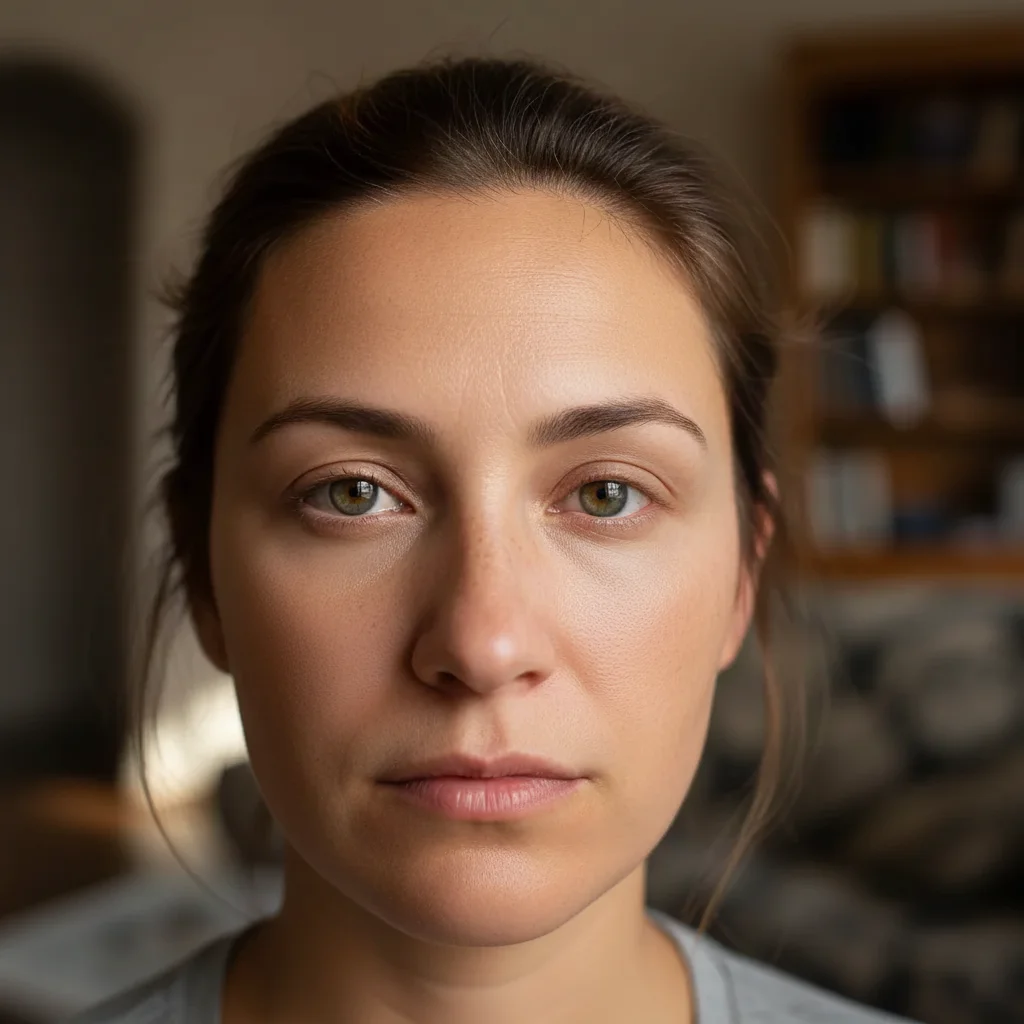
What if the dark circles removal leaves visible artifacts on the background?
Re-run with a more specific patch hint: 'remove the dark circles and fill with matching wood grain,' or 'remove and fill with the same sky.' For tricky textures (brick, fabric, water), one refinement usually resolves it. Each attempt takes 20-45 seconds. Free first edit per week, no signup.
How do I remove dark circles from a photo for free?
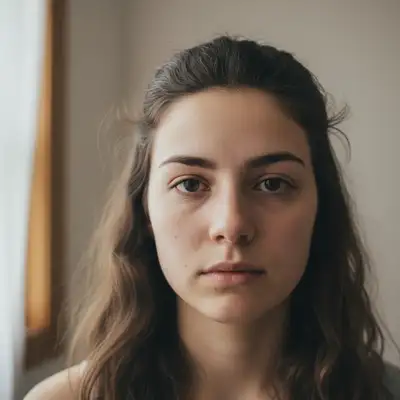
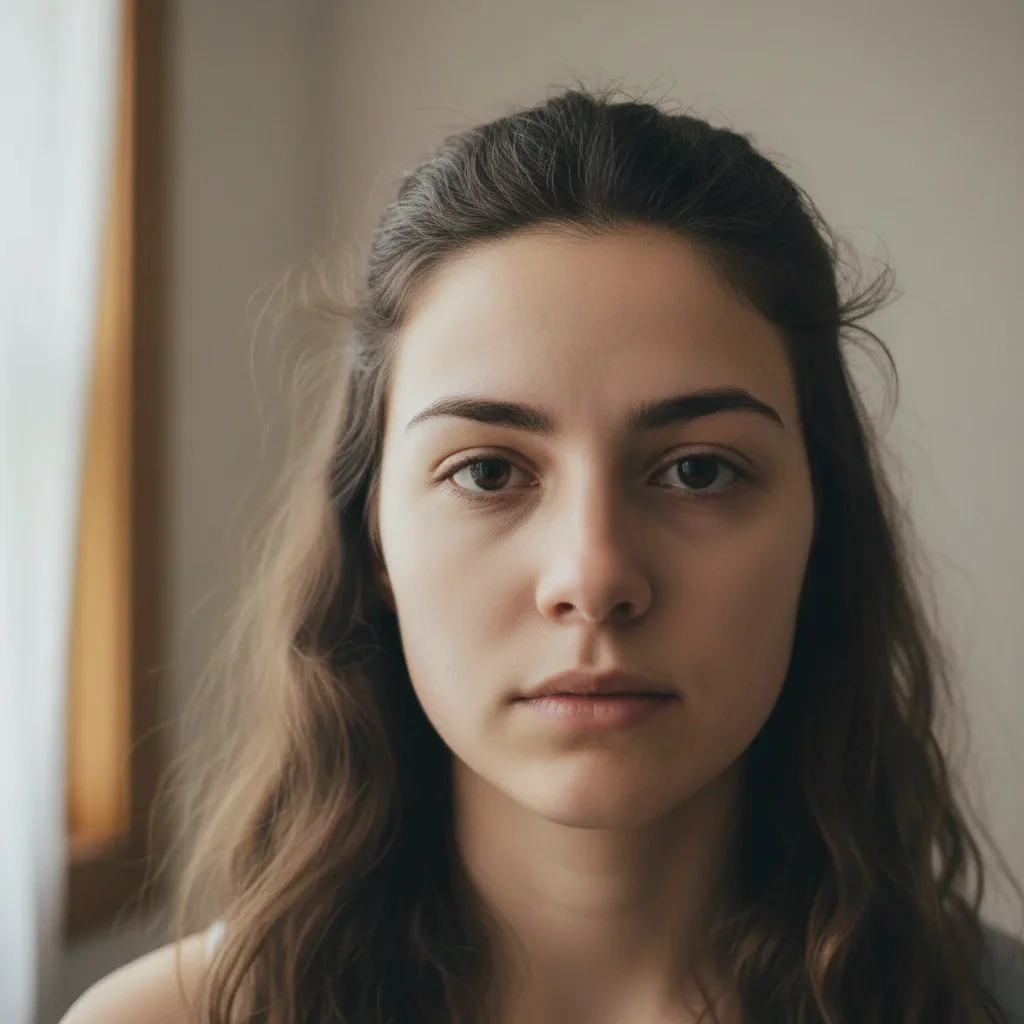
Upload your photo to EditThisPic and type 'remove dark circles under both eyes and brighten the under-eye area.' The AI brightens and evens out under-eye shadows in 15 seconds. Free to try, no account required — purchased results download clean.
Is there a free dark circle remover that doesn't require login?
Yes. EditThisPic removes dark circles for free with no account needed. Upload your photo, describe the correction, and download the result. No watermarks. Works on purple, blue, brown, and black dark circles across all skin tones.
What is the best AI tool for removing dark circles from photos?
EditThisPic is a top choice for AI dark circle removal. Just describe what you want — no manual selection or brushing needed. The AI detects under-eye areas automatically and brightens them while preserving natural skin texture. Free, no signup, results in 15 seconds.
What's the difference between dark circles and eye bags?
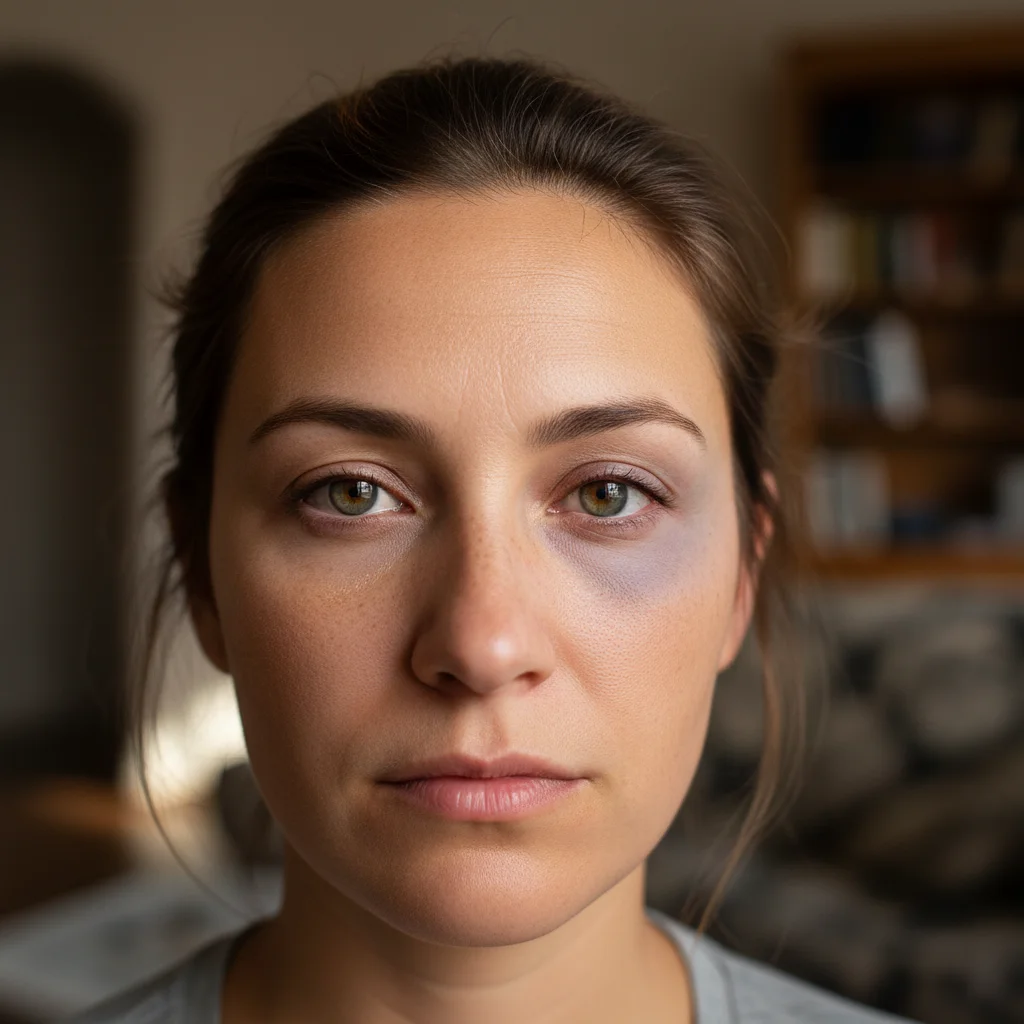
Dark circles are discoloration or shadowing under the eyes, while eye bags are physical puffiness or swelling. This tool removes dark pigmentation and shadows. For puffy bags, use the AI Eye Bag Remover on EditThisPic.
Will it work on all dark circle types and colors?
Yes. The AI handles purple, blue, brown, and black dark circles regardless of cause — genetics, aging, lack of sleep, or allergies. It brightens and evens tone across all skin colors and circle types.
Can I undo or adjust the AI edit if I don't like the result?
Yes. Refine your prompt and re-edit as many times as you want. Each attempt uses one edit credit or your free weekly edit.
How much does EditThisPic cost?
You get 1 free edit per week — no account needed. After that, one-time credit packs start at $4.99 for 10 edits, valid 12 months, no subscription. Power users who edit daily can pick Studio Membership, a monthly workspace at $49.99/mo for 300 edits. Purchased downloads are clean with no watermark.