Free • No signup Edit Photos for Instagram · Free

AI Instagram Photo Editor

Describe the look you want and AI transforms your photo for Instagram. No filters needed.
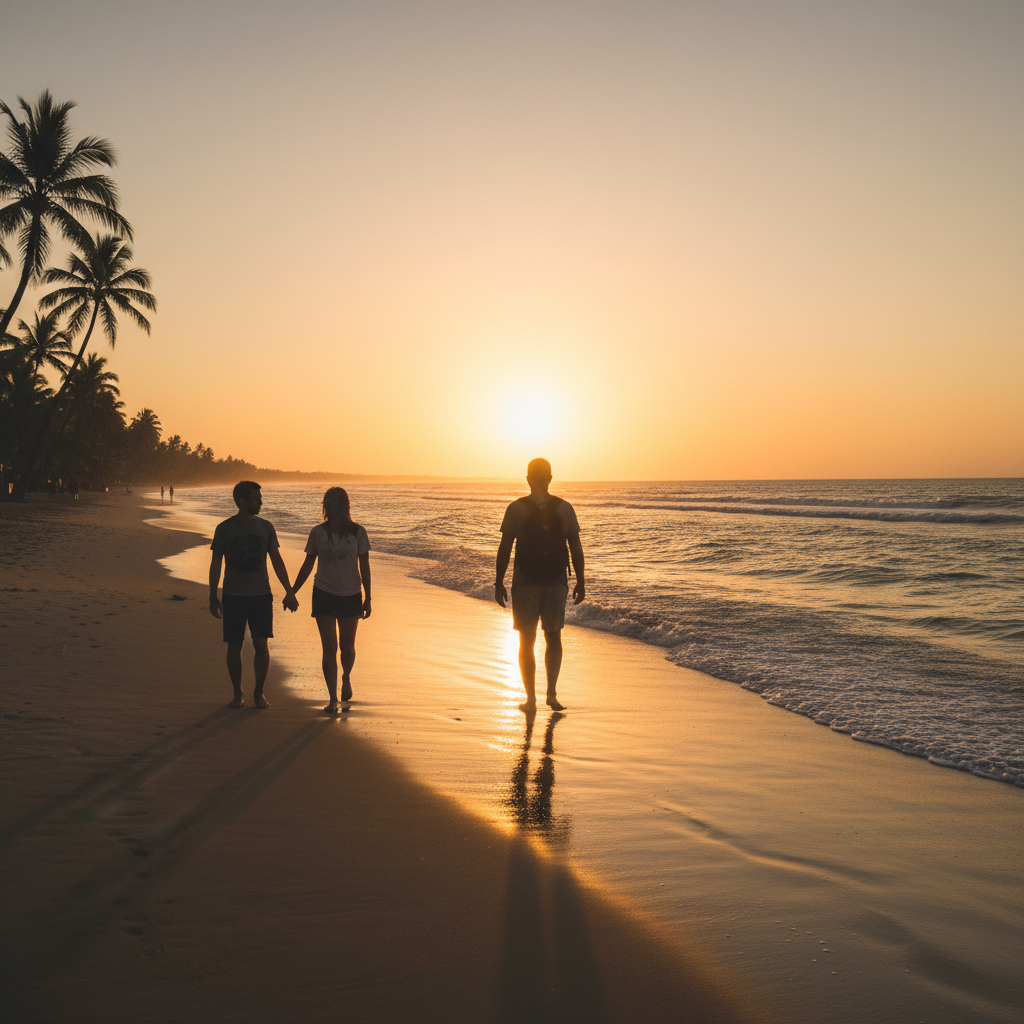
Outdoor portrait with flat dull colors and overcast lighting
Before
Same portrait with warm golden tones and vibrant Instagram-ready colors
After

AI Instagram Photo Editor

Drop your photo here

or click to browse

Release to upload

Free • No signup

Advertisement
Popular use cases:
  • Instagram feed aesthetic
  • Instagram photo editing
  • social media content creation
  • Instagram reels cover
  • influencer photo editing
  • food photography Instagram
  • travel photography Instagram
  • Instagram color grading

Cost
Free No signup required
Time
Instant results in 15-30 seconds
Works on
Any device - browser, phone, tablet, desktop
Powered by
AI-powered photo editing
Scenario Prompt Time
Quick color warm-up add warm golden tones and boost saturation 20s
Full aesthetic transformation give this a moody dark aesthetic with deep shadows 35s
Portrait enhancement for feed enhance portrait with smooth skin and soft background blur 40s

How it works

  1. Upload your photo

    Drop your image into EditThisPic. JPG, PNG, WebP up to 7MB. Photos with good composition work best. Both portrait and landscape orientations are supported for any Instagram format.

    Expect: Quick color and lighting edits: 20-30 seconds. Complex style transformations: 35-50 seconds and may need refinements.
  2. Describe the Instagram look you want

    Type your instruction: 'make this photo warm and golden with boosted saturation for Instagram' or 'give this a moody dark aesthetic with deep shadows.' Be specific about colors, mood, and lighting style. No marking needed—the AI understands style descriptions naturally.

    Tip: Reference specific aesthetics like 'golden hour warmth', 'film grain', or 'clean bright minimalist' for precise results.

    Copy one of these to get started:

    Warm golden hour aesthetic enhance this photo with warm golden tones, soft highlights, and slightly boosted saturation for Instagram
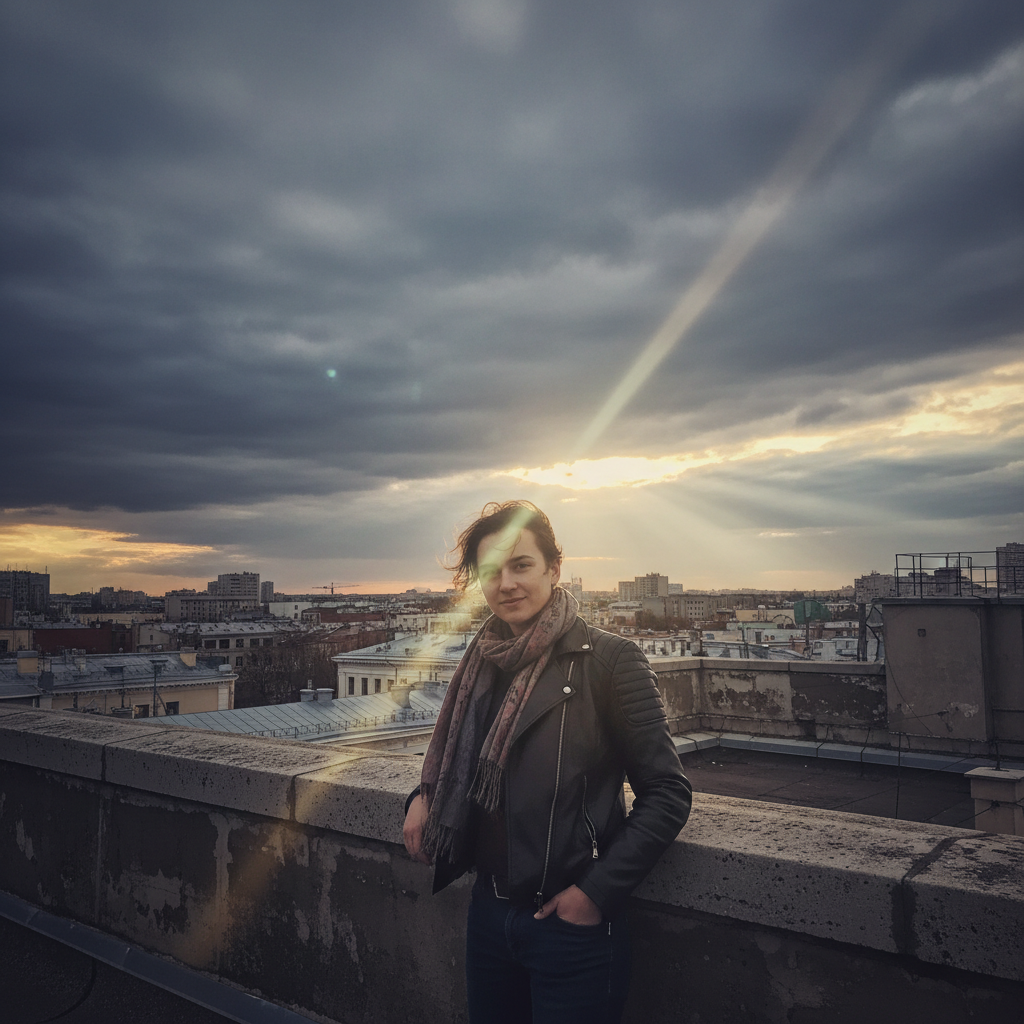
    Clean bright minimalist feed brighten this photo with a clean white tone, lifted shadows, and crisp clarity for a minimalist Instagram feed
    Moody dark aesthetic give this photo a moody dark aesthetic with deep shadows, muted tones, and slight blue tint for Instagram
    Food photography enhancement enhance this food photo with vibrant warm colors, sharp details, and soft background blur for Instagram
    3 more prompts
    Vintage film grain look add a vintage film look to this photo with subtle grain, faded highlights, and warm color shift for Instagram
    Portrait with background pop enhance this portrait with smooth skin tones, softly blurred background, and warm natural lighting for Instagram
    High contrast travel shot boost the contrast and color vibrancy in this travel photo, sharpen details, and add slight warmth for Instagram
  3. Review the transformation

    Check that colors look natural on screen, skin tones are flattering, and the overall mood matches your feed aesthetic. Zoom in on details like facial features and textures to make sure nothing looks over-processed.

  4. Refine with markers if needed

    If specific areas like the sky or a subject's face need different treatment, tap markers on those spots and regenerate. Most Instagram edits work perfectly on the first try without markers.

    Tip: Markers are for precision refinement only. Try without them first—you usually won't need them.
Try it free

AI Instagram Photo Editor

Drop your photo here

or click to browse

Release to upload

Free • No signup

"I used to spend 20 minutes tweaking filters in three different apps. Now I just describe the vibe I want and it nails the aesthetic every time. My engagement doubled." @InstaGlow_Sarah

See it in action

Outdoor portrait with flat dull colors and overcast lighting
Before
->
Same portrait with warm golden tones and vibrant Instagram-ready colors
After

Flat photo to golden hour warmth

A dull outdoor portrait transformed into a warm, vibrant Instagram-ready image with golden tones and boosted colors.

Prompt: enhance this photo with warm golden tones, soft highlights, and slightly boosted saturation for Instagram
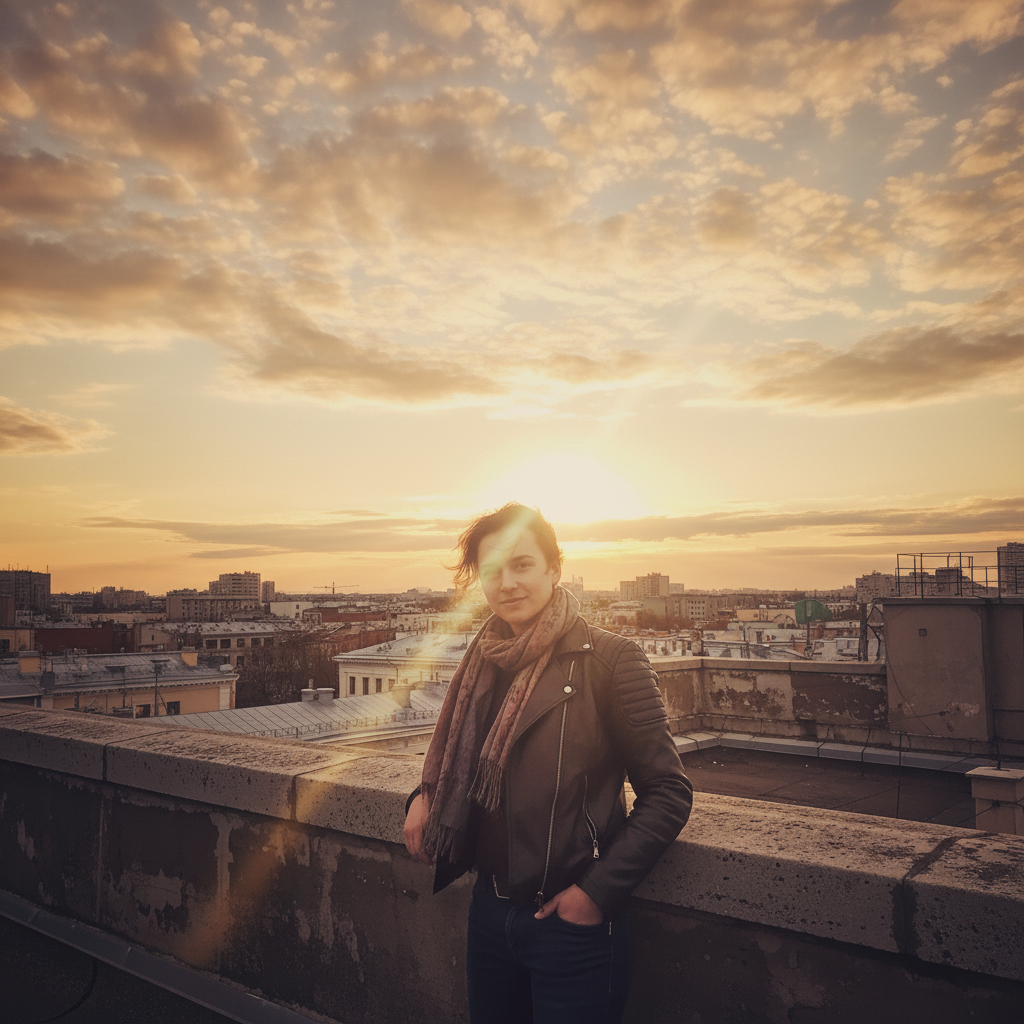
Dim coffee shop photo with dark shadows and muddy colors
Before
->
Same scene brightened with clean white tones and lifted shadows
After

Dark indoor shot to bright clean aesthetic

A dim interior photo brightened and cleaned up for a minimalist Instagram feed with lifted shadows and crisp whites.

Prompt: brighten this photo with a clean white tone, lifted shadows, and crisp clarity for a minimalist Instagram feed
Advertisement

If something looks off

AI changed the wrong area or something I didn't want changed

Why: The AI couldn't determine exactly which area you meant from description alone. This happens when you want selective edits on specific regions.

Try: Tap a marker on the specific area you want to change, then regenerate with the same prompt

Tip: Markers tell the AI 'I mean THIS area specifically.' Use them when description alone is ambiguous.

Colors look over-saturated or unnatural

Why: The AI applied too aggressive a color boost, making skin tones orange or skies unrealistic. This often happens with vague color instructions.

Try: enhance this photo with natural warm tones, keep skin tones realistic and colors balanced for Instagram

Tip: Adding 'keep skin tones realistic' prevents the AI from over-processing faces.

Skin looks too smooth or plastic after enhancement

Why: The AI over-smoothed skin texture trying to create a polished look. Beauty filters sometimes remove natural texture.

Try: enhance colors and lighting but preserve natural skin texture and pores, keep it authentic for Instagram

Tip: 'Preserve natural skin texture' tells the AI to enhance without the plastic filter look.

Photo looks too dark or too bright after editing

Why: The style direction conflicted with the original exposure, pushing the image too far in one direction.

Try: adjust the mood to [style] but keep the overall brightness balanced and natural-looking

Tip: If the original is dark, say 'lift the shadows slightly' instead of just requesting a mood change.

Editing style doesn't match the rest of my Instagram feed

Why: Generic style descriptions can produce varied results. The AI needs more specific direction to match a consistent aesthetic.

Try: Be more specific: 'warm tones with slightly faded shadows, desaturated greens, and golden highlights' describes an exact look

Tip: Describe your feed's look in detail: color temperature, shadow treatment, and contrast level for consistency.

Quick answers

Do I need to select areas before describing the edit I want?

No! Just describe the look you want: 'make this warm and vibrant for Instagram' or 'add a moody dark aesthetic.' The AI applies the edit to the entire photo intelligently. Only use markers if you want to treat a specific area differently—like enhancing just the sky or just the subject.

How do I edit photos for Instagram without Photoshop or Lightroom?

Upload your photo to EditThisPic and describe the style you want in plain English. Say 'warm golden tones with boosted saturation' or 'clean bright minimalist look.' The AI handles color grading, exposure, and mood adjustments automatically. No software to install, no presets to buy. Free and works in your browser.

Is there a free Instagram photo editor that doesn't require an account?

Yes, EditThisPic is free to try with no account needed. Upload your photo, describe the Instagram aesthetic you want, and download the result. No watermarks on outputs. Works for feed posts, reels covers, and stories without signing up for anything.

What's the best free AI tool for making Instagram-worthy photos?

EditThisPic lets you describe any Instagram aesthetic in plain language instead of manually adjusting sliders. It handles color grading, lighting, skin tones, and mood in one step. Unlike filter apps that apply the same preset to every photo, the AI adapts to each image's unique characteristics.

Ready to edit your photos for Instagram?

Free to try. No signup required.

Try it free