AI Story Photo Editor
← Browse all creative effectsLast updated
Describe the vibe you want and AI makes your photo story-ready in seconds. No stickers needed.
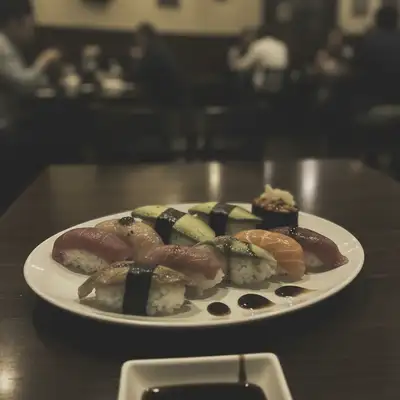
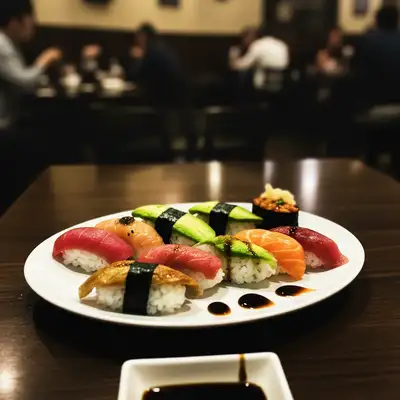
Upload photo to edit story photos
"give this photo a warm cozy aesthetic with golden tones, soft glow, and gentle warmth for an Instagram story"
Release to upload
50,000+photos edited
<30stypical edit
1 freeedit weekly
How it works
See it in action
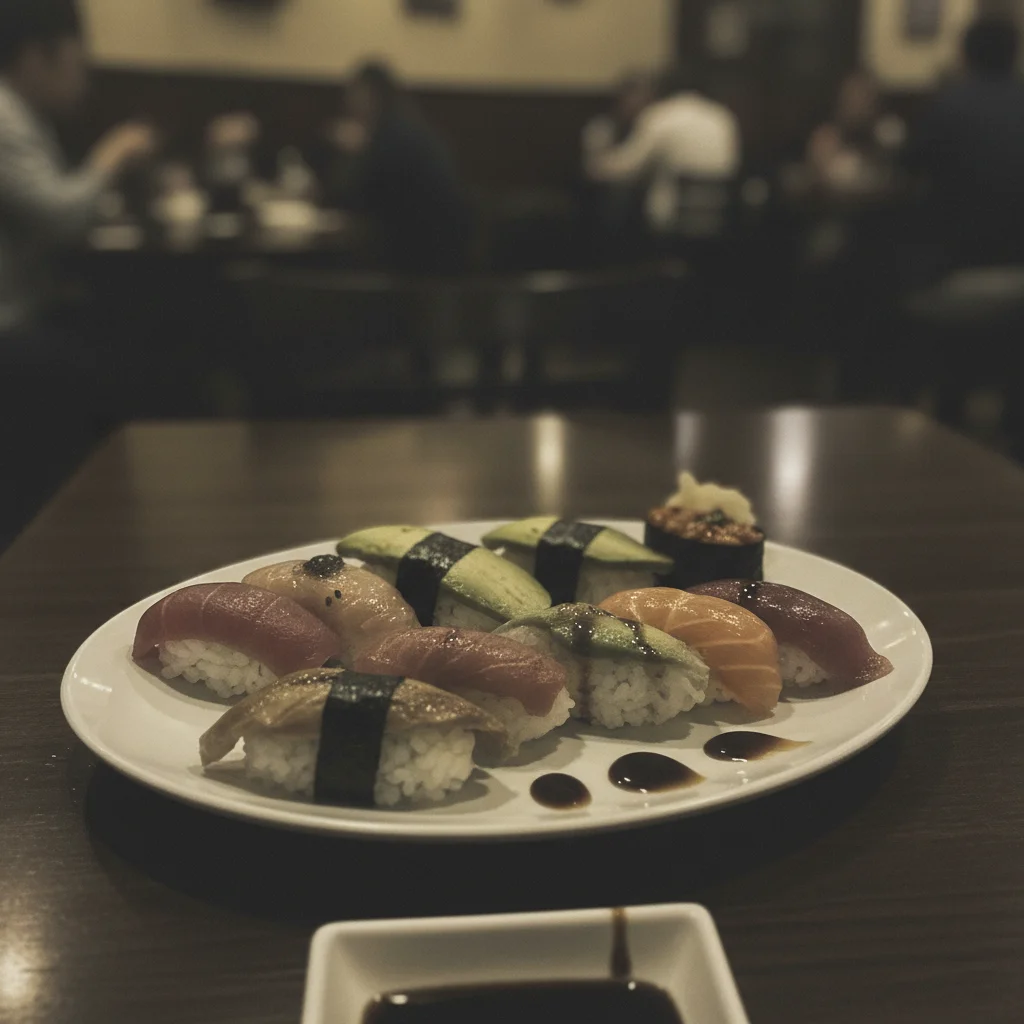
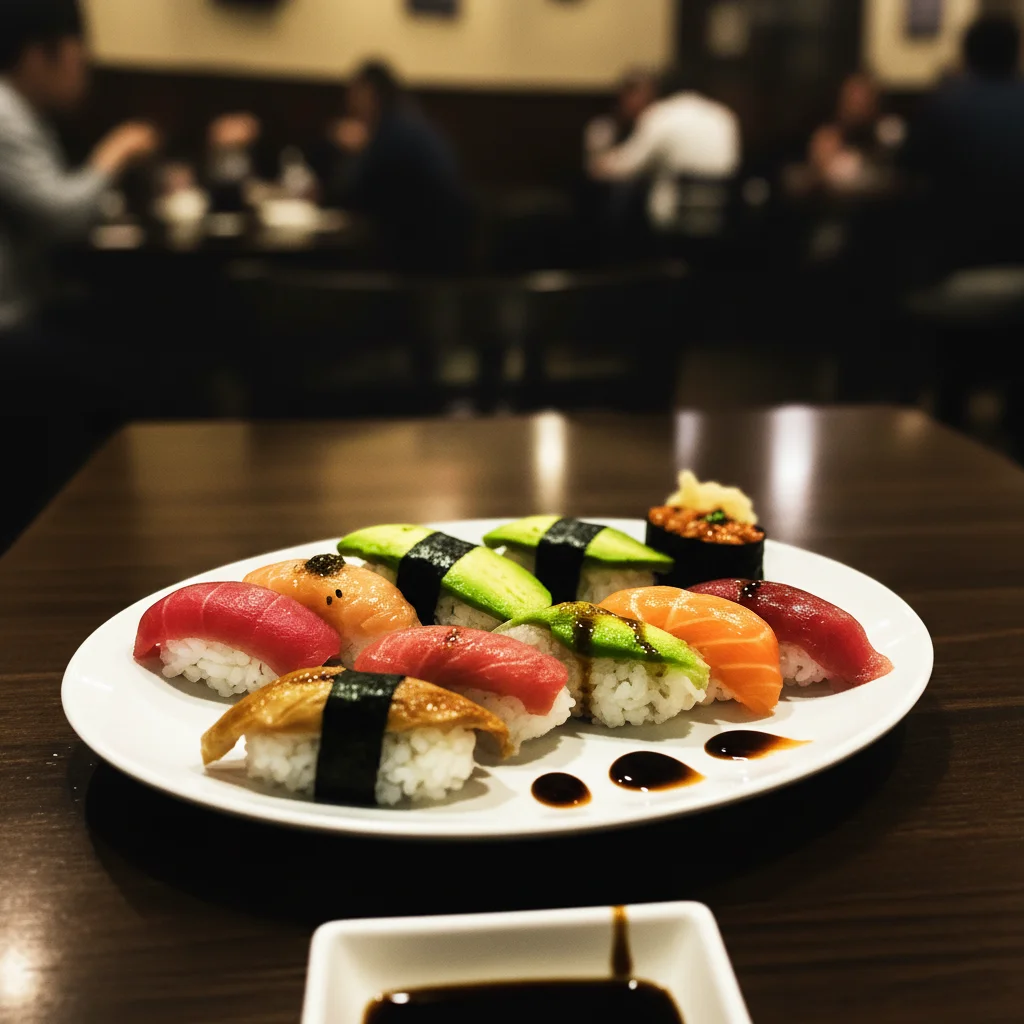
Flat restaurant photo to vibrant food story
A dull restaurant photo transformed into a vibrant, warm story image that makes followers hungry.
Prompt:
make this photo vibrant and eye-catching for an Instagram story with boosted colors, high contrast, and punchy saturation
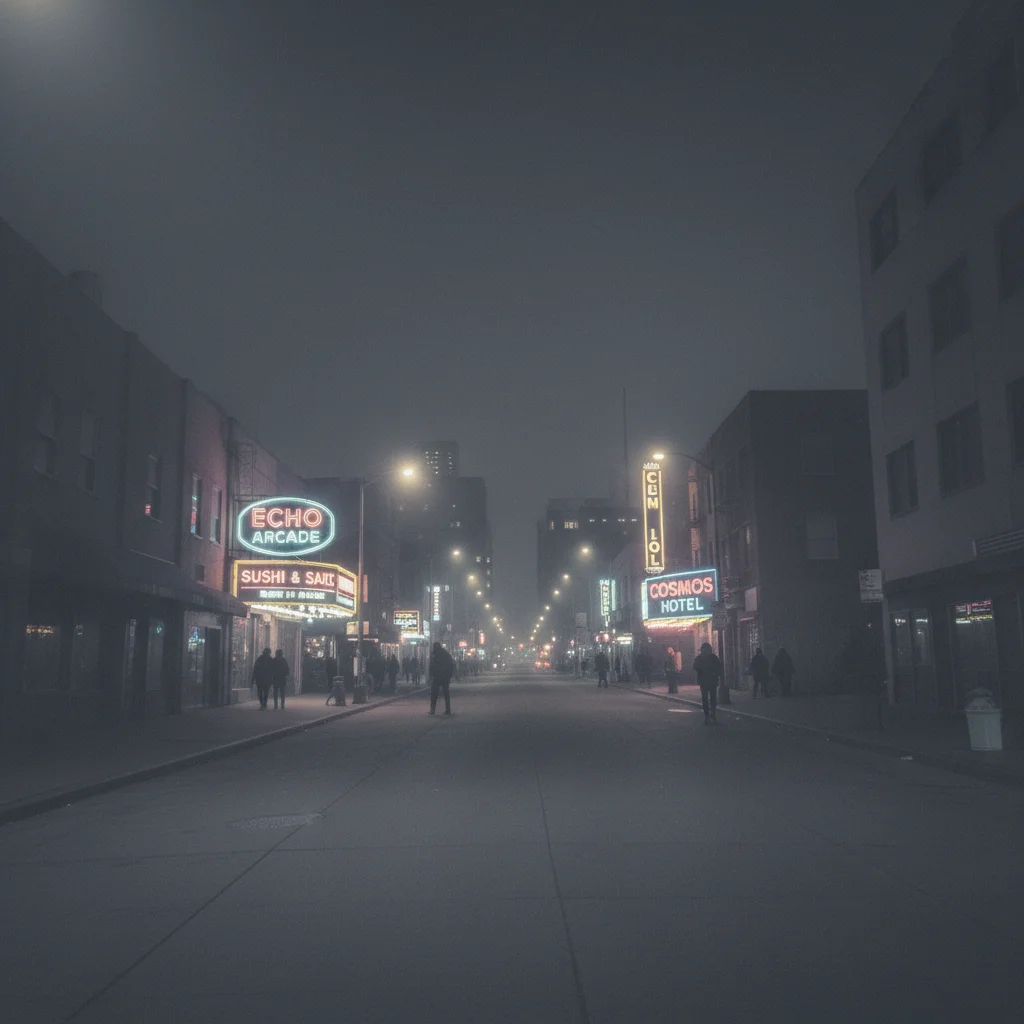
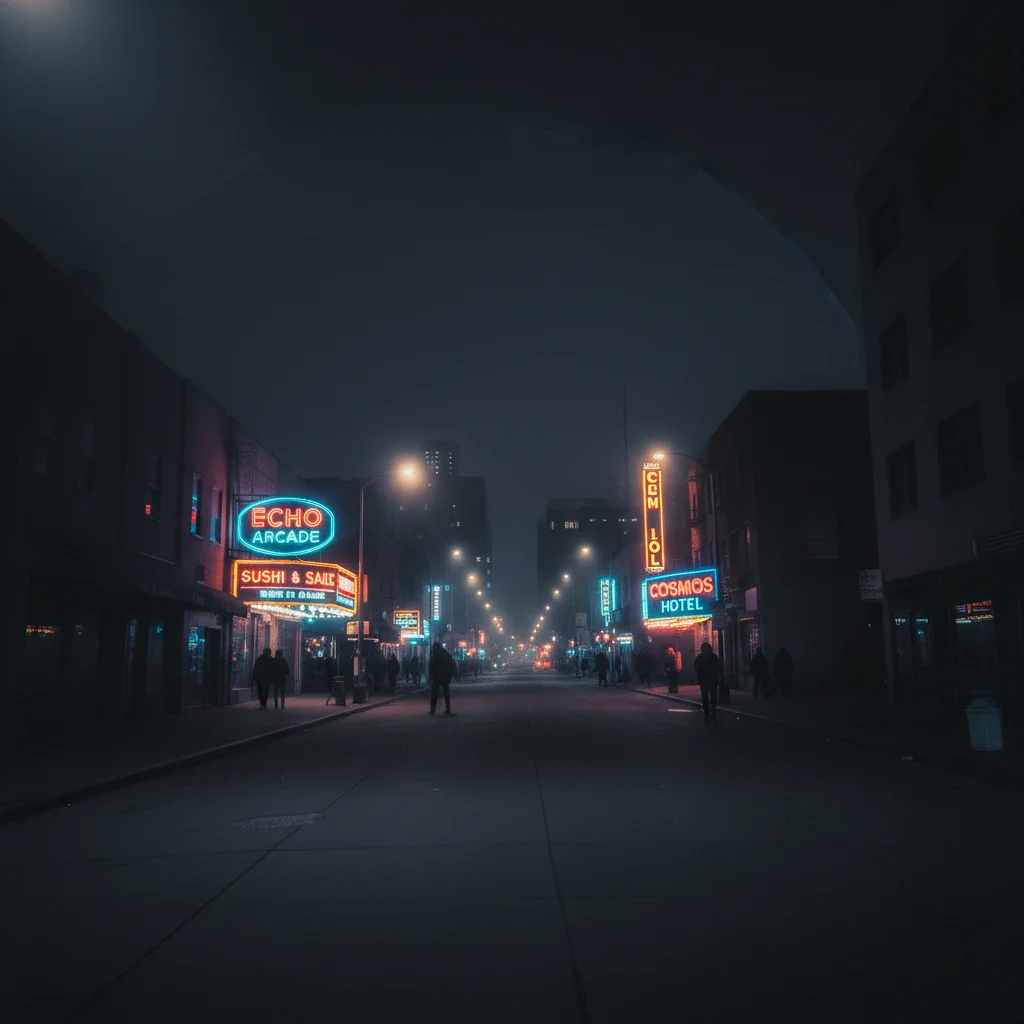
Plain street photo to moody night story
An ordinary nighttime street photo given dramatic moody tones for an eye-catching story post.
Prompt:
transform this into a dramatic story photo with deep contrast, moody dark tones, and neon-tinted highlights for a night-out vibe
Quick answers
Popular use cases
Ready to make your stories stand out?
Free to try. No signup required.