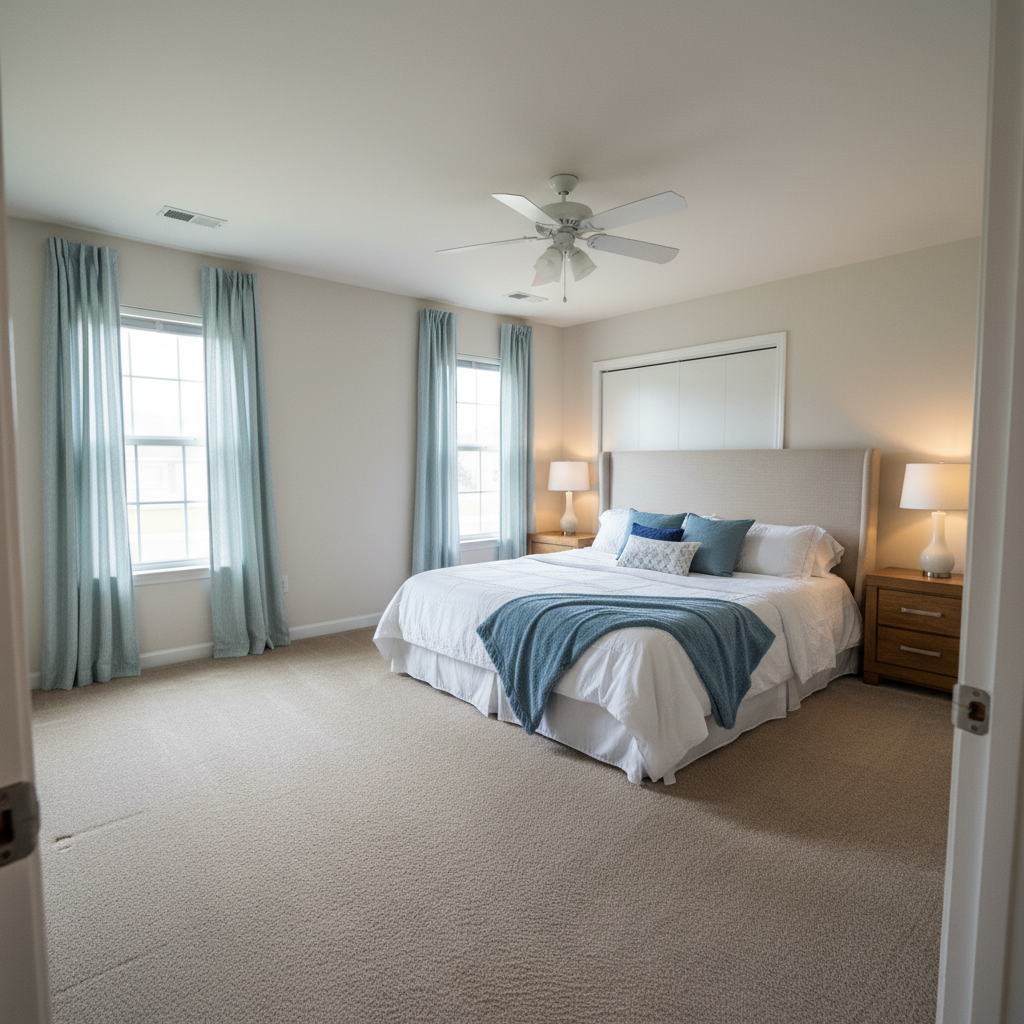
Free • No signup Visualize Window treatments · Free

AI Window Treatment Visualizer
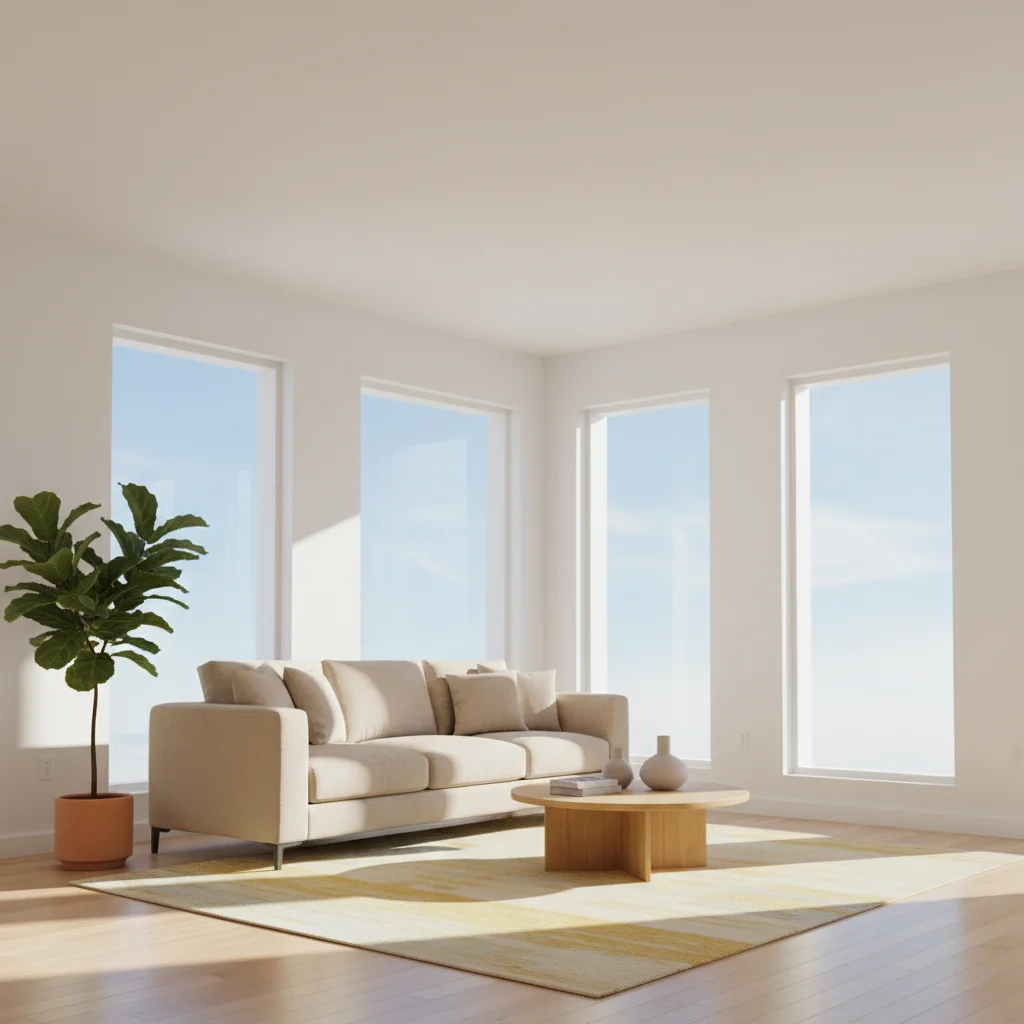
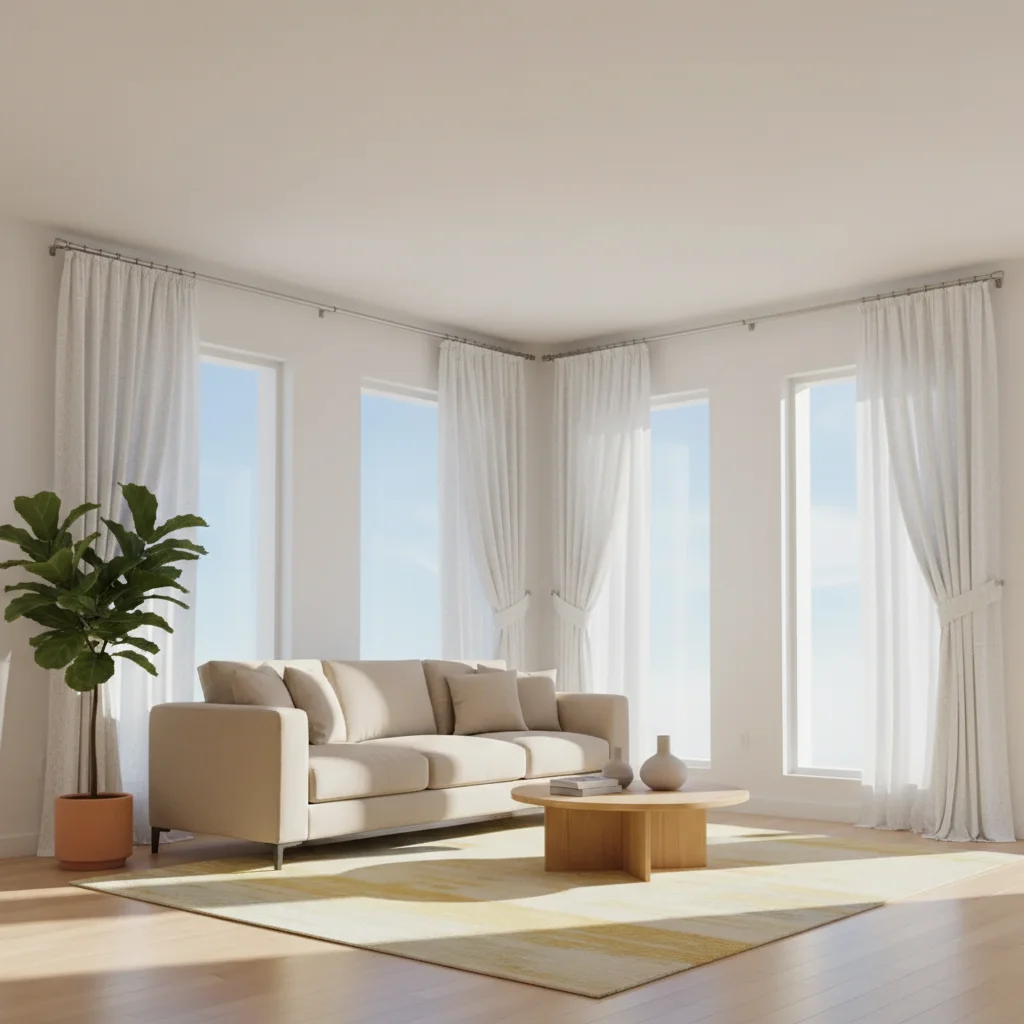
Before
Before
After
After

Free AI Window Treatment Visualizer

Drop your photo here

or click to browse

Release to upload

Free • No signup

Advertisement
Popular use cases:
  • window treatment visualization
  • curtain preview
  • blind visualizer
  • interior design
  • window covering ideas
  • home staging
  • before buying curtains
  • drape visualization
  • shade preview
  • window design decisions

Cost
Free No signup required
Time
Instant results in 15-30 seconds
Works on
Any device - browser, phone, tablet, desktop
Powered by
AI-powered photo editing
Scenario Prompt Time
15-30s
15-30s
15-30s
15-30s
15-30s

How it works

  1. Upload your room photo

    Choose a clear photo showing the windows you want to add treatments to. The photo should have good lighting and show the full window frames. Works with living rooms, bedrooms, dining rooms, offices, or any space with visible windows.

    Expect: Simple treatments: 25-35 seconds. Complex layered treatments or multiple windows: 35-45 seconds and may need refinements.
  2. Describe your window treatments

    Type the specific window treatment you want to visualize. Be clear about style (curtains, drapes, Roman shades, blinds, shutters), color, fabric type, and length. The AI understands descriptions like 'floor-length white linen curtains' or 'light gray Roman shades' or 'wooden plantation shutters'. No need to mark each window—AI applies treatments to all visible windows automatically.

    Tip: Mention how the treatment hangs: 'floor-length curtains pooling slightly' or 'curtains stopping at window sill' gives more precise results.

    Copy one of these to get started:

    Classic, light-filtering treatment for living rooms Floor-length white linen curtains with a simple rod, hanging from ceiling to floor
    Clean, modern look for bedrooms or offices Light gray Roman shades mounted inside the window frame
    Elegant, formal dining room or master bedroom Navy blue velvet curtains with pinch pleats, floor-length with decorative rod and finials
    Classic, timeless window treatment for any room White wooden plantation shutters covering the full window
    6 more prompts
    Versatile bedroom treatment for light control Sheer white curtains layered with blackout gray curtains on a double rod
    Casual, organic look for coastal or bohemian spaces Natural bamboo roller shades with a light-filtering weave
    Contemporary casual elegance Cream-colored grommet curtains hanging from a brushed nickel rod, pudding slightly on the floor
    Budget-friendly, practical option for any room Horizontal white faux wood blinds mounted inside the window frame
    Functional and decorative for nurseries or kids' rooms Patterned fabric Roman shades in blue and white stripes with blackout lining
    Luxurious, maximalist statement treatment Emerald green velvet curtains with gold curtain rod and tiebacks, floor-length with a dramatic swag
  3. Review the window treatments

    Check that the treatments fit your windows properly, the color matches your vision, and the style complements your room. Make sure the fabric texture looks realistic and the treatments are hung at the right height. If adjustments are needed, refine your description and regenerate.

  4. Download Your Visualized Design

    Save your room photo with the new window treatments in high resolution. Use it to make purchasing decisions, share with clients, or get family approval before buying.

Try it free

Free AI Window Treatment Visualizer

Drop your photo here

or click to browse

Release to upload

Free • No signup

See it in action

Before
Before
->
After
After

Prompt: Floor-length white linen curtains hanging from ceiling to floor on a simple silver rod
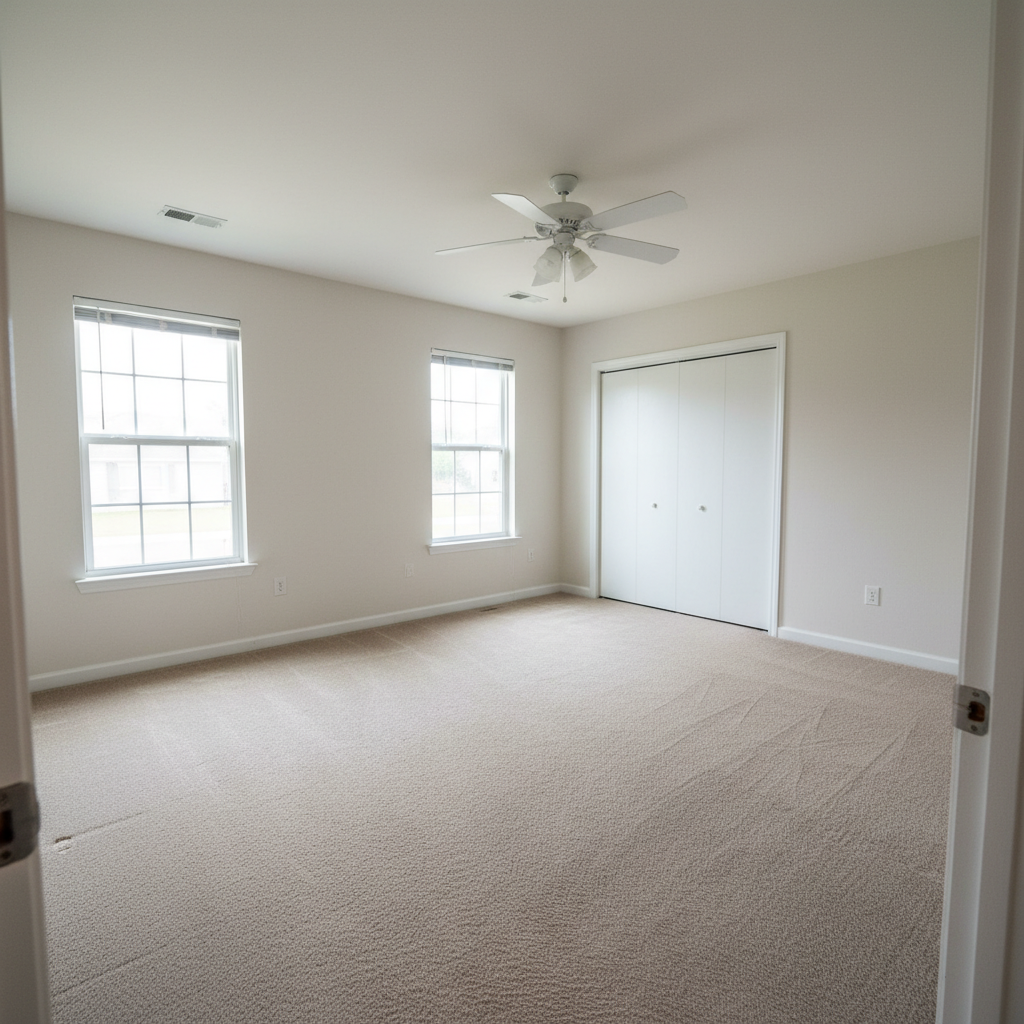
Before
Before
->
After
After

Prompt: Light gray Roman shades mounted inside the window frame with a subtle texture
Before
Before
->
After
After

Prompt: Sheer white curtains layered with navy blue velvet drapes on a double rod, floor-length with gold tiebacks
Advertisement

If something looks off

AI changed the wrong area or something I didn't want changed

Why: The AI couldn't determine exactly which area you meant from description alone.

Try: Tap a marker on the specific area you want to change, then regenerate with the same prompt

Tip: Markers tell the AI 'I mean THIS one specifically.' Use them when description alone is ambiguous.

Curtains or shades don't fit the window properly

Why: AI may misjudge window dimensions or treatment proportions

Try: Be more specific about sizing: 'curtains 2 inches wider than window frame on each side' or 'Roman shade exactly fitting inside frame'

Tip: Mention mounting style explicitly: 'inside mount' (within frame) or 'outside mount' (above and beyond frame).

Color doesn't match what I expected

Why: Generic color terms can be interpreted differently based on room lighting

Try: Use more specific color descriptions: 'soft dove gray' instead of 'gray', or 'crisp pure white' instead of 'white'

Tip: Reference paint colors or specific shades: 'Benjamin Moore Stonington Gray curtains' or 'charcoal gray, almost black'.

Fabric texture looks wrong or unrealistic

Why: Vague fabric descriptions lead to generic textures

Try: Specify fabric qualities: 'heavy velvet with visible pile', 'crisp linen with natural slubs', or 'smooth silk with subtle sheen'

Tip: Mention fabric behavior: 'linen with natural wrinkles' or 'crisp cotton with clean folds' adds realism.

Treatments applied to wrong windows or not all windows

Why: If you have many windows or mixed window types, AI may be selective

Try: Specify which windows: 'add Roman shades to all three bedroom windows' or 'curtains only on the large living room windows'

Tip: Use markers on specific windows if you want treatments on only some windows in the photo.

Curtain length is wrong—too short or too long

Why: Without explicit length guidance, AI makes aesthetic judgments

Try: Specify exact length: 'floor-length curtains touching the floor', 'curtains ending at window sill', or 'drapes pooling 2 inches on floor'

Tip: Standard lengths: sill length (touches sill), apron length (4 inches below sill), floor length (1 inch above floor), puddle (2-6 inches on floor).

Quick answers

Do I need to mark each window?

No! Just describe the window treatment you want and the AI will apply it to all visible windows in the photo. You only need markers if you want different treatments on different windows, or if you want to add treatments to only some windows while leaving others bare.

Can I visualize different treatment styles on the same photo?

Yes! Save your original photo, then run multiple variations with different descriptions. Try 'white Roman shades', then try 'navy blue curtains', then try 'plantation shutters' to compare options side-by-side before making a purchasing decision.

How accurate are the colors in the visualization?

Colors are rendered based on your room's actual lighting conditions. The AI adjusts for natural light, shadows, and room ambiance. However, screen displays vary, so colors may look slightly different on different devices. Consider this a realistic preview rather than an exact color match.

Can I see layered treatments like sheers plus drapes?

Yes! Describe both layers in your prompt: 'sheer white curtains layered with gray blackout drapes on a double rod'. The AI understands layered window treatment concepts and will render them realistically with proper depth and overlap.

What if I want to try custom patterns or prints?

Describe the pattern specifically: 'white and navy blue striped Roman shades', 'floral print curtains with pink and green flowers', or 'geometric pattern drapes with gray and gold'. The AI can generate realistic pattern visualizations, though exact replication of specific fabric designs isn't possible.

Can I visualize motorized or smart blinds?

Yes, though the visual appearance is what matters here—motorized blinds look like regular blinds. Describe the blind style (roller shades, cellular shades, etc.) and the AI will show how they look. The motorization mechanism isn't visible in the photo.

Ready to visualize window treatments?

Free to try. No signup required.

Try it free