Do I need to mark where the garnish should go?
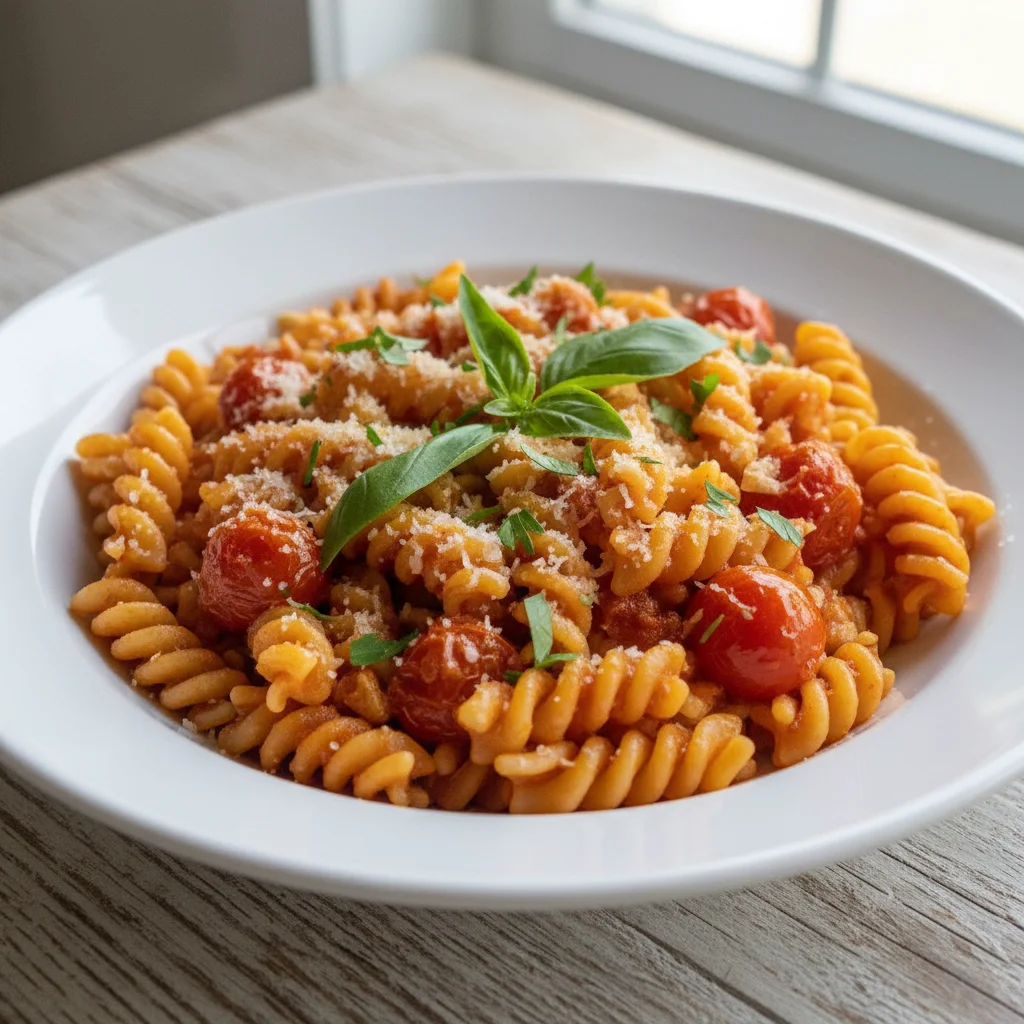
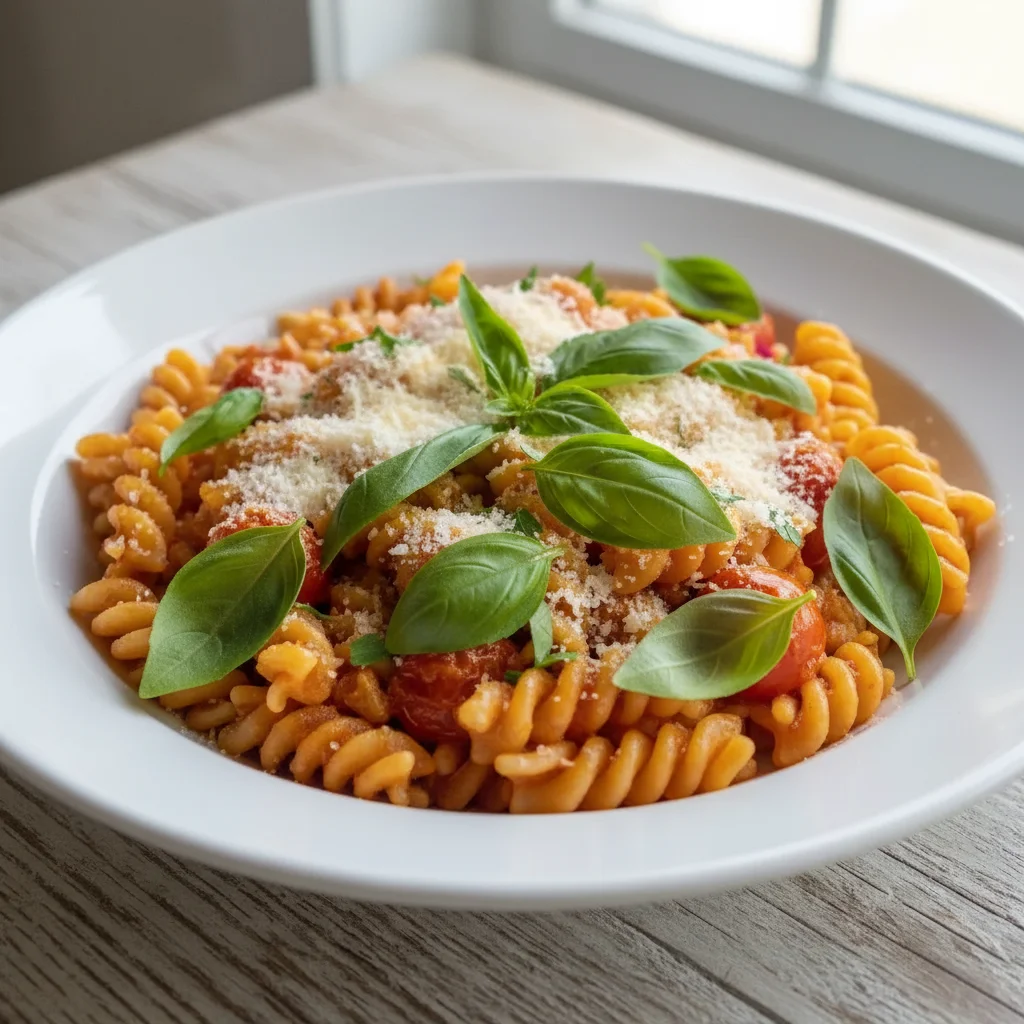
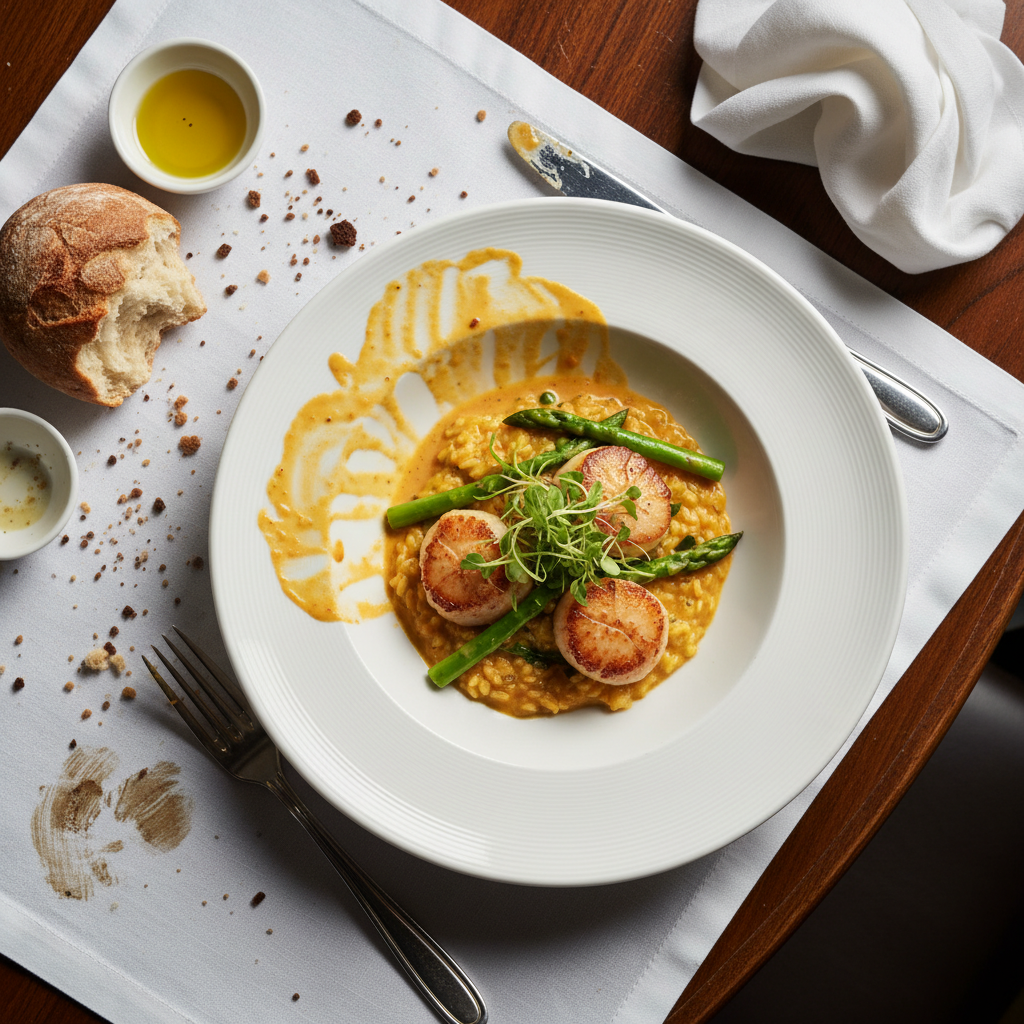
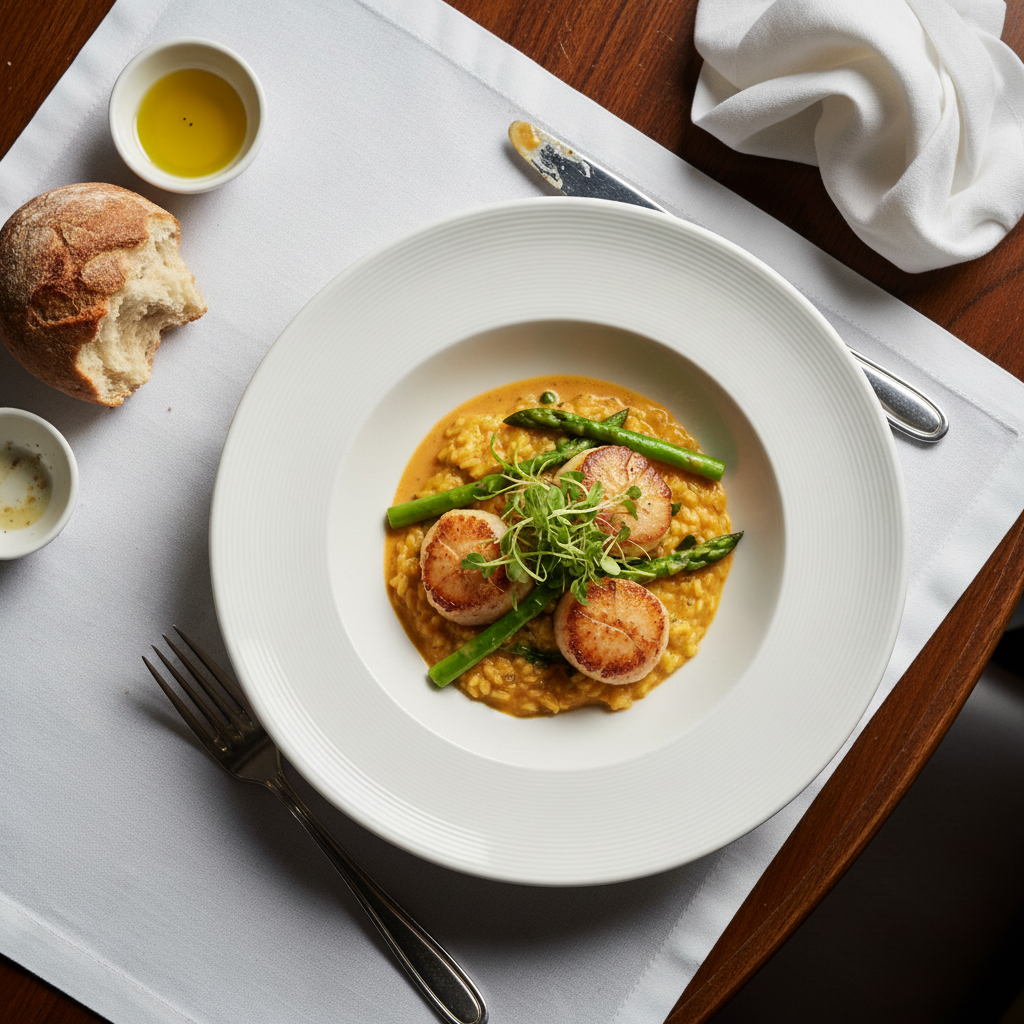
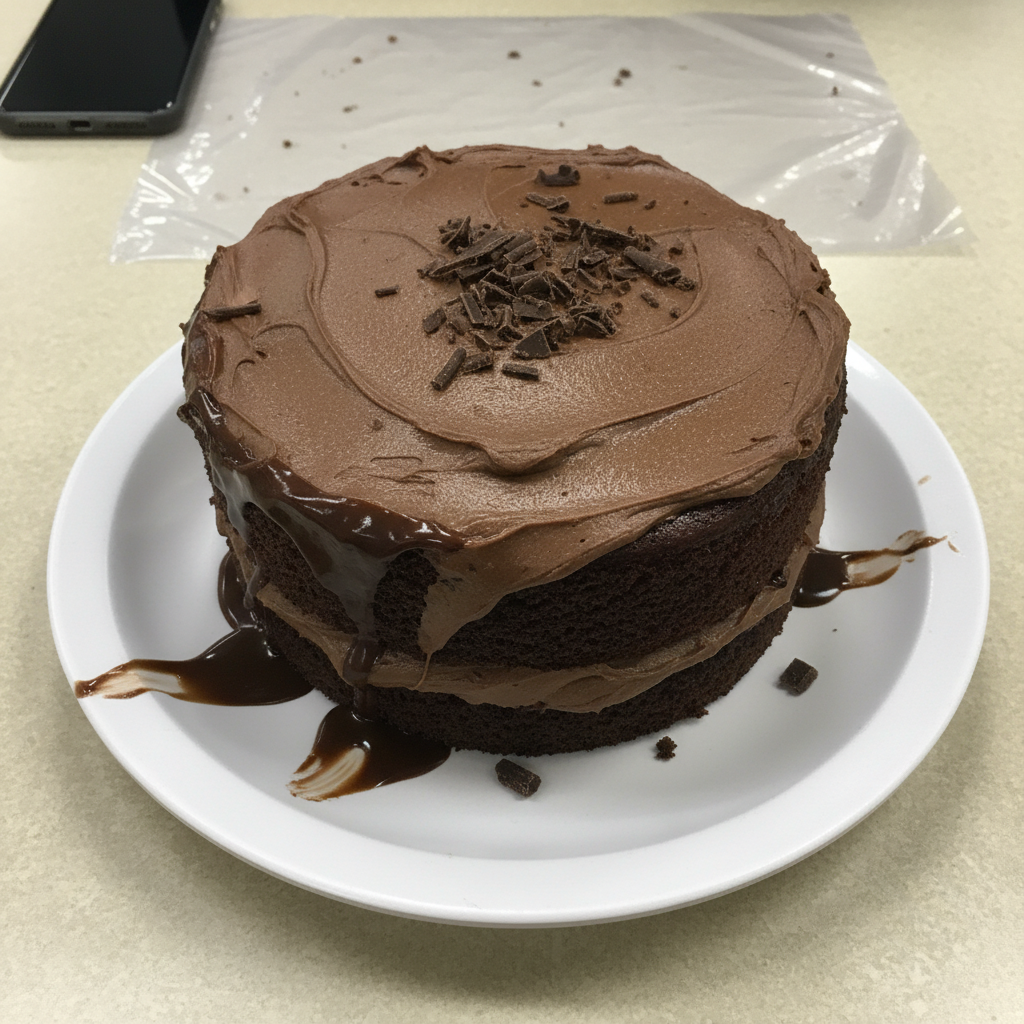
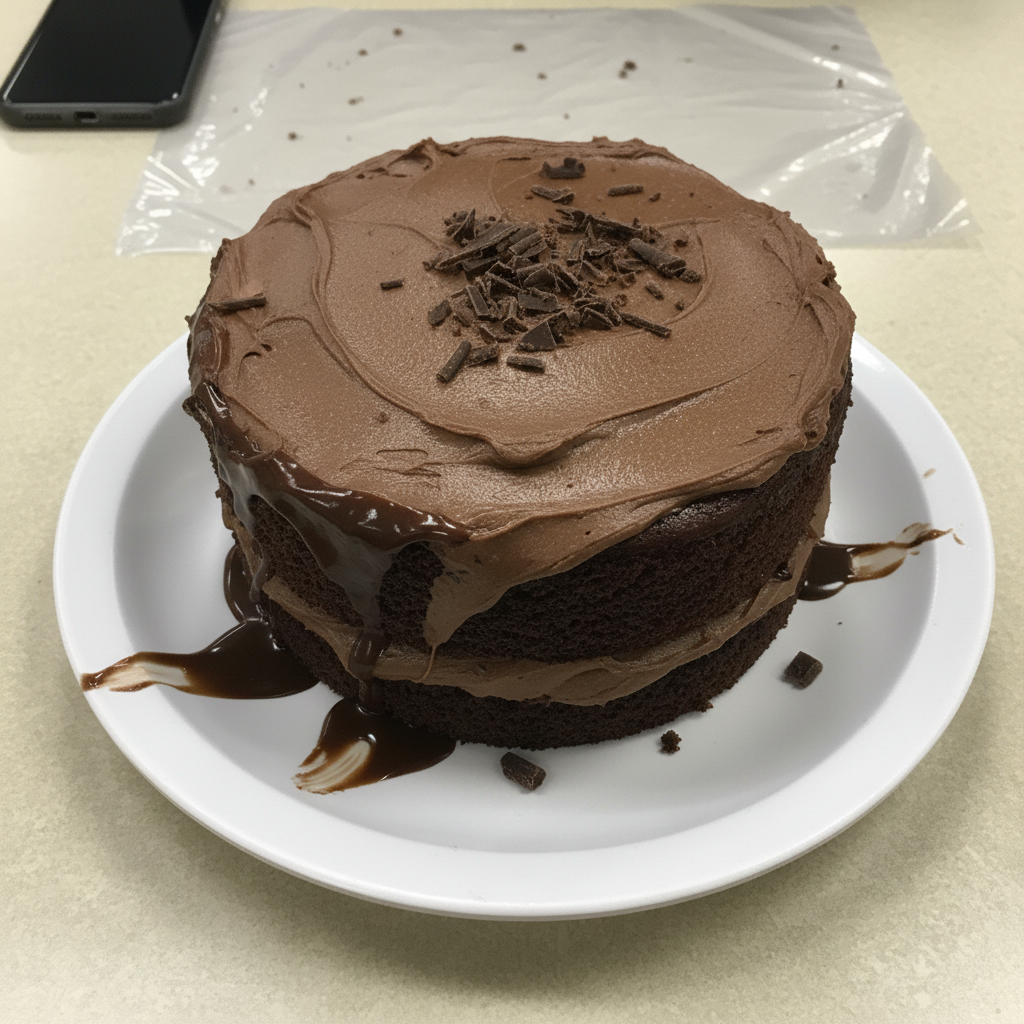
No! Just describe what garnish you want to add. The AI understands food styling conventions and places garnishes naturally where they make sense for your dish.
Is this tool really free?
Yes, completely free with no watermark. No account creation or payment required. Upload, add garnishes, and download as many food photos as you want for any purpose.
What types of garnishes can I add?
Any culinary garnish - fresh herbs (parsley, basil, cilantro, dill), spices (pepper flakes, sesame seeds, paprika), sauces (drizzles, dots, swirls), edible flowers, microgreens, citrus, nuts, seeds, or any finishing touch used in food presentation.
Can I add multiple garnishes at once?
Yes! Describe all garnishes in one prompt: 'Add fresh parsley, red pepper flakes, and a drizzle of olive oil'. The AI will add all elements together in a natural, professional arrangement.
Will the garnish match my photo's lighting?
Yes, the AI analyzes your photo's lighting conditions and generates garnishes that match the same lighting, shadows, and color temperature for realistic integration. Better original lighting produces better garnish matching.
Can I use these photos for restaurant menus or food blogs?
Absolutely! The enhanced photos are yours to use without restrictions - menus, websites, social media, food blogs, marketing materials, or any commercial or personal purpose. No watermark, no attribution required.
Is EditThisPic's AI food garnish adder really free?
Yes — you get 1 free edit per week, no account needed. Plans start at $4.99/month for 15 edits.
Can I add food garnish on my phone?
Yes. EditThisPic works in any mobile browser — iPhone, Android, tablet. No app download needed.
How much does EditThisPic cost?
You get 1 free edit per week — no account needed. After that, credit packs start at $1.99 for 3 edits. Monthly plans start at $4.99/mo for 20 edits with unused credits rolling over. All edits are full resolution with no watermark.