Free • No signup Add Glasses · Free

AI Glasses Virtual Try-On

← Browse all add & replace tools

Last updated

See how any pair of glasses looks on your face before buying — upload your photo and a reference photo of the frames, and AI fits them to your face with matched lighting.

01Photo 1
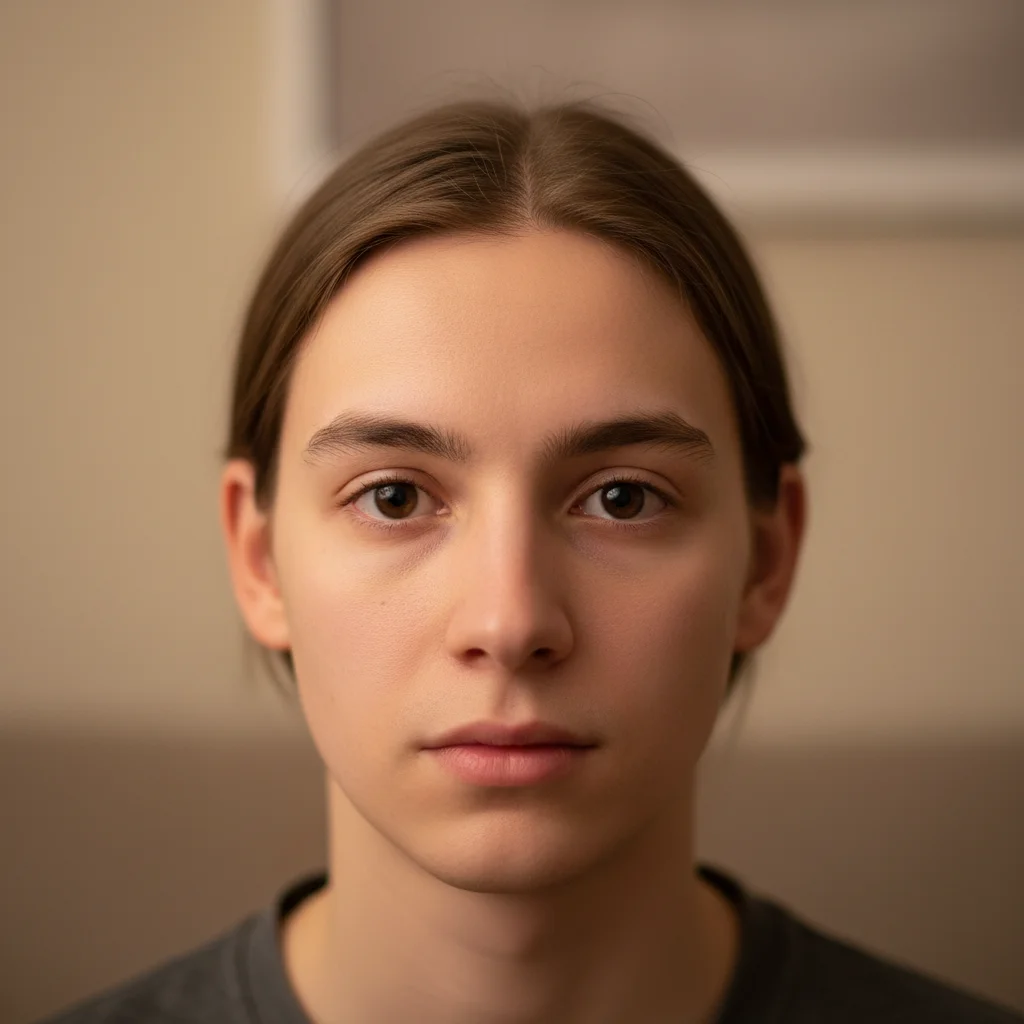
Front-facing portrait with no glasses and clearly visible nose bridge
02Photo 2
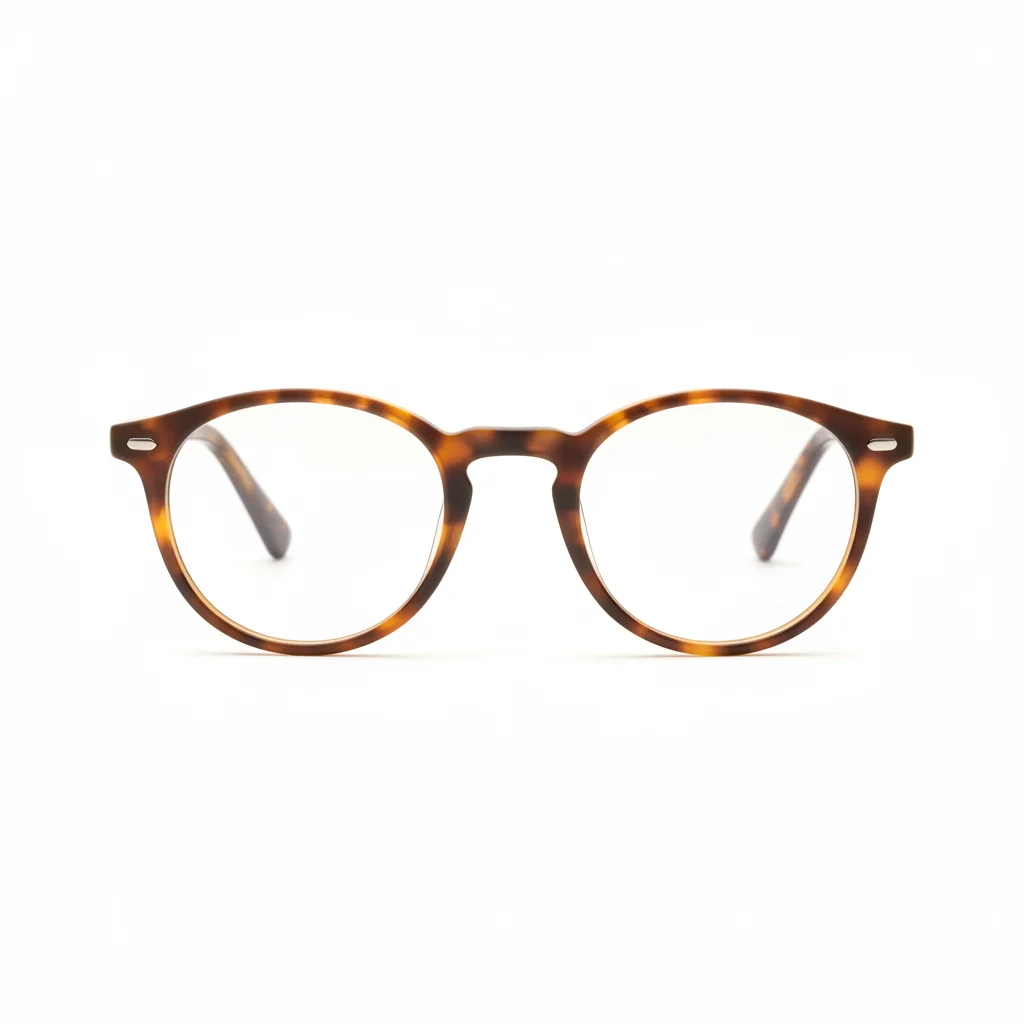
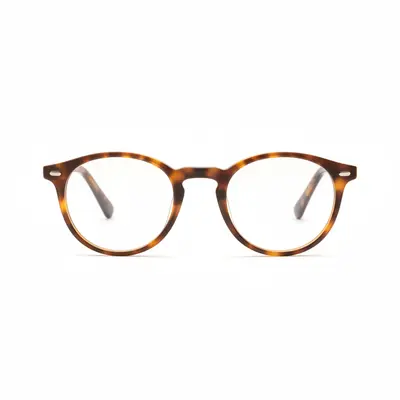
Round tortoiseshell glasses product listing photo used as reference
03Result
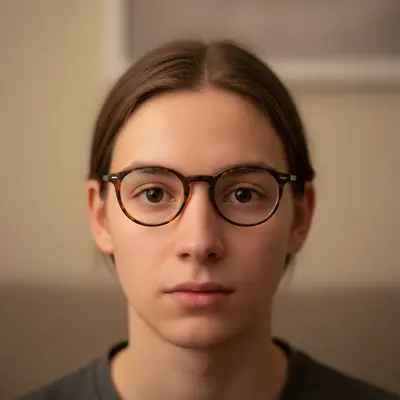
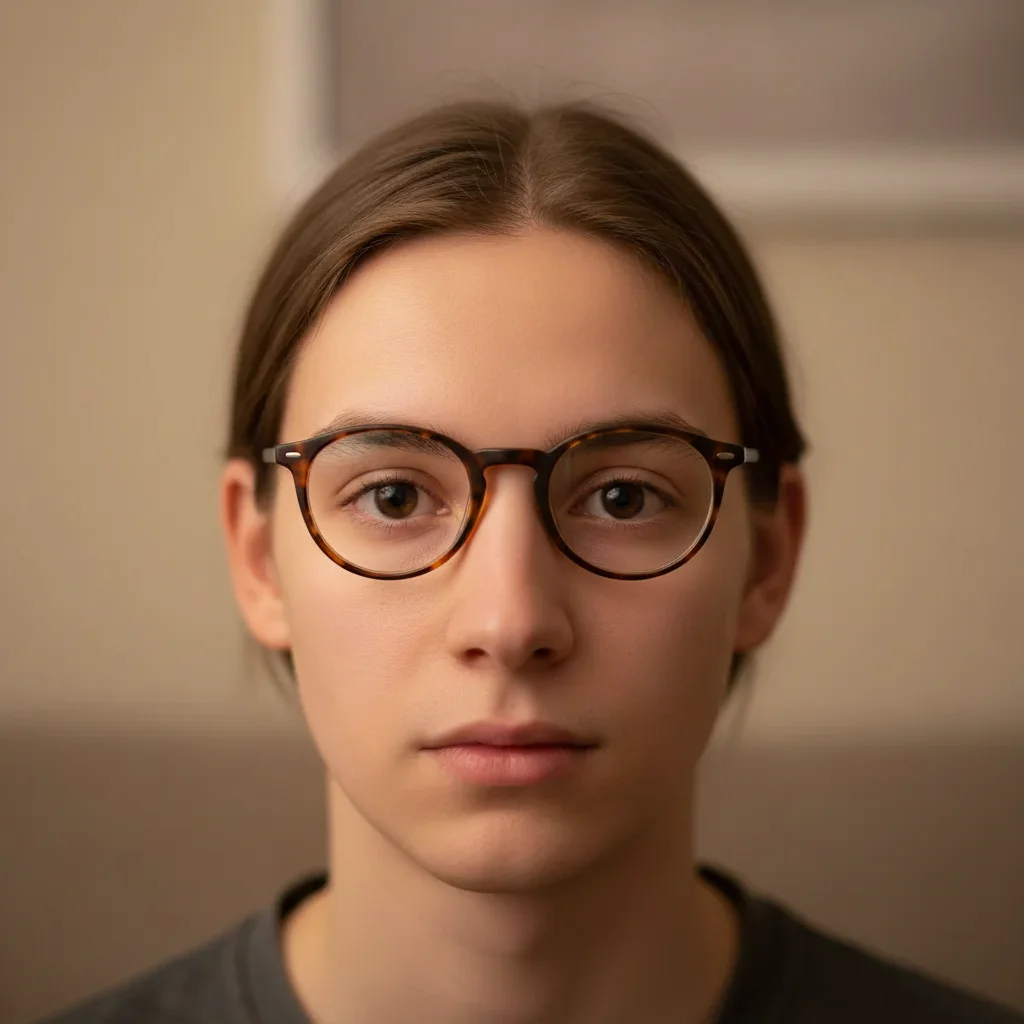
Same portrait with round tortoiseshell frames naturally fitted to the face

Upload photo to add glasses

"add these sunglasses on my face at a natural wearing angle, dark tinted lenses, resting on the nose bridge with temples behind the ears, matching the outdoor sunlight direction"

Release to upload

1 free edit·then from $4.99

Popular use cases:
  • virtual glasses try-on
  • try on frames virtually
  • see how glasses look on my face
  • online glasses try-on free
  • virtual sunglasses try-on
  • AI frames fitting

1Your photo
+
2Reference
=
Result
Portrait photo with face visible and no glasses Your photo
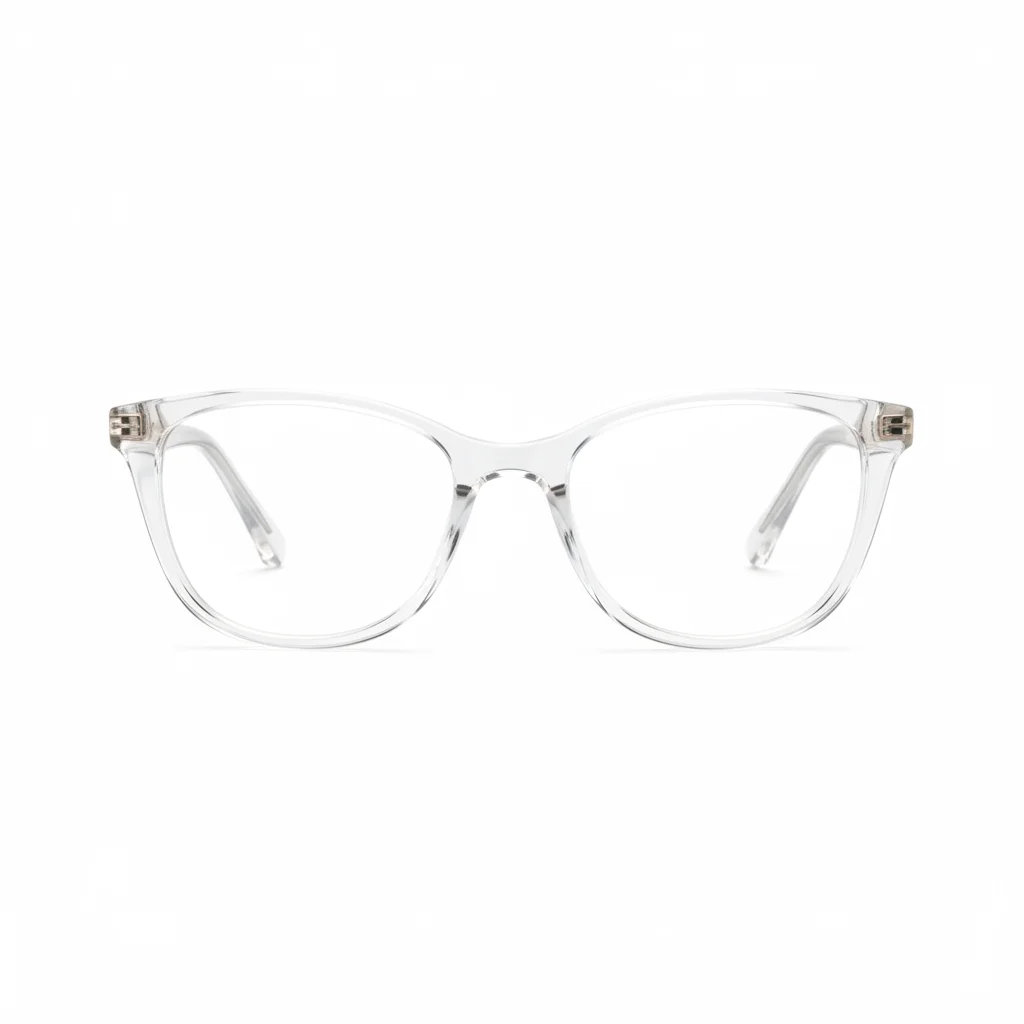
Product photo of the glasses frames to try on Glasses reference
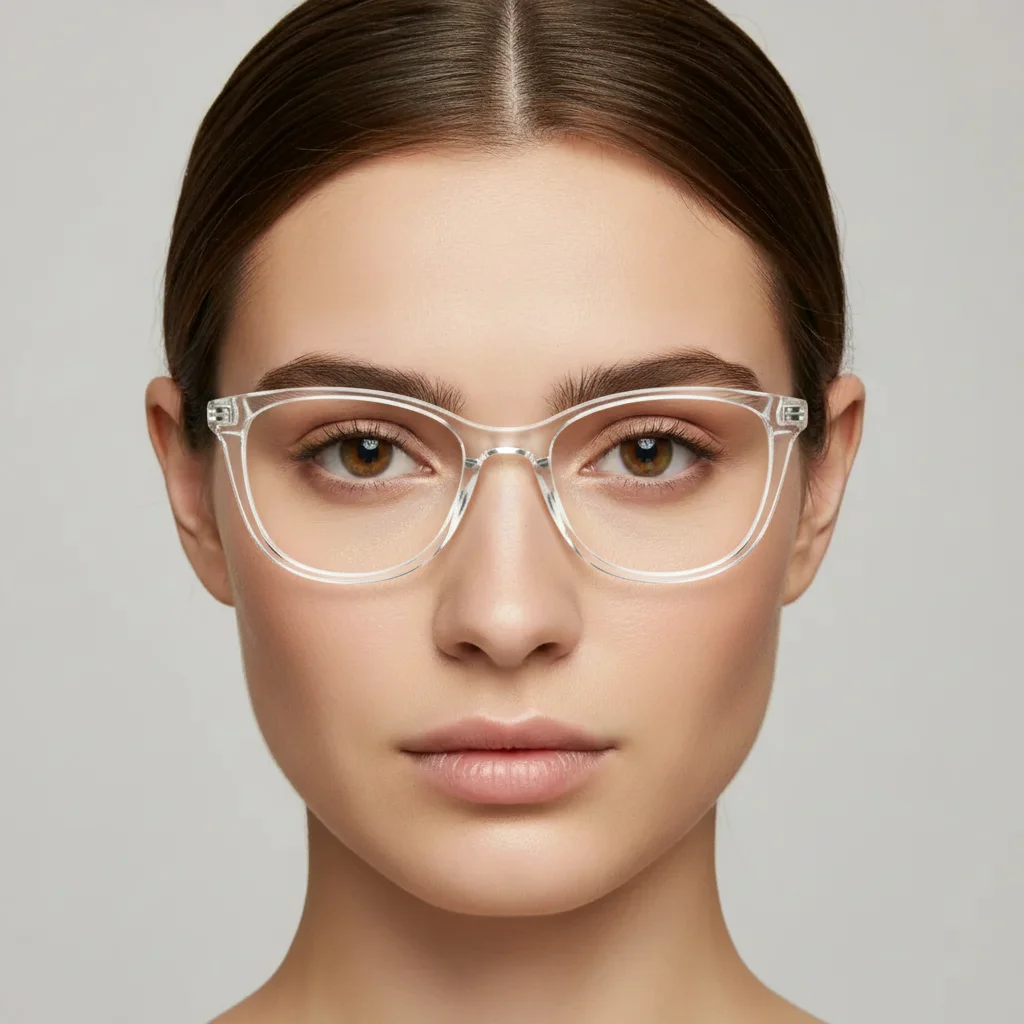
Portrait with glasses naturally placed on the face Result

"Add these glasses on my face, sitting naturally on the nose bridge"

Cost
Free No signup required
Time
Instant results in 15-30 seconds
Works on
Any device - browser, phone, tablet, desktop
Powered by
AI-powered photo editing

How it works

  1. Upload your two photos

    Drop your portrait (a front-facing or slight angle photo where your face is clearly visible) into EditThisPic. Then click '+ Add reference photo' to upload a photo of the specific glasses you want to try — a product listing image, eyewear brand website photo, or your own photo of the frames. JPG, PNG, WebP up to 7MB each.

    Expect: Prescription glasses and sunglasses: 25-35 seconds. Unusual frame shapes or reflective lenses may need 2 attempts.
  2. Provide the glasses as reference

    The glasses reference gives the AI the exact frames to place — frame color, shape, temple style, and lens tint. Product listing photos from eyewear retailers are ideal: the frames are shown clearly on a white background with all details visible. The AI uses this to reproduce the frames accurately on your face.

    Tip: Use the brand's own product page photo as the reference — it shows the exact frame shape, color, and lens tint that you'd actually receive.

    Copy one of these to get started:

    Standard prescription frames add these glasses on my face, resting naturally on the nose bridge, temples extending over the ears, frame color and shape matching the reference exactly, matching the portrait's lighting
    Sunglasses outdoors add these sunglasses on my face at a natural wearing angle, dark tinted lenses, resting on the nose bridge with temples behind the ears, matching the outdoor sunlight direction
    Bold statement frames add these frames on my face centered on the nose bridge, the bold frame shape following my face structure naturally, warm indoor lighting matching the portrait
    Three-quarter angle portrait add these glasses on my face at the correct perspective angle for this three-quarter view, resting on the nose bridge, the near temple visible and the far one partially hidden
    2 more prompts
    Reading glasses on older portrait add these reading glasses on the face, sitting slightly lower on the nose bridge in a classic reading position, matching the indoor lighting
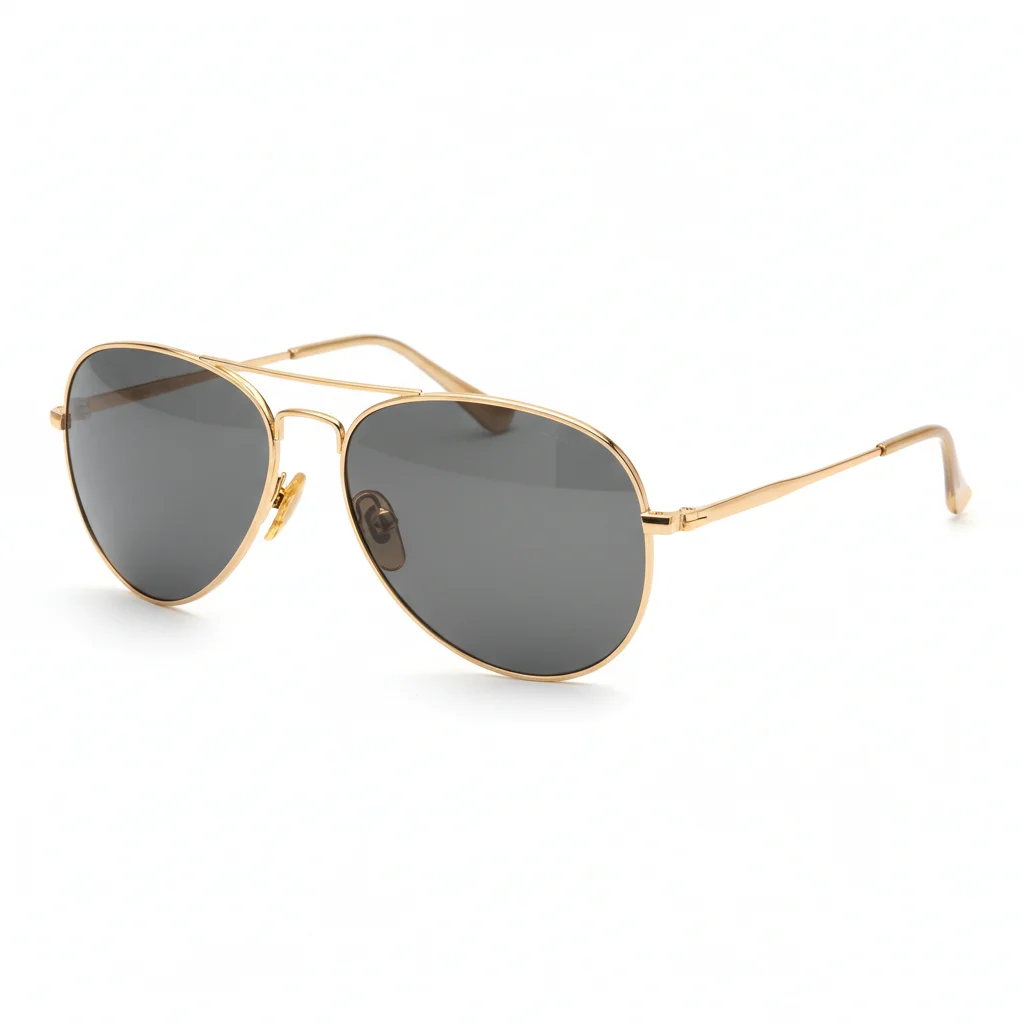
    Aviator sunglasses add these aviator sunglasses on my face, the teardrop lenses covering the eyes fully, gold metal frame matching the reference, outdoor light catching the metal rims
  3. Describe the fit on your face

    Tell the AI how the glasses should sit: 'add these glasses resting on the nose bridge, temples going over the ears, matching the portrait's lighting' or 'add these sunglasses on my face, slightly tilted as if worn naturally.' Include lens tint guidance if relevant: 'clear lenses' vs 'dark tinted sunglasses.'

    Tip: For a natural look, say 'resting naturally on the nose bridge' — this prevents the frames from floating above the face.

    Copy one of these to get started:

    Standard prescription frames add these glasses on my face, resting naturally on the nose bridge, temples extending over the ears, frame color and shape matching the reference exactly, matching the portrait's lighting
    Sunglasses outdoors add these sunglasses on my face at a natural wearing angle, dark tinted lenses, resting on the nose bridge with temples behind the ears, matching the outdoor sunlight direction
    Bold statement frames add these frames on my face centered on the nose bridge, the bold frame shape following my face structure naturally, warm indoor lighting matching the portrait
    Three-quarter angle portrait add these glasses on my face at the correct perspective angle for this three-quarter view, resting on the nose bridge, the near temple visible and the far one partially hidden
    2 more prompts
    Reading glasses on older portrait add these reading glasses on the face, sitting slightly lower on the nose bridge in a classic reading position, matching the indoor lighting
    Aviator sunglasses add these aviator sunglasses on my face, the teardrop lenses covering the eyes fully, gold metal frame matching the reference, outdoor light catching the metal rims
  4. Evaluate the fit and style

    Check that the frames are the right scale for your face — the frame width should roughly match your face width. Verify that the glasses sit at the right height on the nose bridge, and that the temples extend naturally past the ears. Frame color and lens tint should match the reference.

See it in action

Front-facing portrait with no glasses and clearly visible nose bridge
Main Photo
Round tortoiseshell glasses product listing photo used as reference
Reference
Same portrait with round tortoiseshell frames naturally fitted to the face
Result

Round tortoiseshell frames tried on

A product listing of round tortoiseshell prescription frames used as reference — AI placed them accurately on a front-facing portrait with matched lighting.

Prompt: add these round tortoiseshell frames on my face, resting naturally on the nose bridge, temples over the ears, frame color matching the reference, warm portrait lighting

Outdoor portrait with visible face and no glasses in natural sunlight
Main Photo
Reference image for AI Glasses Virtual Try-On
Reference
Same portrait with gold aviator sunglasses naturally placed on the face
Result

Aviator sunglasses tried on outdoors

A product photo of gold aviator sunglasses used as reference — AI fitted them on an outdoor portrait with natural sunlight.

Prompt: Put these gold aviator sunglasses from the reference photo on my face. Make them fit naturally and match the outdoor lighting.
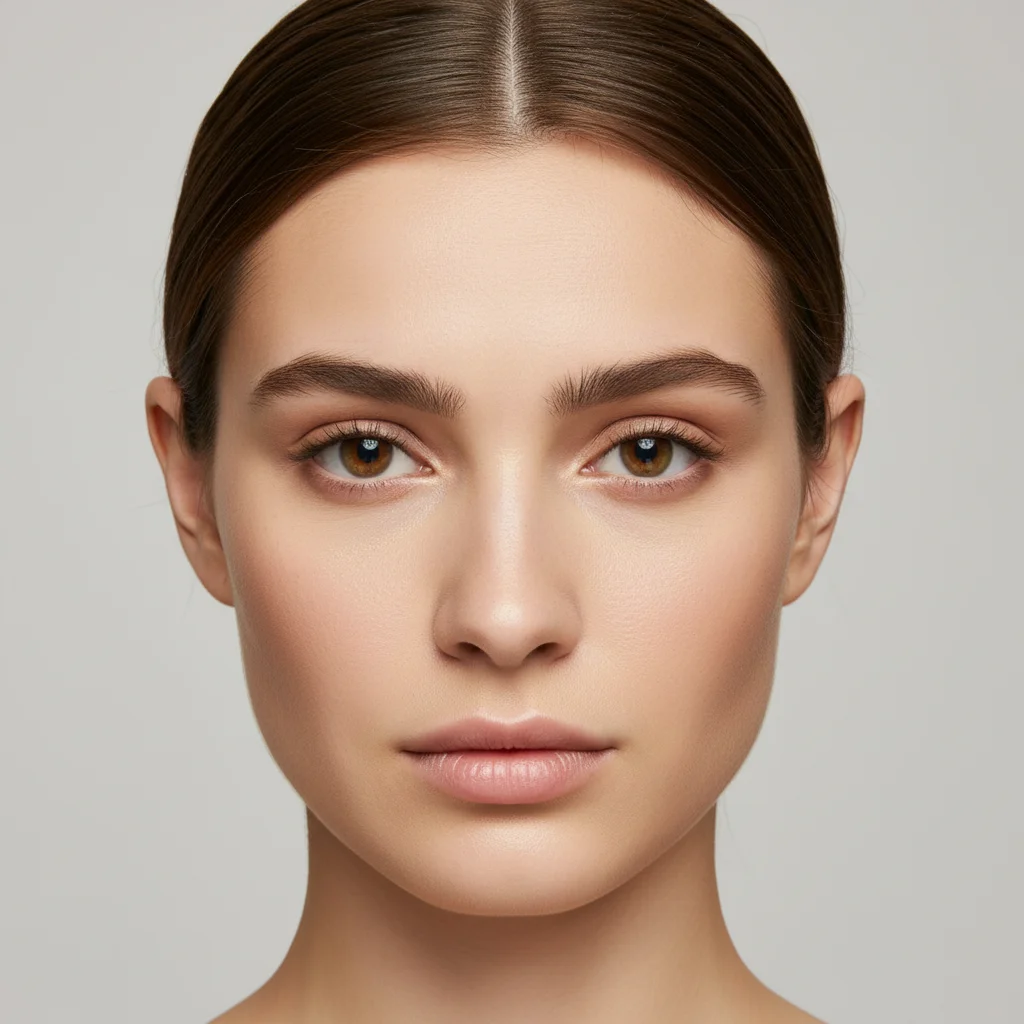
Clean model portrait with no glasses under soft studio lighting
Main Photo
Reference image for AI Glasses Virtual Try-On
Reference
Same model portrait with glasses fitted naturally for an eyewear lifestyle shot
Result

Eyewear brand lifestyle shot

An eyewear seller's product listing used as reference — AI composited the frames onto a model portrait for an Etsy listing lifestyle photo.

Prompt: add these glasses on the model's face fitting naturally on the nose bridge, frame color and details matching the reference exactly, soft portrait studio lighting

Detailed Guides by Scenario

📷

Buying Glasses Online Without Trying Them On

See exactly how a specific pair of frames looks on your face before you order online — where you can't physically try them on.

Common Scenarios

  • Choosing between multiple frame styles for prescription glasses
  • Checking if a bold frame shape suits your face shape before ordering
  • Previewing different lens tints for sunglasses
  • Comparing cat-eye, round, rectangular, and aviator frames on your face

Best Practices

  • Use a front-facing portrait photo for the most accurate face fit comparison
  • Try the same face photo with multiple different frame references to compare styles
  • Use the retailer's official product page photo as your reference for the most accurate representation
Testing prescription glasses frames online add these frames on my face, resting naturally on the nose bridge, temples extending over the ears, matching the portrait's lighting
Trying on sunglasses before buying add these sunglasses on my face at a natural wearing angle, dark tinted lenses, temple arms going back over the ears, matching the outdoor lighting
📷

Eyewear Sellers: Lifestyle Shots and Try-On Content

Create lifestyle and try-on content for eyewear products without booking a model for every frame style.

Common Scenarios

  • Creating 'worn' lifestyle shots for an eyewear Etsy or Shopify store
  • Generating multiple frame try-on variations from one model photo
  • Building a lookbook showing the same frame in different face shapes
  • Creating social media content showing glasses being worn in context

Best Practices

  • Use a neutral, well-lit model portrait as the base for all try-on shots
  • Keep the portrait's lighting consistent across all frame variations for a cohesive set
  • Create variations showing the same frame from front and three-quarter angle
Creating eyewear brand lifestyle photo add these glasses on the model's face, fitting naturally on the nose bridge with temples over ears, soft portrait studio lighting, frame color matching the reference exactly

If something looks off

Glasses are too wide or too narrow for the face

Why: The AI scaled the frames without referencing the face's proportions correctly.

Try: add these glasses at the correct scale — the frame width should match the width of my face, fitting naturally like real glasses

Tip: Say 'frame width matching my face width' — standard glasses are designed to match the face's outer dimensions

Glasses are floating above the nose

Why: The AI placed the frames without grounding them on the nose bridge.

Try: add these glasses resting physically on the nose bridge, not floating, with the nose pads or frame sitting on the skin naturally

Tip: 'Resting on the nose bridge' is the key phrase — it grounds the glasses to the face rather than letting them float

Frame color or material doesn't match reference

Why: The AI approximated the frame color or material finish.

Try: add these glasses preserving the exact frame color from the reference — [tortoiseshell/matte black/clear/gold metal] as shown

Tip: Name the frame material: 'acetate tortoiseshell,' 'matte black metal,' 'transparent clear frames,' 'brushed gold titanium'

AI changed wrong area of the photo

Why: Ambiguous placement in a complex portrait caused changes in an unintended area.

Try: Tap a marker on the nose bridge area where the glasses should rest, then regenerate

Tip: For glasses, tap the nose bridge directly — this anchors the frame center point precisely

Lenses look wrong (should be tinted/clear but aren't)

Why: The AI defaulted to a different lens treatment than the reference.

Try: add these glasses with [clear/dark tinted/lightly tinted/mirrored] lenses exactly as shown in the reference photo

Tip: Be explicit about lens treatment: 'clear prescription lenses,' 'dark polarized tint,' 'gradient fade tint,' 'mirrored silver lenses'

Quick answers

Do I need TWO photos for this?

Yes. You need your main photo (a portrait where your face is clearly visible) and a reference photo of the specific glasses you want to try on. EditThisPic extracts the frames from the reference and fits them to your face in the main photo — matching frame color, shape, lens tint, and the portrait's lighting.

How do I virtually try on glasses for free?

Upload your portrait to EditThisPic, click '+ Add reference photo' to upload the glasses' product photo, then describe the placement: 'add these glasses resting on my nose bridge, matching the portrait lighting.' The AI places them naturally in about 30 seconds. Free, no account needed, no watermark.

Can I use a glasses retailer's product page photo as the reference?

Yes. Product page photos from Warby Parker, Zenni, LensCrafters, Amazon, or any eyewear brand all work as reference images. Screenshot the frame you're considering and upload it. The clearer the frame shape and color in the reference, the more accurately the AI reproduces it.

What type of photo should I use as my main photo?

A front-facing portrait gives the most accurate fit assessment — the AI can precisely match frame width to face width. Slight three-quarter angles also work well. Avoid very low-angle or side-profile portraits, as the frame geometry becomes harder to place naturally at extreme angles.

Can I try multiple different frames on the same photo?

Yes. Upload the same portrait each time and use different glasses reference photos to compare styles. This is one of the best uses — seeing round vs rectangular vs cat-eye frames all on the same photo makes the choice much easier than imagining how they'd look.

How much does EditThisPic cost?

You get 1 free edit per week — no account needed. After that, credit packs start at $1.99 for 3 edits. Monthly plans start at $4.99/mo for 15 edits with unused credits rolling over. All edits are full resolution with no watermark.

Try on any glasses before you buy.

Upload your photo and the frames you're considering. Free, no account required.

1 free edit included·Credit packs from $4.99