AI Hairstyle Try-On from Reference Photo
← Browse all body & person toolsLast updated
Upload your photo and a reference image of any hairstyle — see exactly how that style would look on you before you commit to a cut or color.
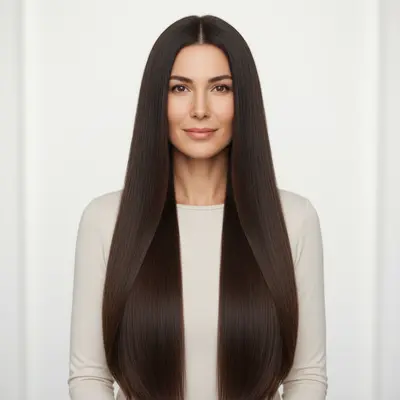
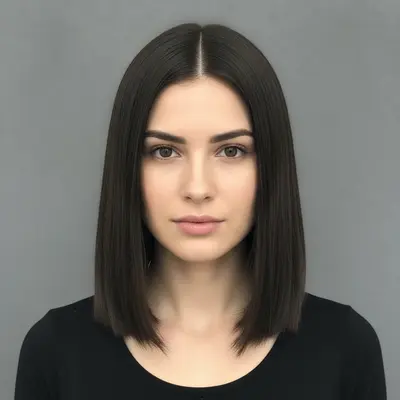
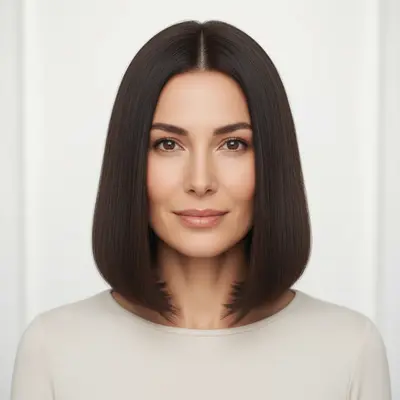
Upload photo to add hairstyle
"give me the shorter hairstyle from the reference photo, matching my natural hair color, with natural-looking layers and proportional framing for my face"
Free to try · no sign-up · never used for AI training
Release to upload
How it works
See it in action
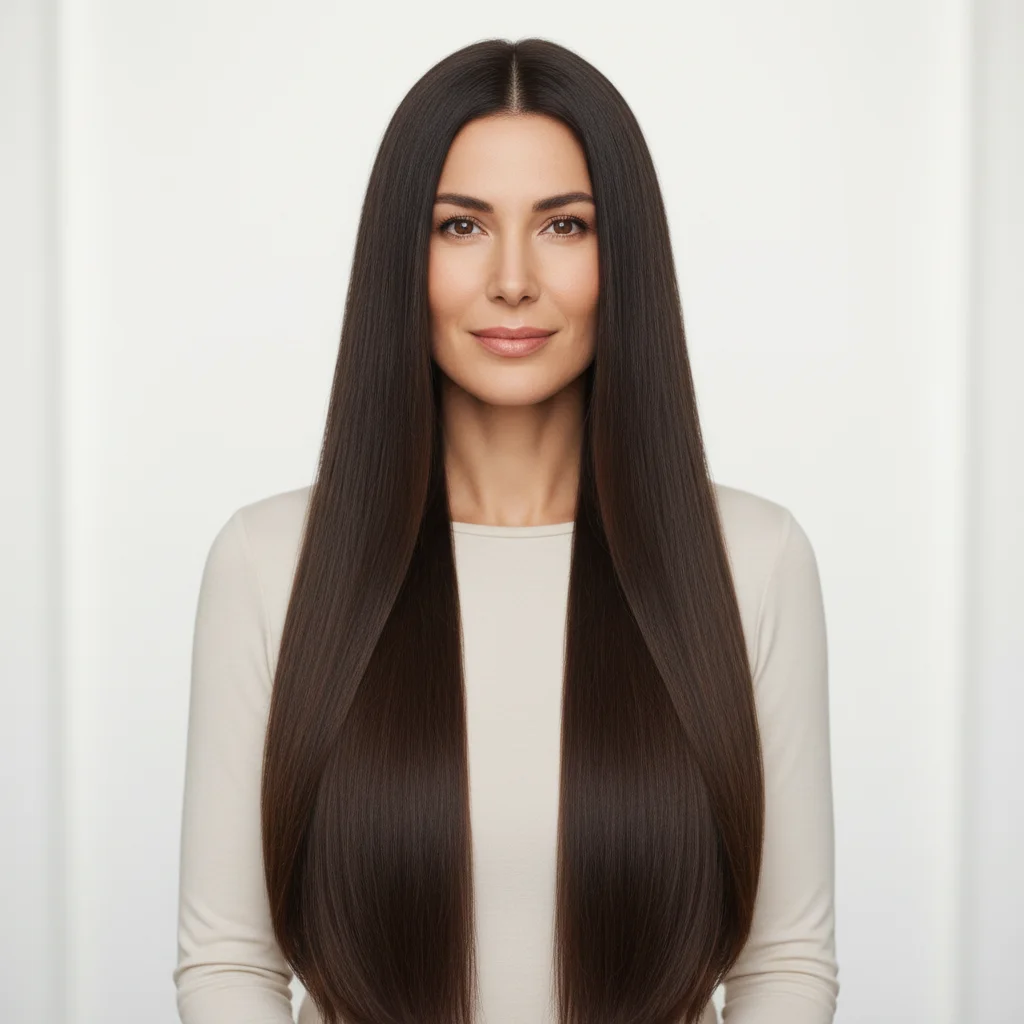
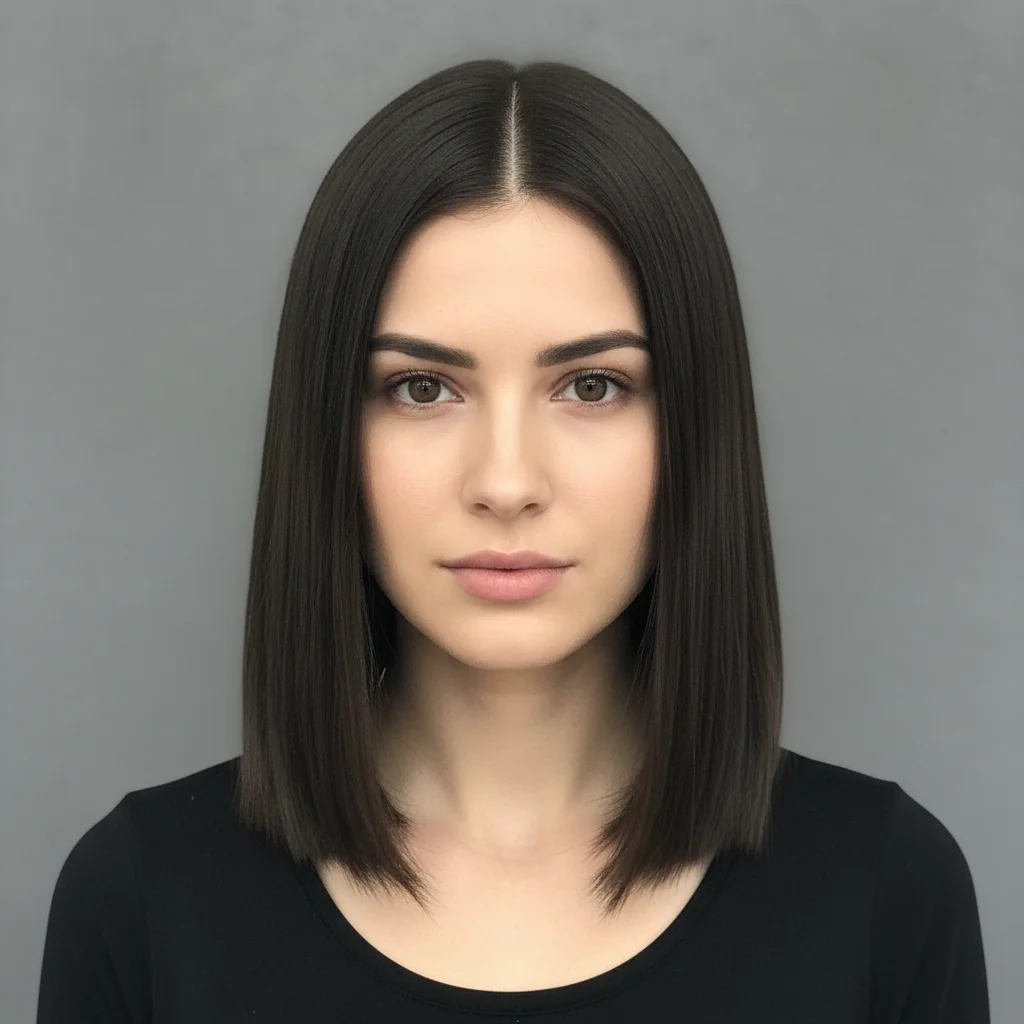
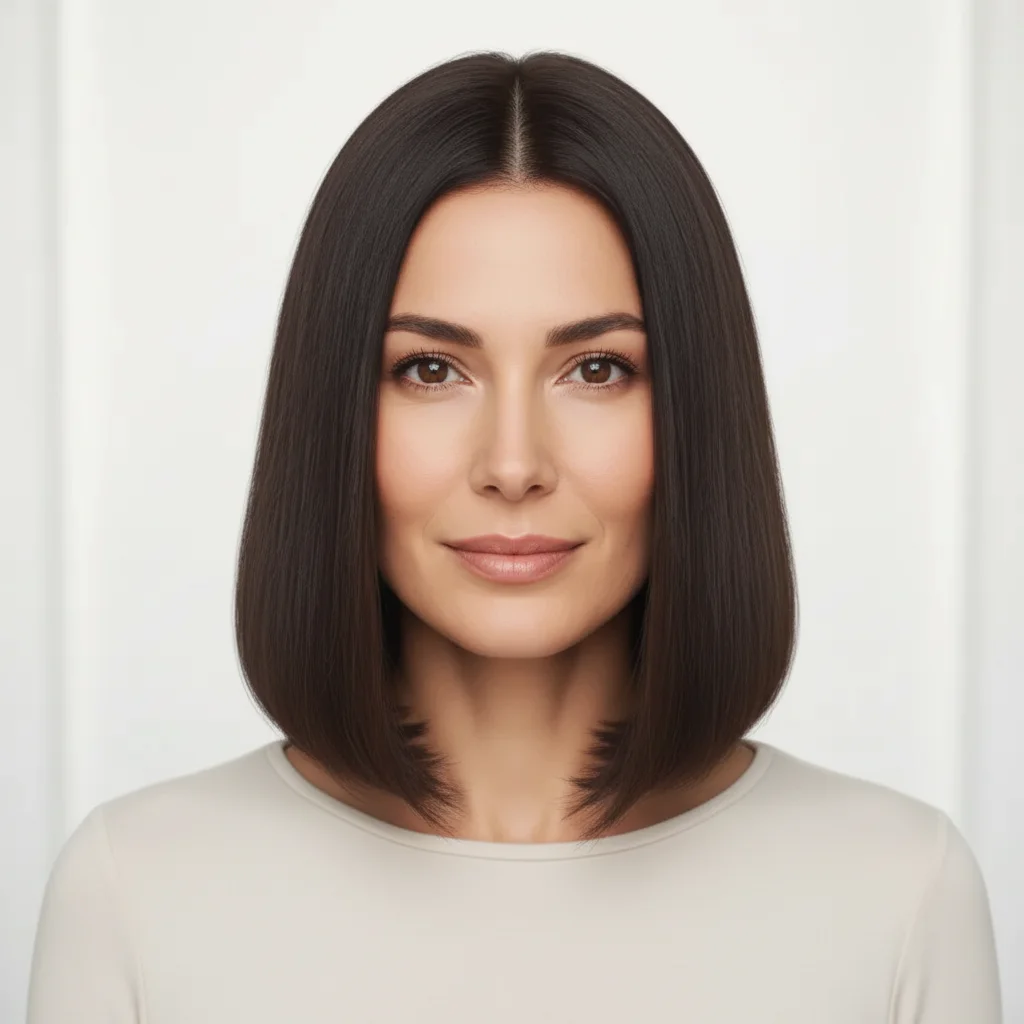
Lob cut hairstyle preview
Long straight hair — reference showed a shoulder-length lob with face-framing layers. AI applied the cut shape and layering, matched the brunette color, and created a realistic preview of the shortened silhouette.
apply the lob hairstyle from the reference photo to my portrait, same layered shape and face-framing style, matching my natural dark brown hair color
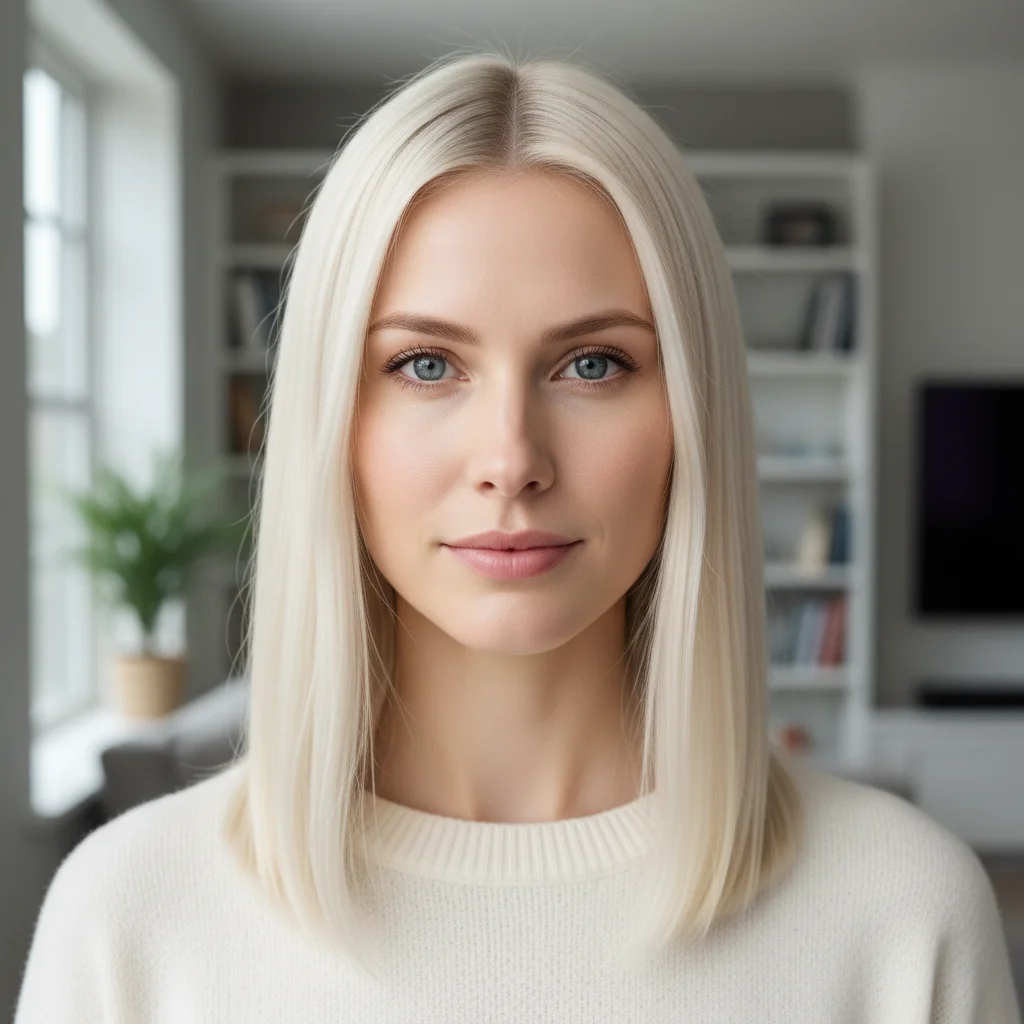
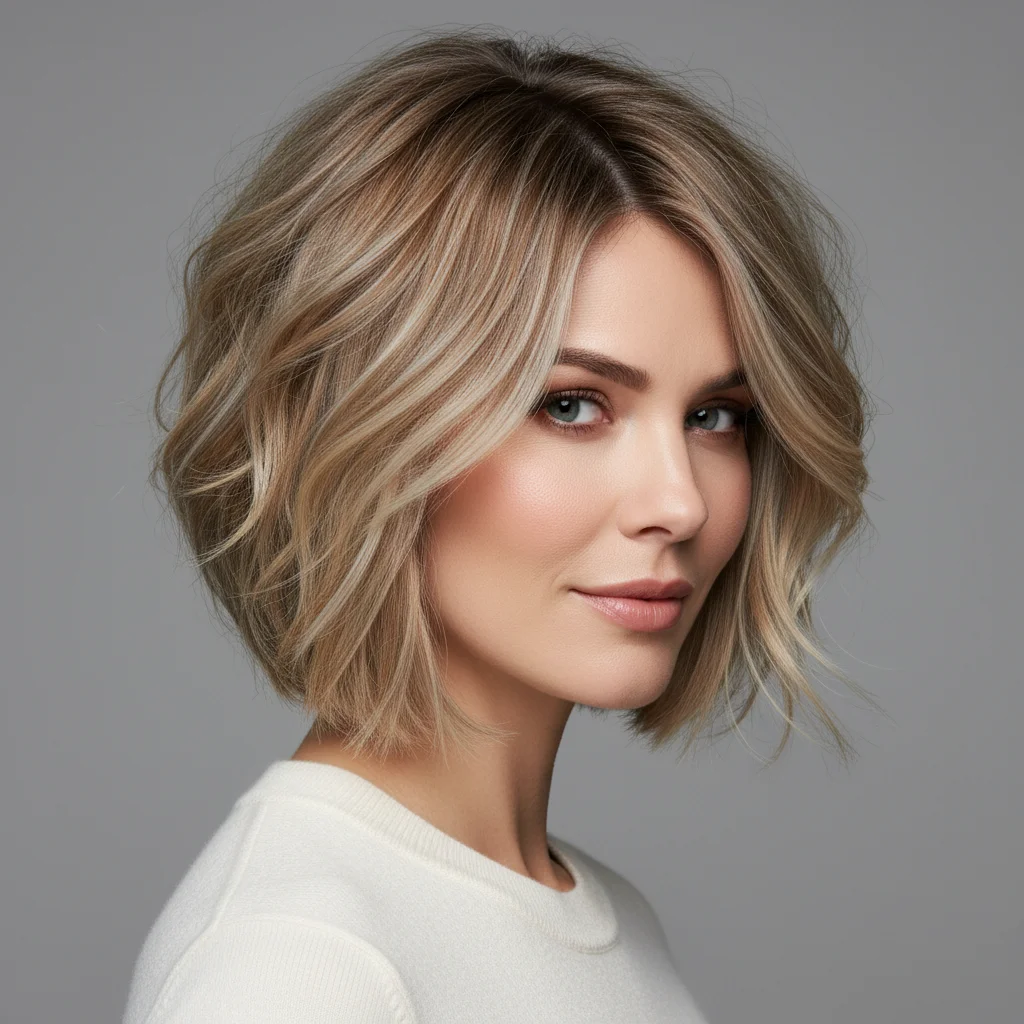
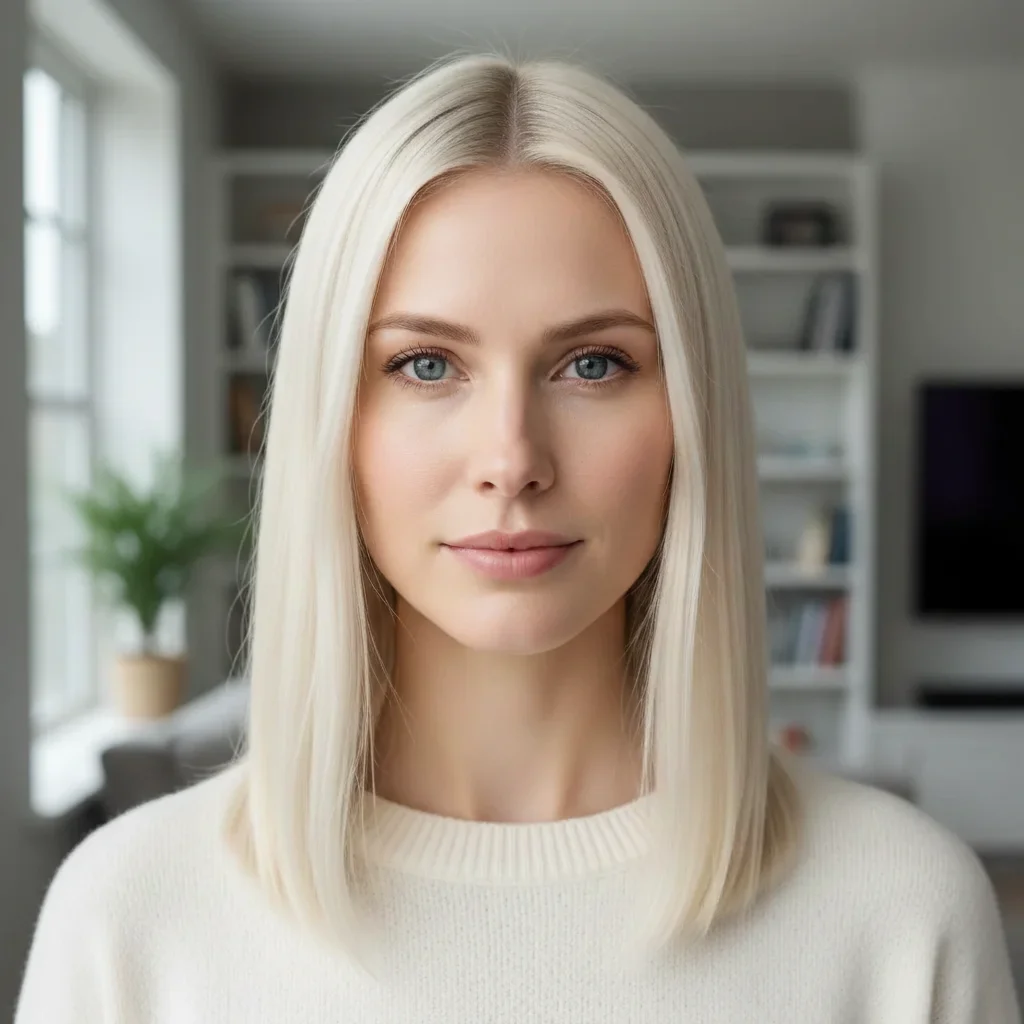
Textured bob from inspiration photo
Straight mid-length hair — reference showed a textured, slightly tousled bob. AI applied the shorter length, added the tousled texture, and maintained the blonde hair color with a natural look.
Apply the textured blonde bob from the reference photo to my portrait. Replicate the same tousled finish and layered shape.
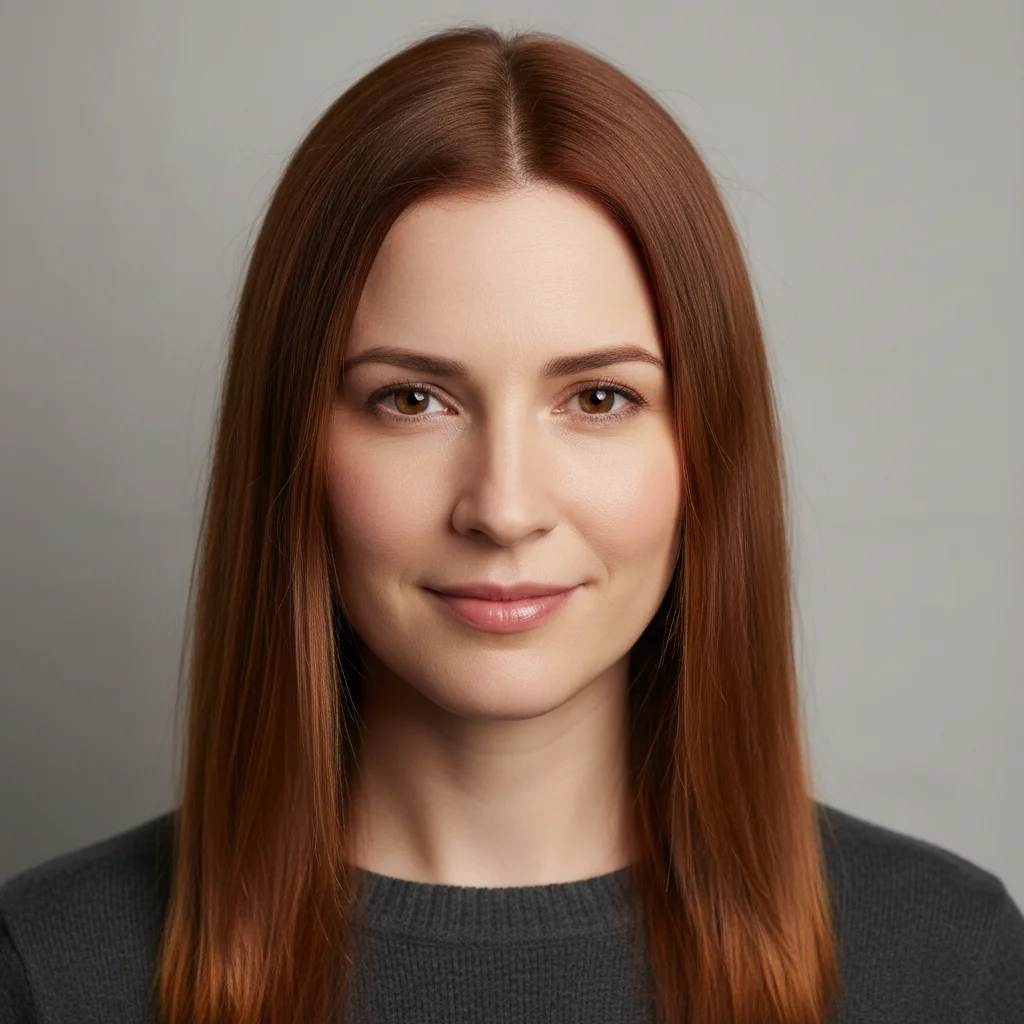
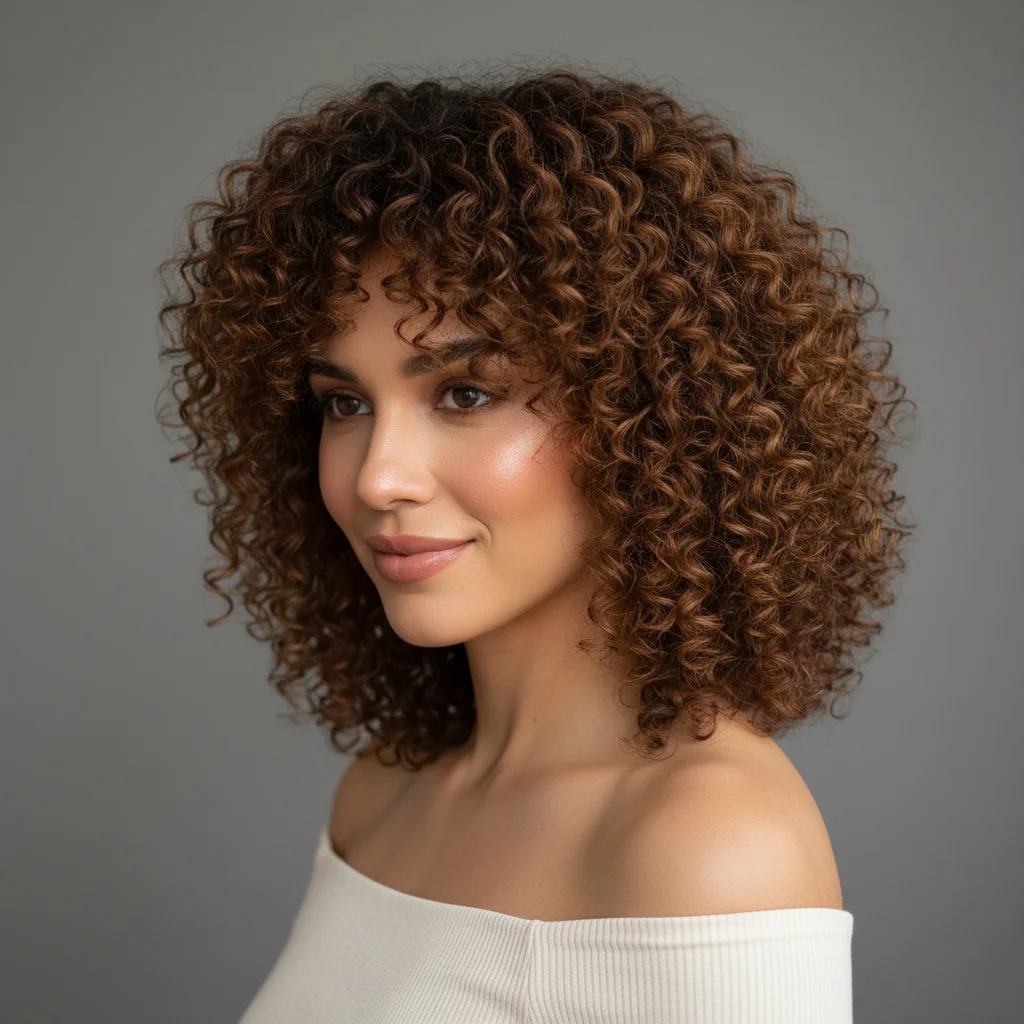
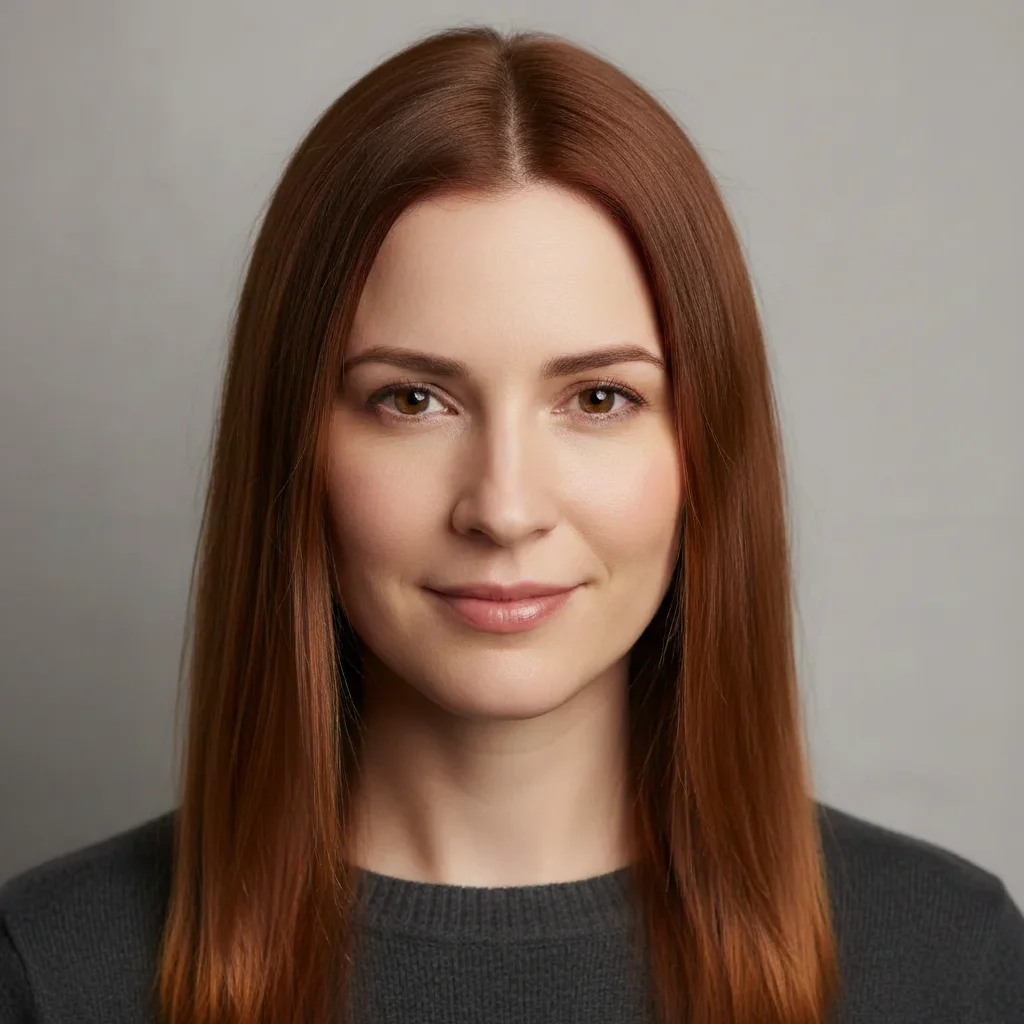
Voluminous curly style from reference
Straight shoulder-length hair — reference showed a voluminous curly style. AI transformed the texture, added appropriate volume and curl pattern, while adapting to the subject's natural hair color.
apply the voluminous curly hairstyle from the reference photo to my portrait — same curl pattern and volume, adapted to my natural auburn hair color
Quick answers
You might also like
Try your reference hairstyle now
Upload your portrait and a reference photo. Free, no account required.