Free • No signup Open Editor

Add Makeup to Photo

Virtually apply professional makeup to any portrait in seconds with AI.

Type 'add natural everyday makeup with soft pink lips and subtle smoky eyes' and EditThisPic's AI applies realistic makeup in 15-30 seconds. Perfect for enhancing portraits, trying new looks before buying products, or polishing photos for professional use. The AI follows facial contours naturally. No selection required. Free to try, no account needed.

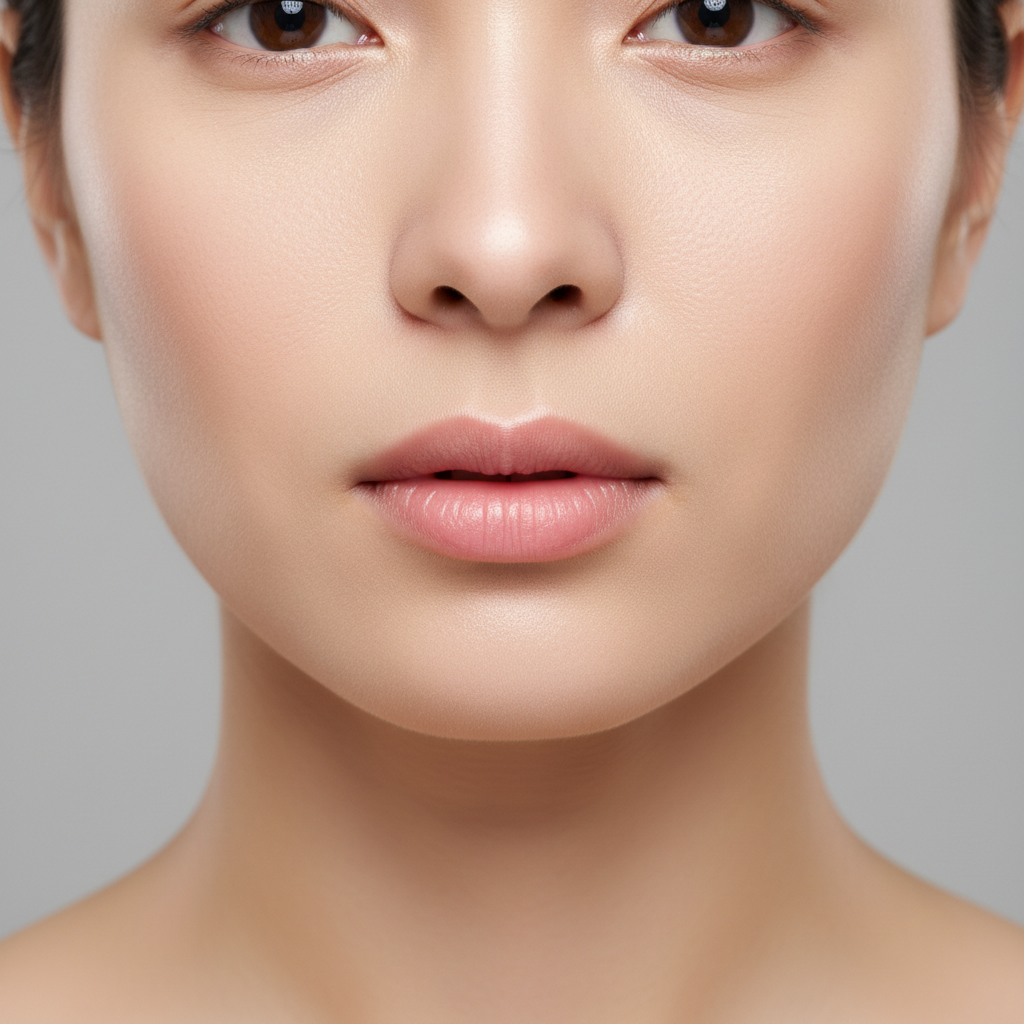
Woman with bare face and no makeup
Before
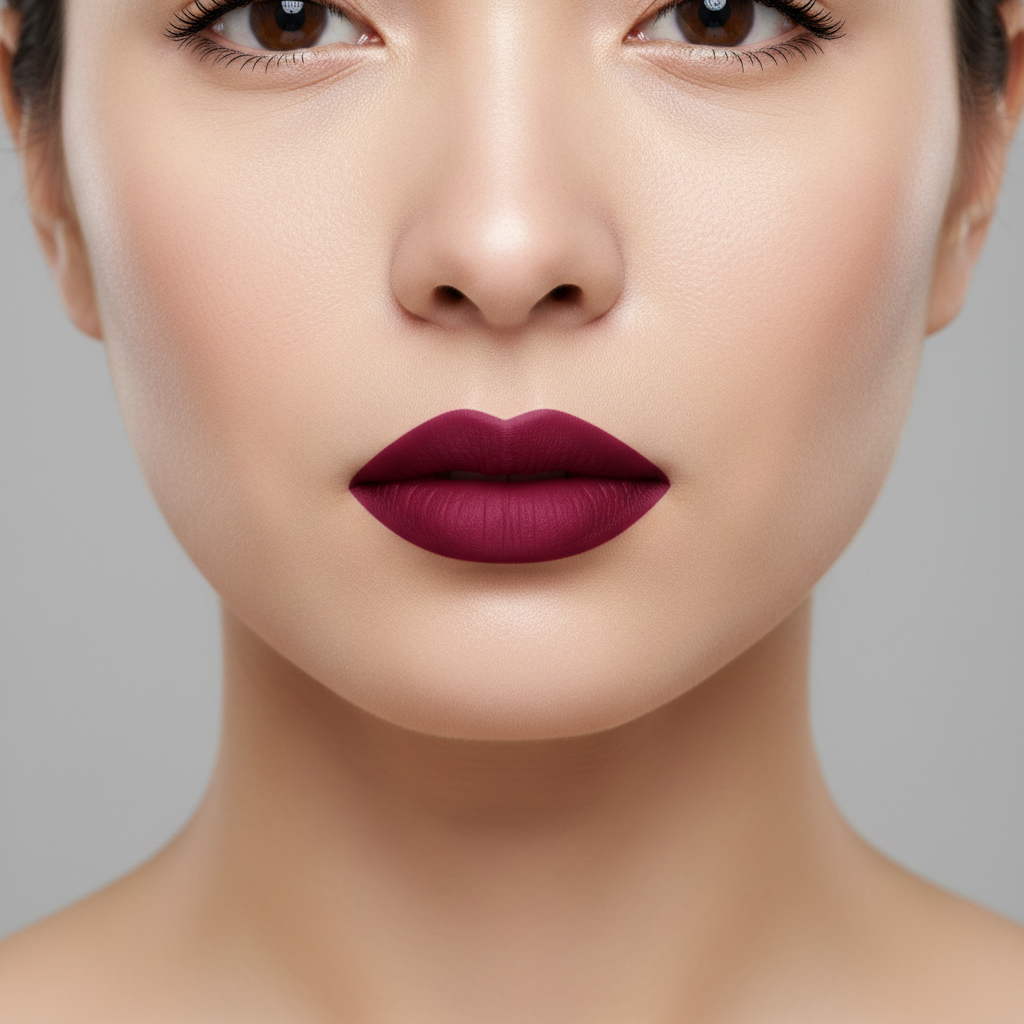
Same woman with subtle natural everyday makeup
After

How it works

1

Upload your photo

Drop your portrait into EditThisPic. Best results come from well-lit front-facing photos with clear visibility of facial features. Natural lighting works best for realistic makeup application. JPG, PNG, WebP up to 7MB.

⏱ Simple makeup looks: 15-25 seconds. Elaborate glam makeup: may need 2-3 refinements.
2

Describe the makeup you want

Type exactly what makeup look you want: 'add subtle everyday makeup with nude lip and natural brows' or 'add glamorous evening makeup with bold red lips and dramatic smoky eyes.' Include specific products, colors, and intensity levels. The AI understands makeup terminology and applies it to match your facial features.

💡 Mention makeup intensity: 'subtle,' 'natural,' 'dramatic,' or 'bold' to control the overall look

Copy one of these to get started:

Natural everyday look add subtle natural makeup with soft pink lips, light mascara, gentle blush, and defined but natural brows
Professional headshot add polished professional makeup with matte foundation, neutral lip color, subtle contouring, and groomed brows
Evening glamour add glamorous evening makeup with bold red lips, dramatic smoky eyes with black liner, highlighted cheekbones, and full lashes
Bridal makeup add elegant bridal makeup with soft rose lips, romantic pink blush, subtle shimmer on eyes, and flawless glowing skin
3 more prompts
Bold editorial look add bold editorial makeup with graphic black eyeliner, bright coral lips, defined cheekbones, and artistic color placement
Fresh no-makeup makeup add a fresh 'no-makeup' makeup look with tinted moisturizer glow, cream blush, clear lip gloss, and feathered brows
Vintage inspired add 1950s vintage makeup with classic red lips, winged black eyeliner, arched brows, and soft pink cheeks
3

Generate and review

Check that the makeup follows your facial contours naturally. Look for proper blending at edges, realistic color saturation, and appropriate shine levels on lips and highlights. Verify the look is symmetrical.

4

Refine with markers if needed

If specific areas need adjustment, tap markers on lips, eyes, or cheeks and describe the correction. Great for intensifying one feature or toning down another.

💡 Build makeup in layers: start with a base look, then add or adjust individual features.
Try it free
"Tried a bold red lip look before my event. Saved the image and showed it to my makeup artist as reference. Turned out exactly like the AI version." @RachelBeautyTips

See it in action

Woman with bare face and no makeup
Before
Same woman with subtle natural everyday makeup
After

Natural everyday enhancement

A bare-faced portrait enhanced with subtle, wearable everyday makeup.

Prompt: add natural everyday makeup with soft pink lips, light mascara, subtle blush, and groomed natural brows
Professional woman with minimal makeup in casual photo
Before
Same woman with polished professional headshot makeup
After

Professional headshot polish

An informal photo transformed into a polished professional headshot with appropriate makeup.

Prompt: add polished professional makeup with even skin tone, neutral matte lips, subtle defined eyes, and professional groomed appearance
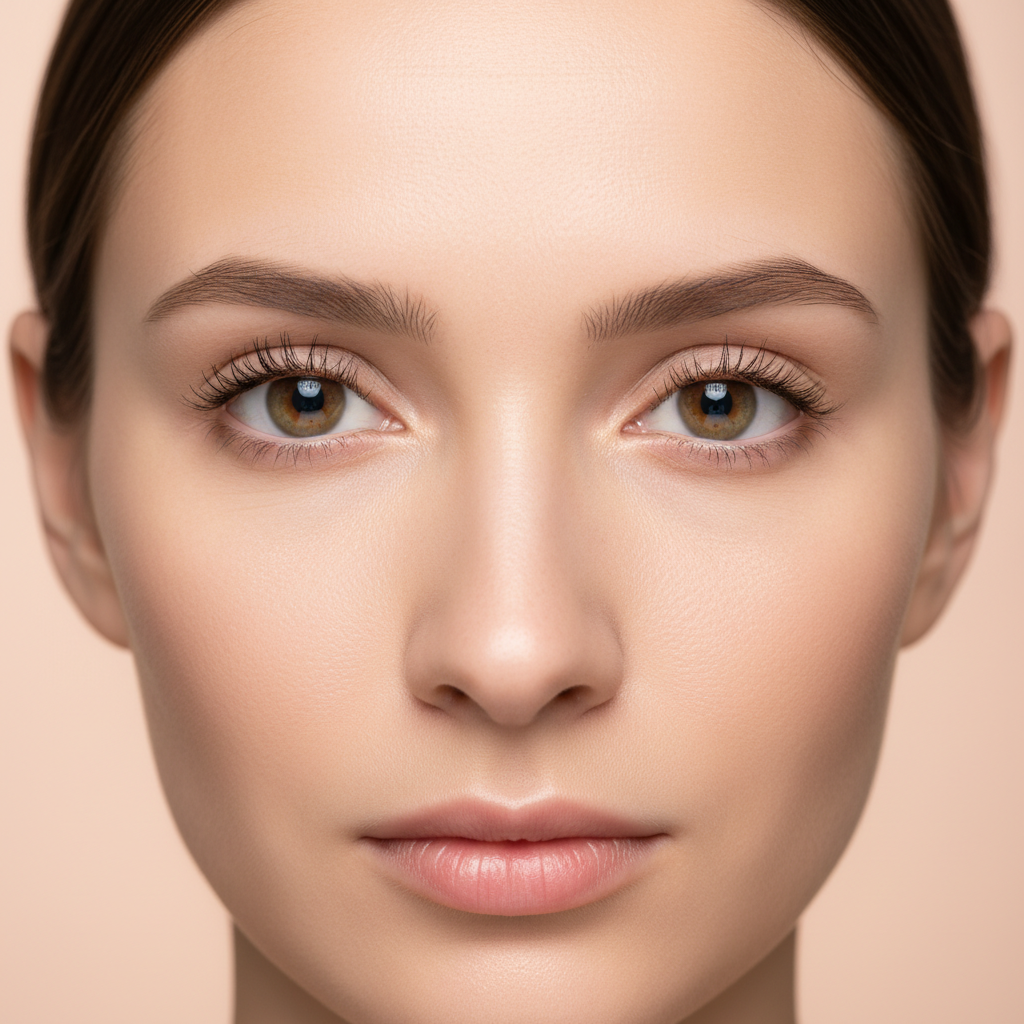
Woman with natural bare face
Before
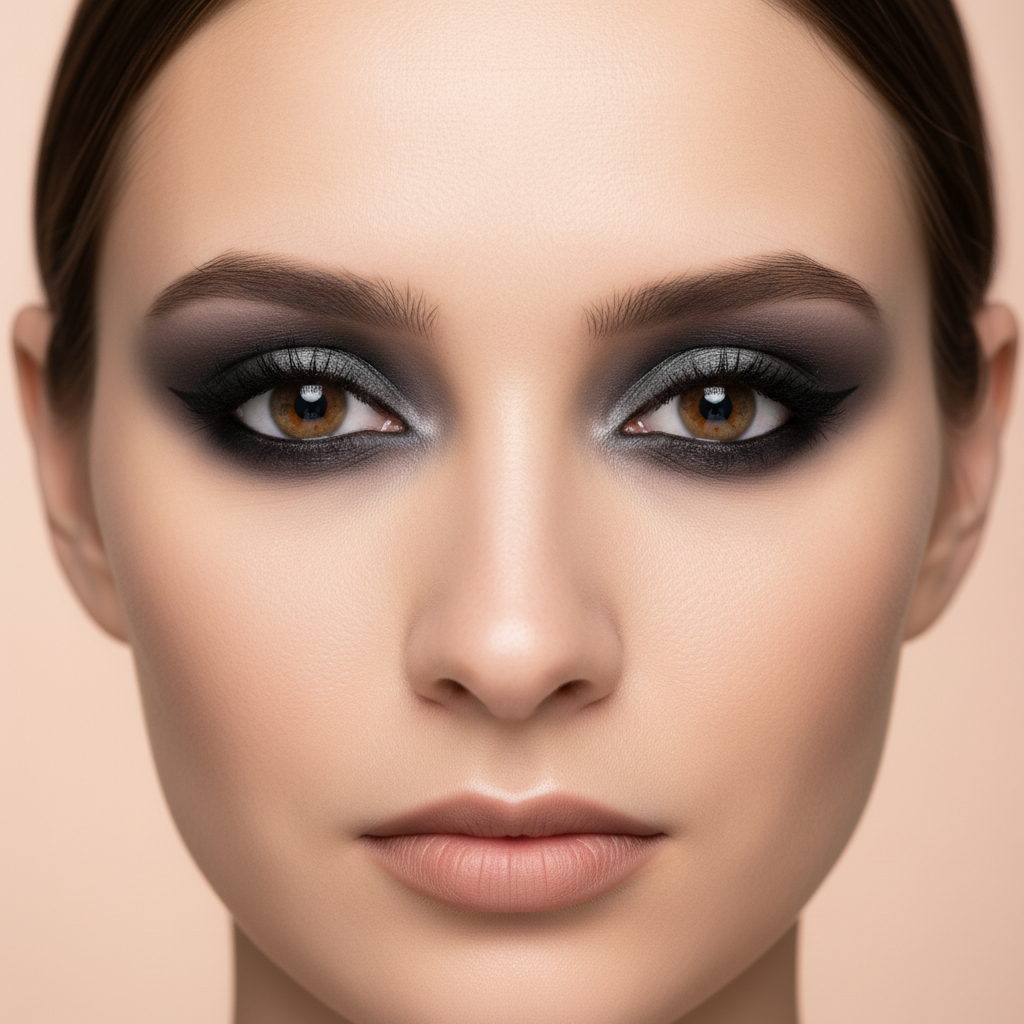
Same woman with glamorous evening makeup including bold lips and smoky eyes
After

Glamorous evening transformation

Testing a bold evening look before an event without committing to the actual makeup.

Prompt: add glamorous evening makeup with bold berry lips, dramatic smoky eyes with shimmer, highlighted cheekbones, and defined brows

If something looks off

Makeup looks too heavy or cakey

Why: The AI applied too much intensity or coverage, making the makeup look unnatural.

Try: apply more subtle and natural makeup with lighter coverage and soft blending

💡 Add 'subtle,' 'light,' or 'sheer' to your prompt for more natural-looking results

Colors don't match skin tone

Why: The AI chose colors that clash with your skin's undertone (warm vs cool).

Try: adjust makeup colors to complement [warm/cool/neutral] skin undertones

💡 Mention your undertone or use universally flattering shades like 'rose' or 'berry'

Makeup is asymmetrical

Why: The AI applied features slightly differently on each side of the face.

Try: balance the makeup symmetrically on both sides of the face

💡 Front-facing, evenly-lit photos produce the most symmetrical results

AI changed the wrong area or something I didn't want changed

Why: The AI couldn't determine exactly which area you meant from description alone. This happens with ambiguous requests.

Try: Tap a marker on the specific area you want to change, then regenerate with the same prompt

💡 Markers tell the AI 'I mean THIS one specifically.' Use them when description alone is ambiguous.

Lips or eyes don't blend naturally into skin

Why: Hard edges where makeup meets skin create an unnatural, pasted-on appearance.

Try: blend the [lip/eye] makeup edges naturally into the surrounding skin

💡 Include 'blended' and 'soft edges' in your original prompt for seamless results

Quick answers

Do I need to mark areas before adding makeup?

No! Just describe the makeup look you want: 'add natural makeup with pink lips and subtle eyes.' The AI automatically finds facial features and applies makeup appropriately. Only use markers to adjust specific features after the first result.

Can I try specific makeup products or brands?

You can describe the style and finish of products: 'matte red lip like MAC Ruby Woo' or 'dewy foundation with natural glow.' The AI understands makeup terminology and recreates the described finish, though it generates its own interpretation rather than exact brand colors.

Will the makeup look realistic in photos?

Yes, when you include detail in your prompt. Describe finish (matte, satin, glossy), intensity (subtle, natural, bold), and specific colors. The AI applies makeup that follows your facial contours with realistic blending and appropriate shine.

Can I add makeup to a photo that already has some makeup?

Yes. Describe what you want to change or add: 'intensify the eye makeup' or 'add bold red lips to the existing look.' The AI can build on existing makeup or transform the entire look.

Does this work on all skin tones?

Yes. The AI adapts makeup colors to complement any skin tone. For best results, mention that you want colors that complement your natural coloring, or specify exact shades you want to try.

Ready to try a new makeup look?

Free to try. No signup required.

Try it free