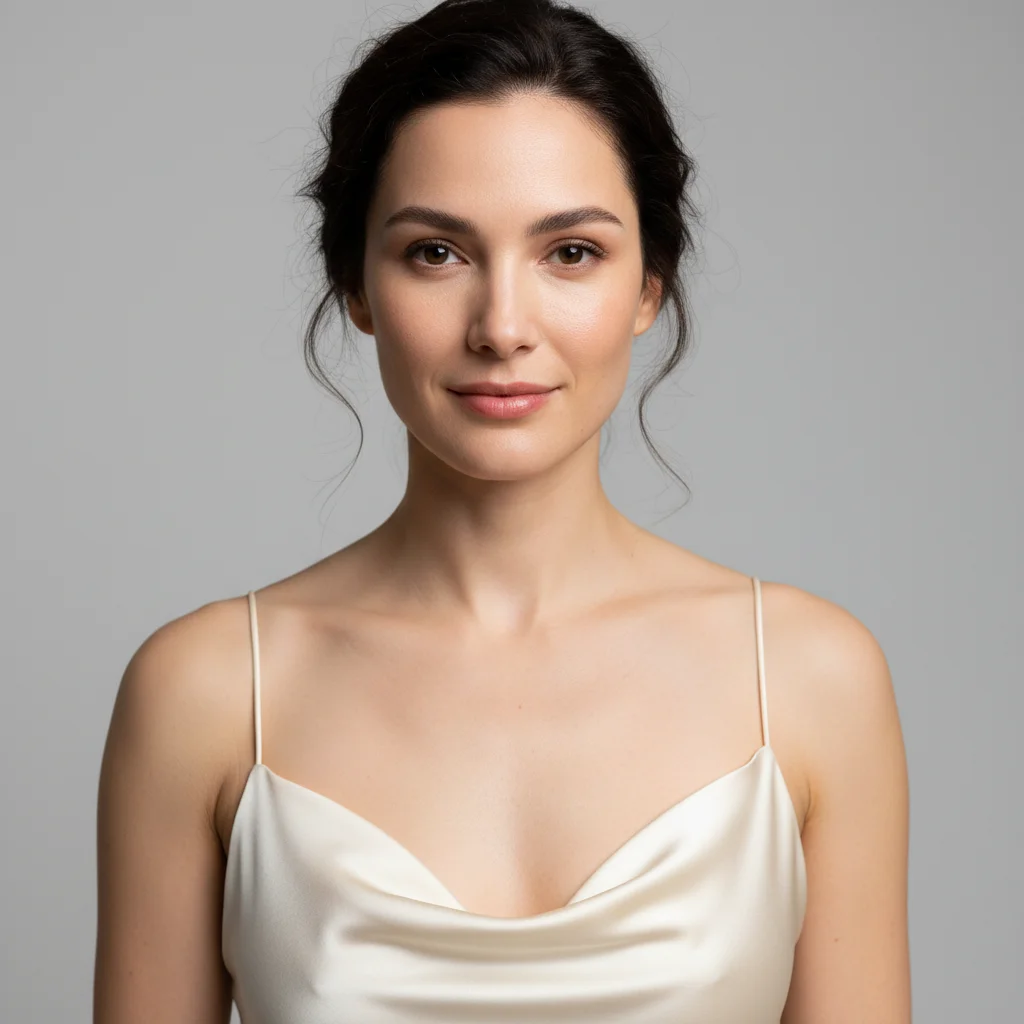
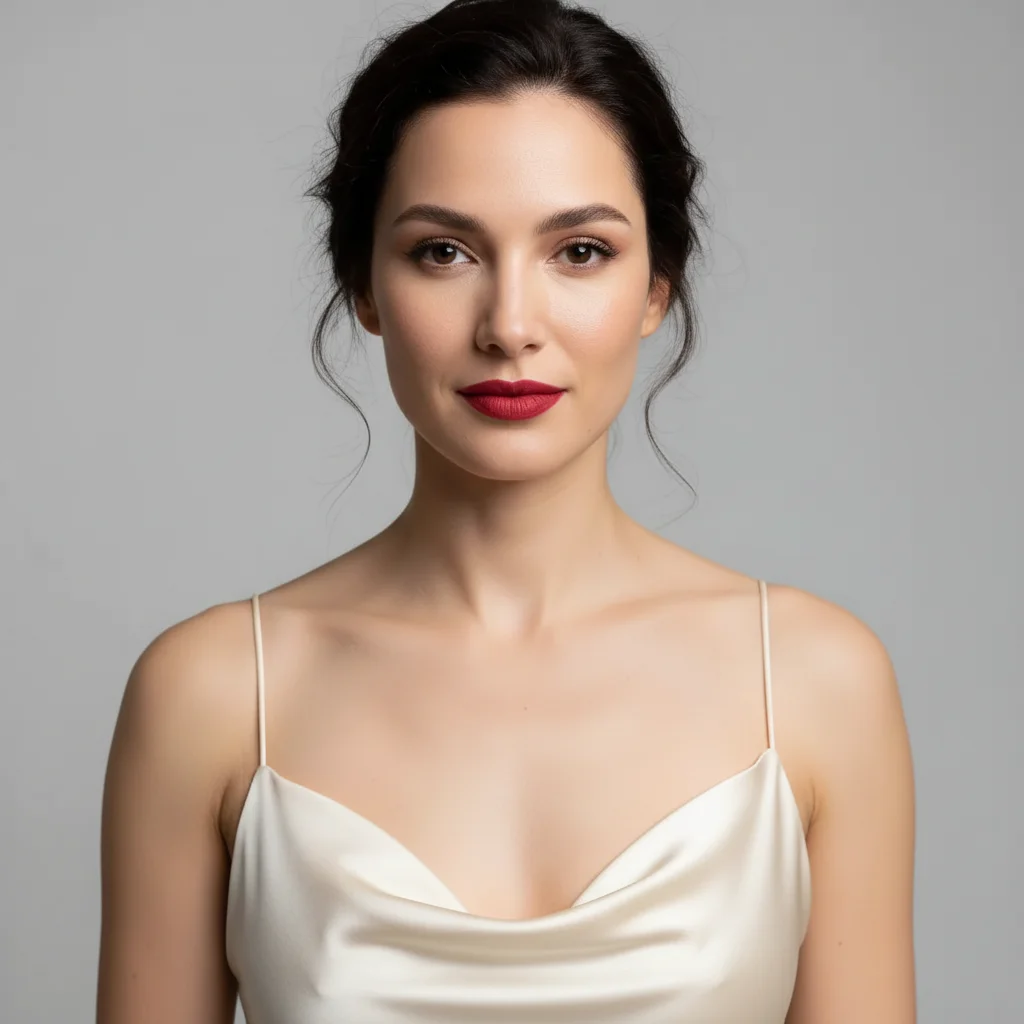
Do I need to mark my cheeks before describing the blush I want?
No! Just describe the blush color, intensity, and optionally placement. The AI automatically detects your cheeks and applies blush naturally.
Can I try multiple blush shades on the same photo?
Yes! After seeing one shade, describe a different color and the AI will replace the previous blush. Try rosy pink, then coral, then berry - compare as many shades as you want. Each new generation replaces the previous application.
What blush colors and finishes can I try?
You can try any blush shade: rosy pink, coral, peach, berry, plum, mauve, terracotta, apricot, and more. Specify finish too: matte, dewy/luminous, shimmery, or satin. The AI understands both color and finish descriptors for realistic application.
How do I know which blush color will suit my skin tone?
General guide: Warm undertones look great in peach, coral, terracotta. Cool undertones suit pink, berry, plum. Neutral undertones can wear most shades, especially rose and mauve. But try any color you're curious about - that's what this tool is for! Experiment freely.
Can I test blush placement techniques like draping?
Yes! You can try different placement styles. Standard: 'on apples of cheeks'. Lifted: 'swept upward toward temples'. Draping: 'from cheeks along cheekbones to temples'. Sunburnt: 'across nose bridge and cheeks'. Just describe the technique you want to test.
Will cream blush and powder blush look different?
The AI can simulate both finishes. Mention 'cream blush' for dewy, seamless finish or 'powder blush' for more matte, diffused look. You can also specify 'luminous' (cream-like) or 'matte' (powder-like) as finish descriptors for similar effects.
How do I create a natural flush vs a bold statement blush?
Use intensity descriptors: 'subtle', 'soft', 'natural flush', 'hint of color' for natural looks. Use 'bold', 'vibrant', 'high pigment', 'intense' for statement blush. The same color (like coral) looks completely different at subtle vs bold intensity.
Is EditThisPic's AI blush application try oner really free?
Yes — you get 1 free edit per week, no account needed. Plans start at $4.99/month for 15 edits.
How much does EditThisPic cost?
You get 1 free edit per week — no account needed. After that, credit packs start at $1.99 for 3 edits. Monthly plans start at $4.99/mo for 20 edits with unused credits rolling over. All edits are full resolution with no watermark.