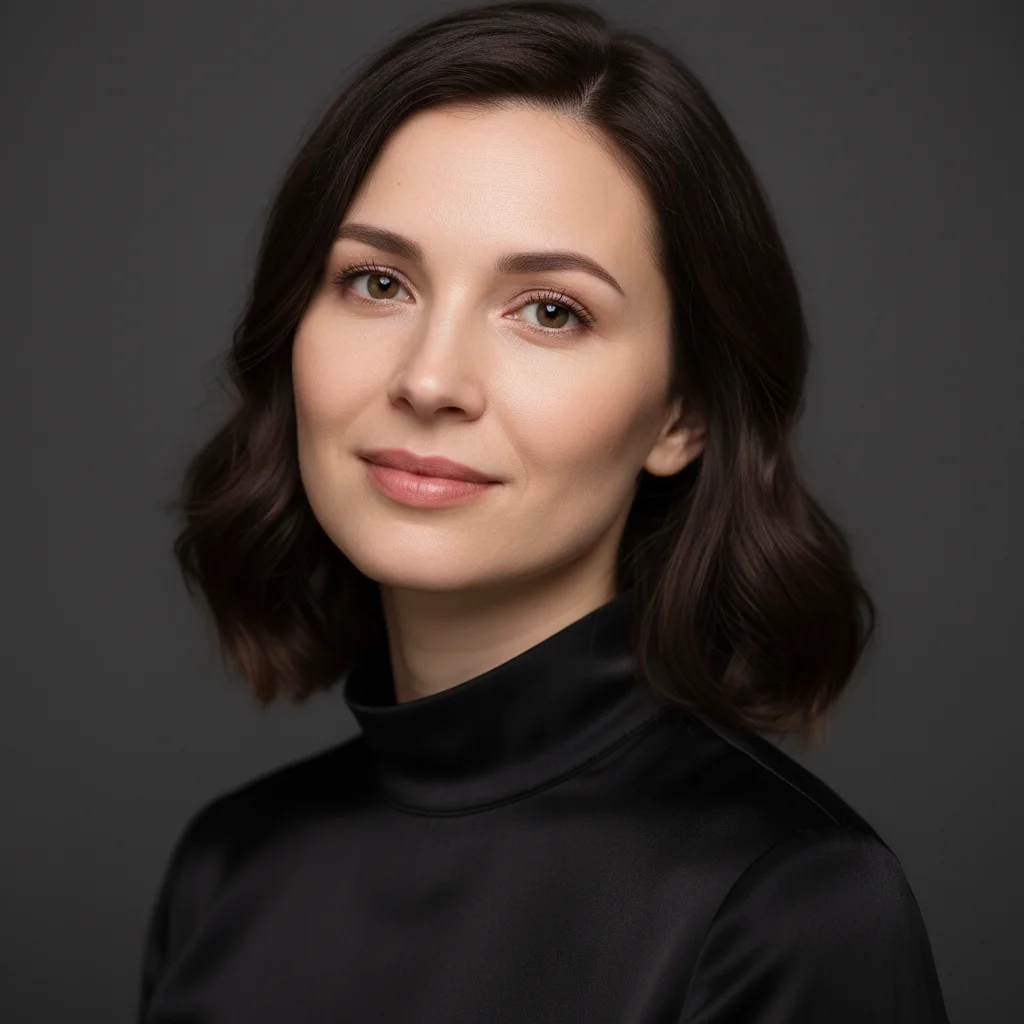
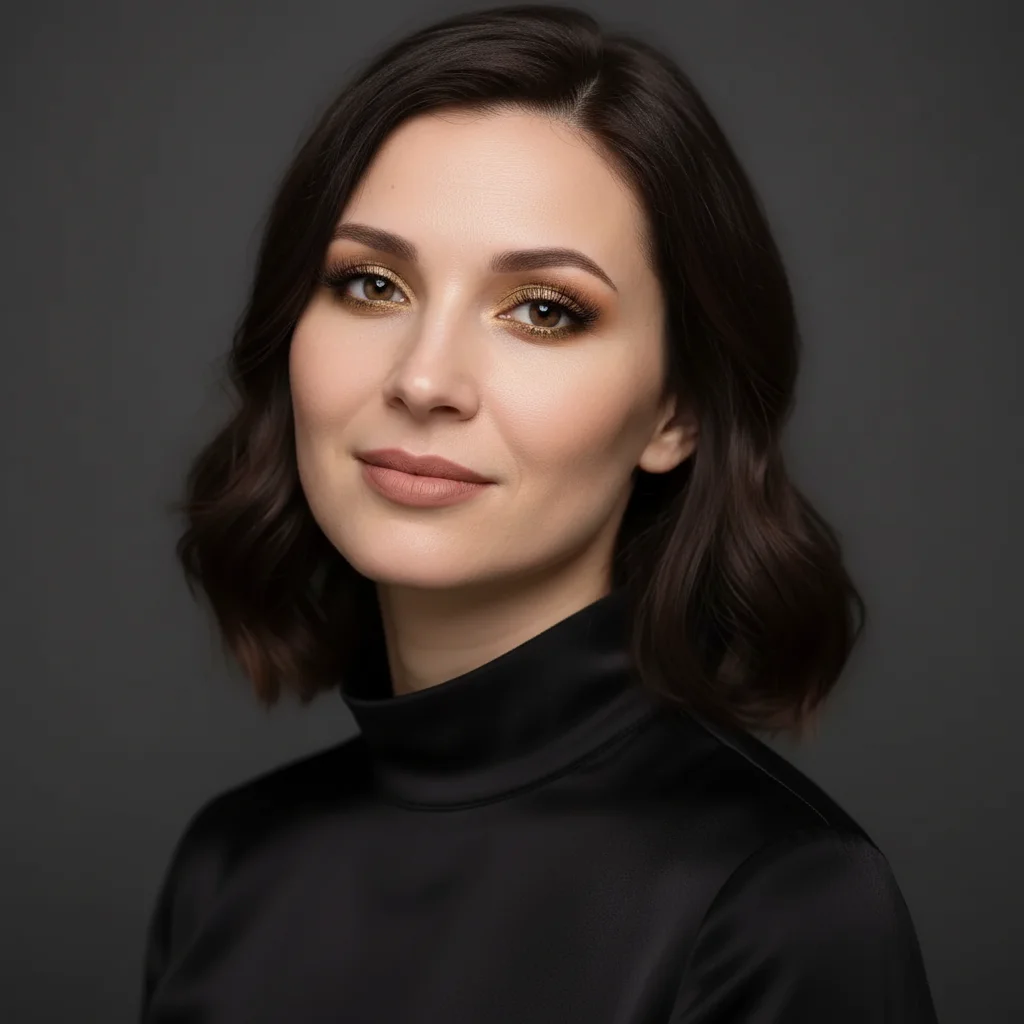
Do I need to mark my facial features before describing the makeup?
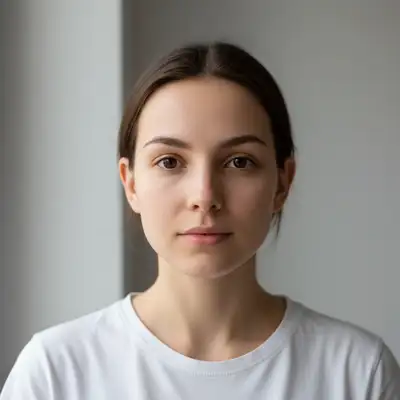
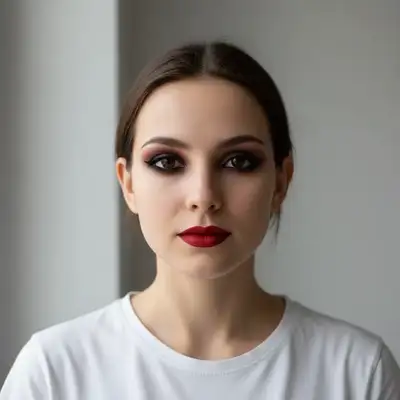
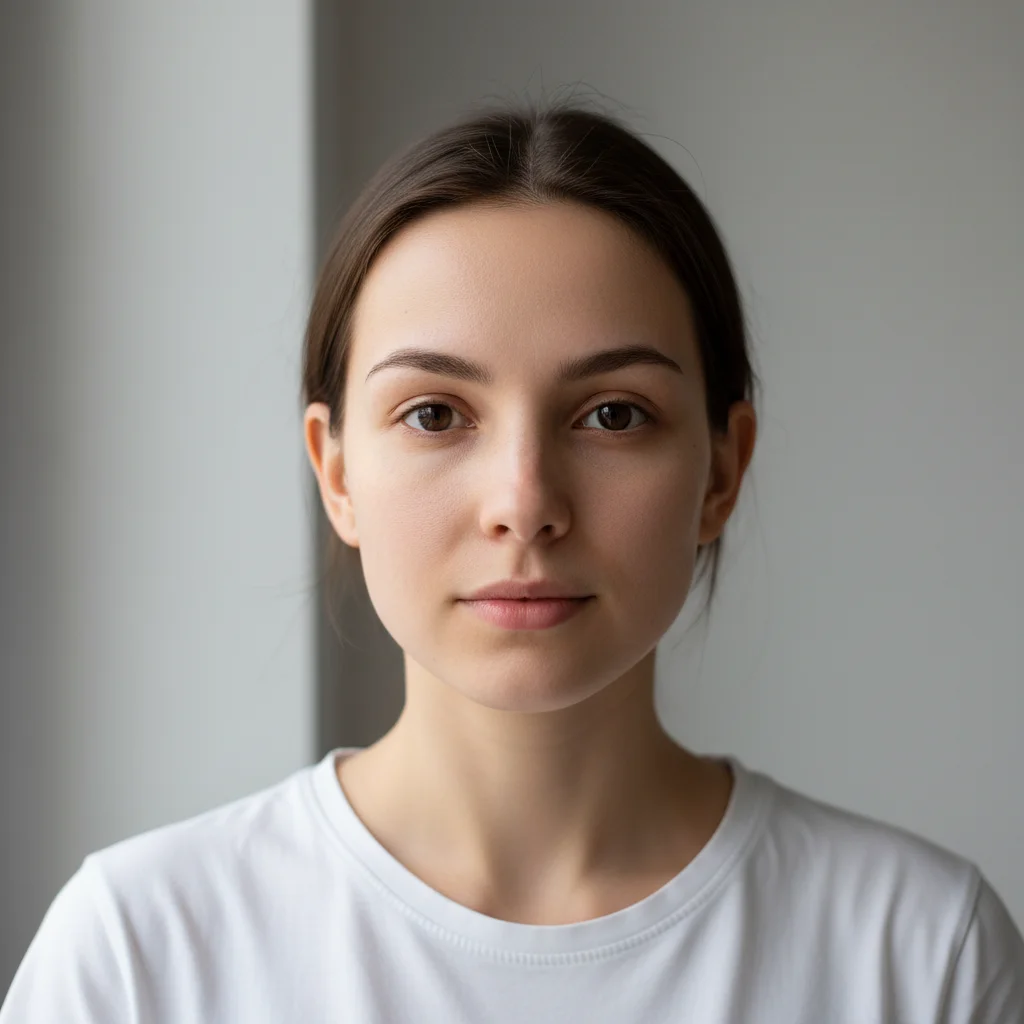
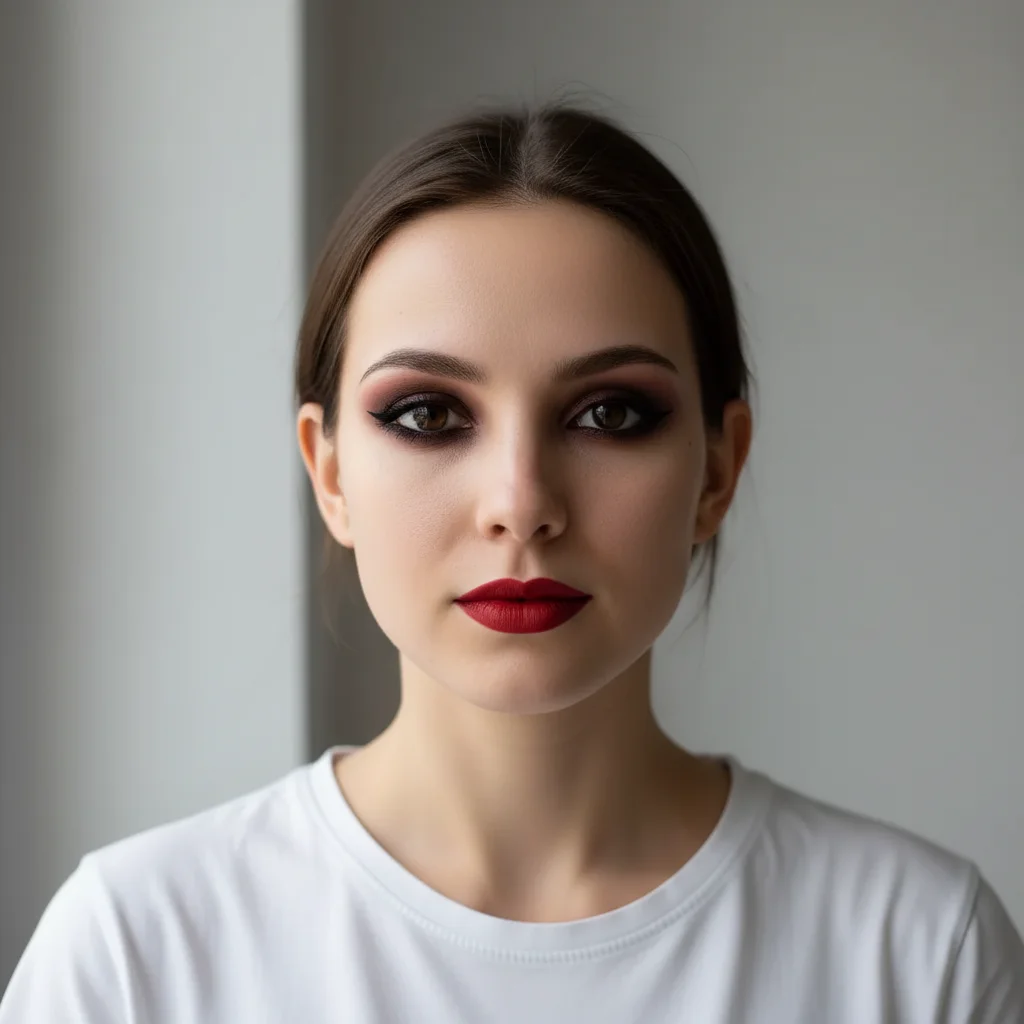
No! Just describe the look: 'apply full glam makeup with smokey eyes' or 'add glamorous evening makeup.' The AI automatically detects all facial features—eyes, lips, cheeks, brows—and applies makeup to each.
What's the difference between full glam and soft glam?
Full glam: dramatic, bold makeup with intense eyes, defined contour, and statement lips—perfect for events, nights out, or photos. Soft glam: polished but natural-looking, subtle eyes, light contour, and nude or pink lips—great for daytime events, weddings, or professional settings. Specify which you want in your prompt.
Can I specify makeup colors to match my outfit?
Yes! Mention specific colors in your prompt: 'apply glam makeup with emerald green eyeshadow to match my dress' or 'use gold eyeshadow and burgundy lips.' The AI will incorporate those shades into the complete makeup look.
Will the AI preserve my natural skin texture?
By default, the AI balances makeup application with natural skin texture. If you want extra texture preservation, add 'while preserving natural skin texture' to your prompt. If you prefer very smooth skin, request 'with airbrushed finish.'
What's the best free AI full glam makeup tool?
EditThisPic offers free AI full glam makeup with no signup required. Unlike apps that need you to mark each facial feature, just describe the makeup look you want. It applies complete makeup—eyes, lips, cheeks, contour, and highlight—automatically with natural blending and realistic application.
Is EditThisPic's AI full glam makeup adder really free?
Yes — you get 1 free edit per week, no account needed. Plans start at $4.99/month for 15 edits.
Can I add full glam makeup on my phone?
Yes. EditThisPic works in any mobile browser — iPhone, Android, tablet. No app download needed.
What photo formats does the AI full glam makeup adder support?
JPG, PNG, WebP, and HEIC. Upload any common photo format and EditThisPic handles the rest.
How much does EditThisPic cost?
You get 1 free edit per week — no account needed. After that, credit packs start at $1.99 for 3 edits. Monthly plans start at $4.99/mo for 20 edits with unused credits rolling over. All edits are full resolution with no watermark.