Free β€’ No signup Try on Eyeliner styles Β· Free

AI Eyeliner Try On

Try winged, cat eye, smokey, and more eyeliner styles on your photo in seconds.

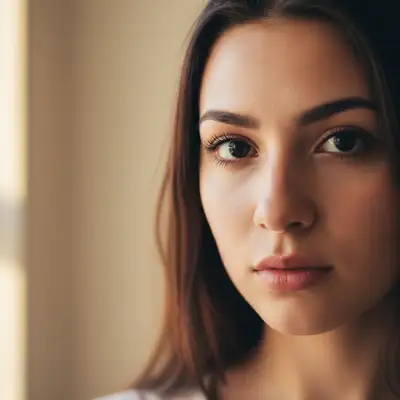
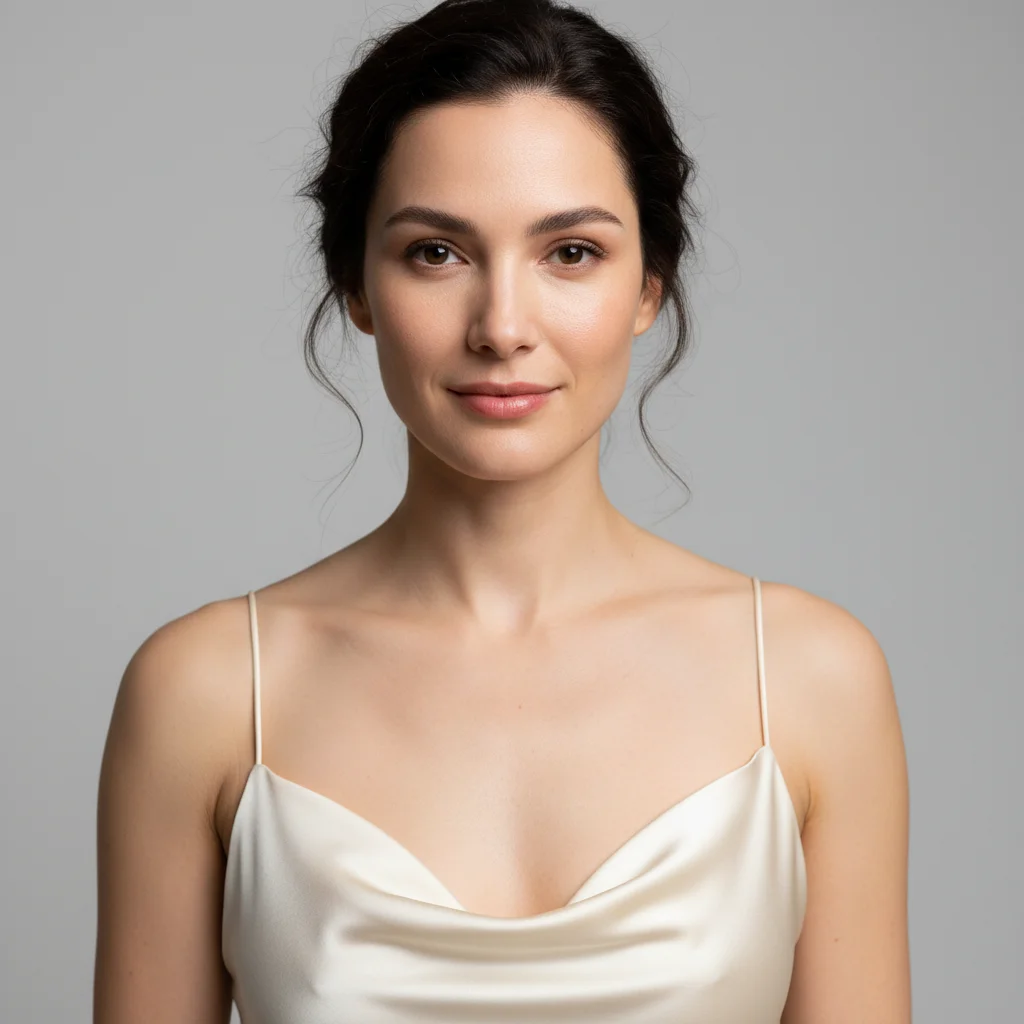
Original photo before AI Eyeliner Try On
Before
β†’
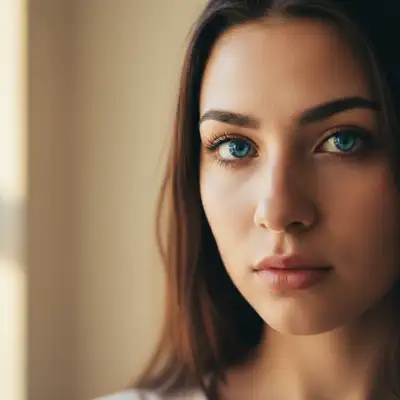
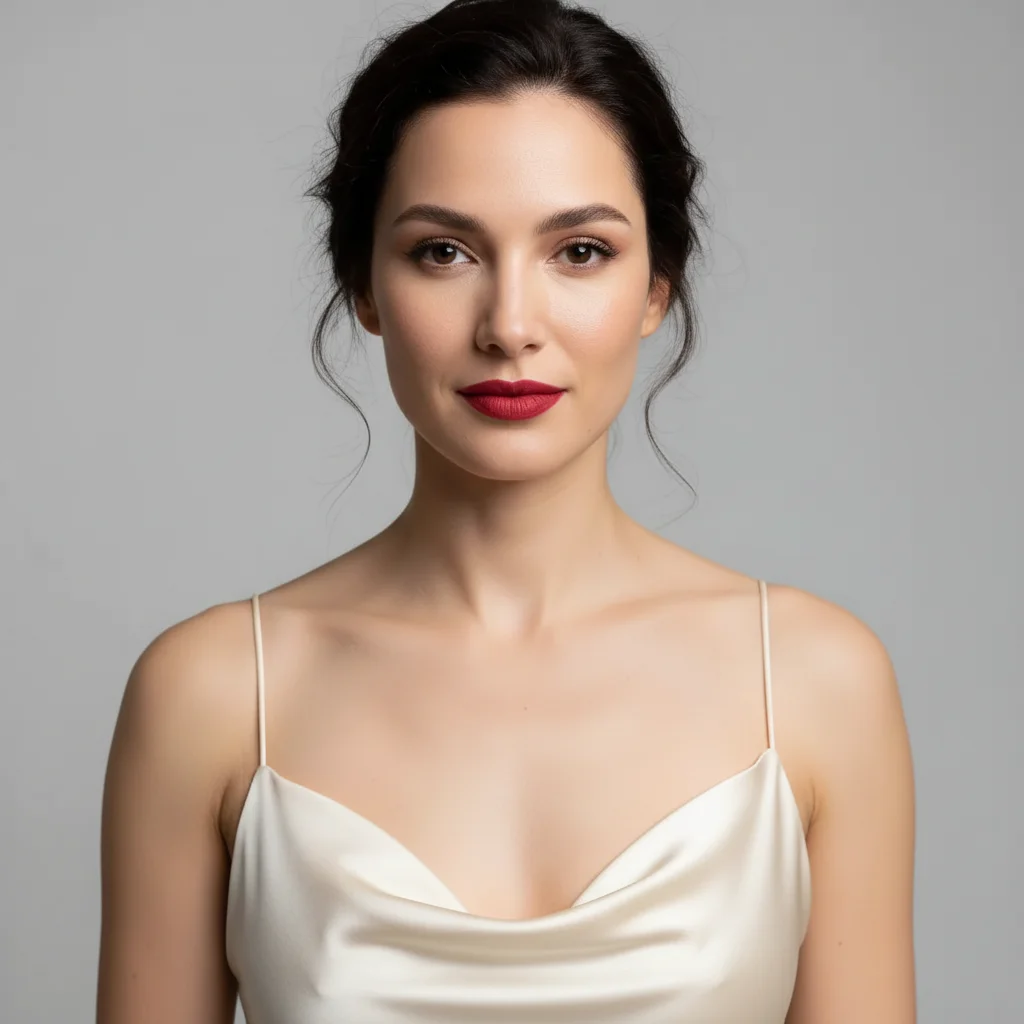
Result after AI Eyeliner Try On with EditThisPic
After

Free AI Eyeliner Try On

Upload photo to try on eyeliner styles

Free β€’ Results in 30 seconds β€’ No signup

Release to upload

FreeNo signupNo watermark
Popular use cases:
  • winged eyeliner try on
  • cat eye makeup virtual
  • graphic eyeliner preview
  • colored eyeliner test
  • eyeliner style simulator
  • virtual eyeliner application
  • test eyeliner before buying
  • eyeliner looks for my eye shape

Cost
Free No signup required
Time
Instant results in 15-30 seconds
Works on
Any device - browser, phone, tablet, desktop
Powered by
AI-powered photo editing
Scenario Prompt Time
15-30s
15-30s
15-30s
15-30s

How it works

  1. Upload your photo

    Choose a clear photo showing your face and eyes. Front-facing photos work best for eyeliner application. The AI will detect your eyes and apply the eyeliner style you request.

    Expect: Simple eyeliner styles: 20-30 seconds. Complex graphic or multi-color looks: 30-45 seconds and may need refinement.
  2. Describe the eyeliner you want

    Type the eyeliner style you want to try - be specific about the type (winged, cat eye, graphic), thickness, color, and intensity. The AI will apply it to your eyes naturally. You can try classic black liner, colored styles, or bold graphic looks.

    Tip: Specify both the style and intensity - 'subtle winged eyeliner' vs 'bold dramatic cat eye' gives very different results. Mention color if you want something other than black.

    Copy one of these to get started:

    try on Add subtle black winged eyeliner with a small wing
    try on Give me dramatic cat eye eyeliner with a sharp extended wing
    try on Apply tight-line eyeliner along the upper lash line only, very natural
    try on Add smokey black eyeliner blended outward on upper and lower lids
    4 more prompts
    try on Give me graphic black eyeliner with geometric shapes extending from the outer corner
    try on Apply navy blue winged eyeliner with a subtle wing
    try on Add double winged eyeliner - black wing with white liner above it
    try on Give me brown eyeliner along upper lash line, soft and natural for daytime
  3. Review the result

    Check that the eyeliner style matches what you wanted. Look at the wing angle, thickness, and how natural it looks on your eye shape. If it's not quite right, describe adjustments like 'make the wing sharper' or 'thinner line'.

  4. Download Your Look

    Save your photo with the new eyeliner style in high resolution. No watermark, ready to share or use as a reference for makeup application.

Try it free ↓

Free AI Eyeliner Try On

Upload photo to try on eyeliner styles

Free β€’ Results in 30 seconds β€’ No signup

Release to upload

Free β€’ No signup

"This saved me hours of work. The AI nailed it." via Twitter

See it in action

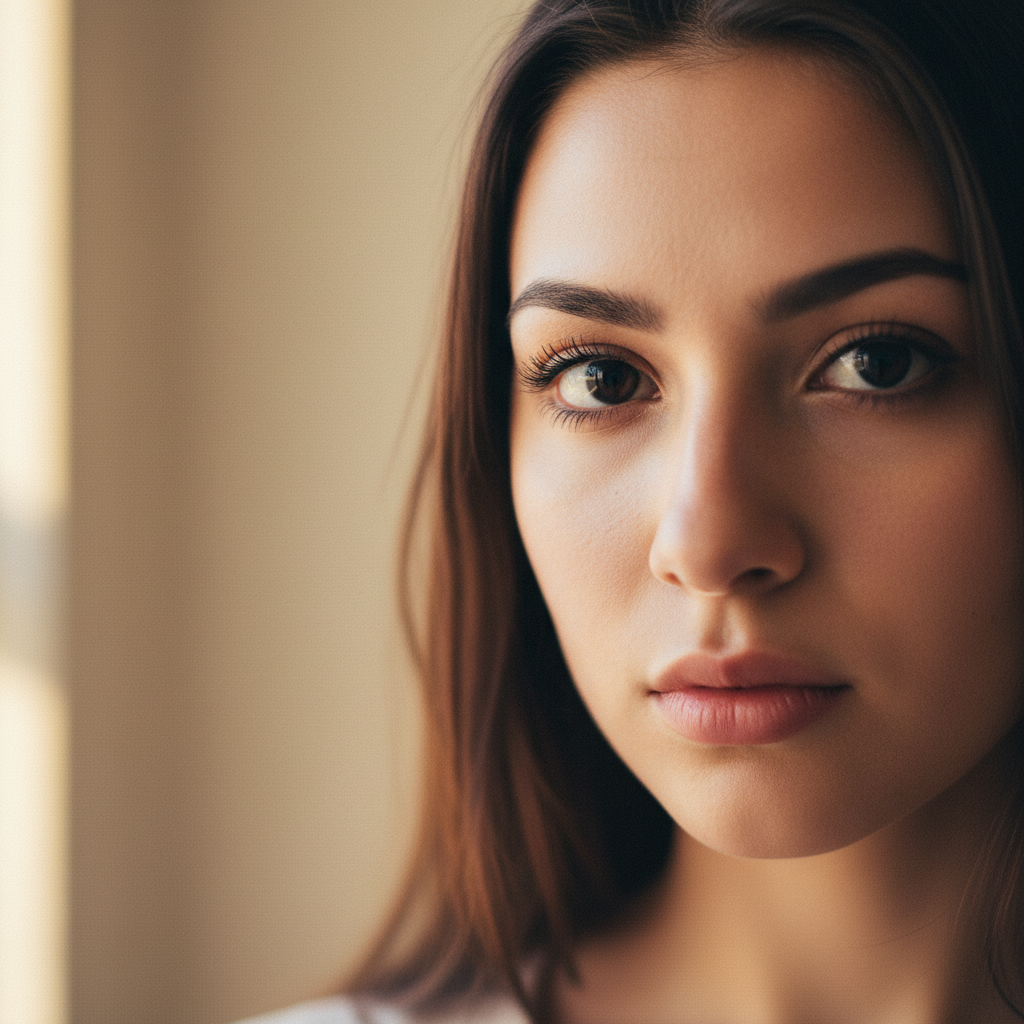
Original photo before AI Eyeliner Try On
Before
->
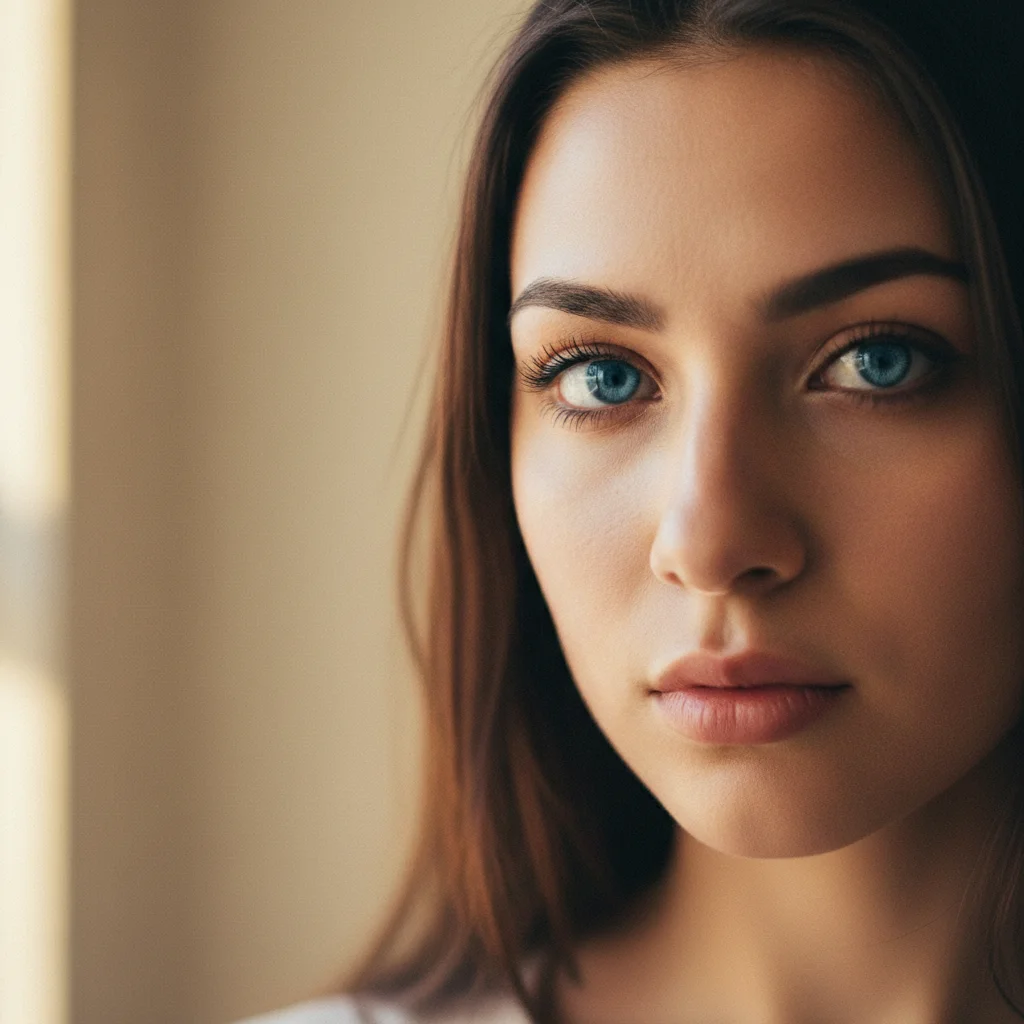
Result after AI Eyeliner Try On with EditThisPic
After

Classic Winged Liner

Add classic black winged eyeliner with medium thickness and a 45-degree wing

Prompt: Add classic black winged eyeliner with medium thickness and a 45-degree wing
Original photo before AI Eyeliner Try On
Before
->
Result after AI Eyeliner Try On with EditThisPic
After

Bold Cat Eye

Give me dramatic cat eye eyeliner with thick line and sharp extended wing angled upward

Prompt: Give me dramatic cat eye eyeliner with thick line and sharp extended wing angled upward

Detailed Guides by Scenario

πŸ“·

Professional Use

Apply 'AI Eyeliner Try On' to images for professional projects β€” websites, marketing materials, client deliverables, and presentations.

Common Scenarios

  • Using 'AI Eyeliner Try On' for client work or commercial photography
  • Applying 'AI Eyeliner Try On' to product or marketing images for a business
  • Batch-processing multiple images with 'AI Eyeliner Try On' for a project deadline

Best Practices

  • Use the highest resolution source image available for professional-quality results
  • Be specific in your prompt about the exact 'AI Eyeliner Try On' effect you need
  • For consistency across multiple images, reuse the same prompt template
πŸ“·

Creative & Social Media

Use 'AI Eyeliner Try On' creatively for social media content, personal projects, and artistic expression.

Common Scenarios

  • Applying 'AI Eyeliner Try On' to a photo for a unique social media post
  • Using 'AI Eyeliner Try On' to create artistic variations of a favorite image
  • Experimenting with 'AI Eyeliner Try On' for a creative project or portfolio piece

Best Practices

  • Experiment freely β€” AI editing lets you try bold ideas with no risk to the original
  • For social content, pair the visual effect with a caption that references the transformation
  • Try the effect on different types of photos to find what looks most striking
πŸ“·

Personal Photos & Memories

Apply 'AI Eyeliner Try On' to personal photos to fix issues, enhance quality, or create something special from everyday images.

Common Scenarios

  • Using 'AI Eyeliner Try On' on family photos to improve or personalize them
  • Applying 'AI Eyeliner Try On' to vacation or event photos before printing or sharing
  • Trying 'AI Eyeliner Try On' on a selfie or portrait for profile or personal use

Best Practices

  • Always work on a copy β€” keep the original safe in case you want to try a different approach
  • Natural-looking results are almost always better than dramatic over-processing
  • If it doesn't look right the first time, rephrase your prompt with more specific details

If something looks off

AI changed the wrong area or something I didn't want changed

Why: The AI couldn't determine exactly which area you meant from description alone.

Try: Tap a marker on the specific area you want to change, then regenerate with the same prompt

Tip: Markers tell the AI 'I mean THIS one specifically.' Use them when description alone is ambiguous.

The eyeliner looks too thick or harsh

Why: Without specifying thickness, AI defaults to medium-bold liner which may be more than you want.

Try: Try 'make the eyeliner thinner and more subtle' or start over with 'thin delicate eyeliner' in your original prompt

Tip: Use words like 'subtle', 'delicate', 'thin' for natural looks or 'bold', 'thick', 'dramatic' for statement liner.

The wing angle doesn't match my eye shape

Why: AI applies a standard wing angle that may not complement your specific eye shape.

Try: Describe the angle you want: 'make the wing angle more horizontal' or 'angle the wing upward more steeply'

Tip: Downturned eyes look lifted with upward-angled wings. Upturned eyes can handle horizontal or downward wings.

Eyeliner only appeared on one eye

Why: Photo angle or lighting made one eye less visible to the AI.

Try: Add 'apply eyeliner to both eyes' to your prompt, or use markers on both eyes before regenerating

Tip: Front-facing photos with both eyes clearly visible give the most symmetrical results.

The color doesn't look right or appears too subtle

Why: Colored eyeliners may appear muted if not specified with intensity descriptors.

Try: Add intensity words: 'vibrant emerald green eyeliner' or 'rich navy blue with high pigment'

Tip: For colored liner, specify 'bold' or 'vibrant' to ensure the color shows up clearly against your skin tone.

Lower lash liner looks unnatural or too heavy

Why: Lower lash eyeliner requires softer application than upper lid for natural results.

Try: Try 'smudge and soften the lower lash eyeliner' or 'make lower liner thinner and less defined'

Tip: For lower lash liner, always specify 'subtle' or 'smudged' unless going for dramatic editorial looks.

Quick answers

Do I need to mark my eyes before describing the eyeliner I want?

No! Just describe the eyeliner style you want. The AI automatically detects your eyes and applies the liner. Only use markers if the AI is unclear which area to modify, like if you want liner on only one eye for comparison purposes.

Can I try multiple eyeliner styles on the same photo?

Yes! After seeing one result, describe a different style and the AI will replace the previous eyeliner. You can try winged, cat eye, graphic, smokey, or any other style without re-uploading. Each generation replaces the previous look.

What eyeliner styles can I try?

You can try any eyeliner style: classic winged, cat eye, tight-line, graphic shapes, smokey/smudged, double wing, floating crease liner, doe eye, reverse liner, and more. Specify colors (black, brown, navy, emerald, white, etc.), thickness, and whether you want upper lid only or upper and lower.

Will the eyeliner look natural on my eye shape?

The AI adapts the eyeliner to follow your natural eye shape and lash line. Results look realistic and properly placed. If you want adjustments for your specific eye shape (hooded, almond, round, monolid), mention it in your prompt like 'winged eyeliner for hooded eyes with wing starting further in'.

Can I see how colored eyeliner looks before buying it?

Absolutely! Trying colored eyeliner is one of the most popular uses. Specify any color - navy, emerald green, burgundy, white, metallic gold, etc. Great for testing bold colors before committing to a purchase. You can compare multiple colors on the same photo.

How do I get a perfect winged eyeliner that matches both eyes?

Use a front-facing photo where both eyes are clearly visible and evenly lit. Describe the wing precisely: 'classic black winged eyeliner with 45-degree angle wing, medium thickness'. The AI will apply it symmetrically to both eyes. If one wing looks different, mention 'ensure both wings are identical and symmetrical'.

Is EditThisPic's AI eyeliner styles try oner really free?

Yes β€” you get 1 free edit per week, no account needed. For unlimited edits, plans start at $3.99/month.

How long does it take to try on eyeliner styles?

Usually 15-30 seconds. Upload your photo, describe what you want, and the AI delivers the result.

Ready to try different eyeliner styles?

Free to try. No signup required.