Free โ€ข No signup Try on Eye shadow looks ยท Free

AI Eyeshadow Try On

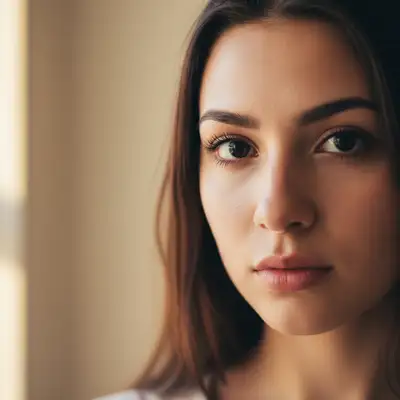
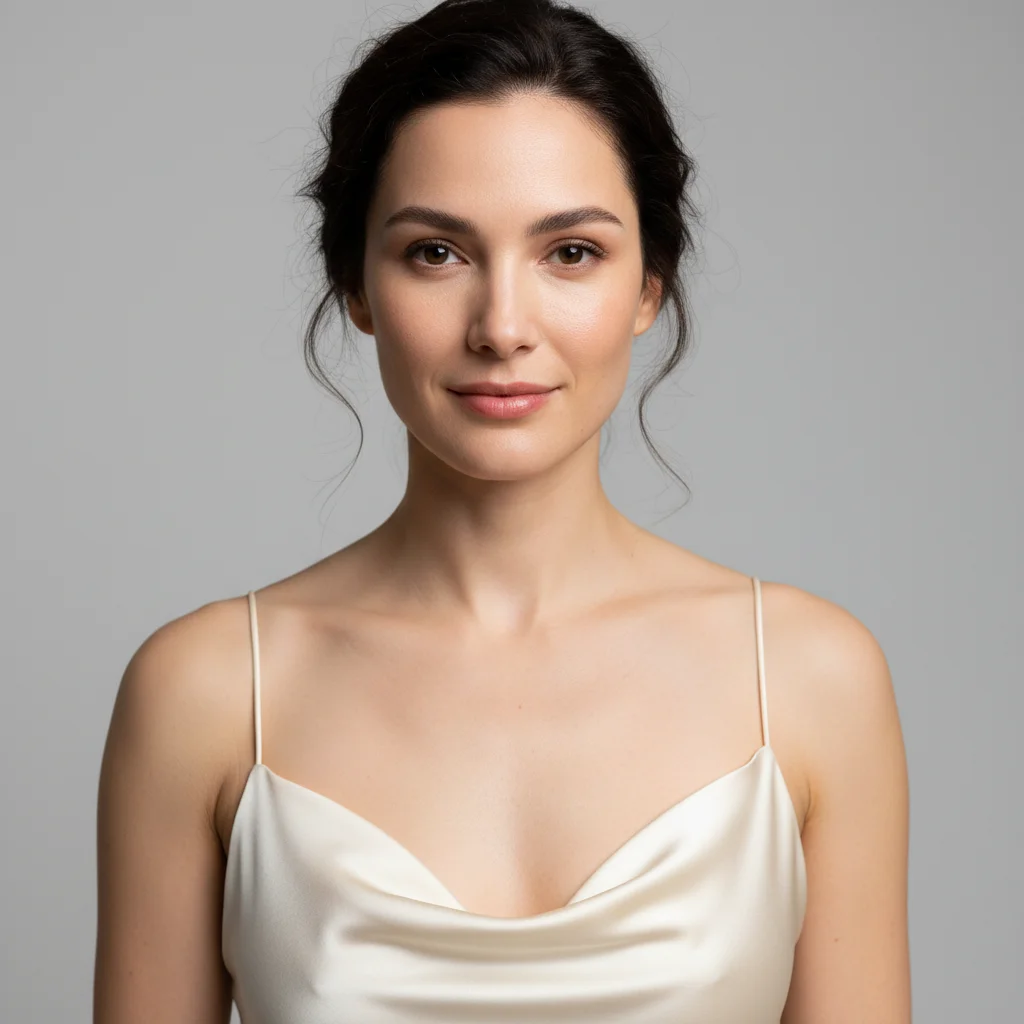
Before
Before
โ†’
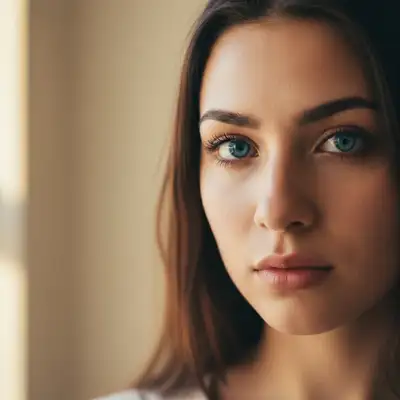
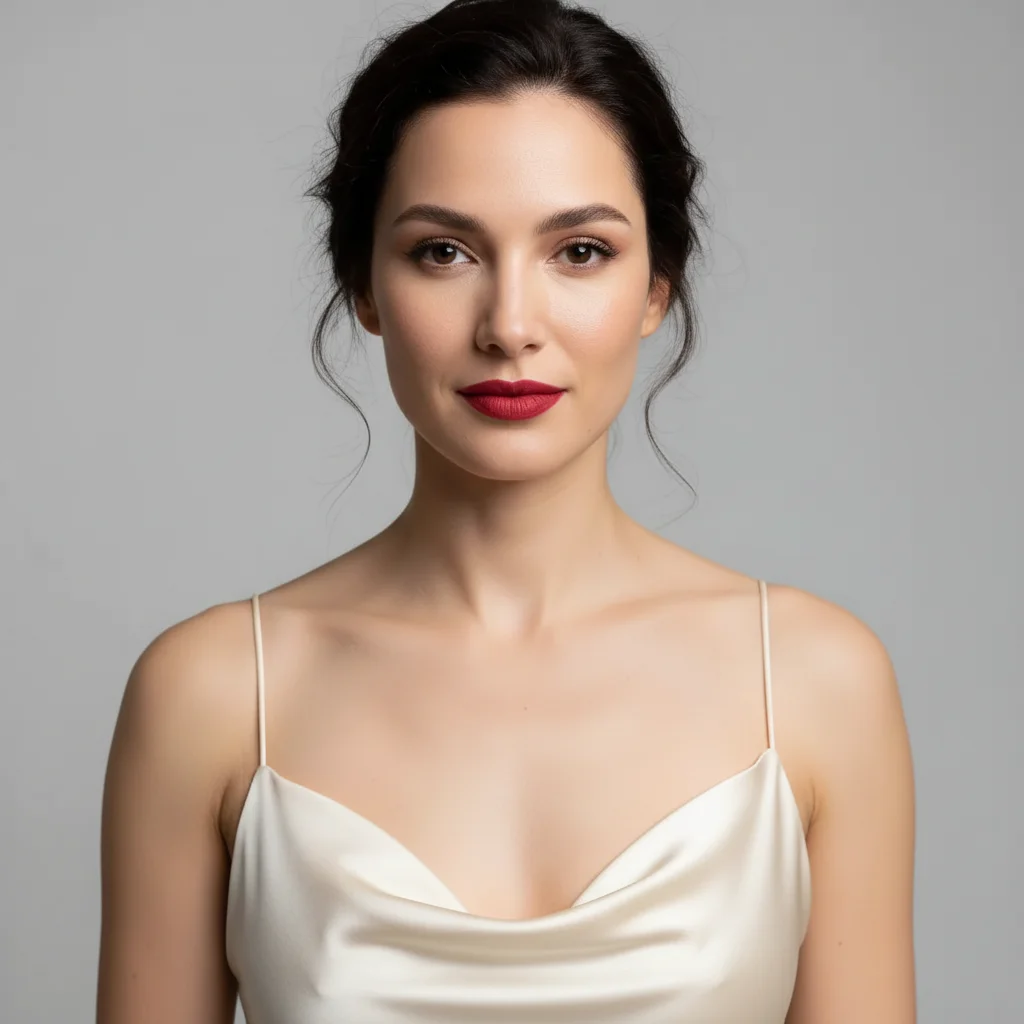
After
After

Free AI Eyeshadow Try On

Drop your photo here

or click to browse

Release to upload

Free โ€ข No signup

Advertisement
Popular use cases:
  • eyeshadow try on virtual
  • test eyeshadow colors
  • smokey eye preview
  • cut crease simulator
  • eyeshadow palette tester
  • try makeup looks online
  • virtual eyeshadow application
  • eyeshadow color combinations

Cost
Free No signup required
Time
Instant results in 15-30 seconds
Works on
Any device - browser, phone, tablet, desktop
Powered by
AI-powered photo editing
Scenario Prompt Time
15-30s
15-30s
15-30s
15-30s

How it works

  1. Upload your photo

    Choose a photo with your eyes clearly visible. Front-facing photos with good lighting work best for eyeshadow application. The AI will detect your eyelids and apply the colors and style you describe.

    Expect: Simple eyeshadow looks: 25-35 seconds. Complex multi-color looks with blending: 35-45 seconds and may need refinement.
  2. Describe the eyeshadow you want

    Type the eyeshadow look you want - specify colors, placement (lid, crease, outer corner), and style (smokey, cut crease, halo, etc.). The AI will blend and apply the colors naturally. You can try classic neutrals, bold colors, or complex multi-shade looks.

    Tip: Mention specific colors AND placement for best results: 'bronze on lid, darker brown in crease' is clearer than just 'bronze eyeshadow'. Include intensity level for color payoff.

    Copy one of these to get started:

    try on Add soft brown eyeshadow on the lid with slightly darker brown in the crease, natural and blended
    try on Give me a classic smokey eye with dark gray on the lid blending to black in the outer corner
    try on Apply champagne shimmer eyeshadow on the lid with matte taupe in the crease
    try on Add a cut crease eyeshadow look with warm brown in crease and gold shimmer on lid
    5 more prompts
    try on Give me a halo eye with dark purple in inner and outer corners, silver shimmer in the center of lid
    try on Apply sunset eyeshadow with orange on lid transitioning to pink in crease and purple in outer corner
    try on Add emerald green eyeshadow on lid with darker forest green in outer corner, all matte finish
    try on Give me soft pink eyeshadow on lid with rose gold shimmer in inner corner highlight
    try on Apply dramatic smokey eye with deep plum on lid, black in outer V, and lighter lavender in crease
  3. Review the result

    Check the color placement, blending, and overall look. Make sure the colors appear where you wanted and are blended naturally. If adjustments needed, describe changes like 'blend the crease color more' or 'make the lid color more vibrant'.

  4. Download Your Look

    Save your photo with the eyeshadow look in high resolution. No watermark, perfect for reference when applying your own makeup or sharing inspiration.

Try it free โ†“

Free AI Eyeshadow Try On

Drop your photo here

or click to browse

Release to upload

Free โ€ข No signup

See it in action

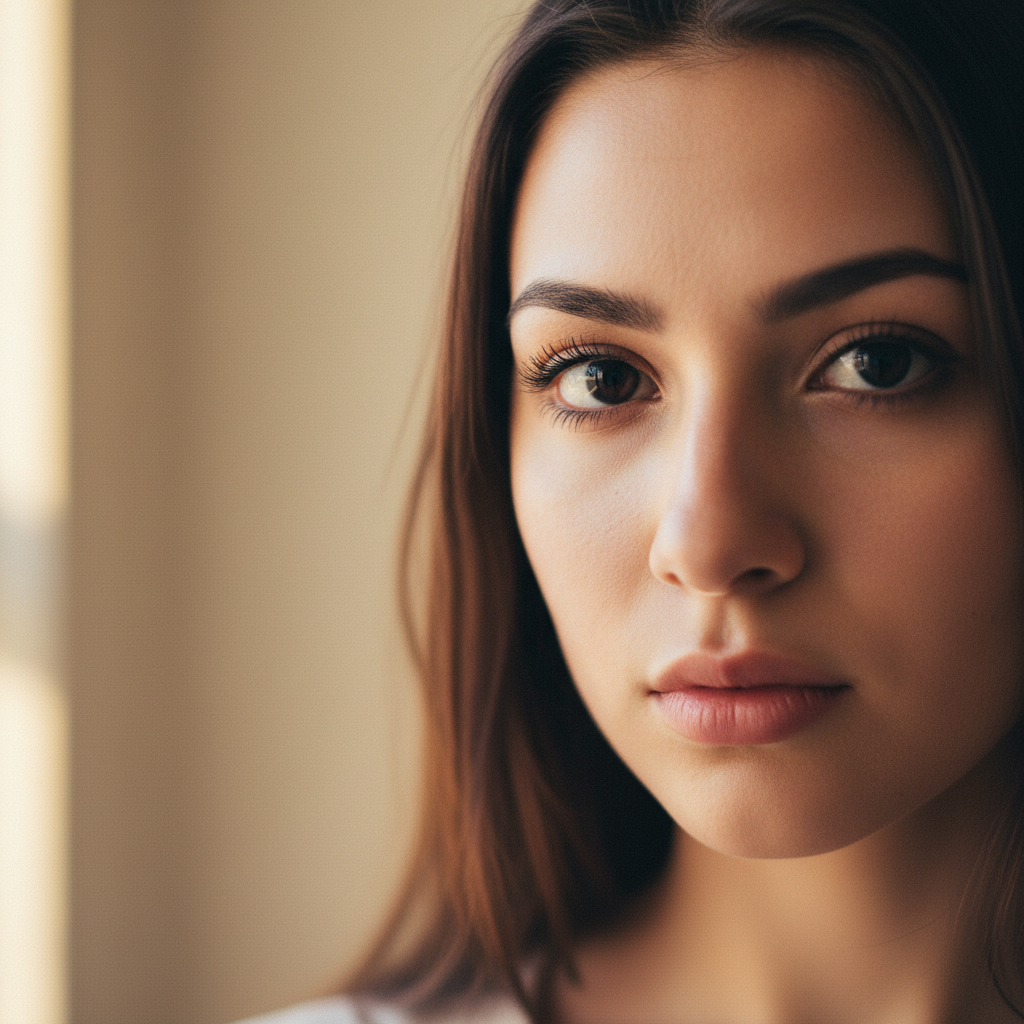
Before
Before
->
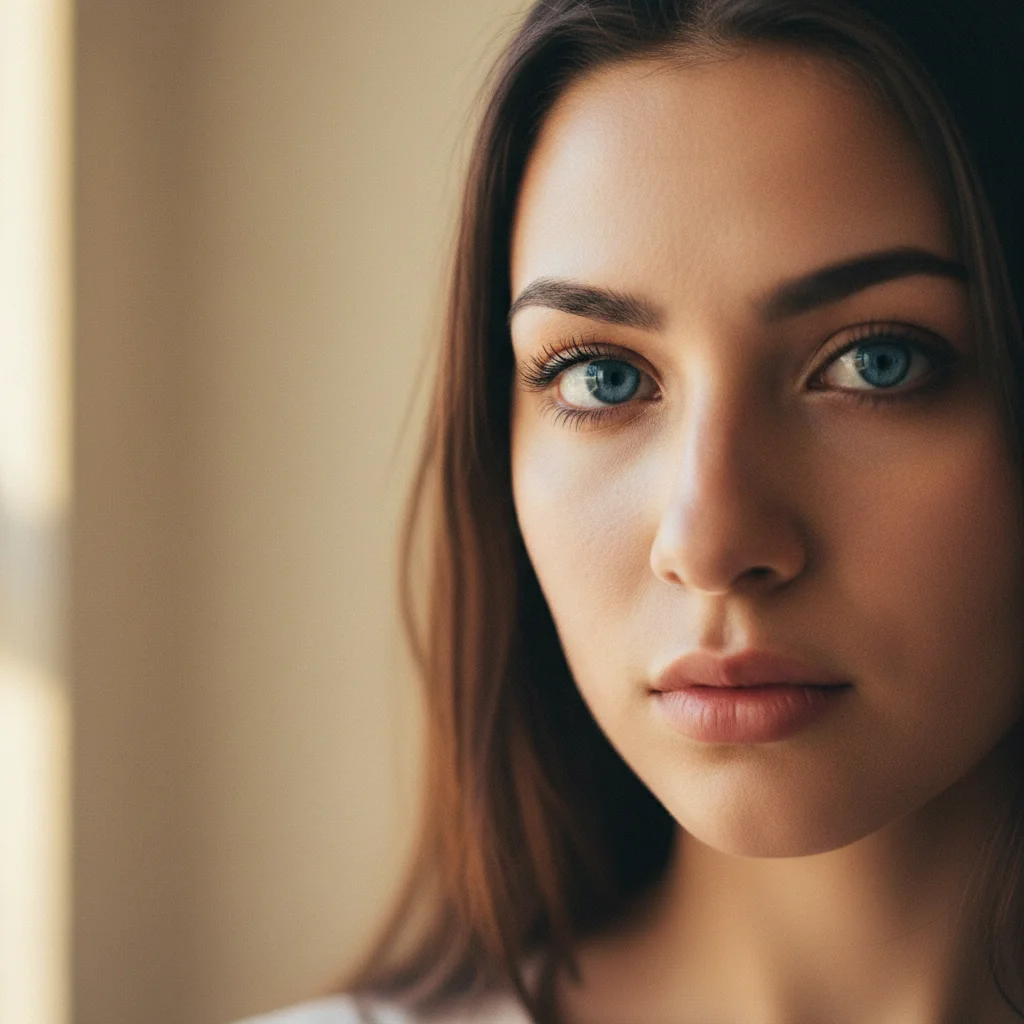
After
After

Everyday Neutral Look

Add soft taupe eyeshadow on lid with medium brown in the crease, well blended for natural definition

Prompt:
Before
Before
->
After
After

Smokey Evening Eye

Give me a smokey eye with charcoal gray on lid transitioning to black in outer corner and lighter gray blended into crease

Prompt:
Before
Before
->
After
After

Bold Colorful Look

Apply vibrant turquoise eyeshadow on lid with deep teal in outer corner and coral in crease for contrast

Prompt:
Advertisement

If something looks off

AI changed the wrong area or something I didn't want changed

Why: The AI couldn't determine exactly which area you meant from description alone.

Try: Tap a marker on the specific area you want to change, then regenerate with the same prompt

Tip: Markers tell the AI 'I mean THIS one specifically.' Use them when description alone is ambiguous.

Colors appear muddy or not well-blended

Why: Complex color transitions need explicit blending instructions to look seamless.

Try: Add 'well blended and seamlessly transitioning' or 'softly gradient from [color] to [color]' to your prompt

Tip: For smokey looks, always specify 'blended' and mention the transition direction (outer corner to crease, lid to brow bone, etc.).

Eyeshadow colors look too subtle or not pigmented enough

Why: Without intensity descriptors, AI may apply sheer color for natural look.

Try: Use intensity words: 'vibrant', 'bold', 'highly pigmented', or 'rich [color] eyeshadow with full color payoff'

Tip: Mention 'matte' or 'shimmer' finish along with intensity for more control over the final appearance.

Eyeshadow placement doesn't match my eye shape

Why: Standard placement may not complement hooded, deep-set, or other eye shapes.

Try: Specify your eye shape: 'cut crease for hooded eyes with color placed higher' or 'smokey eye adapted for deep-set eyes'

Tip: Hooded eyes: place crease color higher. Deep-set eyes: use lighter colors. Prominent eyes: use deeper crease shades.

Shimmer or glitter looks flat instead of dimensional

Why: Shimmer effects need specific descriptors to appear reflective and dimensional.

Try: Use 'metallic', 'reflective shimmer', or 'glittery finish with dimension' instead of just 'shimmer'

Tip: Combine finish with lighting words: 'reflective champagne shimmer' or 'glittery gold with sparkle' creates more dimensional results.

Only one eye got eyeshadow or eyes look asymmetrical

Why: Photo angle or shadows on one eye can cause uneven application.

Try: Add 'apply identical eyeshadow to both eyes symmetrically' and ensure your photo shows both eyes clearly

Tip: Use front-facing photos with even lighting on both eyes. If one eye is in shadow, the AI may apply color differently.

Quick answers

Do I need to mark my eyelids before describing the eyeshadow I want?

No! Just describe the colors and placement you want. The AI automatically detects your eyelids and applies the eyeshadow. Only use markers if you need to specify unusual placement or if the AI needs clarification on which area you mean.

Can I try multiple eyeshadow looks on the same photo?

Yes! After seeing one look, describe a different style and the AI will replace the previous eyeshadow. You can try neutrals, bold colors, smokey eyes, cut creases - anything you want. Each new generation replaces the previous look so you can compare different styles.

What eyeshadow looks and styles can I try?

You can try any eyeshadow look: natural neutral, smokey eye, cut crease, halo eye, sunset gradient, monochromatic, colorful editorial, winged shadow, graphic shapes, and more. Specify any colors, finishes (matte, shimmer, metallic, glitter), and placement (lid, crease, outer corner, inner corner highlight, lower lash line).

How do I get specific colors to appear where I want them?

Be explicit about color placement: 'bronze on lid, chocolate brown in crease, champagne in inner corner' is much clearer than 'bronze eyeshadow'. Mention each area separately and the AI will place colors accordingly. Use anatomical terms: lid, crease, outer corner, inner corner, brow bone, lower lash line.

Can I see how a specific eyeshadow palette looks on me?

Yes! Perfect for testing palettes before purchasing. Describe the specific shades from the palette and their placement. For example: 'apply the warm neutral palette with cream on lid, terracotta in crease, and deep brown in outer corner'. You can recreate any palette's suggested looks.

Will matte and shimmer finishes look different?

Yes, the AI understands finish differences. Matte eyeshadow appears flat and velvety. Shimmer adds subtle shine. Metallic creates reflective finish. Glitter adds sparkle. Always specify finish along with color: 'matte burgundy' vs 'metallic copper' creates very different looks even in similar color families.

How do I create a smokey eye that looks blended?

Specify multiple shades with transition direction: 'smokey eye with medium gray on lid transitioning to black in outer corner, blended into lighter gray in crease'. The word 'transitioning' or 'gradient' tells the AI to blend. For best results, mention 3-4 shades from light to dark and where each goes.

Ready to try different eyeshadow looks?

Free to try. No signup required.

Try it free โ†’