Fix a Dating Profile Photo with AI
Last updated
Turn your existing phone selfies into match-worthy dating profile photos in under 30 seconds.
Drop your photo here
"Fix this dating profile photo: balance harsh or dim lighting, gently sharpen the face naturally, restore healthy skin tones, brighten eyes subtly, keep the person looking exactly like themselves, photographic quality, no plastic skin."
Release to upload
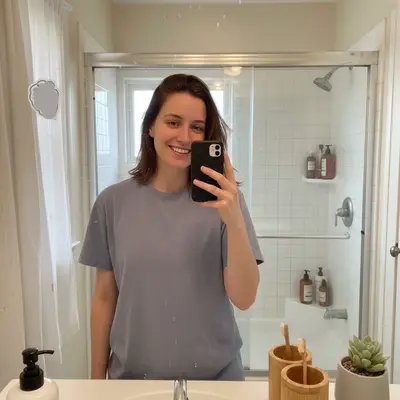
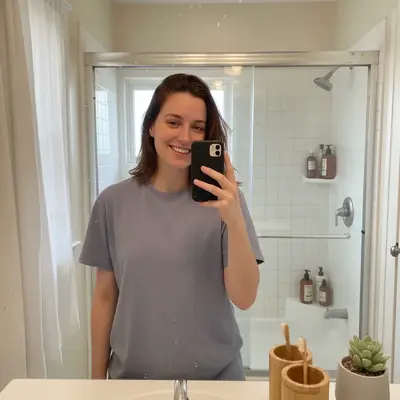
Built for Tinder, Hinge, Bumble, and Match users wanting better photos
EditThisPic gives daters a way to polish real photos of themselves without becoming a different person. Natural skin, balanced lighting, gentle face sharpening - the result still looks like you, just on a good day.
Tools for AI Dating Profile Photo Fixer
How to Fix a Dating Profile Photo with AI
-
Open EditThisPic
Go to editthispic.com on your phone. No app, no signup, no Hinge oauth.
-
Upload your dating photo
Drop in any selfie or portrait of you. Bathroom mirror selfies, gym shots, vacation pics, group photos - all work.
-
Type the prompt
Try: 'fix this dating profile photo, balance lighting, gently sharpen face, natural skin tone, keep the person looking exactly like themselves'.
-
Generate
EditThisPic returns a polished photo in about 25 seconds. Better lighting, sharper face, you still look like you.
-
Upload to your dating app
Save the result and upload to Hinge, Tinder, Bumble, or Match. The polished photo replaces your old one immediately.
Copy-Paste Prompts for AI Dating Profile Photo Fixer
Real Examples
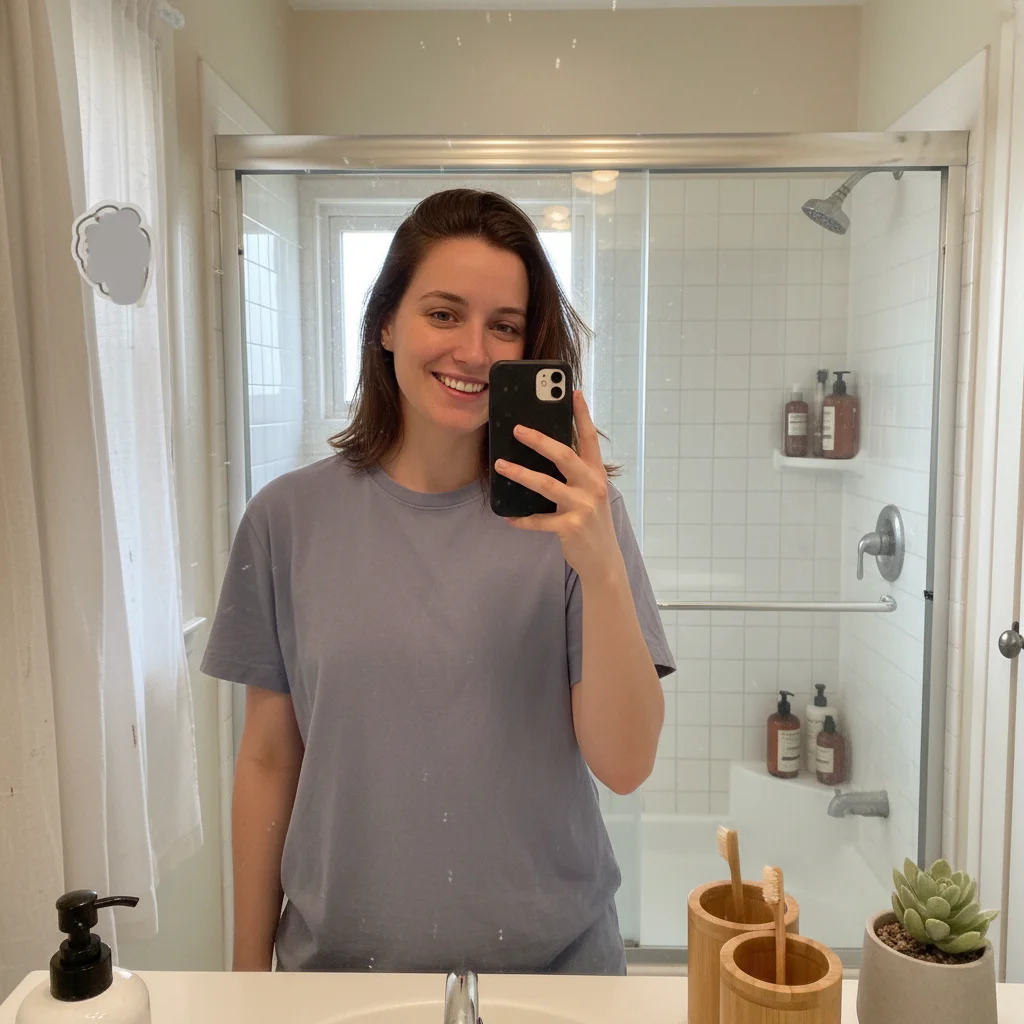
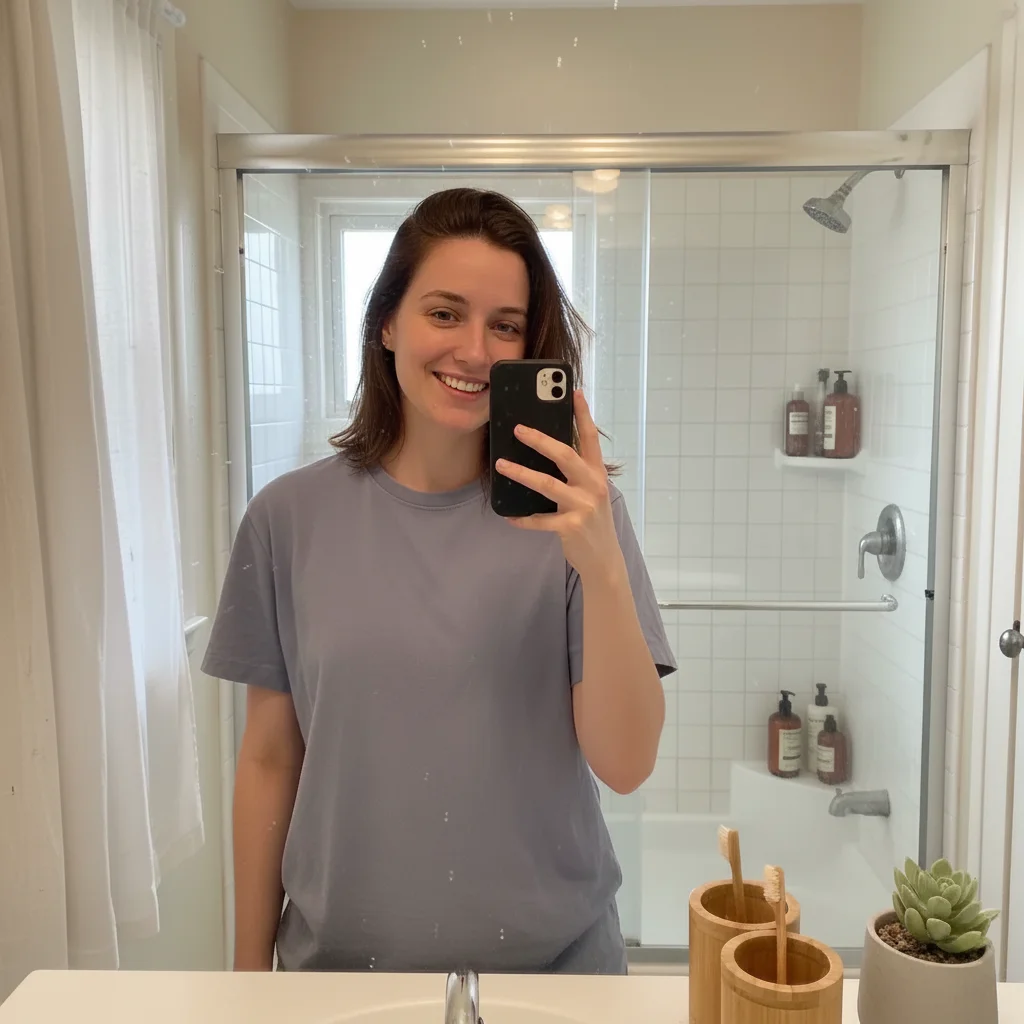
Bathroom selfie to first photo
A user uploaded a bathroom mirror selfie. EditThisPic balanced the harsh overhead lighting and softened the background while keeping the person recognizable.
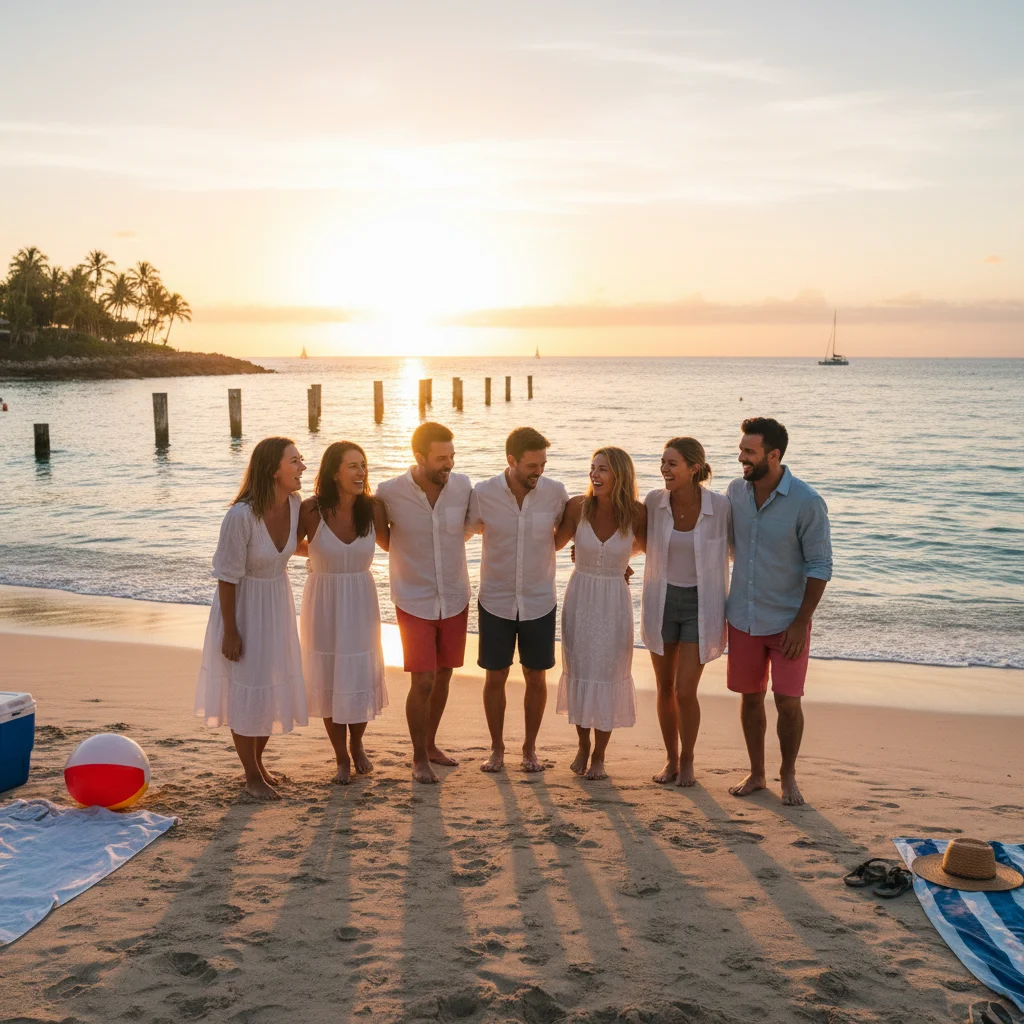
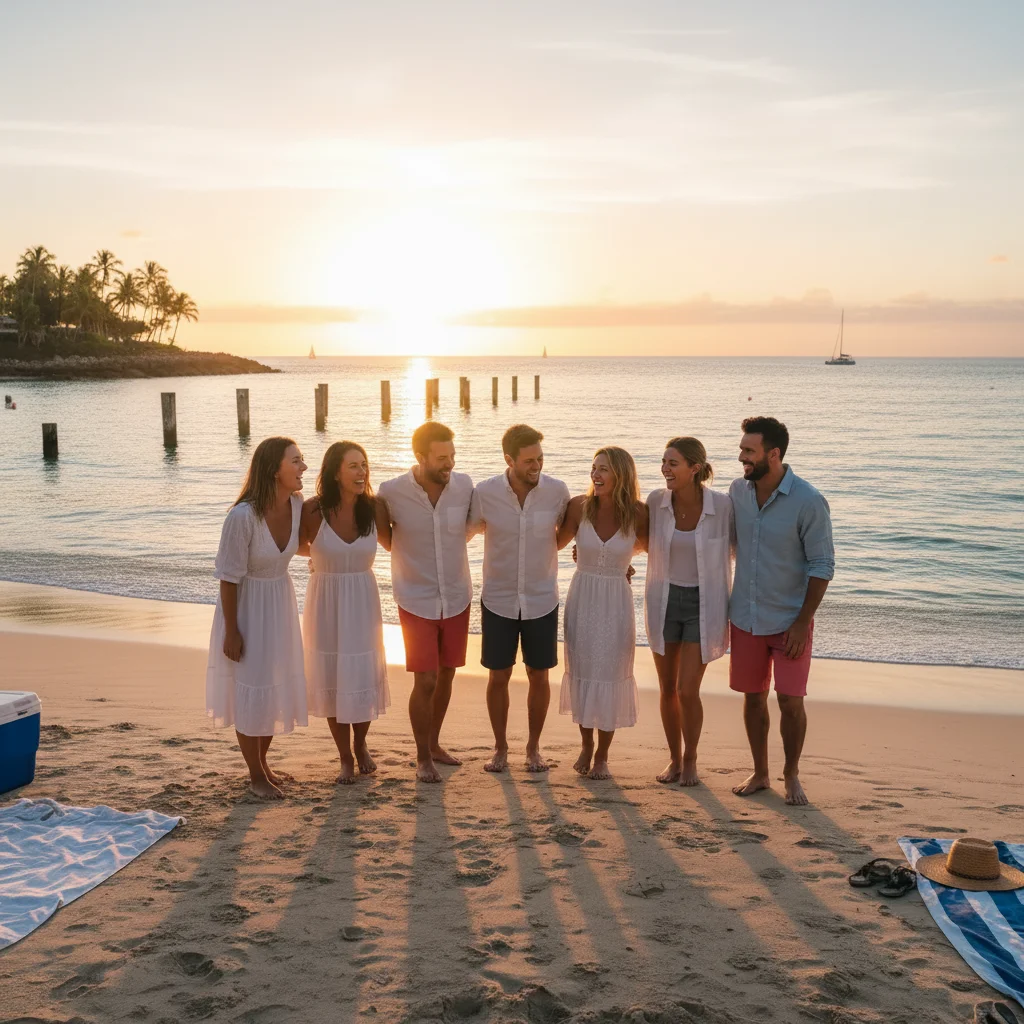
Group photo solo extraction
A user uploaded a group beach photo. The fix focused on them, cropped out friends naturally, and balanced the harsh sun on their face.
Tired-looking photo refresh
A user uploaded a vacation photo where they looked tired. The fix subtly brightened eyes and balanced skin tone without changing their face.
When Things Go Wrong
Result looks like a different person
Skin looks too smooth and plastic
Background too distracting
Eyes look weirdly bright
Frequently Asked Questions
How do I fix a dating profile photo with AI?
Upload your photo to EditThisPic, type a prompt like 'fix this dating profile photo, balance lighting, gently sharpen face, natural skin tone', and download the result in about 25 seconds. Free, no signup. The polished photo still looks like you - just on a good day.
Will the AI make me look like a different person?
No - EditThisPic preserves your actual face by default. Unlike apps that generate fake AI photos, EditThisPic only enhances your real photo (lighting, skin, sharpness). Your matches see the real you when you meet up. Add 'keep the person looking exactly like themselves' to reinforce this.
Is the dating photo fixer free?
Yes. EditThisPic is free to use. No signup, no watermark, no credit card needed for basic use. Polish as many dating photos as you need.
Is it ethical to AI-edit dating photos?
Light editing - balancing lighting, sharpening, color correction - is the dating equivalent of putting on a clean shirt before a date. It's normal. What's not OK is generating fake faces, removing weight, or making yourself look like a different person. EditThisPic does the first kind of edit, not the second.
What makes a good dating profile photo?
Good lighting, a genuine smile, eyes visible, the photo is solo or you're easy to identify, and it looks like you on a normal day. EditThisPic fixes the lighting and sharpness issues that ruin otherwise good photos. The genuine smile and eye contact have to come from you.
Can I use a bathroom mirror selfie?
Yes - and many dating photos start as bathroom selfies. Use 'fix bathroom mirror selfie for dating: replace tile background with soft neutral, balance overhead lighting, restore natural skin tone'. The result looks like a real photo, not a mirror selfie.
Can I crop myself out of a group photo?
Yes. Use 'focus on the person on the [LEFT/RIGHT/CENTER], crop out the others naturally, sharpen their face'. The result is a clean solo portrait extracted from the group shot. Useful when your only good photo of yourself happens to be a group photo.
How many photos should I have on Hinge or Tinder?
Hinge requires 6 photos, Tinder allows up to 9. For both, mix solo photos, activity photos (not just gym selfies), and at least one full body shot. EditThisPic can fix all of them, so use the variety you actually have rather than 6 of the same selfie.
Does this work for Hinge, Tinder, Bumble, and Match?
Yes. EditThisPic outputs at high resolution that looks sharp on all major dating apps. The result is a JPG you upload through each app's photo selector, the same way you would upload an unedited photo.
Are my dating photos stored?
No. EditThisPic processes your image in your browser session and does not save or train on your photos. The image is deleted shortly after processing.
Popular use cases
Ready to polish your dating profile photos?
Free to try. No signup required. No watermarks.
Start EditingTrusted by 15,000+ users