Fix a Portrait Photo with AI
Last updated
Polish any portrait photo with natural face sharpening and balanced lighting in under 30 seconds.
Drop your photo here
"Fix this portrait photo: balance harsh or dim lighting on the face, gently sharpen facial features naturally, restore healthy skin tone, brighten eyes subtly, keep the person looking exactly like themselves with natural skin texture, photographic quality, no plastic skin."
Free to try · no sign-up · never used for AI training
Release to upload
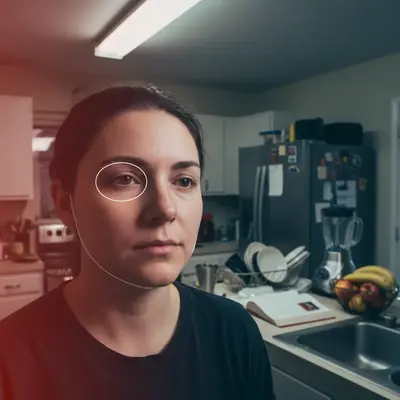
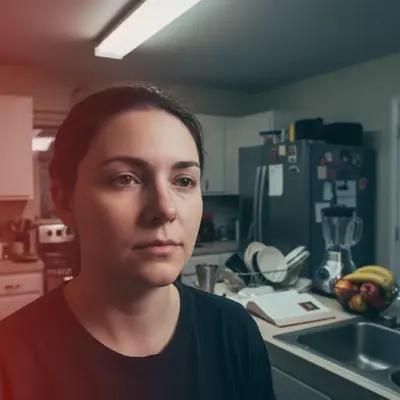
Built for anyone who wants their portraits to look better
EditThisPic gives anyone a way to polish portrait photos without becoming a different person. Natural skin texture, balanced lighting, gentle face sharpening - the result still looks like you, just on a good day.
Tools for AI Portrait Photo Fixer
How to Fix a Portrait Photo with AI
-
Open EditThisPic
Go to editthispic.com on your phone or laptop. No app, no signup.
-
Upload your portrait
Drop in any portrait or selfie. Phone, DSLR, vacation snapshot, casual photo - all work.
-
Type the prompt
Try: 'fix this portrait, balance lighting, gently sharpen face, natural skin tone, keep the person looking exactly like themselves'.
-
Generate
EditThisPic returns a polished portrait in about 25 seconds. Better lighting, sharper face, natural skin.
-
Download and use anywhere
Save the result for your phone wallpaper, social media, dating profile, holiday card, or print.
Copy-Paste Prompts for AI Portrait Photo Fixer
Real Examples
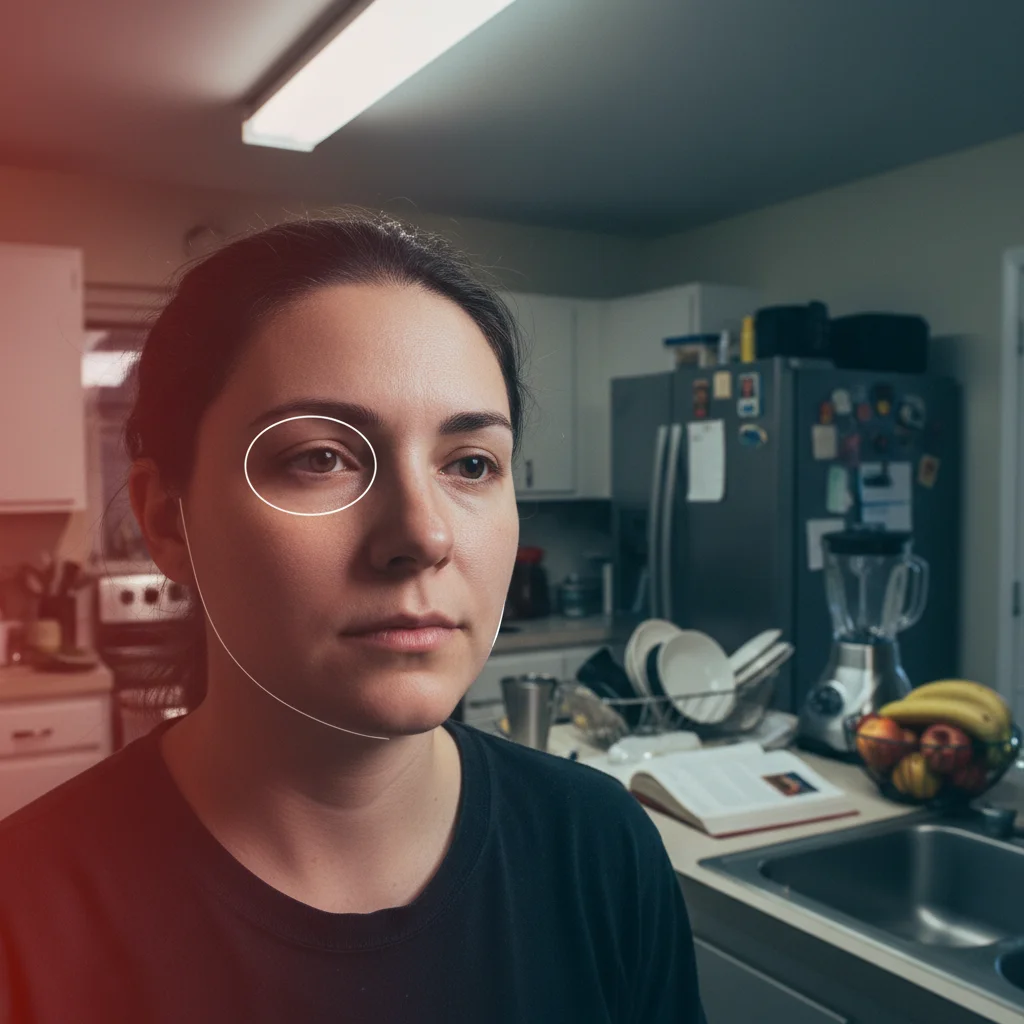
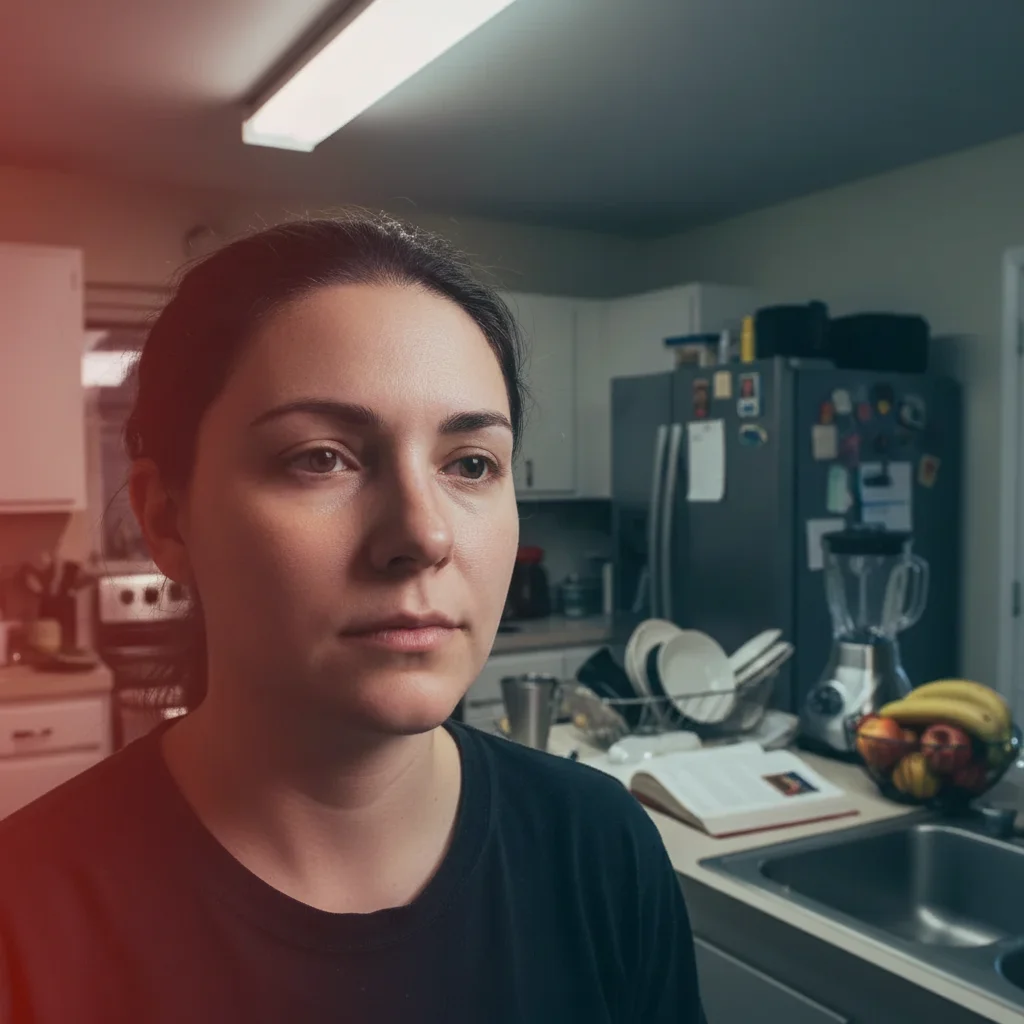
Indoor harsh light rescue
A user uploaded a portrait taken under harsh kitchen overhead lighting. EditThisPic balanced the shadows and restored natural skin tone.
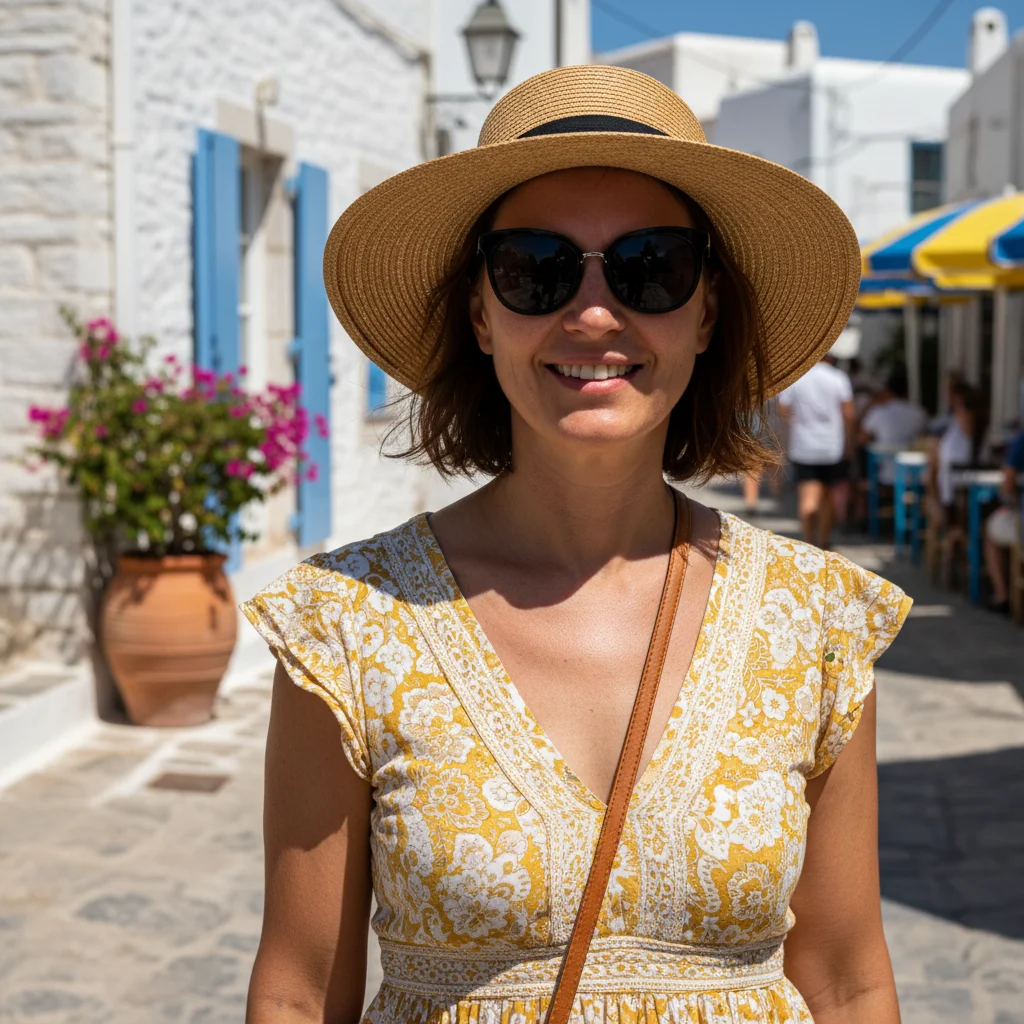
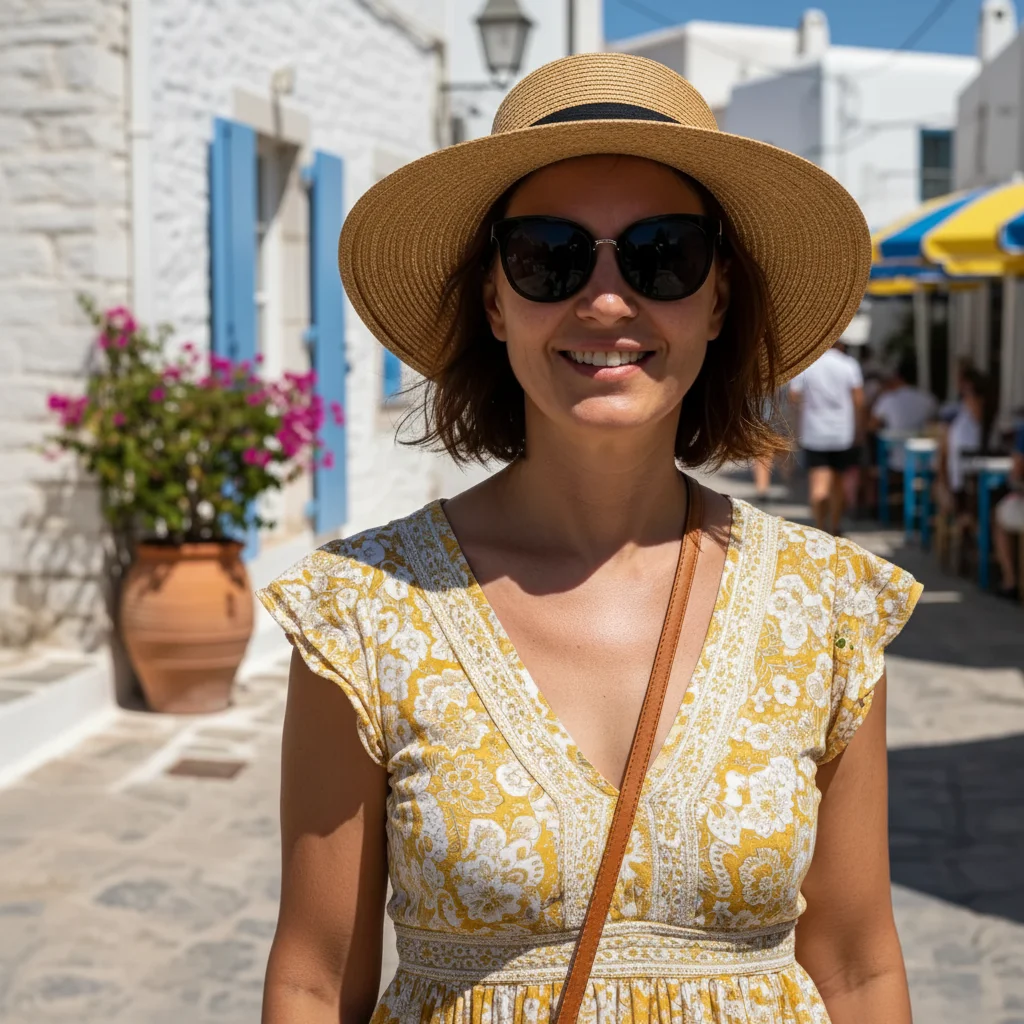
Vacation harsh sun fix
A user uploaded a vacation portrait with deep eye shadows from midday sun. The fix softened the shadows and recovered detail in the face.
Old photo natural refresh
A user uploaded a 5-year-old portrait that looked dated. The fix balanced the color and sharpened the face without changing anything.
When Things Go Wrong
Skin looks too smooth or fake
Face looks like a different person
Eyes look weirdly bright
Result looks over-processed
Frequently Asked Questions
How do I fix a portrait photo with AI?
Upload your portrait to EditThisPic, type a prompt like 'fix this portrait, balance lighting, gently sharpen face, natural skin tone', and download the result in about 25 seconds. Free, no signup. The result still looks like you, just better lit.
Will the AI make me look like a different person?
No - EditThisPic preserves your actual face by default. The fixes are natural enhancements (lighting, skin, sharpness) not facial restructuring. Add 'keep the person looking exactly like themselves' to reinforce this. It's not a beauty filter.
Is the portrait photo fixer free?
Yes. EditThisPic is free to use. Free preview, no signup, no credit card needed for basic use. Polish as many portraits as you want.
Does the AI smooth my skin like a beauty filter?
No - EditThisPic preserves natural skin texture by default. If your skin looks too smooth, add 'natural skin texture with pores and small details, no smoothing, no plastic look'. The result has real skin, not Instagram-filter skin.
Can the AI fix harsh shadows on my face?
Yes. Both indoor overhead lighting and outdoor midday sun create harsh shadows on faces. Add 'soften shadows on face, balance lighting, restore natural skin tone' to your prompt. The AI lifts the shadows without making the photo look flat.
Can the AI brighten a dim portrait?
Yes. Dim portraits from restaurants, bars, or low light usually need brightness without losing the mood. Add 'brighten the face without losing the mood, balance warm lighting, sharpen face'. The result brightens the face while keeping the ambient feel of the original.
Can I extract one person from a group photo?
Yes. Use 'fix this group photo as a portrait: focus on the person on the [LEFT/RIGHT/CENTER], crop out the others naturally, sharpen their face'. The result is a clean solo portrait pulled from the group shot.
Will the result print well?
Yes. EditThisPic outputs at high resolution suitable for printing up to 8x10 or 11x14. For larger prints, start with a high-resolution upload and the result scales accordingly.
What can I use a fixed portrait for?
Anywhere you need a good photo of yourself: social media profiles, dating apps, holiday cards, work bios, LinkedIn, family photo books, phone wallpaper, or just to have a flattering photo on hand for the next time someone asks.
Are my portraits stored?
No. EditThisPic keeps your photo and its edits so you can come back to them, until you delete them or ask us to (see the privacy policy), and never uses them to train AI models. Photos are never used to train AI models; our Privacy Policy explains how long uploads and results are kept.
Ready to polish your portraits?
Free preview. No signup required. Purchased downloads are clean.
Start Editing