Pricing Change Fabric color · Free

AI Fabric Color Changer

← Browse all change & replace tools

Last updated

Recolor any fabric in your photo — weave, texture, and drape preserved exactly.
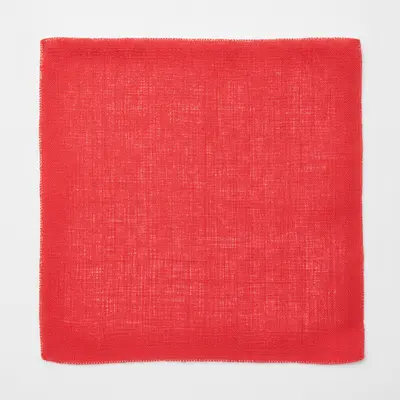
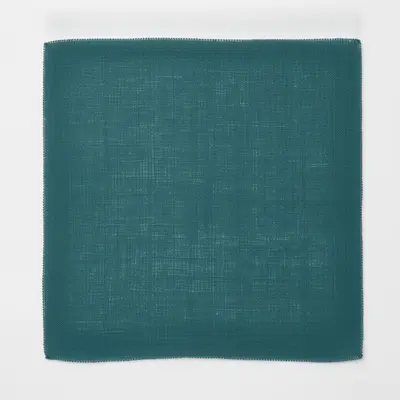
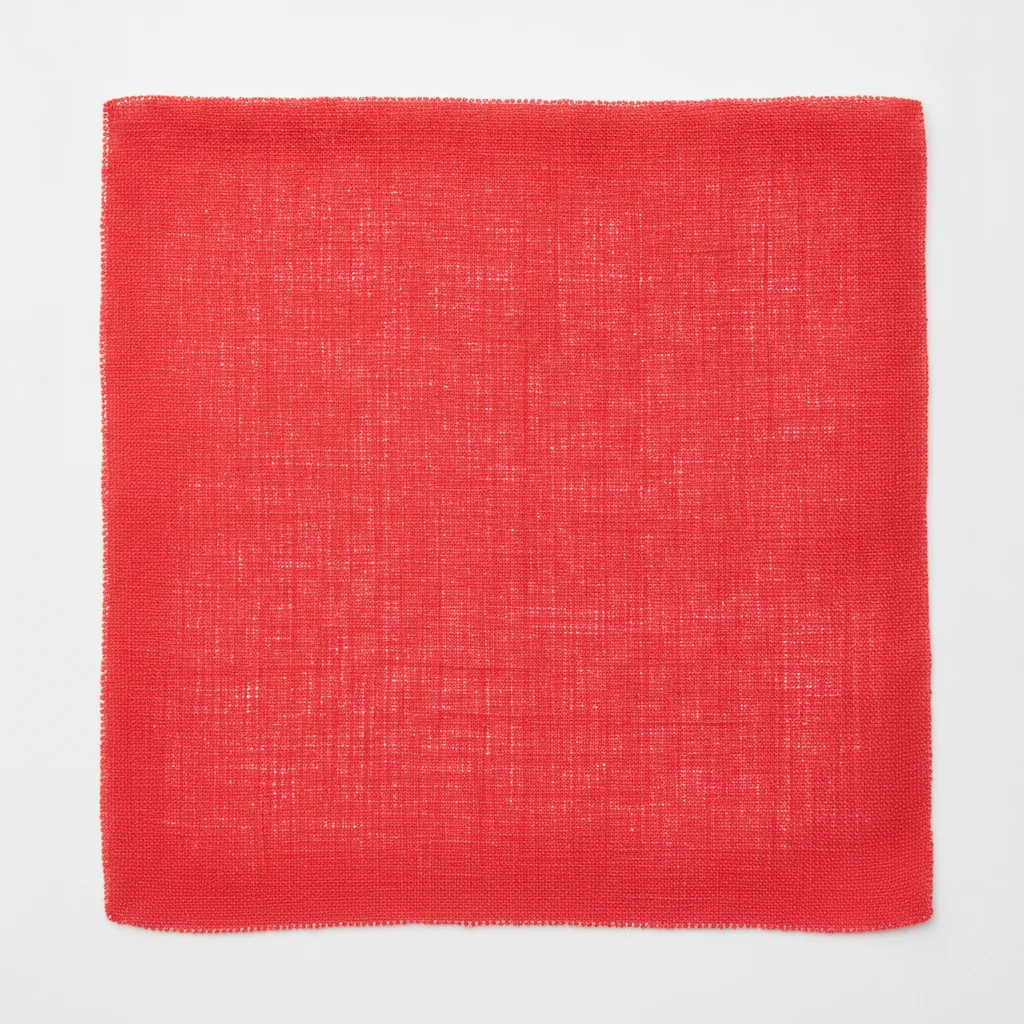
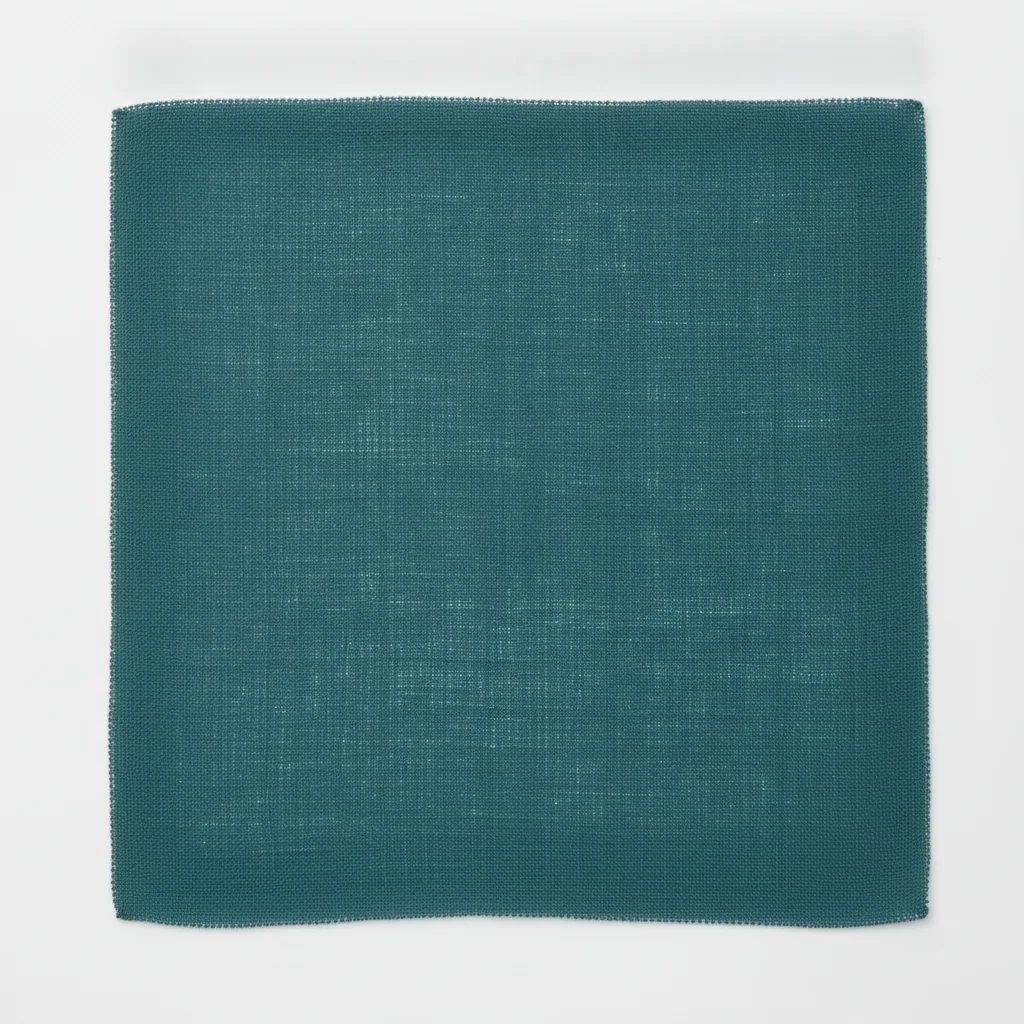
Bright red linen fabric swatch with visible weave texture on white background Same linen in deep teal with identical weave and grain preserved

Upload photo to change fabric color

"change the fabric color to charcoal grey, preserve the drape, folds, shadow depth, and weave texture exactly — do not alter any other element in the photo"

Free to try · no sign-up · photos are never shared

Release to upload

<30stypical edit
1 freeedit weekly
Photo on your phone? Scan to open this editor there — free edit works on your phone too.

1 free edit every week·packs from $4.99

How it works

  1. Upload your fabric photo

    Use a clear, well-lit photo of the fabric — a flat swatch, a close-up of a garment section, or an upholstered surface. Even lighting without harsh shadows shows the weave structure clearly, giving the AI the best reference for texture preservation. JPG, PNG, or WebP up to 7MB.

    Expect: Solid-color fabrics with visible weave: 15–30 seconds, texture preserved on first pass. Patterned or printed fabrics may need a pattern-lock phrase added to the prompt.
  2. Describe the new color and lock the weave

    Type the instruction: 'change the fabric color to deep teal, preserve the weave texture and fabric surface exactly — only the hue changes.' The texture-lock phrase is essential for fabric work. Without it, the AI recolors and may smooth the weave pattern into a flat surface.

    Tip: For fabric swatch previewing: describe the finish as well as the color. 'Change to deep teal with a matte linen finish' produces more accurate results than color alone, especially for Shopify or Etsy product listings.

    Copy one of these to get started:

    Basic fabric swatch recolor — product listing or swatch card change the fabric color to deep teal, preserve the weave texture, fabric grain, and surface finish exactly — only the hue changes
    Upholstery or drapery — room setting fabric recolor change the fabric color to charcoal grey, preserve the drape, folds, shadow depth, and weave texture exactly — do not alter any other element in the photo
    Garment fabric section — change fabric color without altering cut change only the fabric color to dusty rose, preserve all seams, stitching lines, and weave texture exactly — only the color changes, no structural elements altered
    Matte vs sheen finish — specify finish alongside color change the fabric color to burnt orange with a matte, slightly rough linen finish — preserve the weave texture exactly, no sheen or saturation added
    2 more prompts
    Velvet or pile fabric — preserve pile direction during recolor change the velvet fabric color to emerald green, preserve the pile direction, depth, and the light-dark variation from the nap — only the hue changes
    Striped or plaid fabric — recolor base without removing pattern change the base fabric color from white to cream, preserve all stripe lines, their width, spacing, and color exactly — only the background hue changes
  3. Download and check weave detail at full zoom

    Open the result at 100% and verify that the weave pattern, pile direction, or surface texture carried through. The center of the fabric is usually the cleanest — check the edges where fabric folds or changes angle, as these areas are higher risk for texture loss.

See it in action

Bright red linen fabric swatch with visible weave texture on white background
Before
->
Same linen in deep teal with identical weave and grain preserved
After

Red linen → deep teal for Etsy swatch listing

Close-up product photo of a red linen swatch on white background. The open-weave linen texture carried through completely on first pass — the teal result was upload-ready without refinement.

Prompt: change the fabric color to deep teal, preserve the weave texture, linen grain, and surface finish exactly — only the hue changes

Beige cotton upholstered cushion with woven texture and fold shadows
Before
->
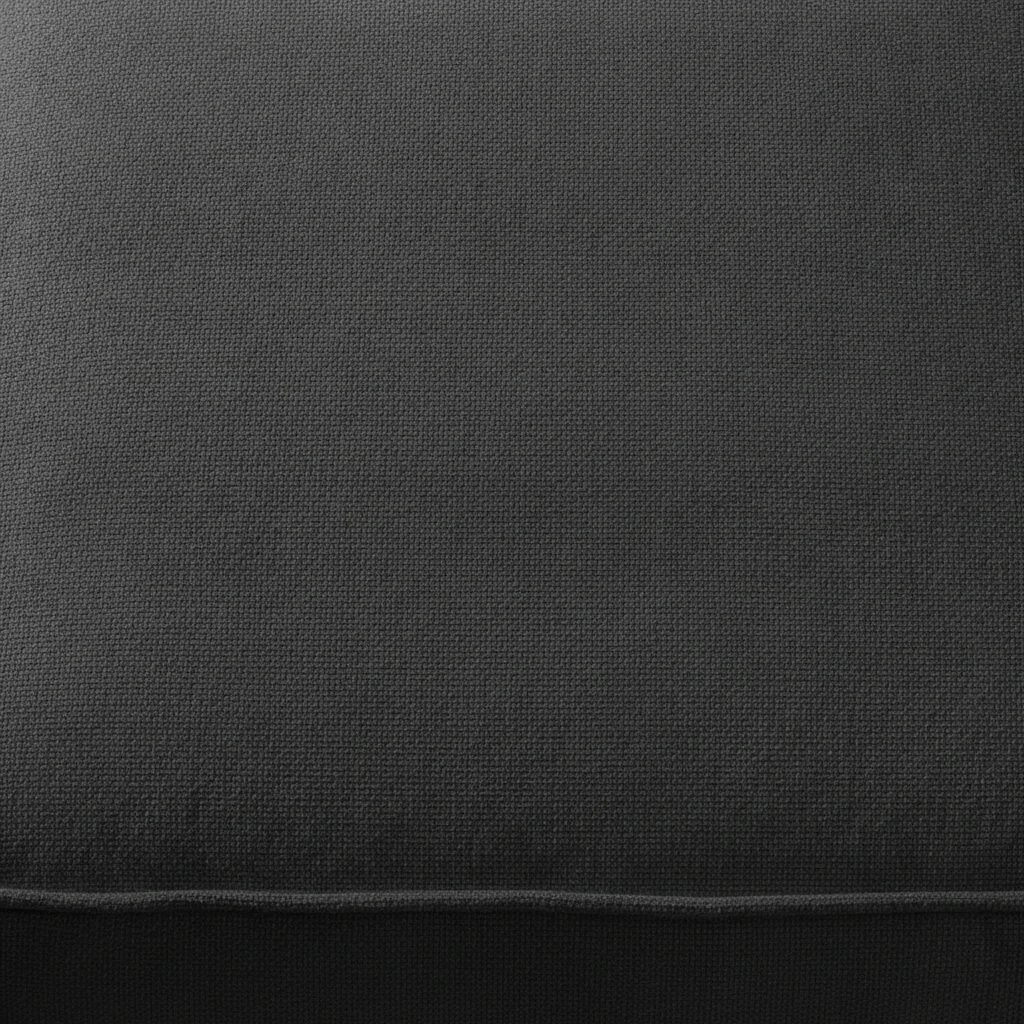
Same cushion in charcoal with weave and drape folds preserved
After

Beige cotton upholstery → charcoal for room preview

Close-up of a beige cotton upholstered seat cushion with visible tight weave. The drape folds and shadow depth across the cushion surface stayed intact after recoloring to charcoal.

Prompt: change the fabric color to charcoal grey, preserve the drape, weave texture, and shadow depth exactly — do not alter anything else

Quick answers

Do I need to mark or select the fabric area before changing the color?

No. Just describe: 'change the fabric color to deep teal, preserve the weave texture exactly.' The AI identifies the fabric from context. For in-context shots (fabric on furniture or in a room setting), use one marker tap on the fabric to make the target unambiguous.

Is there a free AI fabric color changer with no login?

Yes. EditThisPic recolors fabric for free with no account. Upload your fabric photo, describe the new color, download the result in about 30 seconds. Credit packs start at $4.99 for 10 edits if you need more than the free weekly edit. The free edit is a preview — purchased downloads are clean, full quality.

Will the AI preserve the weave pattern and texture when I change the color?

Yes, if you add a texture-lock phrase: 'preserve the weave texture exactly — only the hue changes.' Without it, the AI may smooth the fabric surface while recoloring. The explicit lock keeps the thread structure and weave intersections intact.

Can I recolor patterned or striped fabric without losing the pattern?

Yes. Specify which color to change: 'change only the background color of this fabric from white to cream, preserve all stripe lines in their original color exactly.' The explicit 'preserve all stripe lines' phrase locks the pattern while allowing only the base color to shift.

How much does EditThisPic cost?

You get 1 free edit per week — no account needed. After that, one-time credit packs start at $4.99 for 10 edits, valid 12 months, no subscription. Power users who edit daily can pick Studio Membership, a monthly workspace at $49.99/mo for 300 edits. Purchased downloads are clean with no watermark.

Ready to recolor your fabric?

Free to start. No signup required.

1 free edit included·Credit packs from $4.99