Free • No signup Change Light direction · Free

AI Light Direction Changer

Just describe where light should come from and AI repositions it.

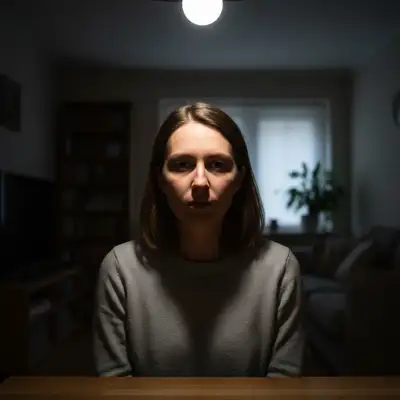
Portrait with harsh overhead lighting
Before
Portrait with light repositioned to side
After

Change Light Direction in Photos

Drop your photo here

or click to browse

Release to upload

Free • No signup

Advertisement
Popular use cases:
  • portrait lighting fix
  • product photography
  • catalog consistency
  • lighting correction
  • shadow repositioning
  • studio photography
  • professional headshots

Cost
Free No signup required
Time
Instant results in 15-30 seconds
Works on
Any device - browser, phone, tablet, desktop
Powered by
AI-powered photo editing
Scenario Prompt Time
Overhead to side change light from above to coming from left at 45 degrees 20s
Mirror/flip light flip light direction to come from the right instead of left 20s
Add backlight move light source to come from behind creating backlight 25s
Raise light higher change light to come from higher up, more overhead 20s

How it works

  1. Upload your photo

    Drop your image into EditThisPic. Works with JPG, PNG, WebP up to 7MB. Best results with photos that have visible directional lighting—the AI will move that light source to your specified direction.

    Expect: Simple direction changes (left to right): 20 seconds. Complex multi-source scenarios: may need 2 attempts to fully reposition all lights.
  2. Describe the new light direction

    Type your instruction: 'change light direction to come from the left instead' or 'move light source from above to 45 degrees from the right.' Specify the new direction—left, right, above, below, or angles. No marking needed—the AI understands light direction.

    Tip: Be specific about angle: '45 degrees from left' is clearer than 'sort of from the side.'

    Copy one of these to get started:

    Move light from overhead to side change light direction from above to coming from the left side at 45 degrees
    Switch light from left to right flip light direction to come from the right instead of the left
    Change to backlight from behind move light source to come from behind the subject creating backlight
    Raise light source higher change light direction to come from higher up, more overhead
    3 more prompts
    Lower light to eye level move light source down to eye level coming straight from the side
    Front light from camera position change light direction to come directly from the camera position, straight on
    Rotate light around subject rotate light source 90 degrees clockwise around the subject
  3. Generate and review

    AI analyzes your photo's lighting and repositions shadows and highlights to match the new direction. Check that shadows fall correctly and highlights appear where light would hit from the new angle.

  4. Refine if needed

    If the angle isn't quite right or shadows look off, try again with adjusted description: 'move light more to the side' or 'raise light source higher.' Lighting is subjective—iterate until perfect.

    Tip: Light direction is subtle. Compare before/after to verify shadows moved correctly.
Try it free

Change Light Direction in Photos

Drop your photo here

or click to browse

Release to upload

Free • No signup

"Moved the light from harsh overhead to flattering side lighting in one click. Game changer for fixing bad photos." @photo_fixer

See it in action

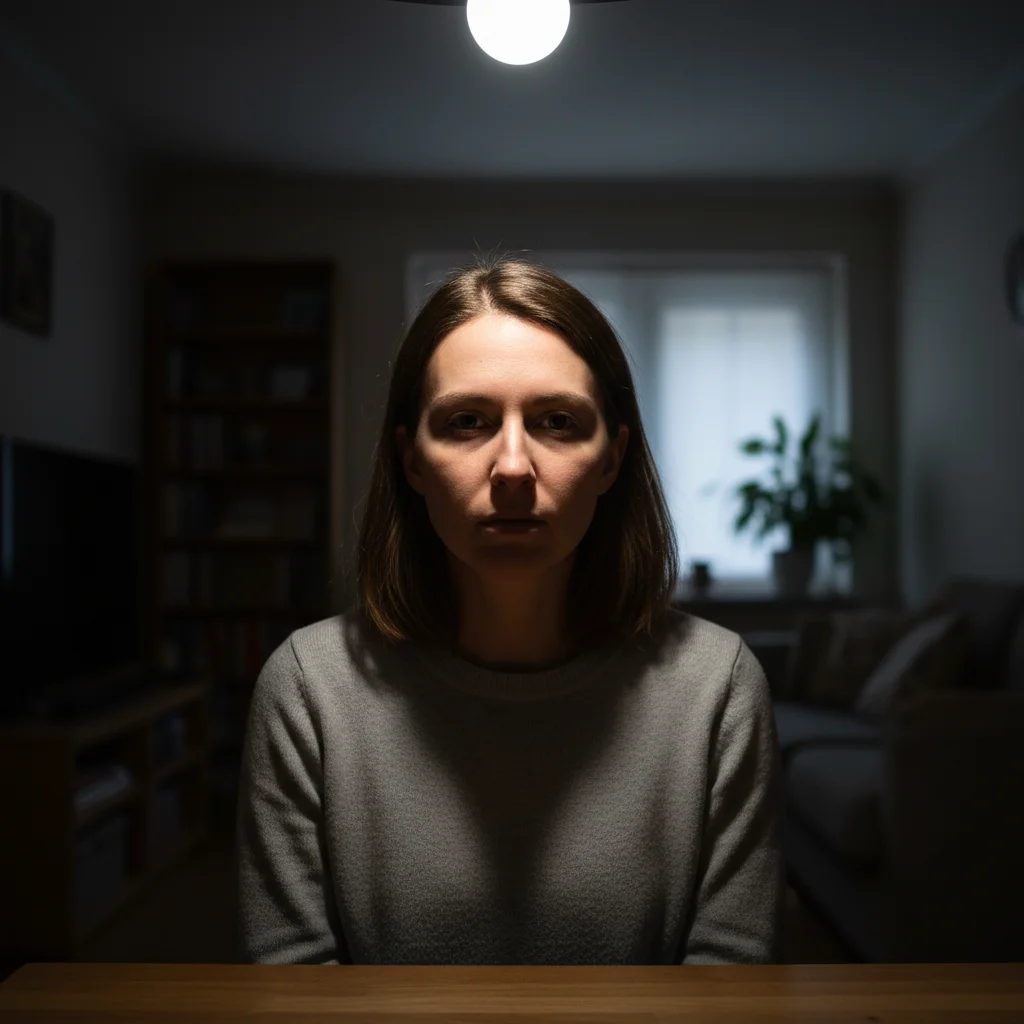
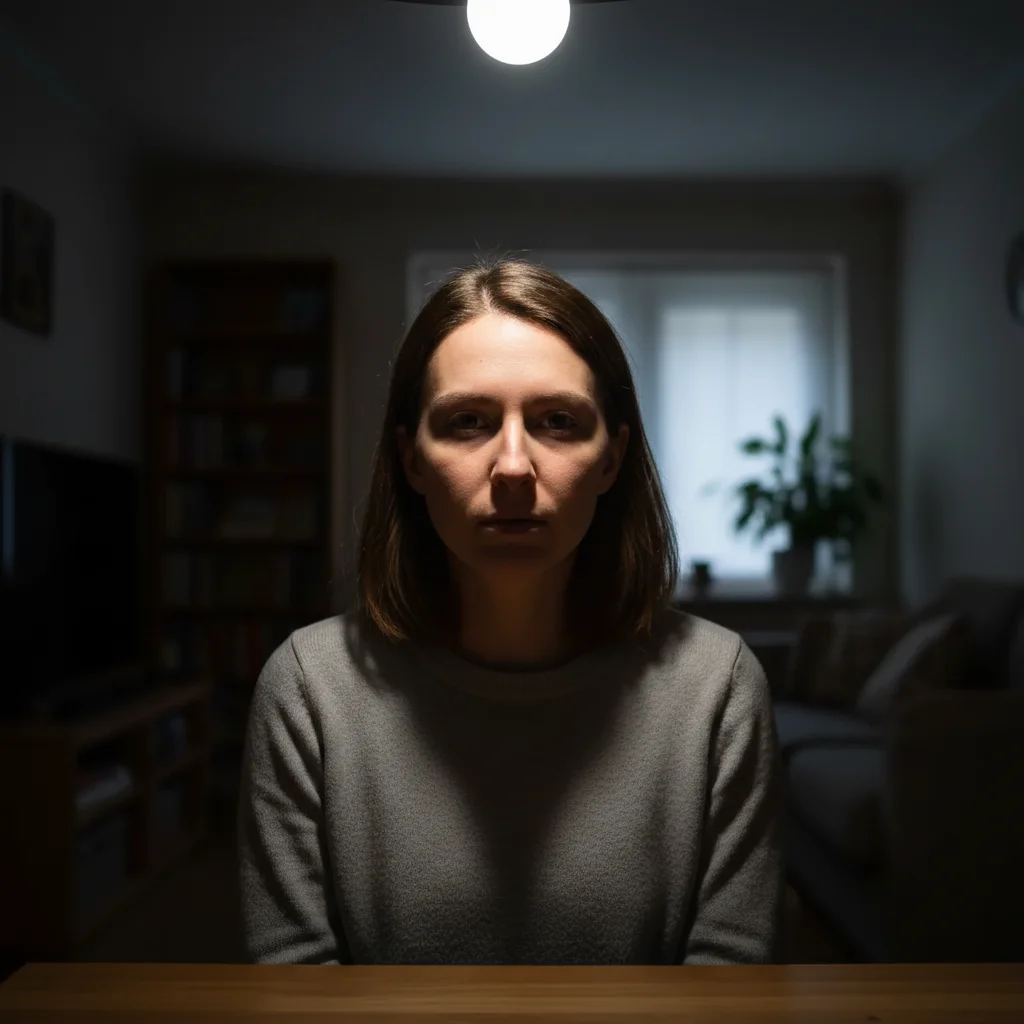
Portrait with harsh overhead lighting
Before
->
Portrait with light repositioned to side
After

Overhead to Side Lighting

Portrait with harsh overhead light creating unflattering shadows. AI repositioned light to classic 45-degree side angle.

Prompt: change light direction from above to coming from the left side at 45 degrees
Product lit from right
Before
->
Product lit from left
After

Mirrored Product Lighting

Product photo with light from right. Client wanted it from left to match other photos in catalog.

Prompt: flip light direction to come from the left instead of the right
Front-lit portrait
Before
->
Portrait with dramatic backlight
After

Front to Backlight Conversion

Standard front-lit portrait. AI repositioned light behind subject for dramatic rim light effect.

Prompt: move light source to come from behind the subject creating backlight
Advertisement

If something looks off

AI changed the wrong area or lighting doesn't match new direction

Why: The AI couldn't determine the original light source direction or misinterpreted the new direction description.

Try: Be explicit: 'the light is currently from above, move it to 45 degrees from the left' describes both current and desired state

Tip: Describe what needs to change: 'current state → new state' is clearer than just new state.

Shadows don't look natural in new direction

Why: The AI repositioned light but shadows don't match the subject's geometry correctly.

Try: Try: 'fix shadow direction to match light from [direction]' or regenerate with more specific angle
Highlights and shadows conflict

Why: Original photo had multiple light sources. Moving one created inconsistency with others.

Try: For multi-light photos, try: 'change all lighting to come from [direction]' to reposition everything
New direction looks the same as original

Why: The change may have been too subtle or the AI didn't detect the original light direction.

Try: Try more dramatic changes: 'completely flip light from left to right' instead of subtle adjustments
Colors shifted after direction change

Why: Changing light direction can affect how colors appear due to different surface angles to light.

Try: This is sometimes natural. If unwanted: 'change light direction while preserving original colors'
Some areas didn't update with new direction

Why: Complex scenes with occlusion may have areas that don't update correctly.

Try: Mark problem areas and regenerate, or accept that extremely complex lighting is hard to fully redirect

Quick answers

Do I need to mark anything before describing the new direction?

No! Just describe where light should come from: 'change light to come from the left' or 'move light source higher.' The AI analyzes your photo's existing lighting and repositions it automatically. No marking needed.

How do I change light direction in a photo for free?

Upload your image to EditThisPic and describe the new direction: 'move light from above to 45 degrees from left' or 'flip light to right side.' The AI repositions shadows and highlights to match the new lighting angle. Free to use, no account needed.

Will this work on photos with multiple light sources?

It's trickier. The AI handles single clear light sources best. For multiple lights, specify which: 'move the main key light to the right' or request full relight: 'change all lighting to come from left.'

Can I specify exact angles like '45 degrees from upper left'?

Yes! The AI understands angles and positions. '45 degrees from upper left' or '90 degrees to the right' work well. Precise descriptions give better results.

What's the difference between this and Photo Relighter?

Light Direction Changer repositions existing light. Photo Relighter can add new light sources or change lighting quality/intensity. Use this when you like the current lighting but want it from a different angle.

Ready to change light direction?

Free to try. No signup required.

Try it free