Free • No signup Simulate Studio lighting · Free

AI Studio Lighting Simulator

← Browse all creative effects

Last updated

Just name the studio setup and AI simulates professional lighting.
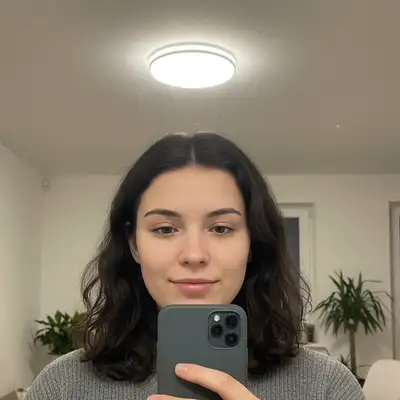
Flat-lit selfie portrait Portrait with Rembrandt lighting triangle under eye

Upload photo to simulate studio lighting

"add butterfly lighting with key light directly above creating butterfly shadow under nose, soft and flattering"

Release to upload

50,000+photos edited
<30stypical edit
1 freeedit weekly

1 free edit·then from $4.99

How it works

  1. Upload your photo

    Drop your portrait, headshot, or product photo into EditThisPic. Works with JPG, PNG, WebP up to 7MB. Best results with evenly-lit or naturally-lit photos—the AI will add studio lighting on top.

    Expect: Standard setups (butterfly, loop): 25 seconds. Complex multi-light setups (3-point, Rembrandt): 30-35 seconds and may need refinement.
  2. Describe the studio setup you want

    Type your instruction: 'simulate Rembrandt lighting' or 'add 3-point studio lighting setup with key, fill, and rim lights.' Use photography terms—the AI understands butterfly, loop, split, Rembrandt, broad, short, and other classic setups. No marking needed.

    Tip: Use standard photography lighting names. 'Rembrandt lighting' is clearer than 'dramatic side light with triangle.'

    Copy one of these to get started:

    Classic Rembrandt lighting simulate Rembrandt lighting setup with key light at 45 degrees creating triangle of light under eye
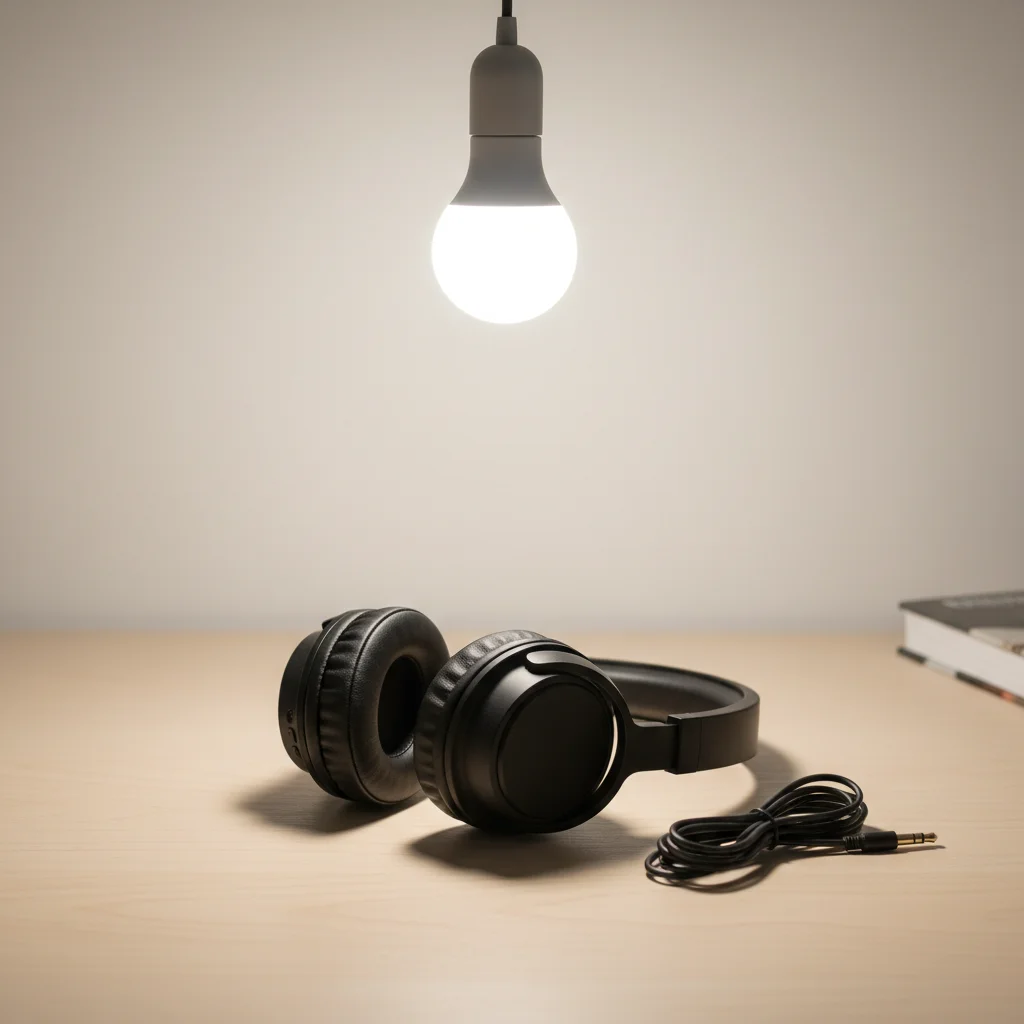
    Flattering butterfly lighting add butterfly lighting with key light directly above creating butterfly shadow under nose, soft and flattering
    Complete 3-point lighting simulate professional 3-point studio lighting with key light from left, fill from right, and rim light from behind
    Loop lighting add loop lighting setup with key light slightly to the side creating small nose shadow loop
    4 more prompts
    Split lighting simulate split lighting with key light from 90 degrees to the side, half face lit half in shadow
    Clamshell beauty lighting add clamshell lighting with key light above and fill reflector below for soft even beauty lighting
    Short lighting simulate short lighting setup with key light illuminating the side of face turned away from camera
    Broad lighting add broad lighting with key light illuminating the side of face closest to camera
  3. Generate and review

    AI simulates the studio setup with key light, fill light, and rim/hair lights as appropriate. Check that the characteristic shadow patterns appear—triangle under eye for Rembrandt, butterfly shadow under nose for butterfly lighting.

  4. Adjust the setup if needed

    If lights are too strong or positioned incorrectly, refine: 'soften the key light' or 'move rim light more to the left.' Photography lighting is subjective—try variations until it matches your vision.

    Tip: Classic setups are starting points. Customize: 'Rembrandt but softer' or 'butterfly with stronger rim light.'
  5. Download your studio-lit photo

    Download in full resolution with no watermark. Your photo now has professional studio lighting that would normally cost hundreds in equipment or studio rental.

See it in action

Flat-lit selfie portrait
Before
->
Portrait with Rembrandt lighting triangle under eye
After

Rembrandt Lighting Added

Basic selfie with flat lighting. AI added classic Rembrandt setup with characteristic triangle of light under eye.

Prompt: simulate Rembrandt lighting setup with key light at 45 degrees creating triangle of light under eye
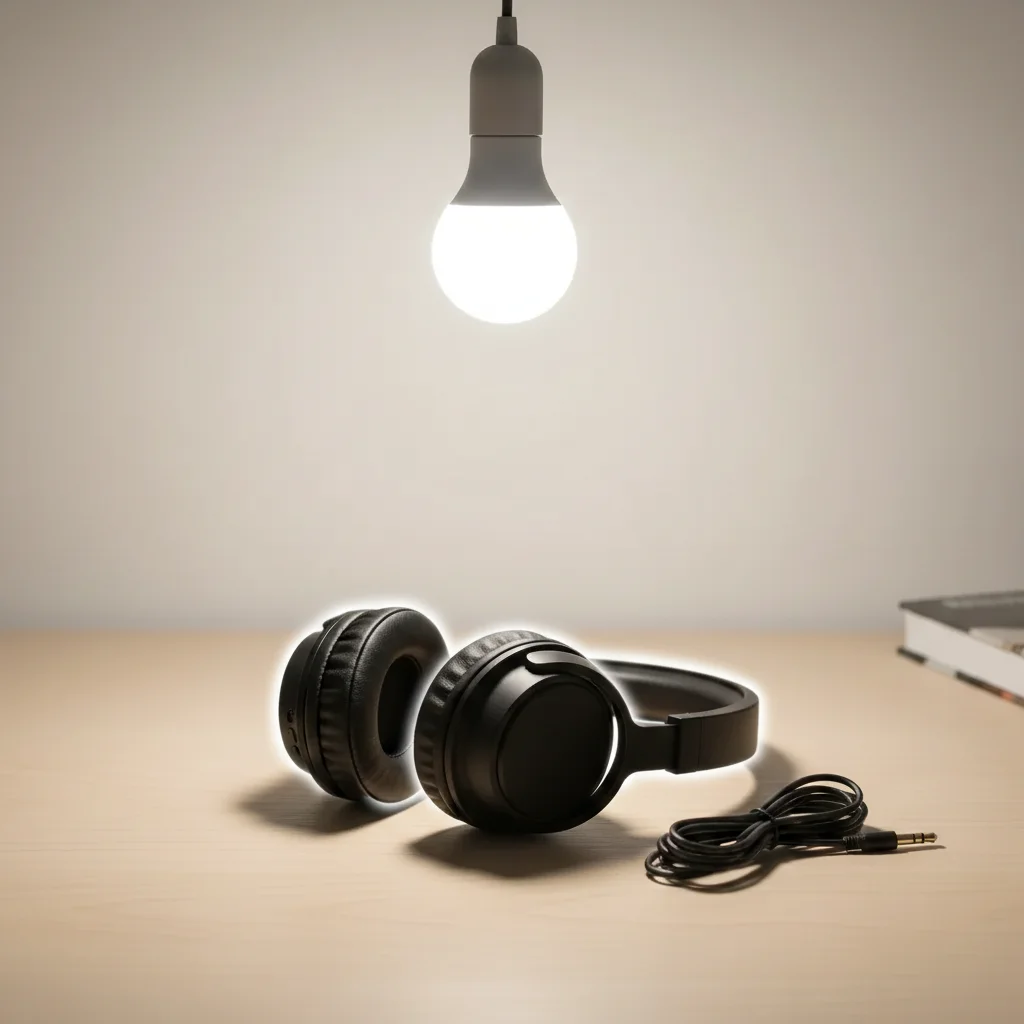
Product with single light source
Before
->
Product with professional 3-point lighting
After

3-Point Studio Setup

Product shot with single light source. AI added complete 3-point lighting with key, fill, and rim lights for professional depth.

Prompt: simulate professional 3-point studio lighting with key light from left, fill from right, and rim light from behind
Portrait in flat natural light
Before
->
Portrait with butterfly lighting shadow under nose
After

Butterfly Beauty Lighting

Outdoor portrait in natural light. AI simulated classic butterfly lighting setup for glamorous beauty look.

Prompt: add butterfly lighting with key light directly above creating butterfly shadow under nose, soft and flattering

Quick answers

Do I need to mark anything before describing the studio setup?

No! Just name the setup: 'simulate Rembrandt lighting' or 'add 3-point lighting.' The AI identifies your subject and applies the studio setup automatically. Studio lighting simulation works on description alone—no marking needed.

How do I simulate studio lighting for free?

Upload your portrait to EditThisPic and name a classic studio setup—Rembrandt, butterfly, loop, split, or 3-point lighting. The AI recreates that setup with proper key light position, fill light, and rim/hair lights. Free to use, no account needed, no studio equipment required.

What studio lighting setups does the AI understand?

The AI recognizes all standard photography setups: Rembrandt, butterfly (Paramount), loop, split, broad, short, 3-point, 4-point, clamshell, and others. You can also describe custom setups: 'key from left, fill from right, rim from behind.'

Will this work on photos that weren't taken in a studio?

Yes, that's the point! The AI adds studio lighting to photos taken anywhere—selfies, outdoor portraits, natural light photos. It simulates what the photo would look like if it had been shot in a professional studio.

Can I use this for product photography?

Absolutely. Classic product lighting uses the same principles—key light, fill light, rim light. Try: 'add 3-point product lighting' or 'simulate professional product studio setup.' Works great for e-commerce and portfolio photos.

What's the difference between this and the Photo Relighter tool?

Photo Relighter adds general directional lighting. Studio Lighting Simulator specifically recreates named classic photography setups with proper multi-light configurations. Use this when you want a specific studio look (Rembrandt, butterfly, etc.).

Is EditThisPic's AI studio lighting simulater really free?

Yes — you get 1 free edit per week, no account needed. Plans start at $4.99/month for 15 edits.

Can I simulate studio lighting on my phone?

Yes. EditThisPic works in any mobile browser — iPhone, Android, tablet. No app download needed.

How much does EditThisPic cost?

You get 1 free edit per week — no account needed. After that, credit packs start at $1.99 for 3 edits. Monthly plans start at $4.99/mo for 20 edits with unused credits rolling over. All edits are full resolution with no watermark.

Ready to edit your photos?

Free to try. No signup required.

1 free edit included·Credit packs from $4.99