Pricing Swap Dress color · Free

AI Dress Color Swap

← Browse all change & replace tools

Last updated

Change any dress color in your photo — drape, silhouette, and fabric texture stay intact.
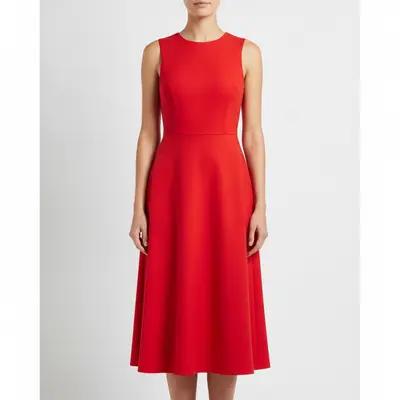
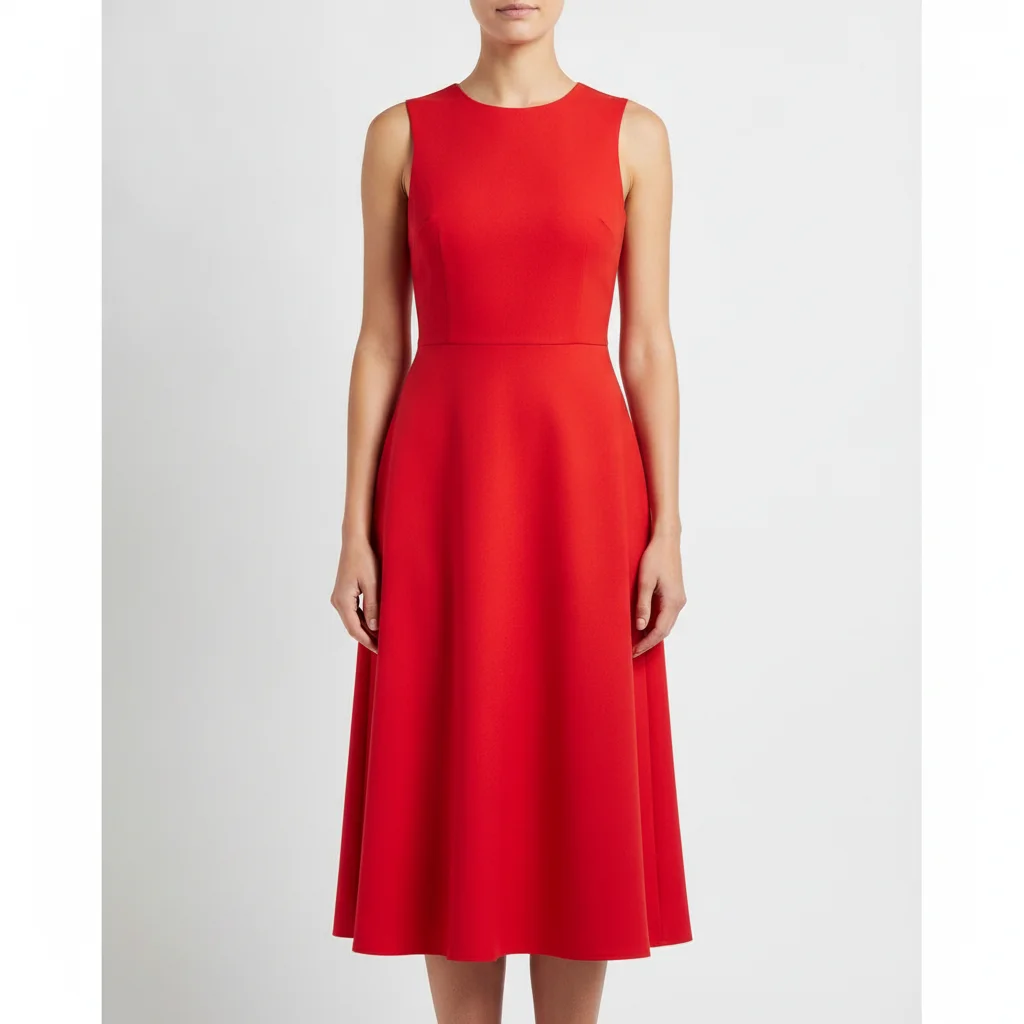
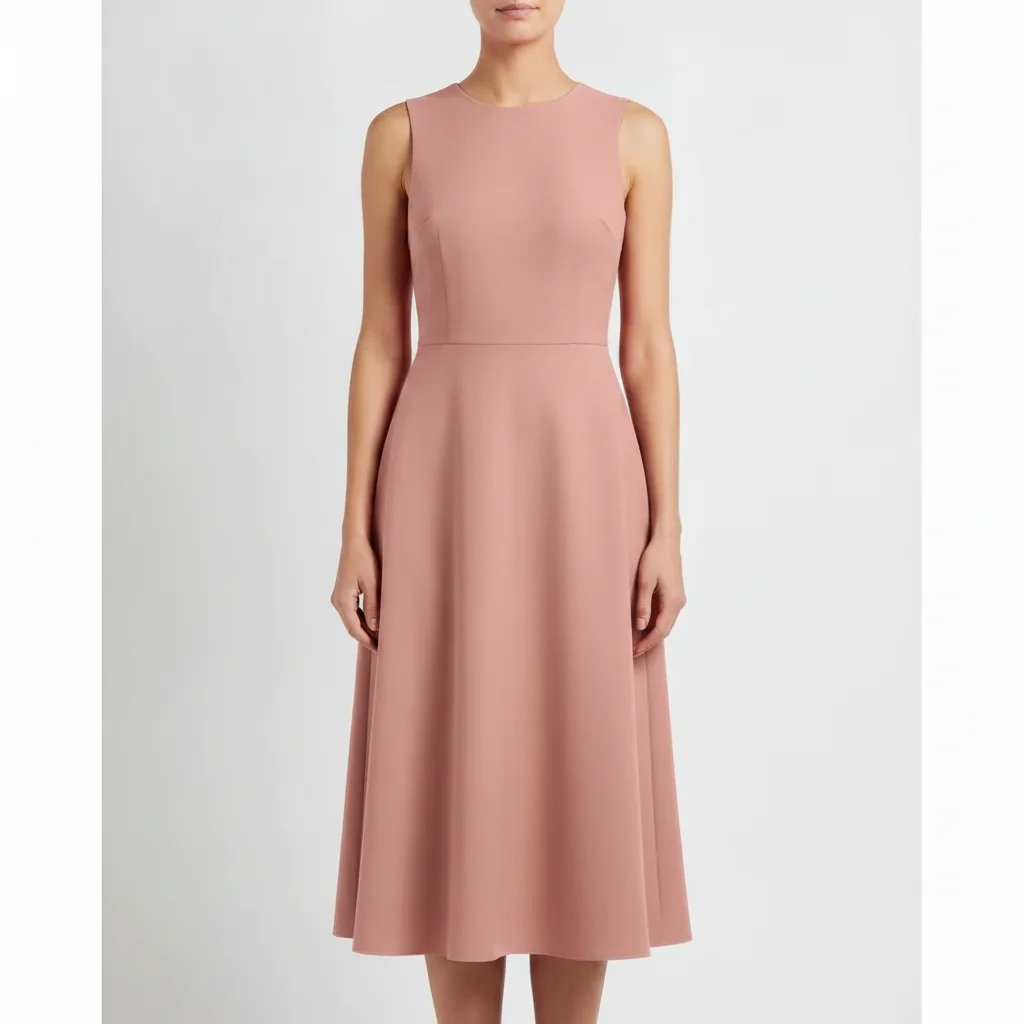
Model in bright red midi dress on white background Same model in dusty rose with identical silhouette and drape

Upload photo to swap dress color

"change the bridesmaid dress color to sage green, preserve the A-line silhouette, ruched bodice, floor-length hem, and all fabric drape exactly — only the color changes"

Free to try · no sign-up · photos are never shared

Release to upload

<30stypical edit
1 freeedit weekly
Photo on your phone? Scan to open this editor there — free edit works on your phone too.

1 free edit every week·packs from $4.99

How it works

  1. Upload your dress photo

    Use a clear photo where the full dress or the section you want recolored is visible. White or neutral backgrounds produce the cleanest swaps, but colored backgrounds work too. Front-facing shots on a mannequin or model give the AI the best view of the drape and silhouette. JPG, PNG, or WebP up to 7MB.

    Expect: Solid-color dresses: color swap in 15–30 seconds, first pass is usually clean. Dresses with lace overlay, embroidery, or metallic detail need explicit preservation phrases in the prompt.
  2. Describe the target color and lock the dress details

    Type: 'swap the dress color to dusty rose, preserve the drape, silhouette, neckline shape, and fabric texture exactly — only the color changes.' The more dress-specific detail you preserve, the cleaner the result. For complex dresses: name the key design elements — lace bodice, empire waist, tiered skirt — and tell the AI to keep them.

    Tip: For Etsy or Shopify listings showing a dress in multiple colors: run each colorway from the same original photo, naming the target color precisely. 'Blush pink' is more precise than 'pink' — describe it further if needed: 'soft, muted, slightly warm pink — not hot pink, not peach.'

    Copy one of these to get started:

    Simple solid-color dress — Etsy or Shopify listing swap the dress color to dusty rose, preserve the drape, silhouette, neckline shape, and fabric texture exactly — only the color changes
    Bridesmaid dress — match a wedding color palette change the bridesmaid dress color to sage green, preserve the A-line silhouette, ruched bodice, floor-length hem, and all fabric drape exactly — only the color changes
    Color variant for product catalog — multiple colorways from one shot swap the dress color to cobalt blue, preserve all garment details — neckline shape, waist seam, skirt flare, and fabric texture — only the hue changes
    Lace or embroidered dress — preserve detail during color change change the dress color to ivory, preserve the lace overlay pattern, embroidery details, and all texture exactly — only the base fabric color changes, lace structure stays intact
    2 more prompts
    Evening gown with fabric sheen swap the evening gown color to deep burgundy, preserve the fabric sheen, drape depth, and all silhouette lines exactly — the fabric should retain its lustrous quality at the same intensity
    Floral print dress — change background color while keeping print change the background color of the floral print fabric from white to black, preserve all floral print elements in their original colors exactly — only the background between the flowers changes
  3. Verify silhouette, neckline, and fabric edges

    Download and check the result at full zoom. The neckline edge, hem, and any lace or overlay areas are the highest-risk zones for edge bleed or texture loss. Verify that the background (or model's skin) hasn't been tinted by the new color.

See it in action

Model in bright red midi dress on white background
Before
->
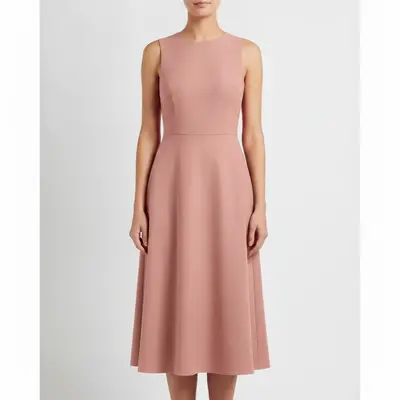
Same model in dusty rose with identical silhouette and drape
After

Red midi dress → dusty rose for Etsy listing

On-model product shot of a red midi dress on white background. The A-line silhouette, fitted bodice, and hem edge transferred cleanly on the first pass.

Prompt: swap the dress color to dusty rose, preserve the A-line silhouette, fitted bodice, midi hem, and fabric texture exactly — only the color changes
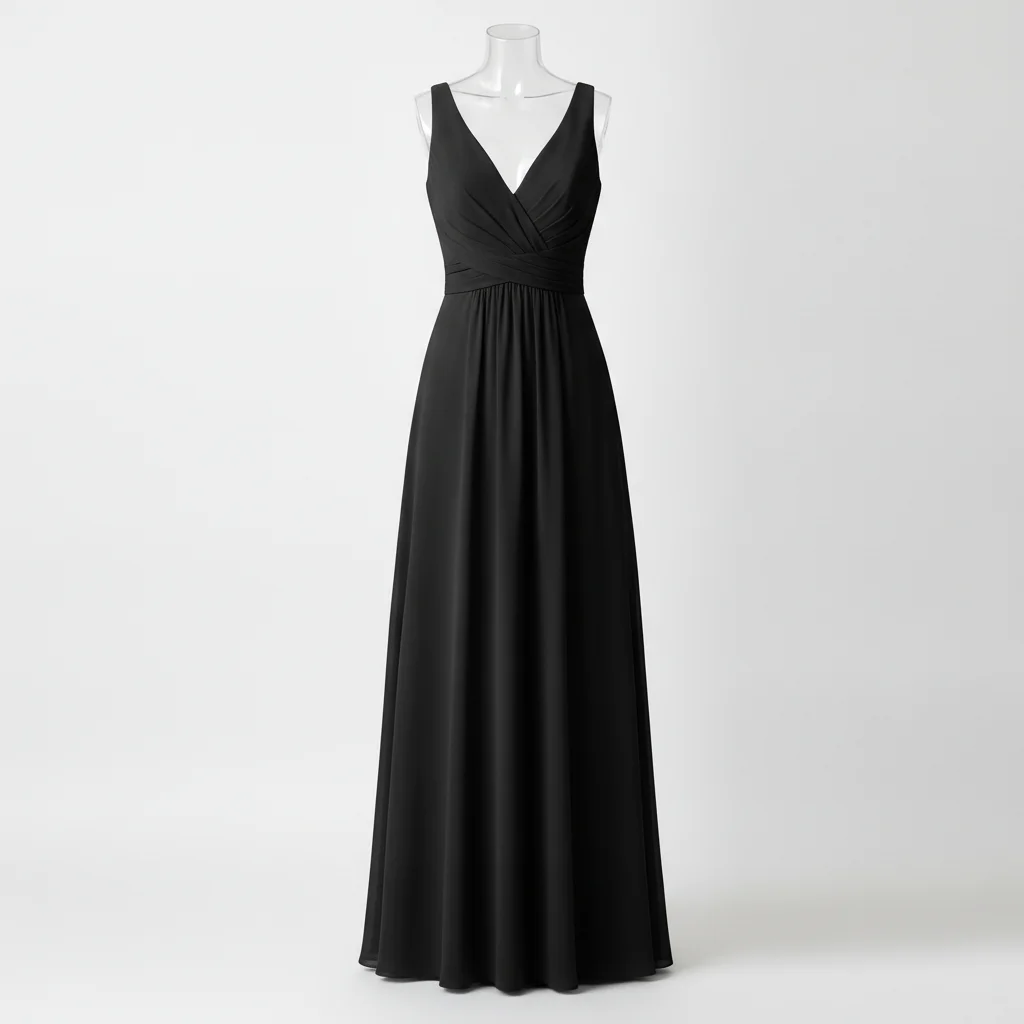
Black floor-length bridesmaid dress with V-neckline and ruched waist
Before
->
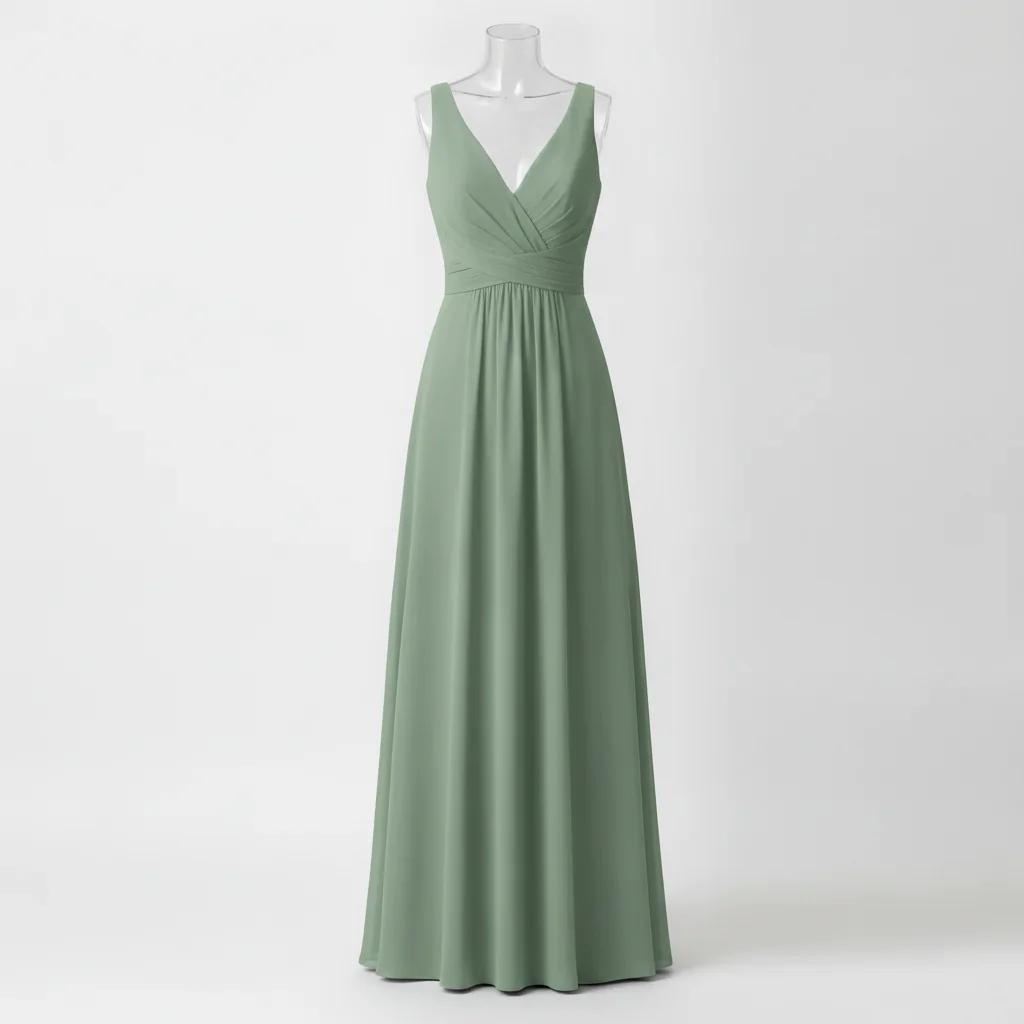
Same dress in sage green with V-neckline and ruching preserved
After

Black bridesmaid dress → sage green for wedding planning

Ghost-mannequin bridesmaid dress in black. Color-swapped to sage green to preview the look against a specific wedding palette. The V-neckline, ruching at the waist, and floor-length hem all preserved.

Prompt: change the bridesmaid dress color to sage green, preserve the V-neckline, ruched waist detail, floor-length hem, and fabric drape exactly — only the color changes

Quick answers

Do I need to mark or select the dress before swapping the color?

No. Just describe: 'swap the dress color to dusty rose, preserve the silhouette and fabric texture exactly.' The AI identifies the dress from context. Use a marker tap only if the AI changes the wrong area — for example, if it recolors the background alongside the dress.

Is there a free AI dress color changer with no account?

Yes. EditThisPic swaps dress colors for free with no signup. Upload your dress photo, describe the target color, and download the result in about 30 seconds. The free tier includes one edit per week. Credit packs start at $4.99 for 3 swaps. The free edit is a preview — purchased downloads are clean, full quality.

How do I change a dress color for my Etsy or Shopify product listing?

Upload your dress photo on a white or clean background. Type: 'swap the dress color to [color], preserve the silhouette, neckline, and fabric texture exactly — only the color changes.' Download and use directly in your listing. For multiple colorways, always start from the original photo for each pass.

Will the drape and silhouette stay the same after a dress color swap?

Yes, if you include 'preserve the drape and silhouette exactly' in your prompt. Without that phrase, the AI may subtly alter the dress shape while recoloring. Name the specific silhouette type (A-line, mermaid, sheath) for the strongest lock.

How much does EditThisPic cost?

You get 1 free edit per week — no account needed. After that, one-time credit packs start at $4.99 for 10 edits, valid 12 months, no subscription. Power users who edit daily can pick Studio Membership, a monthly workspace at $49.99/mo for 300 edits. Purchased downloads are clean with no watermark.

Ready to swap your dress color?

Free to start. No signup required.

1 free edit included·Credit packs from $4.99