Pricing Change Dress color · Free

Change Dress Color in Photo

← Browse all change & replace tools

Last updated

Recolor any dress in a photo by describing the new color — no selection tools, no masking. Useful for previewing event dress options, deciding between color variants before buying online, and checking whether a dress color suits an occasion. Keeps drape, fabric sheen, and shadows natural. Free, no account needed.

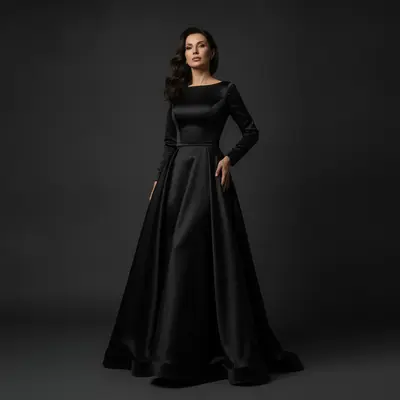
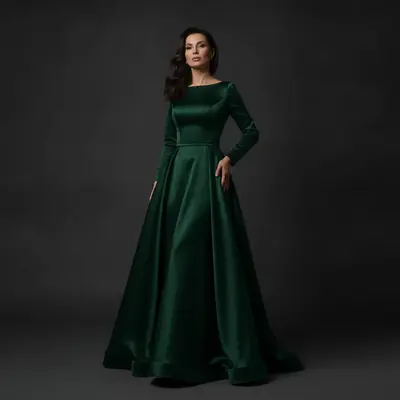
Woman in floor-length black satin evening gown Same woman with gown recolored to deep emerald green

Upload photo to change dress color

"Change the blue wrap dress to a warm terracotta, keep the drape and wrap fold exactly as they are"

Free to try · no sign-up · photos are never shared

Release to upload

<30stypical edit
1 freeedit weekly
Photo on your phone? Scan to open this editor there — free edit works on your phone too.

1 free edit every week·packs from $4.99

How it works

  1. Upload a photo showing the full dress

    A clear full-body or three-quarter shot where the dress is fully visible works best. The fabric and silhouette should be unobscured. JPG, PNG, WebP up to 7MB.

    Expect: Solid color dresses: 25-35 seconds. Patterned or layered dresses: 40-55 seconds.
  2. Describe the new color

    Type: 'change the dress to emerald green, preserve the drape, fabric texture, and shadows.' You don't need to select or mark the dress. Specific color names and fabric descriptors give more accurate results.

    Tip: Name the dress type along with color: 'change the satin evening gown to champagne gold.' This helps the AI understand the fabric's natural sheen.

    Copy one of these to get started:

    Evening gown — preview a bolder color Change the black evening gown to a deep emerald green, preserve the satin sheen and all fabric drape
    Online shopping — preview color before buying Change the blue wrap dress to a warm terracotta, keep the drape and wrap fold exactly as they are
    Bridesmaid dress — check event color theme Recolor the dusty rose bridesmaid dress to sage green, preserve all fabric texture and the ribbon belt
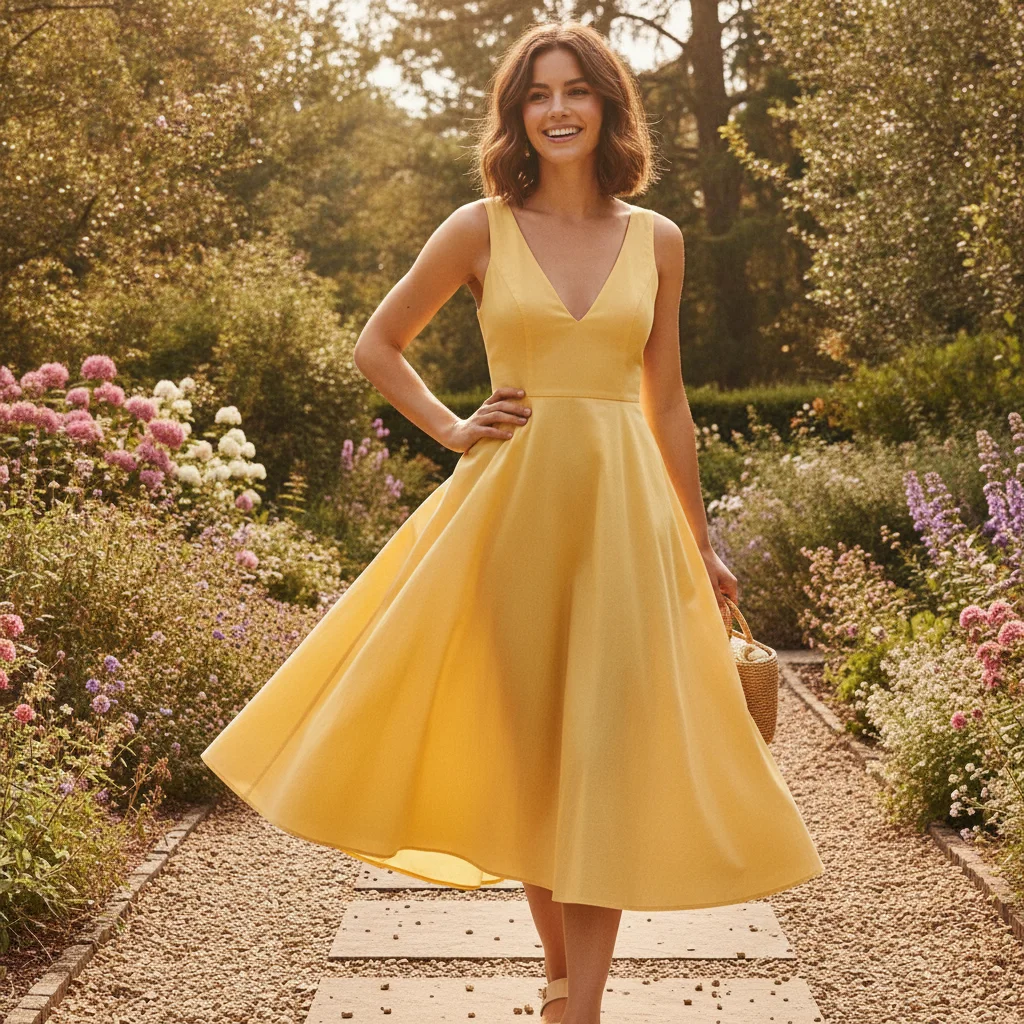
    Summer dress to a cooler palette Change the bright yellow sundress to a soft lavender, maintain the lightweight fabric look and subtle shadows
    2 more prompts
    Wedding dress — explore color variant Change the white wedding dress to a blush ivory, keep the lace detail and train exactly the same
    Cocktail dress — neutrals to jewel tone Recolor the beige cocktail dress to a rich sapphire blue, keep the fitted silhouette and fabric sheen
  3. Check the drape and fabric quality

    Look at how the light catches the recolored fabric — natural highlights and shadows should still be present. Check the hemline and neckline edges to confirm the color didn't bleed onto skin or background.

See it in action

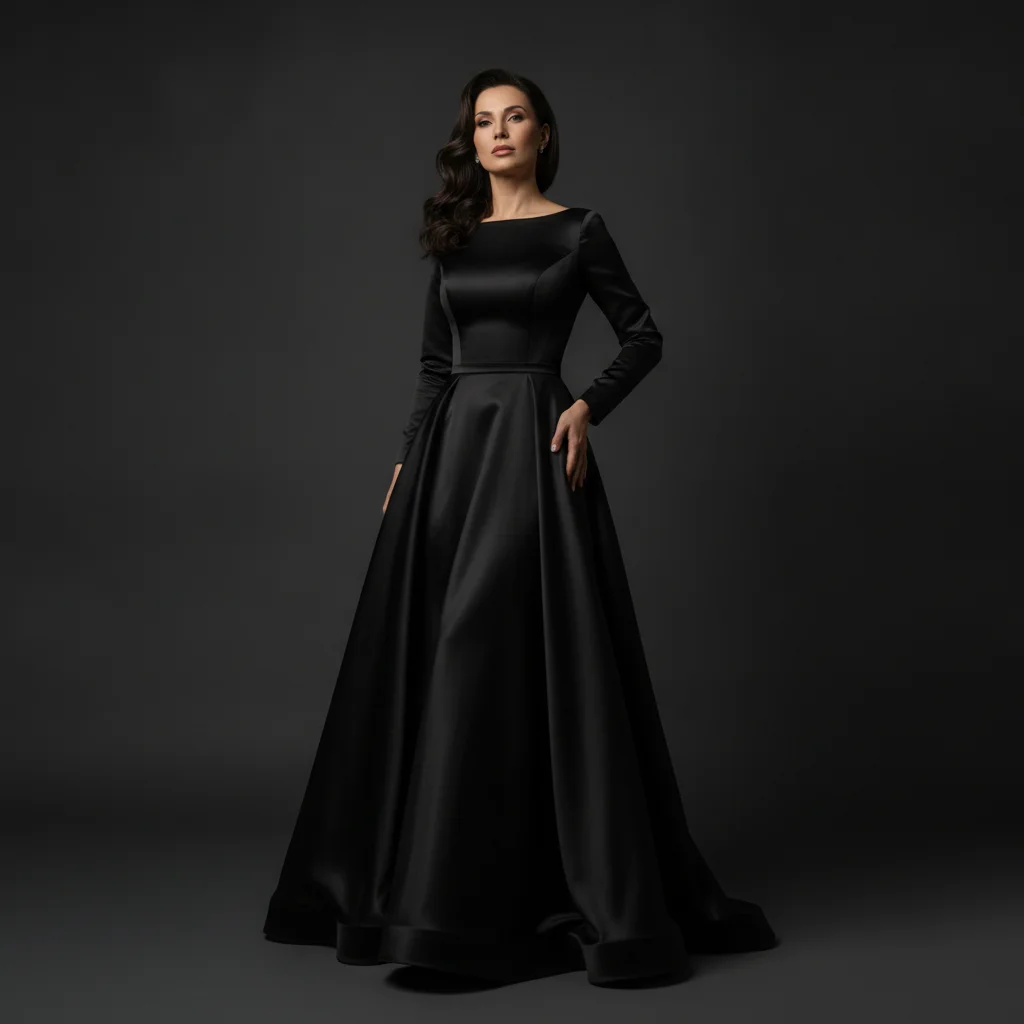
Woman in floor-length black satin evening gown
Before
->
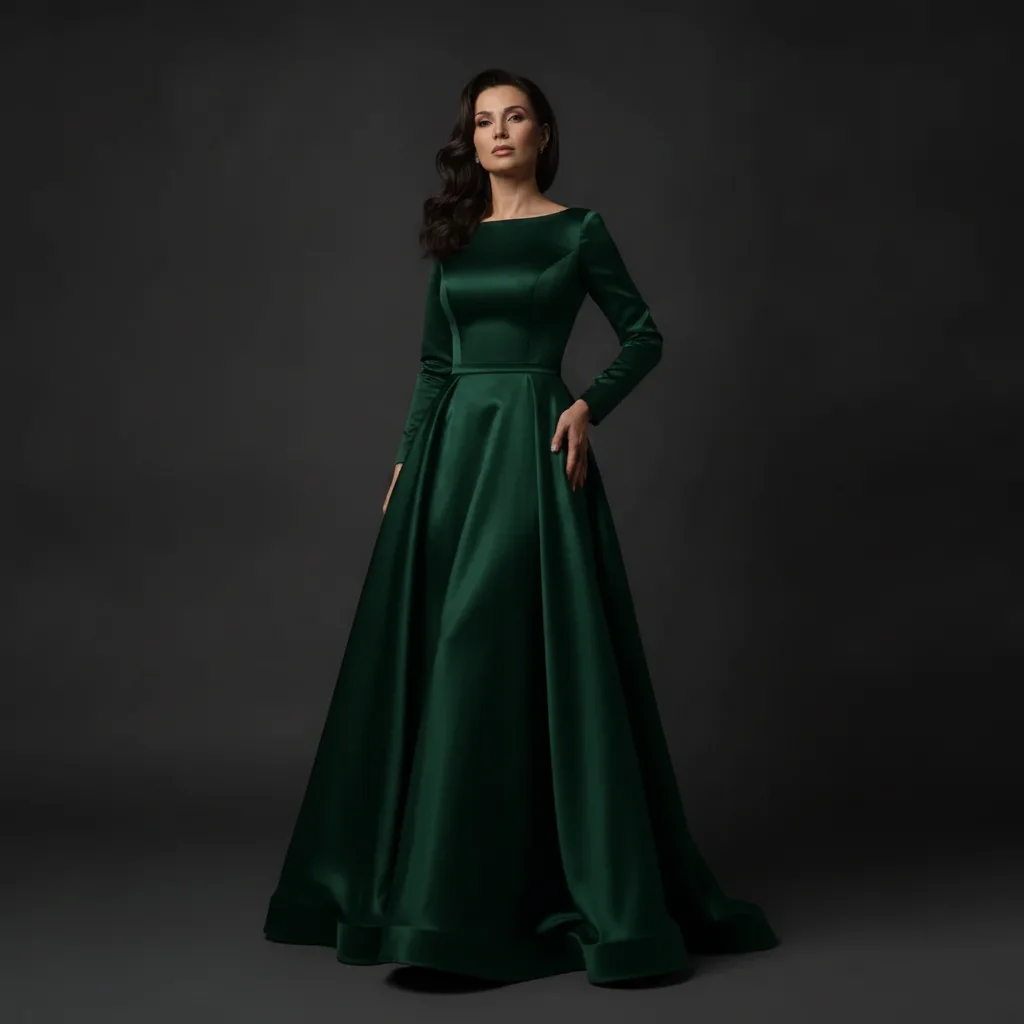
Same woman with gown recolored to deep emerald green
After

Black evening gown to emerald green

An evening photo updated to preview the same gown silhouette in a bold emerald green for an event color theme.

Prompt: Change the black evening gown to a deep emerald green, preserve the satin sheen and all fabric drape
Woman in bright yellow A-line sundress outdoors
Before
->
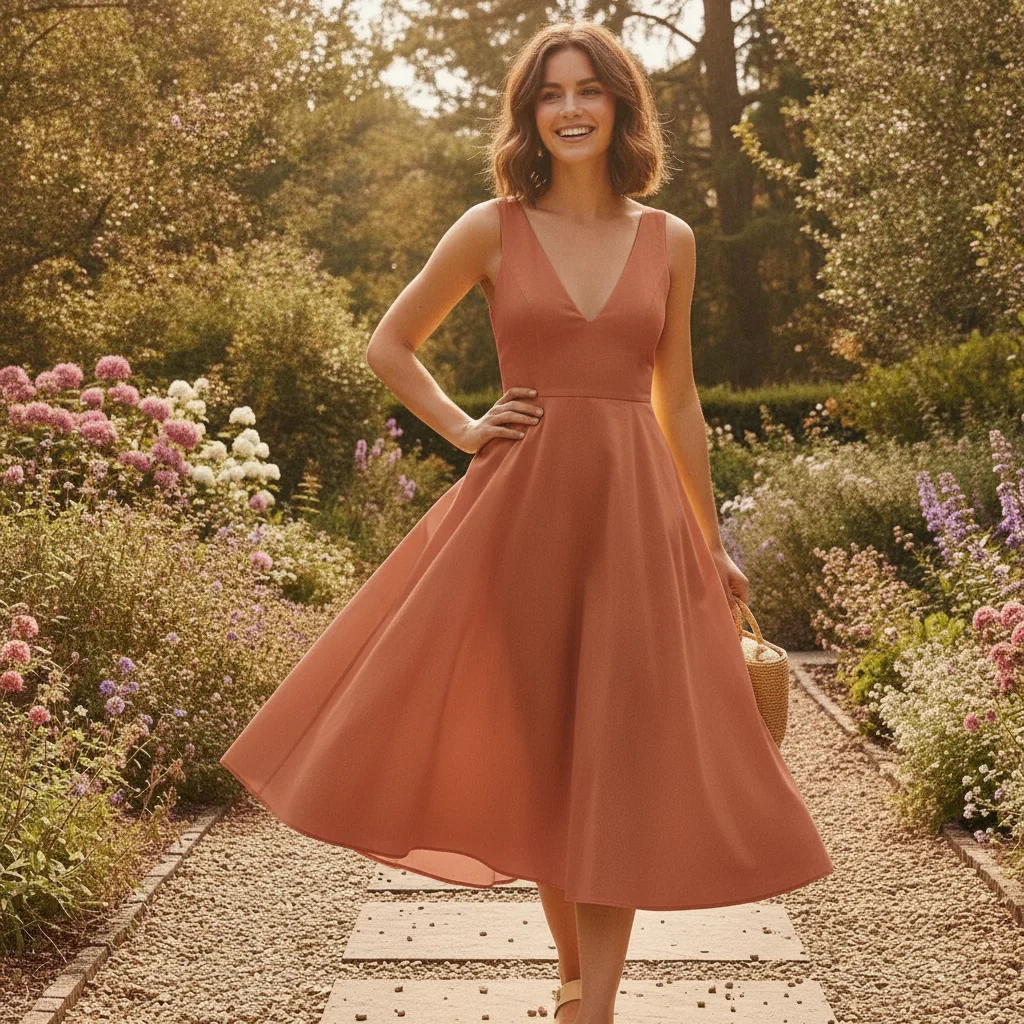
Same woman with sundress recolored to warm terracotta
After

Bright yellow sundress to terracotta

An outdoor summer photo used to preview a terracotta color variant for an online purchase decision.

Prompt: Change the bright yellow sundress to a warm terracotta, keep the drape and neckline exactly as they are

Quick answers

Do I need to mark the dress before I can change its color?

No. Just type 'change the dress to sage green' and EditThisPic's AI locates and recolors the dress automatically. No selection tools, masking, or marking needed. If the dress color is very similar to the background, adding a marker can help the AI isolate the garment more precisely.

How do I change a dress color in a photo for free with no login?

Upload your photo to EditThisPic, then type: 'change the dress to [color], preserve the drape and fabric texture.' The AI applies the recolor in about 30 seconds. No account, no signup, and the result downloads with no watermark. Works in any browser on desktop or mobile.

Can I preview different dress color options for an event or wedding?

Yes. Upload a photo of the dress and run the same photo through multiple prompts — one for each color you're considering. Each result shows the dress in a different shade with the same silhouette, fabric texture, and drape. Compare side by side to make your color decision without trying on multiple dresses.

Will the dress silhouette and style change when I recolor it?

No. The recolor only changes the dress color — the shape, hemline, neckline, sleeve style, and all fabric details stay the same. If you include 'keep the silhouette and drape unchanged' in your prompt, the AI ensures nothing about the cut or style drifts during the recolor.

How much does EditThisPic cost?

You get 1 free edit per week — no account needed. After that, one-time credit packs start at $4.99 for 10 edits, valid 12 months, no subscription. Power users who edit daily can pick Studio Membership, a monthly workspace at $49.99/mo for 300 edits. Purchased downloads are clean with no watermark.

Ready to preview that dress in a new color?

Free to try. No signup required.

1 free edit included·Credit packs from $4.99