Free • No signup Visualize Lighting fixture changes with AI · Free

AI Lighting Fixture Changer

Upload your room photo and describe the change. AI visualizes furniture and decor swaps instantly.


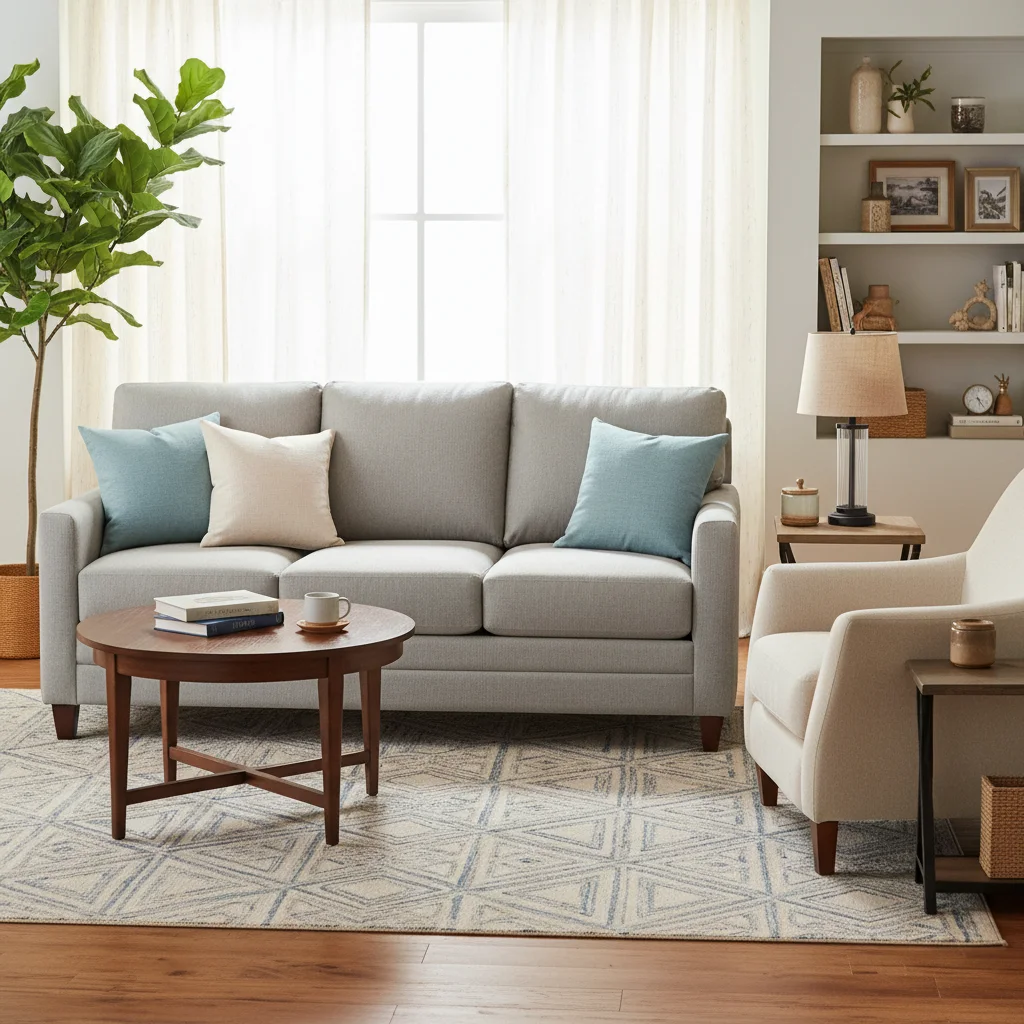
Original photo before visualize lighting fixture changes with AI
Before
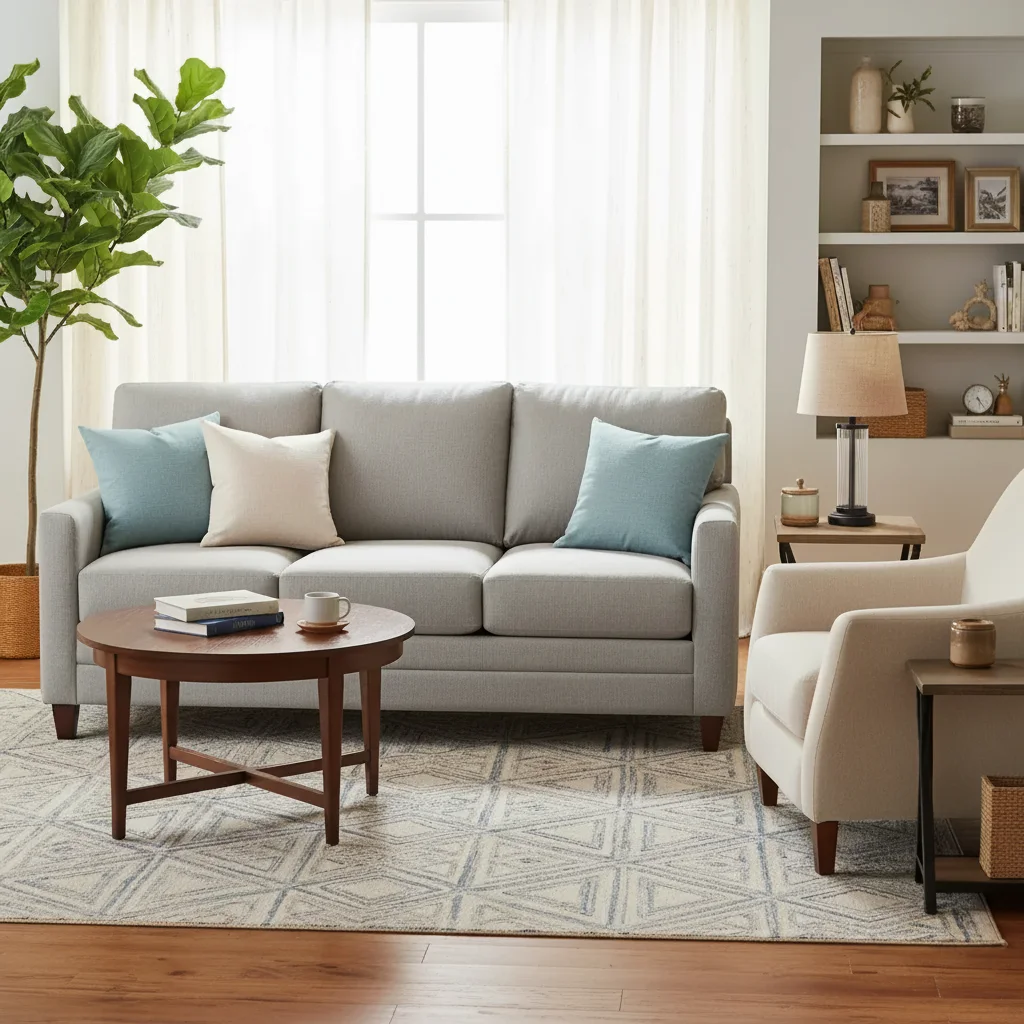
Photo after visualize lighting fixture changes with AI with AI
After

AI Lighting Fixture Changer Free Online | EditThisPic AI

Drop your photo here

or click to browse

Release to upload

Free • No signup

Popular use cases:
  • visualize lighting fixture changes with AI
  • AI lighting fixture changes with AI editor
  • photo lighting fixture changes with AI tool
  • free lighting fixture changes with AI editing

Cost
Free No signup required
Time
Instant results in 15-30 seconds
Works on
Any device - browser, phone, tablet, desktop
Powered by
AI-powered photo editing

How it works

  1. Upload your photo

    Drop your image into EditThisPic. JPG, PNG, WebP up to 7MB. Choose a clear photo where the area you want to edit is visible.

    Expect: Most edits complete in 20-45 seconds. Complex changes may need 1-2 refinements.
  2. Describe your edit

    Type what you want: 'change the lighting fixture to the specified style and finish.' Be specific about details for best results. The AI understands natural language — no technical skills needed.

    Tip: Specify the style era — 'mid-century modern walnut credenza' is better than 'change the furniture.'

    Copy one of these to get started:

    Lighting Fixture Changer replace with a modern rattan pendant — make it look natural and professional
    Modern rattan pendant add a natural rattan woven pendant light over the kitchen island instead of the existing recessed lights
    Bedroom ceiling fixture replace the basic ceiling fan with a linen-shade semi-flush ceiling light in a warm antique brass finish
    Bathroom vanity lights replace the horizontal vanity light bar with two individual round globe sconces flanking the mirror
    2 more prompts
    Living room statement fixture add a dramatic black matte metal geometric chandelier as a focal point in the center of the living room
    Industrial pendant lights replace the kitchen lights with exposed-bulb industrial pendant lights in matte black over the island
  3. Review the result

    Check the output carefully. Look for natural blending, consistent lighting, and realistic details. Compare before and after using the slider.

  4. Refine if needed

    If specific areas need adjustment, tap markers on those spots and regenerate. Most edits work well on the first try.

    Tip: Markers are optional. Try without them first — the AI usually gets it right.
Try it free

AI Lighting Fixture Changer Free Online | EditThisPic AI

Drop your photo here

or click to browse

Release to upload

Free • No signup

"Described exactly what I wanted and the AI nailed it on the first try. Easier than any photo editor I've used." @HappyEditor

See it in action

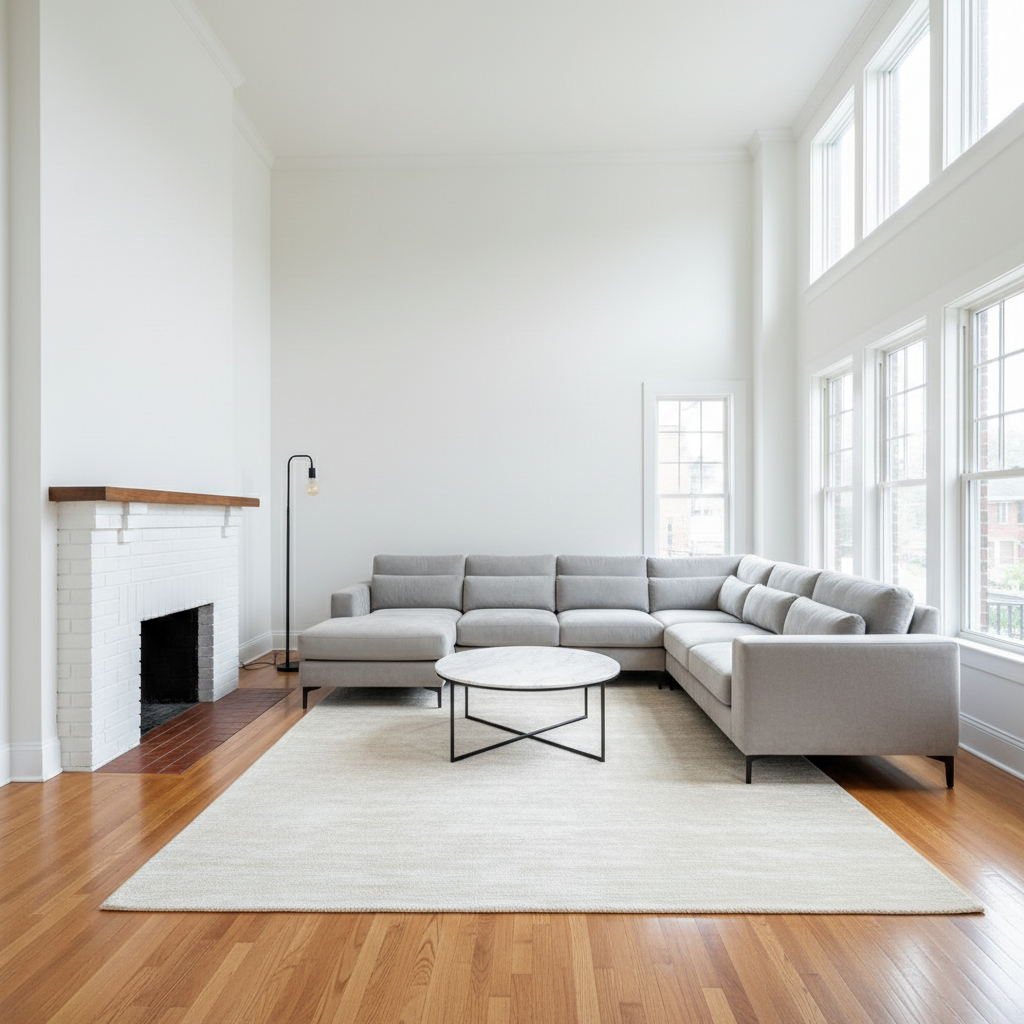
Original photo before visualize lighting fixture changes with AI
Before
->
Photo after visualize lighting fixture changes with AI with AI
After

AI Lighting Fixture Changer — Example 1

A photo edited using EditThisPic to visualize lighting fixture changes with AI.

Prompt: replace the basic dining room fixture with a warm brass cluster chandelier for an elevated look
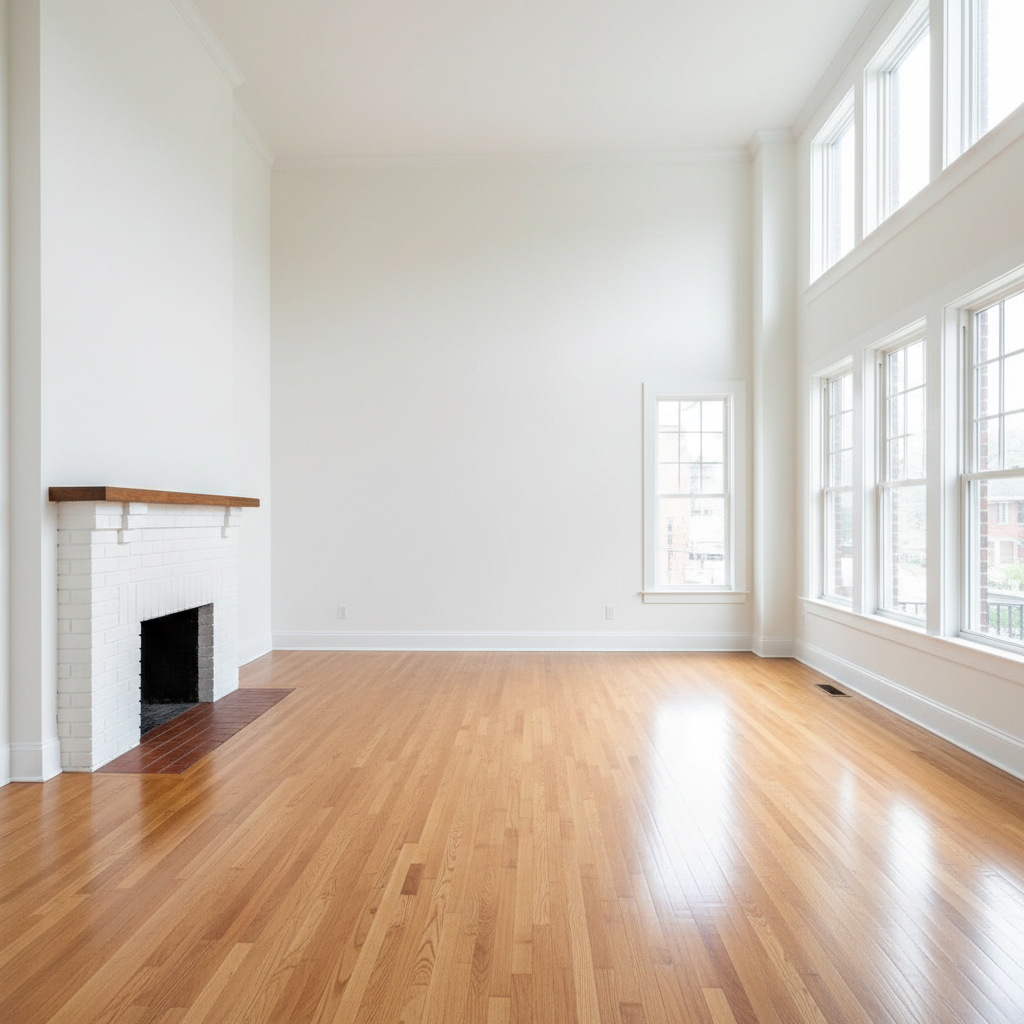
Original photo before visualize lighting fixture changes with AI
Before
->
Photo after visualize lighting fixture changes with AI with AI
After

AI Lighting Fixture Changer — Example 2

Another example showing a different scenario for this editing task.

Prompt: add a natural rattan woven pendant light over the kitchen island instead of the existing recessed lights

Detailed Guides by Scenario

For Personal Use

Common Scenarios

  • Quick visualize lighting fixture changes with AI for social media
  • Personal photo collection improvement

Best Practices

  • Start with a clear, well-lit photo
  • Be specific in your description for best results

For Professional Use

Common Scenarios

  • Client deliverables using visualize lighting fixture changes with AI
  • Portfolio and marketing materials

Best Practices

  • Use high-resolution originals
  • Match your brand style consistently

For Social Media

Common Scenarios

  • Instagram and TikTok content using visualize lighting fixture changes with AI
  • Before/after transformation posts

Best Practices

  • Optimize crop for each platform
  • Keep edits consistent across your feed

If something looks off

AI changed the wrong area

Why: The AI couldn't determine exactly which area you meant from the description alone.

Try: Tap a marker on the specific area you want to edit, then regenerate with the same prompt

Tip: Markers tell the AI exactly where to focus. Use them when description alone is ambiguous.

Result looks unnatural

Why: The AI may need more specific guidance about the look you want.

Try: Add 'natural lighting and sharp details that match the rest of the photo' to your prompt

Tip: Adding 'natural' and 'realistic' to your prompt helps the AI prioritize believability.

Lighting doesn't match

Why: The edited area has different lighting than the original scene.

Try: Add: 'match the lighting direction and color temperature of the original photo'

Tip: If light comes from one side in the original, mention it: 'with light from the left side.'

Edges look rough or artificial

Why: Transitions between edited and unedited areas need refinement.

Try: Tap markers on the rough edges and regenerate: 'refine these edges for a seamless blend'

Tip: Edge refinement is the most common adjustment — markers on problem areas make it quick.

Quick answers

Can I see how a new light fixture would look before buying?

Yes. Upload a room photo and describe the fixture — 'add a brass chandelier over the dining table' or 'swap the ceiling fan for a modern pendant.' EditThisPic AI shows the result. Free, no signup.

What types of light fixtures can the AI visualize?

Chandeliers, pendant lights, semi-flush and flush mounts, ceiling fans, wall sconces, recessed lighting, and track lighting. Describe the style, material, and finish for best results.

Can I change the finish color of an existing fixture?

Yes. Try 'change the chrome light fixture to a warm brushed gold finish.' The AI handles fixture finish changes well.

Can I add lighting to a room that doesn't have a central fixture?

Yes. Describe the new fixture and its placement — 'add a pendant light centered over the dining table' or 'add two wall sconces flanking the bathroom mirror.'

Is this useful for renovation planning?

Yes. Lighting fixtures dramatically change the feel of a room but can be expensive to return or exchange. Visualizing first prevents costly mistakes.

Can I visualize recessed lighting layout changes?

Recessed lighting is challenging because it requires showing ceiling details. It works better for visible pendant and chandelier fixtures. For recessed, describe 'add three recessed lights in a row over the kitchen island.'

Can I change the fixture and room lighting mood at the same time?

Yes. Add mood to your description — 'add warm Edison bulb pendant lights for a cozy, intimate dining atmosphere.' The AI considers the lighting effect, not just the fixture style.

Is the lighting fixture visualizer free?

Yes. One free fixture visualization per week, no signup or watermark. Credit packs start at $1.99 for multiple fixture option comparisons.

Ready to edit your photos?

Free to try. No signup required.

Try it free