Fix a Low Light Photo with AI
Last updated
Brighten dark, noisy, or grainy phone photos without losing the mood in under 30 seconds.
Drop your photo here
"Fix this low light photo: brighten the scene without losing the mood, reduce digital noise and grain, sharpen subjects gently, recover detail in dark shadows, balance any color cast from artificial lighting, photographic quality, keep the night atmosphere intact."
Release to upload
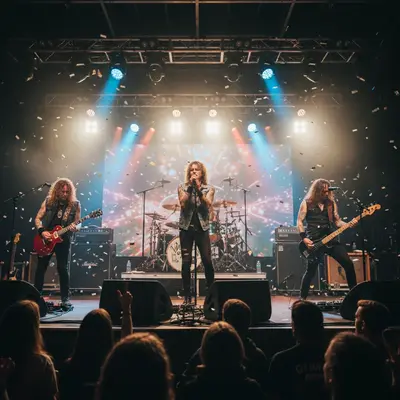
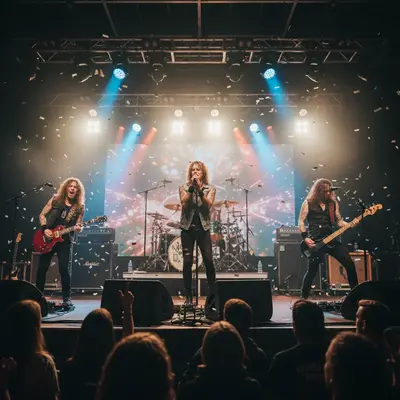
Built for anyone with dark phone photos from concerts, restaurants, or night scenes
EditThisPic gives anyone a way to rescue dark phone photos from concerts, restaurants, bars, and night scenes. Brightening, noise reduction, and color casts all fixed in under a minute, without losing the mood that made the moment worth photographing.
Tools for AI Low Light Photo Fixer
How to Fix a Low Light Photo with AI
-
Open EditThisPic
Go to editthispic.com on your phone or laptop. No app, no signup.
-
Upload your dark photo
Drop in any dim, dark, or noisy photo - concerts, bars, restaurants, night streets, indoor events.
-
Type the prompt
Try: 'fix this low light photo, brighten without losing mood, reduce noise, sharpen, keep night atmosphere'.
-
Generate
EditThisPic returns a cleaner photo in about 25 seconds. Brighter, less noisy, atmosphere preserved.
-
Download and share
Save the result for Instagram, your photo album, or just to actually keep the memory.
Copy-Paste Prompts for AI Low Light Photo Fixer
Real Examples
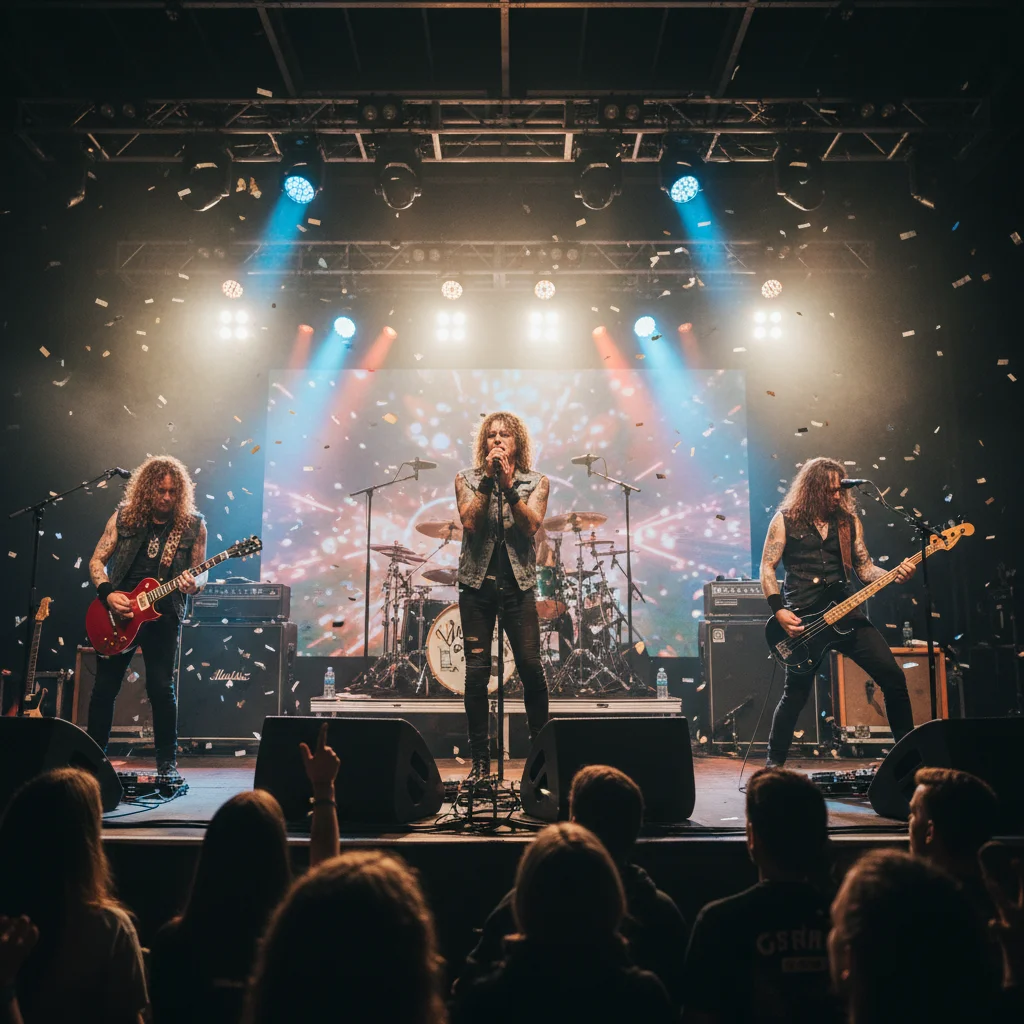
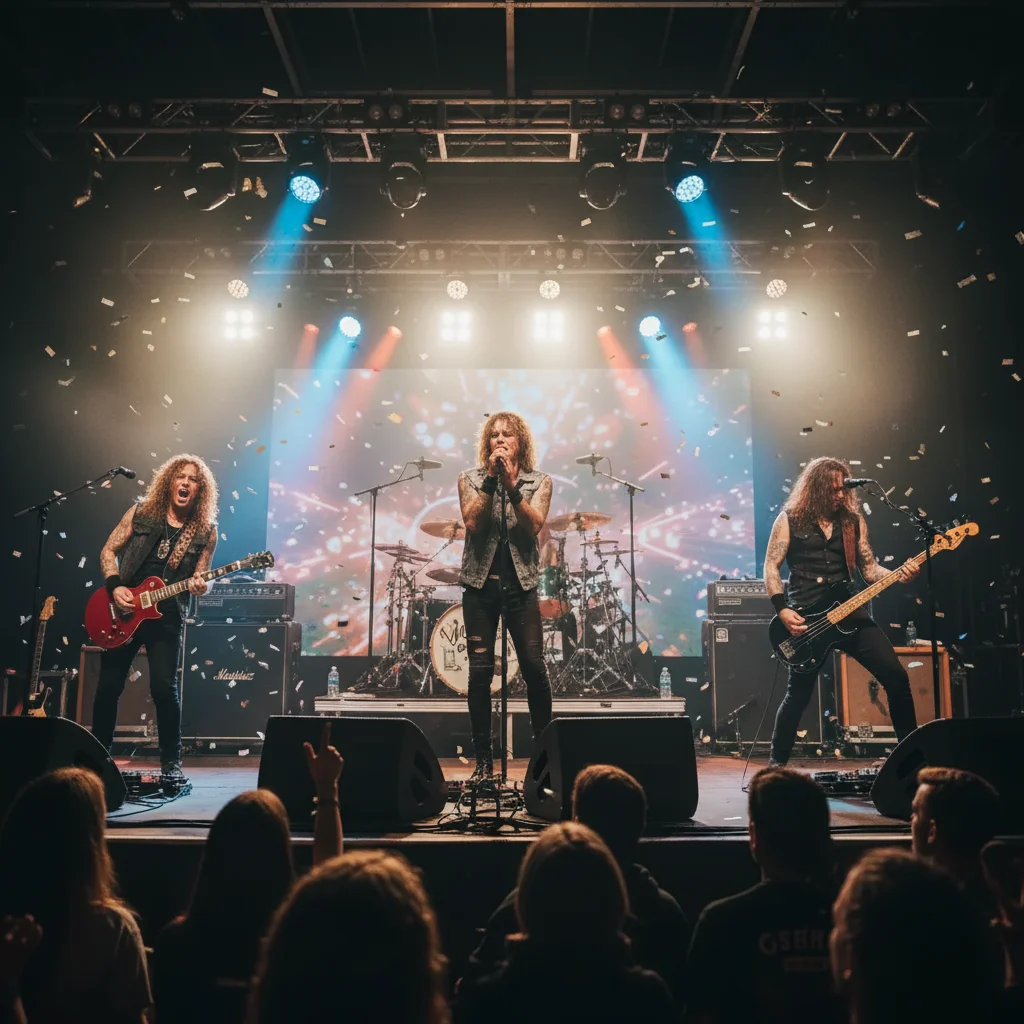
Concert phone shot rescue
A user uploaded a dark, grainy concert photo where the band was barely visible. EditThisPic brightened the stage and reduced noise while keeping the concert energy.
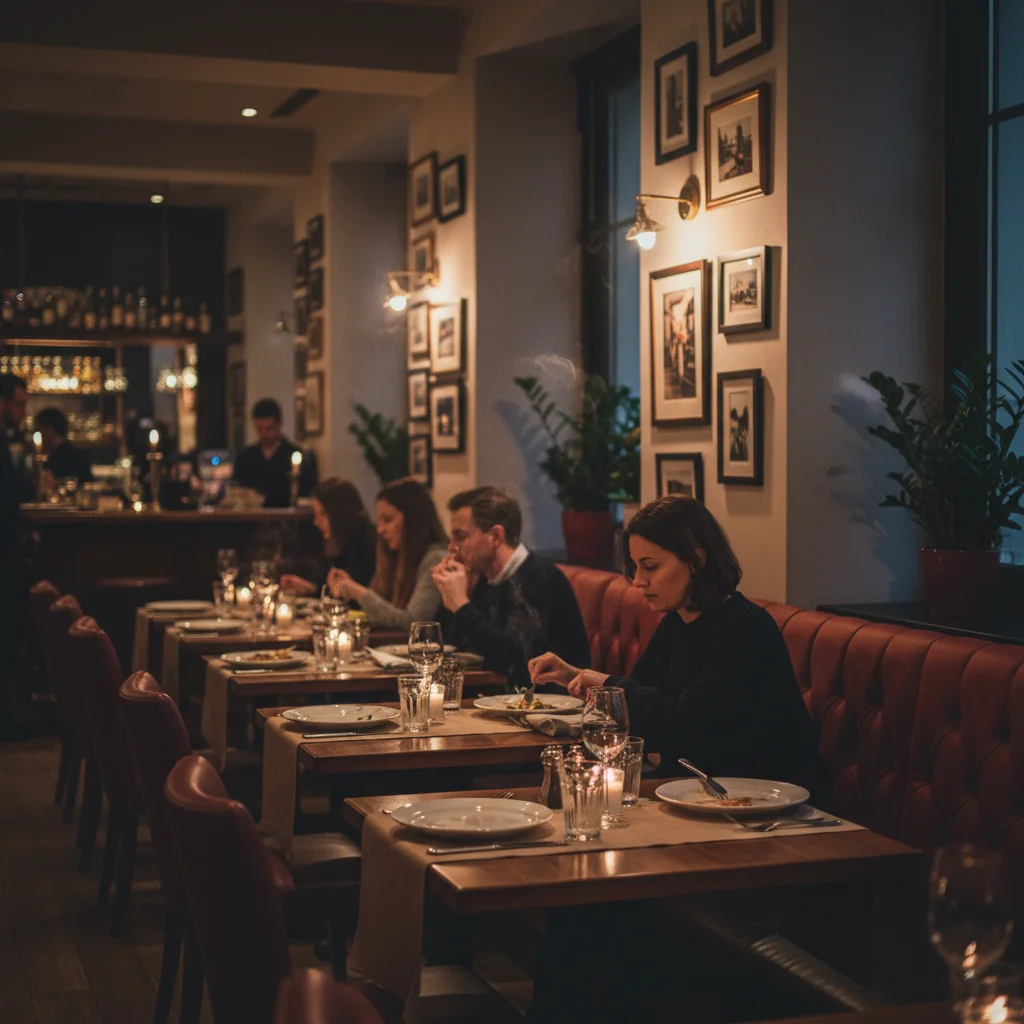
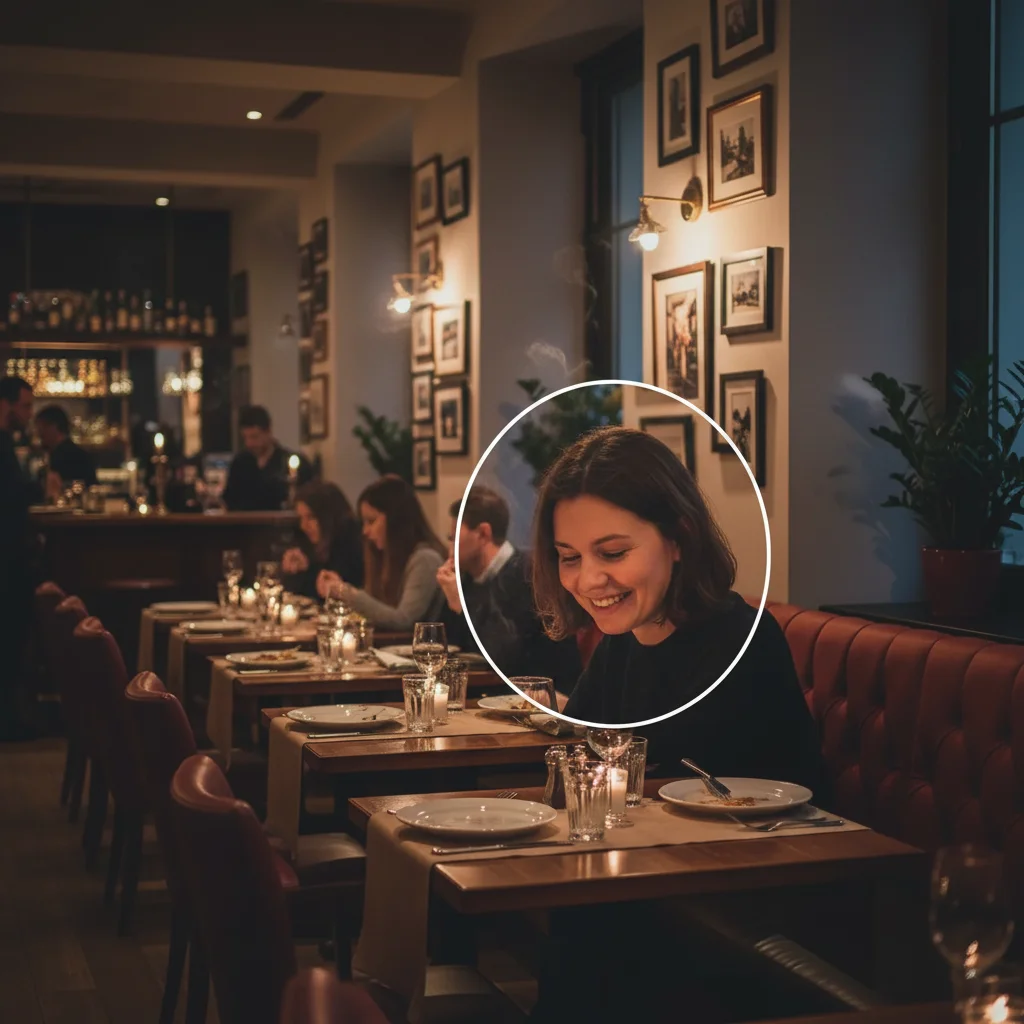
Date night restaurant fix
A user uploaded a dim restaurant photo with strong orange tungsten cast. The fix brightened faces and balanced the color while keeping the candlelit feel.
Night street polish
A user uploaded a night street photo that was mostly silhouettes. The fix brightened the scene without making it look like daytime.
When Things Go Wrong
Too much noise after brightening
Mood lost - looks like daytime
Color cast still present
Subject still blurry from motion
Frequently Asked Questions
How do I fix a low light photo with AI?
Upload your dark photo to EditThisPic, type a prompt like 'fix this low light photo, brighten without losing mood, reduce noise, sharpen', and download the result in about 25 seconds. Free, no signup. Works for concerts, restaurants, night streets, and indoor events.
Can AI brighten a dark concert photo?
Yes. Concert photos are notoriously hard because the stage is bright but you and the crowd are dark. EditThisPic brightens the scene while reducing the noise from your phone's high ISO. Add 'fix this concert photo: brighten the stage and crowd, reduce high ISO noise' to your prompt.
Is the low light photo fixer free?
Yes. EditThisPic is free to use. No signup, no watermark, no credit card needed for basic use. Fix as many dark photos as you have.
Can AI reduce grain and noise in low light photos?
Yes. EditThisPic reduces digital noise from high ISO settings while preserving subject detail. Add 'reduce digital noise and grain, sharpen subjects gently' to your prompt. Works for concert, indoor event, and night street photos.
How do I fix orange or green color casts from indoor lighting?
Indoor lighting creates strong color casts. Tungsten bulbs cause orange, fluorescents cause green. Add 'neutralize orange tungsten cast' or 'neutralize green fluorescent cast' to your prompt depending on the source. The AI restores natural color while keeping the mood.
Will the fix make my photo look like it was taken in daylight?
No - EditThisPic brightens carefully to preserve the night atmosphere. Add 'keep night atmosphere intact, do not over-brighten, preserve dim mood' to protect the original feel. The result looks like a well-shot night photo, not a fake daytime conversion.
Does this work for restaurant date night photos?
Yes. Restaurant photos suffer from dim lighting, orange tungsten cast, and grainy faces. Use 'fix this dim restaurant photo: brighten faces gently, reduce noise, balance warm tungsten lighting, keep cozy ambient mood'. The result keeps the date-night feel without the grainy darkness.
Can I use this for night sky or astrophotography phone shots?
Yes, partially. Phone astrophotography is limited by sensor size, but EditThisPic can brighten the foreground and reduce noise in the sky. Add 'fix this phone night sky photo: brighten foreground subjects, reduce noise in the sky, sharpen visible stars or moon'.
Does it work for handheld low light photos that are also blurry?
Yes, partially. Mild motion blur from handheld shots can be gently sharpened. Severe blur is harder to recover. Add 'gently sharpen subject, reduce motion blur naturally' for handheld shots. The AI sharpens what it can without making the photo look fake.
Are my low light photos stored?
No. EditThisPic processes your image in your browser session and does not save or train on your photos. The image is deleted shortly after processing.
Popular use cases
Ready to rescue your dark photos?
Free to try. No signup required. No watermarks.
Start EditingTrusted by 15,000+ users