Pricing Edit Thrift store product photos · Free

AI Photo Editor for Thrift Stores

← Browse all creative effects

Last updated

Turn donated item photos into professional-looking shop listings — faster than manual editing.
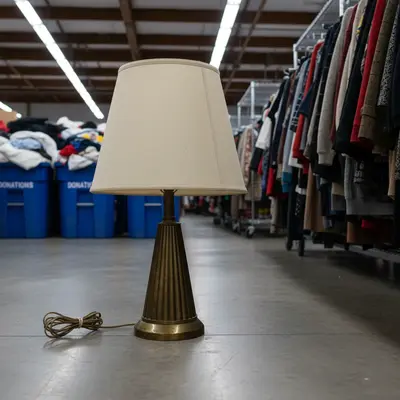
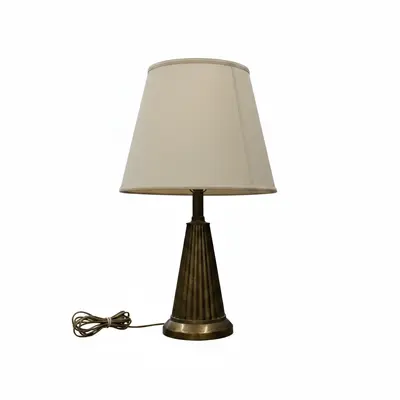
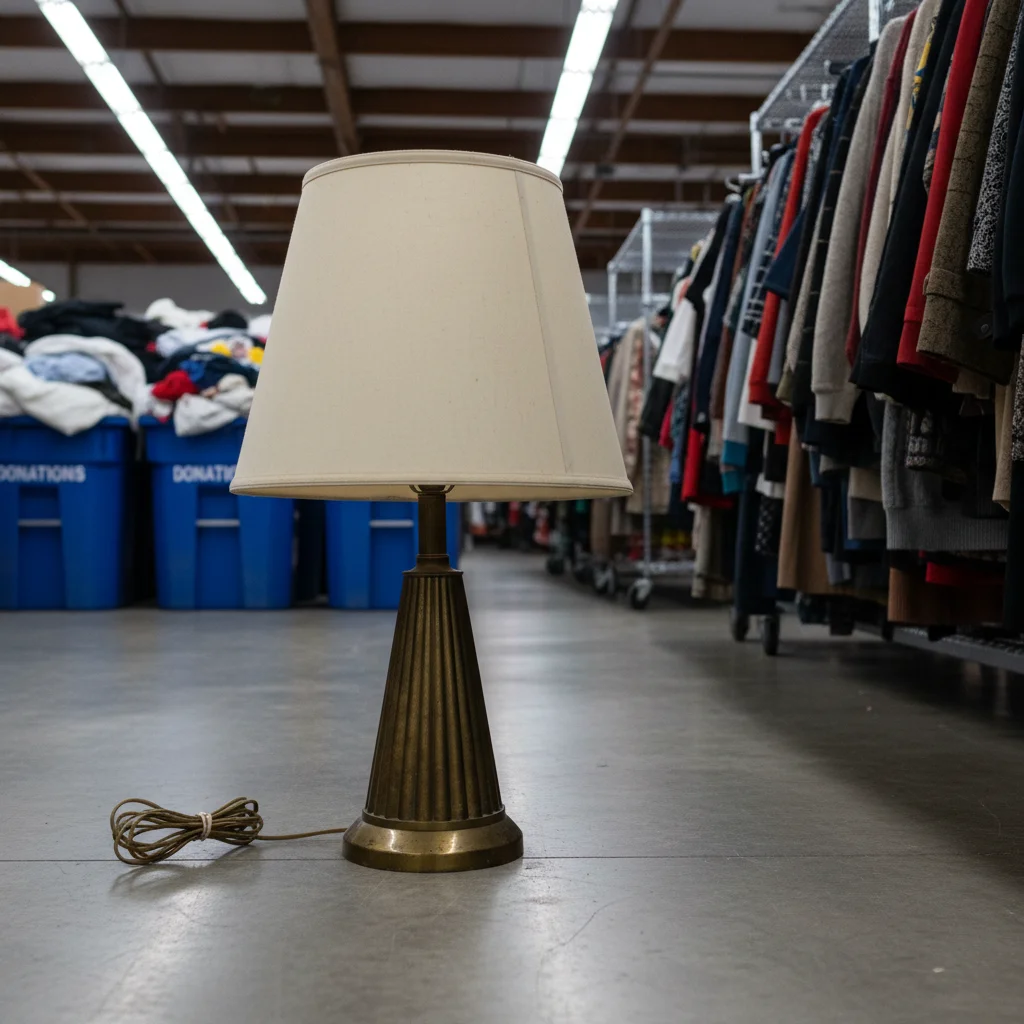
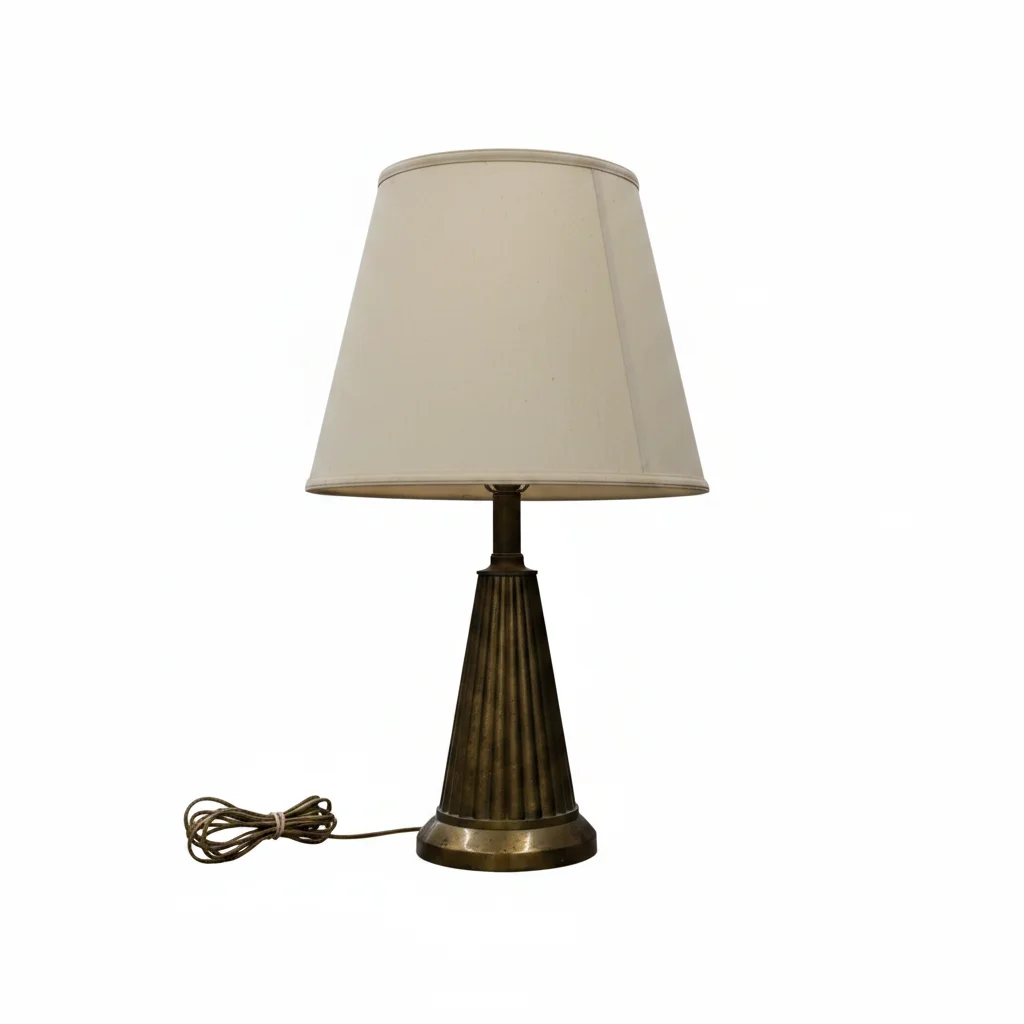
Vintage lamp on cluttered thrift store shop floor Vintage lamp on clean white background, professional shop appearance

Upload photo to edit thrift store product photos

"fix the harsh fluorescent lighting so the item's true color and details are clearly visible"

Free to try · no sign-up · photos are never shared

Release to upload

<30stypical edit
1 freeedit weekly
Photo on your phone? Scan to open this editor there — free edit works on your phone too.

1 free edit every week·packs from $4.99

How it works

  1. Upload the item photo

    Drop any item photo — rack shot, flat-lay on the floor, or quick phone snap. JPG, PNG, or WebP up to 7MB. Fluorescent lighting, cluttered backgrounds, and donation room chaos are all fine — the AI can work with any starting photo.

    Expect: Background removal on a simple item: 15-20 seconds. Complex items with lots of detail (e.g., vintage dresses with many layers): 25-40 seconds.
  2. Describe what you want fixed

    Type the edit you need: 'remove the cluttered store background and replace with white,' 'fix the harsh fluorescent lighting so the item color is accurate,' or 'clean up the appearance of this used item.' Be specific about the item category — clothing, housewares, books — for better results. No marking needed.

    Tip: For online shop listings: 'remove background and replace with clean white' is the single most impactful edit. It makes any item look like a catalog product photo.

    Copy one of these to get started:

    Clean white background for online listings remove the cluttered store background and replace with a clean white background
    Fix harsh fluorescent store lighting fix the harsh fluorescent lighting so the item's true color and details are clearly visible
    Remove price tags and stickers remove the price tag stickers and any labels visible on the item
    Clean up worn appearance for vintage items make this vintage item look clean and well-presented while keeping its authentic aged character
    2 more prompts
    Highlight details on clothing item brighten and clarify the photo so the fabric pattern and details are clearly visible
    Social media post for thrift haul clean up this item photo for a social media thrift haul post — bright, clear, appealing background
  3. Check the item looks accurate

    Verify the item's actual condition is still represented accurately — don't let the AI hide real defects or damage that buyers need to see. Color accuracy is especially important: check the item under different screen settings before posting.

See it in action

Vintage lamp on cluttered thrift store shop floor
Before
->
Vintage lamp on clean white background, professional shop appearance
After

Vintage lamp from shop floor to listing photo

A vintage lamp photographed on the shop floor with donation bins and racks in the background. Background removal makes it look like a curated online shop product.

Prompt: remove the cluttered thrift shop floor and background, replace with clean white background
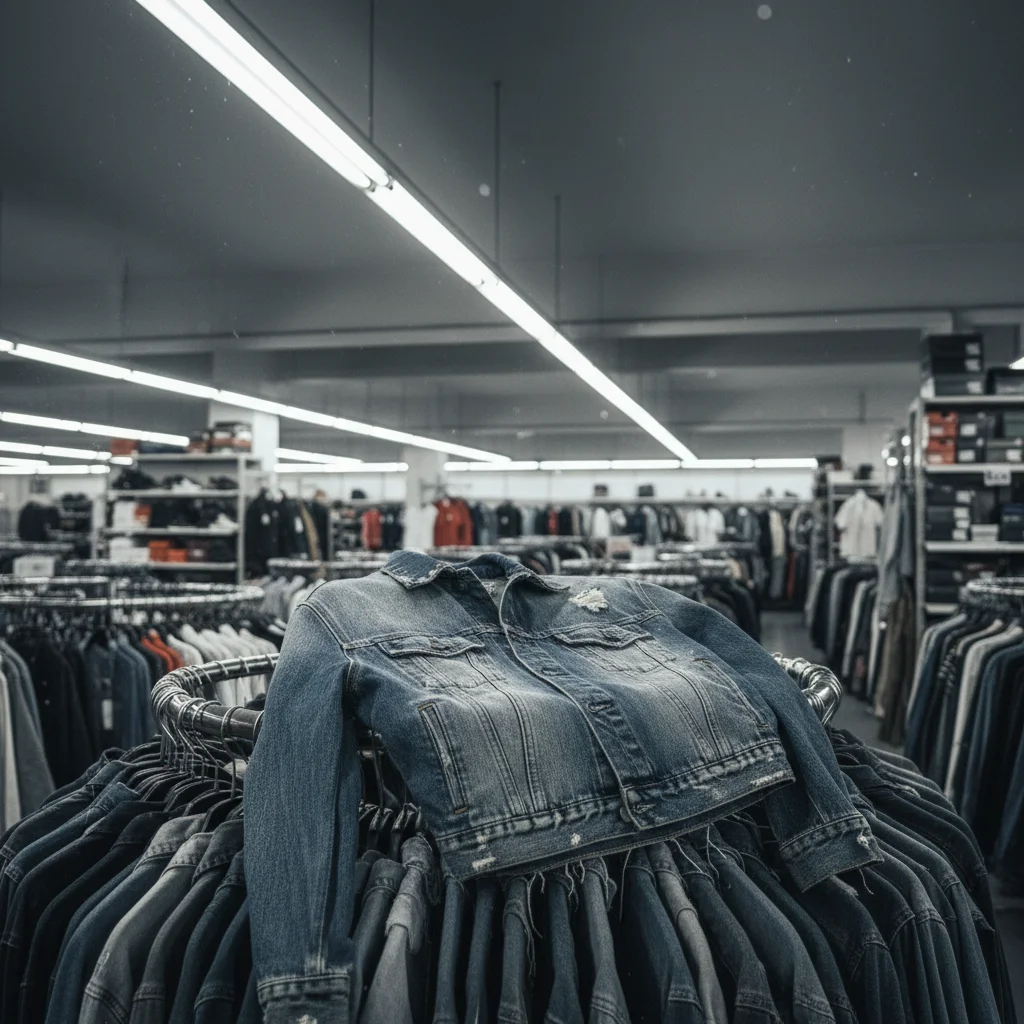
Denim jacket on store rack under harsh fluorescent lighting
Before
->
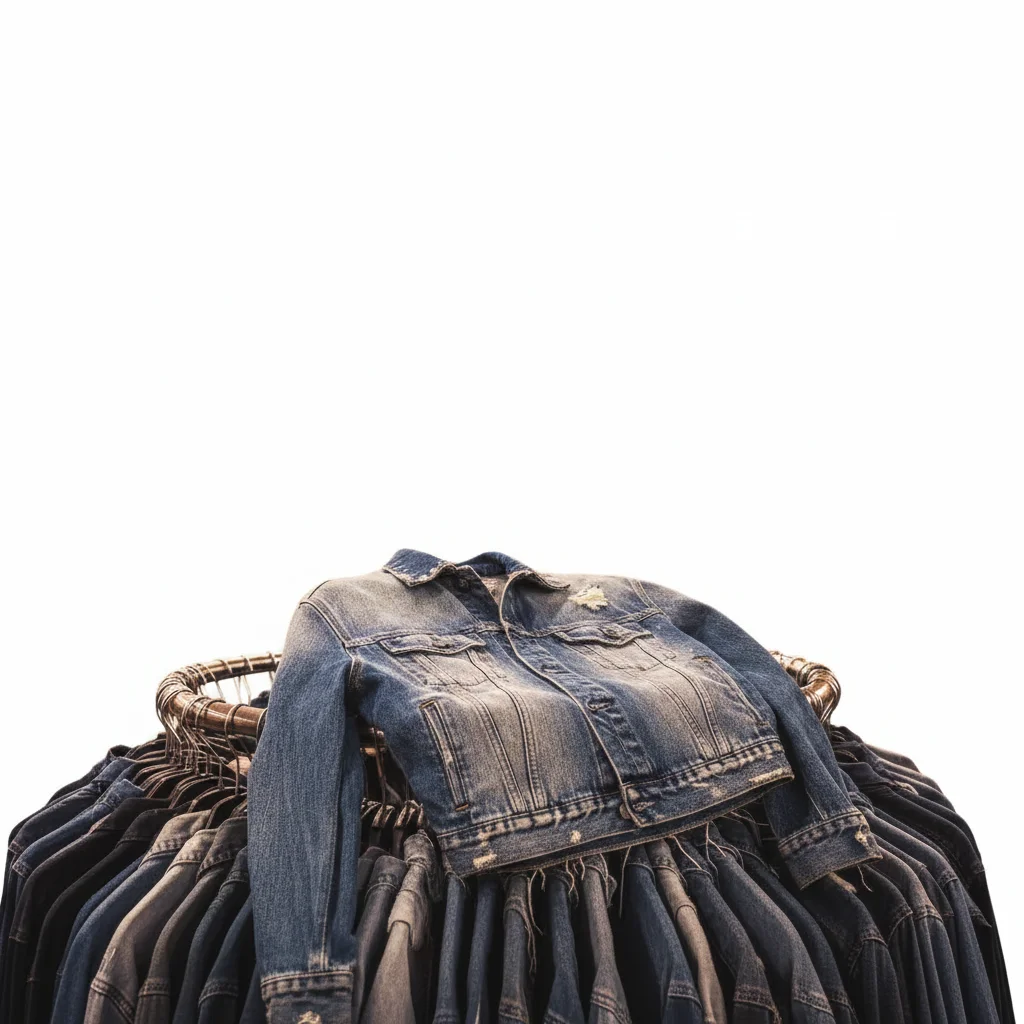
Same jacket on white background with accurate natural-looking color
After

Vintage denim jacket under fluorescent light

A denim jacket photographed under fluorescent store lighting looks dull and washed out. Lighting correction reveals the accurate color and fabric quality.

Prompt: fix the harsh fluorescent lighting and remove the store rack background, replace with clean white

Quick answers

Do I need to mark areas to edit thrift store photos?

No. Just describe what you want: 'remove the store background,' 'fix the fluorescent lighting,' or 'clean up the photo.' The AI handles it.

How do I get professional-looking thrift store listing photos for free?

Upload any item photo to EditThisPic, describe what you want (white background, lighting fix, clutter removal), and the result is ready in 15-30 seconds. No signup, no watermarks. Works for Etsy, Depop, eBay, and your own shop website.

Is it ethical to edit thrift store photos before selling?

Yes — background removal and lighting correction for presentation purposes is standard and ethical. The key ethical line: don't hide real defects, damage, or wear that buyers need to see. Edit for clarity and presentation, not to misrepresent the item's condition.

Can this work for high-volume thrift reselling?

EditThisPic processes one image at a time, which works well for small to medium volume resellers. For high-volume operations with hundreds of items weekly, the free tier may require upgrading to a paid plan for the volume of credits needed.

What's the best background for thrift store item photos?

White or light gray backgrounds are most professional and work across all selling platforms (Etsy, Depop, eBay, your own website). White backgrounds focus buyers on the item, not your surroundings. Type 'remove background and replace with clean white' — it's the single most impactful thrift photo edit.

How much does EditThisPic cost?

You get 1 free edit per week — no account needed. After that, one-time credit packs start at $4.99 for 10 edits, valid 12 months, no subscription. Power users who edit daily can pick Studio Membership, a monthly workspace at $49.99/mo for 300 edits. Purchased downloads are clean with no watermark.

Ready to make your thrift items look amazing?

Free to try. No signup required.

1 free edit included·Credit packs from $4.99