Free • No signup Edit Marketplace listing photos · Free

AI Photo Editor for Marketplace Sellers

← Browse all creative effects

Last updated

Edit your eBay, Mercari, OfferUp, and Poshmark listing photos in seconds — no app, no skills needed.

Handbag listing photo on messy bedroom background Same handbag on clean white background, studio quality

Upload photo to edit marketplace listing photos

"fix the harsh shadows and uneven lighting so the item color is accurate and clear"

Release to upload

1 free edit·then from $4.99

How it works

  1. Upload your listing photo

    Drop any listing photo into EditThisPic — phone snapshots, outdoor shots, or photos with messy backgrounds all work. JPG, PNG, or WebP up to 7MB. No special equipment or setup needed.

    Expect: Simple background removal: 15-20 seconds. More complex edits like lighting correction on cluttered scenes: 20-40 seconds.
  2. Describe the edit you want

    Type exactly what you want: 'remove the background and make it white,' 'fix the lighting so the item is clearly visible,' or 'remove the messy room in the background.' Be specific about what the item is and what the background should look like. No marking needed — just describe it.

    Tip: For clothing: 'remove the background and replace with a clean white background.' For electronics: 'remove the table clutter and make the background solid gray.'

    Copy one of these to get started:

    Clean white background (eBay, Mercari, Poshmark) remove the background and replace with a clean white background
    Fix bad indoor lighting fix the harsh shadows and uneven lighting so the item color is accurate and clear
    Remove cluttered room background remove the cluttered background behind this item and replace with a clean neutral gray background
    Fix wrinkled clothing for Poshmark smooth out the wrinkles in the fabric and make the item look properly displayed
    3 more prompts
    Remove shadow from underneath item remove the harsh shadow underneath and behind the item for a clean flat-lay look
    Make item color accurate correct the color balance so the item's true color is accurate — it looks too yellow in this lighting
    Remove price tag or personal item from shot remove the price tag sticker visible on the item in this photo
  3. Review and check the item detail

    Check that the item itself looks accurate — correct color, all features visible, no distortion. Zoom in on edges and details. For clothing, verify the fabric texture and color is true to life.

See it in action

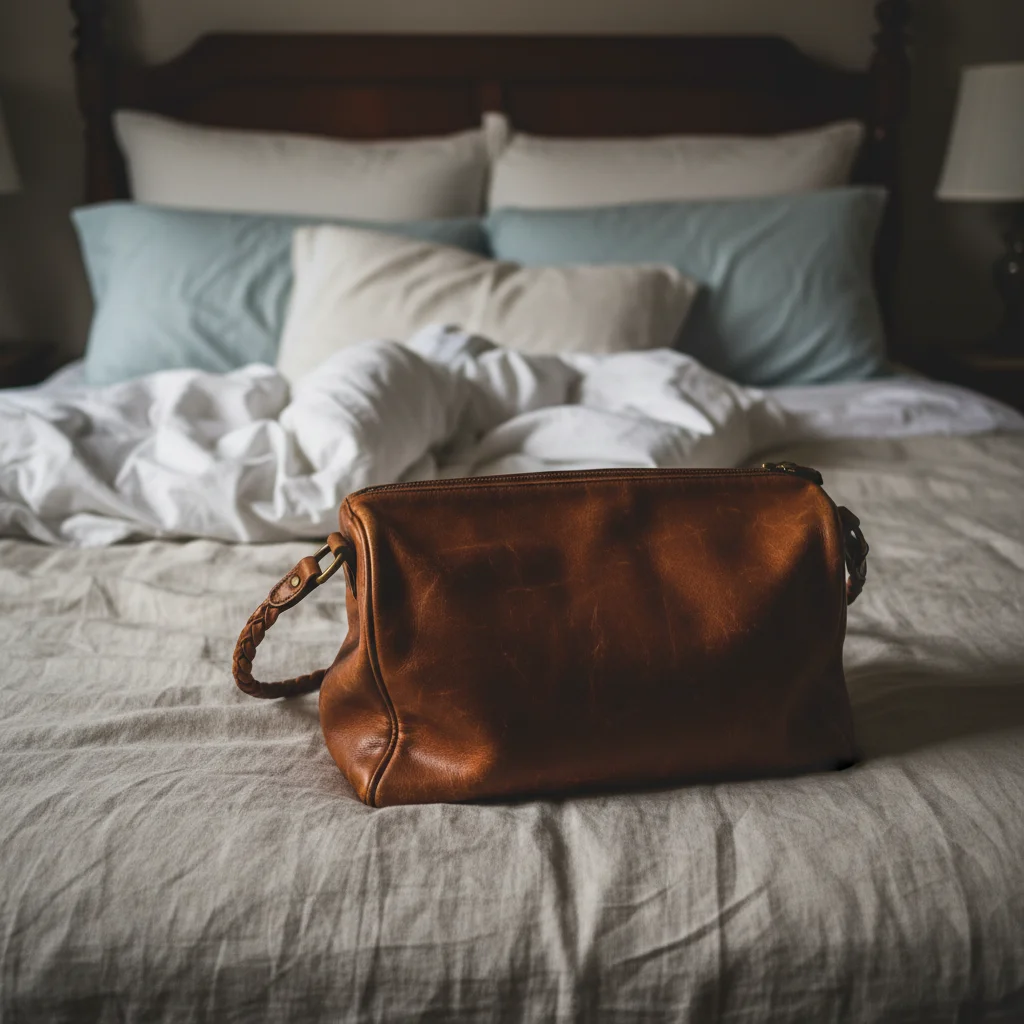
Handbag listing photo on messy bedroom background
Before
->
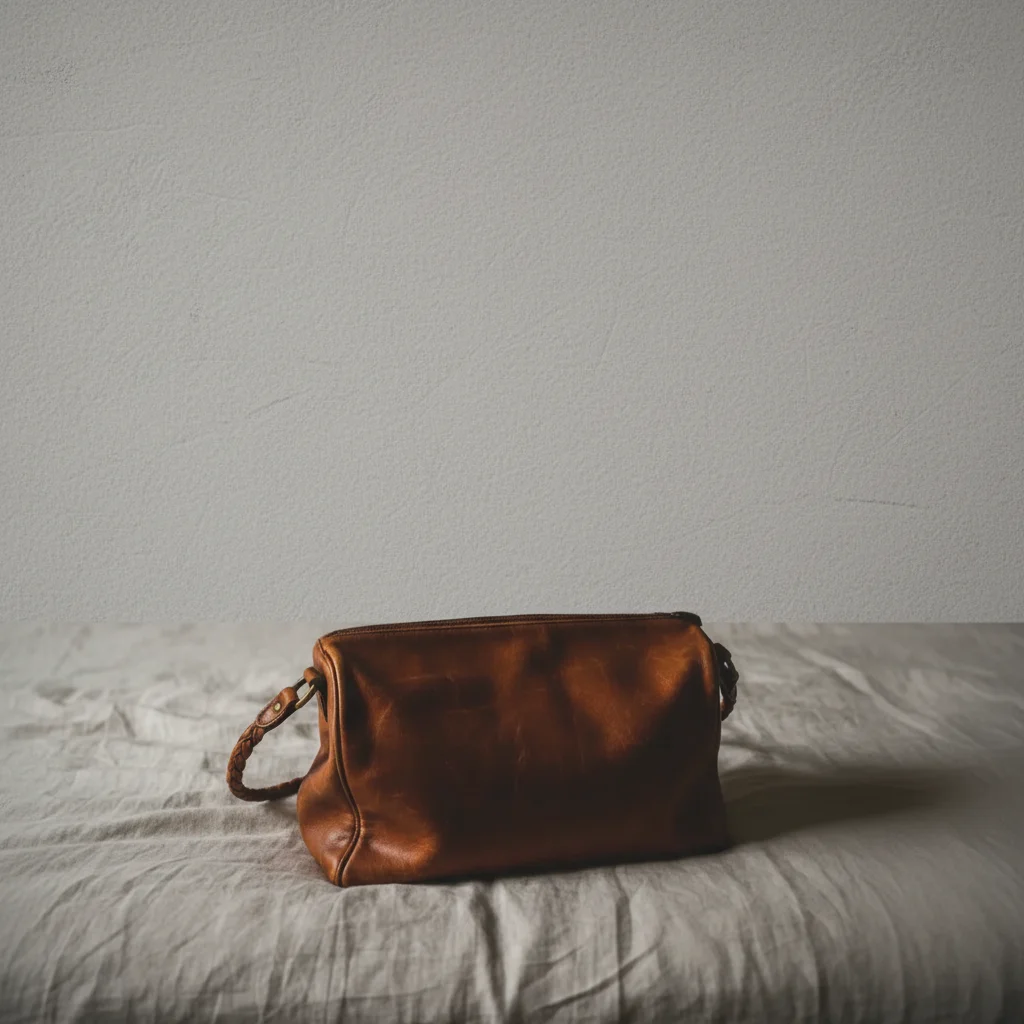
Same handbag on clean white background, studio quality
After

Handbag listing: bedroom to studio look

A Poshmark or eBay handbag photo taken on a bed — common but unprofessional. One edit transforms it to a clean white background that looks catalog-quality.


Prompt: remove the bed and bedroom background, replace with a clean white background
Laptop listing on cluttered desk with distracting background
Before
->
Laptop on clean gray background, professional appearance
After

Electronics on cluttered desk

A used laptop listed on Mercari — snapped on a desk full of distractions. The item itself is fine; the background kills the listing quality.

Prompt: remove the messy desk and background clutter, replace with a clean light gray background
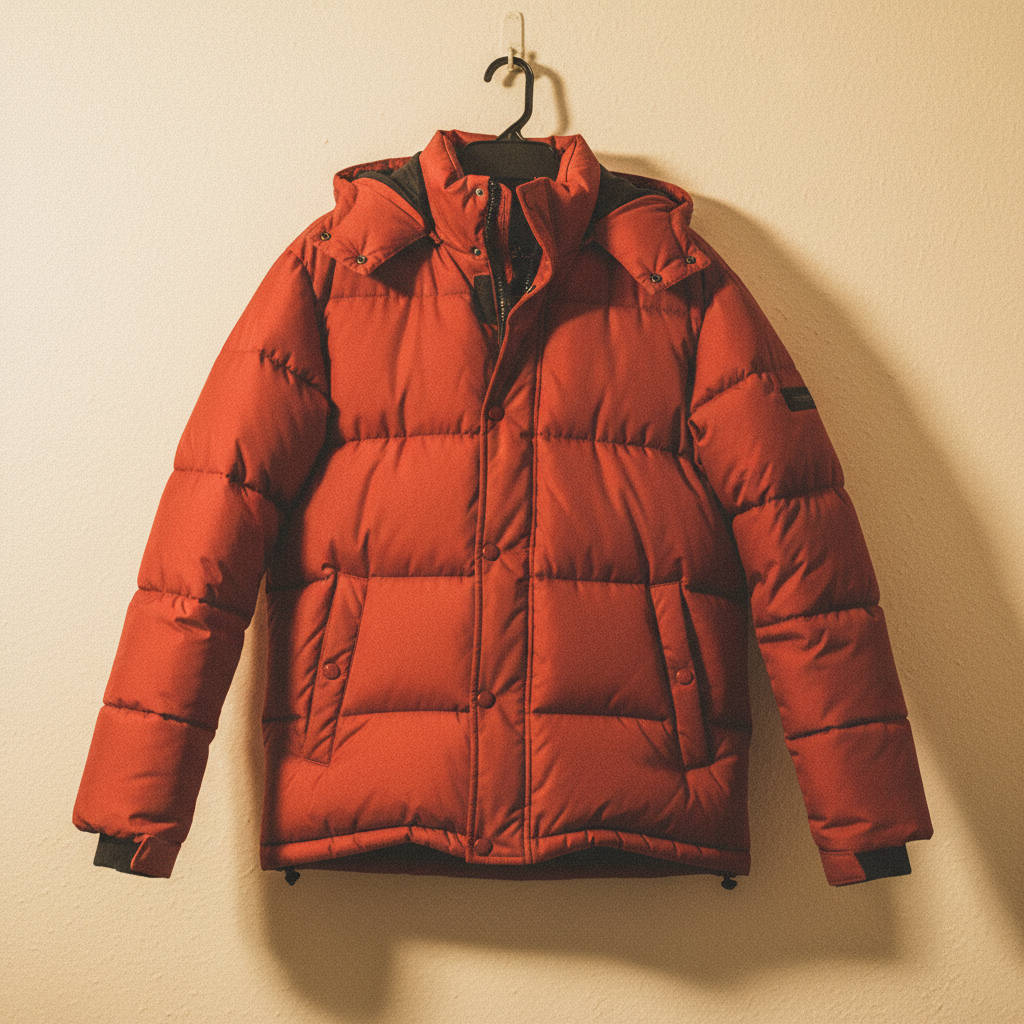
Red jacket appearing orange under yellow indoor lighting
Before
->
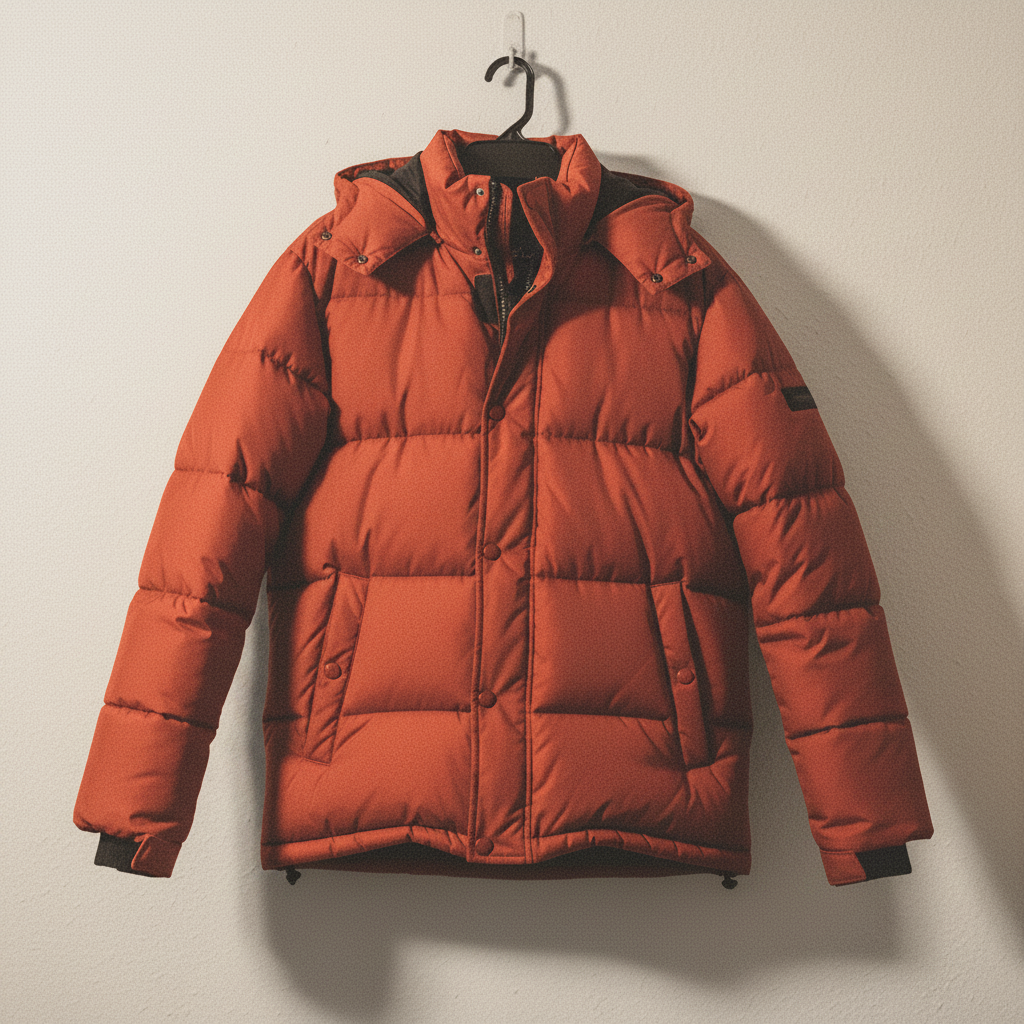
Red jacket with accurate true color after correction
After

Clothing color correction for Poshmark

A bright red jacket photographed under yellow indoor light — the listing looks orange, leading to color disputes. Color correction restores the accurate color buyers need to see.

Prompt: correct the color balance so the jacket's true red color is accurate, it's currently too orange from the indoor light

Quick answers

Do I need to mark areas before editing my listing photo?

No! Just describe what you want — 'remove the background and make it white' or 'fix the lighting.' The AI understands your instruction.

How do I edit marketplace listing photos for free?

Upload your photo to EditThisPic, describe what you want changed, and the AI delivers the result in 15-30 seconds. No signup required. Works for eBay, Mercari, OfferUp, Poshmark, Facebook Marketplace, and any other platform.

What's the best background for eBay listing photos?

White or very light gray backgrounds perform best on eBay and meet their preferred image guidelines. Type 'remove the background and replace with a clean white background' — EditThisPic handles it in seconds, no special photography equipment needed.

Can this fix lighting in my Poshmark photos?

Yes. Type 'fix the harsh shadows and even out the lighting so the item's true color shows' — the AI corrects uneven indoor lighting, yellow tones from lamps, and harsh flash. Better lighting dramatically improves save rates on Poshmark.

Will edited listing photos look fake to buyers?

EditThisPic produces natural-looking results, not obviously AI-edited photos. Background removal creates clean studio-like shots. Color correction restores accurate color rather than over-saturating. The goal is making your listing look like a professional product photo, not a doctored image.

Which marketplaces can I use this for?

Any marketplace — eBay, Mercari, OfferUp, Poshmark, Facebook Marketplace, Depop, Craigslist, Letgo, and more. The edited photos are plain JPG/PNG files with no watermarks that work on any platform.

How much does EditThisPic cost?

You get 1 free edit per week — no account needed. After that, credit packs start at $1.99 for 3 edits. Monthly plans start at $4.99/mo for 15 edits with unused credits rolling over. All edits are full resolution with no watermark.

Ready to upgrade your listing photos?

Free to try. No signup required.

1 free edit included·Credit packs from $4.99