Free • No signup Edit Vinted listing photos · Free

AI Photo Editor for Vinted Sellers

← Browse all ecommerce tools

Last updated

Get more views and faster sales on Vinted — better photos, no photo skills needed.
Denim jacket on bedroom door with household background Same denim jacket on clean white background

Upload photo to edit Vinted listing photos

"correct the color so the item's true color shows — remove the yellow cast from indoor lighting"

Release to upload

1 free edit·then from $4.99

How it works

  1. Upload your Vinted listing photo

    Drop your clothing photo into EditThisPic. Phone photos work perfectly. Any background — bedroom, kitchen, bathroom floor — is fine. JPG, PNG, or WebP up to 7MB. The messier the background, the more the AI can help.

    Expect: Background removal on simple shots: 15-20 seconds. Wrinkle smoothing or complex edits: 25-40 seconds.
  2. Describe what you want fixed

    Type exactly what you want: 'remove the bedroom background and make it plain white,' 'smooth out the wrinkles in this top,' or 'fix the yellow lighting so the color looks accurate.' Be specific about the item and background. No marking needed — just type what you want done.

    Tip: For Vinted's most-shared looks: 'clean white or light gray background' or 'flat-lay with no shadows' are the two most common requests that get more favorites.

    Copy one of these to get started:

    Remove background for clean white listing remove the background and replace with a clean white background
    Fix yellow indoor lighting color cast correct the color so the item's true color shows — remove the yellow cast from indoor lighting
    Smooth out wrinkled clothing smooth out the visible wrinkles in the fabric so the item looks properly displayed
    Flat-lay with no shadow make this flat-lay look clean with no harsh shadows and a white background
    3 more prompts
    Improve dark or underexposed photo brighten this photo so the item is clearly visible and true to color
    Remove price tag or label from view remove the visible price tag or label from the item in this photo
    Hangers and background removal remove the wooden hanger and messy closet background, keep only the jacket floating on white
  3. Check color accuracy

    The most important review for Vinted is color accuracy — if your item is navy and it looks black, buyers will be disappointed and leave bad reviews. Check the color in the edited photo against the actual item. If it's off, regenerate with a color correction instruction.

See it in action

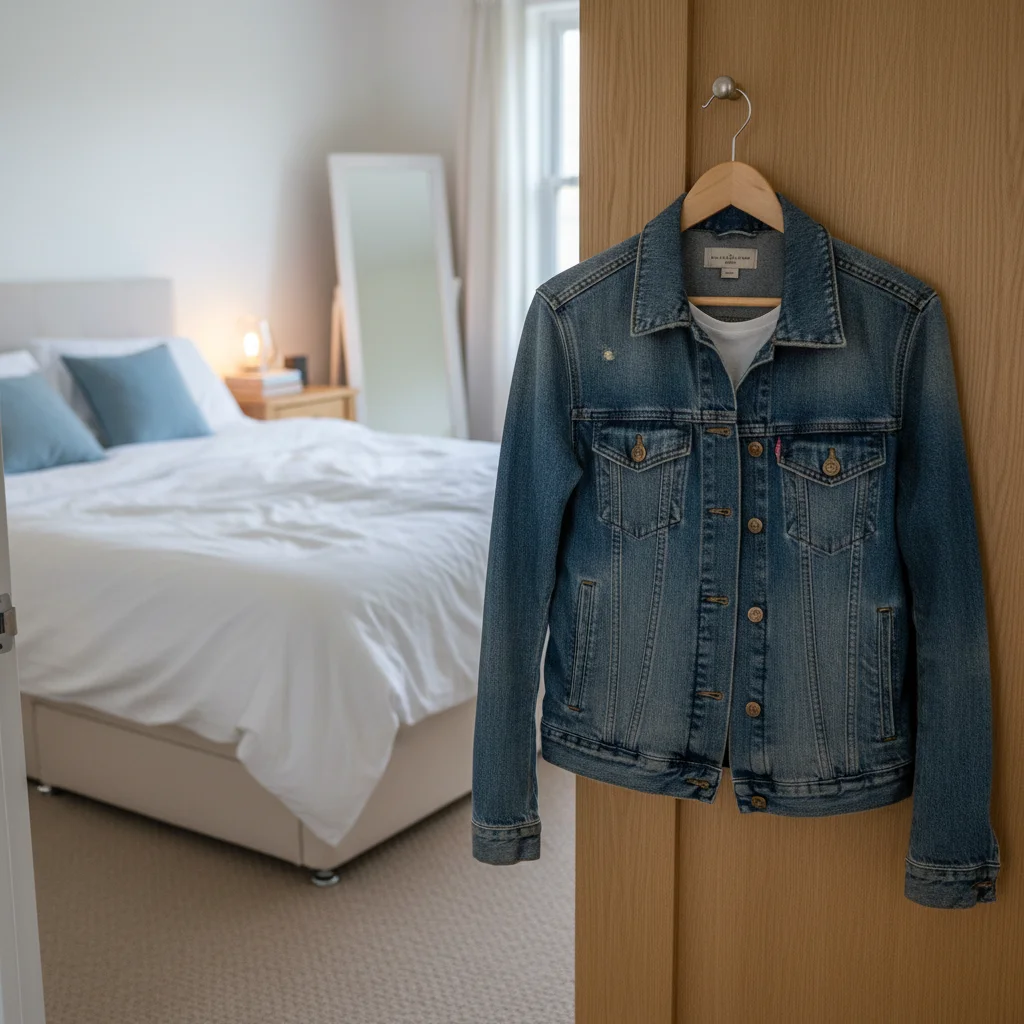
Denim jacket on bedroom door with household background
Before
->
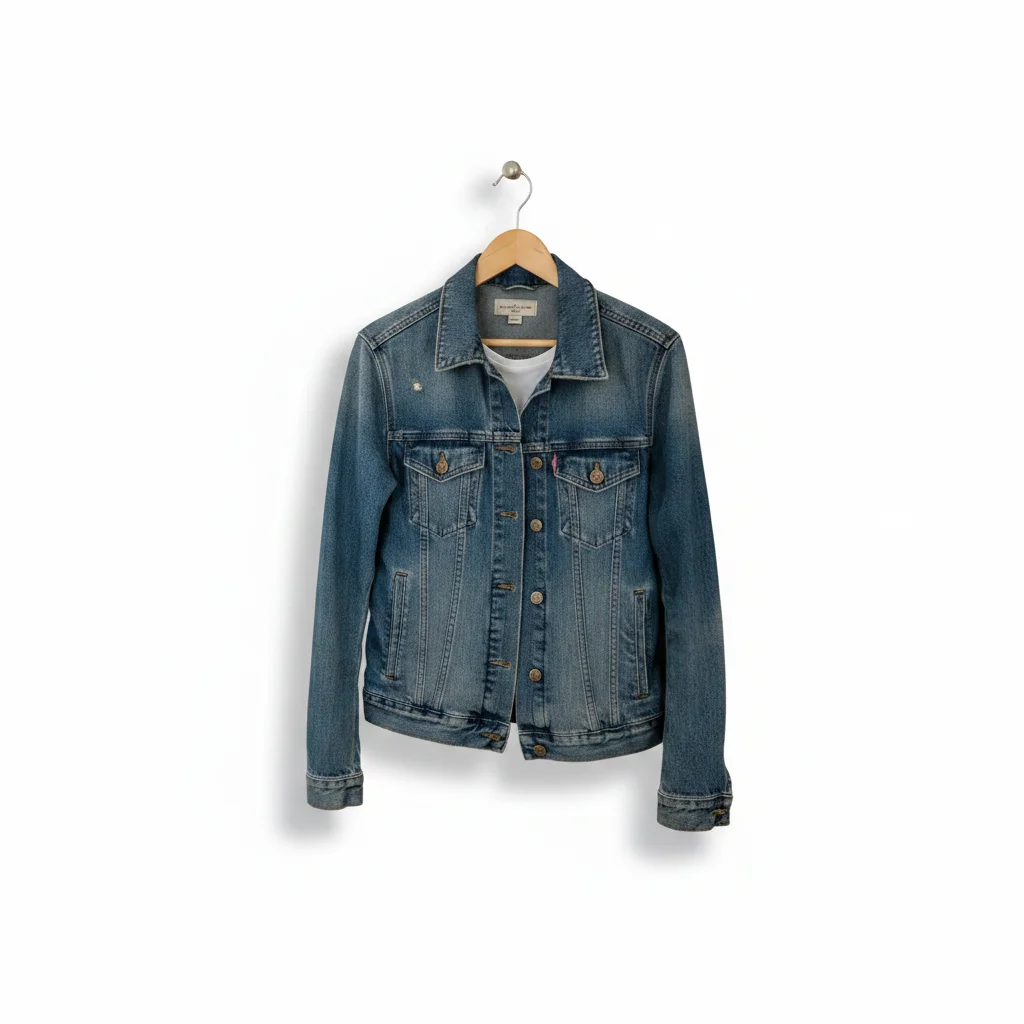
Same denim jacket on clean white background
After

Jacket on bedroom background → white studio look

A denim jacket photographed hanging on a door in a bedroom. Classic Vinted seller photo. The AI removes the background in one step.
Prompt: remove the bedroom door and background, replace with a clean white background
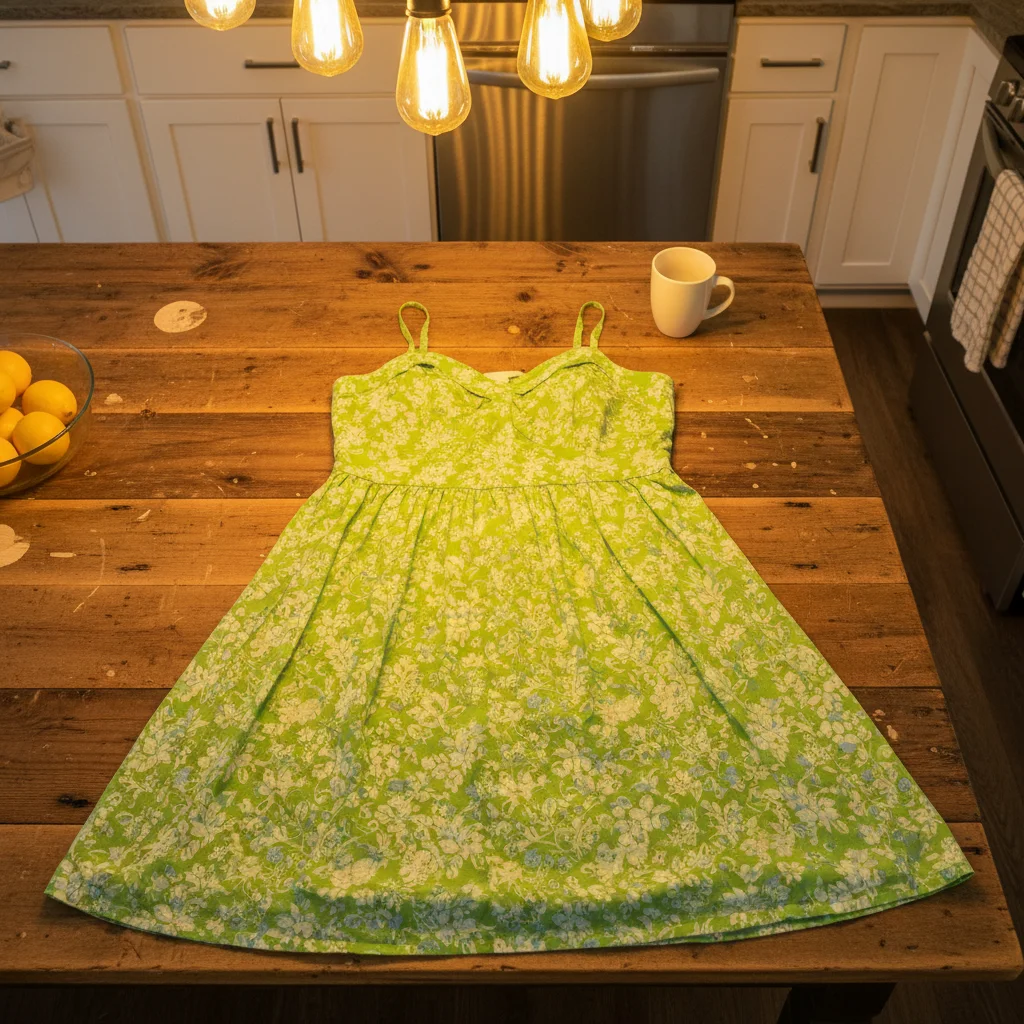
Green dress appearing olive-yellow under kitchen lighting
Before
->
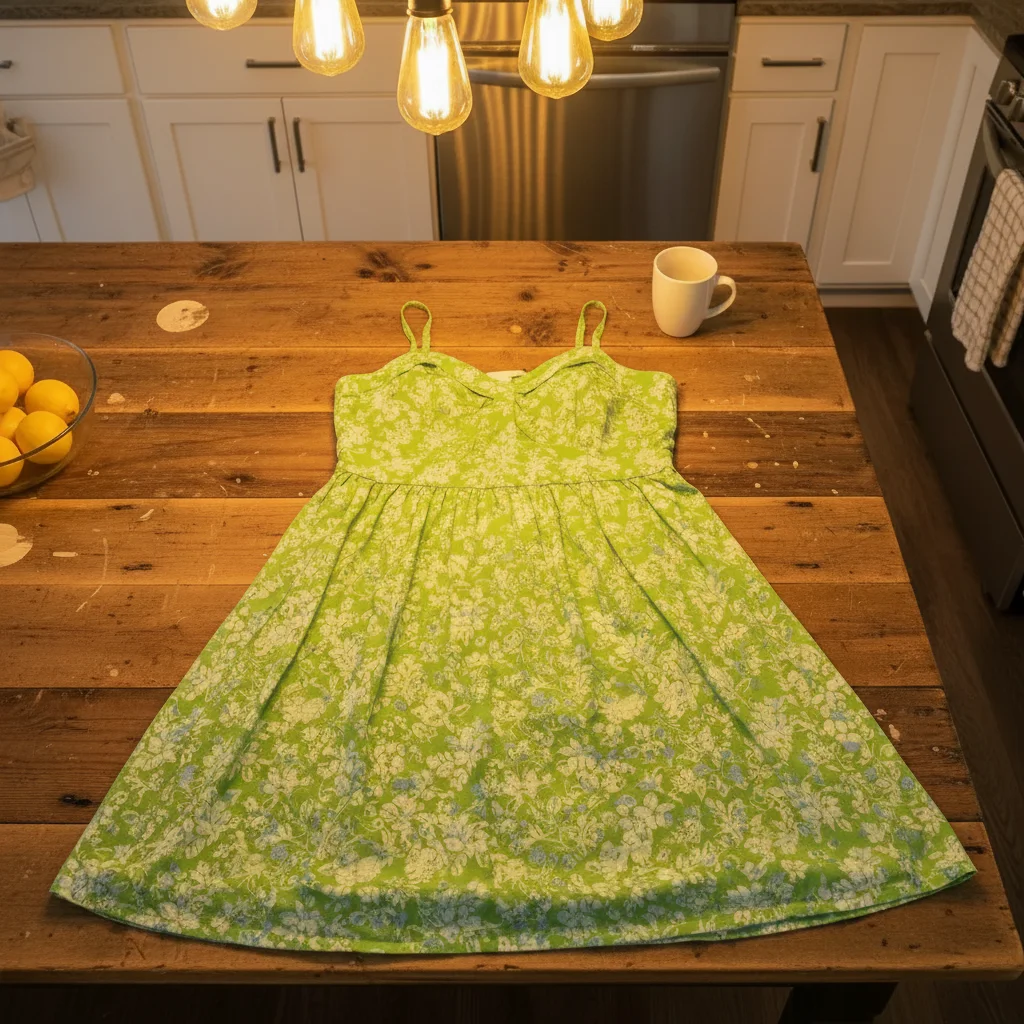
Same dress showing accurate bright green color
After

Dress color correction under yellow kitchen light

A green dress photographed under yellow kitchen lighting — it reads as olive or yellow-green in the photo. Color correction restores the accurate shade buyers need to see.

Prompt: correct the color so the dress's true green color shows, remove the yellow cast from the kitchen lighting

Quick answers

Do I need to mark anything before editing my Vinted photo?

No. Just describe what you want — 'remove the background and make it white' or 'fix the color.' The AI handles it.

How do I edit Vinted listing photos for free?

Upload your clothing photo to EditThisPic, describe what you want fixed, and the result is ready in 15-30 seconds. No signup, no watermarks on your photos. Works on any phone or computer browser.

What background is best for Vinted listings?

White or very light gray backgrounds get the most favorites and views on Vinted. A clean background focuses buyers on the item, not your surroundings. Type 'remove the background and replace with white' — it takes seconds.

Can I fix yellow lighting in my Vinted photos?

Yes. Type 'correct the color so the item's true color shows — remove the yellow cast from indoor lighting.' Yellowed or orange-toned lighting is one of the most common issues in Vinted photos taken under household lamps.

Will buyers know my listing photos were edited?

EditThisPic creates natural-looking, professional results — not obviously AI-edited images. Background removal looks like studio photography. Color correction makes colors accurate. The result looks like you had better lighting and a cleaner background, not like a manipulated image.

Does Vinted allow edited listing photos?

Yes. Vinted allows edited listing photos as long as they accurately represent the item — accurate color, no hiding defects or damage. Using background removal or lighting correction is completely fine and in fact recommended for better presentation.

How much does EditThisPic cost?

You get 1 free edit per week — no account needed. After that, credit packs start at $1.99 for 3 edits. Monthly plans start at $4.99/mo for 15 edits with unused credits rolling over. All edits are full resolution with no watermark.

Ready to get more sales on Vinted?

Better photos in seconds. Free, no signup required.

1 free edit included·Credit packs from $4.99