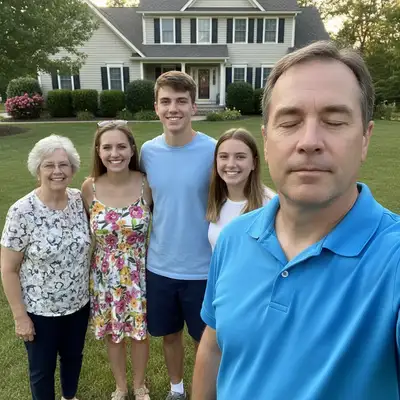
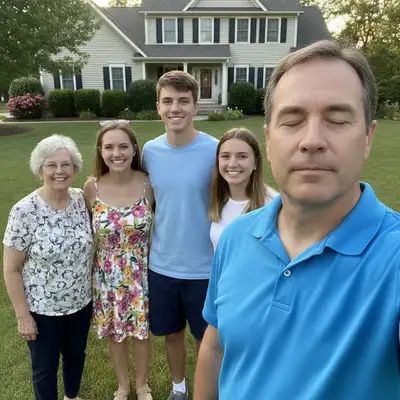
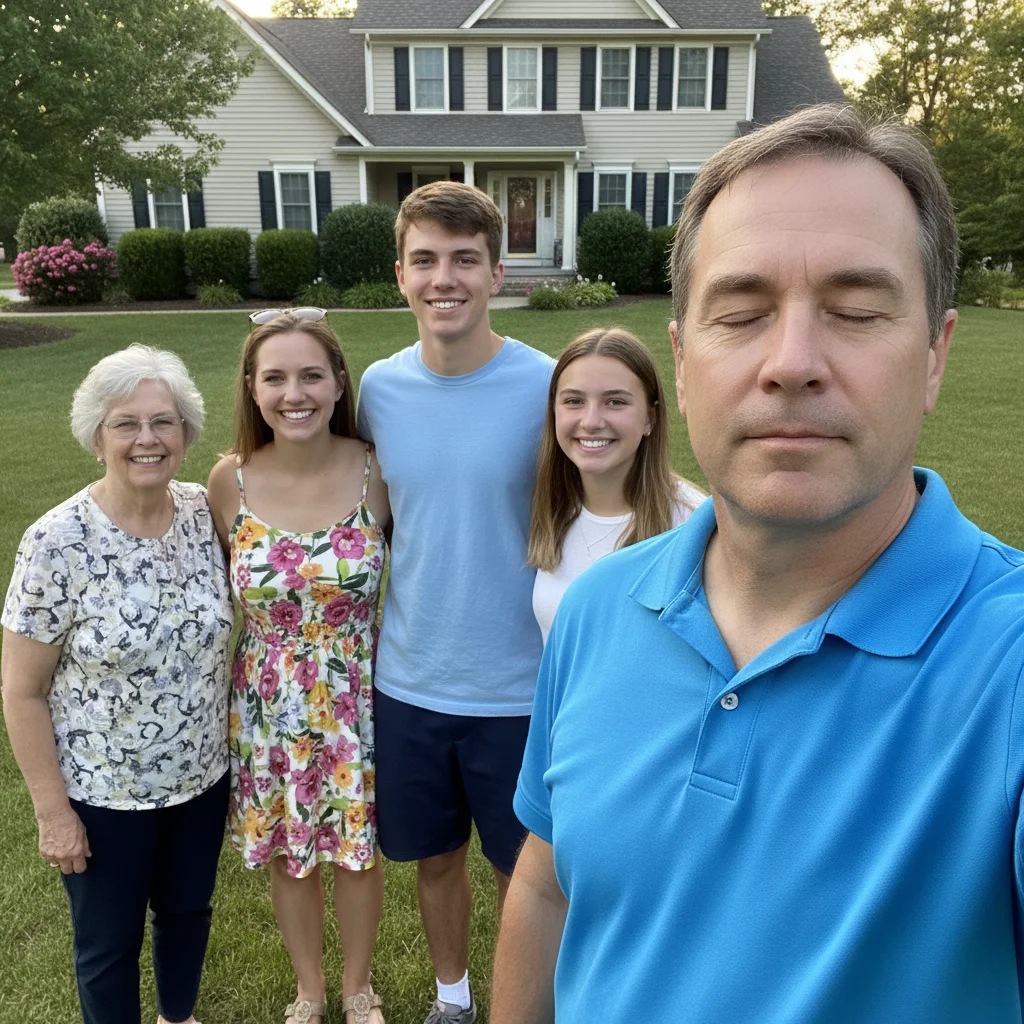
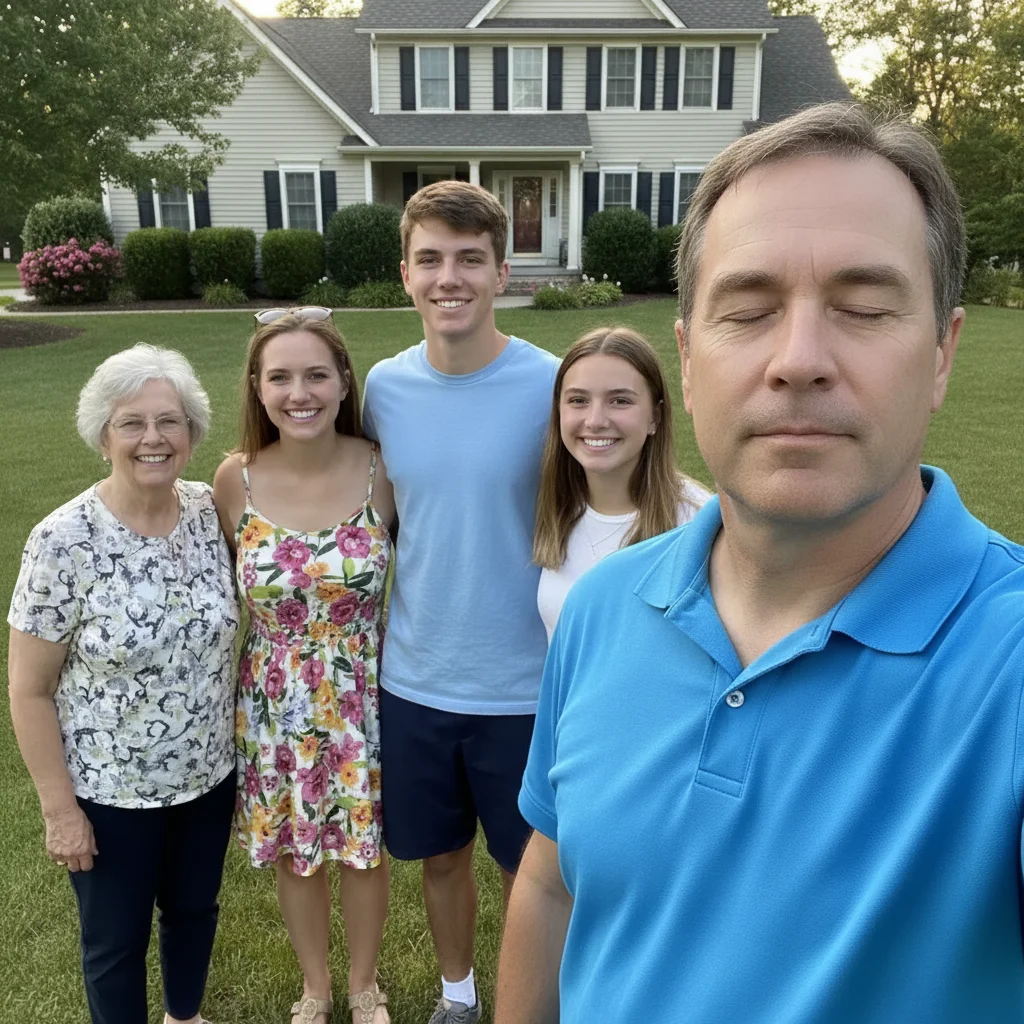
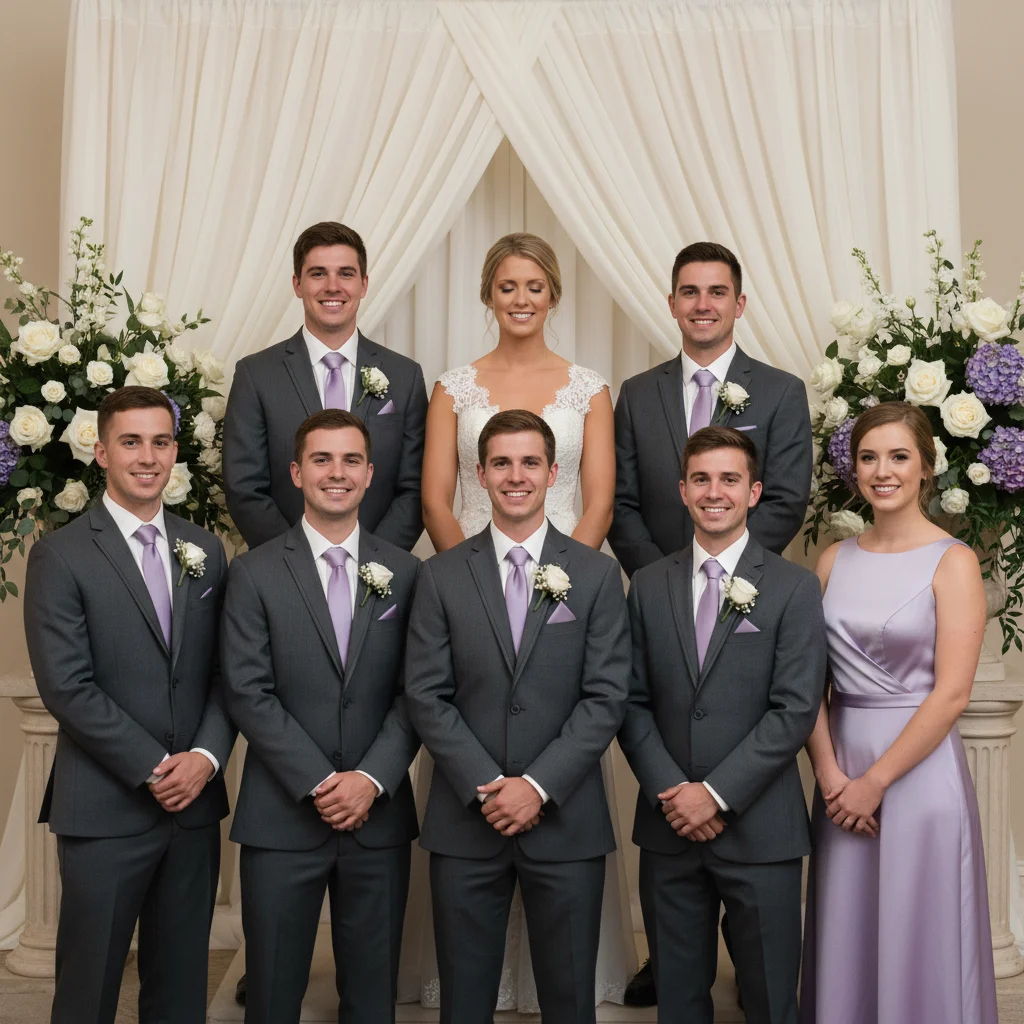
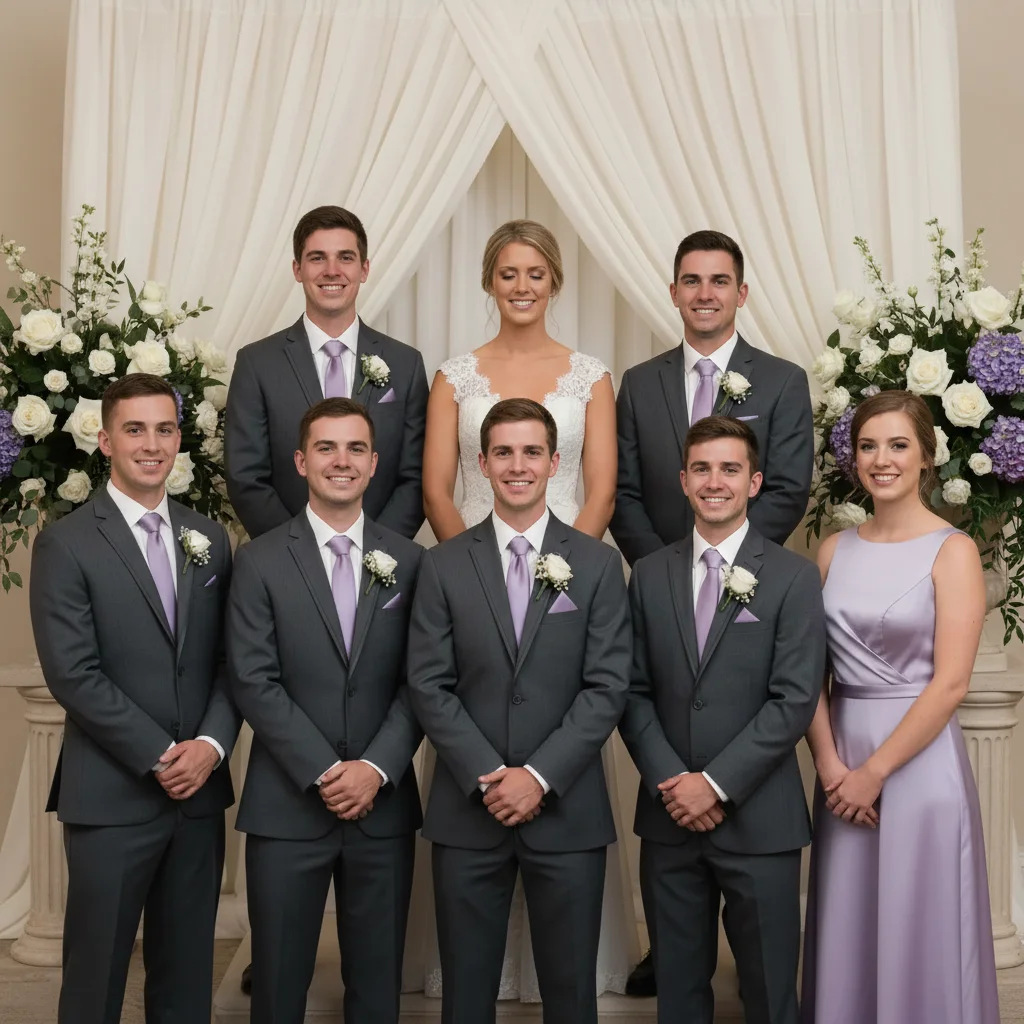
Do I need to mark the blinking person before describing them?
No. Just type 'open eyes of person on the left' or 'fix person in red shirt' and the AI finds and fixes them.
Will this change anyone else in the photo besides the blinking person?
No. The AI targets only the person you specify and leaves everyone else untouched. Adding 'keep everyone else the same' in your prompt reinforces this, but it's the default behavior.
Can I fix multiple people blinking in the same group photo?
Yes. Either say 'open eyes of all people blinking' to try fixing everyone at once, or handle one person at a time for better control. Sequential edits (fix one, regenerate, fix next) usually give more consistent results.
What if the blinking person is far from the camera or small in the frame?
The AI can still work, but results may be less detailed due to lower resolution of that person's face. For best results, use Pro mode (4 credits) which applies more advanced reasoning to reconstruct distant or small faces.
Will this work for professional photos like weddings or corporate headshots?
Yes. The AI preserves the professional quality and formal tone of the photo while fixing the blink. Use phrases like 'keep formal expression' or 'maintain professional look' to ensure the fix matches the photo's context.
Is EditThisPic's AI person blinking in group photo fixer really free?
Yes — you get 1 free edit per week, no account needed. Credit packs start at $4.99 for 10 edits.
How long does it take to fix person blinking in group photo?
Usually 15-30 seconds. Upload your photo, describe what you want, and the AI delivers the result.
Do I need to create an account to fix person blinking in group photo?
No. You can try your first edit without signing up. An account is only needed to save edits and manage a subscription.
How much does EditThisPic cost?
You get 1 free edit per week — no account needed. After that, one-time credit packs start at $4.99 for 10 edits, valid 12 months, no subscription. Power users who edit daily can pick Studio Membership, a monthly workspace at $49.99/mo for 300 edits. Purchased downloads are clean with no watermark.