Do I need to manually mask or select areas before blending?
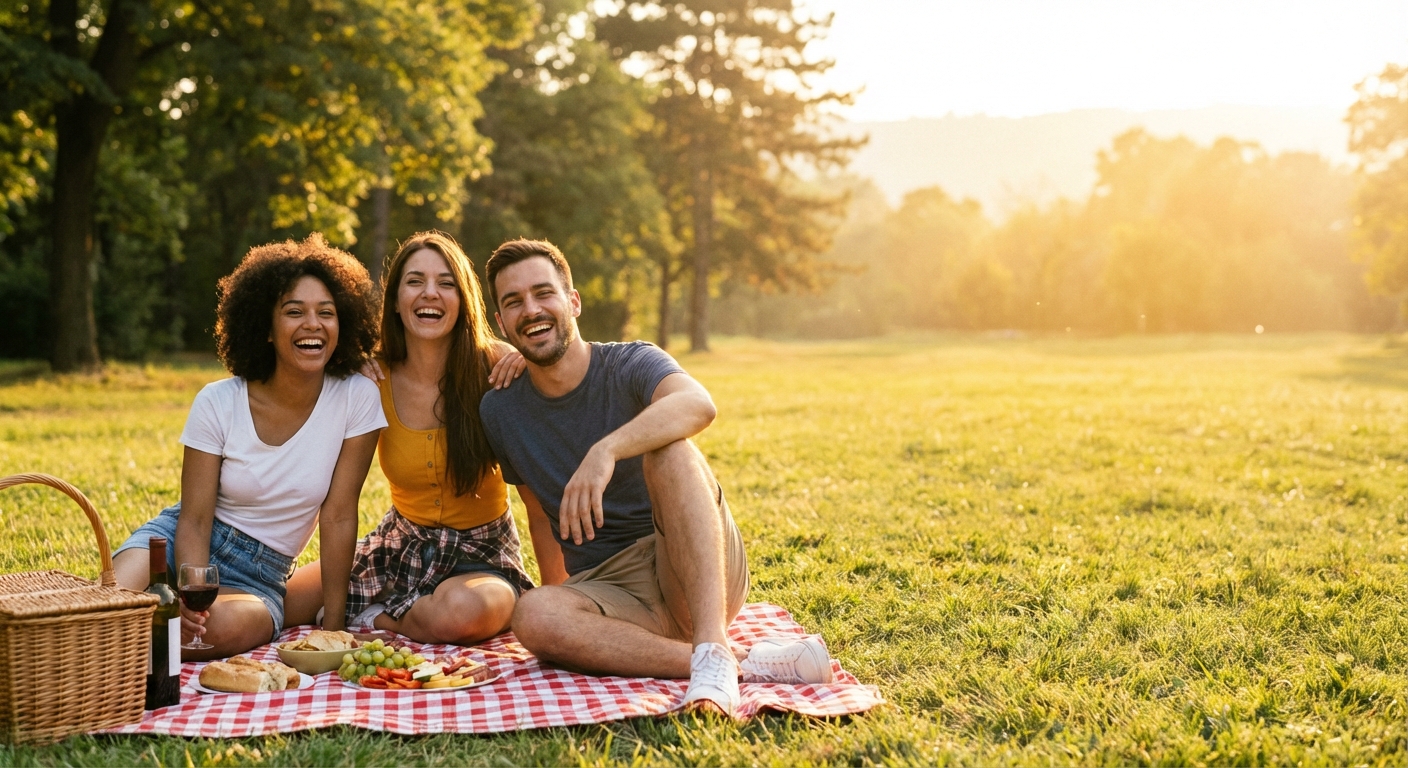
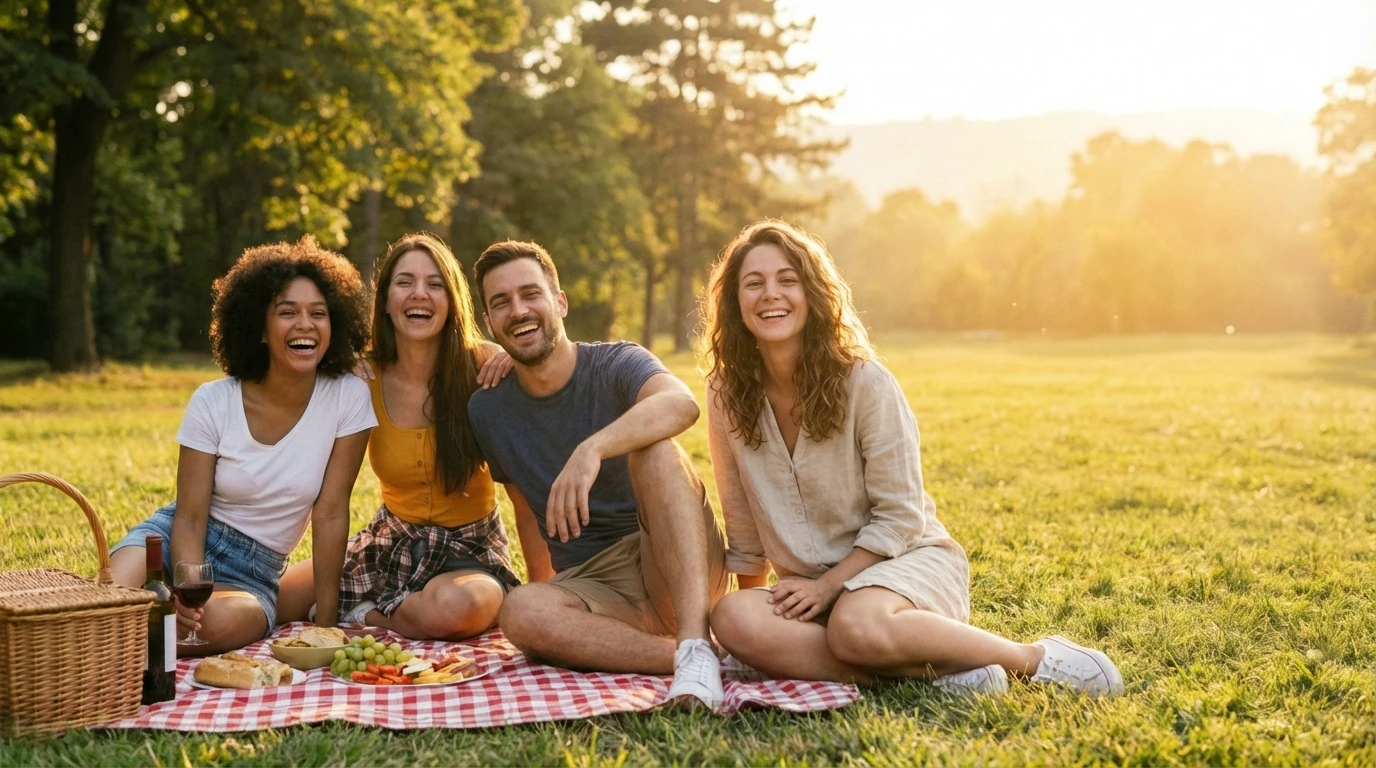
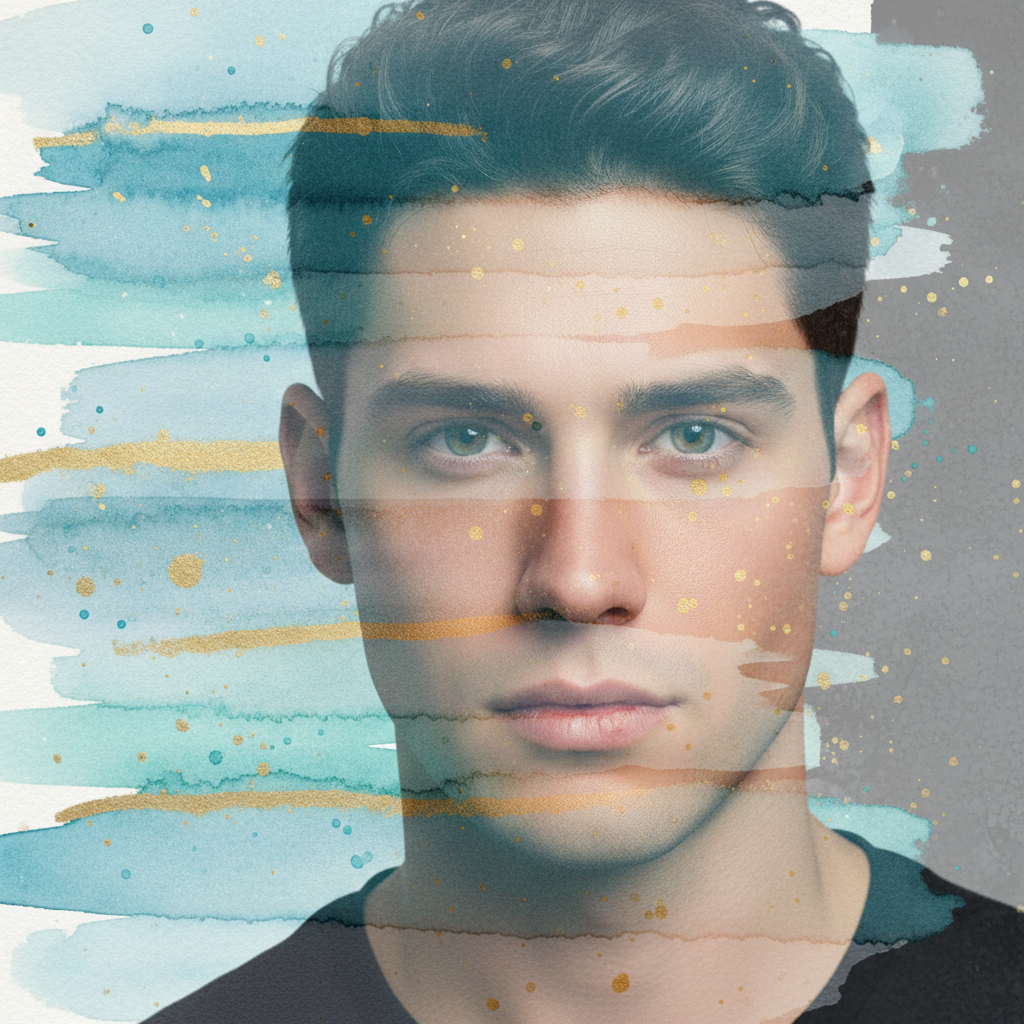
No. Just describe how you want the photos blended: 'create a double exposure effect' or 'blend the landscape into the portrait.' The AI automatically handles transparency, edges, and transitions. Markers are only needed if you want to control exactly which areas get blended.
How do I blend two photos together for free?
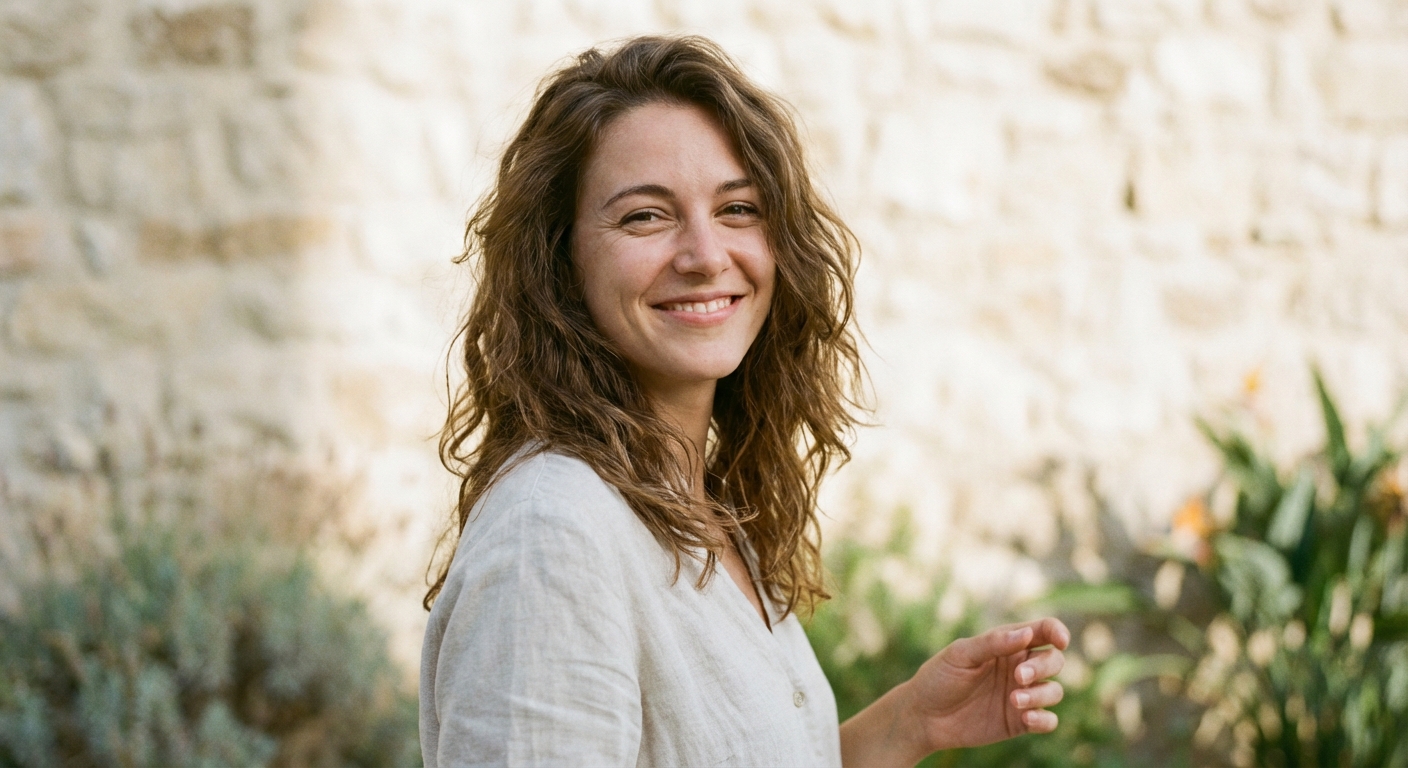
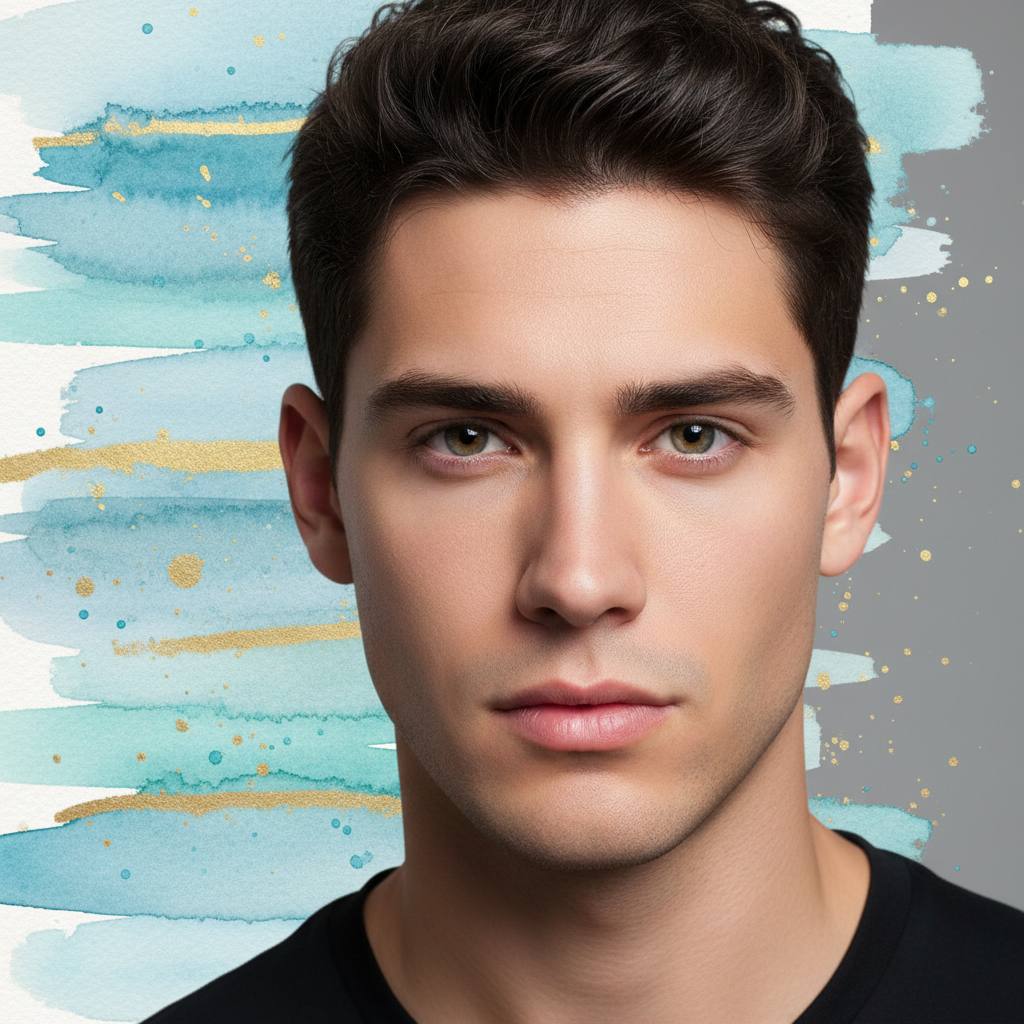
Upload your main photo to EditThisPic, click the reference image button to add your second photo, then describe the blend you want. The AI creates the composite in 20-40 seconds. No account, no login, no watermarks. Works for double exposures, gradient blends, and artistic compositions.
Is there a free photo blending tool that doesn't need an account?
Yes. EditThisPic blends photos without requiring signup or login. Upload both images, describe the blend effect, and download your result. No watermarks. Works directly in your browser with AI handling all the complex layer work.
What's the best way to create a double exposure effect?
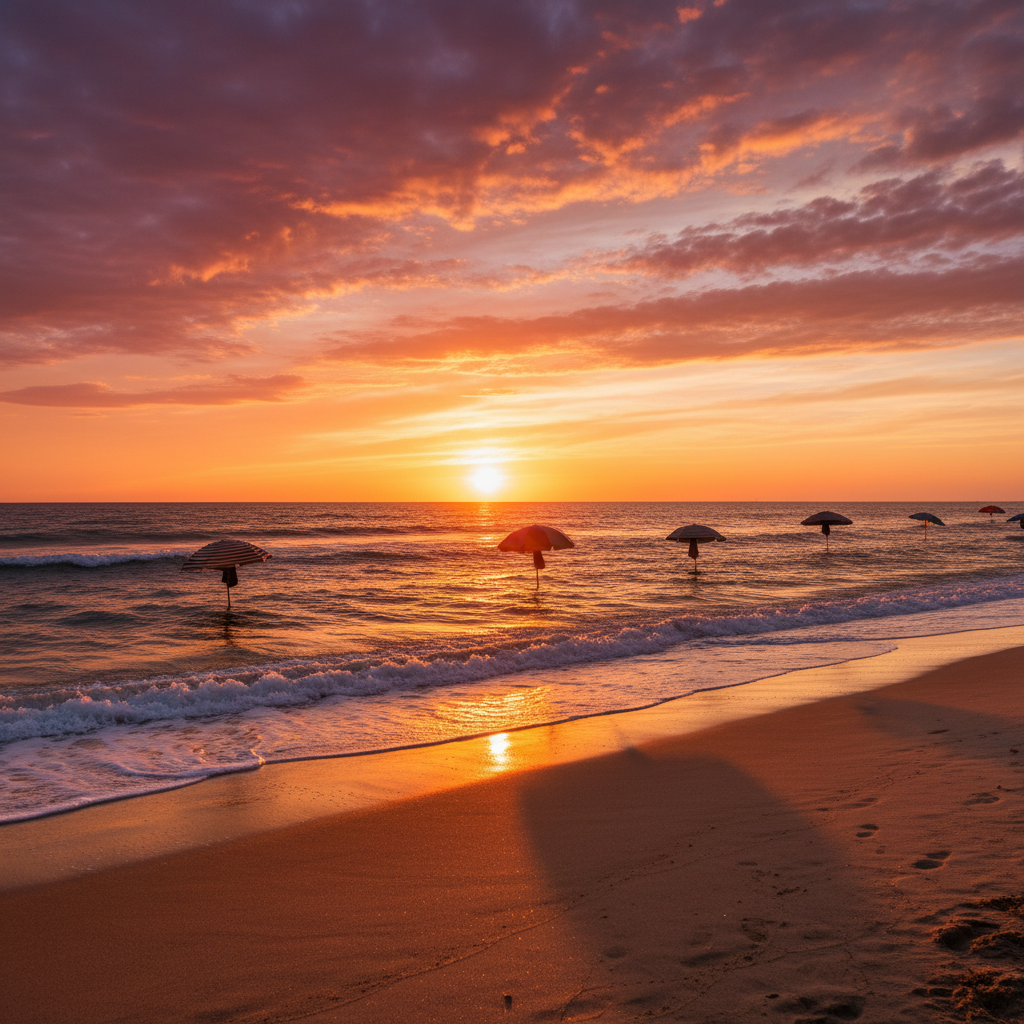
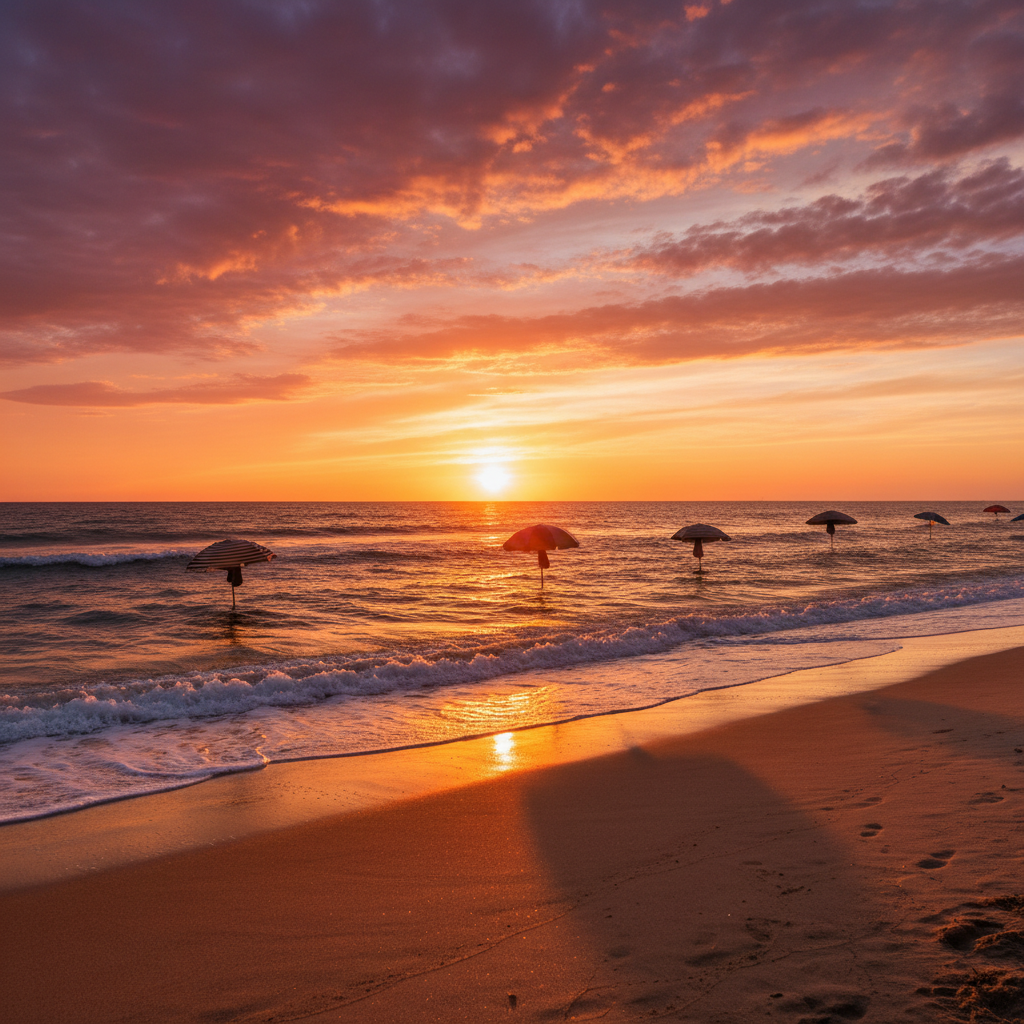
Use a high-contrast portrait (silhouette works great) as your main photo and a texture or landscape as your reference. Describe: 'blend with double exposure effect, show the landscape through the portrait.' The AI handles transparency and edge blending automatically.
Can I control how visible each photo is in the blend?
Yes. Specify the balance in your prompt: 'blend with the portrait at 70% and landscape at 30%' or 'make the texture subtle in the background.' You can also say 'equal visibility' for a 50/50 blend.
Is EditThisPic's AI photos blender really free?
Yes — you get 1 free edit per week, no account needed. For unlimited edits, plans start at $3.99/month.
Can I blend photos on my phone?
Yes. EditThisPic works in any mobile browser — iPhone, Android, tablet. No app download needed.
What photo formats does the AI photos blender support?
JPG, PNG, WebP, and HEIC. Upload any common photo format and EditThisPic handles the rest.