Free • No signup Overlay Photos · Free

Overlay Photos

Last updated

Upload two photos and describe how to position the overlay. No layer tools required.

01Photo 1
Group of friends at a picnic
02Photo 2
Woman to add to the group photo
03Result
Combined photo with the woman added to the group

Upload photo to overlay photos

"place the frame overlay around the entire photo, fitting it perfectly to the edges"

Release to upload

50,000+photos edited
<30stypical edit
1 freeedit weekly

1 free edit·then from $4.99

How it works

  1. Upload your background photo

    Drop your main image into EditThisPic. This is the base photo that the overlay will be placed on top of. JPG, PNG, and WebP up to 7MB all work.

    Expect: Simple overlays: 20-30 seconds. Complex positioning with resizing: may need 2-3 refinements.
  2. Add your overlay image

    Click the reference image button and upload the photo, logo, or graphic you want to overlay. PNG images with transparent backgrounds work best for clean overlays, but the AI can handle any image format.

    Tip: If your overlay doesn't have a transparent background, the AI can often figure out what to place and remove the background automatically.
  3. Describe the overlay placement

    Type your instruction: 'overlay the logo in the bottom right corner at 20% size' or 'place the frame around the entire photo.' Specify position, size, and opacity if needed. The AI positions the overlay exactly where you describe.

    Tip: Use specific positions: 'top left corner,' 'center,' 'bottom right with padding' for precise placement.

    Copy one of these to get started:

    Logo in corner overlay the logo in the bottom right corner, sized to about 15% of the image width with slight transparency
    Decorative frame place the frame overlay around the entire photo, fitting it perfectly to the edges
    Center watermark overlay the watermark in the center of the image with 30% opacity so the photo shows through
    Sticker placement place the sticker in the top left area, angled slightly and sized to look natural like it was stuck on
    3 more prompts
    Product badge overlay the sale badge in the top right corner at a slight angle, making it prominent but not blocking the product
    Multiple positioning place the logo in all four corners of the image, each one small and subtle
    Transparent gradient overlay overlay the gradient on the bottom third of the image, fading from transparent at top to solid at bottom for text space
  4. Generate and adjust

    Tap generate and review the overlay placement. Check positioning, size, and visibility. If the overlay needs adjustment, describe the change: 'move it slightly left' or 'make the overlay larger.'

See it in action

Group of friends at a picnic
Main Photo
Woman to add to the group photo
Reference
Combined photo with the woman added to the group
Result

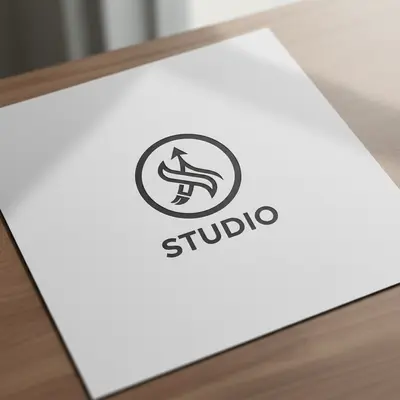
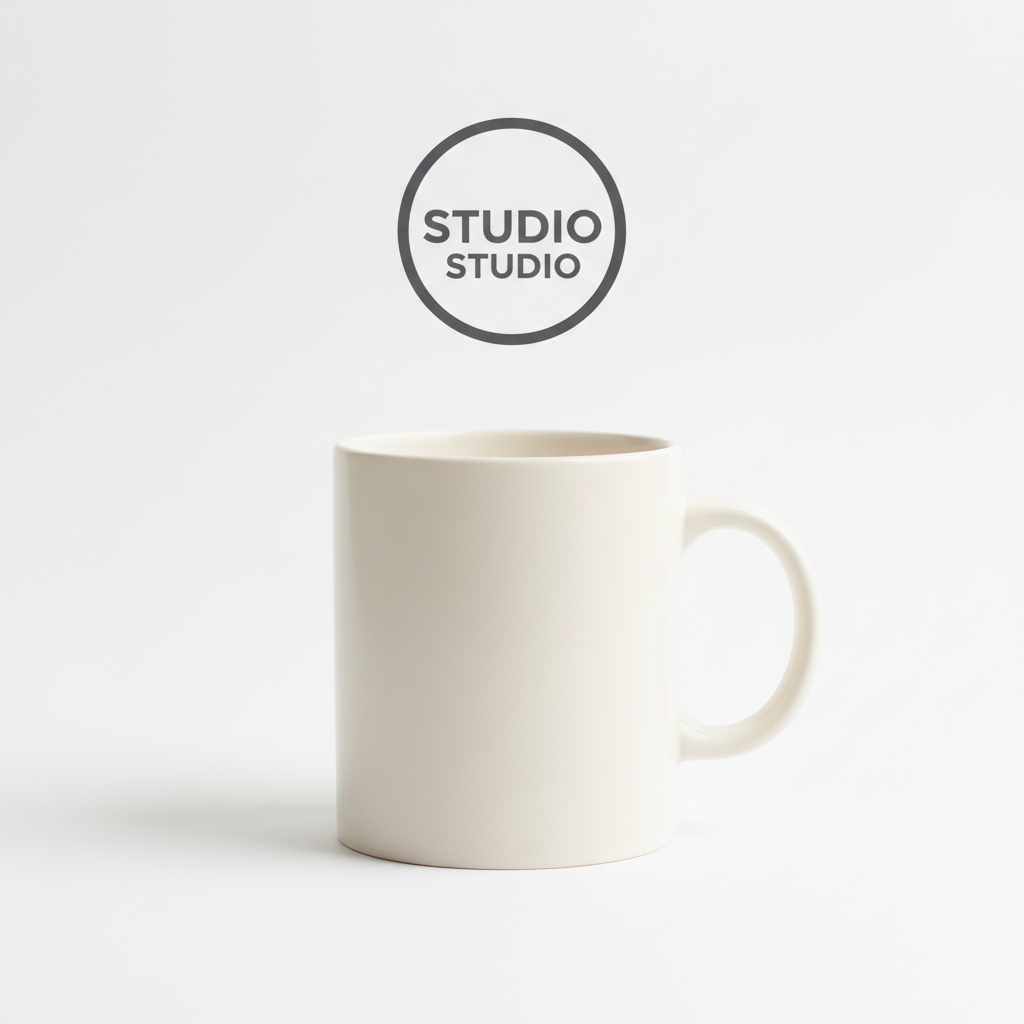
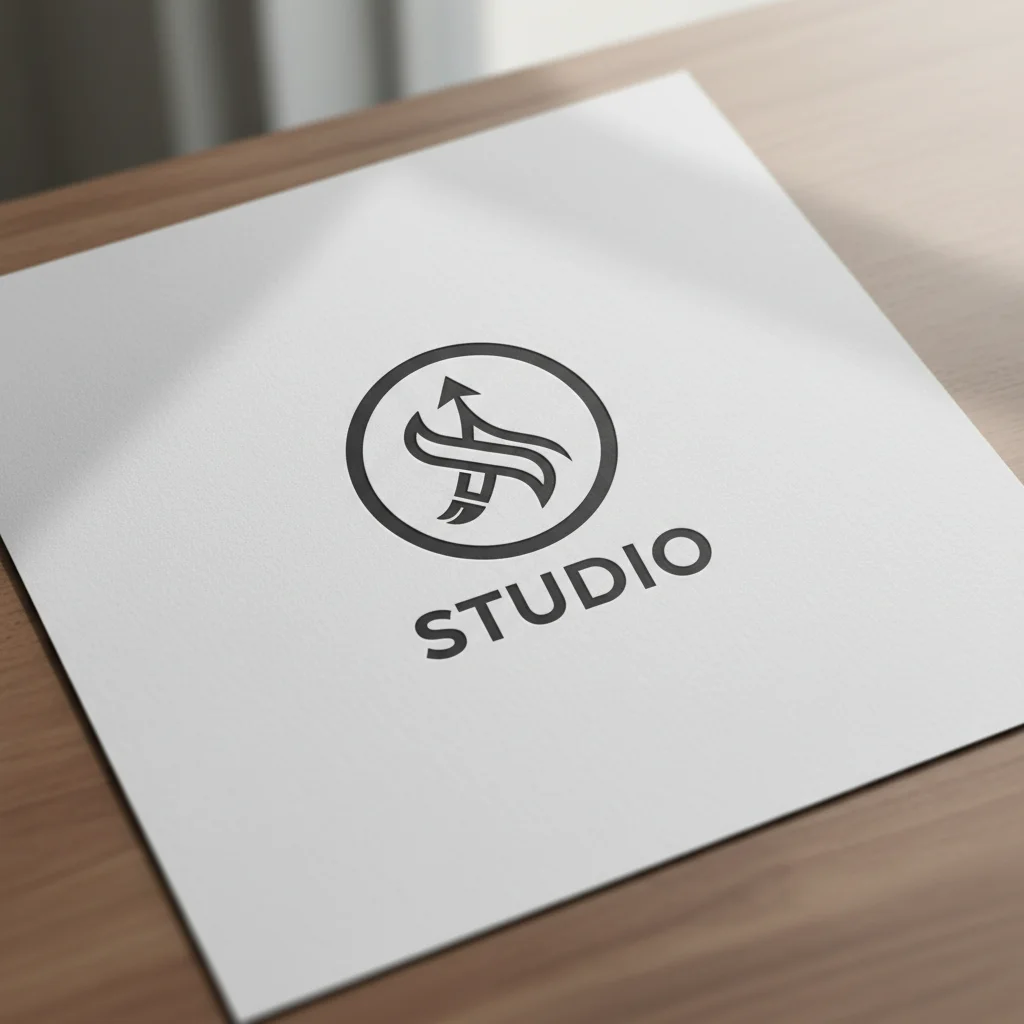
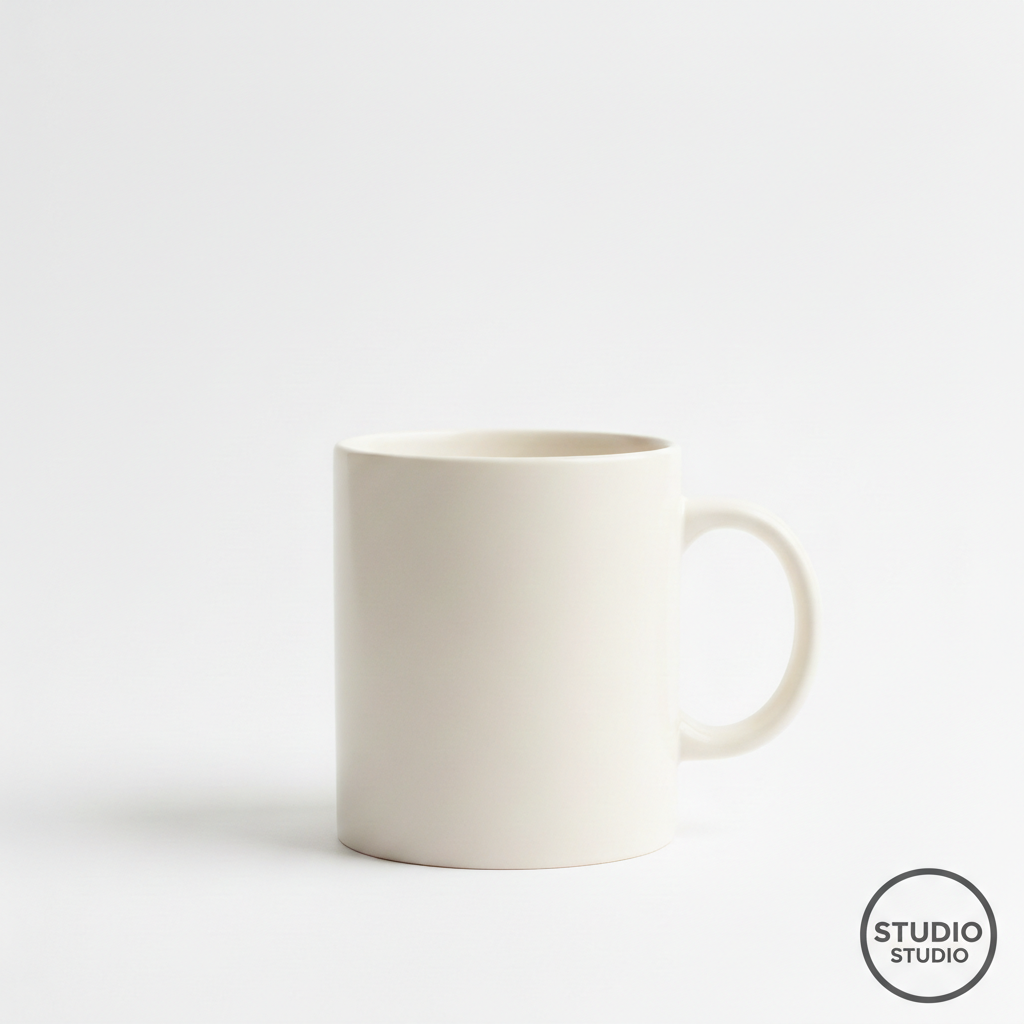
Logo watermark on product photo

Business logo overlaid on a product photo in the corner. Creates a subtle brand presence without distracting from the product.

Prompt: Take the logo from the reference photo and overlay it as a watermark on the bottom right corner of the mug picture. Make it about 15% of the image width and add a slight transparency.

Portrait photo and decorative frame as separate images
Before
->
Portrait with elegant frame overlay applied
After

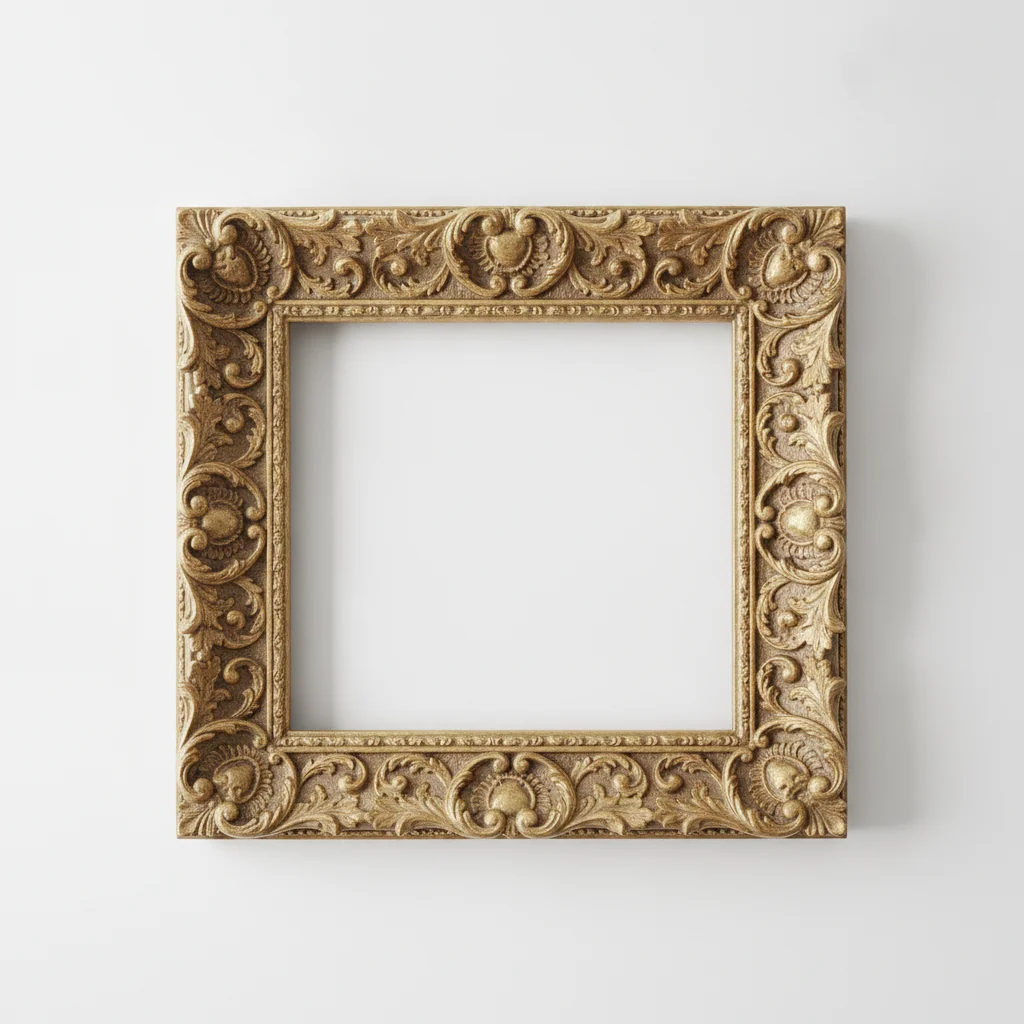
Decorative frame around portrait

Ornate frame overlay placed around a portrait photo, creating an elegant framed look without manual layer alignment.

Prompt: place the decorative frame overlay around the entire photo, fitting it perfectly to the edges with the portrait visible through the center
Product photo and sale badge as separate images
Before
->
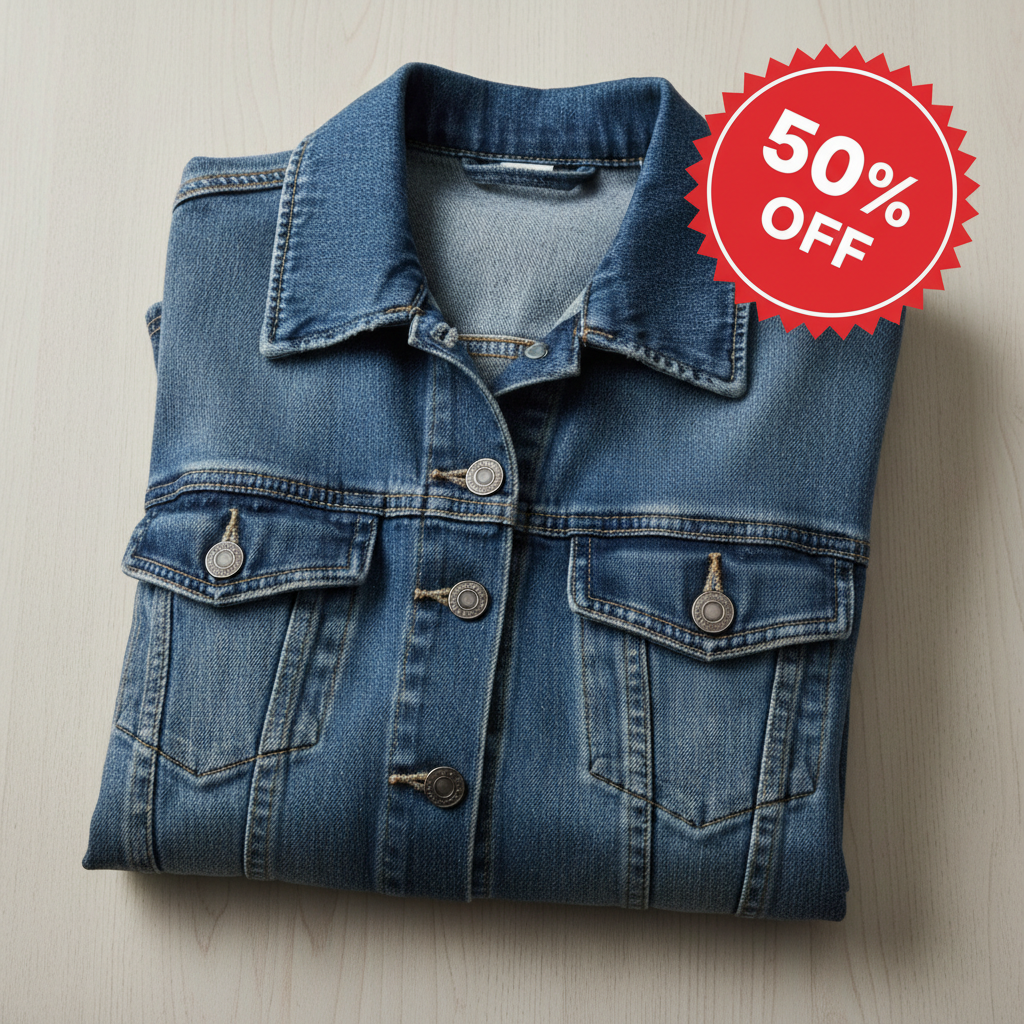
Product photo with sale badge overlay in corner
After

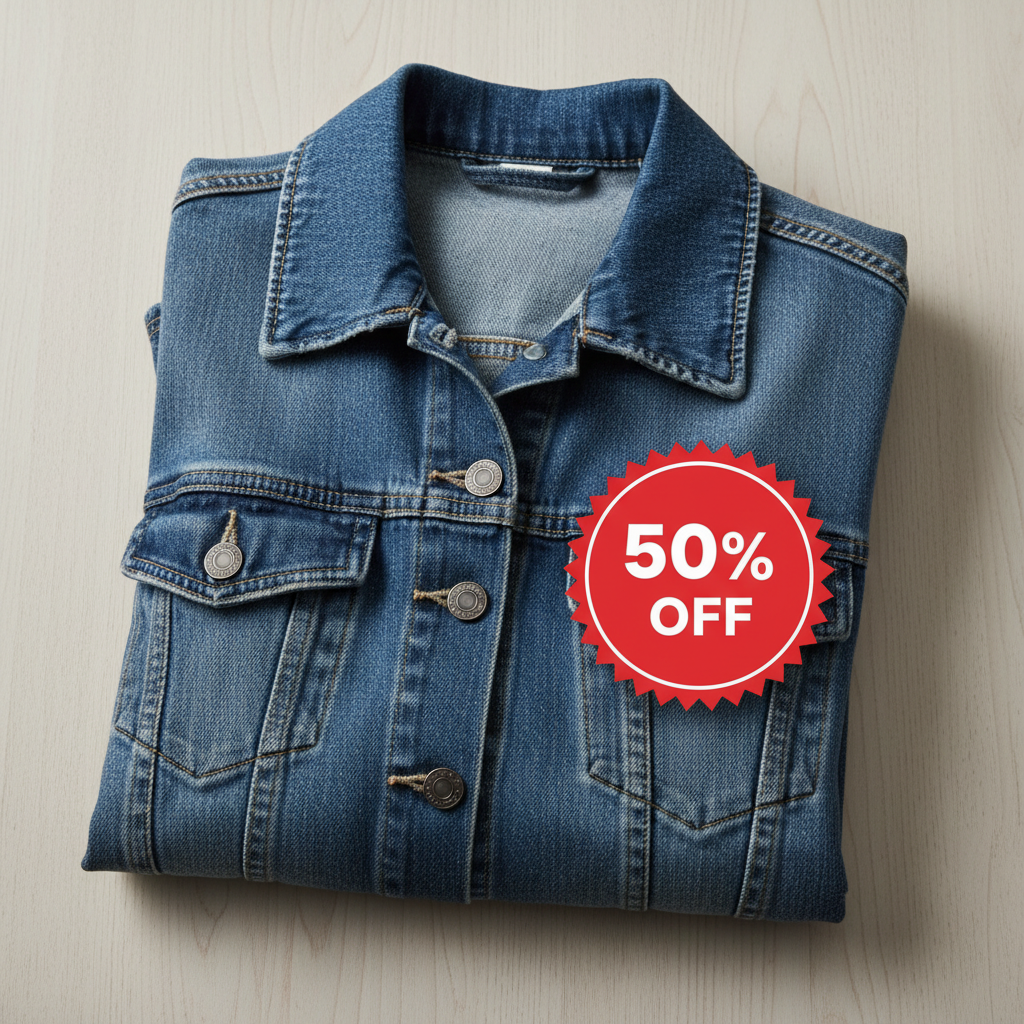
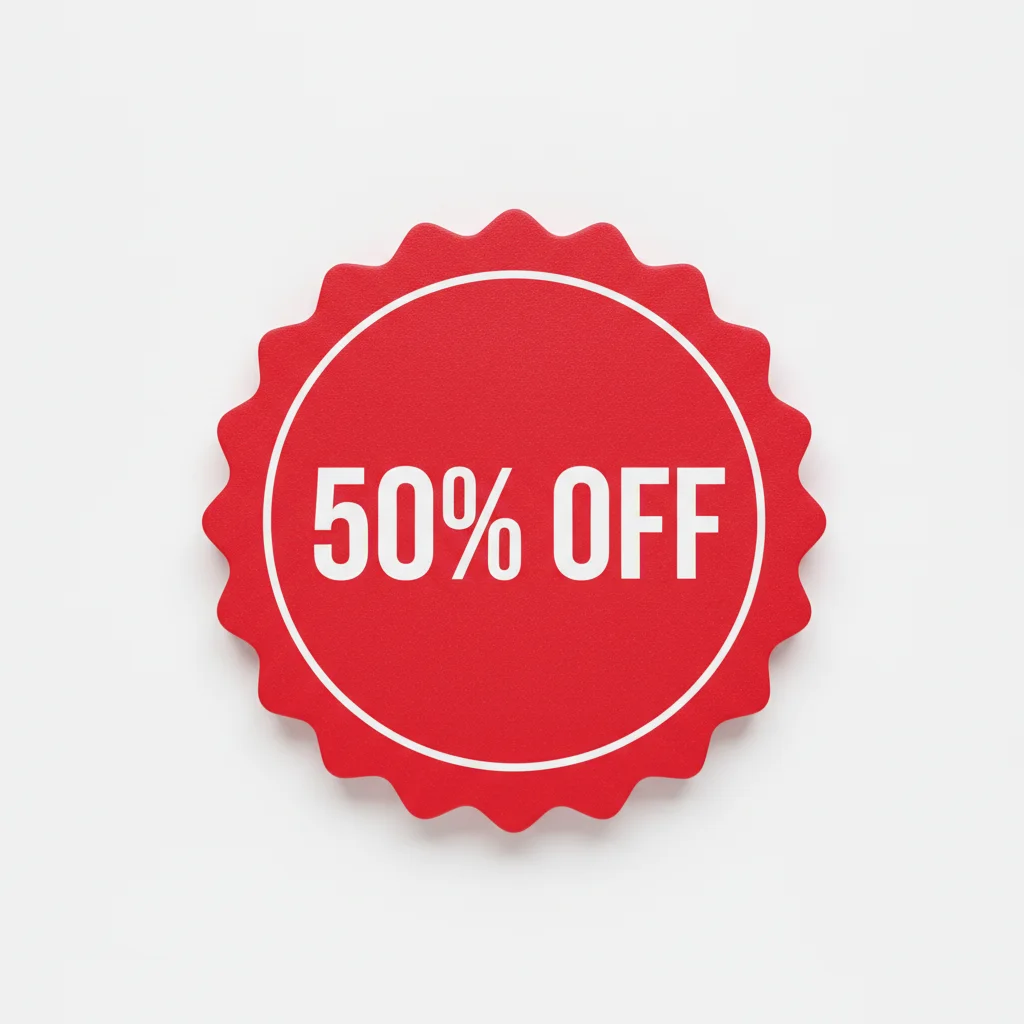
Sale badge on clothing item

Promotional sale badge overlaid on a clothing product photo at an eye-catching angle for e-commerce use.

Prompt: overlay the sale badge in the top right corner at a slight angle, making it prominent and eye-catching

Quick answers

Do I need to use layers or masking to overlay photos?

No. Just describe where and how you want the overlay placed: 'put the logo in the bottom right corner' or 'place the frame around the photo.' The AI handles positioning, sizing, and transparency automatically.

How do I overlay one photo on top of another for free?

Upload your background photo to EditThisPic, click the reference image button to add your overlay image, then describe the placement: 'overlay in the top left corner at 20% size.' The AI positions it in 20-40 seconds. No account, no login, no watermarks. Works with logos, frames, stickers, and any image.

Is there a free photo overlay tool that doesn't need an account?

Yes. EditThisPic overlays photos without requiring signup or login. Upload both images, describe where you want the overlay, and download your result. No watermarks. Works directly in your browser without installing any software.

Can I add a logo to multiple product photos?

Yes. Process each photo individually with the same prompt like 'overlay logo in bottom right at 15% width.' The AI applies consistent positioning across photos. For batch processing, just repeat the workflow for each product photo.

What file format works best for overlays?

PNG with a transparent background works best for clean overlays. However, the AI can often remove backgrounds from JPG overlays automatically. Just describe 'overlay just the logo without its background' if you need the AI to isolate the element.

Is EditThisPic's AI photos overlayer really free?

Yes — you get 1 free edit per week, no account needed. Plans start at $4.99/month for 15 edits.

Can I overlay photos on my phone?

Yes. EditThisPic works in any mobile browser — iPhone, Android, tablet. No app download needed.

What photo formats does the AI photos overlayer support?

JPG, PNG, WebP, and HEIC. Upload any common photo format and EditThisPic handles the rest.

How much does EditThisPic cost?

You get 1 free edit per week — no account needed. After that, credit packs start at $1.99 for 3 edits. Monthly plans start at $4.99/mo for 20 edits with unused credits rolling over. All edits are full resolution with no watermark.

Ready to edit your photos?

Free to try. No signup required.

1 free edit included·Credit packs from $4.99