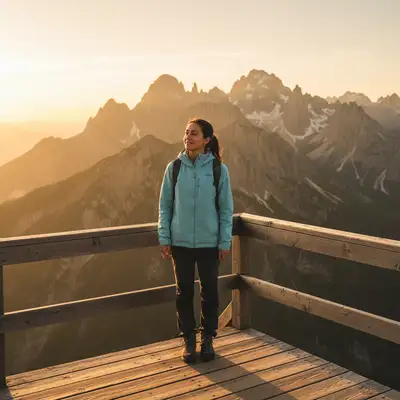
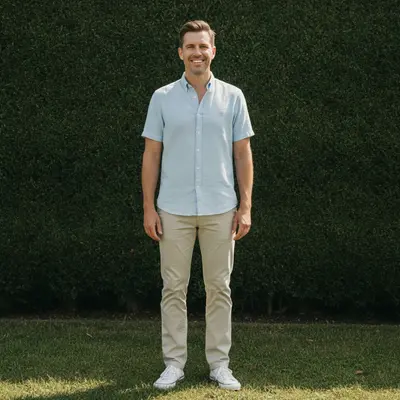
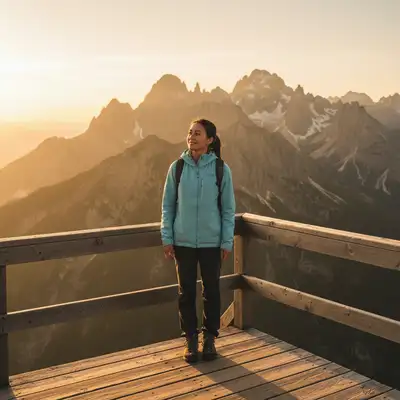
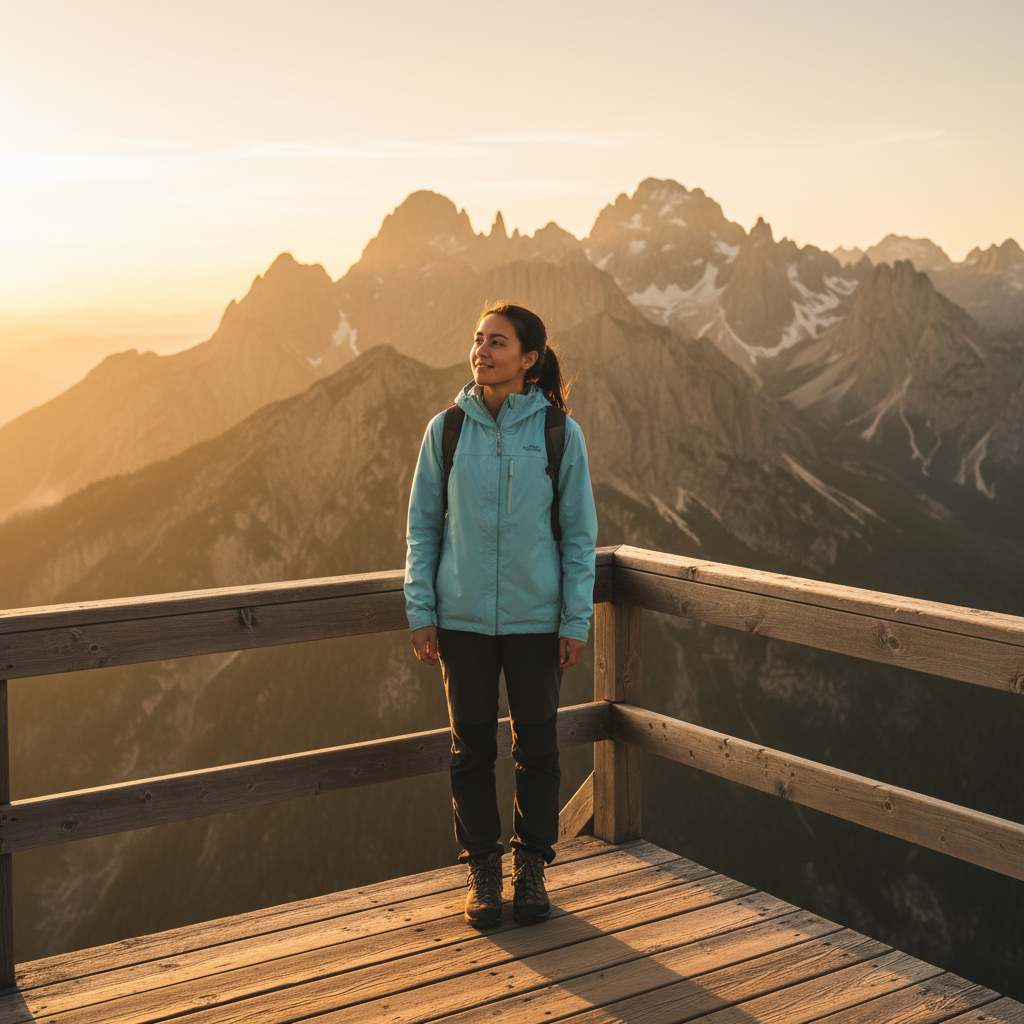
Free • No signup Superimpose Photos · Free

Superimpose Photos

Last updated

Upload two photos and describe where to place the subject. No cutout tools required.

Woman with two children in a grassy park at golden hour, father not present Same outdoor photo with a man superimposed on the left, completing the family group

Upload photo to superimpose photos

"place the product from the reference image onto the wooden table in the background photo, sized appropriately and lit to match the scene"

Release to upload

50,000+photos edited
<30stypical edit
1 freeedit weekly

1 free edit·then from $4.99

How it works

  1. Upload your background scene

    Drop your destination image into EditThisPic. This is the scene where you want to place the subject from your other photo. JPG, PNG, and WebP up to 7MB all work.

    Expect: Simple superimposition: 20-30 seconds. Complex scenes with lighting matching: may need 2-3 refinements.
  2. Add the photo with your subject

    Click the reference image button and upload the photo containing the person, object, or element you want to superimpose. The AI will extract the subject automatically - no need to cut them out first.

    Tip: Photos with clear subject-background separation work best. The AI can extract subjects from busy backgrounds but clean photos give cleaner results.
  3. Describe the superimposition

    Type your instruction: 'superimpose the person into the left side of the beach scene' or 'place the dog sitting on the couch.' Describe positioning and any adjustments needed. The AI handles extraction, sizing, and lighting matching.

    Tip: Include position details: 'standing on the left,' 'sitting in the chair,' 'in the background' for accurate placement.

    Copy one of these to get started:

    Person into vacation scene superimpose the person from the reference photo into the left side of the beach scene, standing naturally and looking at the camera
    Product into lifestyle setting place the product from the reference image onto the wooden table in the background photo, sized appropriately and lit to match the scene
    Pet into new environment superimpose the dog from the reference photo onto the grass in the park scene, sitting naturally like they belong there
    Person into group photo add the person from the reference photo to the right side of the group, matching their size and position to fit naturally with the others
    3 more prompts
    Object onto surface superimpose the vase from the reference photo onto the shelf in the living room scene, positioned in the center
    Person behind element superimpose the person into the forest scene, positioned behind the large tree on the left as if partially hidden
    Multiple subjects superimpose both people from the reference photo into the landscape, standing together on the right side near the viewpoint
  4. Generate and refine

    Tap generate and check the result. Verify the subject looks natural in the scene - lighting direction, scale, and perspective should match. If edges need work or positioning is off, regenerate with more specific instructions.

    Tip: If the subject is too large or small, specify: 'make the person smaller to match the background scale.'

See it in action

Woman with two children in a grassy park at golden hour, father not present
Before
->
Same outdoor photo with a man superimposed on the left, completing the family group
After

Person superimposed into outdoor family photo

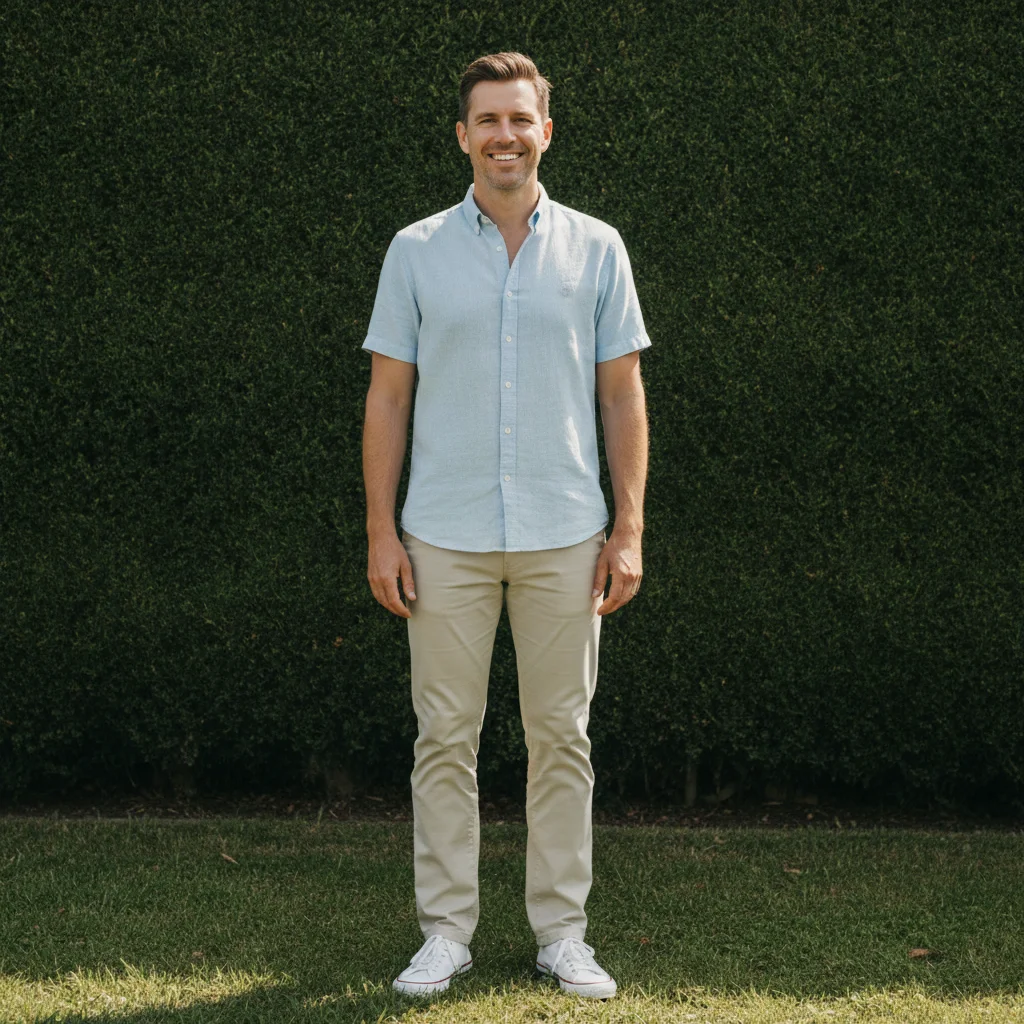
A woman and two children were photographed in a sunny park but the father was absent. The AI superimposed him from a separate photo into the scene, placing him naturally on the left while preserving the original lighting.

Prompt: superimpose the man from my second photo into this group photo, left side, matching the outdoor lighting

Quick answers

Do I need to cut out the subject before superimposing?

No. Just upload the photo with your subject - the AI automatically extracts them from their background. You only need to describe what to superimpose and where: 'superimpose the person into the beach scene.' No selection tools or manual cutouts required.

How do I superimpose one photo onto another for free?

Upload your background scene to EditThisPic, click the reference image button to add the photo with your subject, then describe the placement: 'superimpose the dog onto the couch.' The AI extracts, positions, and blends in 20-40 seconds. No account, no login, no watermarks.

Is there a free superimpose tool without signup?

Yes. EditThisPic superimposes photos without requiring an account. Upload both images, describe where the subject should go, and download your result. No watermarks added. Works directly in your browser with AI handling extraction and placement.

Will the superimposed subject look realistic?

Yes, when the lighting conditions are similar. The AI matches lighting direction, adjusts shadows, and blends edges. For best results, use reference photos where the light comes from a similar direction as your background scene. You can also ask the AI to 'adjust lighting to match.'

Can I superimpose myself into a photo I wasn't in?

Yes. Upload the photo you want to appear in as the background, then add a photo of yourself as the reference. Describe where to place yourself: 'superimpose me standing on the left side of the group.' The AI handles extraction and placement to make it look natural.

Is EditThisPic's AI photos superimposer really free?

Yes — you get 1 free edit per week, no account needed. Plans start at $4.99/month for 15 edits.

Can I superimpose photos on my phone?

Yes. EditThisPic works in any mobile browser — iPhone, Android, tablet. No app download needed.

What photo formats does the AI photos superimposer support?

JPG, PNG, WebP, and HEIC. Upload any common photo format and EditThisPic handles the rest.

How much does EditThisPic cost?

You get 1 free edit per week — no account needed. After that, credit packs start at $1.99 for 3 edits. Monthly plans start at $4.99/mo for 20 edits with unused credits rolling over. All edits are full resolution with no watermark.

Ready to edit your photos?

Free to try. No signup required.

1 free edit included·Credit packs from $4.99