AI Two Photos Together Placer
← Browse all creative effectsLast updated
Upload two photos and describe how to combine them. No collage templates needed.
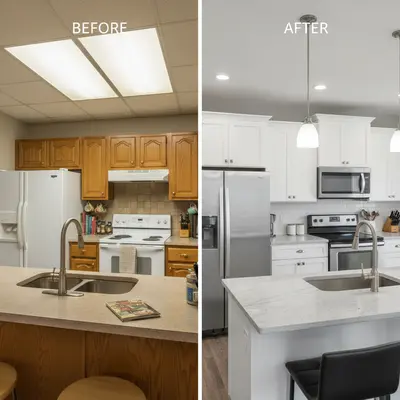
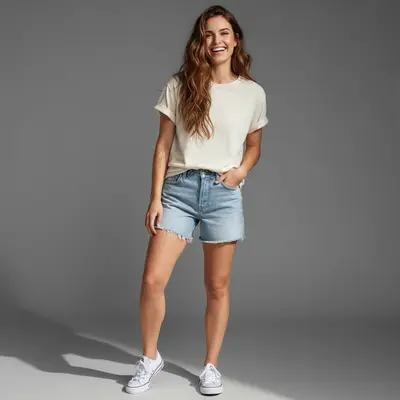
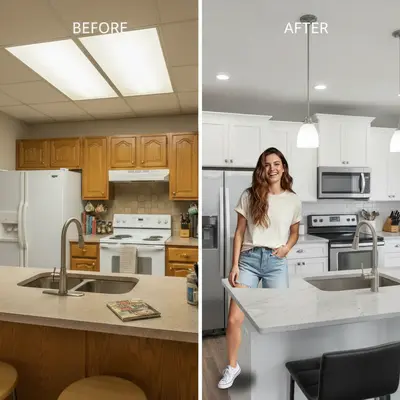
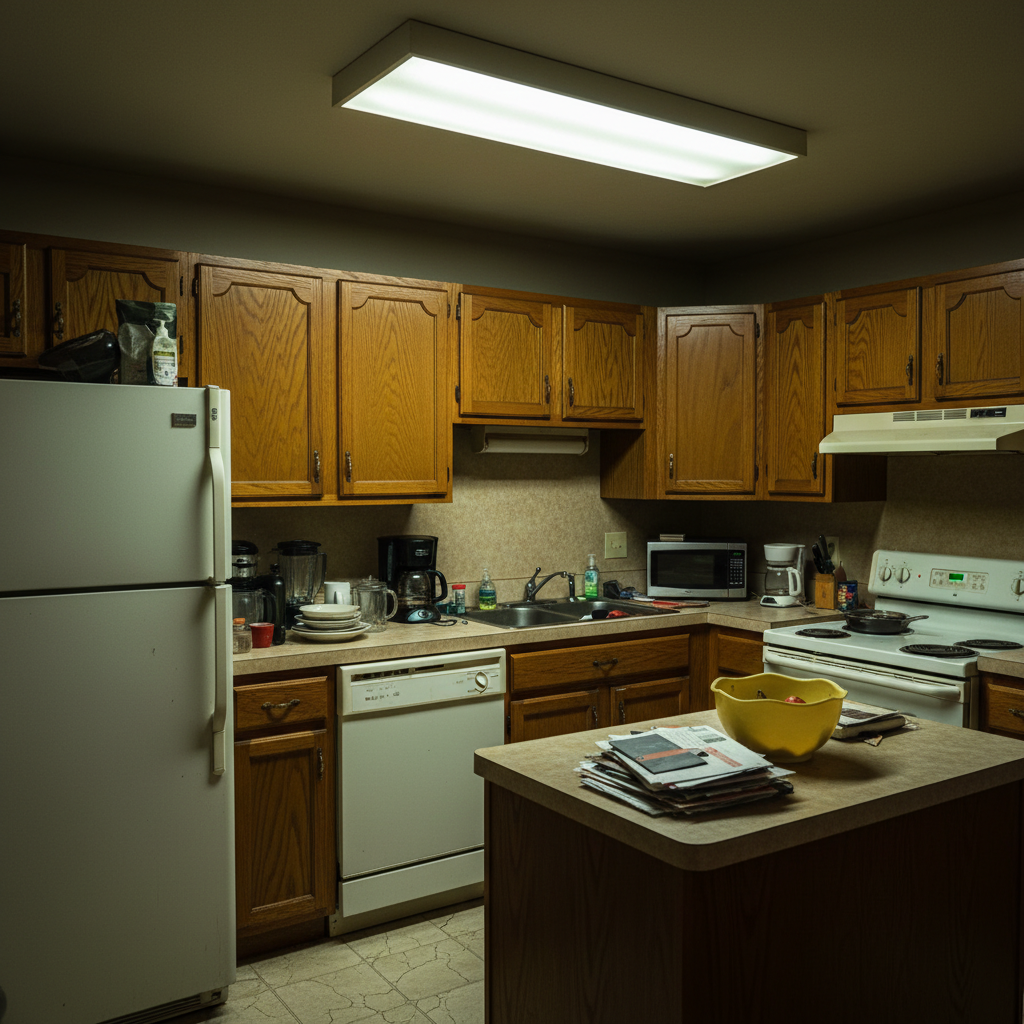
Upload photo to combine photos
"combine these photos into one continuous scene, blending the transition so it looks like one photo"
Free to try · no sign-up · photos are never shared
Release to upload
<30stypical edit
1 freeedit weekly
Photo on your phone?
Scan to open this editor there — free edit works on your phone too.
How it works
See it in action
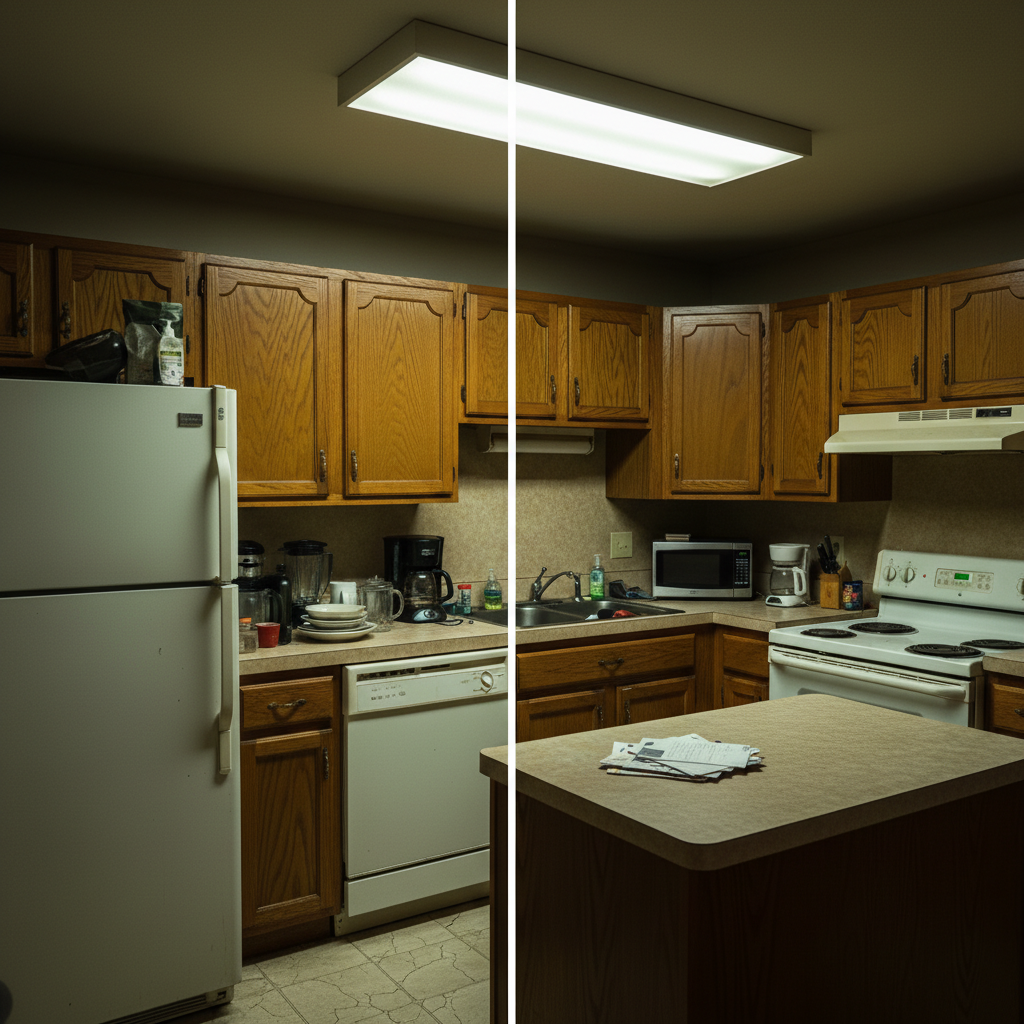
Before and after side by side
Home renovation photos combined into one comparison image. Clean side-by-side layout with visible divider makes the transformation easy to see.
Prompt:
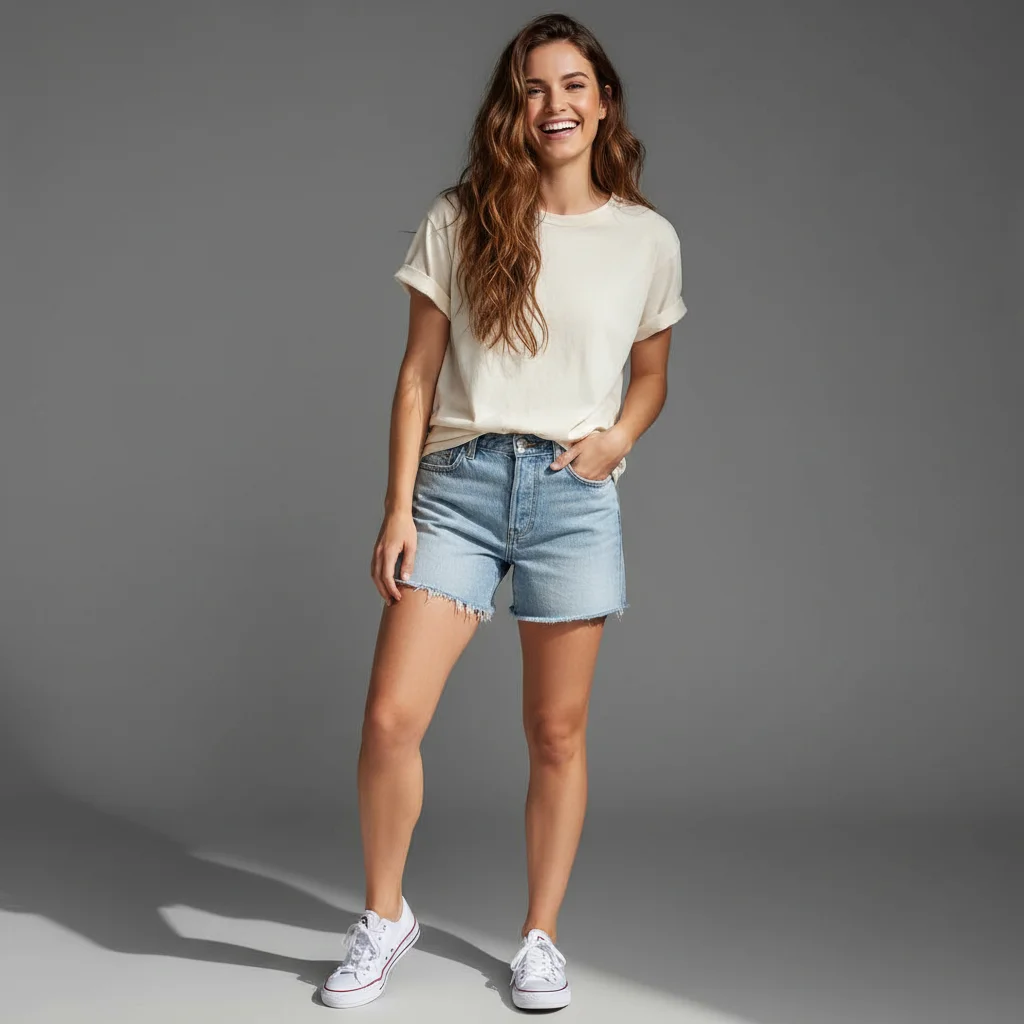
Add the woman from the reference photo into the group picnic picture. Make her look like she was there all along.
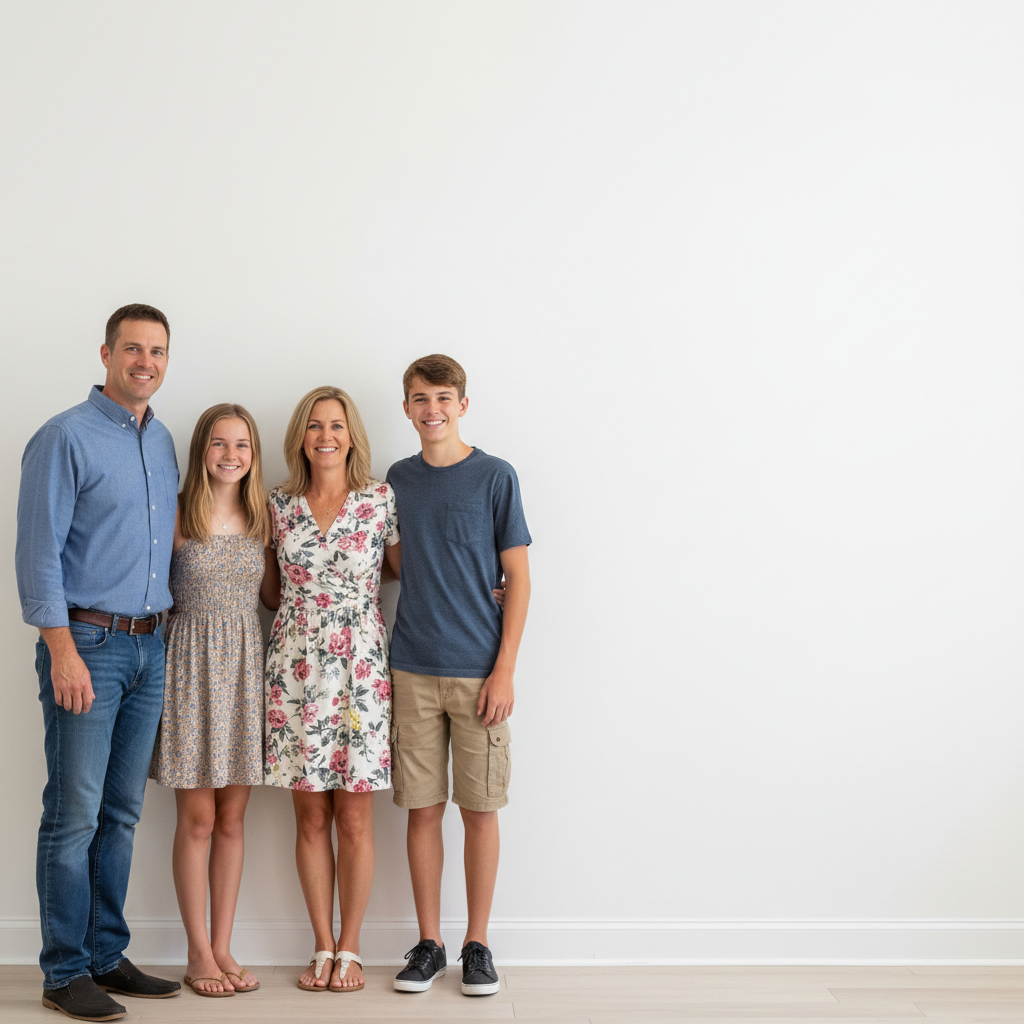
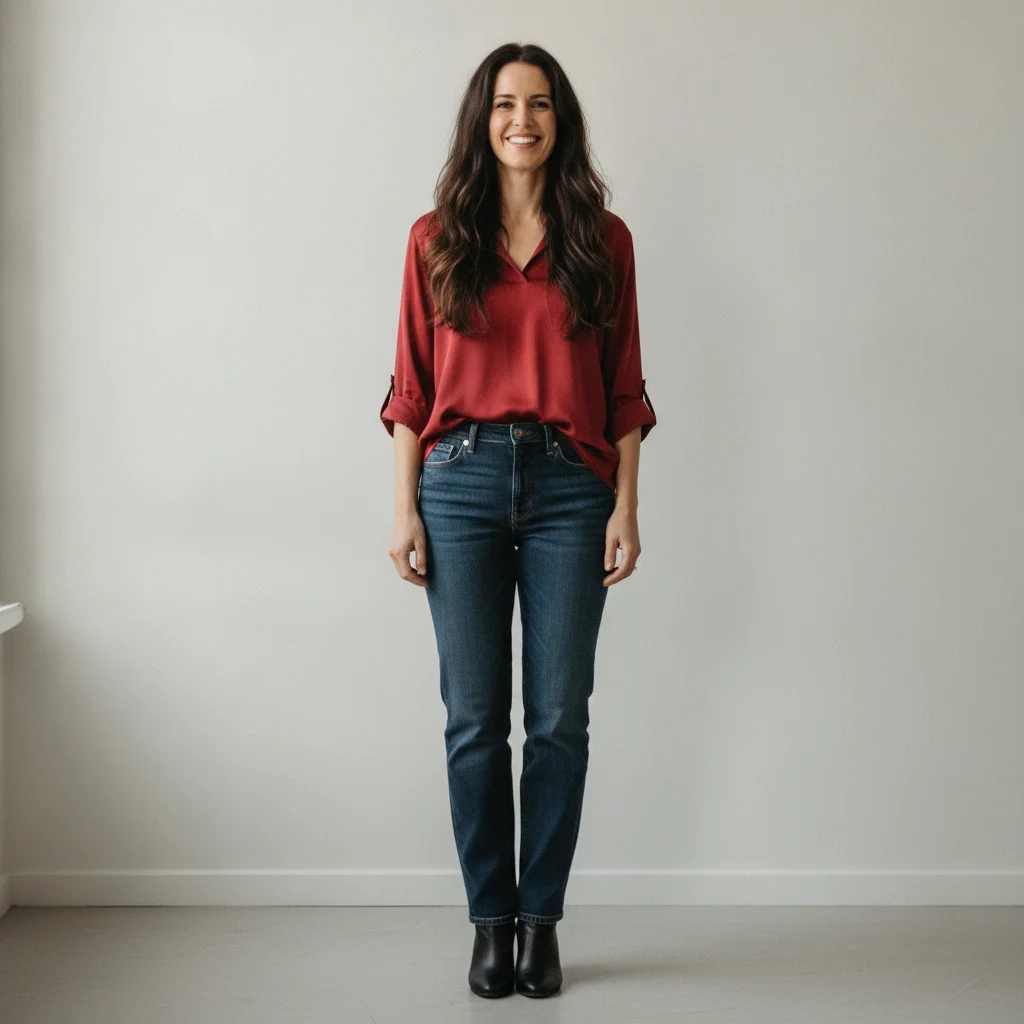
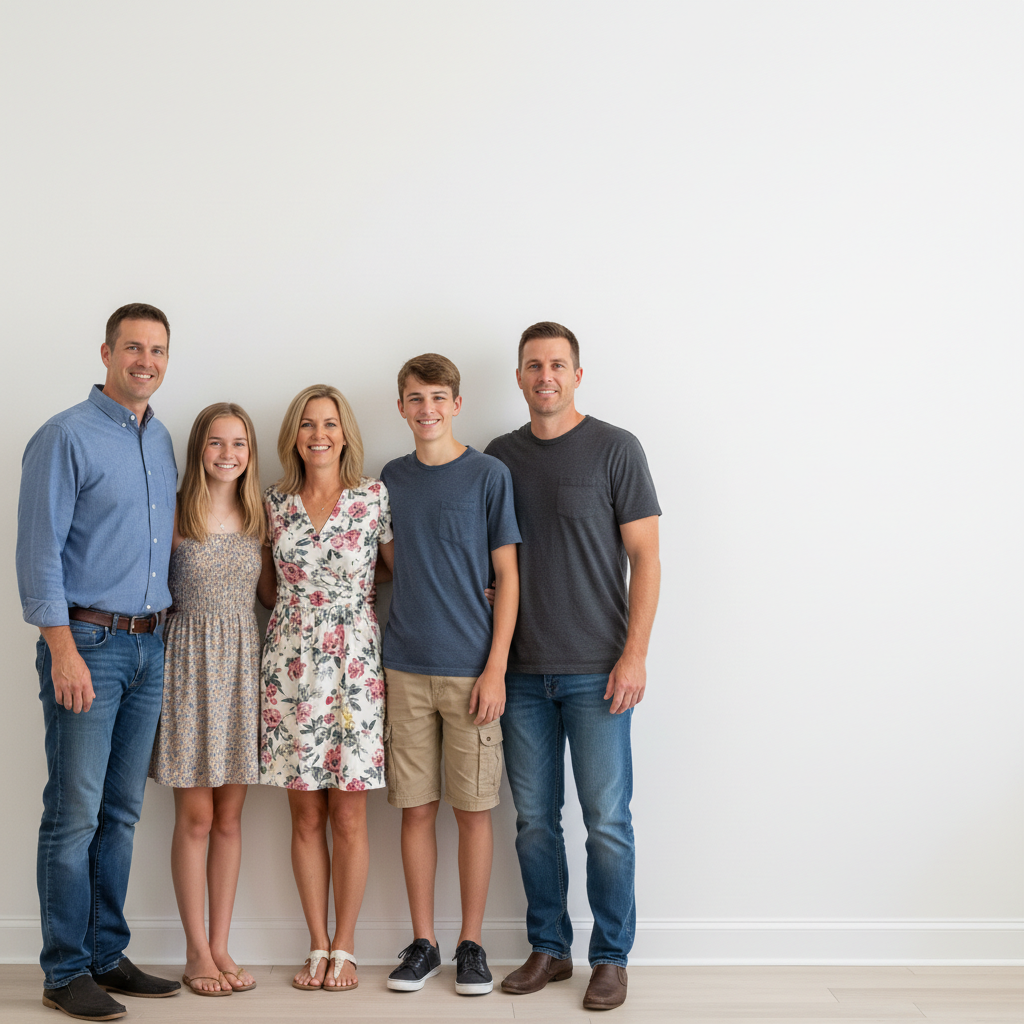
Family member added to group photo
Person from a separate photo combined into a family group shot. Positioned naturally to look like they were there when the photo was taken.
Prompt:
put the person from photo two into the family group from photo one, positioned on the right side of the group at the same scale
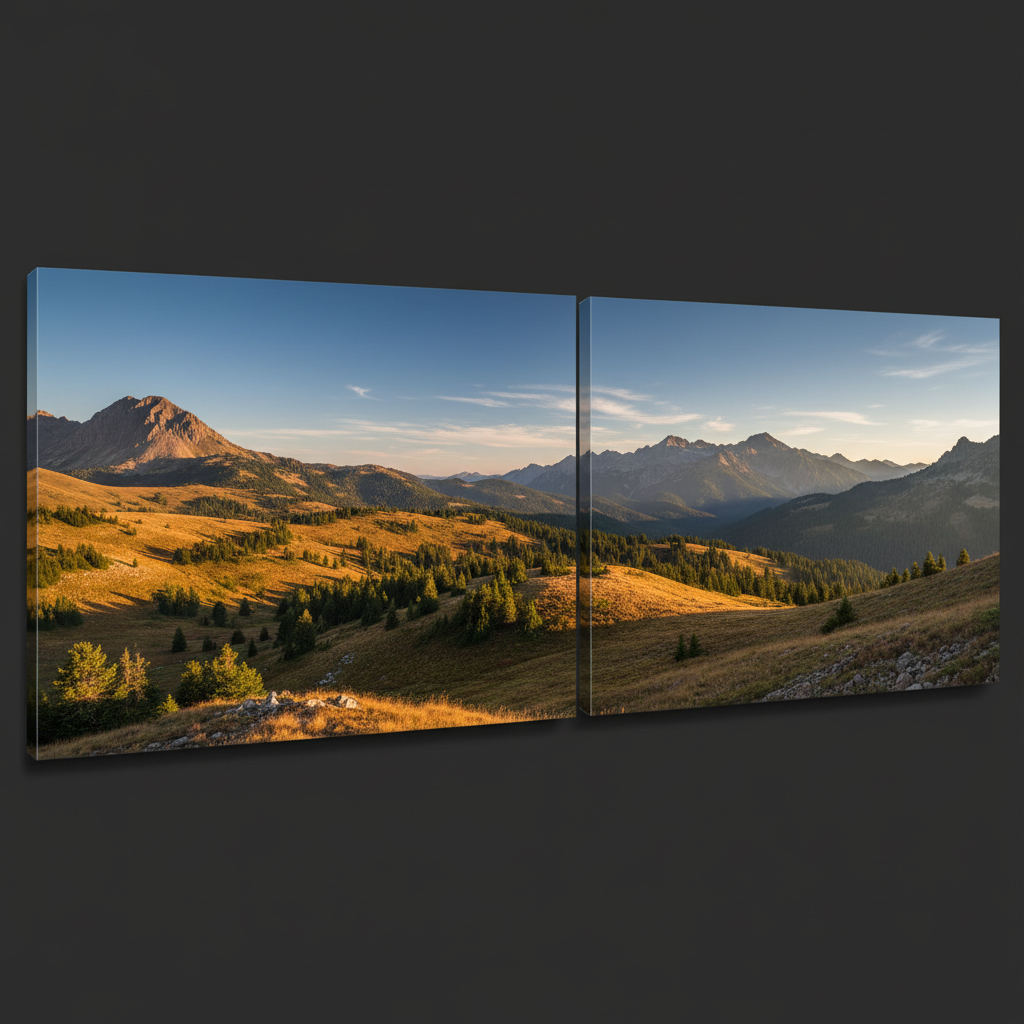
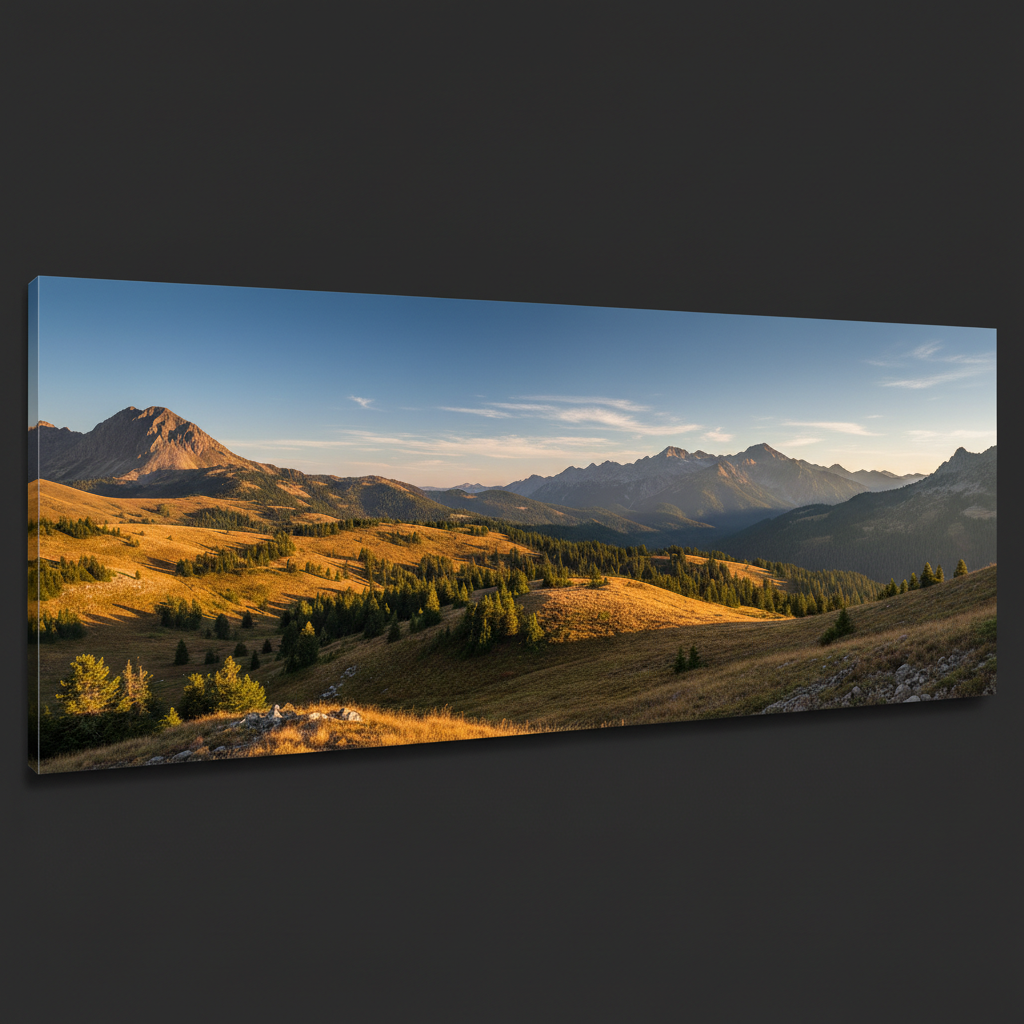
Landscape panorama merge
Two overlapping landscape photos merged into one wide panoramic view. The transition is seamless where the photos meet.
Prompt:
combine these landscape photos into one continuous panoramic image, blending the middle section where they overlap
Quick answers
Popular use cases
Ready to put your photos together?
Free to try. No signup required.