AI Group Photo Combiner
Last updated
Two group shots, nobody got everyone in one frame. Upload both and describe how to merge them into a single complete photo.
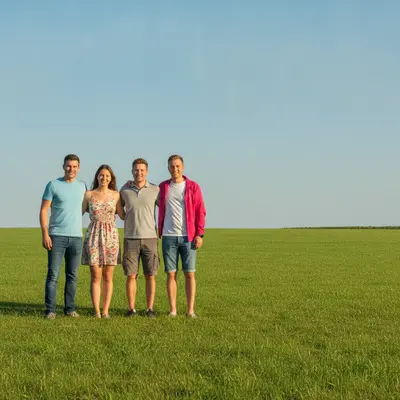
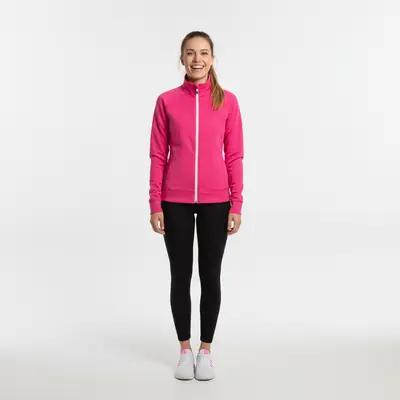
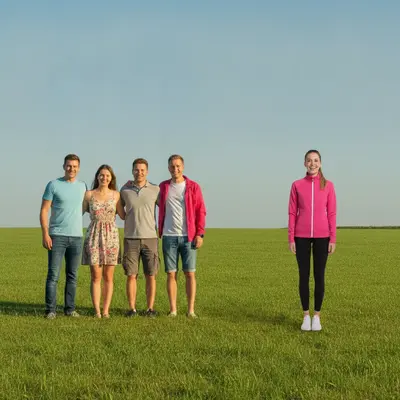
Upload photo to combine group photos
"combine both groups into one family photo, with the people from photo two standing to the right of the people in photo one, matched lighting throughout"
Free to try · no sign-up · photos are never shared
Release to upload
How it works
See it in action
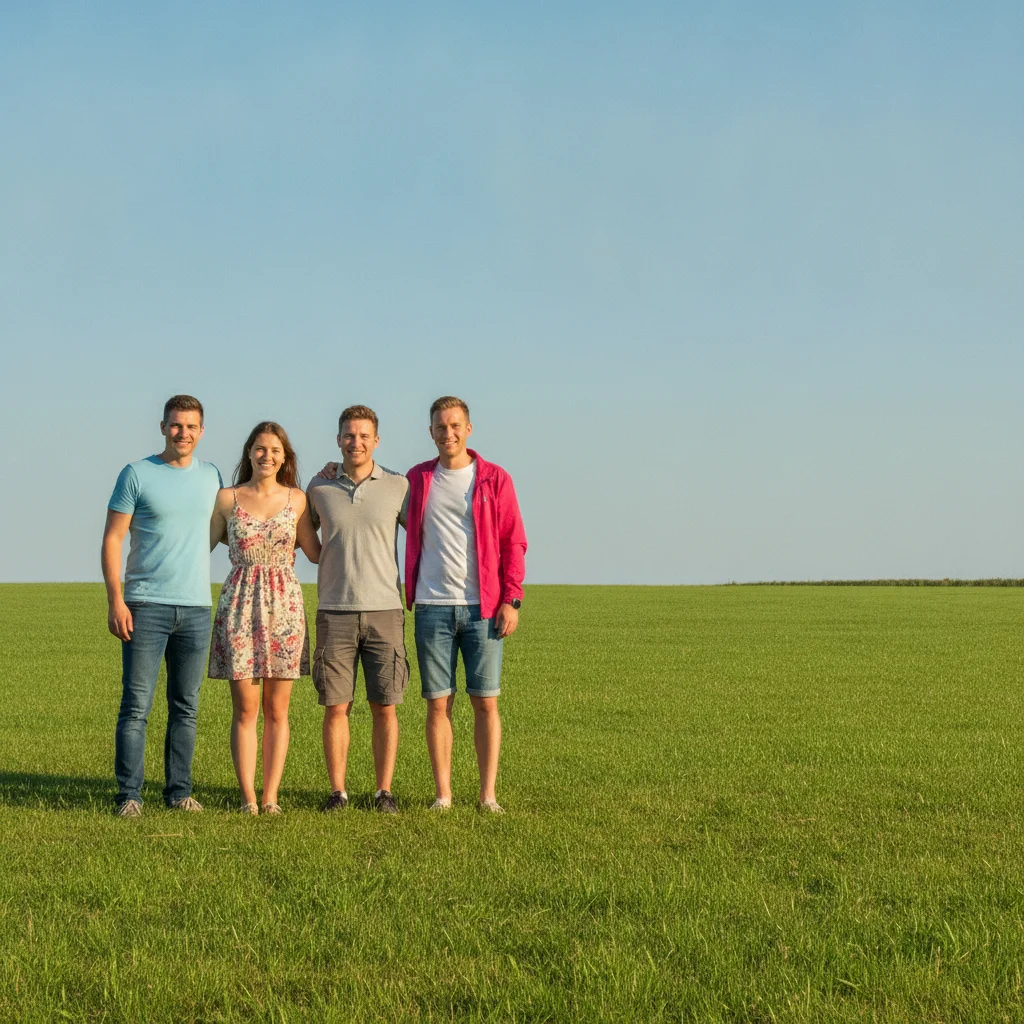
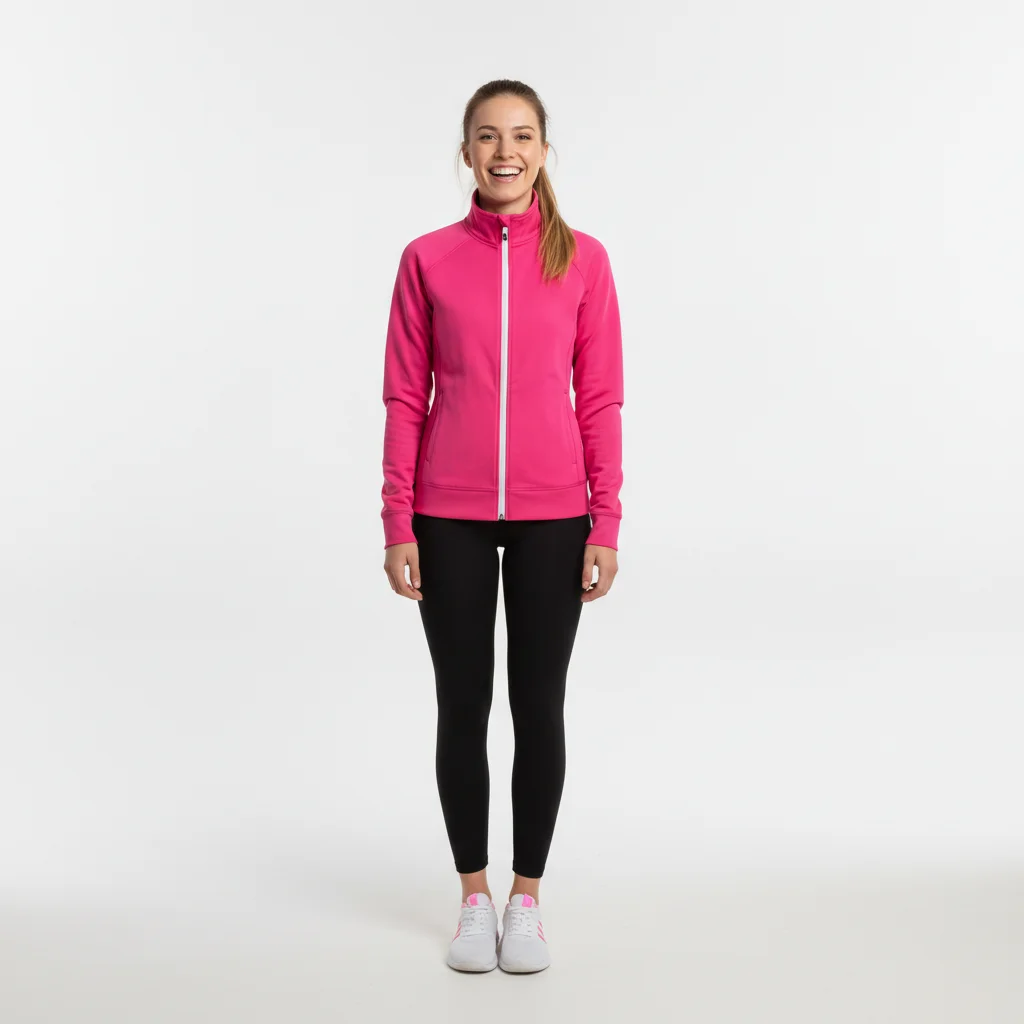
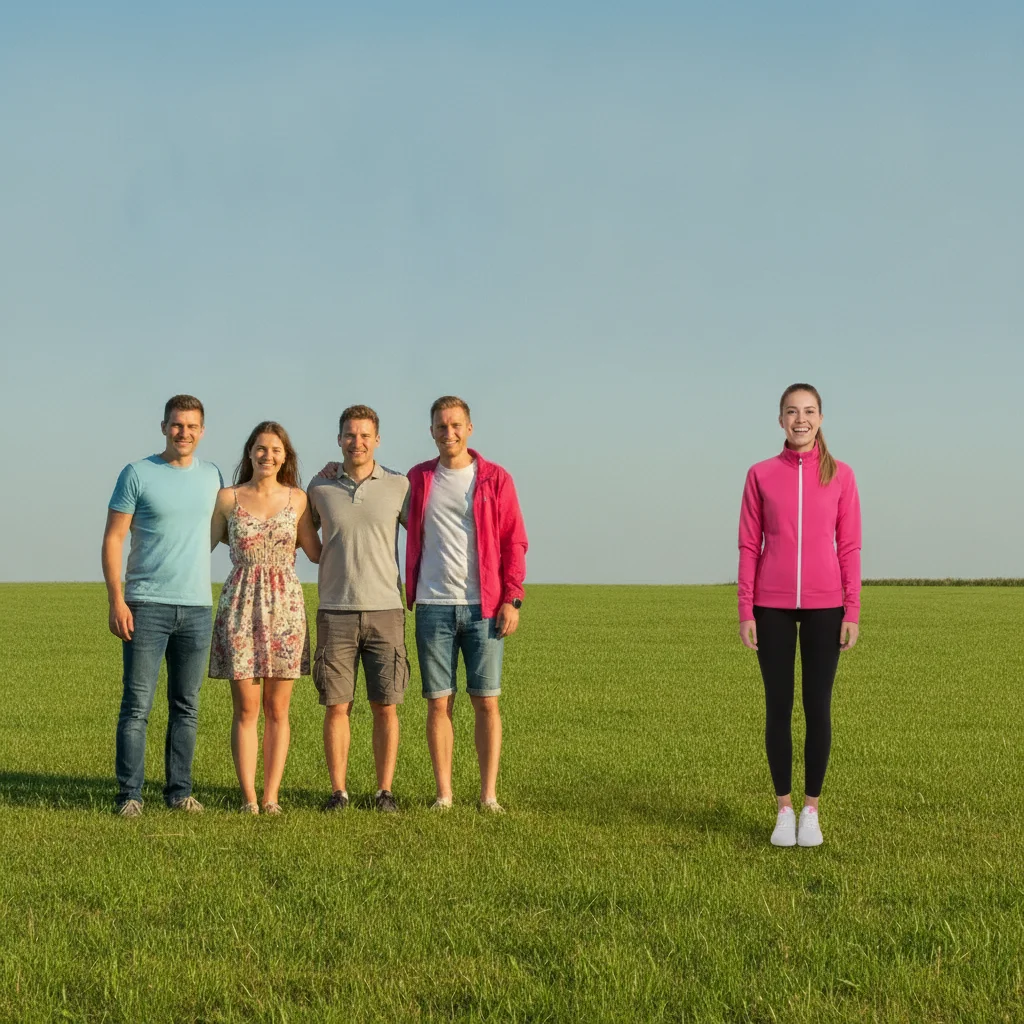
Photographer added into the group photo
The person who took the photo is merged into the group, standing at the end of the row with matched sunny outdoor lighting.
add this person from the reference photo standing at the right end of the group, matching the pose and bright outdoor lighting of everyone else
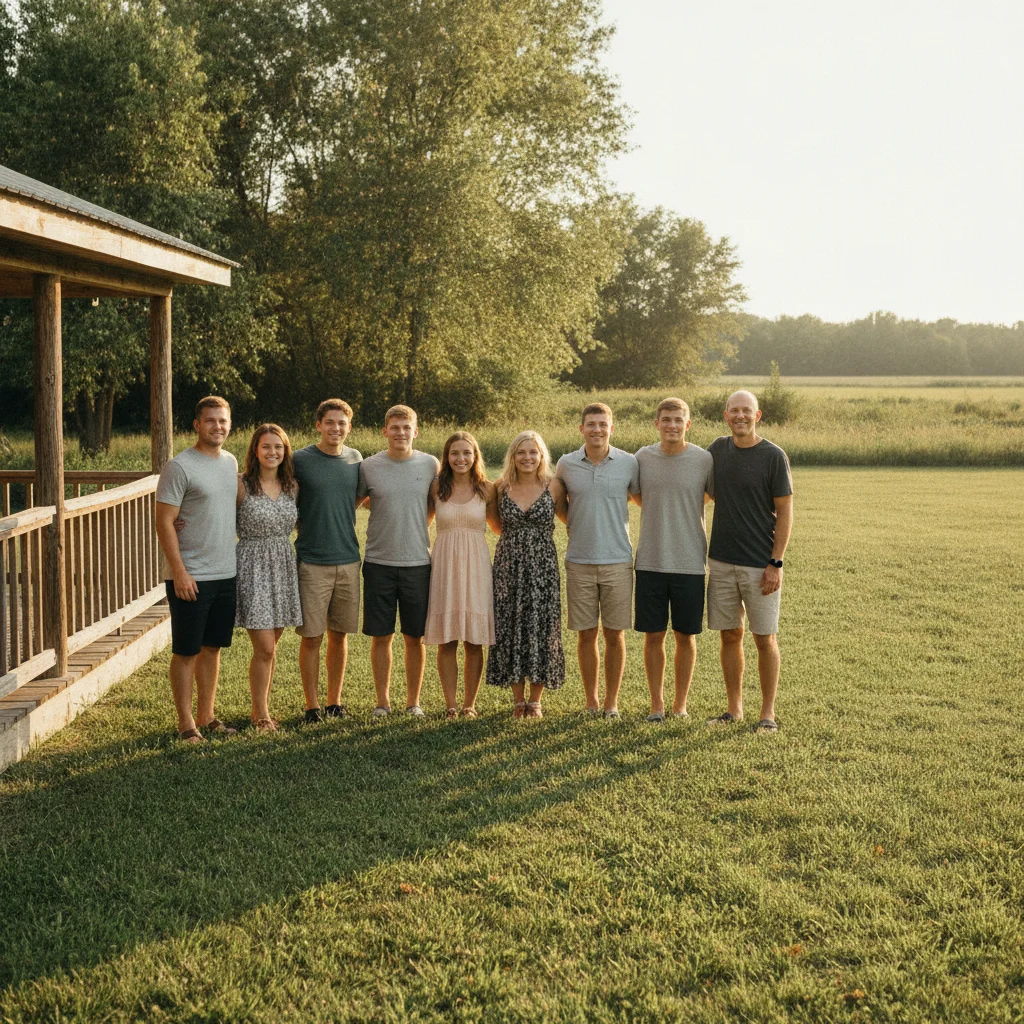
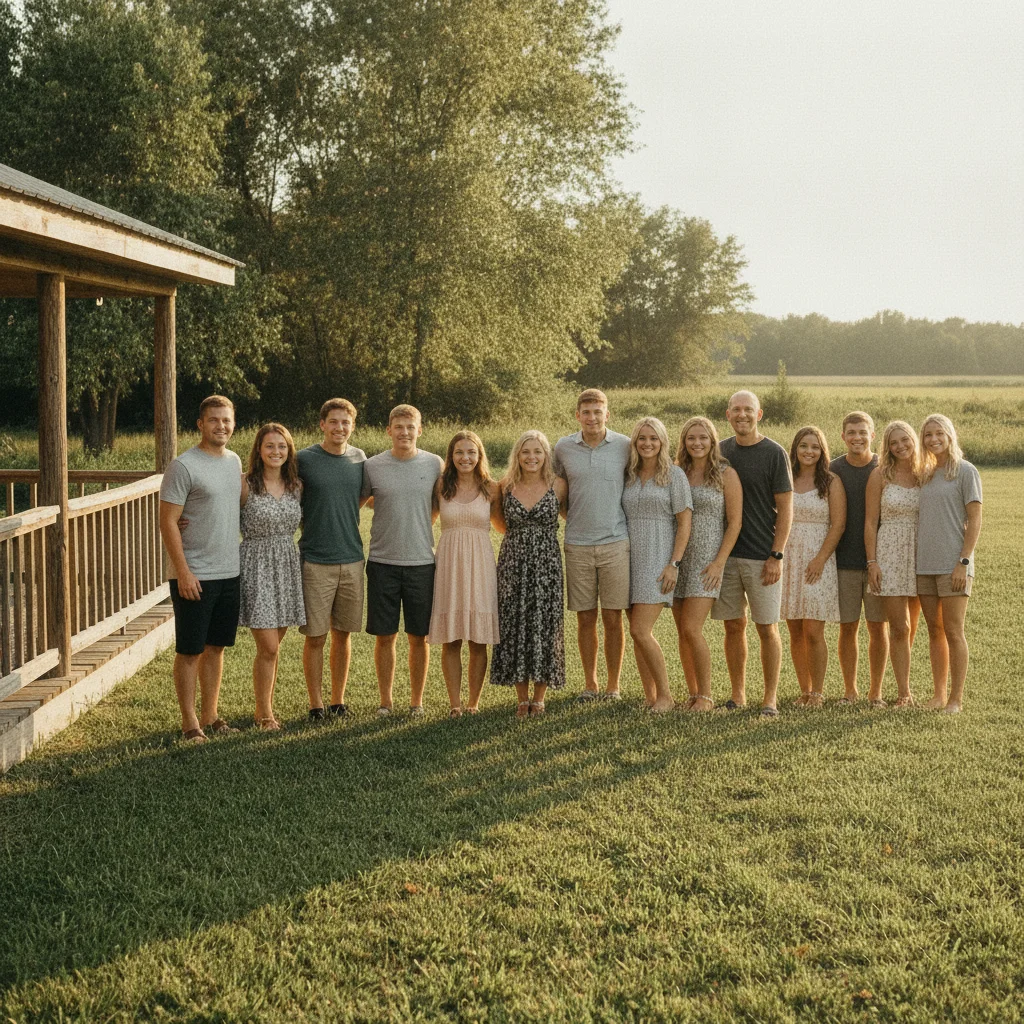
Split family reunion photo combined
Two halves of a family who couldn't fit in one frame at the reunion are merged into a single complete family portrait.
combine both groups into one family photo, with the people from photo two standing to the right of the people in photo one, matched outdoor lighting throughout
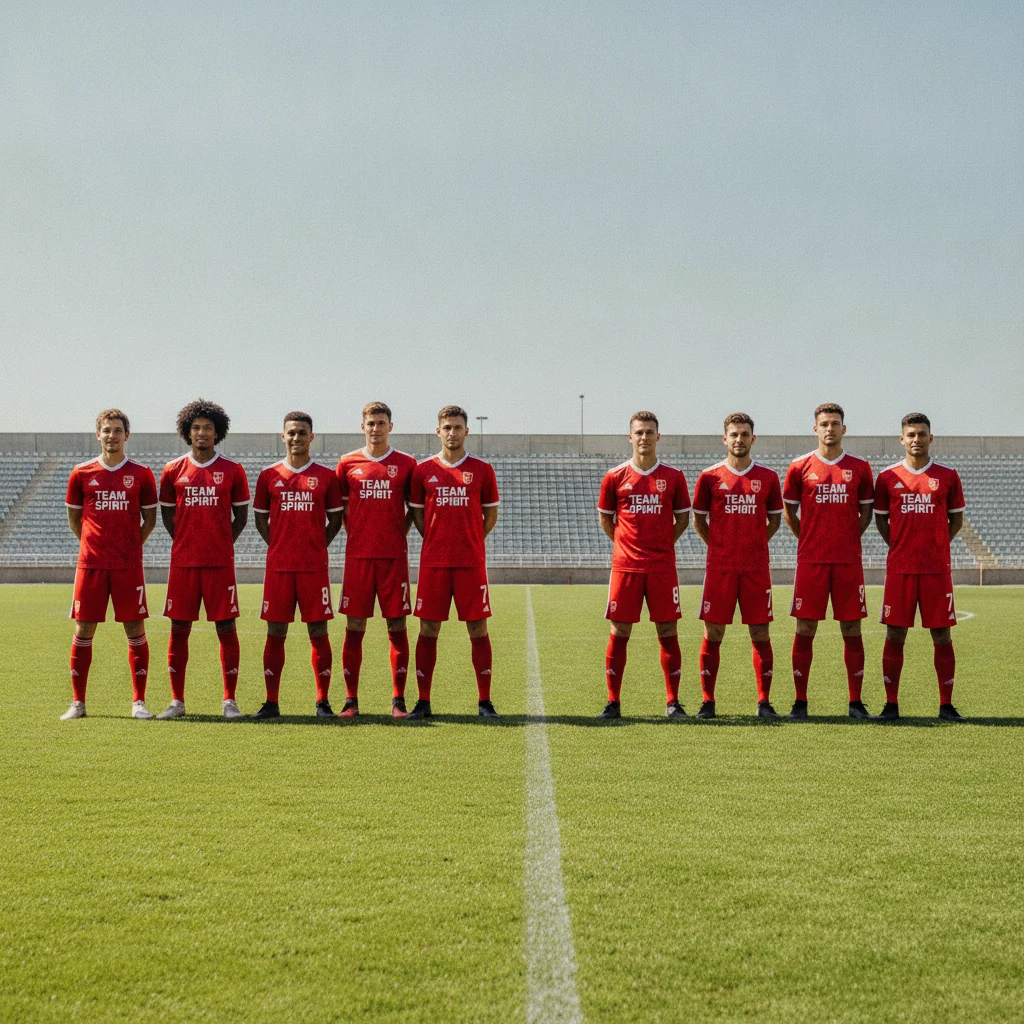
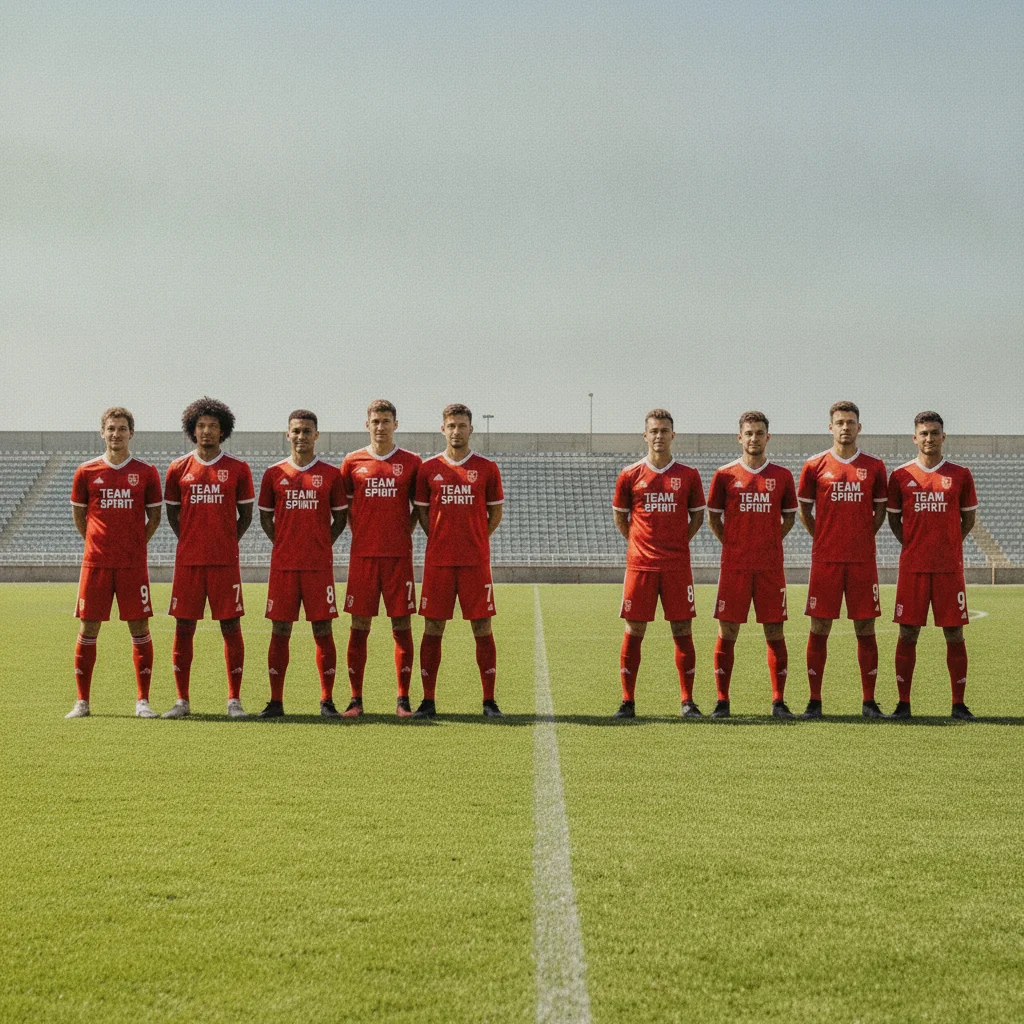
Two halves of a team photo united
A sports team split across two shoots — half in the morning, half in the afternoon — merged into one team photo with consistent lighting.
add everyone from the reference photo into the empty space on the right of the main photo, same scale and lighting as the existing team
Quick answers
Popular use cases
Ready to finally get everyone in one photo?
Free to try. No signup required.