Put Two People in One Photo
← Browse all creative effectsLast updated
Upload a photo of each person and describe the scene you want them sharing. Not a side-by-side collage — one real-looking photo of them together.
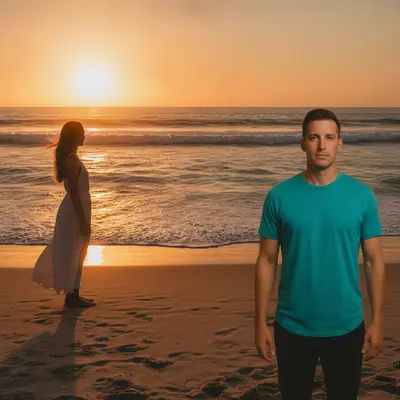
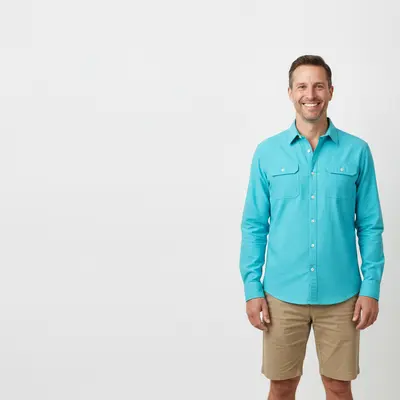
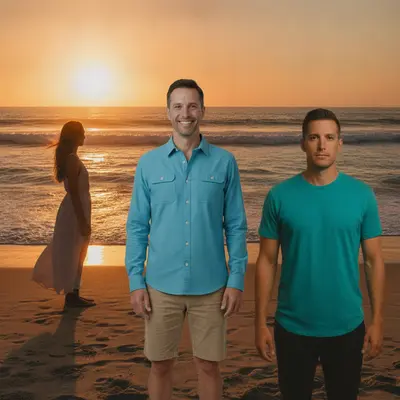
Upload photo to combine people
"add the second person next to the first, both facing the camera and smiling, as if this photo was taken on the same day in the same place"
Free to try · no sign-up · never used for AI training
Release to upload
How it works
See it in action
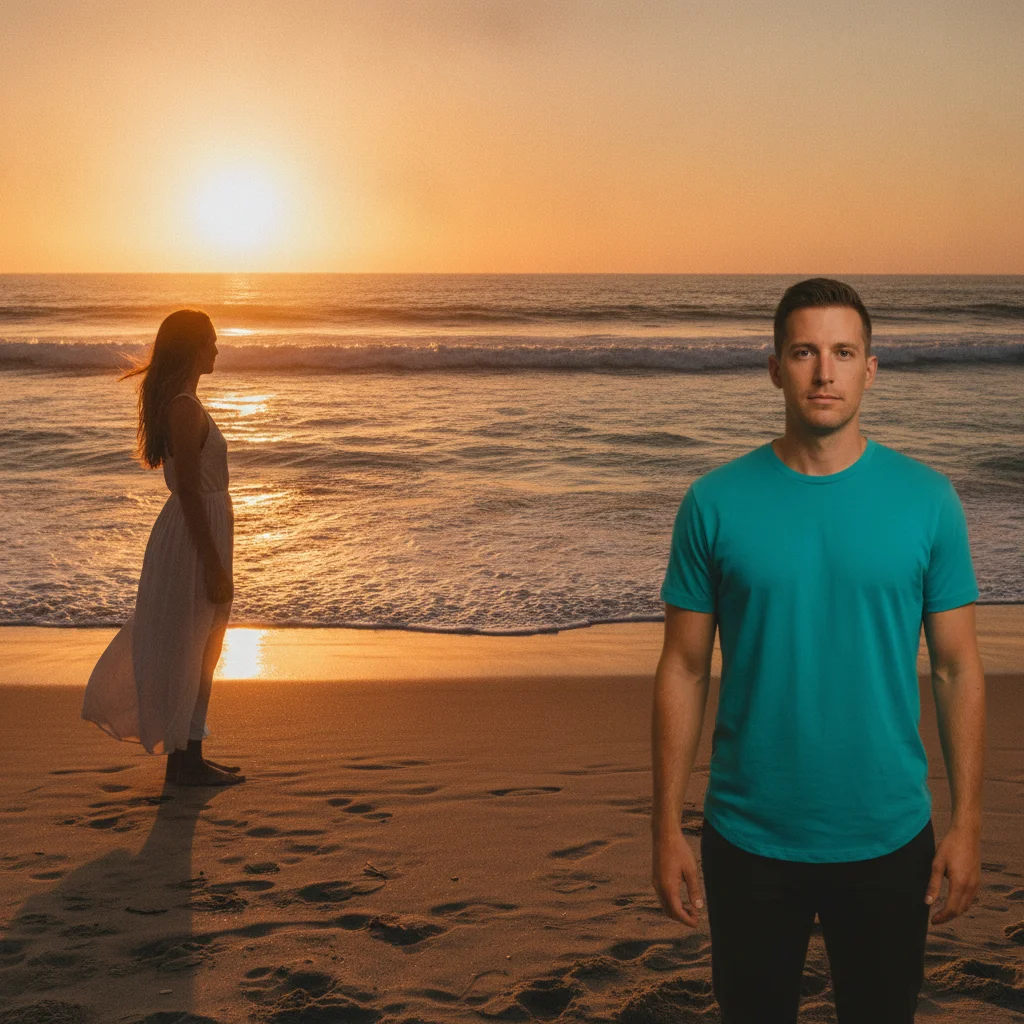
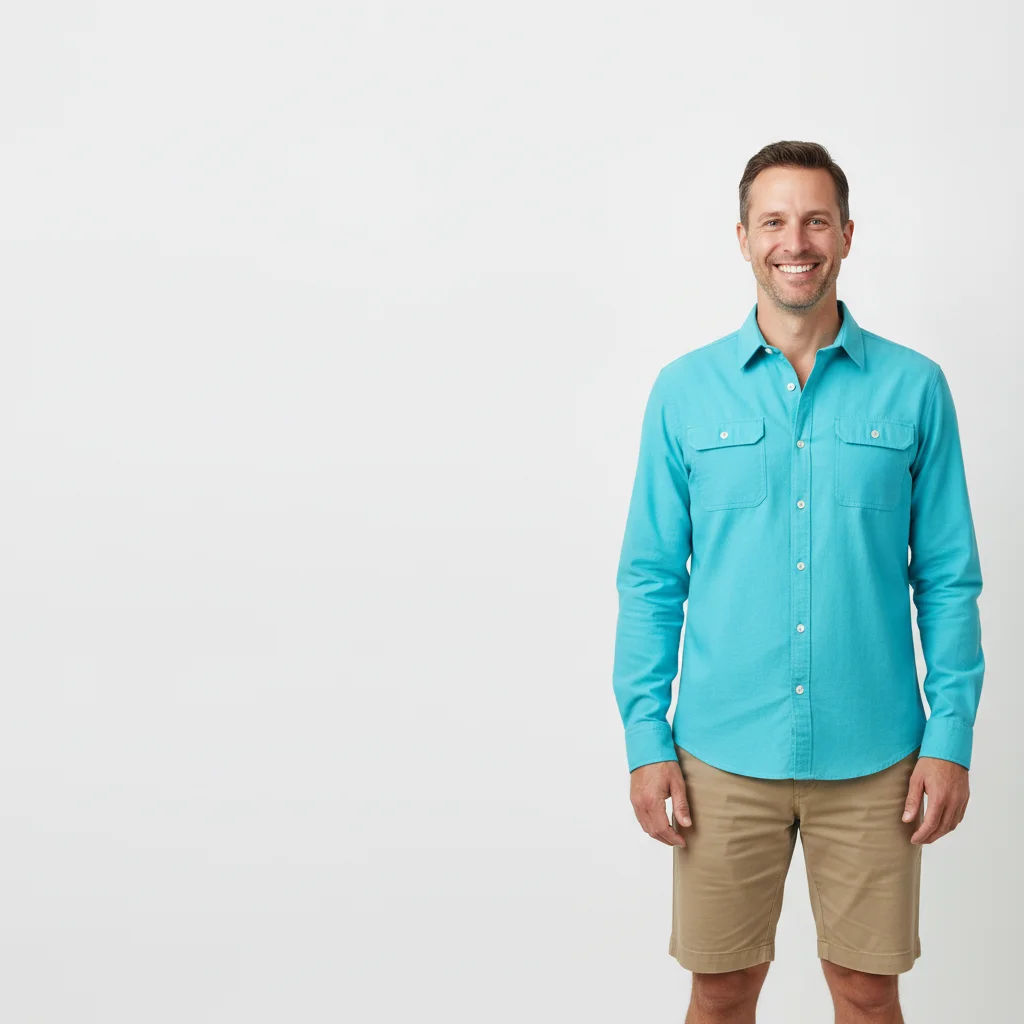
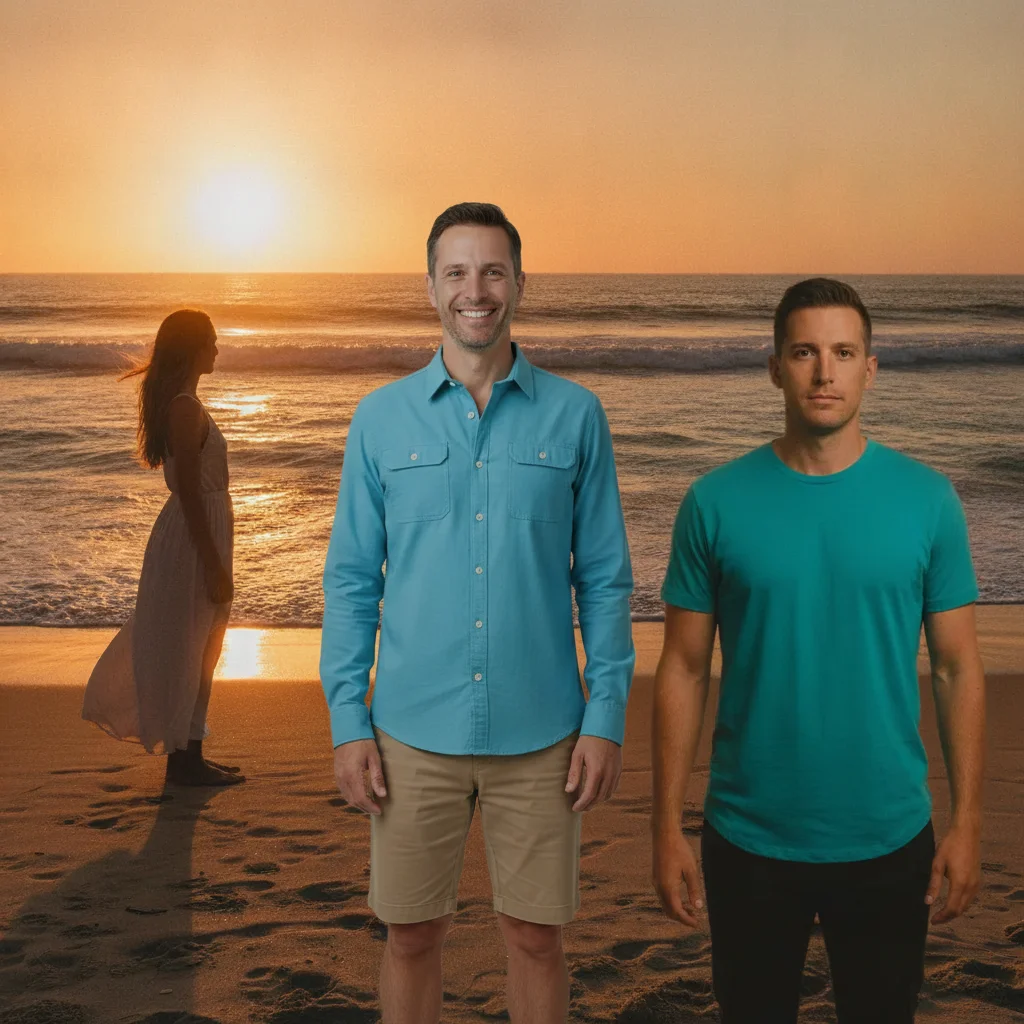
Couple combined into one beach photo
Two people who had never been photographed on the same trip are placed together on the same stretch of sand, matched to the same sunset light.
put these two people standing side by side on this beach at sunset, close together, matching the warm golden light on both of them
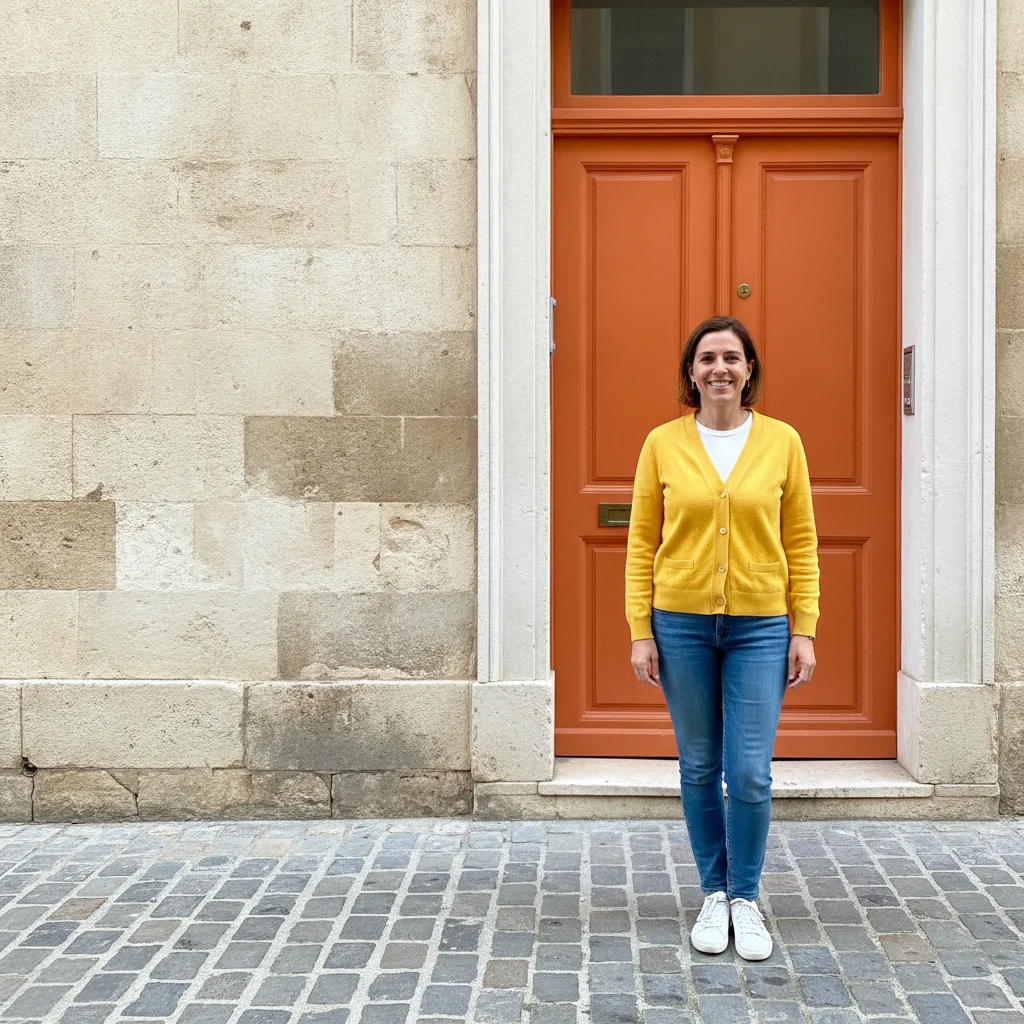
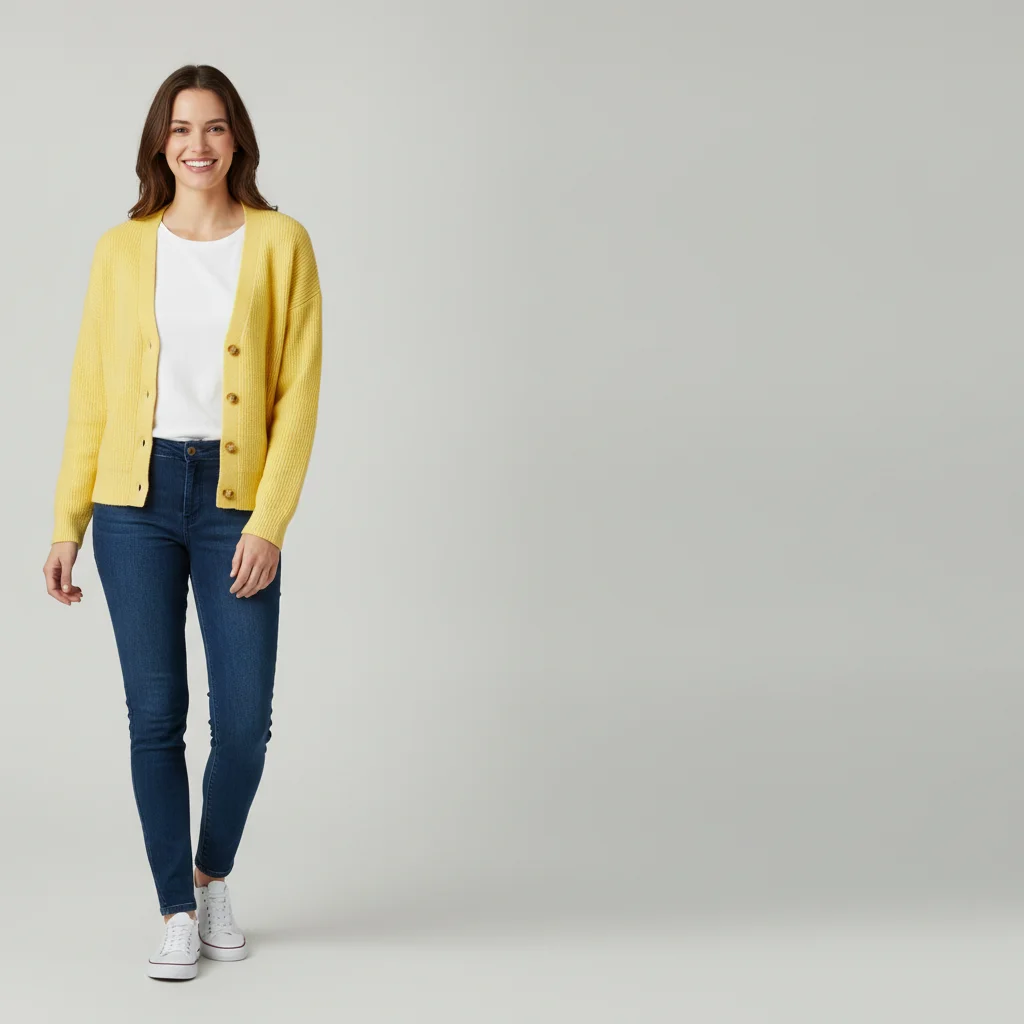
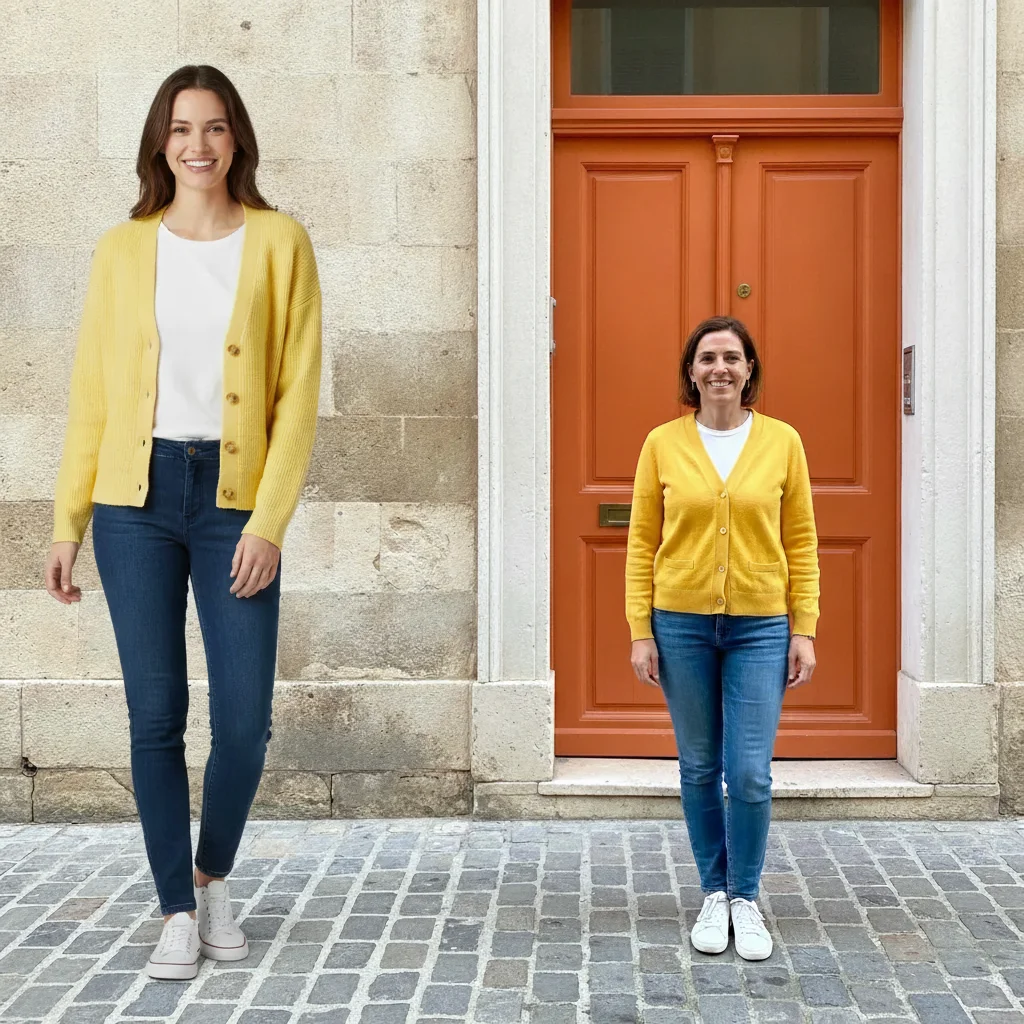
Two childhood friends reunited
Two friends who live on opposite coasts and haven't been in the same photo in years, combined into one candid shot in front of a bright orange doorway.
add the second person next to the first, both facing the camera and smiling, in front of this same doorway, as if this was taken on the same visit
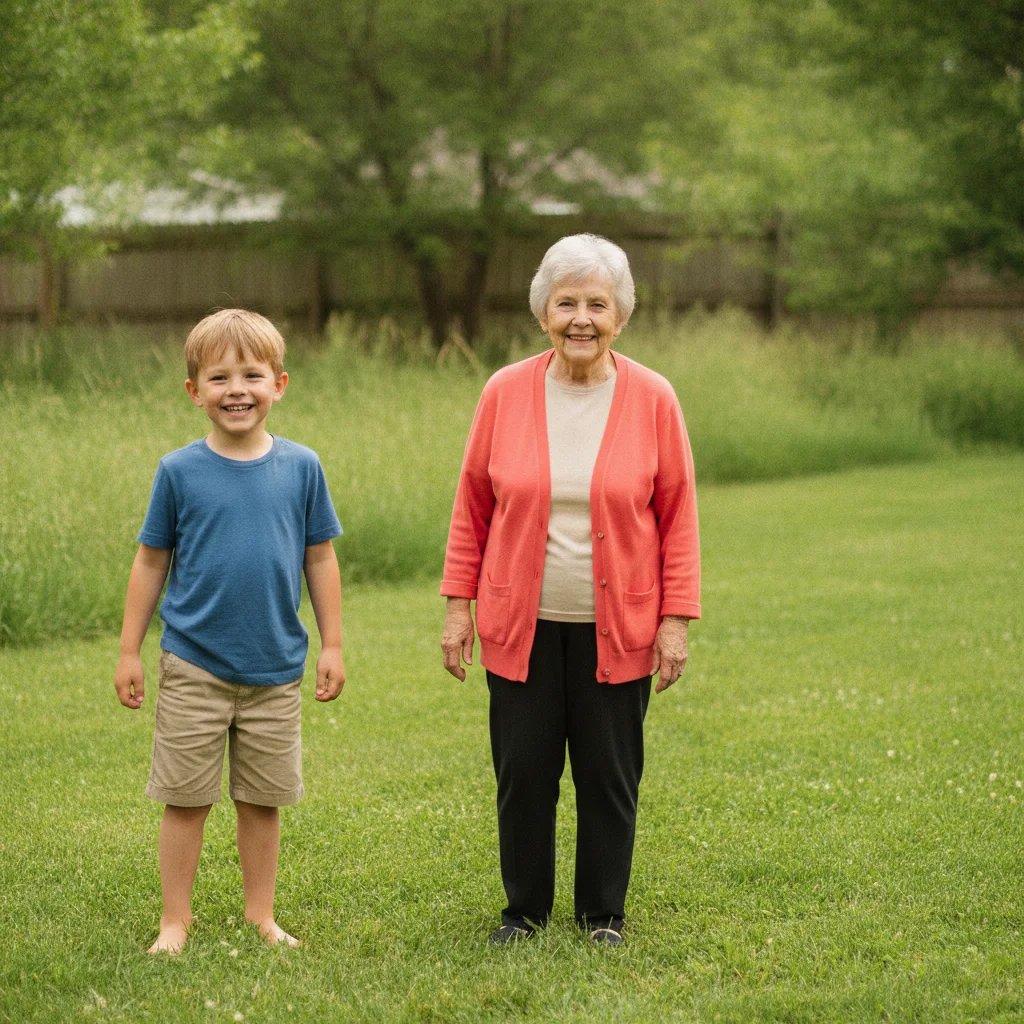
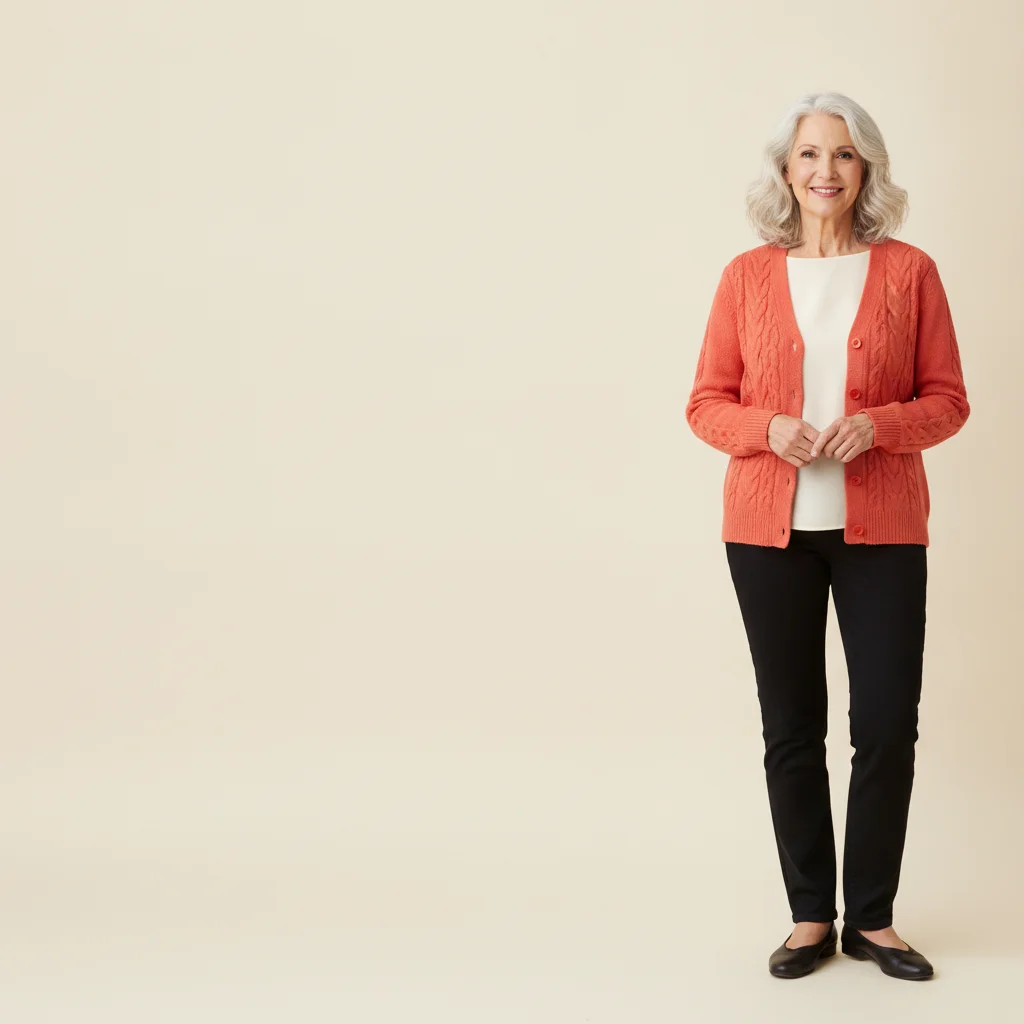
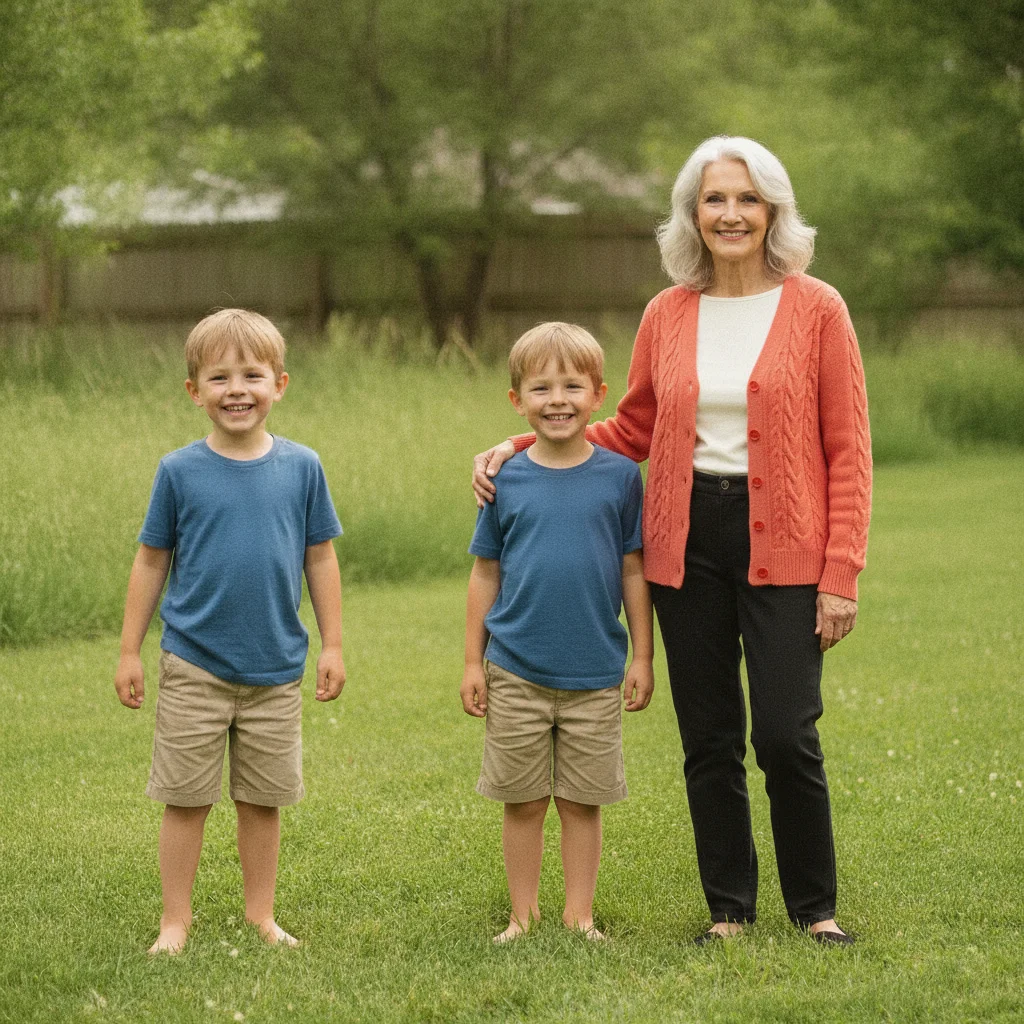
Grandmother and grandson in one photo for the first time
A grandmother who lives overseas is combined into a photo with her grandson in his backyard, matched to the same soft afternoon light.
put the grandmother from the reference photo standing next to the boy in the backyard, arm around his shoulder, soft afternoon light matching both
What it can and can’t do
- Takes one photo of each person and describes the scene you want them sharing; it is not a side-by-side collage.
- The scene, pose and distance are set by your description, not by dragging; “standing close together, facing the camera” works better than a vague prompt.
- Likeness depends on the quality of each source photo. Sharp, front-facing, well-lit photos give the closest result.
- Matching light and perspective between two different photos is done by AI and can look slightly off, especially with very different backgrounds.
- Hands, accessories and small text are the most likely details to drift.
- One free edit per week with no account; more attempts use credits.
Free vs. paid when combining two people
Combining two separate photos often needs a retry to settle pose and spacing.
| Free edit | Paid credits | |
|---|---|---|
| Retries | One attempt per week | Each retry uses a credit |
| Cost | One free edit per week, no account needed | One-time credit packs (12-month validity), no subscription required |
| Result | Free to preview | Purchased downloads are clean, with no watermark |
| Versions | One result per edit | Paying users can generate several versions of an edit at once |
| Pro mode | Not available on the free edit | Available with credits; costs more credits than a Fast edit |
Quick answers
Ready to get you both in one photo?
Free to try. No signup required.