Pricing Add Person · Free

Add a Person to a Photo Without Photoshop

← Browse all body & person tools

Last updated

No layer masks, no selection tools, no subscription. Upload both photos and type a sentence describing where the person goes.
01Photo 1
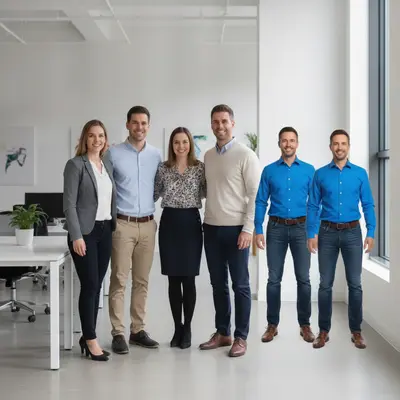
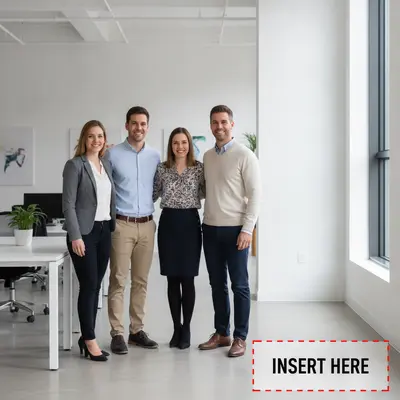
Four coworkers in an office with open space at the right, and a man in a blue shirt alone
02Photo 2
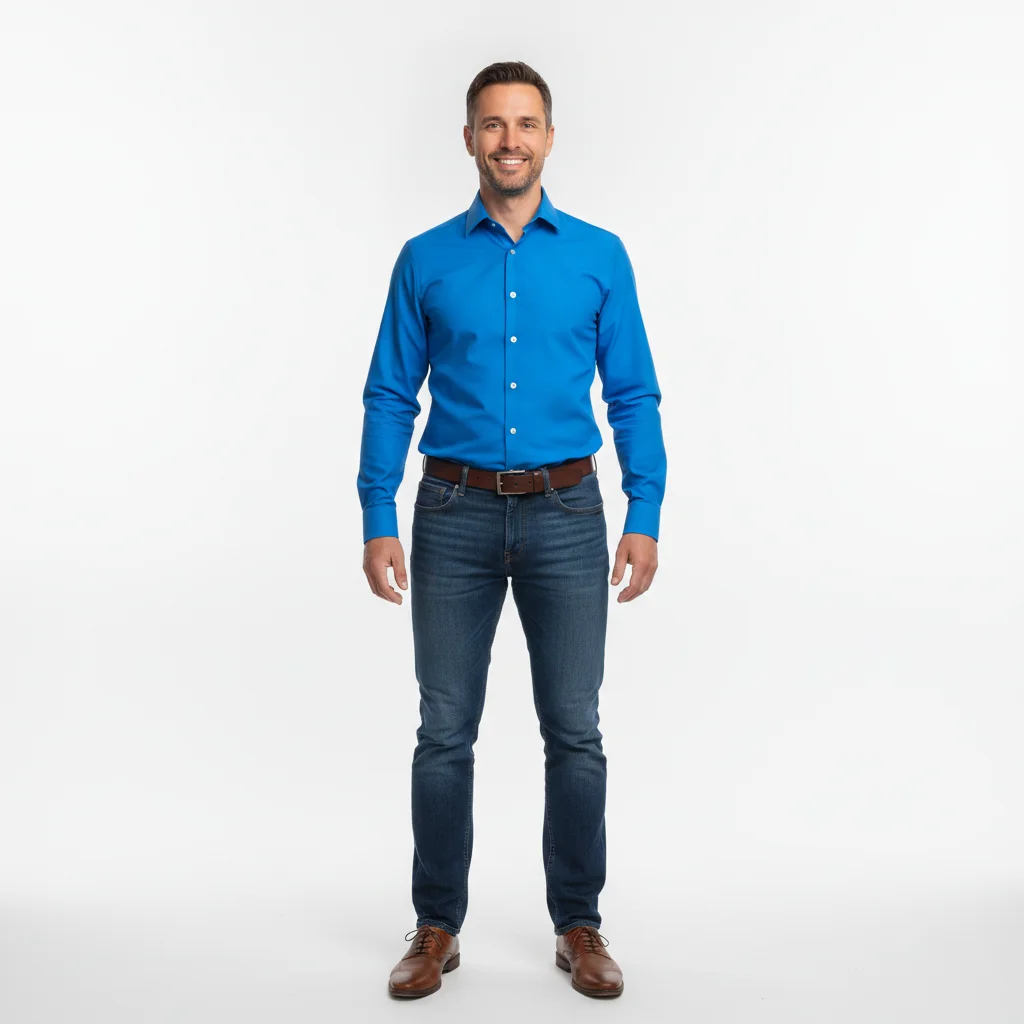
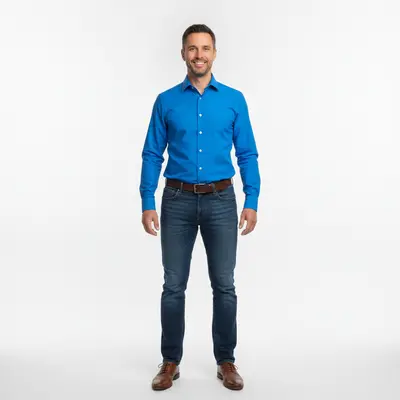
Man in a bright blue shirt to be added to the group
03Result
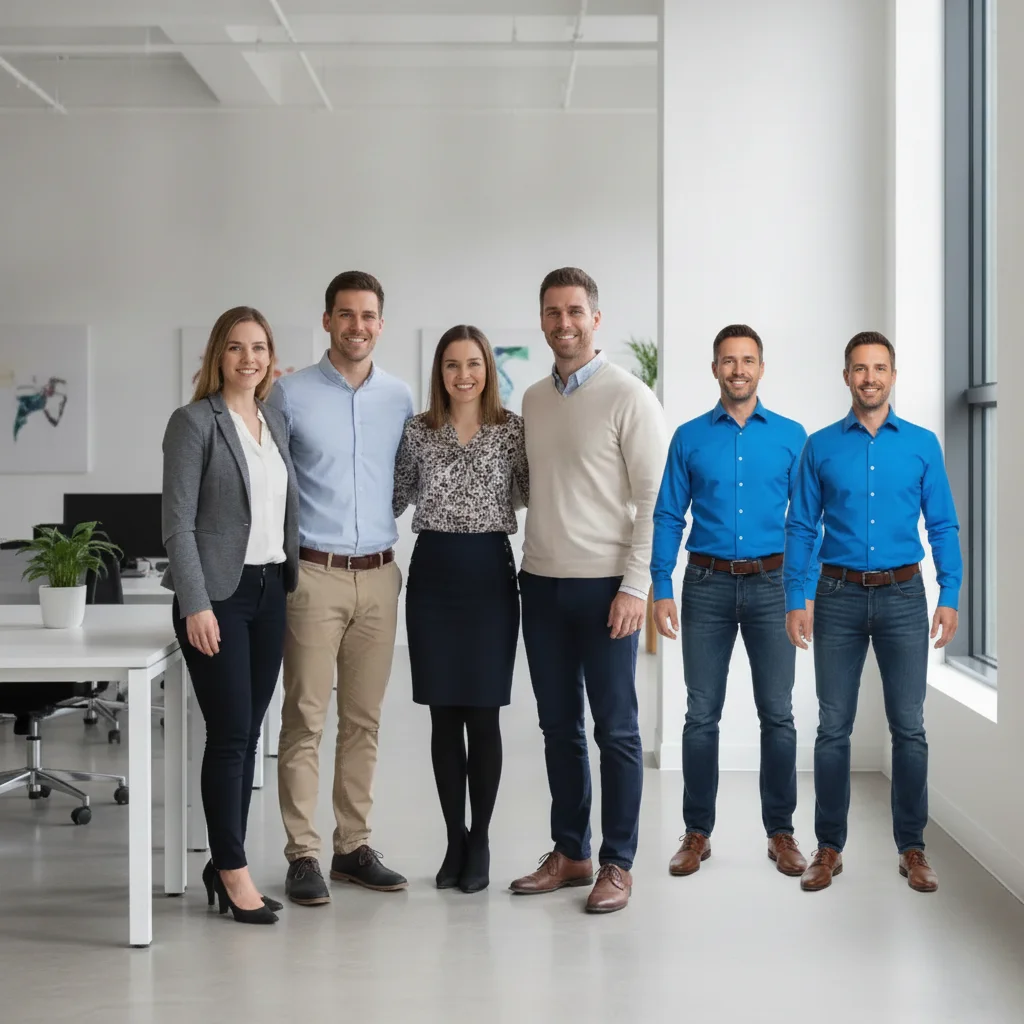
Complete group of five coworkers, with the man now added at the right end

Upload photo to add person

"add the person from the reference photo into this outdoor scene, standing naturally in the middle ground, with a realistic shadow beneath them"

Free to try · no sign-up · photos are never shared

Release to upload

<30stypical edit
1 freeedit weekly
Photo on your phone? Scan to open this editor there — free edit works on your phone too.

1 free edit every week·paid packs after

How it works

  1. Upload your main photo

    Drop in the photo you want the person added to. There's no need to prep a layer, cut a background, or plan a selection — just upload the photo as it is. JPG, PNG, WebP up to 7MB.

    Expect: A clear photo with some open space where the person should go makes a first attempt easier; tighter or busier scenes may need one refinement.
  2. Add the person as a reference photo

    Click '+ Add reference image' and upload a clear photo of the person you want to add. This replaces the cut-out, layer, and mask work a tool like Photoshop would need — the AI extracts the person automatically.

    Tip: A reference photo with good lighting and a visible face gives the cleanest result, no manual background removal required.

    Copy one of these to get started:

    Add a person to a group without any editing skills add this person standing on the right side of the group, matching the lighting and scale of everyone else
    Add a person into a different background add the person from the reference photo into this outdoor scene, standing naturally in the middle ground, with a realistic shadow beneath them
    Add someone missing from a photo add this person in the empty space on the left, facing the camera like the others, matching the indoor lighting
    Add a person seated at a table add this person sitting in the empty chair, hands resting on the table, matching the warm restaurant lighting
    2 more prompts
    Add a person and adjust after seeing the result make the added person slightly smaller and move them a bit further to the right, keeping everything else the same
    Add a person to a formal portrait add this person into the formal group portrait, standing at the end of the row, even studio-style lighting matching the rest of the group
  3. Describe where they go, in one sentence

    Type your instruction: 'add this person standing on the right side, matching the lighting and scale of the rest of the photo.' This one sentence replaces the selection, transform, and blend steps a photo editor would normally require.

    Tip: Be specific about position and lighting direction — the more detail in your sentence, the less manual selection work you'd have needed anyway.

    Copy one of these to get started:

    Add a person to a group without any editing skills add this person standing on the right side of the group, matching the lighting and scale of everyone else
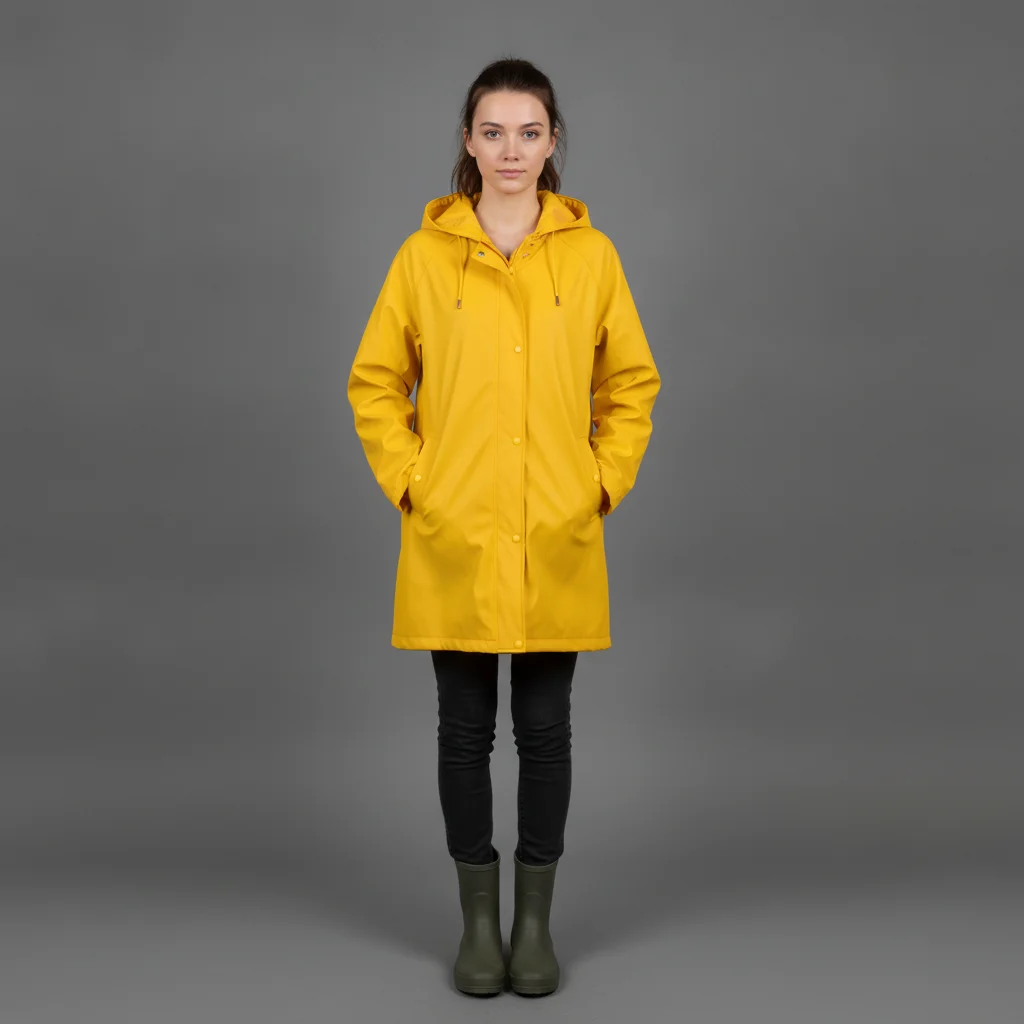
    Add a person into a different background add the person from the reference photo into this outdoor scene, standing naturally in the middle ground, with a realistic shadow beneath them
    Add someone missing from a photo add this person in the empty space on the left, facing the camera like the others, matching the indoor lighting
    Add a person seated at a table add this person sitting in the empty chair, hands resting on the table, matching the warm restaurant lighting
    2 more prompts
    Add a person and adjust after seeing the result make the added person slightly smaller and move them a bit further to the right, keeping everything else the same
    Add a person to a formal portrait add this person into the formal group portrait, standing at the end of the row, even studio-style lighting matching the rest of the group
  4. Review and refine

    Check that the person's scale, lighting, and pose look natural. If something's off, describe the fix in another sentence, or tap a marker on the exact spot — still no layers or masks required.

    Tip: Treat each refinement like a follow-up sentence, not a new edit from scratch — the AI keeps the rest of the photo as it was.

See it in action

Four coworkers in an office with open space at the right, and a man in a blue shirt alone
Main Photo
Man in a bright blue shirt to be added to the group
Reference
Complete group of five coworkers, with the man now added at the right end
Result

Person added to a group photo, no editing software

A missing group member is added to the end of the row using a single sentence, no selection tools or layers involved.

Prompt: add this person standing on the right side of the group, matching the lighting and scale of everyone else
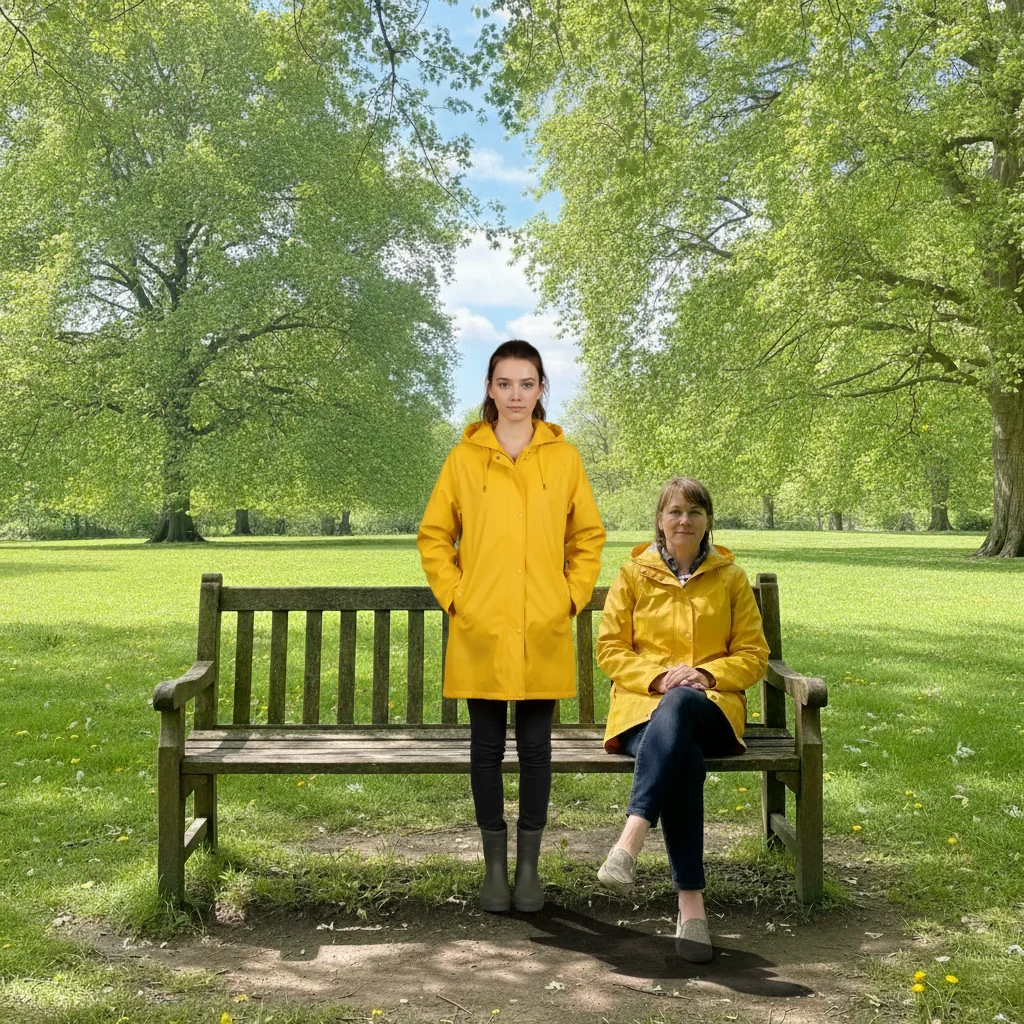
Empty park bench in sunlight, and a woman in a yellow raincoat alone against a plain background
Main Photo
Woman in a bright yellow raincoat to be added to the park scene
Reference
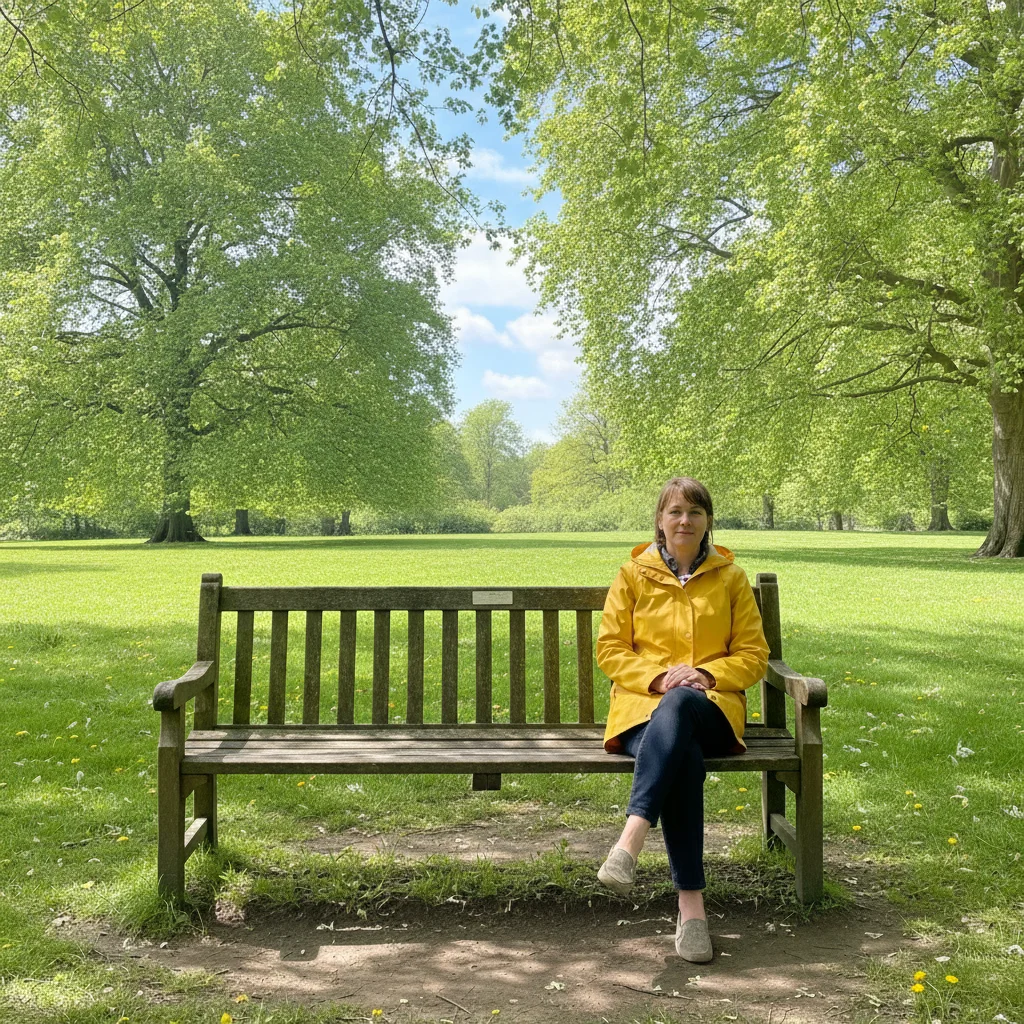
Same park scene with the woman now standing naturally near the bench, shadow included
Result

Person added into a different scene

A person from a plain reference photo is placed into an empty park bench scene, with a realistic shadow, no manual cut-out required.

Prompt: add the person from the reference photo into this outdoor scene, standing naturally in the middle ground, with a realistic shadow beneath them
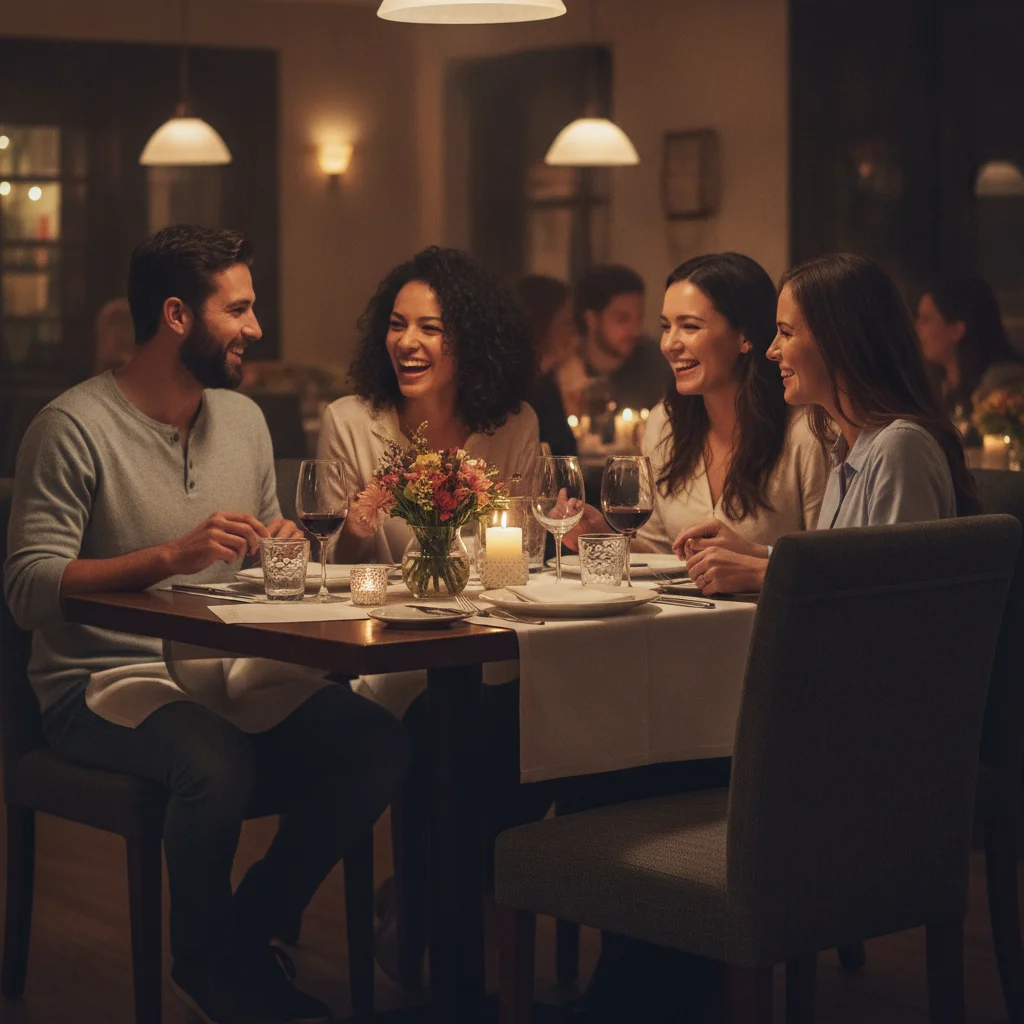
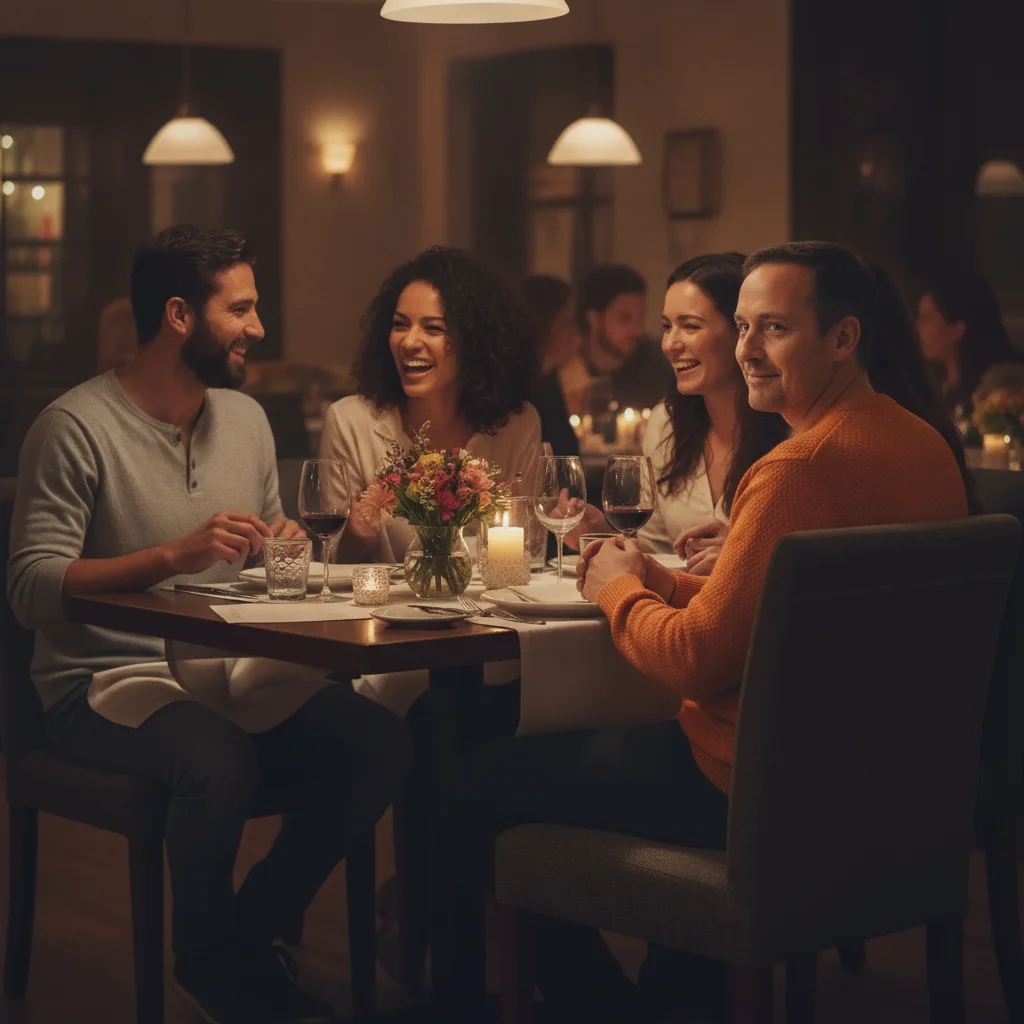
Restaurant table with three people and one empty chair, and a man in an orange sweater seated alone
Main Photo
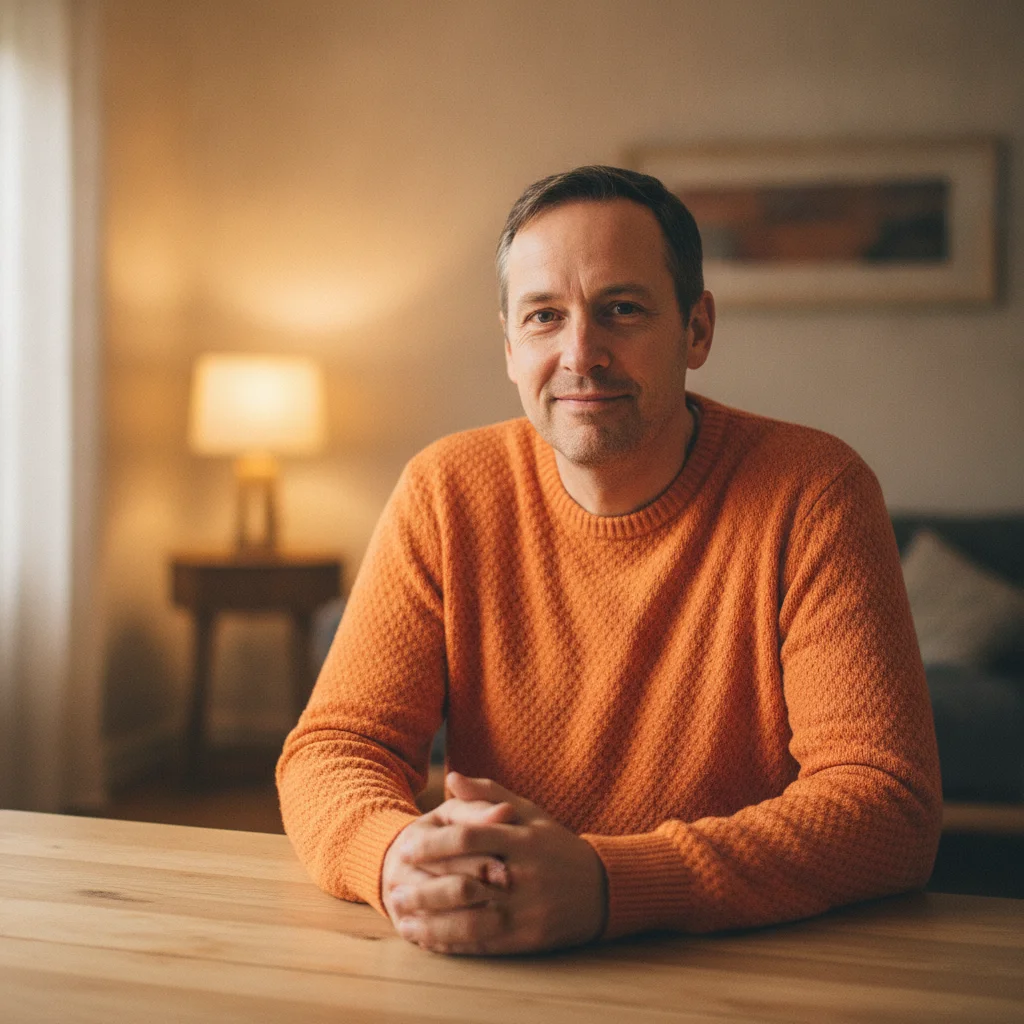
Man in a bright orange sweater to be added to the empty chair
Reference
Complete table of four, with the man now seated in the previously empty chair
Result

Person added seated at a table

A missing dinner guest is added seated at an empty chair, hands resting on the table, matched to warm restaurant lighting.

Prompt: add this person sitting in the empty chair, hands resting on the table, matching the warm restaurant lighting

Quick answers

Do I need to select or mask the area myself?

No. Describe where the person should go — 'add them standing on the right' — and the AI handles what a selection tool and layer mask would normally do. No marking needed for a first attempt.

How do I add a person to a photo without Photoshop?

Upload your main photo, add a clear photo of the person as a reference image, then describe where they go in one sentence, like 'add them on the right, matching the lighting.' The AI places, scales, and blends them. Free, no account, no software to install.

Is this actually as good as doing it in Photoshop?

Photoshop gives you full manual control — layer masks, precise selections, custom blending — which takes real skill and time to learn. This approach trades some of that control for speed: describe the placement in a sentence and review the result, refining with more sentences if needed. It's built for people who don't have Photoshop or don't want to learn it.

Do I need any editing experience to use this?

No. There are no layers, no selection tools, and no software to install. Upload two photos, type a sentence describing the placement, and review the result. It runs in your browser.

Can I still make precise adjustments, like Photoshop's fine controls?

Yes, through refinement sentences and optional tap markers rather than manual tools. Describe a specific change — 'move them slightly left' or 'make the shadow softer' — or tap a marker on the exact spot to point the AI at it.

Is adding a person to a photo without Photoshop really free?

Yes — you get 1 free edit per week with no account required. Credit packs start at $4.99 for 10 edits if you need more.

How much does EditThisPic cost?

You get 1 free edit per week — no account needed. After that, one-time credit packs start at $4.99 for 10 edits, valid 12 months, no subscription. Power users who edit daily can pick Studio Membership, a monthly workspace at $49.99/mo for 300 edits. Purchased downloads are clean with no watermark.

Ready to add someone without touching Photoshop?

Free to try. No signup required.

1 free edit included·paid credit packs after