Composite Two Photos
← Browse all body & person toolsLast updated
Upload two photos and describe the composite you want. No advanced editing skills needed.

Upload photo to composite photos
"create a fantasy composite with the person interacting with the magical elements, blend the lighting to look dramatic and cinematic"
Free to try · no sign-up · photos are never shared
Release to upload
How it works
See it in action
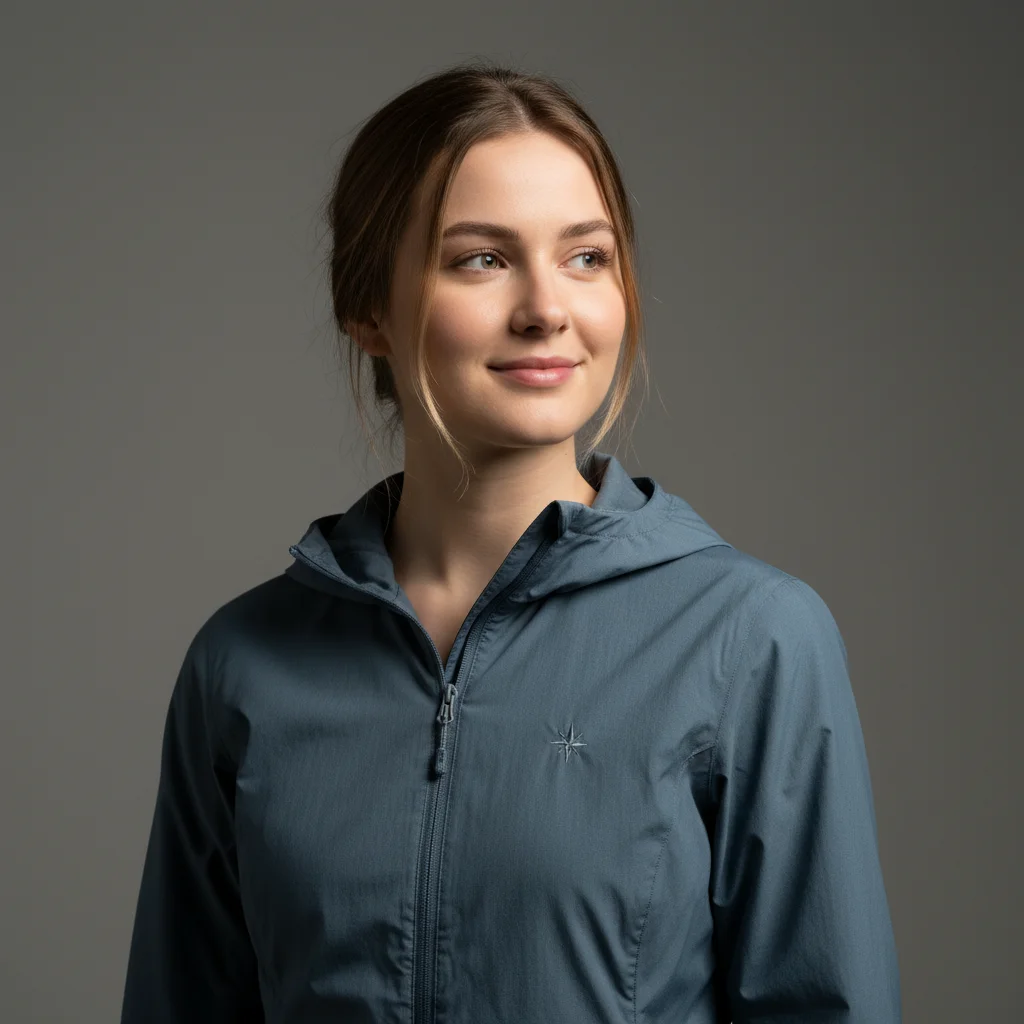
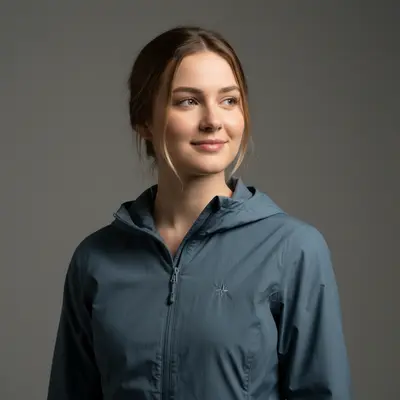
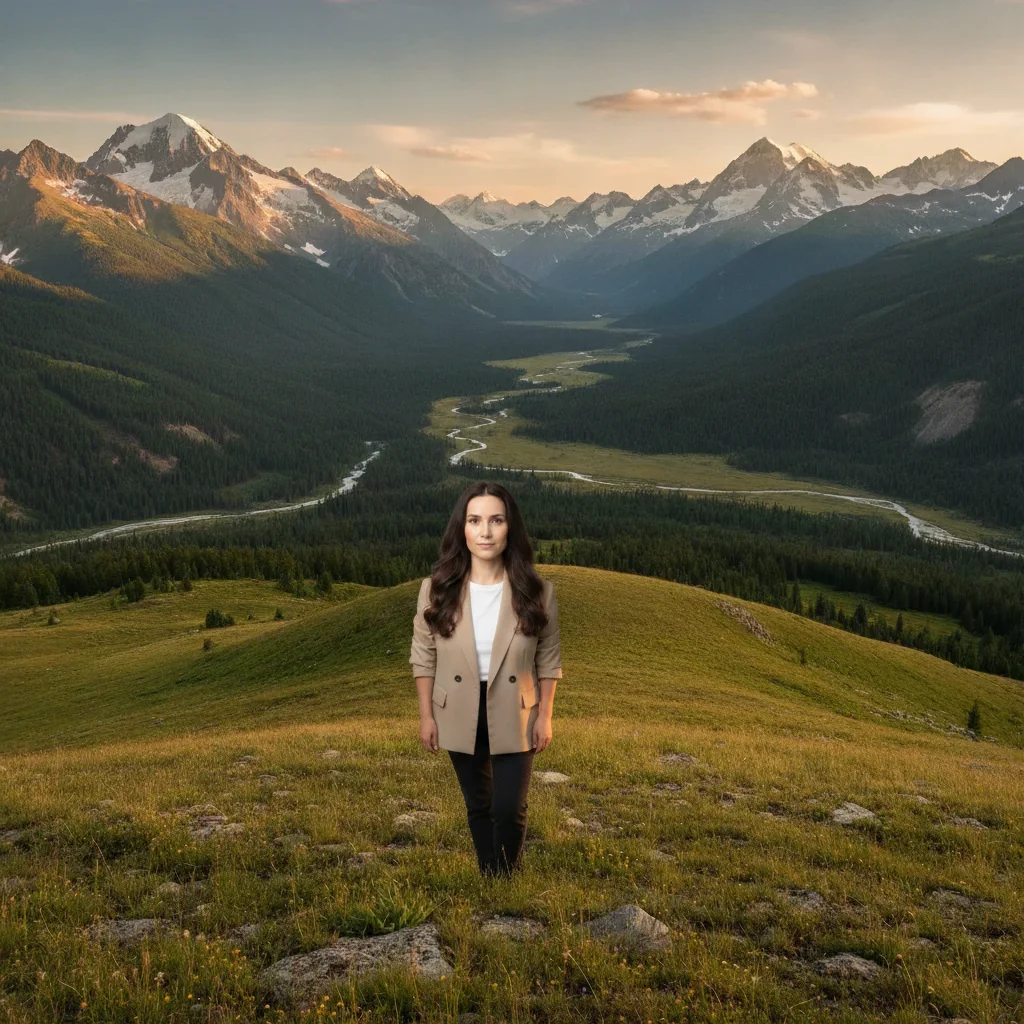
Studio portrait composited into a mountain scene
A plain studio portrait and a separate alpine landscape are combined: she stands on the grassy foreground ridge at full length, scaled to the scene and lit to match the warm late light on the valley behind her.
Add the woman from the reference photo into this mountain scene. Place her on the viewpoint in the foreground and match the warm sunset lighting so she looks naturally part of the environment.

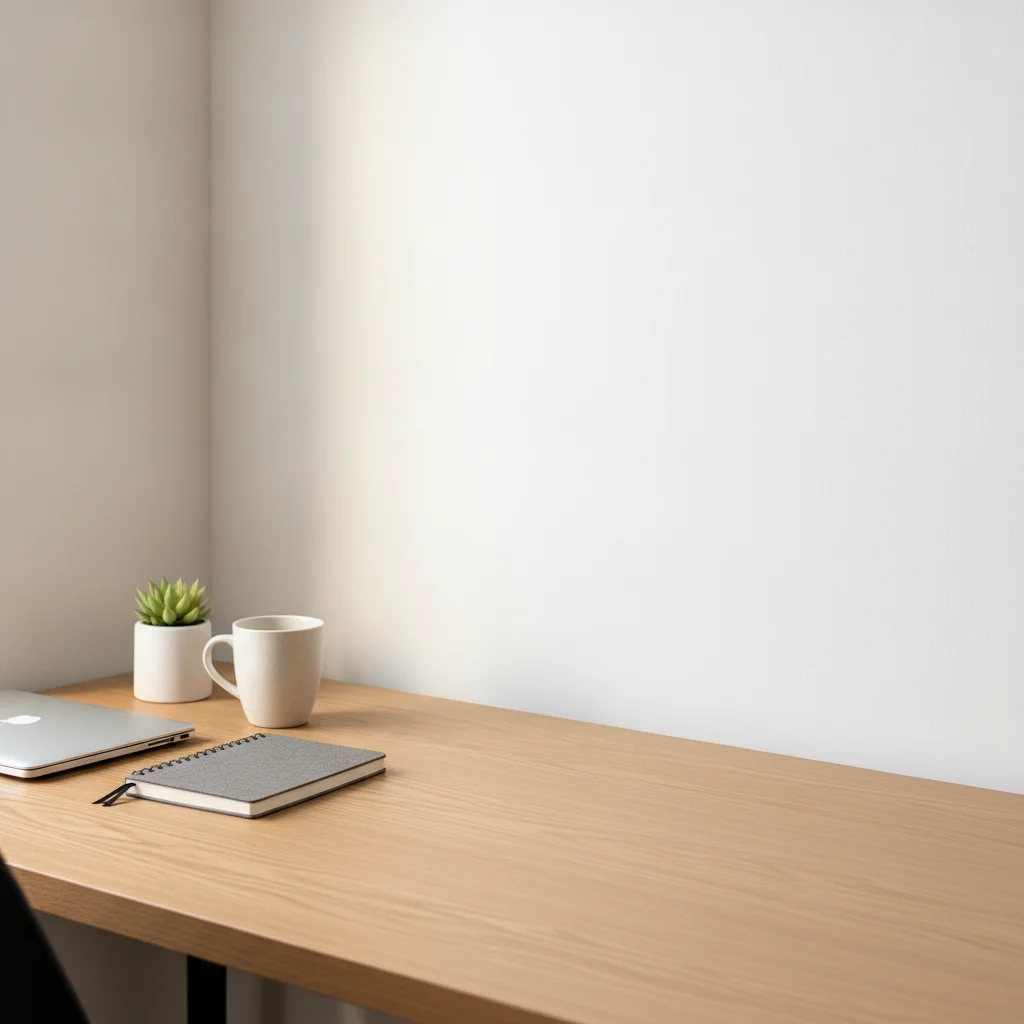

Product composited into lifestyle scene
Product photo composited into an attractive home setting. Shadows and reflections added automatically for realistic placement.
composite the headphones from photo one onto the desk in the lifestyle scene, add natural shadows and make it look like they were photographed there
Child portrait composited into an enchanted forest
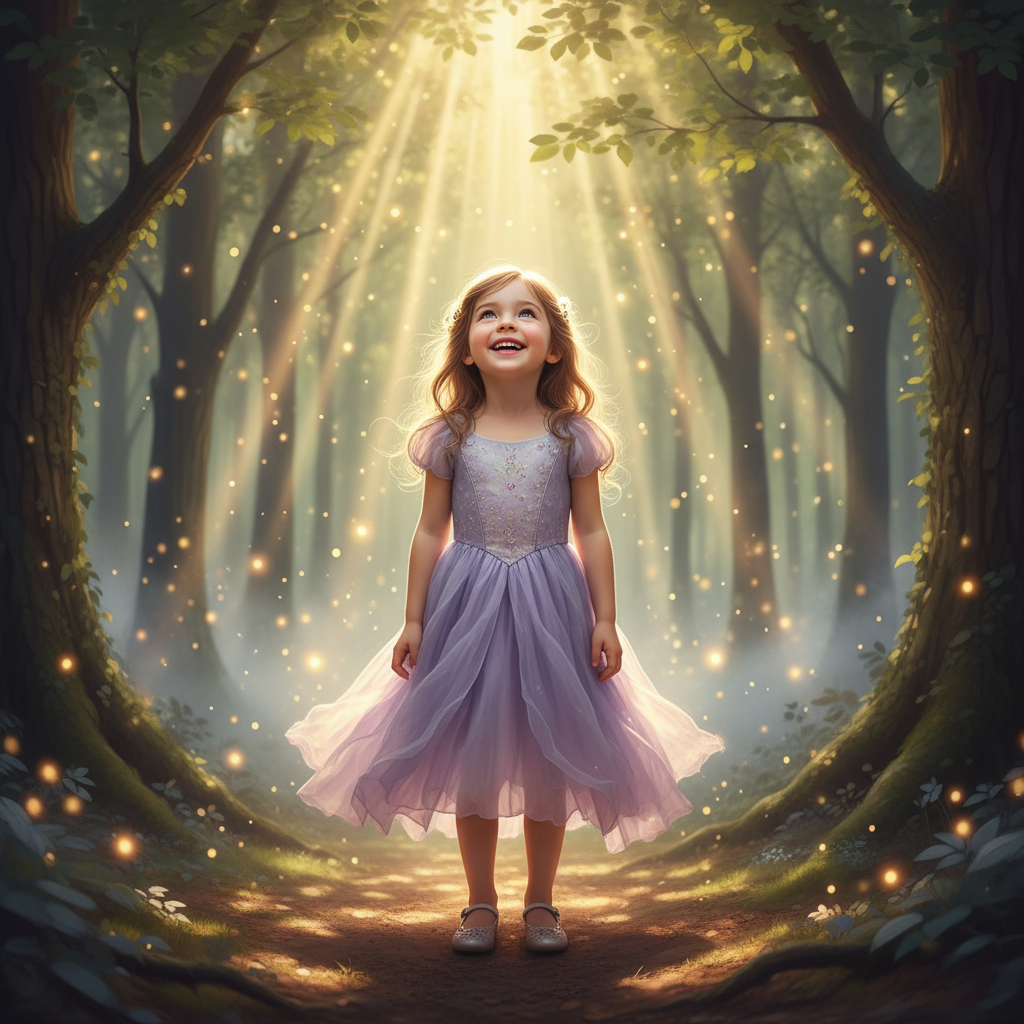
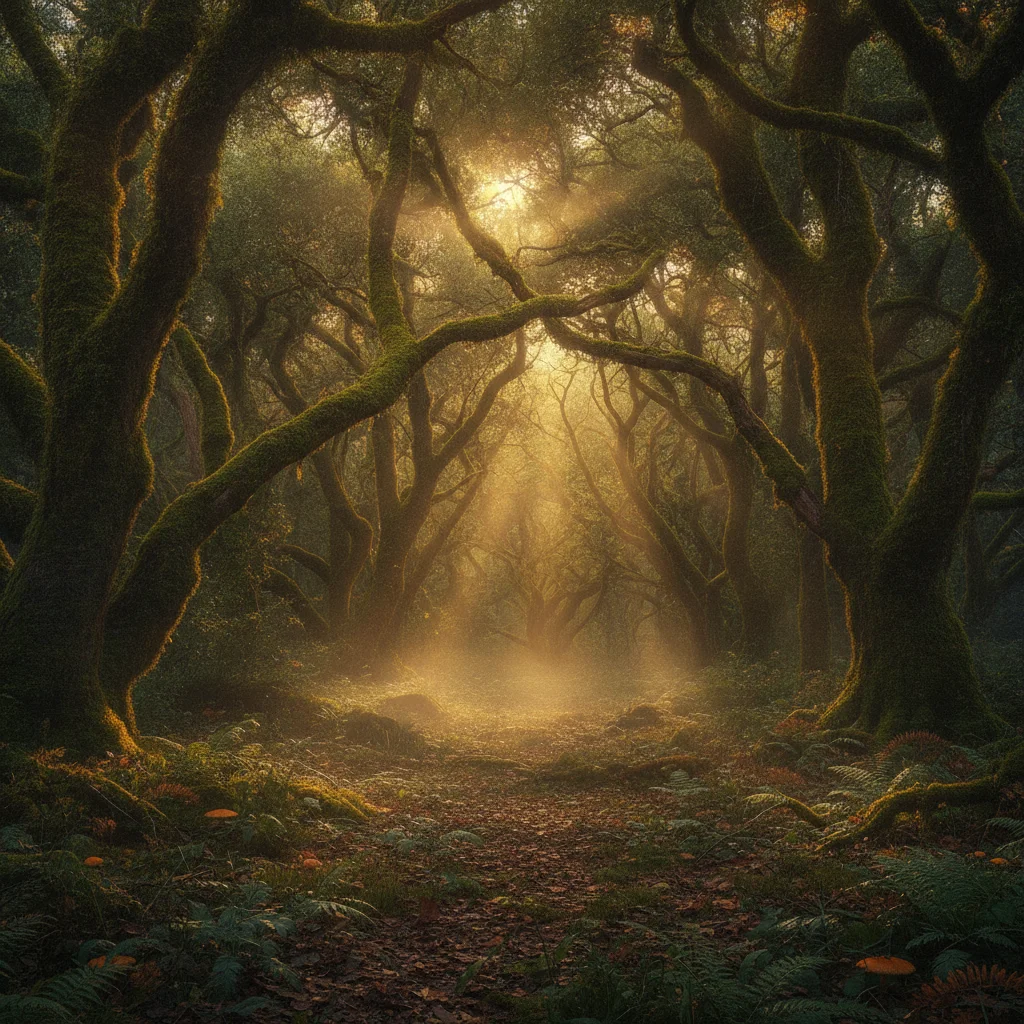
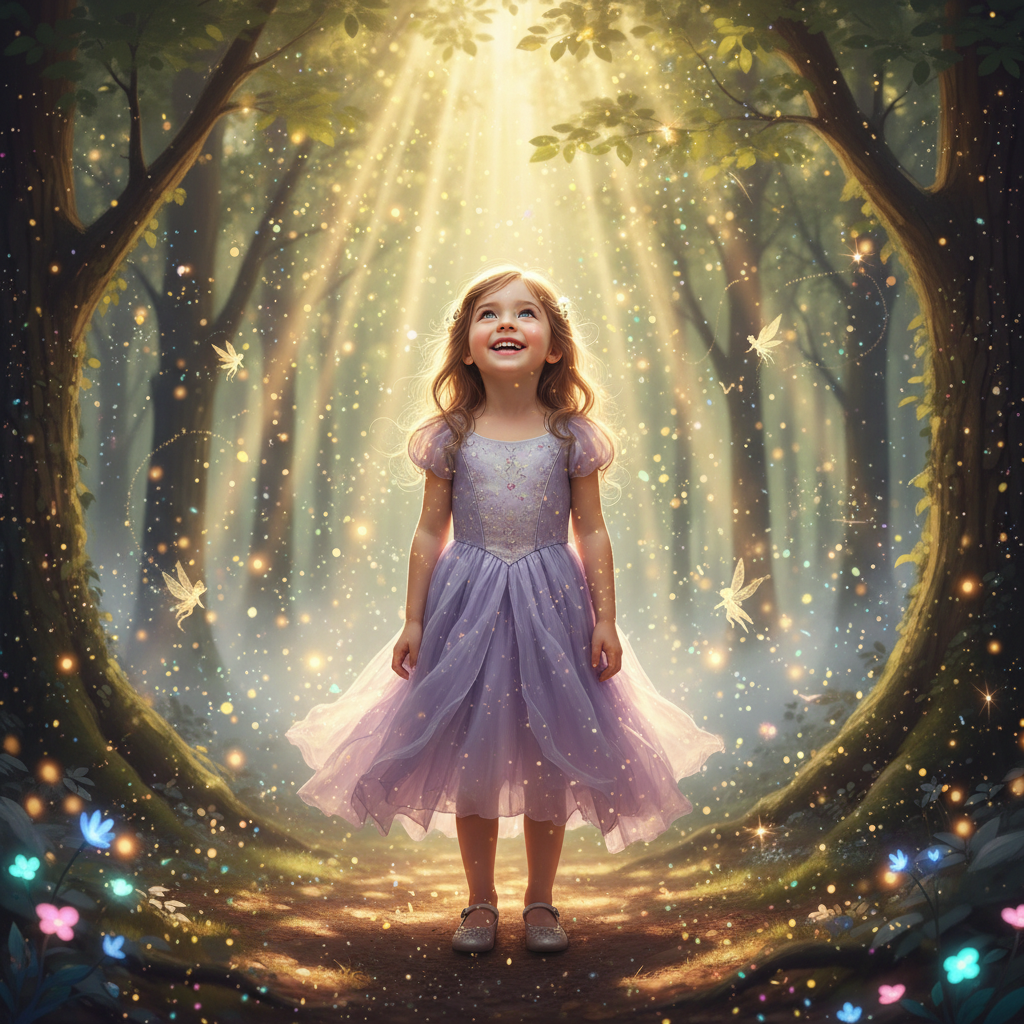
A plain studio portrait of a girl and a separate woodland photo are combined into a storybook scene — she stands full-length on the forest path with the light shafts behind her and glowing mushrooms at her feet, scaled and grounded to the setting.
create a fantasy composite with the child in the enchanted forest, add magical lighting and make it look like a storybook illustration come to life
Quick answers
Popular use cases
Ready to create your photo composite?
Free to try. No signup required.