AI eBay White Background Editor
Clean white product shots for eBay listings in seconds. Replace messy backgrounds with professional white backdrops.
Drop your photo here
or click to browse
Free • No signup
Release to upload


"I sell out of my garage and my photos always looked terrible with tools and shelves in the background. Now every listing looks like it came from a professional studio. Sales are up significantly." @GarageFlipperMike
Built for eBay Sellers Who Need White Backgrounds
White backgrounds are the gold standard for eBay listings. They remove distractions, make your items pop, and tell buyers you're a serious seller. EditThisPic replaces whatever messy background you have with a clean, consistent white backdrop in seconds. No lightbox, no photo tent, no editing skills required.
Tools for eBay White Backgrounds
Remove Background
Strip away any background and replace with clean white
Whiten Background
Turn off-white or gray backgrounds into pure white
Enhance Lighting
Fix uneven lighting so the white background looks consistent
Remove Shadow
Clean up harsh shadows that dirty up your white background
Create White Background eBay Photos
-
Upload your product photo
Drop your item photo into EditThisPic. JPG, PNG, and WebP up to 7MB. Shoot against any background - garage floor, kitchen table, carpet. The AI handles the rest.
Clean white background replacement: 15-20 seconds. Complex items with fine edges: may need one refinement pass. -
Ask for a white background
Type 'replace background with clean white' and the AI does the rest. No need to trace around your item or use any selection tools. The AI understands what's the product and what's the background.
Add 'soft shadow underneath' to keep a natural grounded look instead of the item floating on white. -
Check the edges and consistency
Review the result to make sure edges are clean and the white is consistent. Zoom in on product borders to verify no background color bleeding. Compare with your other listing photos for consistency.
Process all your listing photos in one session using the same prompt for a consistent store look. -
Refine edges if needed
If any edges look rough or the AI missed a section, tap markers on those areas and regenerate. Most white background replacements work perfectly on the first try.
For items with hair-thin edges like cables or jewelry chains, add 'preserve fine details at edges' to your prompt.
eBay White Background Prompts
replace background with clean white, professional product photography, even lighting
The go-to prompt for most eBay listings. Works on any background.
replace background with clean white, add soft natural shadow underneath product, professional studio look
The subtle shadow prevents items from looking like they are floating, which feels more professional.
replace messy garage background with clean pure white, preserve product details and condition, bright even lighting
Specifically mentioning garage background helps the AI do a cleaner cutout.
replace background with clean white, keep all items in frame, professional flat lay arrangement on white
Great for selling bundles or lots where you need to show everything together.
Show 4 more prompts
replace background with clean white, preserve dark product details, ensure contrast between product edges and white background
Dark items can lose edge detail against white. This prompt ensures the boundaries stay visible.
replace background with clean white, replace reflections with studio-style neutral reflections, maintain product shine
Chrome and glossy items reflect their surroundings. This cleans up the reflections too.
replace background with clean white, keep fabric texture and drape visible, professional clothing photography
Clothing needs visible texture. This prompt preserves fabric details while cleaning the background.
replace background with clean white seamless backdrop, match lighting style to previous photos, consistent professional look
Use this same prompt across all photos in a listing for a cohesive gallery.
| Edit Type | Prompt | Time | |
|---|---|---|---|
| Standard white background | replace background with clean white, professional product photography |
15s | Try This → |
| White with soft shadow | replace background with clean white, add soft natural shadow underneath |
20s | Try This → |
| Garage shot cleanup | replace messy garage background with clean pure white |
20s | Try This → |
| Consistent gallery style | replace background with clean white seamless backdrop, match lighting style |
15s | Try This → |
eBay White Background Examples
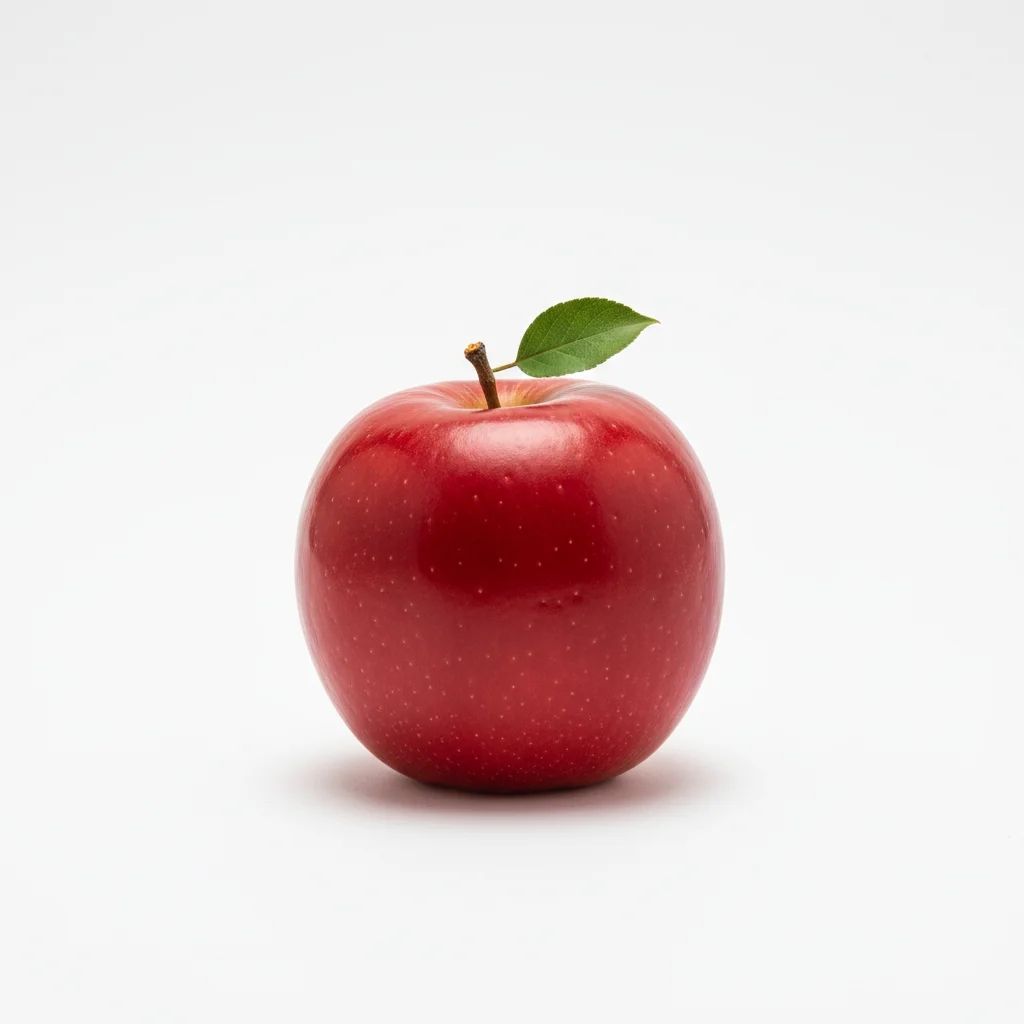

Product with messy background cleaned up
Item photographed on cluttered surface. One prompt created a clean white background suitable for eBay gallery.
replace background with clean white, professional product photography, even lighting
Workshop item ready for listing
Tool or equipment shot in garage environment. White background makes it look professional and trustworthy.
replace messy garage background with clean pure white, preserve product details, bright even lighting
Consistent white backgrounds across listing
Multiple angles of the same item, all with matching white backgrounds for a professional gallery.
replace background with clean white seamless backdrop, match lighting style, consistent professional look
Common White Background Issues
White background has gray patches or uneven tone
Why: The AI sometimes leaves subtle shadows or gradients, especially near product edges where the original background was dark.
replace background with pure white, no gradients, no shadows on background, only soft shadow directly under product
Specifying pure white tells the AI you want absolute white with no variation.
Product edges look choppy or rough
Why: Items with complex edges like cables, thin parts, or textured borders can be harder for AI to cleanly separate from the background.
Tap markers on the rough edge areas, then: replace background with clean white, preserve fine edge details, smooth product borders
Markers on specific edge areas tell the AI exactly where to focus its cleanup effort.
Part of the product was removed with the background
Why: Light-colored or translucent parts of your product may be confused with the background, especially if the item is white or clear.
Tap markers on the missing product areas, then: replace background with clean white, preserve entire product including light-colored sections
For white or light-colored items, tap markers on the product itself to tell the AI this is part of the item, not the background.
Reflections of old background visible on glossy product
Why: Shiny or metallic surfaces capture reflections of whatever environment they are in. Replacing the background does not automatically fix reflections.
replace background with clean white, replace all reflections on product surface with clean studio reflections, maintain glossy finish
Request studio reflections to replace messy garage reflections with clean, professional ones.
White product disappears into white background
Why: White items on white backgrounds lose their edges and look like they are melting into the backdrop.
replace background with clean white, add subtle light gray outline around white product, maintain edge definition
For white items, a very subtle gray shadow or outline preserves edge visibility against the white background.
eBay White Background Questions
Do I need a lightbox or photo tent for white backgrounds?
No. EditThisPic replaces any background with clean white. Shoot on your garage floor, kitchen table, or carpet - the AI handles background replacement. A lightbox gives you better lighting but is not required for a white background result.
Will the white background look the same across all my listing photos?
Yes, if you use the same prompt. The AI produces consistent pure white backgrounds regardless of what the original background looked like. Use the same prompt across all your photos for a uniform gallery.
Is white the best background color for eBay?
White is the standard for most eBay categories. It looks professional, helps buyers focus on the item, and photographs well in eBay's gallery view. For jewelry or metallic items, a light gray can work better to prevent edge loss.
Can I get a white background on photos taken in a dark garage?
Yes. The AI replaces the entire background regardless of original lighting conditions. However, your product itself may look dark. Add 'enhance product lighting' to your prompt to brighten the item while setting the background to white.
Will removing the background affect my item's condition details?
No. The AI only changes the background area. Scratches, wear marks, and condition details on the product itself are preserved. Add 'preserve all condition details as-is' if you want to be extra safe.
How do I handle items with transparent or translucent parts?
Translucent items like glass or clear plastic can be tricky. Add 'preserve transparent and translucent product areas' to your prompt. If parts still disappear, tap markers on the translucent sections to tell the AI those are part of the product.
Is EditThisPic's AI ebay white background editor really free?
Yes — you get 1 free edit per week, no account needed. For unlimited edits, plans start at $3.99/month.
Can I ebay white background editor on my phone?
Yes. EditThisPic works in any mobile browser — iPhone, Android, tablet. No app download needed.
Ready to create white background eBay photos?
Free to try. No signup required. Professional results in seconds.
Start EditingTrusted by 15,000+ users