Free • No signup Insert Person into wedding photo · Free

Insert Person Into Wedding Photo

← Browse all body & person tools

Last updated

Add the missing guest, the grandparent who passed, or anyone who should have been there. The AI matches formal lighting and blends seamlessly.
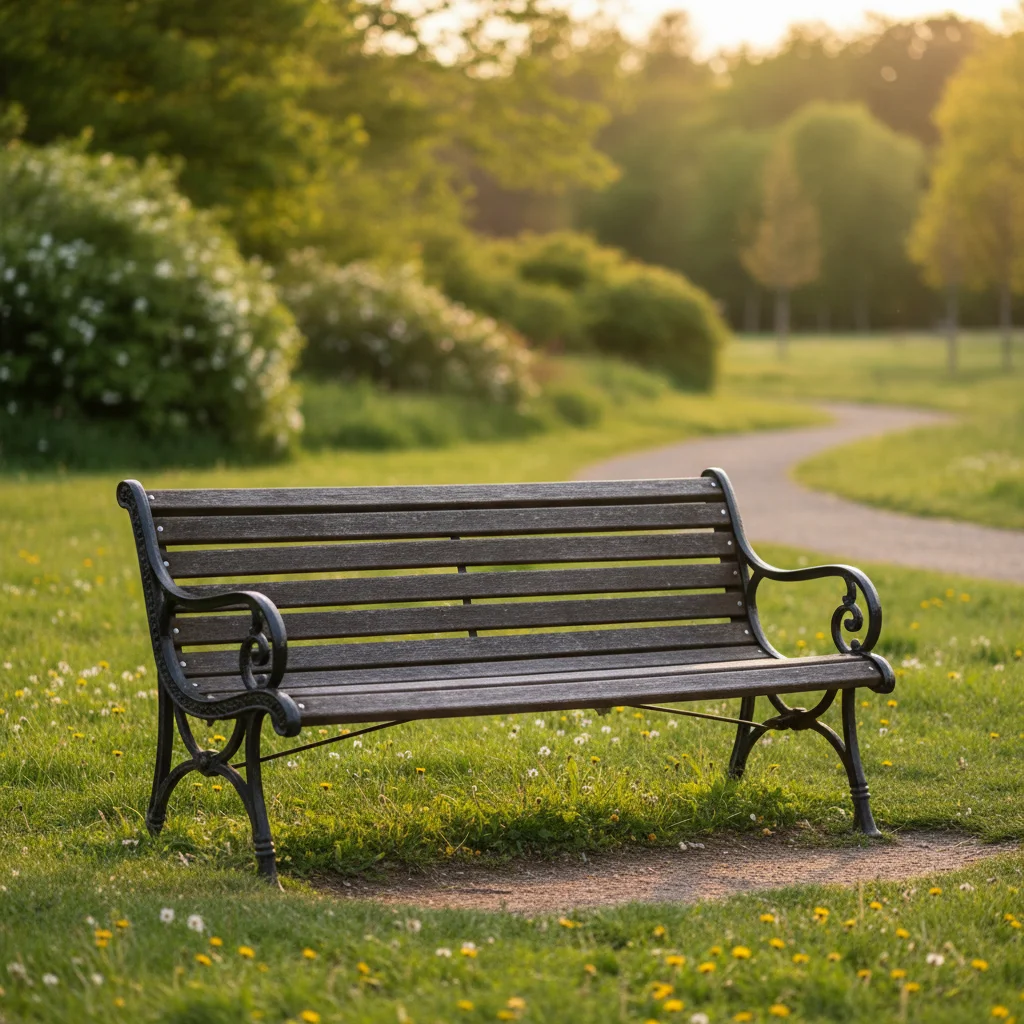
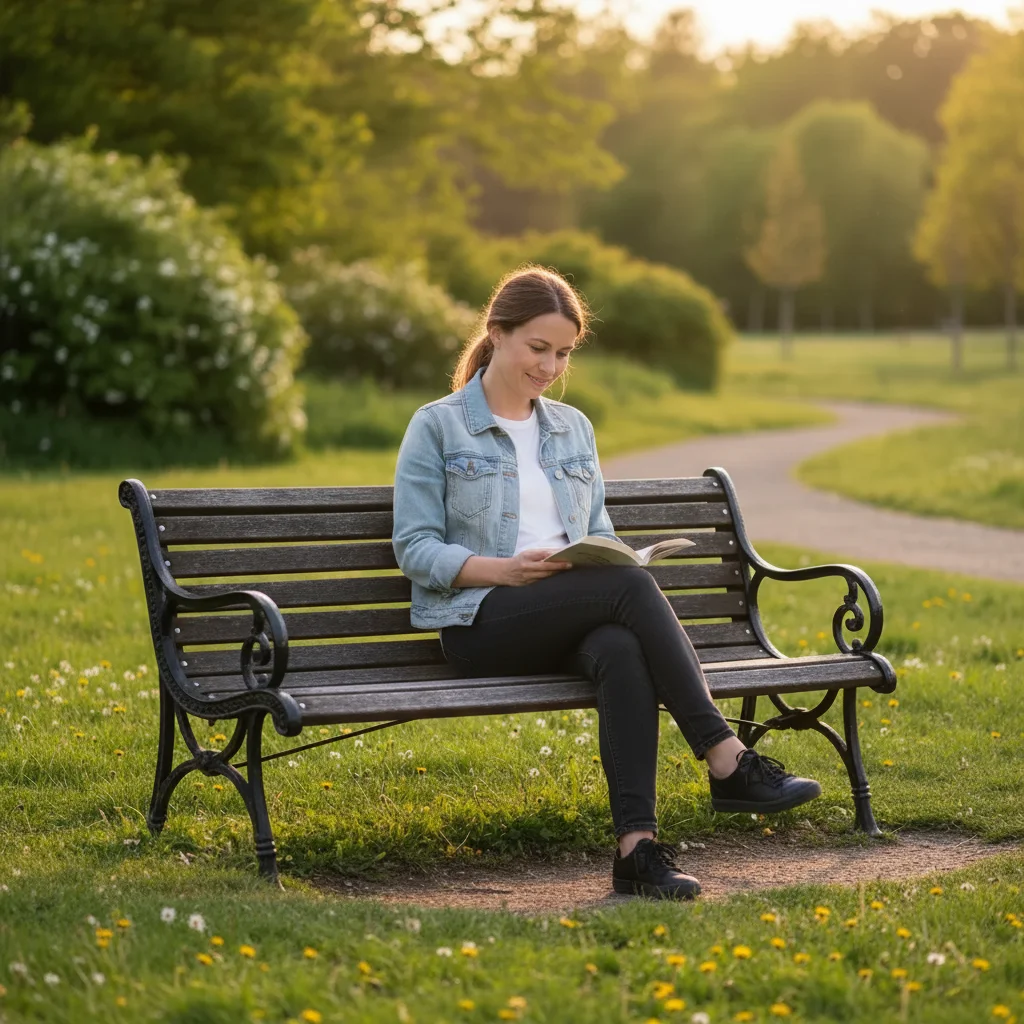
Outdoor wedding party portrait with a gap beside the bride Wedding party portrait with a grandmother naturally composited beside the bride

Upload photo to insert person into wedding photo

"add a woman in her 30s in a formal floor-length navy dress standing at the right end of the wedding party line, matching the height of the bridesmaids, with the same professional outdoor portrait lighting"

Release to upload

1 free edit·then from $4.99

Popular use cases:
  • insert missing guest wedding photo
  • add deceased relative wedding photo AI
  • wedding photo composite free
  • add grandparent to wedding picture

Cost
Free No signup required
Time
Instant results in 15-30 seconds
Works on
Any device - browser, phone, tablet, desktop
Powered by
AI-powered photo editing

How it works

  1. Upload your wedding photo

    Drop the wedding photo into EditThisPic. JPG, PNG, or WebP up to 7MB. Both formal posed shots (wedding party lineups, couple portraits) and candid reception photos work — just note the lighting style in your prompt so the AI can match the new person to it.

    Expect: Wedding photo composites typically complete in 20-45 seconds. Formal lit portraits with a clear light setup may produce cleaner results than mixed-light reception candids on the first try.
  2. Describe who to add and their placement

    Type exactly what you want: "insert an older woman in her 70s in a floral dress standing to the left of the bride, at the bride's shoulder height, matching the soft diffused indoor church light. She should look like a formal wedding guest." Mention their relationship context for clothing guidance (flower girl, grandmother, missing groomsman), where they should stand relative to the couple or wedding party, and the lighting type (outdoor natural, church soft light, reception venue).

    Tip: Wedding photo lighting is usually soft, diffused, and deliberately flattering — if your photo was professionally shot, add 'soft professional wedding photography lighting' to guide the AI to match the same deliberate look rather than applying harsh shadows.

    Copy one of these to get started:

    Missing grandparent at the wedding insert an older woman in her 70s wearing a floral dress standing to the left of the bride, at the bride's shoulder height, looking at the camera, with soft indoor church light matching the rest of the portrait
    Friend who couldn't attend from abroad add a woman in her 30s in a formal floor-length navy dress standing at the right end of the wedding party line, matching the height of the bridesmaids, with the same professional outdoor portrait lighting
    Deceased parent or grandparent insert an older man in a dark suit and tie standing beside the groom on the right, at the groom's shoulder height, matching the soft outdoor garden lighting, looking forward at the camera with a gentle expression
    Groomsman or bridesmaid who missed the day insert a man in his late 20s in a black tuxedo with a white boutonniere standing at the left end of the groomsmen lineup, same height as the groomsman next to him, matching the venue's warm ballroom light
    2 more prompts
    Flower girl added to ceremony photos add a young girl about 6 years old in a white flower girl dress with a ribbon sash, holding a small flower basket, standing in front of the couple, looking at the camera, sized like a child shorter than the bride's waist, with soft chapel light
    Couple added to venue-only background shot insert a couple — groom in black tuxedo and bride in white flowing gown — standing in the center of the venue's grand ballroom, looking at each other, lit by the venue's warm chandeliers overhead, with a soft ground shadow
  3. Review formal attire and lighting blend

    Check that the added person's clothing looks appropriately formal relative to the rest of the wedding party. Verify that the lighting on them matches the soft, deliberate lighting style of the rest of the photo — especially if it was professionally shot. Use the before/after slider to compare.

See it in action

Outdoor wedding party portrait with a gap beside the bride
Before
->
Wedding party portrait with a grandmother naturally composited beside the bride
After

Grandmother Added to Outdoor Wedding Party Portrait

A garden wedding party lineup gained the grandmother who had passed away years before — composited into a standing position beside the bride, dressed formally, with matching outdoor soft light.

Prompt: insert an older woman in her late 70s in a floral purple dress standing to the left of the bride, at the bride's shoulder height, facing the camera with a gentle smile, matching the soft diffused outdoor garden light with no harsh shadows
Groomsmen lineup with a gap at the right end
Before
->
Groomsmen lineup with a fourth groomsman naturally composited in
After

Missing Groomsman Added to Wedding Party Lineup

A groomsman who had a family emergency and missed the wedding day was added to the formal indoor lineup photo, matching the tuxedo style and the venue's warm ballroom lighting.

Prompt: insert a man in his late 20s in a black tuxedo with a white boutonniere standing at the far right of the groomsmen lineup, same height as the groomsman beside him, facing the camera, with warm amber ballroom chandelier light matching the rest of the group

If something looks off

New person's lighting looks harsh compared to the soft wedding photography

Why: Professional wedding photos use deliberate soft flattering light. If the AI didn't match this, the new person may look harsher or more lit than everyone else.

Try: Add: 'with soft, flattering professional portrait lighting matching the rest of the wedding photo — no harsh shadows, same diffused quality'

Tip: Wedding photographers actively avoid harsh shadows — describing the light as 'soft professional portrait light' is the most effective cue for this specific scenario.

Person's clothing doesn't match the wedding's formality level

Why: Without specific clothing guidance, the AI may generate an outfit that's too casual or too formal for the specific wedding setting.

Try: Specify the exact formality: 'formal black tie — floor-length gown and pearls' or 'garden party semi-formal — knee-length floral sundress and heels'

Tip: Looking at the other guests' clothing in the photo and matching that level of formality in your prompt produces the most natural composite.

Face looks generic or doesn't resemble the person being memorialized

Why: The AI generated a generic face for the composited person rather than a specific individual.

Try: Add descriptive physical details: '[age]-year-old [woman/man], [hair color and style], [distinctive features like 'warm kind eyes' or 'silver hair pinned up'], [approximate height relative to the people nearby]'

Tip: For memorial composites of deceased relatives, as much physical description as you can provide (hair, build, face shape, typical expression) gets you closest to the real person.

Quick answers

How do I insert a person into a wedding photo with AI?

Upload your wedding photo to EditThisPic, then describe who to add — their position in the lineup or scene, approximate age, clothing formality, and the wedding's lighting type (outdoor garden, indoor chapel, reception ballroom). The AI composites the person in 20-45 seconds with matched lighting and attire. Free, no account required.

Is there a free tool to add a missing guest to a wedding photo without Photoshop?

Yes. EditThisPic lets you composite a missing person into any wedding photo for free with one edit per week — no account, no Photoshop skills, no watermark. Describe the person and placement in plain English and the AI handles the blending.

Can I add a deceased grandparent or parent to a wedding photo?

Yes. This is one of the most common uses for this tool — many families want to include a late grandparent or parent who passed before the wedding. Describe their age, appearance (hair, build), and typical expression in your prompt. The AI generates a respectful, age-appropriate composite from that description.

Will the AI match the soft professional lighting in wedding photos?

Yes, when you describe it. Add 'soft professional portrait lighting matching the rest of the wedding photo' to your prompt and the AI will apply the same diffused, flattering quality. Wedding photos have distinctive lighting that differs from harsh outdoor sun or mixed reception candlelight — naming the lighting type helps the AI match it.

What's the difference between this page and 'add person to wedding photo'?

Both accomplish the same task. The 'insert' framing tends to capture more direct, specific intent queries — 'I want to insert this specific person into this specific photo.' The result and workflow are identical.

Can I add someone to a candid reception photo, not just formal posed shots?

Yes. Candid reception photos work well — just note the lighting context in your prompt (reception venue warm lights, outdoor evening reception, dance floor mixed lighting). Candid photos are often less precisely lit than formal portraits, so the AI has more flexibility in blending.

How much does EditThisPic cost?

You get 1 free edit per week — no account needed. After that, credit packs start at $1.99 for 3 edits. Monthly plans start at $4.99/mo for 15 edits with unused credits rolling over. All edits are full resolution with no watermark.

Ready to complete your wedding photo?

Free to try. No signup required.

1 free edit included·Credit packs from $4.99