Free • No signup Create Pet portraits · Free

AI Pet Portrait Maker

Describe the portrait style you want and AI transforms your pet photo instantly. No marking needed.
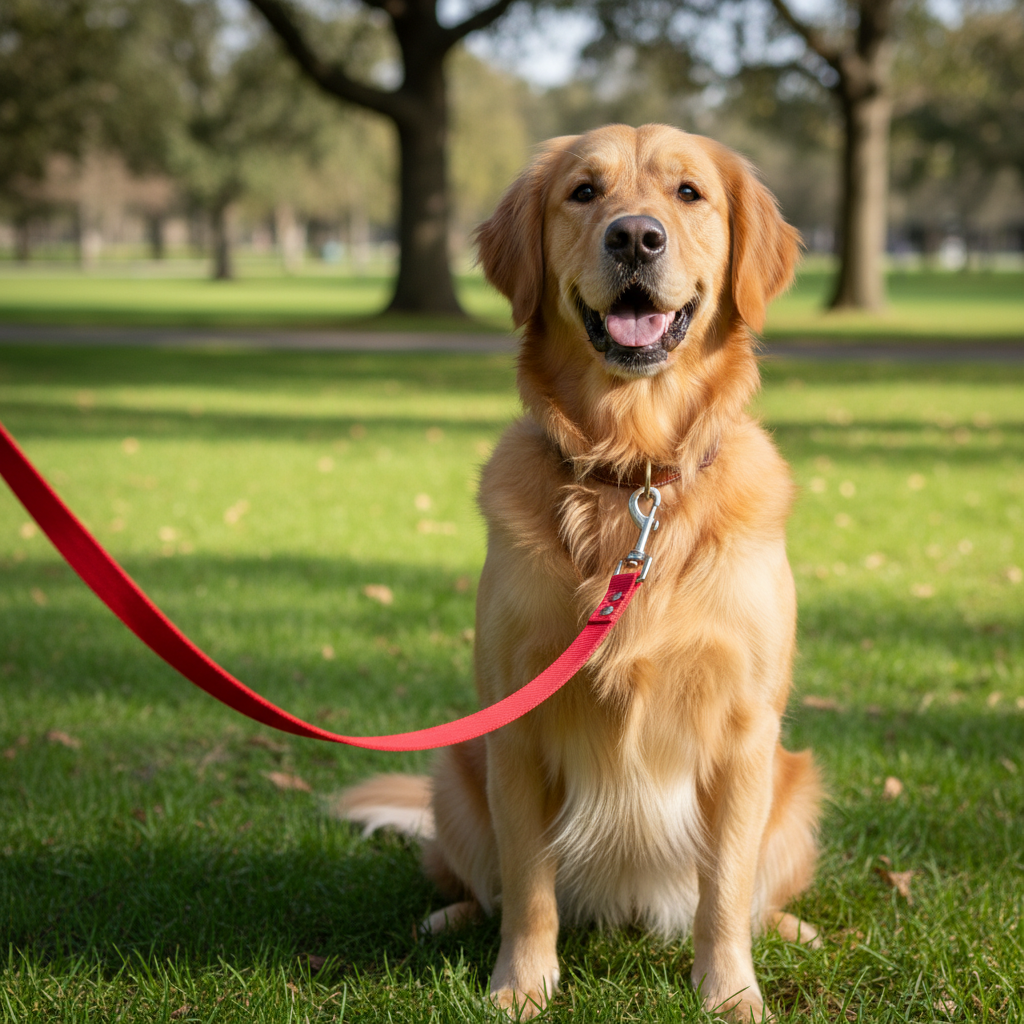
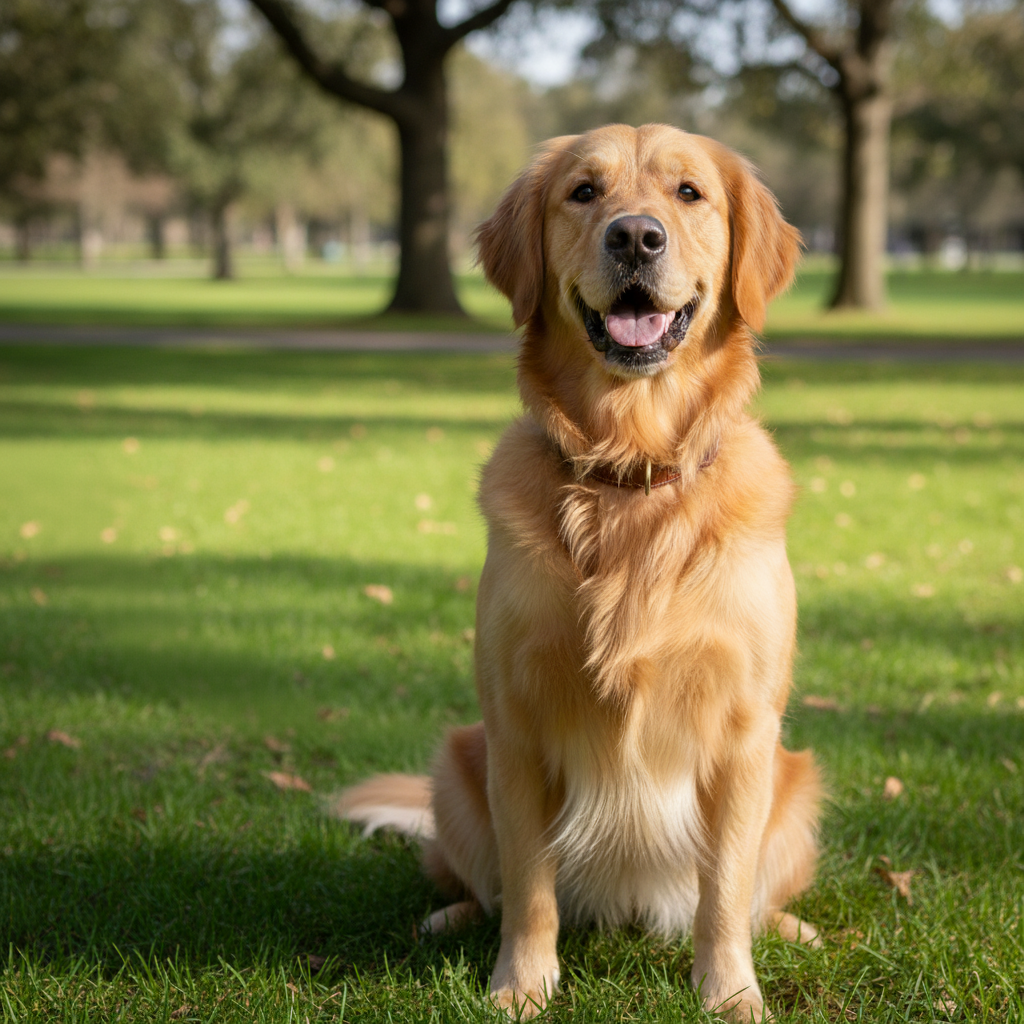
Golden retriever sitting and looking at camera
Before
Same golden retriever as a royal portrait with crown and velvet robe
After

AI Pet Portrait Maker

Drop your photo here

or click to browse

Release to upload

Free • No signup

Advertisement
Popular use cases:
  • pet portrait
  • royal pet portrait
  • custom pet art
  • dog portrait maker
  • cat portrait AI
  • pet painting from photo
  • pet gift idea
  • pet memorial art

Cost
Free No signup required
Time
Instant results in 15-30 seconds
Works on
Any device - browser, phone, tablet, desktop
Powered by
AI-powered photo editing
Scenario Prompt Time
Royal portrait make this pet a royal portrait with crown and robe 35s
Watercolor painting transform into a watercolor painting 30s
Themed costume portrait make this pet a superhero with cape and mask 40s

How it works

  1. Upload your pet photo

    Drop your image into EditThisPic. JPG, PNG, WebP up to 7MB. Clear, well-lit photos where your pet's face is visible work best. Front-facing shots produce the best portrait likeness.

    Expect: Simple portrait style: 30-40 seconds. Detailed themed portraits: 45-60 seconds and may need refinements.
  2. Describe the portrait style

    Type what you want: 'make this dog into a royal portrait wearing a crown and red velvet robe' or 'transform this cat into a watercolor painting.' Describe the art style, outfit, setting, or theme you want. No marking needed—the AI understands pets and portrait styles.

    Tip: Include art style details like 'oil painting', 'Renaissance', or 'watercolor' alongside outfit or theme for more cohesive results.

    Copy one of these to get started:

    Royal pet portrait transform this pet into a royal portrait wearing a golden crown and red velvet robe, painted in classical oil painting style
    Renaissance masterpiece make this pet look like a Renaissance aristocrat in a detailed oil painting with a ornate golden frame background
    Watercolor pet painting transform this pet photo into a beautiful watercolor painting with soft colors, gentle brushstrokes, and a white background
    Superhero pet make this pet look like a superhero wearing a cape and mask, with a dramatic sky background and heroic pose
    3 more prompts
    Military general pet transform this pet into a military general wearing a decorated uniform with medals, formal portrait with dark background
    Pop art pet portrait create a pop art portrait of this pet in bright neon colors with bold outlines, Andy Warhol style with four panels
    Fantasy wizard pet make this pet look like a wise wizard wearing a pointed hat and mystical robes, with magical sparkles and an enchanted forest background
  3. Review the portrait

    Check that your pet's distinctive features are preserved in the portrait. Their markings, eye color, and facial expression should be recognizable. The art style should be consistent throughout the image.

  4. Refine with markers if needed

    If specific areas like the pet's face, outfit, or background need adjustment, tap markers on those spots and regenerate. Most pet portraits look amazing on the first try.

    Tip: Markers are for precision refinement only. Try without them first—you usually won't need them.
Try it free

AI Pet Portrait Maker

Drop your photo here

or click to browse

Release to upload

Free • No signup

"I made a Renaissance portrait of my golden retriever wearing a velvet robe and it now hangs framed above our fireplace. Every guest comments on it. Best $0 art piece in our house." @DogMom_Chelsea

See it in action

Golden retriever sitting and looking at camera
Before
->
Same golden retriever as a royal portrait with crown and velvet robe
After

Dog transformed into royal portrait

A golden retriever's casual photo transformed into a regal royal portrait with crown and velvet robe.

Prompt: transform this pet into a royal portrait wearing a golden crown and red velvet robe, painted in classical oil painting style
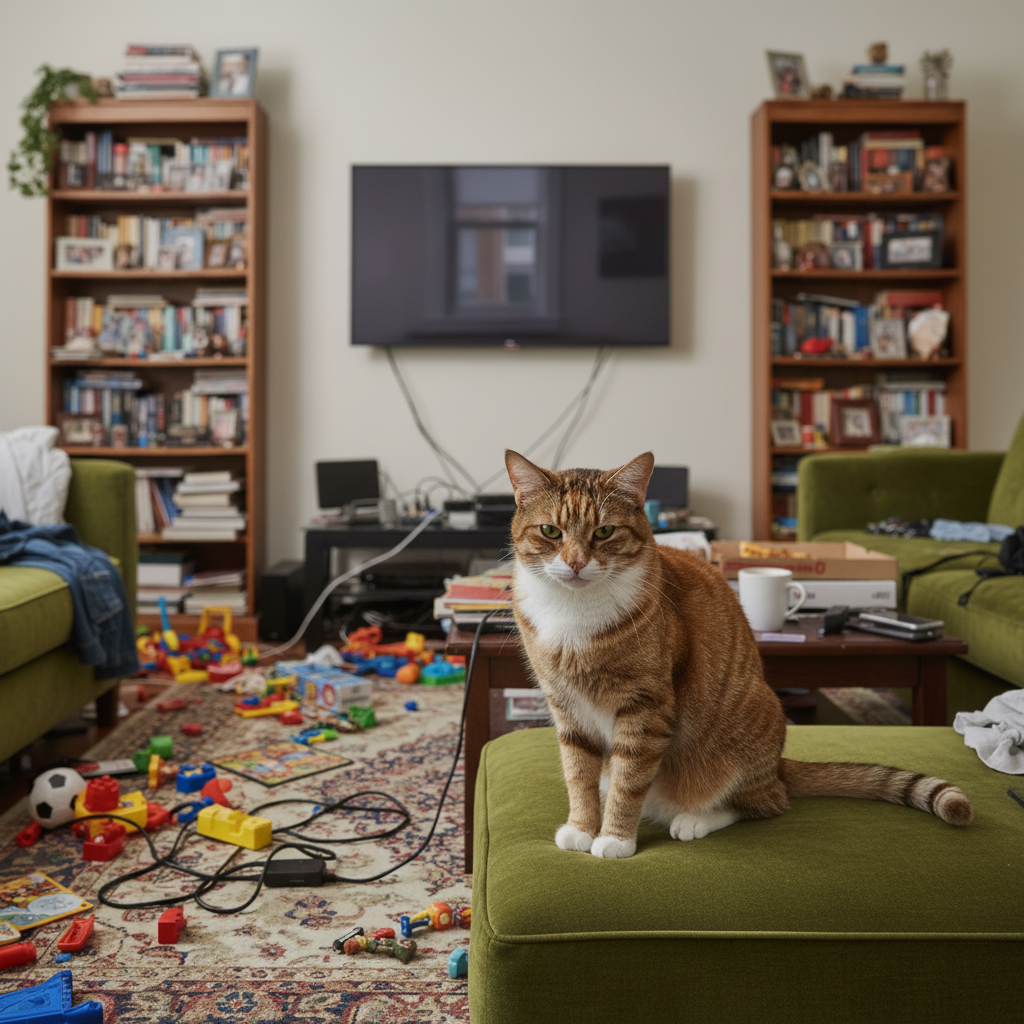
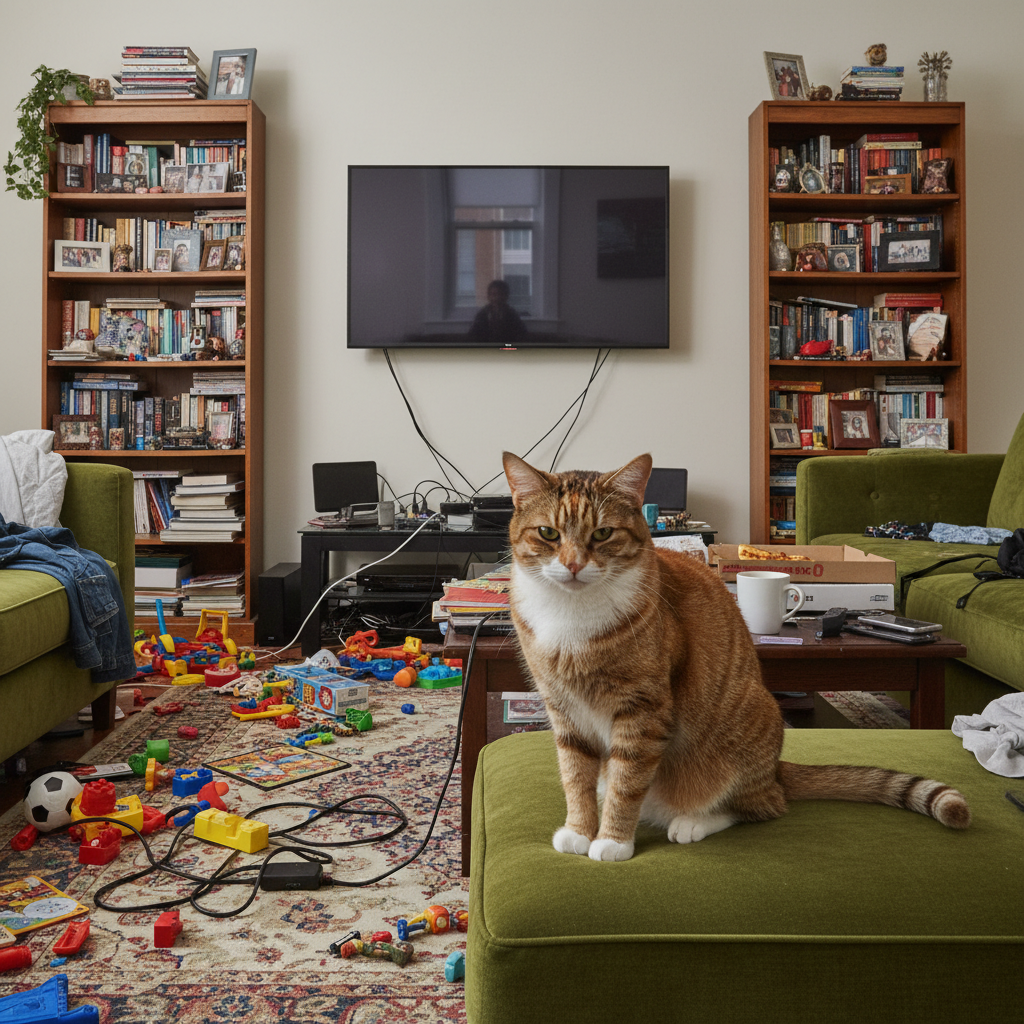
Orange tabby cat with green eyes lying down
Before
->
Same tabby cat as a soft watercolor painting
After

Cat as a watercolor painting

A tabby cat's photo transformed into a delicate watercolor painting with soft brushstrokes and pastel tones.

Prompt: transform this pet photo into a beautiful watercolor painting with soft colors, gentle brushstrokes, and a white background
Advertisement

If something looks off

AI changed the wrong area or something I didn't want changed

Why: The AI couldn't determine exactly which part to transform when there are multiple pets or the instruction was unclear about scope.

Try: Tap a marker on the specific pet you want to transform, then regenerate with the same prompt

Tip: Markers tell the AI 'I mean THIS pet specifically.' Use them when there are multiple animals in the photo.

Pet doesn't look like my actual pet in the portrait

Why: The AI generated a generic version of the breed instead of preserving your pet's unique markings and features.

Try: create a portrait of this specific pet preserving their exact fur pattern, eye color, and facial markings

Tip: 'Exact fur pattern' and 'facial markings' force the AI to pay attention to what makes your pet unique.

Art style is inconsistent - part realistic, part painted

Why: The AI applied the artistic style unevenly, leaving some areas looking photographic while others are stylized.

Try: apply the [art style] consistently to the entire image - both the pet and the background should match the same style

Tip: 'Consistently to the entire image' ensures uniform style application rather than patchy results.

Outfit or costume doesn't fit the pet's body shape

Why: The AI had difficulty mapping human clothing proportions onto the pet's body structure.

Try: adjust the outfit to naturally fit this pet's body shape and proportions, with realistic fabric draping

Tip: Mentioning 'pet's body shape' acknowledges that animal proportions differ from humans.

Background clashes with the portrait style

Why: The AI kept the original photo background instead of generating one that matches the portrait theme.

Try: create the portrait with a matching background - [describe background that fits the theme, e.g., 'dark classic studio backdrop']

Tip: Always describe the background you want alongside the portrait style for a cohesive result.

Quick answers

Do I need to mark my pet before creating a portrait?

No! Just describe the portrait style: 'make this dog into a royal portrait' or 'turn this cat into a watercolor painting.' The AI detects the pet and applies the style automatically. Only use markers if there are multiple pets and you want to transform just one.

How do I create a pet portrait from a photo for free?

Upload a clear photo of your pet to EditThisPic and describe the style you want: 'transform into a royal portrait' or 'make a Renaissance painting.' The AI creates the portrait in about 30 seconds. Works for dogs, cats, birds, rabbits, and any pet with a visible face.

Is there a free AI pet portrait maker that doesn't require login?

Yes, EditThisPic is free to try with no account needed. Upload your pet's photo, describe the portrait style, and download the result. No watermarks. Create royal portraits, oil paintings, fantasy themes, and more.

What is the best free tool for creating custom pet portraits?

EditThisPic offers free AI pet portraits with no signup. Unlike template-based pet portrait services, the AI preserves your pet's unique features and markings while applying any art style. You can create royal portraits, Renaissance paintings, watercolors, pop art, and custom themed portraits.

Ready to create a portrait of your pet?

Free to try. No signup required.

Try it free