Free β€’ No signup Add Pet accessories Β· Free

AI Pet Accessory Adder

Add hats, glasses, bandanas, and bows to pet photos with AI in seconds.
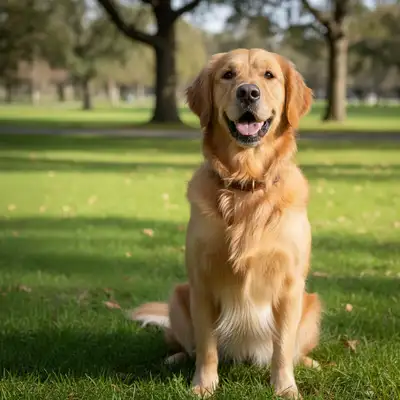
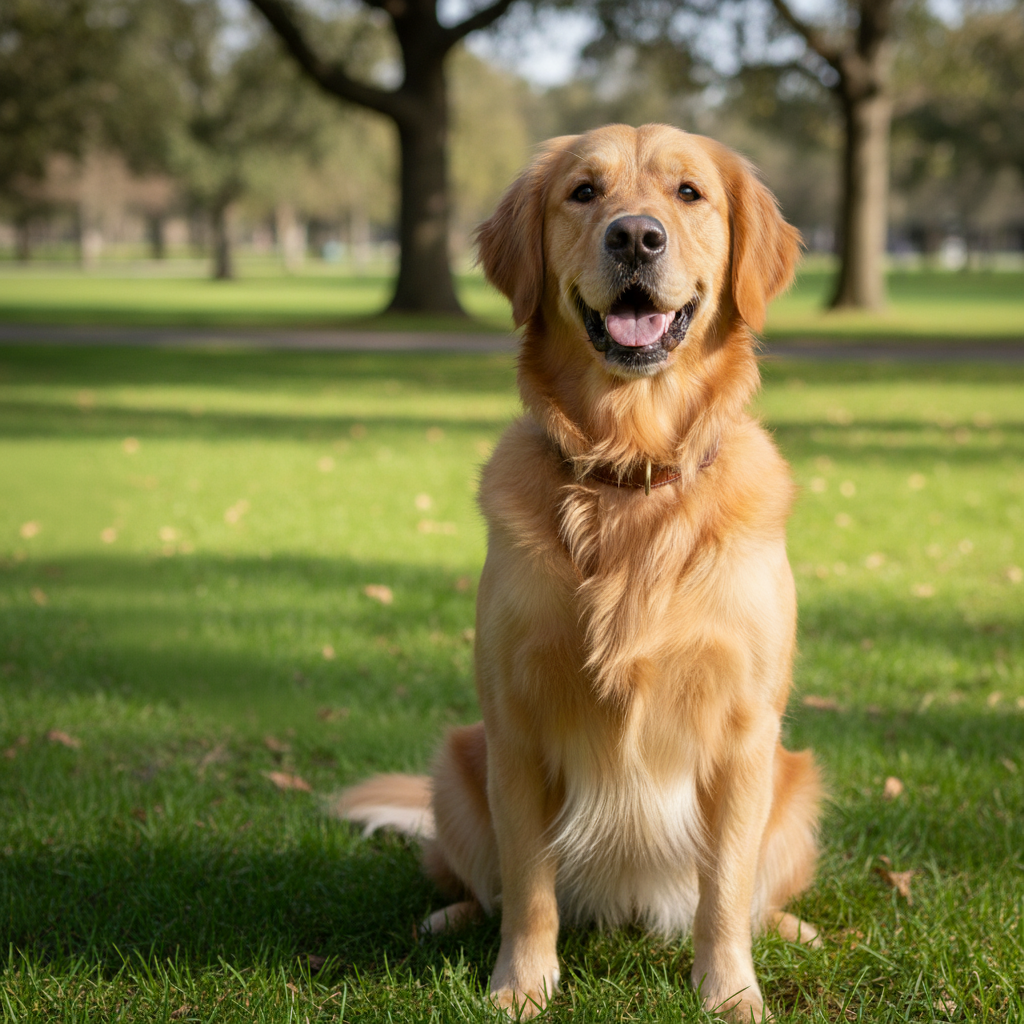
Original photo before AI Pet Accessory Adder
Before
β†’
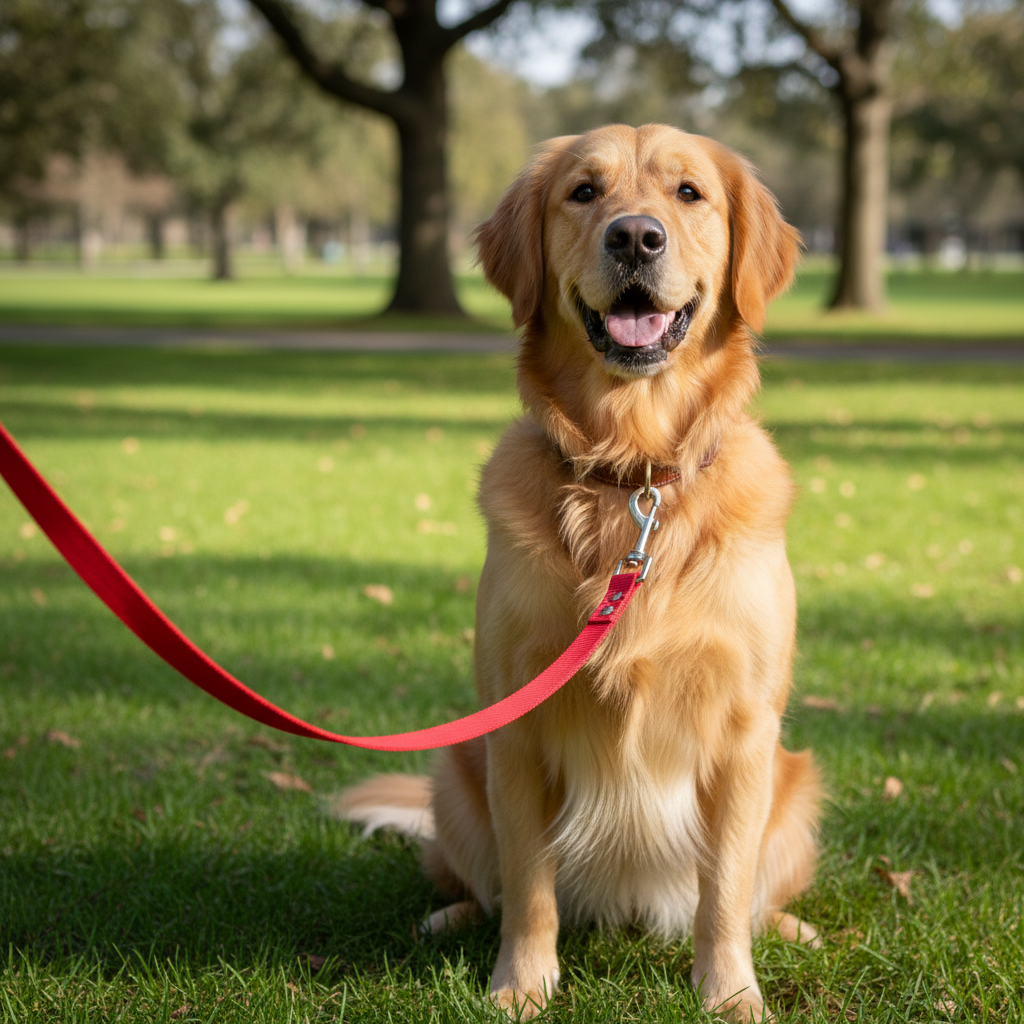
Result after AI Pet Accessory Adder with EditThisPic
After

Free AI Pet Accessory Adder

Upload photo to add pet accessories

Free β€’ Results in 30 seconds β€’ No signup

Release to upload

FreeNo signupNo watermark

Cost
Free No signup required
Time
Instant results in 15-30 seconds
Works on
Any device - browser, phone, tablet, desktop
Powered by
AI-powered photo editing

How it works

  1. Upload Your Pet Photo

    Choose the photo of your dog, cat, or other pet that you want to accessorize. Works best with clear, front-facing or angled pet portraits.

    Expect: Simple add: 20-30 seconds. Complex add: 30-45 seconds and may need refinements.
  2. Describe the Accessory

    Tell the AI what accessory to add (hat, sunglasses, bandana, bow, collar) and any style preferences. The AI will fit the accessory naturally to your pet's size and pose.

    Copy one of these to get started:

    add Add a red bandana tied around the dog's neck in classic triangle style with the point hanging down over the chest
    add Add cool black sunglasses on the dog's face positioned naturally across the snout with dark lenses reflecting light
    add Add a pink bow on top of the cat's head positioned between the ears like a decorative hair bow
    add Add a small festive birthday party hat on the dog's head angled slightly to one side with elastic strap visible under chin
    3 more prompts
    add Add a flower crown made of white daisies and pink roses resting on top of the dog's head between the ears in a natural circlet
    add Add a blue bowtie collar around the cat's neck positioned formally like a tuxedo bowtie with collar band visible
    add Add a tiny cowboy hat sitting on the dog's head tilted at a jaunty angle with miniature brim and crown matching a western theme
  3. Review the Accessorized Pet

    Check that the accessory looks natural, properly sized, and fits the pet's pose correctly. Verify it matches your style vision and looks believable.

  4. Download Your Fun Pet Photo

    Save your accessorized pet photo in high resolution with no watermark. The added accessory creates fun, shareable pet content.

Try it free ↓

Free AI Pet Accessory Adder

Upload photo to add pet accessories

Free β€’ Results in 30 seconds β€’ No signup

Release to upload

Free β€’ No signup

"Worked perfectly on my first try. Way easier than Photoshop." via Trustpilot

See it in action

Original photo before AI Pet Accessory Adder
Before
->
Result after AI Pet Accessory Adder with EditThisPic
After

Bandana Addition

Add a bright red bandana with white polka dots tied around the dog's neck in classic triangle style with the point hanging naturally over the chest
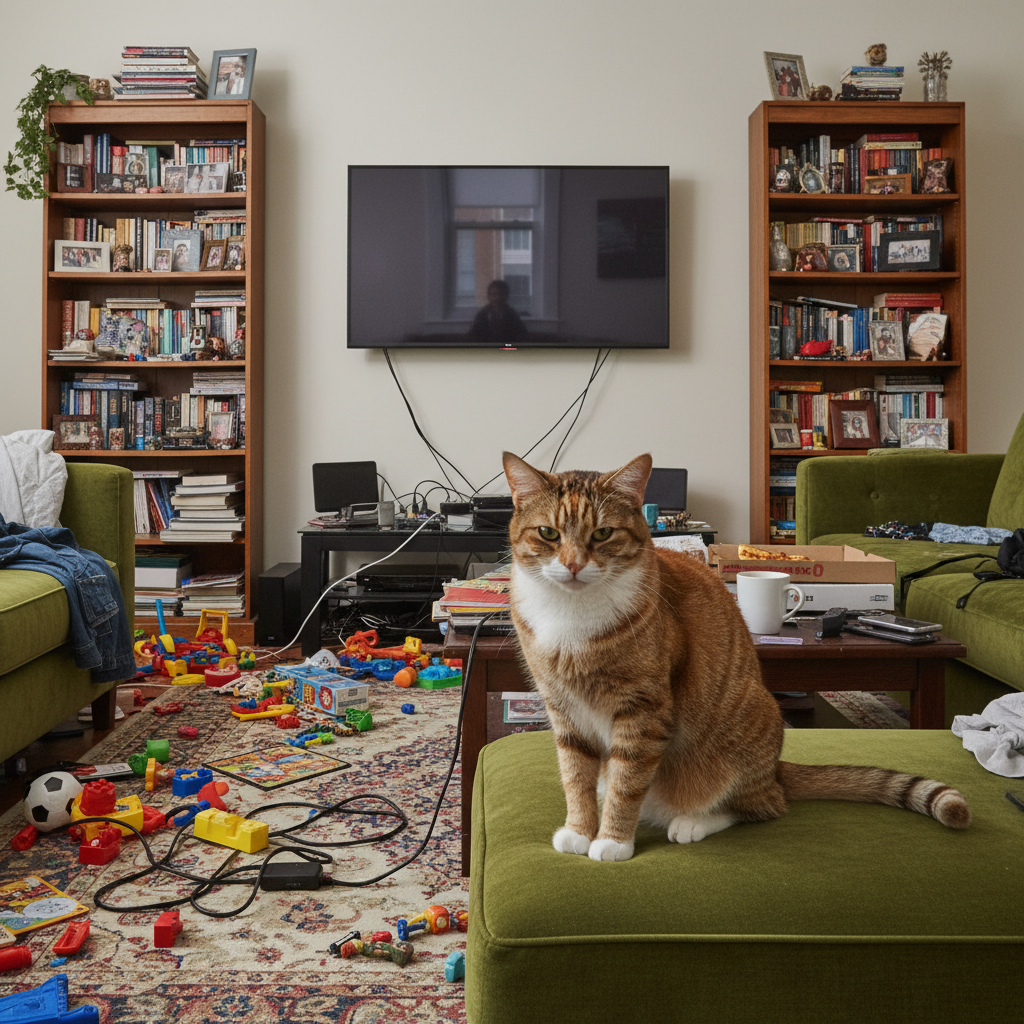
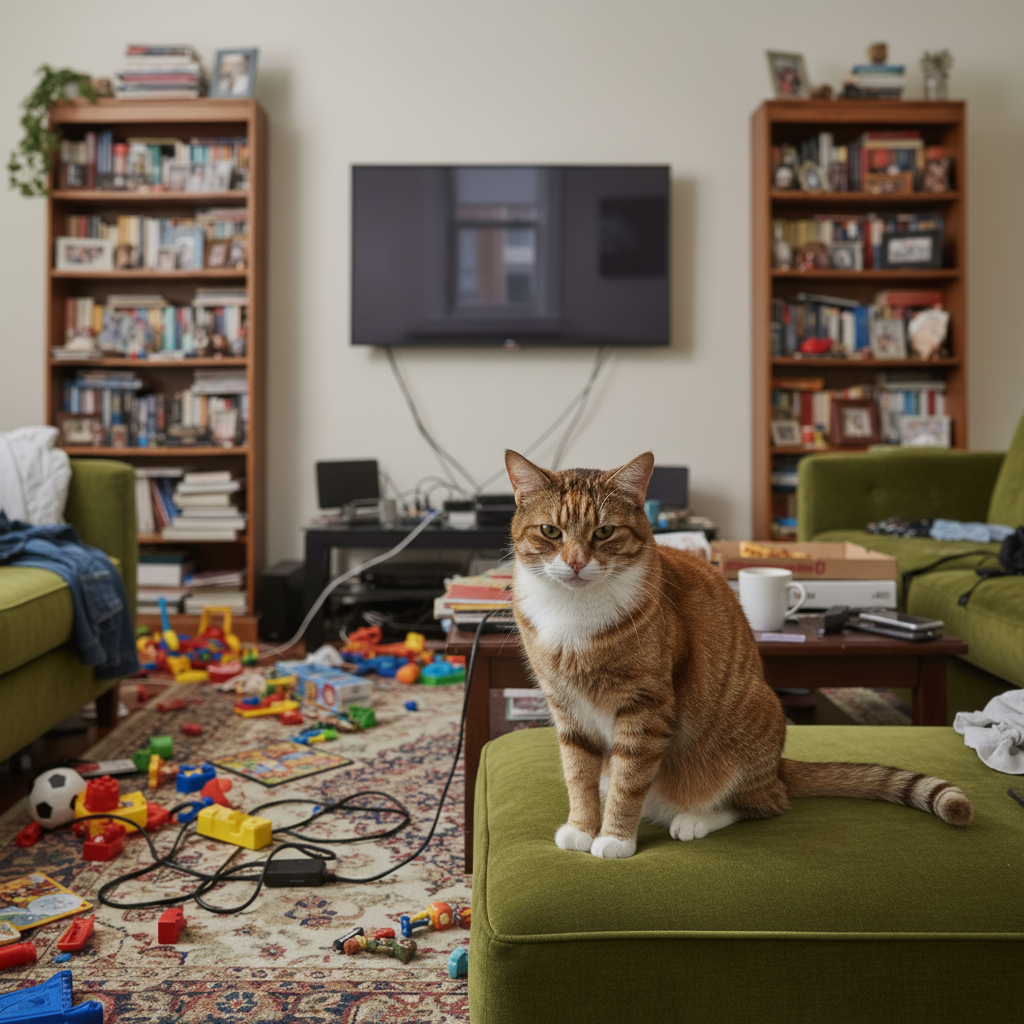
Prompt: Add a bright red bandana with white polka dots tied around the dog's neck in classic triangle style with the point hanging naturally over the chest
Original photo before AI Pet Accessory Adder
Before
->
Result after AI Pet Accessory Adder with EditThisPic
After

Sunglasses on Cat

Add small cool aviator sunglasses on the cat's face positioned naturally across the snout with gold frames and dark reflective lenses matching the sophisticated pose
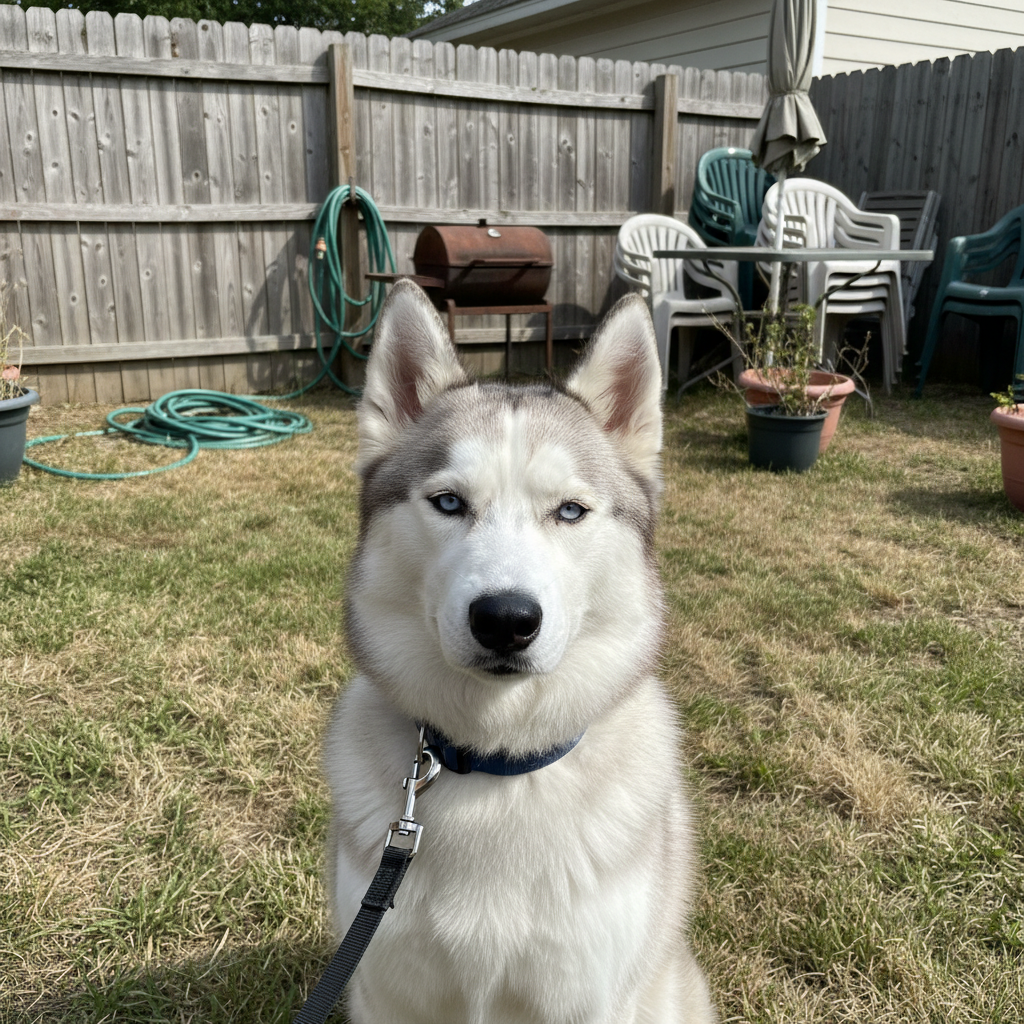
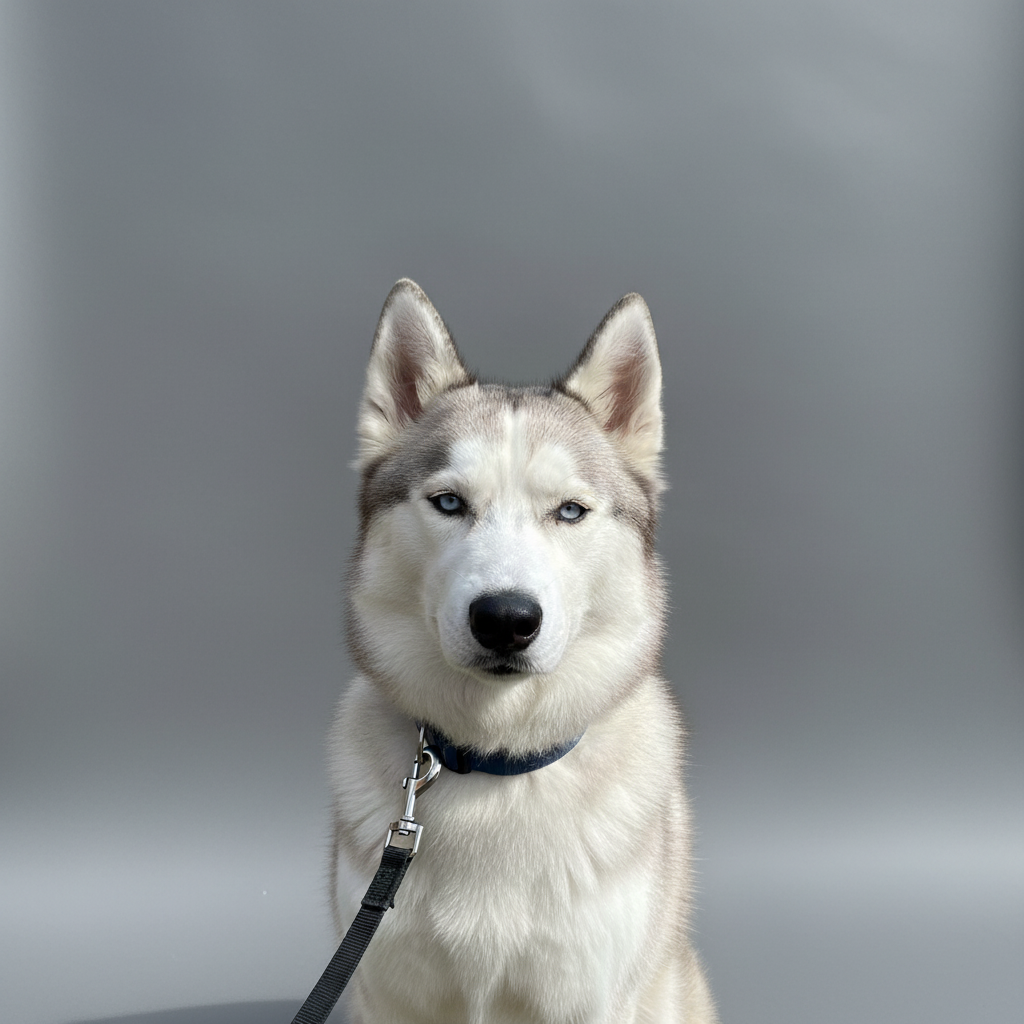
Prompt: Add small cool aviator sunglasses on the cat's face positioned naturally across the snout with gold frames and dark reflective lenses matching the sophisticated pose
Original photo before AI Pet Accessory Adder
Before
->
Result after AI Pet Accessory Adder with EditThisPic
After

Fancy Hat Addition

Add a miniature top hat in black felt sitting on the dog's head between the ears at a slightly tilted angle with tiny decorative ribbon band creating a dapper look

Prompt: Add a miniature top hat in black felt sitting on the dog's head between the ears at a slightly tilted angle with tiny decorative ribbon band creating a dapper look

Detailed Guides by Scenario

πŸ“·

Home & Interior Design

Preview how pet accessories would look in a room or space before committing to a purchase or renovation.

Common Scenarios

  • Visualizing pet accessories in a living room, bedroom, or office before buying
  • Creating client mockups that show pet accessories in their actual space
  • Comparing different placements of pet accessories in renovation plans

Best Practices

  • Upload a well-lit, straight-on photo of the room for the most realistic result
  • Specify the size and position β€” e.g., 'add a large pet accessories on the left wall'
  • Match the room's lighting in your prompt: 'warm lighting' for evening shots, 'natural daylight' for window-lit rooms
πŸ“·

Creative & Social Content

Use pet accessories to create eye-catching content for social media, digital art, or personal projects.

Common Scenarios

  • Adding pet accessories to photos for unique social media posts that stand out in feeds
  • Creating fantasy or composite images that incorporate pet accessories for art projects
  • Making holiday or themed content by placing pet accessories in seasonal photos

Best Practices

  • Be specific about the style β€” 'realistic pet accessories' vs. 'illustrated pet accessories' gives very different results
  • Use reference images when you want the AI to match a particular look
  • For social content, try unusual placements that create a surreal or humorous effect
πŸ“·

Professional & Marketing Use

Incorporate pet accessories into marketing materials, presentations, and product catalogs without expensive photo shoots.

Common Scenarios

  • Adding pet accessories to product mockups and marketing banners
  • Creating presentation slides that show pet accessories in context
  • Building a catalog of variations that feature pet accessories in different settings

Best Practices

  • Use high-resolution source images β€” marketing materials demand sharp details
  • Keep brand guidelines in mind: specify colors and style that match when adding pet accessories
  • Generate multiple versions and A/B test which placement performs best in ads

If something looks off

AI changed the wrong area or something I didn't want changed

Why: The AI couldn't determine exactly which area you meant from description alone.

Try: Tap a marker on the specific area you want to change, then regenerate with the same prompt

Tip: Markers tell the AI 'I mean THIS one specifically.' Use them when description alone is ambiguous.

Accessory looks pasted on or fake
Try: Request 'naturally fitted' or 'realistic placement'. Mention that the accessory should match the pet's angle, lighting, and perspective. Specify that it should interact naturally with fur.

Tip: Include 'keep natural texture and detail' in your prompt to avoid over-processing.

Accessory is the wrong size
Try: Specify size explicitly: 'small glasses proportional to cat face', 'large bandana suitable for big dog', or 'tiny hat for small pet'. Use size descriptors appropriate to your pet.

Tip: Mention the desired size relative to other objects, like 'same scale as the other items.'

Accessory is in the wrong position
Try: Be specific about placement: 'on top of head between ears', 'around neck loosely', 'over eyes and snout', 'hanging from collar'. Describe exactly where it should sit.

Tip: Use markers to show exact placement and describe position relative to other elements.

Accessory doesn't match the photo lighting
Try: Mention that the accessory should match existing lighting: 'under the same sunlight', 'in the indoor lighting', or 'with matching shadows'.

Tip: Describe the lighting direction in your prompt, like 'soft light from the left side.'

Accessory color or style is wrong
Try: Be detailed about appearance: 'bright red bandana', 'black aviator sunglasses', 'pink satin bow', 'brown leather collar'. Specify exact colors and materials.

Tip: Specify the exact colors you want, like 'warm natural tones' or 'cool blue tint.'

Multiple pets but only one should get accessory
Try: Identify which pet: 'add sunglasses to the dog on the left only', 'put a bow on the white cat, not the tabby'. Describe position or appearance clearly.

Tip: Add 'keep everything else exactly the same' to protect surrounding areas from changes.

Quick answers

Do I need to mark where the accessory should go?

No marking needed. Just describe what accessory to add (bandana, hat, glasses, bow) and where it should be positioned (around neck, on head, on face). The AI fits accessories naturally to your pet's anatomy and pose.

What kinds of accessories can I add to pets?

Common options include bandanas, sunglasses, hats (party hats, cowboy hats, top hats), bows and ribbons, flower crowns, collars, bowties, scarves, and seasonal accessories. Describe the specific style and placement you want.

Will accessories look natural on pets in different poses?

Yes, the AI adjusts accessory perspective and fit to match your pet's pose, whether sitting, standing, lying down, or at an angle. Works best with clear views of the area where accessory should be placed.

Can I add multiple accessories to one pet?

Yes, you can request multiple items: 'add sunglasses and a red bandana to the dog' or 'put a bow on the head and a bowtie collar on the cat'. Describe each accessory you want added.

How do I control the style of the accessory?

Be specific in your description: 'aviator style sunglasses', 'polka dot bandana', 'satin ribbon bow', 'leather collar with studs', 'cowboy hat with brown felt'. Include colors, materials, and style details for best results.

Is EditThisPic's AI pet accessories adder really free?

Yes β€” you get 1 free edit per week, no account needed. For unlimited edits, plans start at $3.99/month.

What photo formats does the AI pet accessories adder support?

JPG, PNG, WebP, and HEIC. Upload any common photo format and EditThisPic handles the rest.

How long does it take to add pet accessories?

Usually 15-30 seconds. Upload your photo, describe what you want, and the AI delivers the result.

Ready to edit your photo?

Free to try. No signup required.