Free • No signup Add Pet costume or outfit · Free

AI Pet Costume Adder

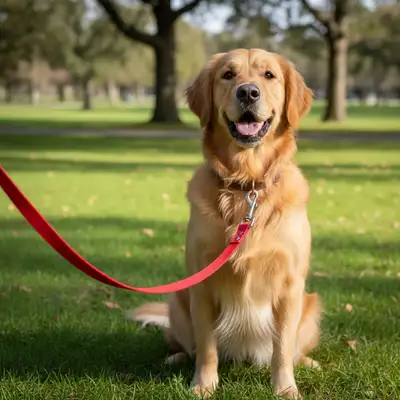
Before
Before
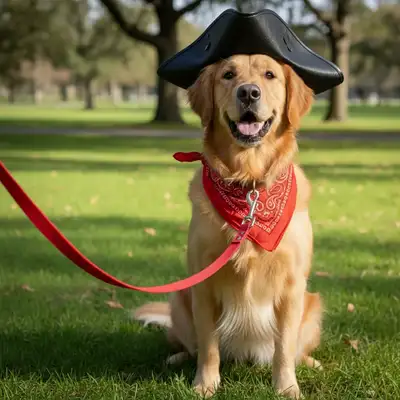
After
After

Free AI Pet Costume Adder

Drop your photo here

or click to browse

Release to upload

Free • No signup

Advertisement
Popular use cases:
  • halloween pet photos
  • pet costume ideas
  • dress up dog photo
  • cat costume photo
  • pet holiday cards
  • funny pet pictures
  • social media pet content
  • pet birthday photos

Cost
Free No signup required
Time
Instant results in 15-30 seconds
Works on
Any device - browser, phone, tablet, desktop
Powered by
AI-powered photo editing
Scenario Prompt Time
Halloween costumes 15-30s
Holiday photos 15-30s
Professional costumes 15-30s
Fantasy themes 15-30s

How it works

  1. Upload your pet photo

    Choose a clear photo of your pet where they're visible from at least the chest up. Photos with good lighting and your pet facing the camera work best. The AI can add costumes to dogs, cats, rabbits, and other pets.

    Expect: 30-45 seconds for AI to analyze your pet and prepare for costume additions.
  2. Describe the costume you want

    Simply type what costume or outfit you want to add—the AI handles everything. No need to mark where the costume goes. Be specific about style, colors, and accessories for best results.

    Tip: Mention specific details like 'pirate hat with feather' or 'red superhero cape' for more accurate costume generation. The AI understands both simple requests ('wizard costume') and detailed ones ('Victorian dress with lace collar').

    Copy one of these to get started:

    Halloween or fun social media posts Add a pirate costume with tricorn hat and eyepatch
    Hero-themed photos Dress my pet in a superhero costume with red cape
    Cute themed photos Add a princess outfit with sparkly tiara and pink dress
    Fantasy-themed photos Put a wizard robe and pointed hat on my pet
    5 more prompts
    Christmas cards Add a Santa Claus costume with red suit and white beard trim
    Professional costume themes Dress my pet as a doctor with white coat and stethoscope
    Funny costume photos Add a dinosaur costume with spiky back plates
    Formal or wedding photos Put a tuxedo with bow tie on my pet
    Renaissance or fantasy themes Add a medieval knight armor costume with helmet
  3. Review the result

    Check that the costume fits naturally on your pet and matches your vision. The AI adjusts the outfit to your pet's size and pose automatically. If something needs adjustment, simply describe the change you want.

  4. Download Your Dressed-Up Pet Photo

    Save your pet's costume photo in full resolution with no watermark. Perfect for social media, holiday cards, or just for fun.
Try it free

Free AI Pet Costume Adder

Drop your photo here

or click to browse

Release to upload

Free • No signup

See it in action

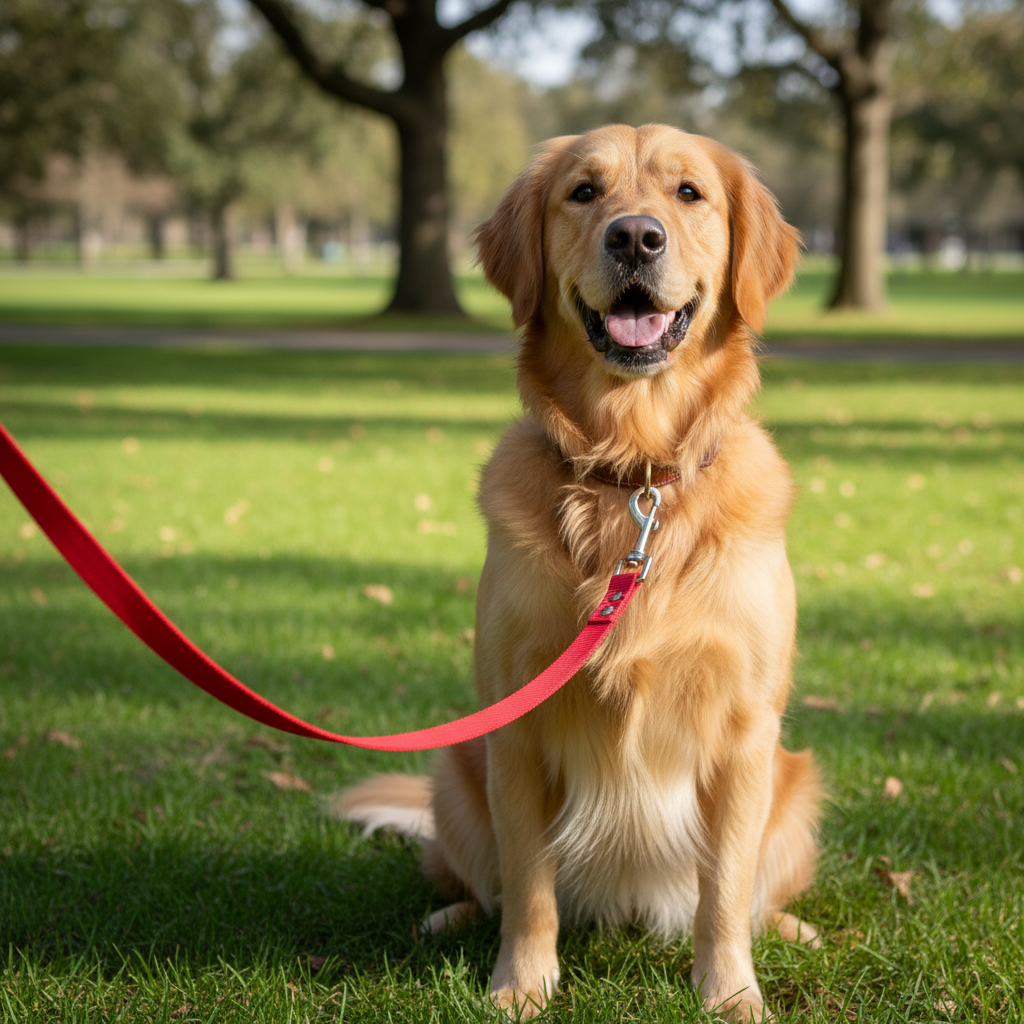
Before
Before
->
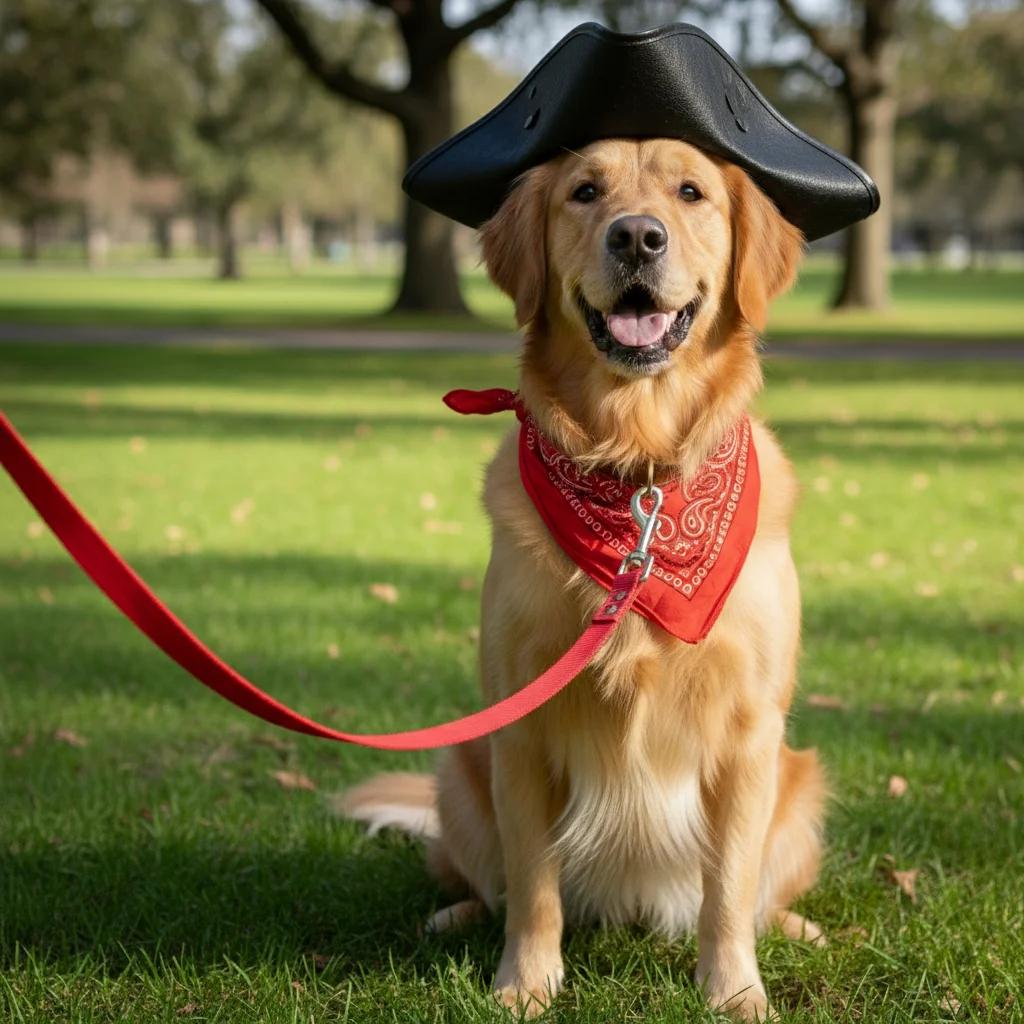
After
After

Halloween Pirate Dog

Prompt: Add a pirate costume with black tricorn hat and red bandana
Before
Before
->
After
After

Superhero Cat

Prompt: Dress my pet in a superhero costume with blue cape and mask
Before
Before
->
After
After

Princess Bunny

Prompt: Add a princess outfit with sparkly crown and pink dress
Advertisement

If something looks off

AI changed the wrong area or something I didn't want changed

Why: The AI couldn't determine exactly which area you meant from description alone.

Try: Tap a marker on the specific area you want to change, then regenerate with the same prompt

Tip: Markers tell the AI 'I mean THIS one specifically.' Use them when description alone is ambiguous.

The costume doesn't fit my pet's size properly

Why: Complex poses or unusual angles can make size estimation challenging.

Try: Use a photo where your pet is facing the camera more directly, or add 'fitted to body' in your description

Tip: Front-facing photos with your pet sitting or standing work best for accurate costume sizing.

The costume looks unrealistic or cartoonish

Why: Very elaborate costumes may be interpreted as stylized rather than photorealistic.

Try: Add 'photorealistic' or 'natural looking' to your prompt, or simplify the costume description

Tip: For realistic results, describe costumes that could actually exist in real life rather than fantasy designs.

Only part of the costume appears

Why: If your pet is partially cropped in the photo, the AI can only add costume to visible areas.

Try: Use a photo where more of your pet is visible, or specify 'just add [specific item]' like 'just add a hat'

Tip: Full body or chest-up photos give the AI more area to work with for complete costumes.

The costume colors don't match what I wanted

Why: Generic color terms can be interpreted differently.

Try: Be more specific with colors: use 'bright red' instead of 'red', or 'navy blue' instead of 'blue'

Tip: Reference specific shades or add descriptors like 'vibrant', 'dark', or 'pastel' for better color accuracy.

Accessories are missing from the costume

Why: Simple costume descriptions may not include all the details you envision.

Try: List specific accessories: 'pirate costume with hat, eyepatch, and vest' instead of just 'pirate costume'

Tip: The more details you provide, the more complete the costume will be. Break down outfits into individual pieces.

Quick answers

Do I need to mark where the costume should go?

No! Just describe the costume you want and the AI will automatically place it on your pet. The AI understands pet anatomy and positions costumes naturally. Markers are only needed if you want to change a specific detail after the initial result.

Is this really free with no watermark?

Yes, completely free with no watermark on your downloaded images. No account required, no hidden fees. You get full-resolution photos ready to share anywhere.

What types of pets does this work with?

The AI works with all common pets including dogs, cats, rabbits, guinea pigs, birds, and more. As long as your pet is clearly visible in the photo, the AI can add costumes to them.

Can I add multiple costume pieces separately?

Yes! You can add one piece at a time (like 'add a hat', then 'add a cape' in a second edit) or describe the complete outfit all at once. Either approach works well.

What photo quality works best?

Clear, well-lit photos where your pet is in focus work best. Avoid blurry photos or ones where your pet is very small in the frame. Front-facing or side profile shots give the best results for costume placement.

Can I create matching costumes for multiple pets?

Edit each pet's photo separately with the same costume description to create matching outfits. For photos with multiple pets, you can describe which pet gets which costume: 'add pirate hat to the dog on the left'.

Ready to dress up your pet?

Free to try. No signup required.

Try it free