AI Pet Portrait Maker
← Browse all creative effectsLast updated
Describe the portrait style you want and AI transforms your pet photo instantly. No marking needed.
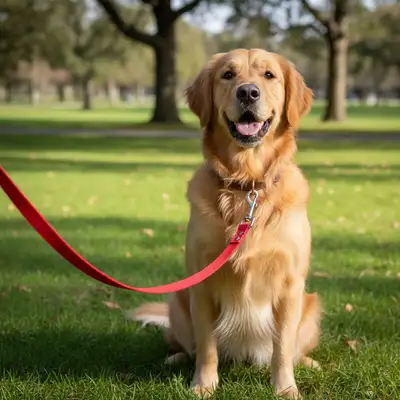
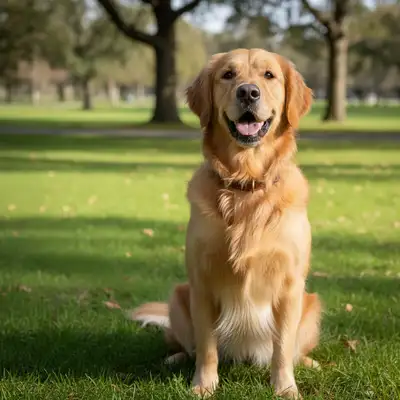
Upload photo to create pet portraits
"make this pet look like a Renaissance aristocrat in a detailed oil painting with a ornate golden frame background"
Free to try · no sign-up · photos are never shared
Release to upload
<30stypical edit
1 freeedit weekly
Photo on your phone?
Scan to open this editor there — free edit works on your phone too.
How it works
See it in action
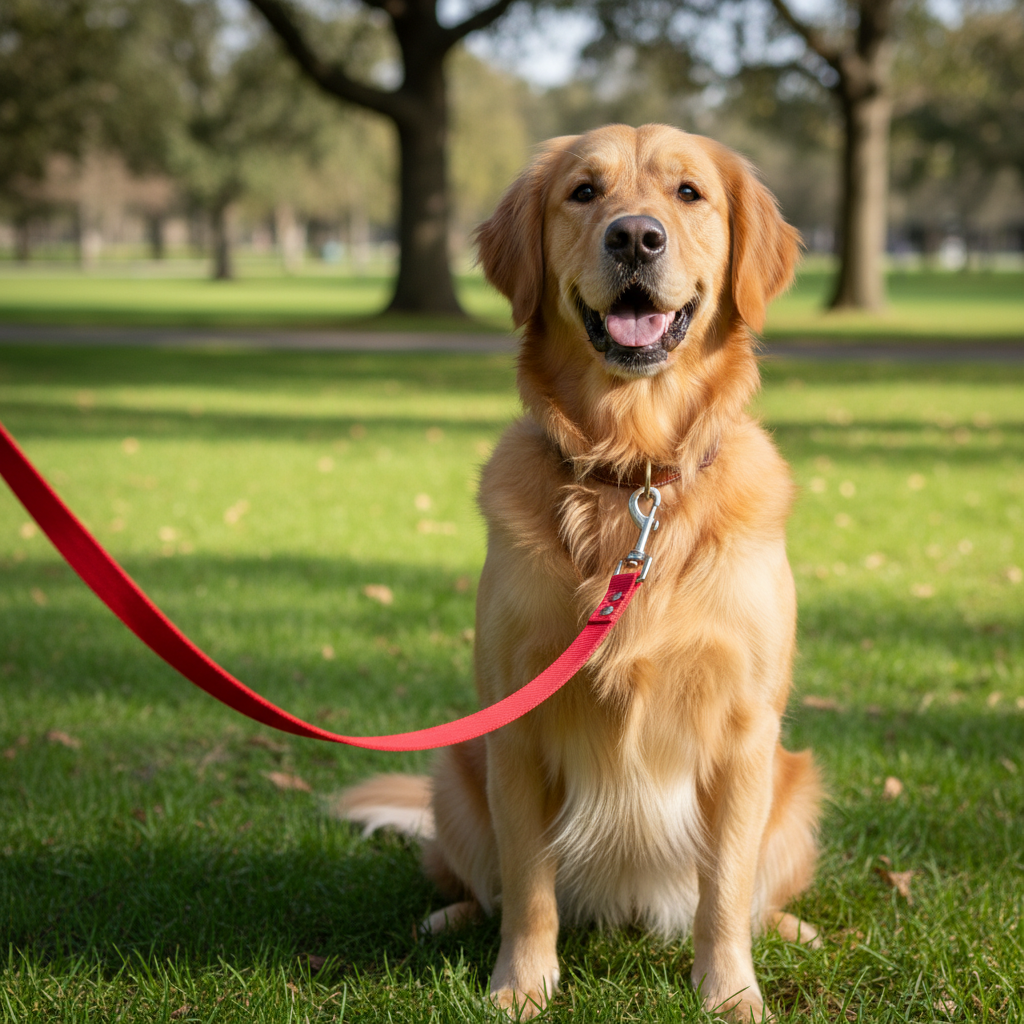
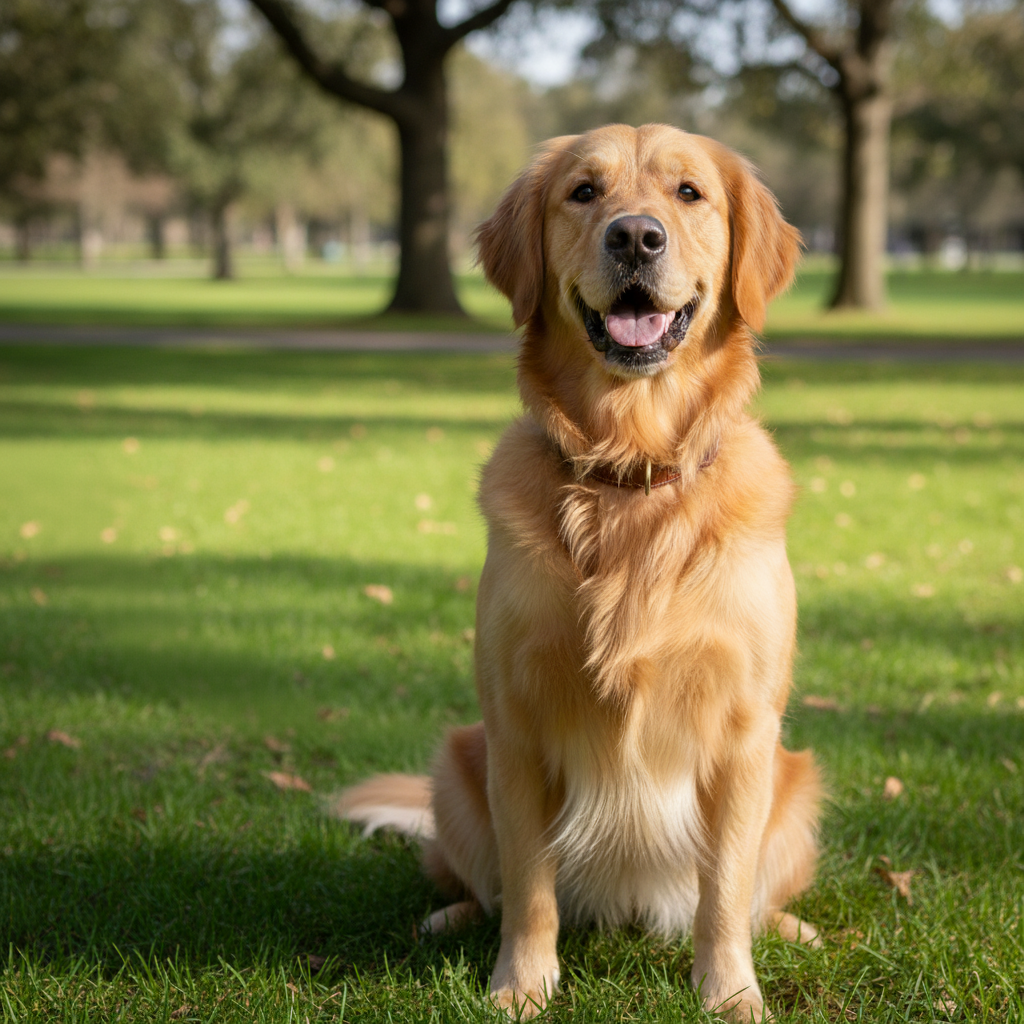
Dog transformed into royal portrait
A golden retriever's casual photo transformed into a regal royal portrait with crown and velvet robe.
Prompt:
transform this pet into a royal portrait wearing a golden crown and red velvet robe, painted in classical oil painting style
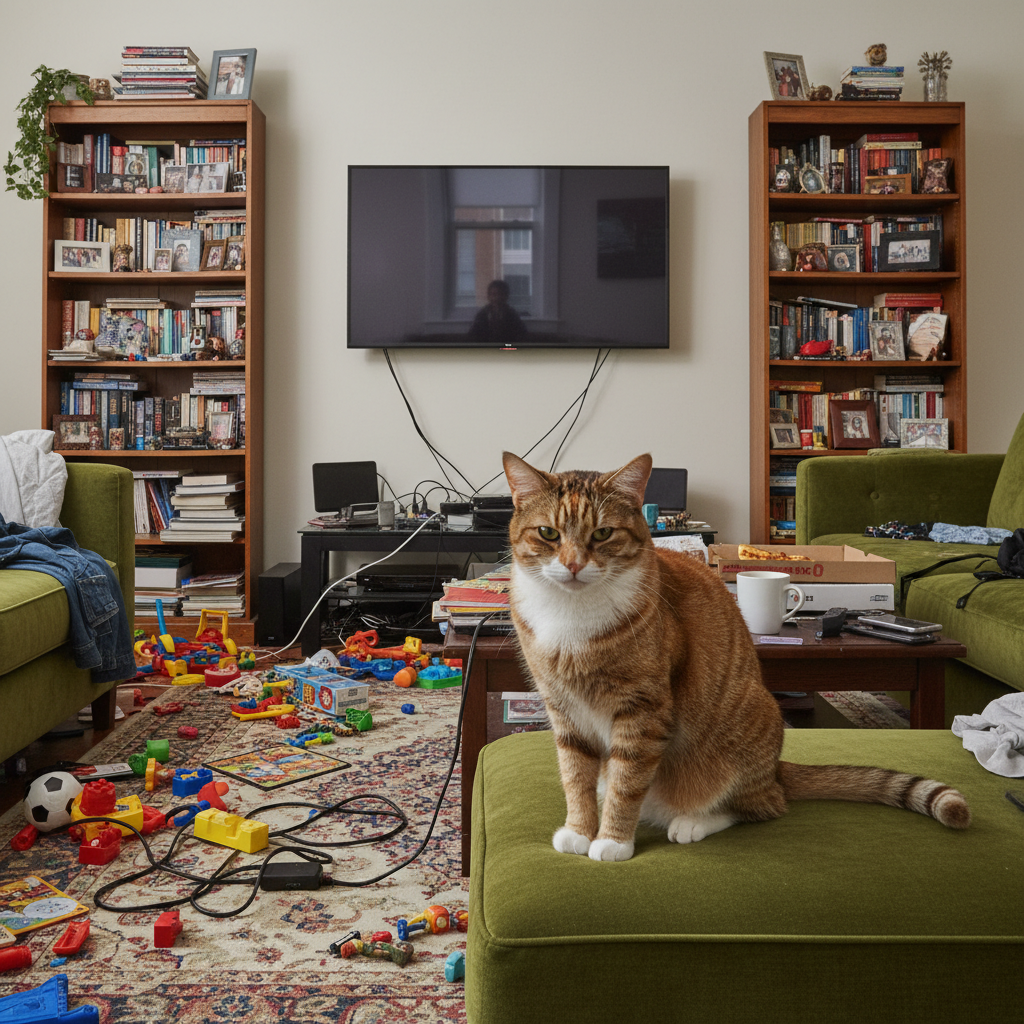
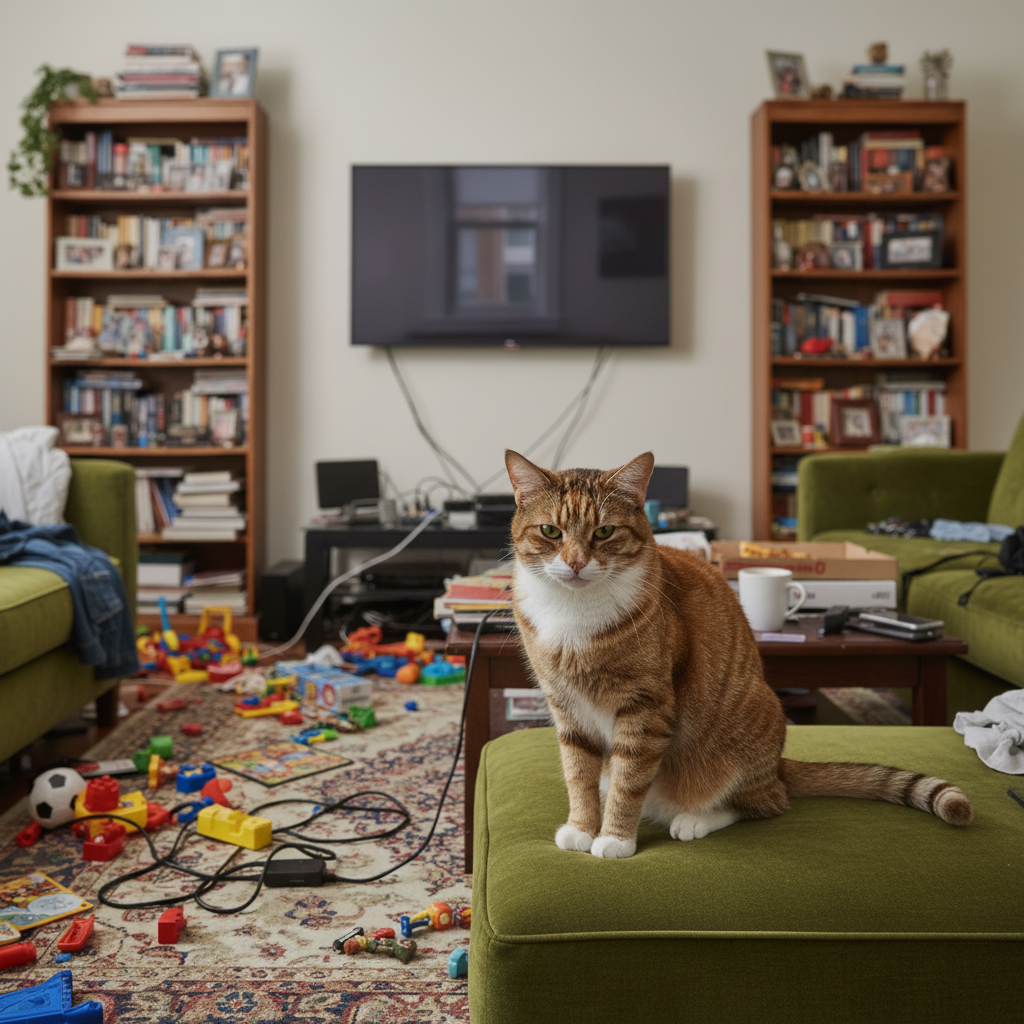
Cat as a watercolor painting
A tabby cat's photo transformed into a delicate watercolor painting with soft brushstrokes and pastel tones.
Prompt:
transform this pet photo into a beautiful watercolor painting with soft colors, gentle brushstrokes, and a white background
Quick answers
Popular use cases
Ready to create a portrait of your pet?
Free to try. No signup required.